Page 66 of 296
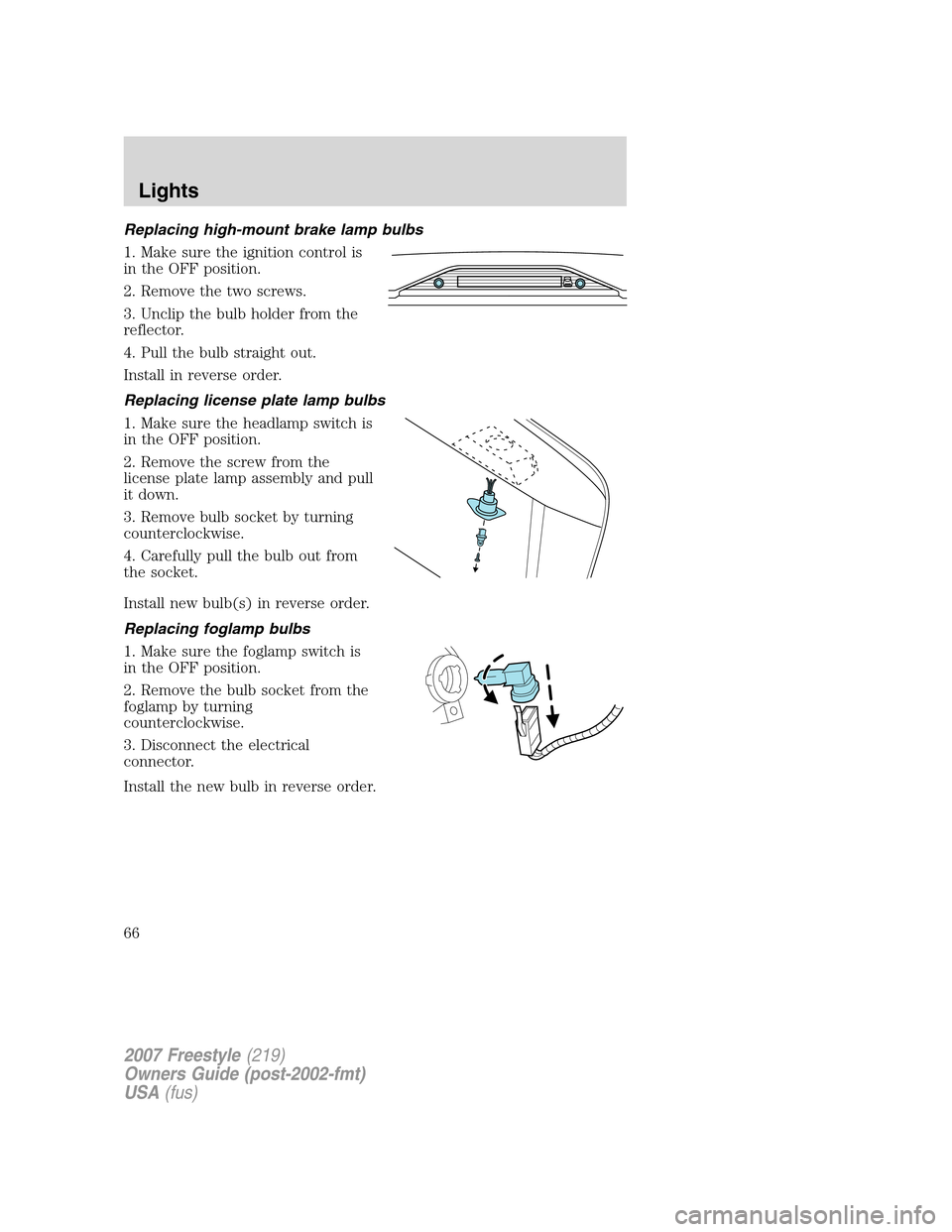
Replacing high-mount brake lamp bulbs
1. Make sure the ignition control is
in the OFF position.
2. Remove the two screws.
3. Unclip the bulb holder from the
reflector.
4. Pull the bulb straight out.
Install in reverse order.
Replacing license plate lamp bulbs
1. Make sure the headlamp switch is
in the OFF position.
2. Remove the screw from the
license plate lamp assembly and pull
it down.
3. Remove bulb socket by turning
counterclockwise.
4. Carefully pull the bulb out from
the socket.
Install new bulb(s) in reverse order.
Replacing foglamp bulbs
1. Make sure the foglamp switch is
in the OFF position.
2. Remove the bulb socket from the
foglamp by turning
counterclockwise.
3. Disconnect the electrical
connector.
Install the new bulb in reverse order.
2007 Freestyle(219)
Owners Guide (post-2002-fmt)
USA(fus)
Lights
66
Page 73 of 296
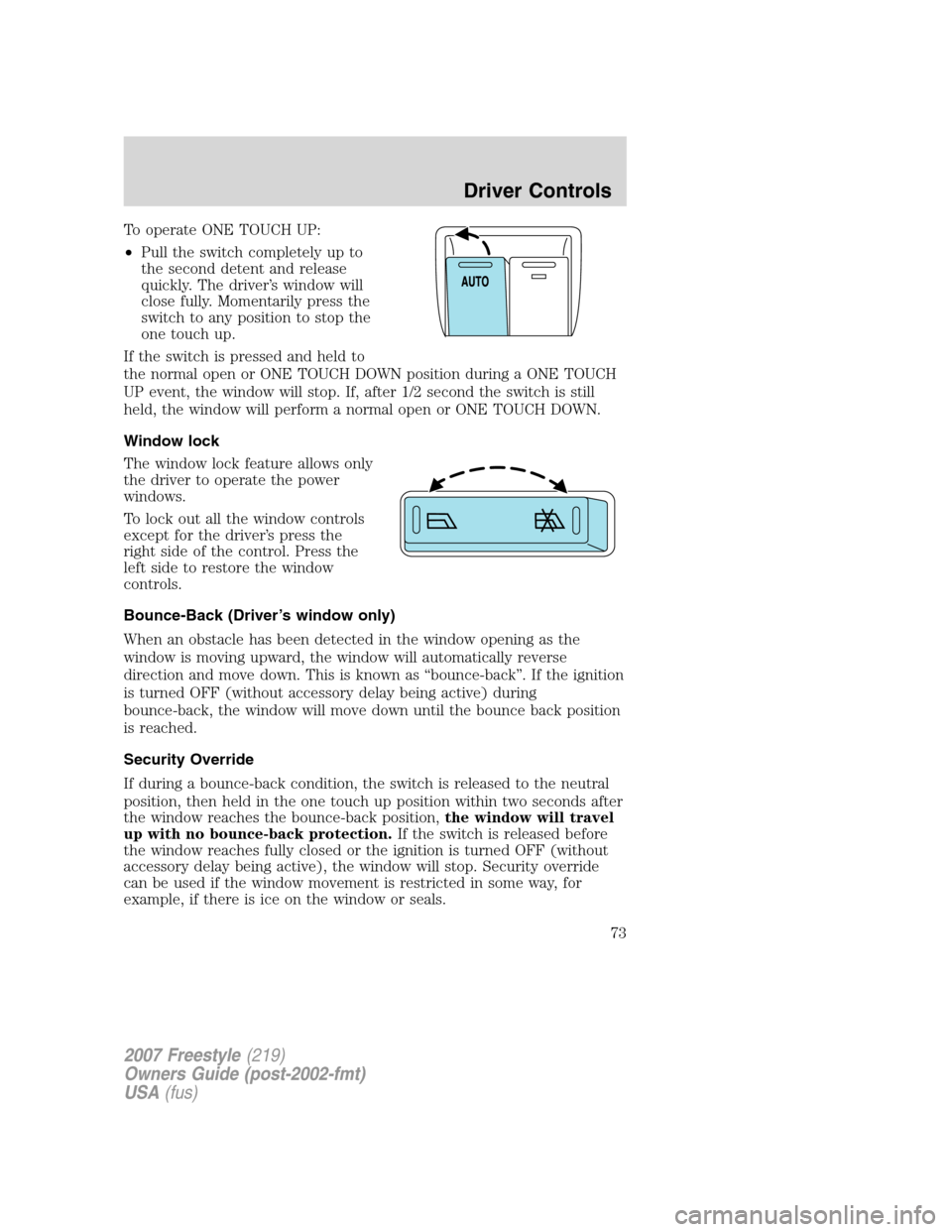
To operate ONE TOUCH UP:
•Pull the switch completely up to
the second detent and release
quickly. The driver’s window will
close fully. Momentarily press the
switch to any position to stop the
one touch up.
If the switch is pressed and held to
the normal open or ONE TOUCH DOWN position during a ONE TOUCH
UP event, the window will stop. If, after 1/2 second the switch is still
held, the window will perform a normal open or ONE TOUCH DOWN.
Window lock
The window lock feature allows only
the driver to operate the power
windows.
To lock out all the window controls
except for the driver’s press the
right side of the control. Press the
left side to restore the window
controls.
Bounce-Back (Driver’s window only)
When an obstacle has been detected in the window opening as the
window is moving upward, the window will automatically reverse
direction and move down. This is known as “bounce-back”. If the ignition
is turned OFF (without accessory delay being active) during
bounce-back, the window will move down until the bounce back position
is reached.
Security Override
If during a bounce-back condition, the switch is released to the neutral
position, then held in the one touch up position within two seconds after
the window reaches the bounce-back position,the window will travel
up with no bounce-back protection.If the switch is released before
the window reaches fully closed or the ignition is turned OFF (without
accessory delay being active), the window will stop. Security override
can be used if the window movement is restricted in some way, for
example, if there is ice on the window or seals.
2007 Freestyle(219)
Owners Guide (post-2002-fmt)
USA(fus)
Driver Controls
73
Page 74 of 296
Accessory delay
With accessory delay, the radio, Family Entertainment DVD System (if
equipped), power windows, and moonroof (if equipped) operate for up
to ten minutes after the ignition switch is turned from the ON to the
OFF position or until one of the front doors are opened.
AUTOMATIC DIMMING INSIDE REAR VIEW MIRROR (IF EQUIPPED)
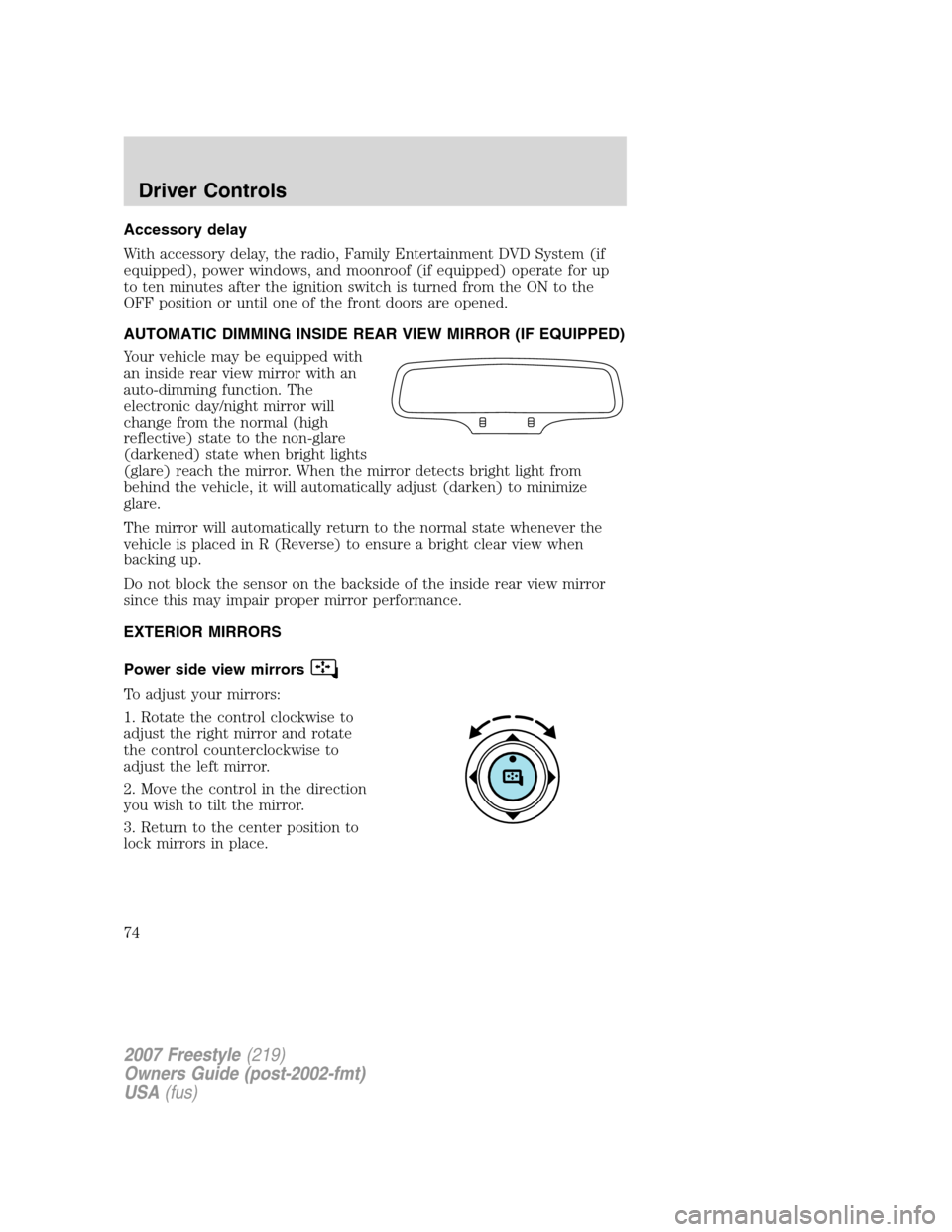
Your vehicle may be equipped with
an inside rear view mirror with an
auto-dimming function. The
electronic day/night mirror will
change from the normal (high
reflective) state to the non-glare
(darkened) state when bright lights
(glare) reach the mirror. When the mirror detects bright light from
behind the vehicle, it will automatically adjust (darken) to minimize
glare.
The mirror will automatically return to the normal state whenever the
vehicle is placed in R (Reverse) to ensure a bright clear view when
backing up.
Do not block the sensor on the backside of the inside rear view mirror
since this may impair proper mirror performance.
EXTERIOR MIRRORS
Power side view mirrors
To adjust your mirrors:
1. Rotate the control clockwise to
adjust the right mirror and rotate
the control counterclockwise to
adjust the left mirror.
2. Move the control in the direction
you wish to tilt the mirror.
3. Return to the center position to
lock mirrors in place.
2007 Freestyle(219)
Owners Guide (post-2002-fmt)
USA(fus)
Driver Controls
74
Page 78 of 296
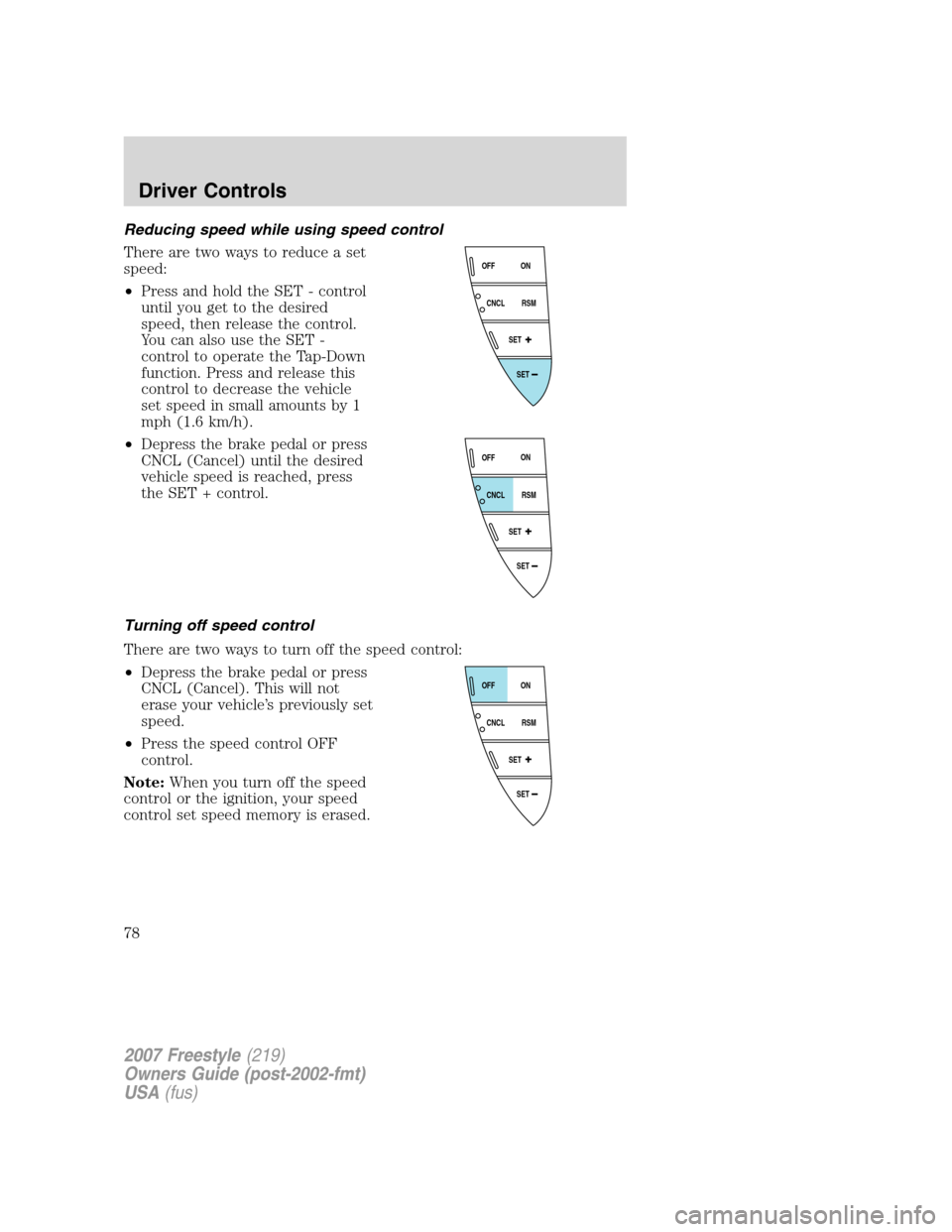
Reducing speed while using speed control
There are two ways to reduce a set
speed:
•Press and hold the SET - control
until you get to the desired
speed, then release the control.
You can also use the SET -
control to operate the Tap-Down
function. Press and release this
control to decrease the vehicle
set speed in small amounts by 1
mph (1.6 km/h).
•Depress the brake pedal or press
CNCL (Cancel) until the desired
vehicle speed is reached, press
the SET + control.
Turning off speed control
There are two ways to turn off the speed control:
•Depress the brake pedal or press
CNCL (Cancel). This will not
erase your vehicle’s previously set
speed.
•Press the speed control OFF
control.
Note:When you turn off the speed
control or the ignition, your speed
control set speed memory is erased.
SET
SET
RSM CNCLON
OFF
SET
SET
RSM CNCLON
OFF
SET
SET
RSM CNCLON
OFF
2007 Freestyle(219)
Owners Guide (post-2002-fmt)
USA(fus)
Driver Controls
78
Page 81 of 296

HOMELINK�WIRELESS CONTROL SYSTEM (IF EQUIPPED)
The HomeLink�Wireless Control
System, located on the driver’s visor,
provides a convenient way to
replace up to three hand-held
transmitters with a single built-in
device. This feature will learn the
radio frequency codes of most
transmitters to operate garage
doors, entry gate operators, security systems, entry door locks, and
home or office lighting.
When programming your HomeLink�Wireless Control System to
a garage door or gate, be sure that people and objects are out of
the way to prevent potential harm or damage.
Do not use the HomeLink�Wireless Control System with any garage
door opener that lacks safety stop and reverse features as required by
U.S. federal safety standards (this includes any garage door opener
model manufactured before April 1, 1982). A garage door which cannot
detect an object, signaling the door to stop and reverse, does not meet
current U.S. federal safety standards. For more information, contact
HomeLink�at:www.homelink.comor1–800–355–3515.
Retain the original transmitter for use in other vehicles as well as for
future programming procedures (i.e. new HomeLink�equipped vehicle
purchase). It is also suggested that upon the sale of the vehicle, the
programmed Homelink�buttons be erased for security purposes, refer to
Programmingin this section.
Programming
Do not program HomeLink�with the vehicle parked in the garage.
Note:Your vehicle may require the ignition switch to be turned to the
ACC position for programming and/or operation of the HomeLink�.Itis
also recommended that a new battery be placed in the hand-held
transmitter of the device being programmed to HomeLink�for quicker
training and accurate transmission of the radio-frequency signal.
2007 Freestyle(219)
Owners Guide (post-2002-fmt)
USA(fus)
Driver Controls
81
Page 85 of 296
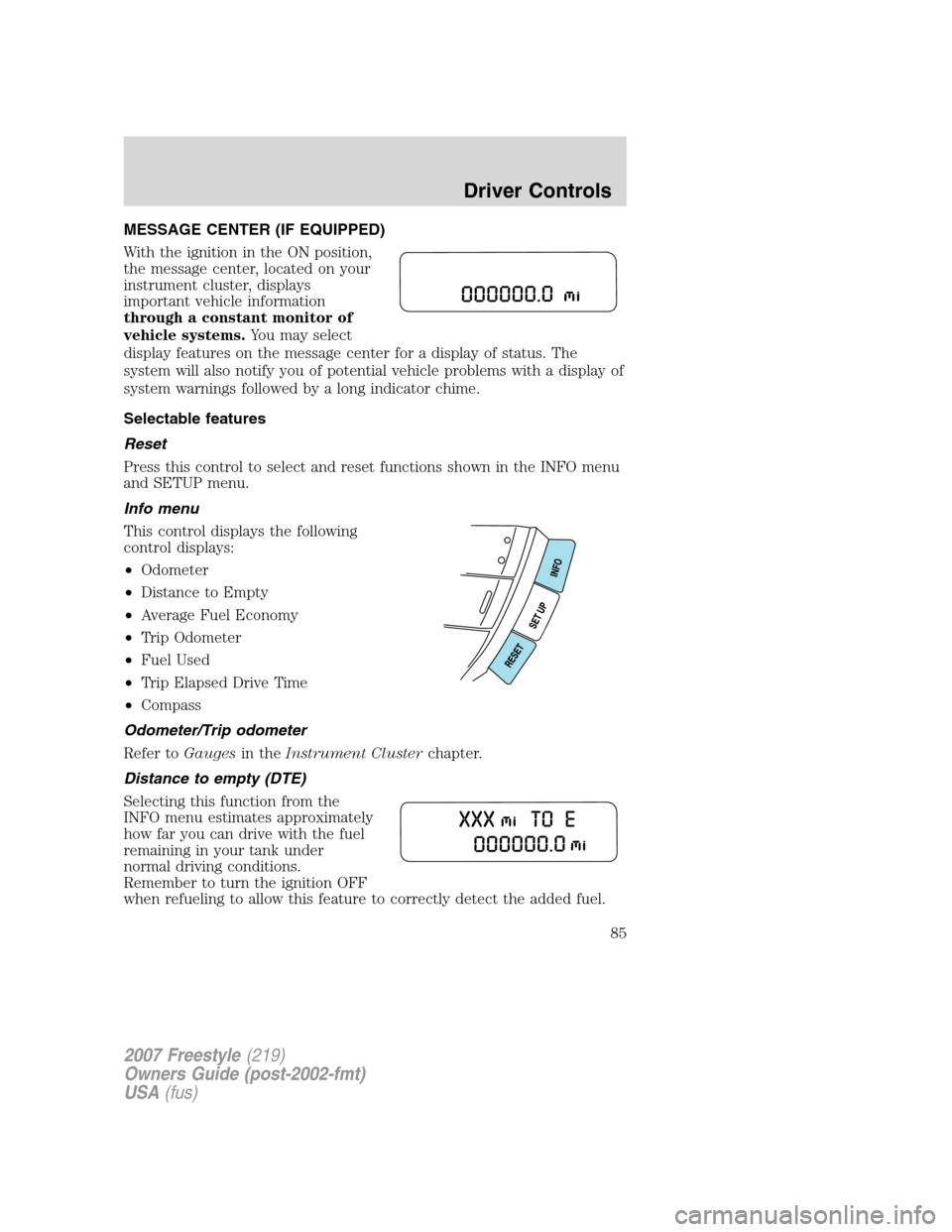
MESSAGE CENTER (IF EQUIPPED)
With the ignition in the ON position,
the message center, located on your
instrument cluster, displays
important vehicle information
through a constant monitor of
vehicle systems.You may select
display features on the message center for a display of status. The
system will also notify you of potential vehicle problems with a display of
system warnings followed by a long indicator chime.
Selectable features
Reset
Press this control to select and reset functions shown in the INFO menu
and SETUP menu.
Info menu
This control displays the following
control displays:
•Odometer
•Distance to Empty
•Average Fuel Economy
•Trip Odometer
•Fuel Used
•Trip Elapsed Drive Time
•Compass
Odometer/Trip odometer
Refer toGaugesin theInstrument Clusterchapter.
Distance to empty (DTE)
Selecting this function from the
INFO menu estimates approximately
how far you can drive with the fuel
remaining in your tank under
normal driving conditions.
Remember to turn the ignition OFF
when refueling to allow this feature to correctly detect the added fuel.
2007 Freestyle(219)
Owners Guide (post-2002-fmt)
USA(fus)
Driver Controls
85
Page 87 of 296
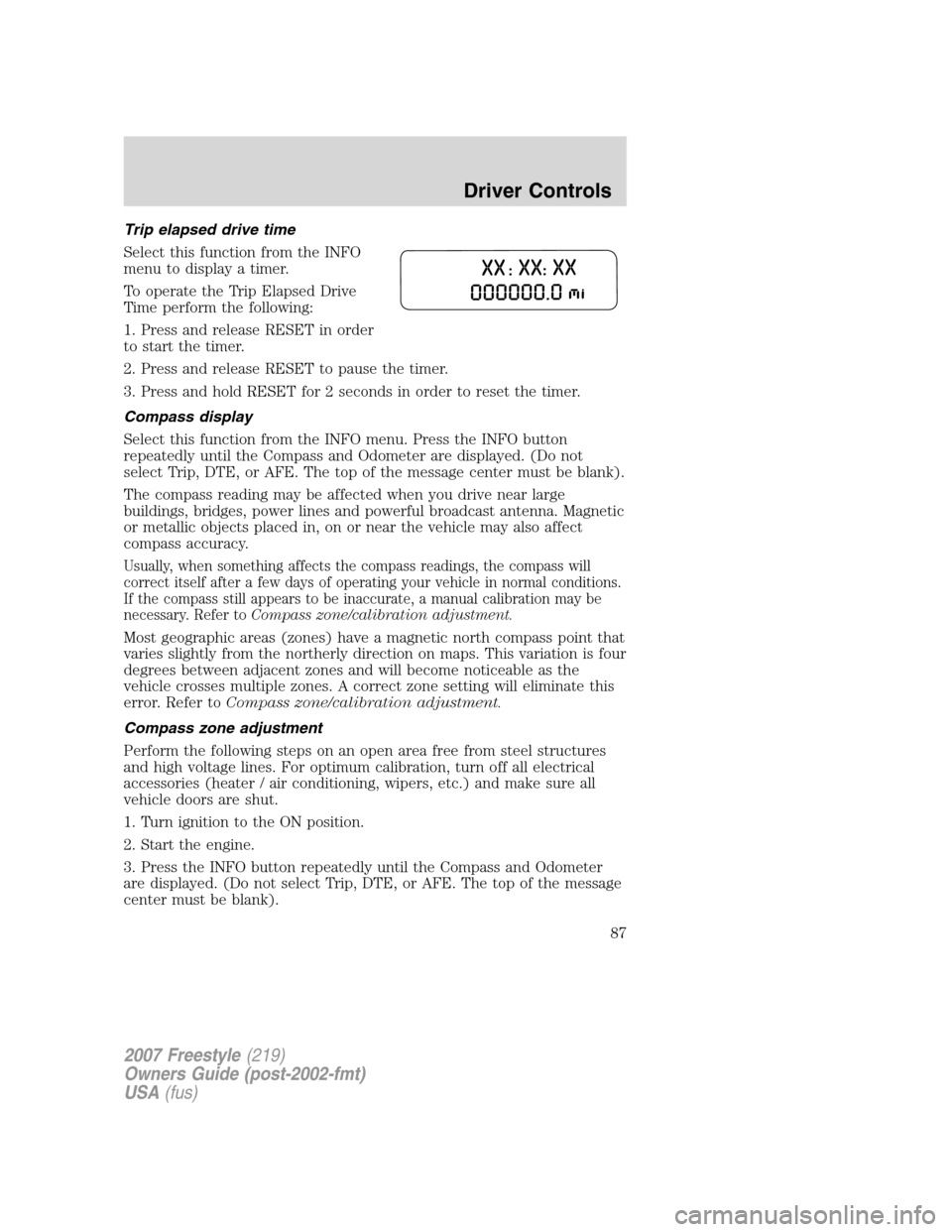
Trip elapsed drive time
Select this function from the INFO
menu to display a timer.
To operate the Trip Elapsed Drive
Time perform the following:
1. Press and release RESET in order
to start the timer.
2. Press and release RESET to pause the timer.
3. Press and hold RESET for 2 seconds in order to reset the timer.
Compass display
Select this function from the INFO menu. Press the INFO button
repeatedly until the Compass and Odometer are displayed. (Do not
select Trip, DTE, or AFE. The top of the message center must be blank).
The compass reading may be affected when you drive near large
buildings, bridges, power lines and powerful broadcast antenna. Magnetic
or metallic objects placed in, on or near the vehicle may also affect
compass accuracy.
Usually, when something affects the compass readings, the compass will
correct itself after a few days of operating your vehicle in normal conditions.
If the compass still appears to be inaccurate, a manual calibration may be
necessary. Refer toCompass zone/calibration adjustment.
Most geographic areas (zones) have a magnetic north compass point that
varies slightly from the northerly direction on maps. This variation is four
degrees between adjacent zones and will become noticeable as the
vehicle crosses multiple zones. A correct zone setting will eliminate this
error. Refer toCompass zone/calibration adjustment.
Compass zone adjustment
Perform the following steps on an open area free from steel structures
and high voltage lines. For optimum calibration, turn off all electrical
accessories (heater / air conditioning, wipers, etc.) and make sure all
vehicle doors are shut.
1. Turn ignition to the ON position.
2. Start the engine.
3. Press the INFO button repeatedly until the Compass and Odometer
are displayed. (Do not select Trip, DTE, or AFE. The top of the message
center must be blank).
2007 Freestyle(219)
Owners Guide (post-2002-fmt)
USA(fus)
Driver Controls
87
Page 88 of 296
Note:If message center displays the message�SLOW CIRCLES TO
CALIBRATE�, then perform the CALIBRATION PROCEDURE.
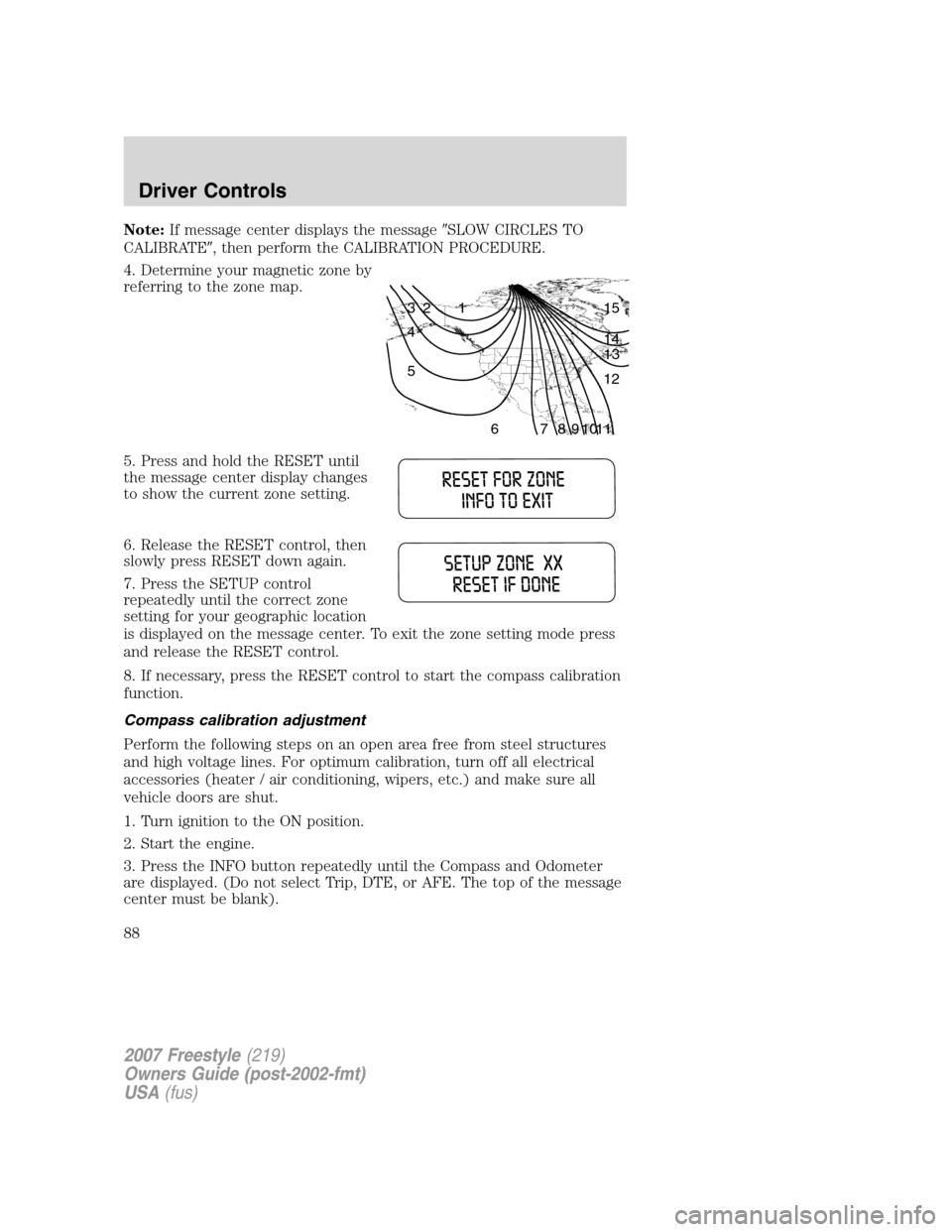
4. Determine your magnetic zone by
referring to the zone map.
5. Press and hold the RESET until
the message center display changes
to show the current zone setting.
6. Release the RESET control, then
slowly press RESET down again.
7. Press the SETUP control
repeatedly until the correct zone
setting for your geographic location
is displayed on the message center. To exit the zone setting mode press
and release the RESET control.
8. If necessary, press the RESET control to start the compass calibration
function.
Compass calibration adjustment
Perform the following steps on an open area free from steel structures
and high voltage lines. For optimum calibration, turn off all electrical
accessories (heater / air conditioning, wipers, etc.) and make sure all
vehicle doors are shut.
1. Turn ignition to the ON position.
2. Start the engine.
3. Press the INFO button repeatedly until the Compass and Odometer
are displayed. (Do not select Trip, DTE, or AFE. The top of the message
center must be blank).
1 2 3
4
5
6 7 8 9 101112 13 14 15
2007 Freestyle(219)
Owners Guide (post-2002-fmt)
USA(fus)
Driver Controls
88