Page 36 of 224
Replacing tail/brake/backup lights and turn signal bulbs (wagon)
1. Make sure the headlamp control
is in the OFF position and then
open the hatchback.
2. Using a screwdriver, remove the
fixings and trim from the body.
3. Remove the socket from the lamp
assembly
4. Pull the bulb straight out of the
socket.
Install in reverse order.
Replacing foglamp bulbs (if equipped)
1. Make sure the headlamp switch is
in the OFF position.
2. Remove the front shield from the
bumper.
3. Reach under the front fender, and
remove the bulb socket from the
foglamp by turning
counterclockwise.
4. Disconnect the electrical connector.
Install the new bulb in reverse order.
2007 Focus(foc)
Owners Guide (post-2002-fmt)
USA(fus)
Lights
36
Page 37 of 224
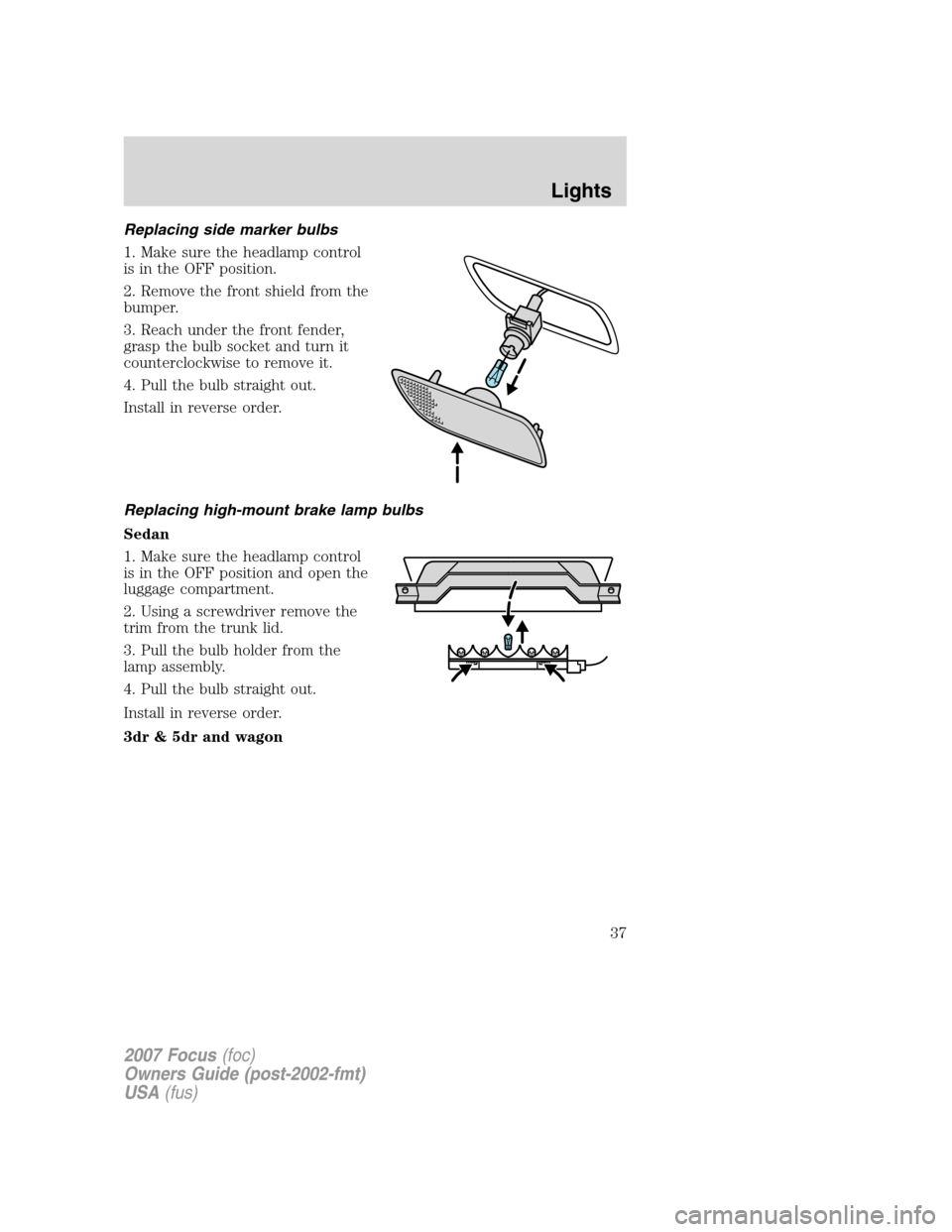
Replacing side marker bulbs
1. Make sure the headlamp control
is in the OFF position.
2. Remove the front shield from the
bumper.
3. Reach under the front fender,
grasp the bulb socket and turn it
counterclockwise to remove it.
4. Pull the bulb straight out.
Install in reverse order.
Replacing high-mount brake lamp bulbs
Sedan
1. Make sure the headlamp control
is in the OFF position and open the
luggage compartment.
2. Using a screwdriver remove the
trim from the trunk lid.
3. Pull the bulb holder from the
lamp assembly.
4. Pull the bulb straight out.
Install in reverse order.
3dr & 5dr and wagon
2007 Focus(foc)
Owners Guide (post-2002-fmt)
USA(fus)
Lights
37
Page 45 of 224
SPEED CONTROL (IF EQUIPPED)
With speed control set, you can maintain a speed of 30 mph (48 km/h)
or more without keeping your foot on the accelerator pedal. Speed
control does not work at speeds below 30 mph (48 km/h).
Do not use the speed control in heavy traffic or on roads that
are winding, slippery or unpaved.
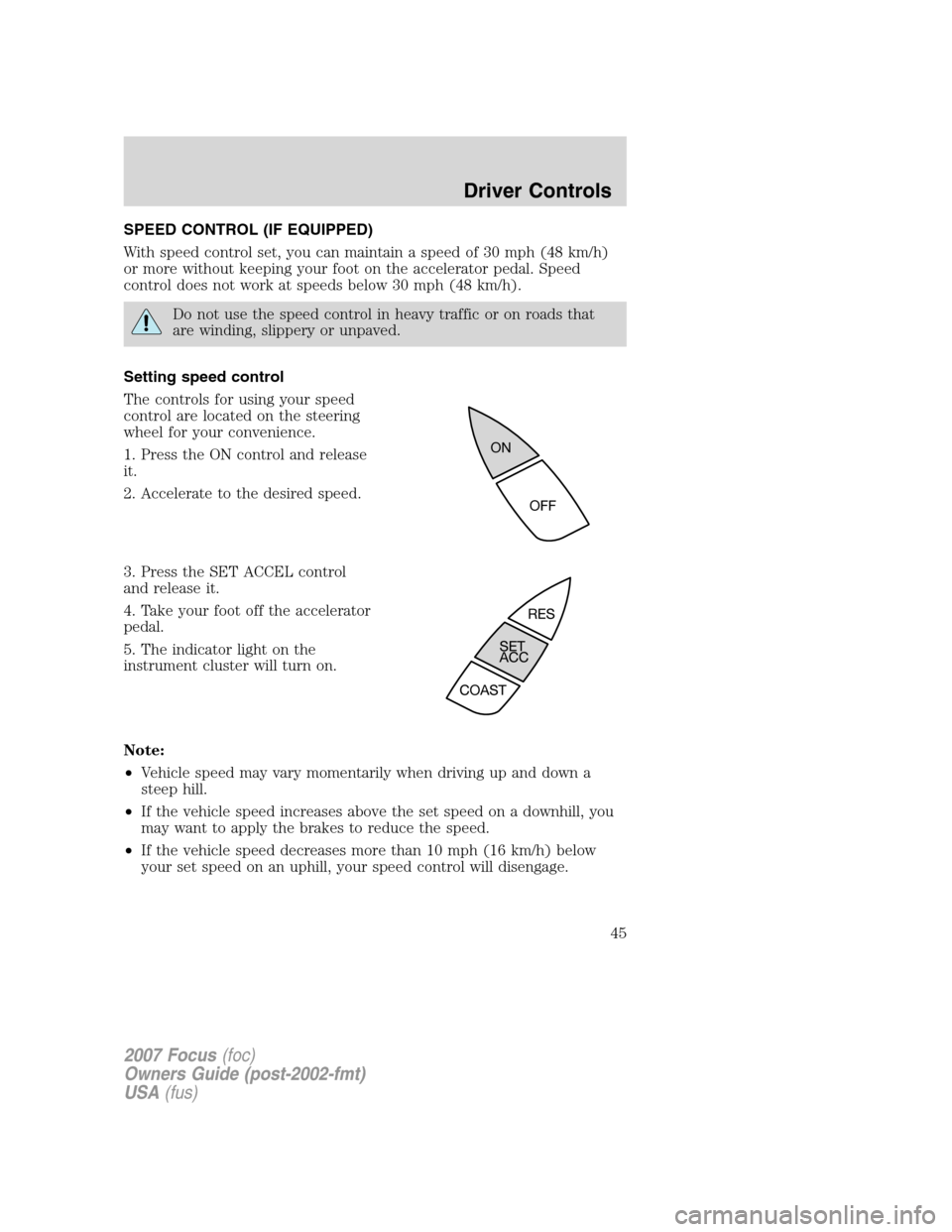
Setting speed control
The controls for using your speed
control are located on the steering
wheel for your convenience.
1. Press the ON control and release
it.
2. Accelerate to the desired speed.
3. Press the SET ACCEL control
and release it.
4. Take your foot off the accelerator
pedal.
5. The indicator light on the
instrument cluster will turn on.
Note:
•Vehicle speed may vary momentarily when driving up and down a
steep hill.
•If the vehicle speed increases above the set speed on a downhill, you
may want to apply the brakes to reduce the speed.
•If the vehicle speed decreases more than 10 mph (16 km/h) below
your set speed on an uphill, your speed control will disengage.
2007 Focus(foc)
Owners Guide (post-2002-fmt)
USA(fus)
Driver Controls
45
Page 46 of 224
Disengaging speed control
To disengage the speed control:
•Depress the brake pedal or
•Depress the clutch pedal (if equipped).
Disengaging the speed control will not erase previous set speed.
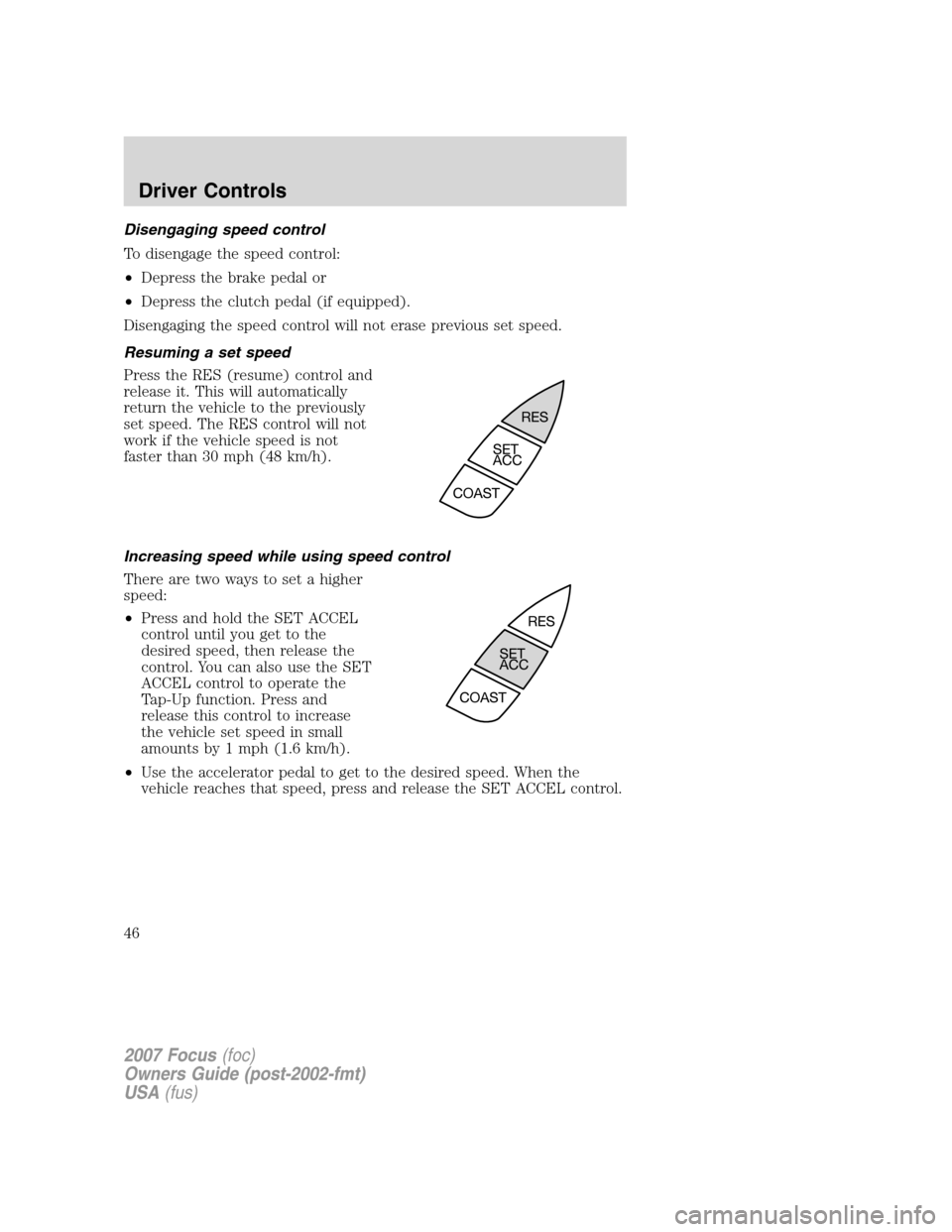
Resuming a set speed
Press the RES (resume) control and
release it. This will automatically
return the vehicle to the previously
set speed. The RES control will not
work if the vehicle speed is not
faster than 30 mph (48 km/h).
Increasing speed while using speed control
There are two ways to set a higher
speed:
•Press and hold the SET ACCEL
control until you get to the
desired speed, then release the
control. You can also use the SET
ACCEL control to operate the
Tap-Up function. Press and
release this control to increase
the vehicle set speed in small
amounts by 1 mph (1.6 km/h).
•Use the accelerator pedal to get to the desired speed. When the
vehicle reaches that speed, press and release the SET ACCEL control.
2007 Focus(foc)
Owners Guide (post-2002-fmt)
USA(fus)
Driver Controls
46
Page 47 of 224
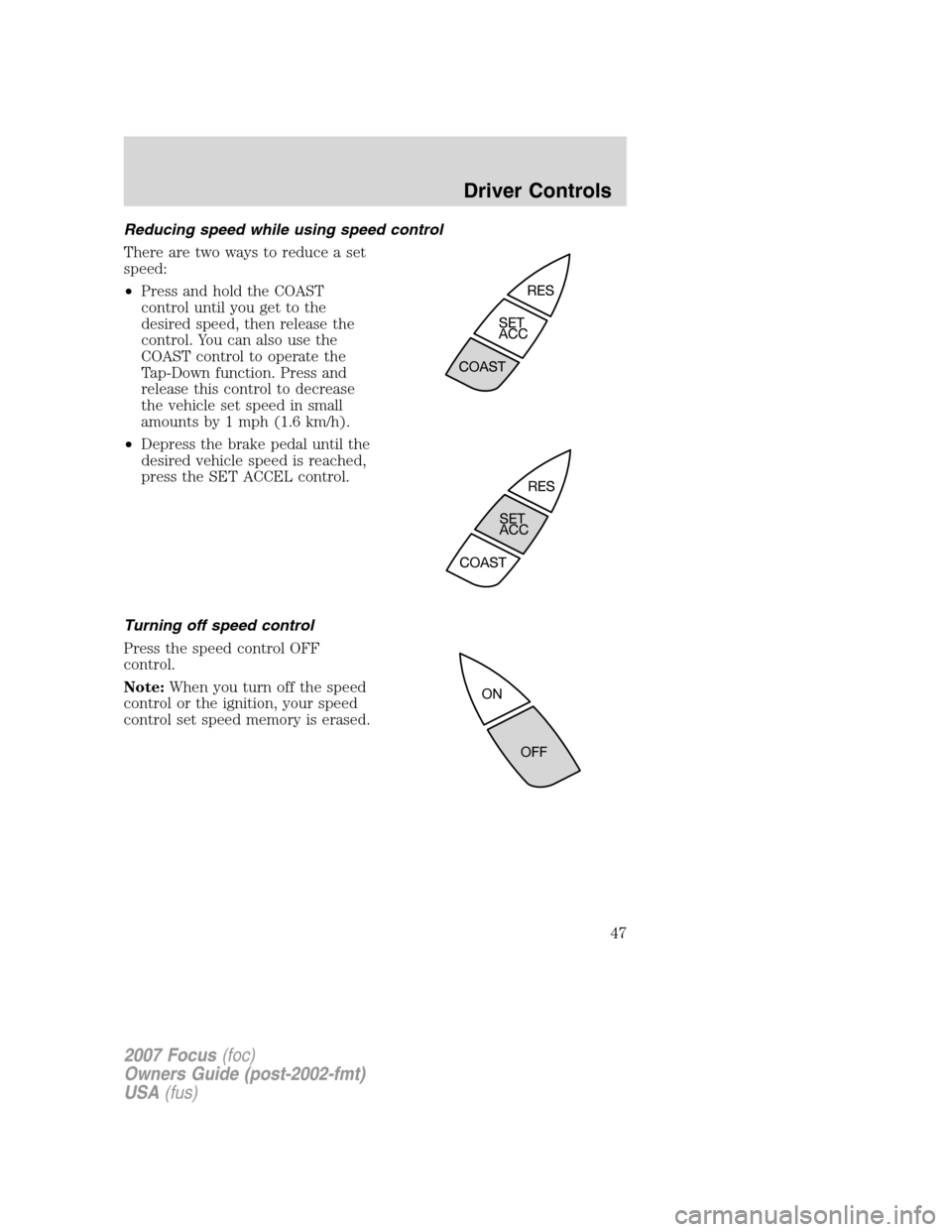
Reducing speed while using speed control
There are two ways to reduce a set
speed:
•Press and hold the COAST
control until you get to the
desired speed, then release the
control. You can also use the
COAST control to operate the
Tap-Down function. Press and
release this control to decrease
the vehicle set speed in small
amounts by 1 mph (1.6 km/h).
•Depress the brake pedal until the
desired vehicle speed is reached,
press the SET ACCEL control.
Turning off speed control
Press the speed control OFF
control.
Note:When you turn off the speed
control or the ignition, your speed
control set speed memory is erased.
2007 Focus(foc)
Owners Guide (post-2002-fmt)
USA(fus)
Driver Controls
47
Page 50 of 224
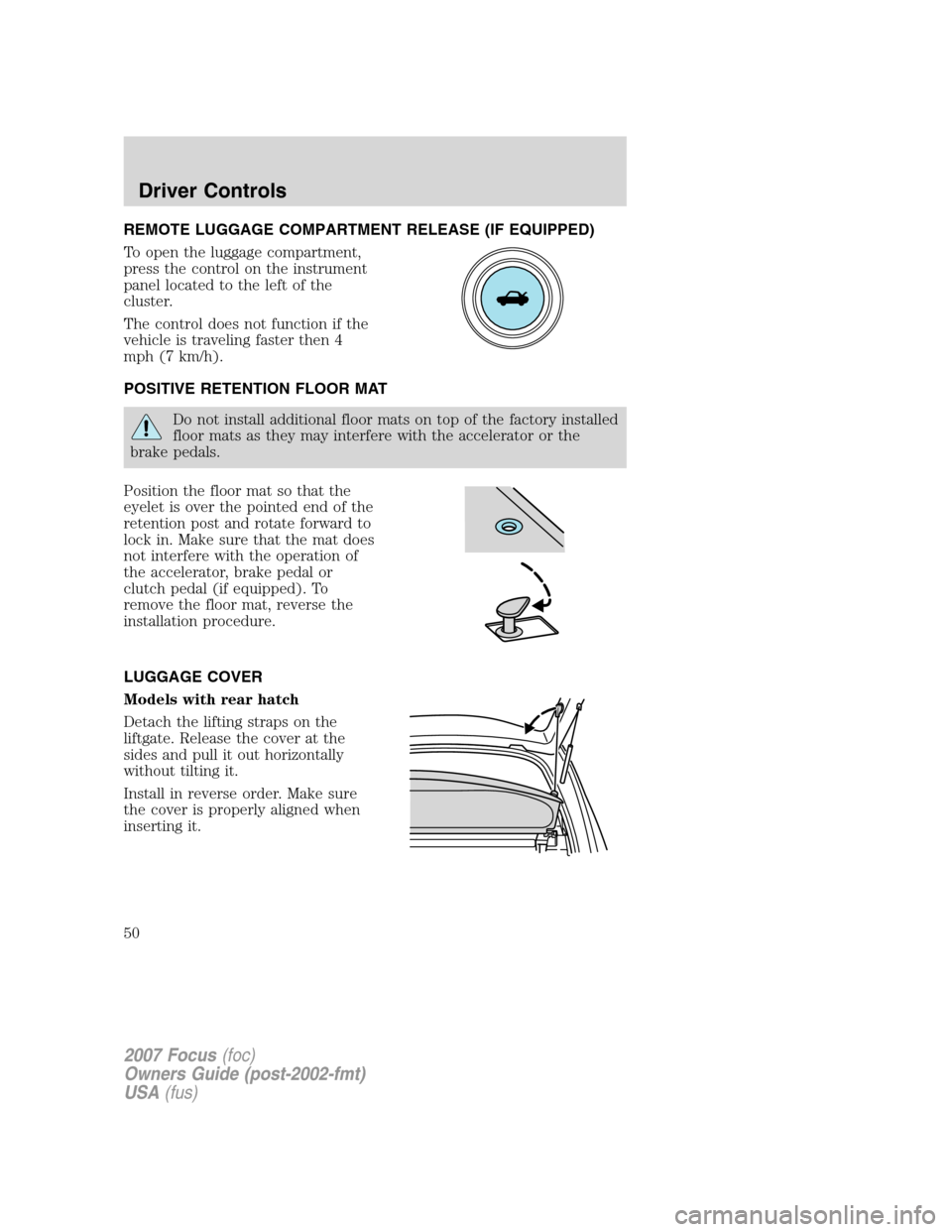
REMOTE LUGGAGE COMPARTMENT RELEASE (IF EQUIPPED)
To open the luggage compartment,
press the control on the instrument
panel located to the left of the
cluster.
The control does not function if the
vehicle is traveling faster then 4
mph (7 km/h).
POSITIVE RETENTION FLOOR MAT
Do not install additional floor mats on top of the factory installed
floor mats as they may interfere with the accelerator or the
brake pedals.
Position the floor mat so that the
eyelet is over the pointed end of the
retention post and rotate forward to
lock in. Make sure that the mat does
not interfere with the operation of
the accelerator, brake pedal or
clutch pedal (if equipped). To
remove the floor mat, reverse the
installation procedure.
LUGGAGE COVER
Models with rear hatch
Detach the lifting straps on the
liftgate. Release the cover at the
sides and pull it out horizontally
without tilting it.
Install in reverse order. Make sure
the cover is properly aligned when
inserting it.
2007 Focus(foc)
Owners Guide (post-2002-fmt)
USA(fus)
Driver Controls
50
Page 53 of 224
KEYS
The key operates all locks on your vehicle. You should always carry a
second key with you in a safe place in case you require it in an
emergency.
Your keys are coded to your vehicle; using a non-coded key will not
permit your vehicle to start. If you lose your dealer supplied keys,
replacement keys are available through your authorized dealer.
POWER DOOR LOCKS (IF EQUIPPED)
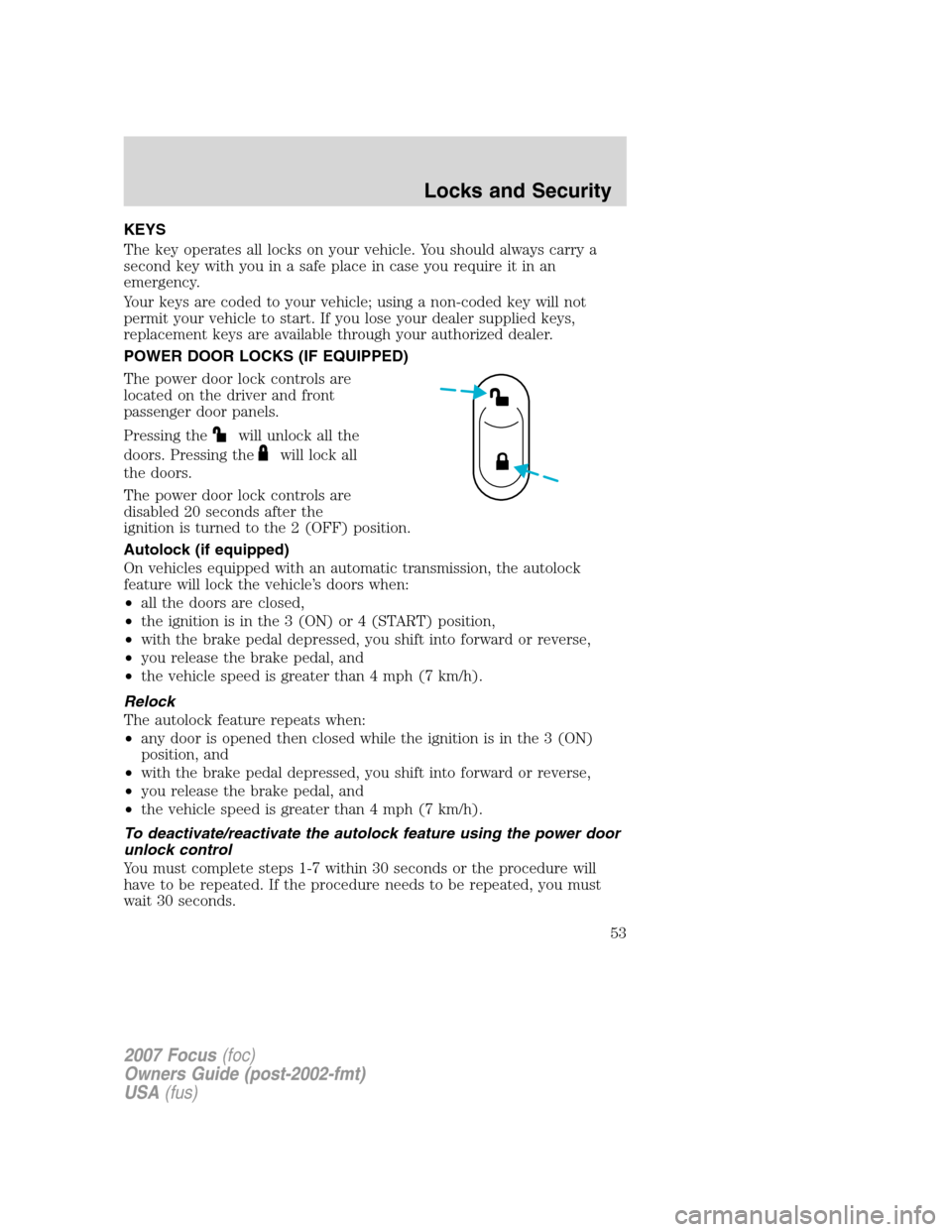
The power door lock controls are
located on the driver and front
passenger door panels.
Pressing the
will unlock all the
doors. Pressing the
will lock all
the doors.
The power door lock controls are
disabled 20 seconds after the
ignition is turned to the 2 (OFF) position.
Autolock (if equipped)
On vehicles equipped with an automatic transmission, the autolock
feature will lock the vehicle’s doors when:
•all the doors are closed,
•the ignition is in the 3 (ON) or 4 (START) position,
•with the brake pedal depressed, you shift into forward or reverse,
•you release the brake pedal, and
•the vehicle speed is greater than 4 mph (7 km/h).
Relock
The autolock feature repeats when:
•any door is opened then closed while the ignition is in the 3 (ON)
position, and
•with the brake pedal depressed, you shift into forward or reverse,
•you release the brake pedal, and
•the vehicle speed is greater than 4 mph (7 km/h).
To deactivate/reactivate the autolock feature using the power door
unlock control
You must complete steps 1-7 within 30 seconds or the procedure will
have to be repeated. If the procedure needs to be repeated, you must
wait 30 seconds.
2007 Focus(foc)
Owners Guide (post-2002-fmt)
USA(fus)
Locks and Security
53
Page 59 of 224

5. Snap the two halves back together.
Note:Replacement of the battery willnotcause the remote transmitter
to become deprogrammed from your vehicle. The remote transmitter
should operate normally after battery replacement.
Replacing lost remote entry transmitters
If you would like to have your remote entry transmitter reprogrammed
because you lost one, or would like to buy additional remote entry
transmitters, you can either reprogram them yourself, or takeall
remote entry transmittersto your authorized dealer for
reprogramming.
How to reprogram your remote entry transmitters
You must haveall remote entry transmitters(maximum of four)
available before beginning this procedure.
Note:Ensure the brake pedal is not
depressed during this sequence.
To reprogram the remote entry
transmitters:
1. Close all doors and fasten the driver’s seat belt to ensure conflicting
chimes do not sound during the procedure.
2. Put the key in the ignition.
3. Turn the key from the 2 (OFF) position to the 3 (ON) position.
4. Cycle four times rapidly (within six seconds) between the 2 (OFF)
and the 3 (ON) position.Note:The fourth turn must end in the 2 (OFF)
position.
5. Within 20 seconds press any button on the remote entry transmitter.
Note:If more than 20 seconds have passed you will need to start the
procedure over again.
6. Repeat Step 5 to program each additional remote entry transmitter.
7. Turn the ignition to the 3 (ON) position after you have finished
programming all remote entry transmitters to exit programming mode.
2007 Focus(foc)
Owners Guide (post-2002-fmt)
USA(fus)
Locks and Security
59