2007 FORD F250 display
[x] Cancel search: displayPage 13 of 312
Many lights will illuminate when you start your vehicle to make sure the
bulbs work. If any light remains on after starting the vehicle, have the
respective system inspected immediately.
If your vehicle is equipped with a diesel engine, it has a unique cluster;
refer toStarting the enginein your6.0 Liter Power Stroke Direct
Injection Turbo Diesel Owner’s Guide Supplement.
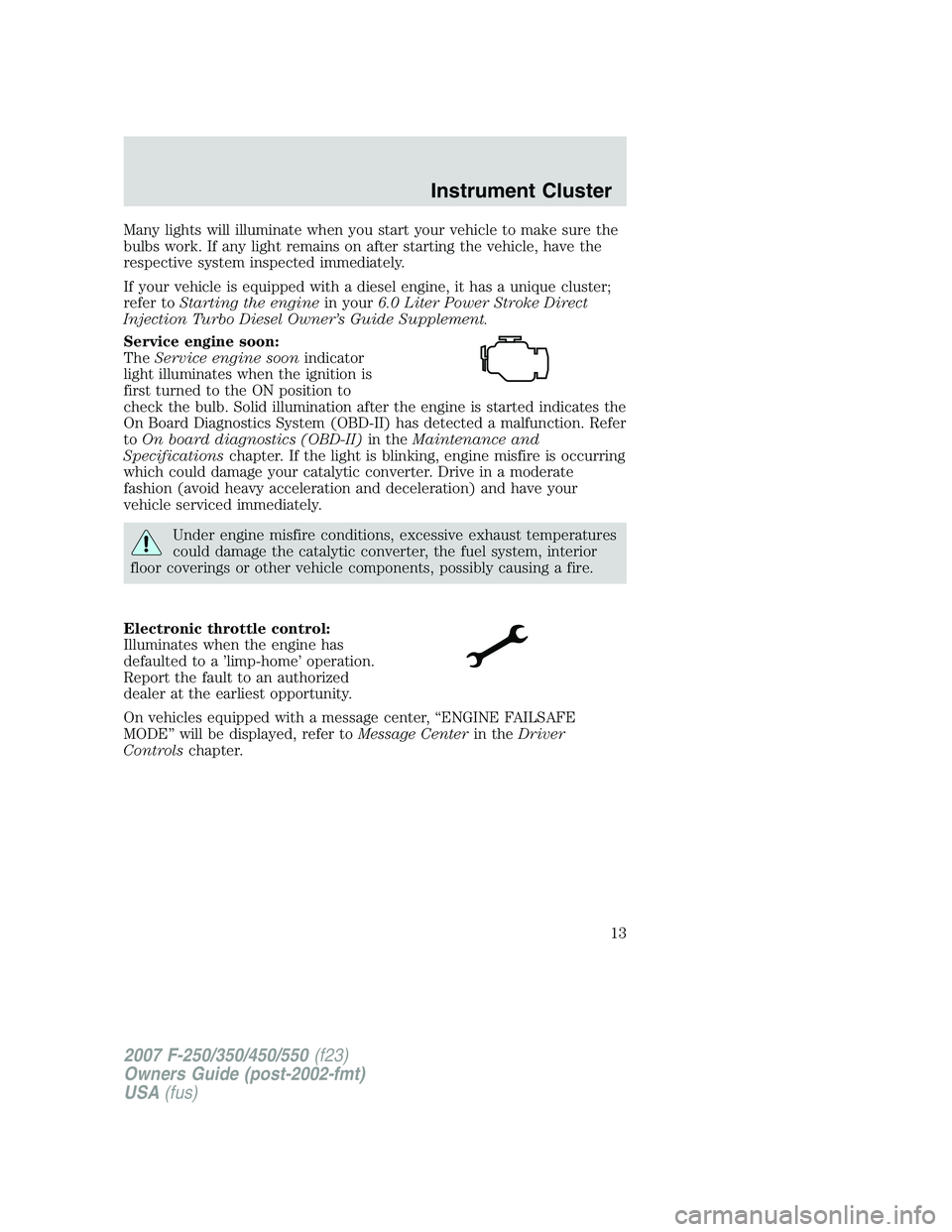
Service engine soon:
TheService engine soonindicator
light illuminates when the ignition is
first turned to the ON position to
check the bulb. Solid illumination after the engine is started indicates the
On Board Diagnostics System (OBD-II) has detected a malfunction. Refer
toOn board diagnostics (OBD-II)in theMaintenance and
Specificationschapter. If the light is blinking, engine misfire is occurring
which could damage your catalytic converter. Drive in a moderate
fashion (avoid heavy acceleration and deceleration) and have your
vehicle serviced immediately.
Under engine misfire conditions, excessive exhaust temperatures
could damage the catalytic converter, the fuel system, interior
floor coverings or other vehicle components, possibly causing a fire.
Electronic throttle control:
Illuminates when the engine has
defaulted to a ’limp-home’ operation.
Report the fault to an authorized
dealer at the earliest opportunity.
On vehicles equipped with a message center, “ENGINE FAILSAFE
MODE” will be displayed, refer toMessage Centerin theDriver
Controlschapter.
2007 F-250/350/450/550(f23)
Owners Guide (post-2002-fmt)
USA(fus)
Instrument Cluster
13
Page 17 of 312
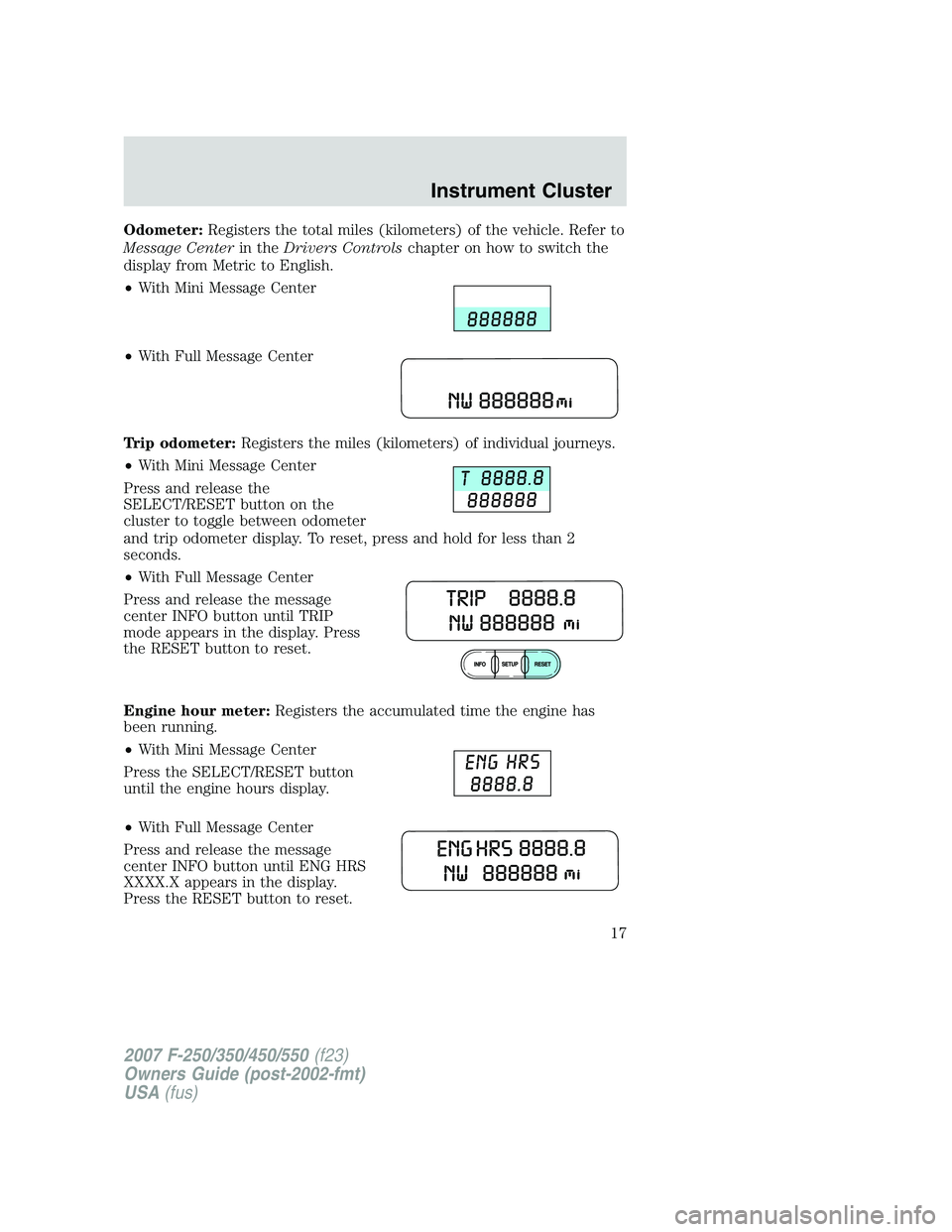
Odometer:Registers the total miles (kilometers) of the vehicle. Refer to
Message Centerin theDrivers Controlschapter on how to switch the
display from Metric to English.
•With Mini Message Center
•With Full Message Center
Trip odometer:Registers the miles (kilometers) of individual journeys.
•With Mini Message Center
Press and release the
SELECT/RESET button on the
cluster to toggle between odometer
and trip odometer display. To reset, press and hold for less than 2
seconds.
•With Full Message Center
Press and release the message
center INFO button until TRIP
mode appears in the display. Press
the RESET button to reset.
Engine hour meter:Registers the accumulated time the engine has
been running.
•With Mini Message Center
Press the SELECT/RESET button
until the engine hours display.
•With Full Message Center
Press and release the message
center INFO button until ENG HRS
XXXX.X appears in the display.
Press the RESET button to reset.
2007 F-250/350/450/550(f23)
Owners Guide (post-2002-fmt)
USA(fus)
Instrument Cluster
17
Page 23 of 312
AM/FM stereo/single CD with satellite compatible sound system
(if equipped)
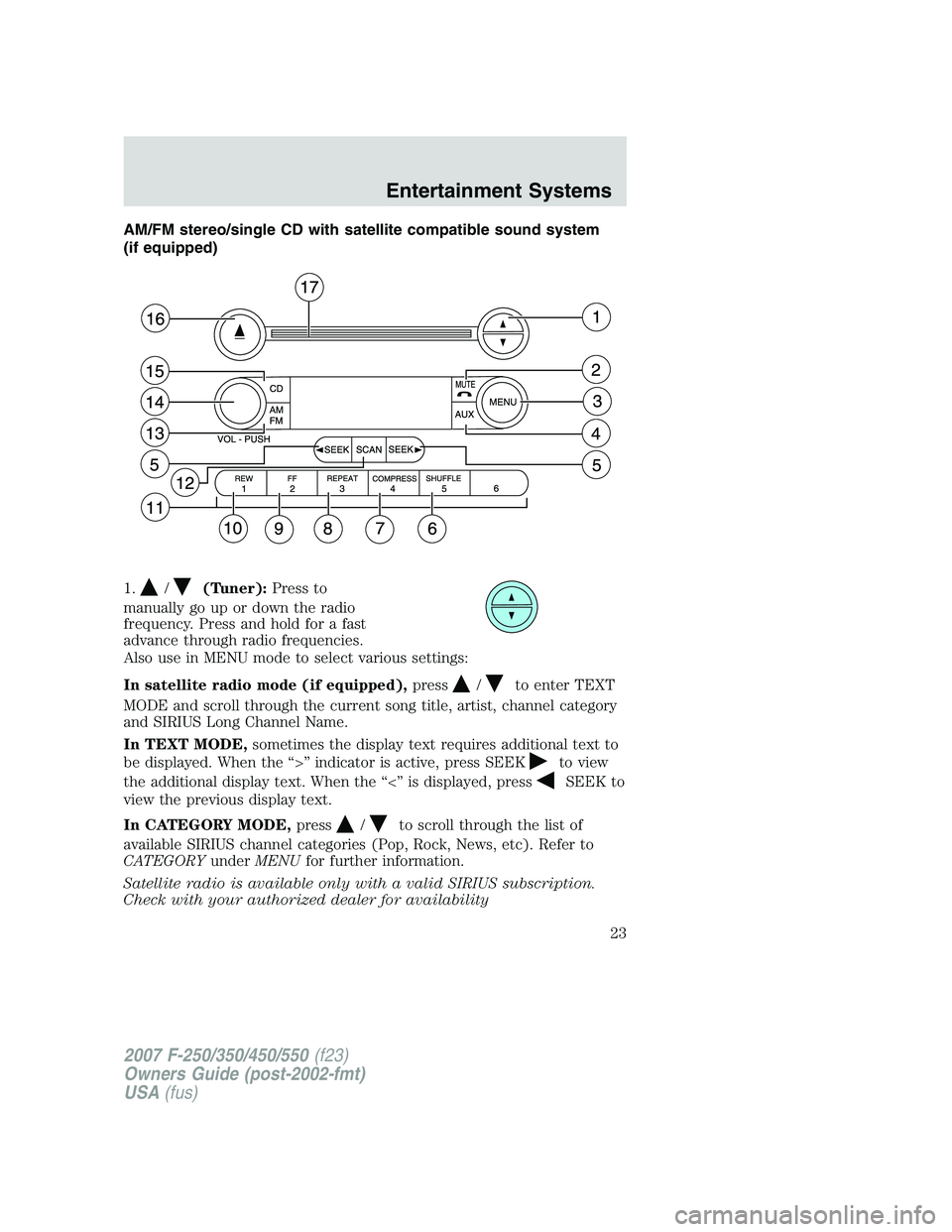
1.
/(Tuner):Press to
manually go up or down the radio
frequency. Press and hold for a fast
advance through radio frequencies.
Also use in MENU mode to select various settings:
In satellite radio mode (if equipped),press
/to enter TEXT
MODE and scroll through the current song title, artist, channel category
and SIRIUS Long Channel Name.
In TEXT MODE,sometimes the display text requires additional text to
be displayed. When the “>” indicator is active, press SEEK
to view
the additional display text. When the “<” is displayed, press
SEEK to
view the previous display text.
In CATEGORY MODE,press
/to scroll through the list of
available SIRIUS channel categories (Pop, Rock, News, etc). Refer to
CATEGORYunderMENUfor further information.
Satellite radio is available only with a valid SIRIUS subscription.
Check with your authorized dealer for availability
2007 F-250/350/450/550(f23)
Owners Guide (post-2002-fmt)
USA(fus)
Entertainment Systems
23
Page 24 of 312
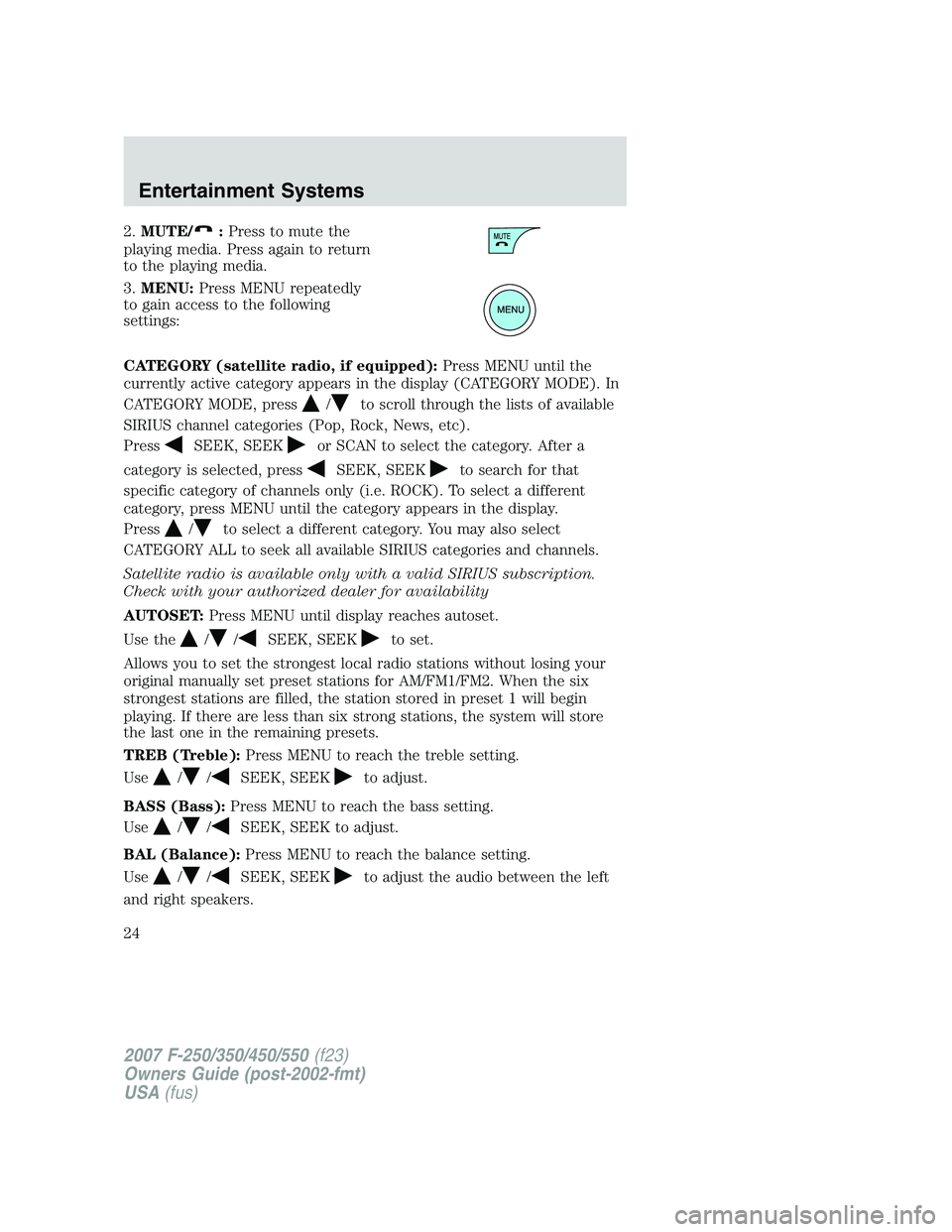
2.MUTE/:Press to mute the
playing media. Press again to return
to the playing media.
3.MENU:Press MENU repeatedly
to gain access to the following
settings:
CATEGORY (satellite radio, if equipped):Press MENU until the
currently active category appears in the display (CATEGORY MODE). In
CATEGORY MODE, press
/to scroll through the lists of available
SIRIUS channel categories (Pop, Rock, News, etc).
Press
SEEK, SEEKor SCAN to select the category. After a
category is selected, press
SEEK, SEEKto search for that
specific category of channels only (i.e. ROCK). To select a different
category, press MENU until the category appears in the display.
Press
/to select a different category. You may also select
CATEGORY ALL to seek all available SIRIUS categories and channels.
Satellite radio is available only with a valid SIRIUS subscription.
Check with your authorized dealer for availability
AUTOSET:Press MENU until display reaches autoset.
Use the
//SEEK, SEEKto set.
Allows you to set the strongest local radio stations without losing your
original manually set preset stations for AM/FM1/FM2. When the six
strongest stations are filled, the station stored in preset 1 will begin
playing. If there are less than six strong stations, the system will store
the last one in the remaining presets.
TREB (Treble):Press MENU to reach the treble setting.
Use
//SEEK, SEEKto adjust.
BASS (Bass):Press MENU to reach the bass setting.
Use
//SEEK, SEEK to adjust.
BAL (Balance):Press MENU to reach the balance setting.
Use
//SEEK, SEEKto adjust the audio between the left
and right speakers.
2007 F-250/350/450/550(f23)
Owners Guide (post-2002-fmt)
USA(fus)
Entertainment Systems
24
Page 25 of 312
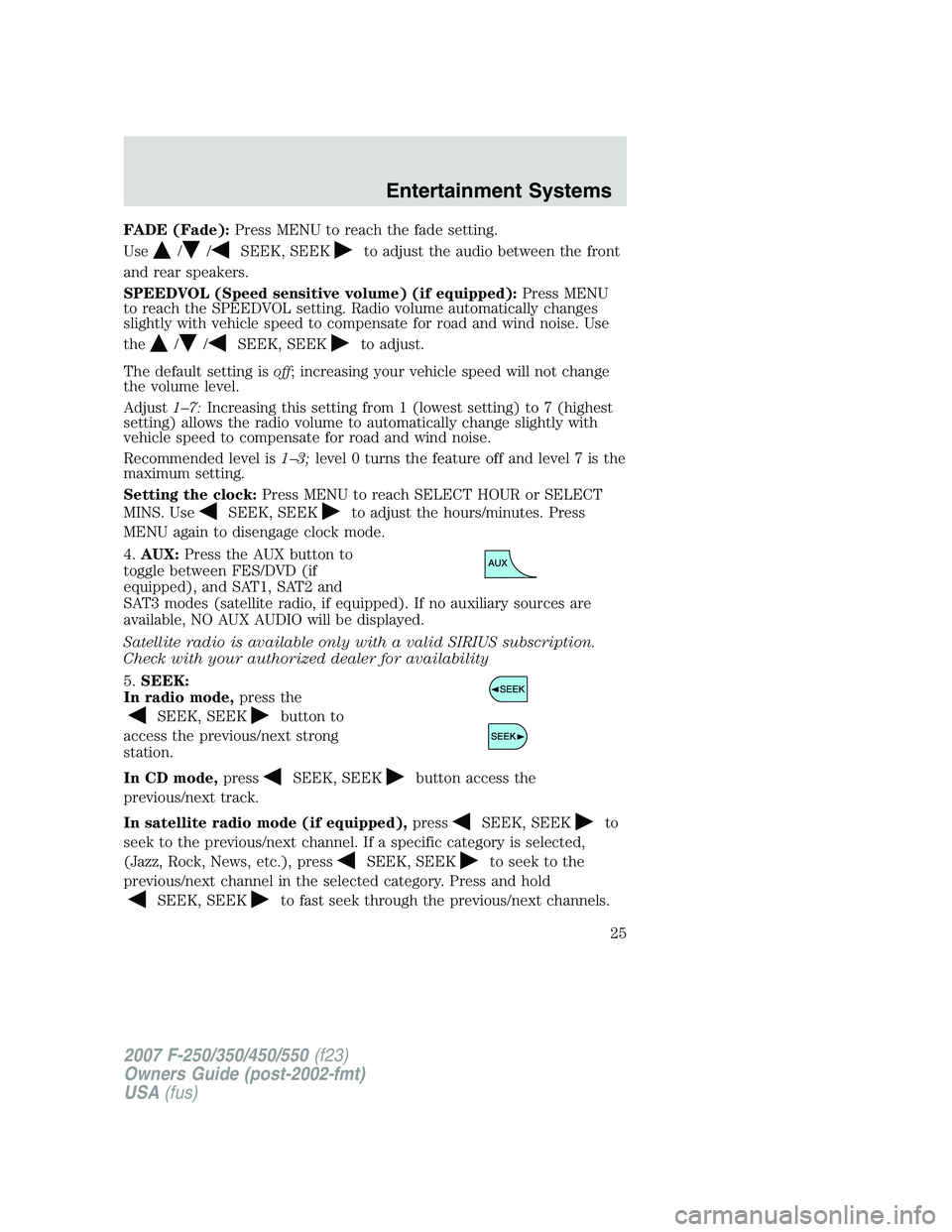
FADE (Fade):Press MENU to reach the fade setting.
Use
//SEEK, SEEKto adjust the audio between the front
and rear speakers.
SPEEDVOL (Speed sensitive volume) (if equipped):Press MENU
to reach the SPEEDVOL setting. Radio volume automatically changes
slightly with vehicle speed to compensate for road and wind noise. Use
the
//SEEK, SEEKto adjust.
The default setting isoff; increasing your vehicle speed will not change
the volume level.
Adjust1–7:Increasing this setting from 1 (lowest setting) to 7 (highest
setting) allows the radio volume to automatically change slightly with
vehicle speed to compensate for road and wind noise.
Recommended level is1–3;level 0 turns the feature off and level 7 is the
maximum setting.
Setting the clock:Press MENU to reach SELECT HOUR or SELECT
MINS. Use
SEEK, SEEKto adjust the hours/minutes. Press
MENU again to disengage clock mode.
4.AUX:Press the AUX button to
toggle between FES/DVD (if
equipped), and SAT1, SAT2 and
SAT3 modes (satellite radio, if equipped). If no auxiliary sources are
available, NO AUX AUDIO will be displayed.
Satellite radio is available only with a valid SIRIUS subscription.
Check with your authorized dealer for availability
5.SEEK:
In radio mode,press the
SEEK, SEEKbutton to
access the previous/next strong
station.
In CD mode,press
SEEK, SEEKbutton access the
previous/next track.
In satellite radio mode (if equipped),press
SEEK, SEEKto
seek to the previous/next channel. If a specific category is selected,
(Jazz, Rock, News, etc.), press
SEEK, SEEKto seek to the
previous/next channel in the selected category. Press and hold
SEEK, SEEKto fast seek through the previous/next channels.
2007 F-250/350/450/550(f23)
Owners Guide (post-2002-fmt)
USA(fus)
Entertainment Systems
25
Page 26 of 312
In TEXT MODE,pressSEEK, SEEKto view the
previous/additional display text.
In CATEGORY MODE,press
SEEK, SEEKto select a category.
Satellite radio is available only with a valid SIRIUS subscription.
Check with your authorized dealer for availability
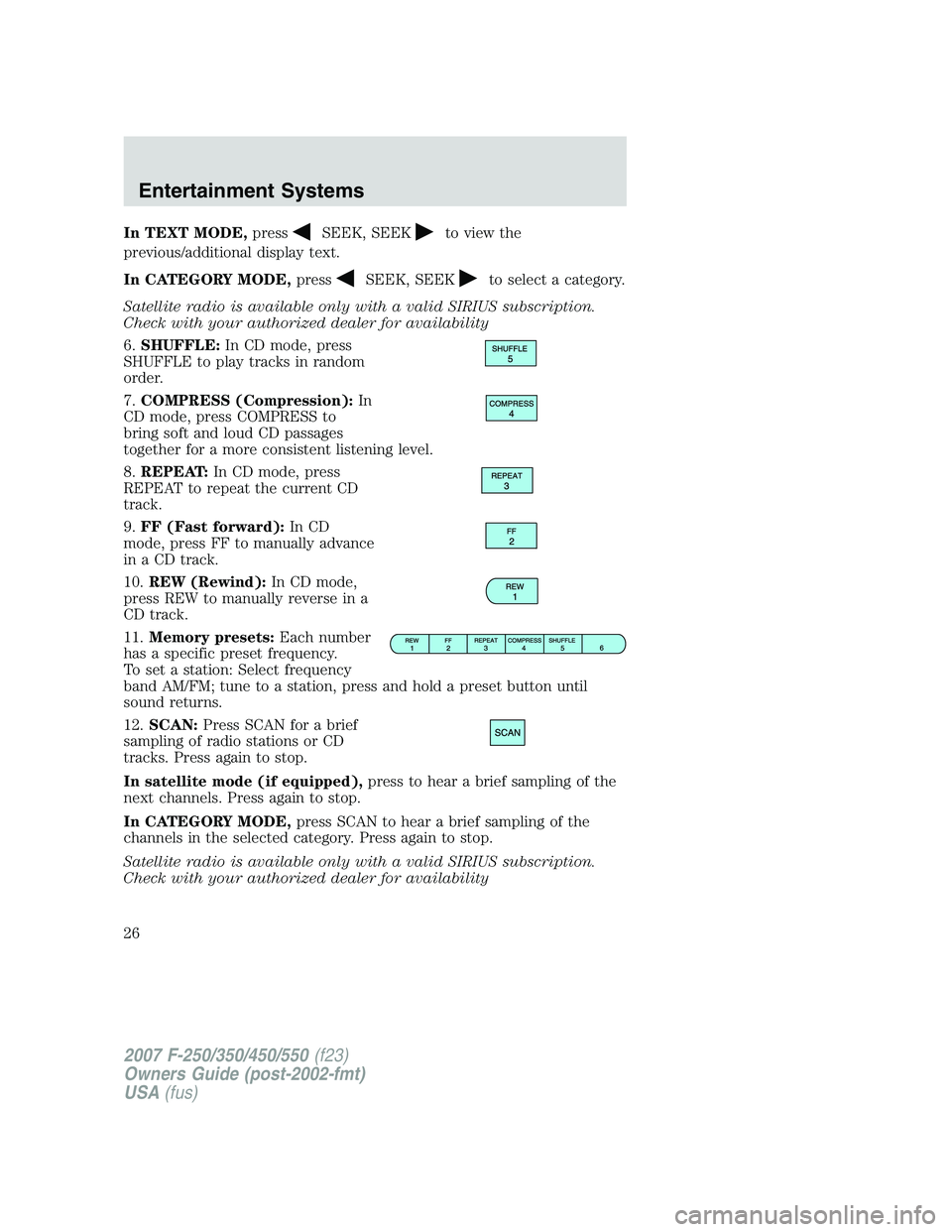
6.SHUFFLE:In CD mode, press
SHUFFLE to play tracks in random
order.
7.COMPRESS (Compression):In
CD mode, press COMPRESS to
bring soft and loud CD passages
together for a more consistent listening level.
8.REPEAT:In CD mode, press
REPEAT to repeat the current CD
track.
9.FF (Fast forward):In CD
mode, press FF to manually advance
in a CD track.
10.REW (Rewind):In CD mode,
press REW to manually reverse in a
CD track.
11.Memory presets:Each number
has a specific preset frequency.
To set a station: Select frequency
band AM/FM; tune to a station, press and hold a preset button until
sound returns.
12.SCAN:Press SCAN for a brief
sampling of radio stations or CD
tracks. Press again to stop.
In satellite mode (if equipped),press to hear a brief sampling of the
next channels. Press again to stop.
In CATEGORY MODE,press SCAN to hear a brief sampling of the
channels in the selected category. Press again to stop.
Satellite radio is available only with a valid SIRIUS subscription.
Check with your authorized dealer for availability
2007 F-250/350/450/550(f23)
Owners Guide (post-2002-fmt)
USA(fus)
Entertainment Systems
26
Page 28 of 312
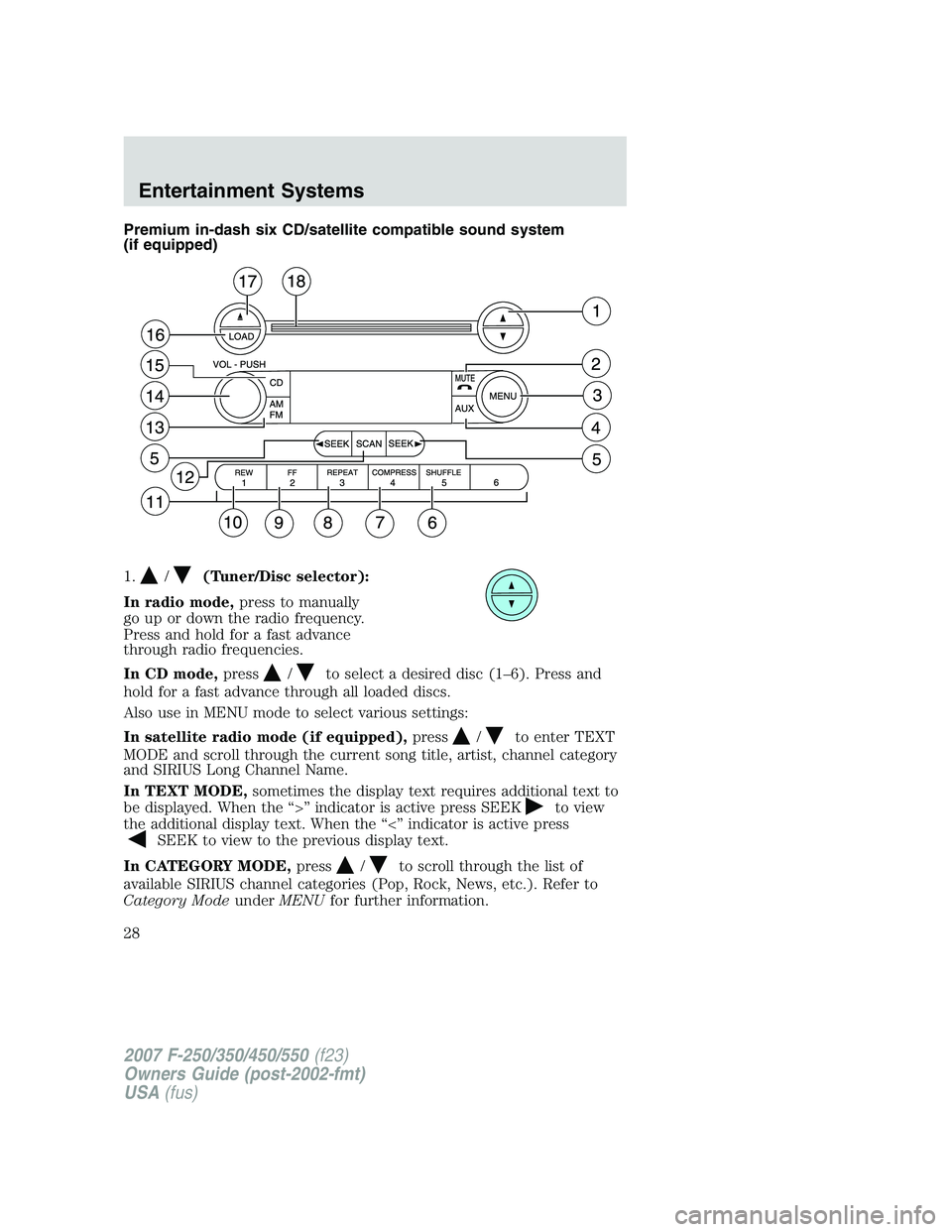
Premium in-dash six CD/satellite compatible sound system
(if equipped)
1.
/(Tuner/Disc selector):
In radio mode,press to manually
go up or down the radio frequency.
Press and hold for a fast advance
through radio frequencies.
In CD mode,press
/to select a desired disc (1–6). Press and
hold for a fast advance through all loaded discs.
Also use in MENU mode to select various settings:
In satellite radio mode (if equipped),press
/to enter TEXT
MODE and scroll through the current song title, artist, channel category
and SIRIUS Long Channel Name.
In TEXT MODE,sometimes the display text requires additional text to
be displayed. When the “>” indicator is active press SEEK
to view
the additional display text. When the “<” indicator is active press
SEEK to view to the previous display text.
In CATEGORY MODE,press
/to scroll through the list of
available SIRIUS channel categories (Pop, Rock, News, etc.). Refer to
Category ModeunderMENUfor further information.
2007 F-250/350/450/550(f23)
Owners Guide (post-2002-fmt)
USA(fus)
Entertainment Systems
28
Page 29 of 312
Satellite radio is available only in the continental United States with
a valid SIRIUS radio subscription.
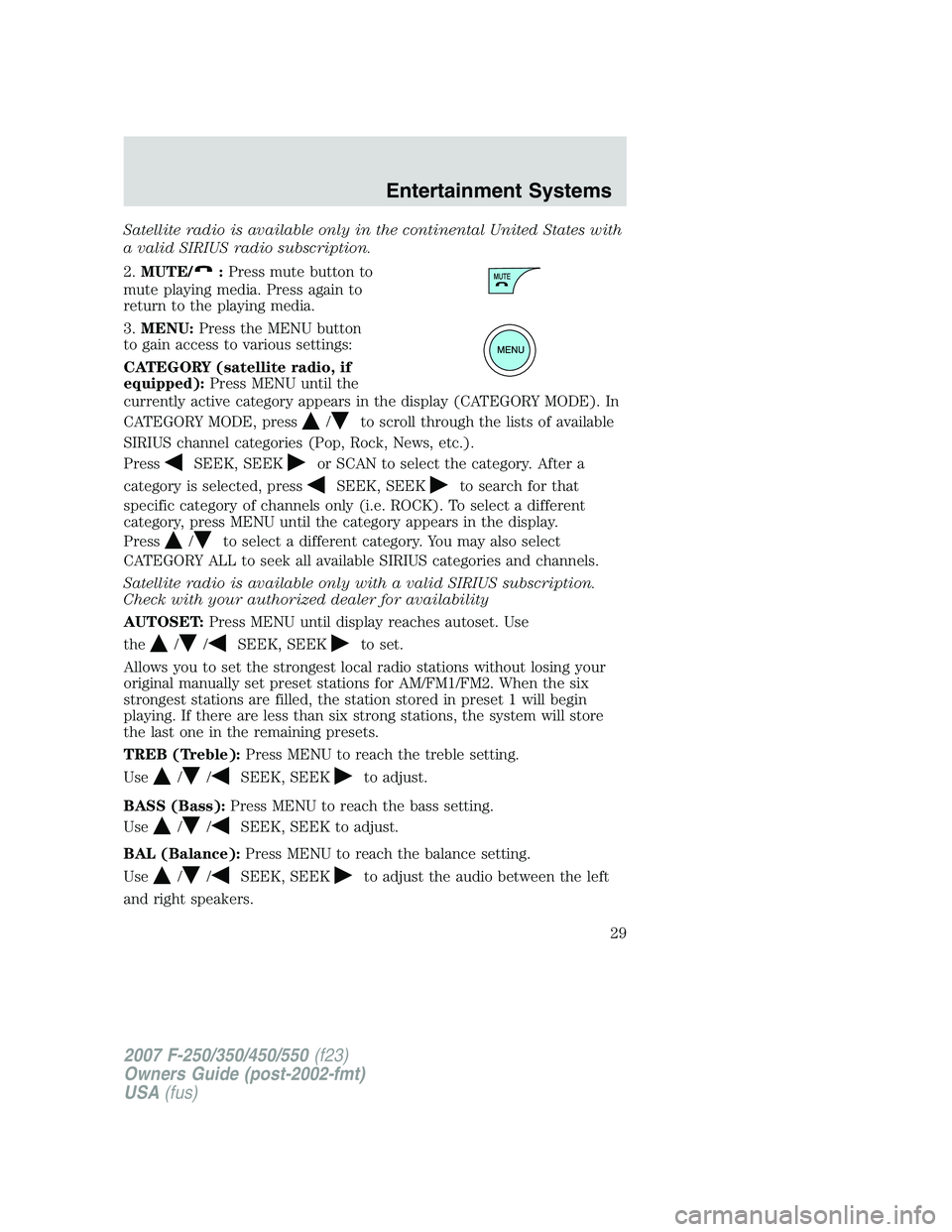
2.MUTE/
:Press mute button to
mute playing media. Press again to
return to the playing media.
3.MENU:Press the MENU button
to gain access to various settings:
CATEGORY (satellite radio, if
equipped):Press MENU until the
currently active category appears in the display (CATEGORY MODE). In
CATEGORY MODE, press
/to scroll through the lists of available
SIRIUS channel categories (Pop, Rock, News, etc.).
Press
SEEK, SEEKor SCAN to select the category. After a
category is selected, press
SEEK, SEEKto search for that
specific category of channels only (i.e. ROCK). To select a different
category, press MENU until the category appears in the display.
Press
/to select a different category. You may also select
CATEGORY ALL to seek all available SIRIUS categories and channels.
Satellite radio is available only with a valid SIRIUS subscription.
Check with your authorized dealer for availability
AUTOSET:Press MENU until display reaches autoset. Use
the
//SEEK, SEEKto set.
Allows you to set the strongest local radio stations without losing your
original manually set preset stations for AM/FM1/FM2. When the six
strongest stations are filled, the station stored in preset 1 will begin
playing. If there are less than six strong stations, the system will store
the last one in the remaining presets.
TREB (Treble):Press MENU to reach the treble setting.
Use
//SEEK, SEEKto adjust.
BASS (Bass):Press MENU to reach the bass setting.
Use
//SEEK, SEEK to adjust.
BAL (Balance):Press MENU to reach the balance setting.
Use
//SEEK, SEEKto adjust the audio between the left
and right speakers.
2007 F-250/350/450/550(f23)
Owners Guide (post-2002-fmt)
USA(fus)
Entertainment Systems
29