Page 170 of 384

5. Select DONE to exit from the clock setting mode. Press
ENTER to save your changes. If you press CANCEL or
NAV then your changes will not be saved.
User Defined Clock
If you wish to set the clock to a time different than the
system clock, you can manually adjust the time by
choosing the “User Defined Clock” option.
1. At theClock Setupscreen highlight “Displayed
Clock: User Defined Clock”.2. To increase the clock by hours, make sure “HR +” is
highlighted and press ENTER. Press ENTER again to
increase the clock by another hour. You will see on the
“User Defined Time” display the number of hours you
have increased the clock by.
3. To decrease the clock by one hour, use the Select
Encoder to highlight the “-” sign. Press ENTER. Press
ENTER again to decrease the clock by another hour.
4. To increase the clock by minutes, make sure “MIN +”
is highlighted and press ENTER. Press ENTER again to
increase the clock by another minute.
5. To decrease the clock by minutes, use the Select
Encoder to highlight the “-“ sign. Press ENTER. Press
ENTER again to decrease the clock by another minute.
6. Select “DONE” to exit from the clock setting mode.
Press ENTER to save your changes. If you press CAN-
CEL or NAV then your changes will not be saved.
170 UNDERSTANDING YOUR INSTRUMENT PANEL
Page 171 of 384
Audio Clock Display
Select this option to change the size of the clock on the
audio screens.
1. When you are at an audio screen, quickly press the
TIME button on the navigation faceplate.
2. In this example the large clock appears on the screen.
3. To switch the clock to the small clock, quickly press
TIME again.4. To toggle back to the large clock, simply press TIME.
UNDERSTANDING YOUR INSTRUMENT PANEL 171
4
Page 172 of 384
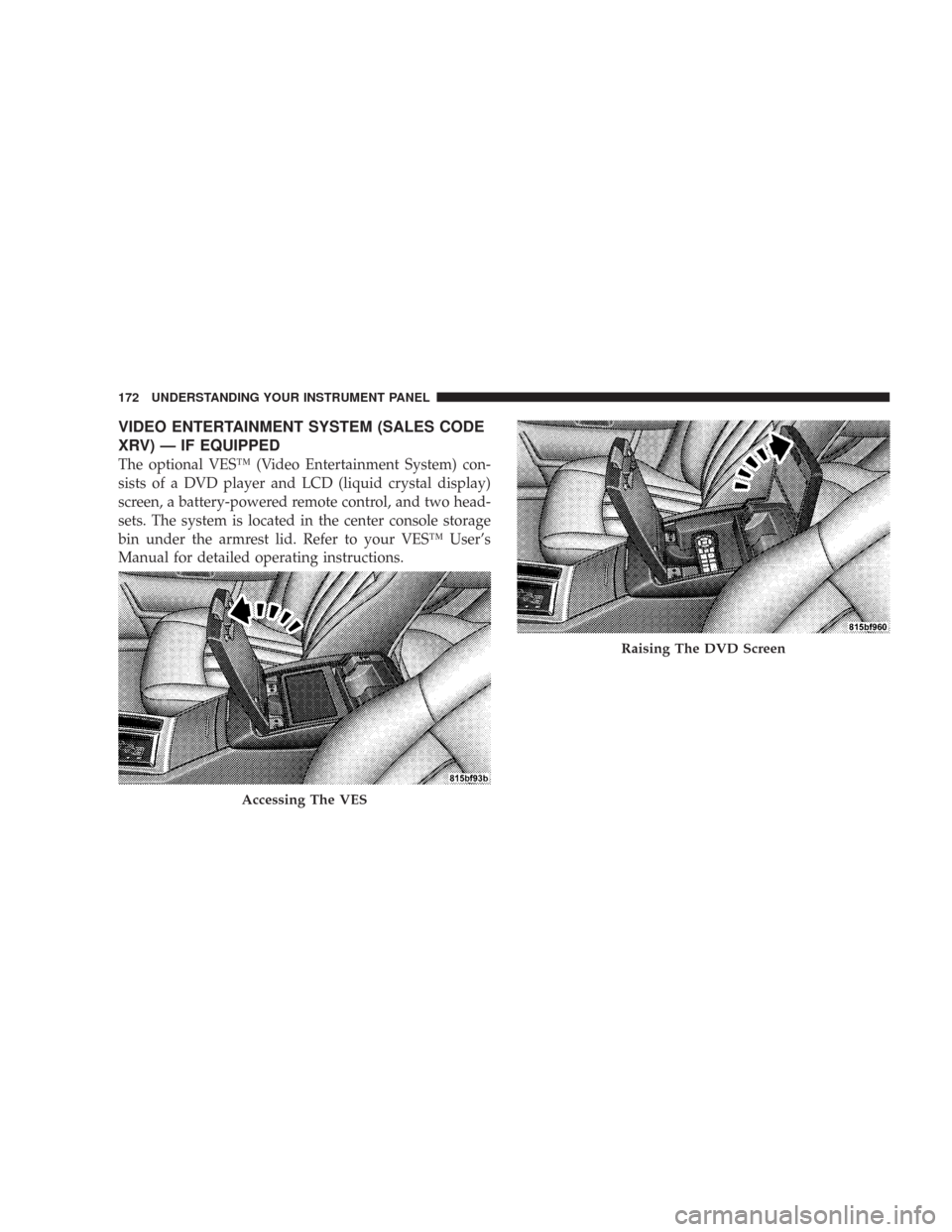
VIDEO ENTERTAINMENT SYSTEM (SALES CODE
XRV) — IF EQUIPPED
The optional VES™ (Video Entertainment System) con-
sists of a DVD player and LCD (liquid crystal display)
screen, a battery-powered remote control, and two head-
sets. The system is located in the center console storage
bin under the armrest lid. Refer to your VES™ User’s
Manual for detailed operating instructions.
Accessing The VES
Raising The DVD Screen
172 UNDERSTANDING YOUR INSTRUMENT PANEL
Page 174 of 384

ESN/SID Access With REF Radios
With the ignition switch in the ACCESSORY position and
the radio OFF, press the CD Eject and Time buttons
simultaneously for 3 seconds. The first four digits of the
twelve-digit ESN/SID number will display. Press the
SEEK UP button to display the next four digits. Continue
to press the SEEK UP button until all twelve ESN/SID
digits display. The SEEK DOWN will page down until
the first four digits display. The radio will exit the
ESN/SID mode when any other button is pushed, the
ignition is turned OFF, or 5 minutes has passed since any
button was pushed.
ESN/SID Access With RAQ and RAK Radios
With the ignition switch in the ACCESSORY position and
the radio OFF, press the CD Eject and TIME buttons
simultaneously for 3 seconds. All twelve ESN/SID num-
bers will display. The radio will exit the ESN/SID mode
when any other button is pushed, the ignition is turned
OFF, or 5 minutes has passed since any button was
pushed.
ESN/SID Access With REC Navigation Radios
Please refer to your Navigation User’s Manual.
With the ignition in the ACCESSORY position and the
radio off, press the CD Eject and Set buttons simulta-
neously until the 12 digits of the ESN/SID appear on the
screen.
Selecting Satellite Mode in REF, RAQ, and RAK
Radios
Selecting Satellite Mode — REF Radio
Press the MODE button repeatedly until the word�SAT�
appears in the display.
A CD may remain in the radio while in the Satellite radio
mode.
Selecting Satellite Mode — RAQ and RAK Radio
Press the MODE button repeatedly until the word�SAT�
appears in the display.
These radios will also display the current station name
and program type. For more information, such as song
title and artist press the MSG or INFO button.
174 UNDERSTANDING YOUR INSTRUMENT PANEL
Page 175 of 384

A CD or tape may remain in the radio while in the
Satellite radio mode.
Selecting a Channel
Press and release the SEEK or TUNE knob to search for
the next channel. Press the top of the button to search up
and the bottom of the button to search down. Holding the
TUNE button causes the radio to bypass channels until
the button is released.
Press and release the SCAN button (if equipped) to
automatically change channels every 7 seconds. The
radio will pause on each channel for 7 seconds before
moving on to the next channel. The word�SCAN�will
appear in the display between each channel change. Press
the SCAN button a second time to stop the search.
NOTE:Channels that may contain objectionable con-
tent can be blocked. Contact Sirius Customer Care at
888-539-7474 to discuss options for channel blocking or
unblocking. Please have your ESN/SID information
available.
Storing and Selecting Pre-Set Channels
In addition to the 12 AM and 12 FM pre-set stations, you
may also commit 12 satellite stations to push button
memory. These satellite channel pre-set stations will not
erase any AM or FM pre-set memory stations. Follow the
memory pre-set procedures that apply to your radio.
Using the PTY (Program Type) Button (if
equipped)
Follow the PTY button instructions that apply to your
radio.
PTY Button SCAN
When the desired program type is obtained, press the
�SCAN�button within five seconds. The radio will play 7
seconds of the selected channel before moving to the next
channel of the selected program type. Press the�SCAN�
button a second time to stop the search.
NOTE:Pressing the�SEEK�or�SCAN�button, while
performing a music type scan, will change the channel by
one and stop the search. Pressing a pre-set memory
button during a music type scan, will call up the memory
channel and stop the search.
UNDERSTANDING YOUR INSTRUMENT PANEL 175
4
Page 176 of 384

PTY Button SEEK
When the desired program is obtained, press the�SEEK�
button within five seconds. The channel will change to
the next channel that matches the program type selected.
Satellite Antenna
To ensure optimum reception, do not place items on the
roof around the rooftop antenna location. Metal objects
placed within the line of sight of the antenna will cause
decreased performance. Larger luggage items should be
placed as far forward as possible. Do not place items
directly on or above the antenna.
Reception Quality
Satellite reception may be interrupted due to one of the
following reasons.
•The vehicle is parked in an underground parking
structure or under a physical obstacle.
•Dense tree coverage may interrupt reception in the
form of short audio mutes.
•Driving under wide bridges or along tall buildings can
cause intermittent reception.
•Placing objects over or too close to the antenna can
cause signal blockage.
REMOTE SOUND SYSTEM CONTROLS
The remote sound system controls are located on the
surface of the steering wheel at the 3 and 9 o’clock
positions.
Vehicles equipped with steering wheel mounted buttons
are also equipped with the Electronic Vehicle Information
Center (EVIC). The EVIC features a driver-interactive
display. This is located in the instrument cluster below
the speedometer.
Electronic Vehicle Information Center
176 UNDERSTANDING YOUR INSTRUMENT PANEL
Page 177 of 384
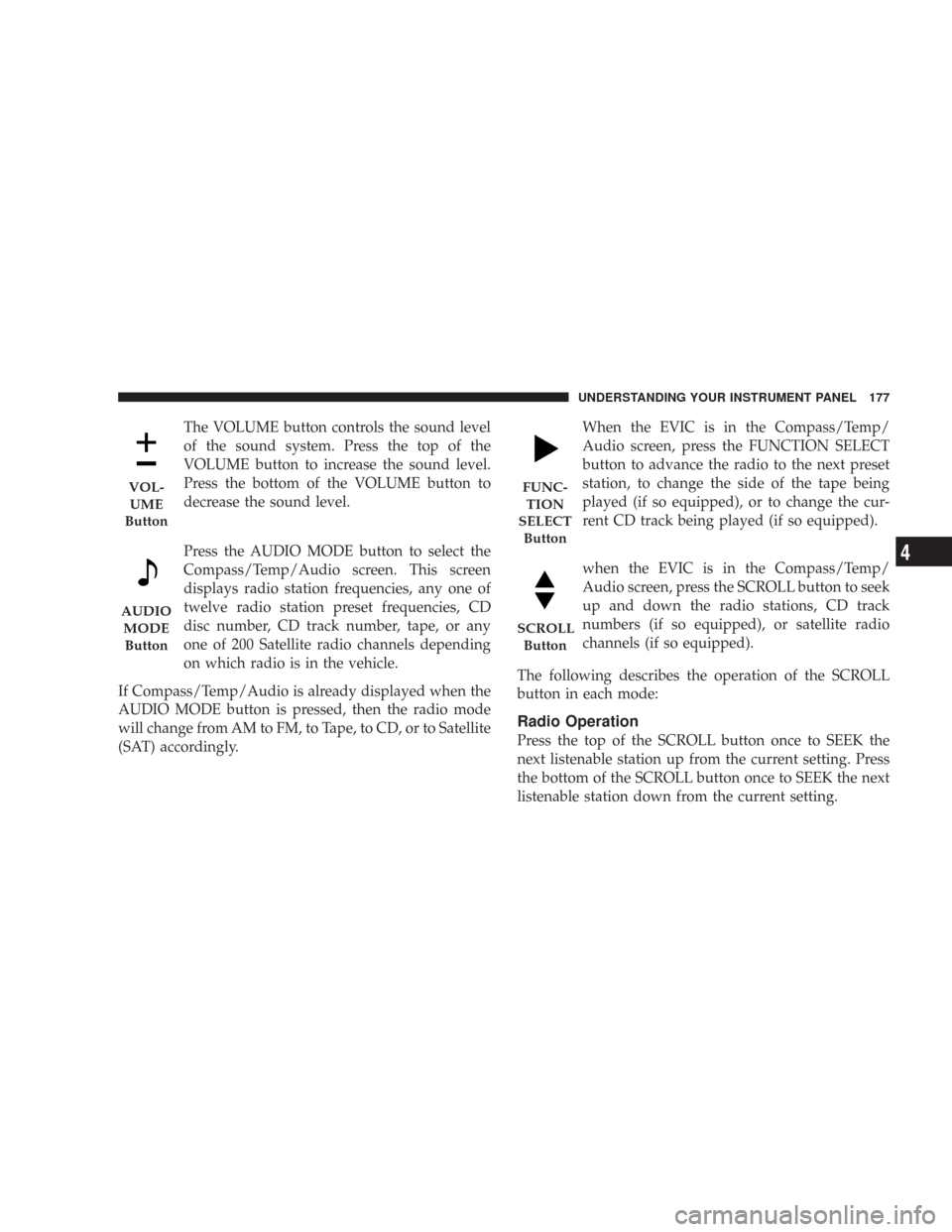
The VOLUME button controls the sound level
of the sound system. Press the top of the
VOLUME button to increase the sound level.
Press the bottom of the VOLUME button to
decrease the sound level.
Press the AUDIO MODE button to select the
Compass/Temp/Audio screen. This screen
displays radio station frequencies, any one of
twelve radio station preset frequencies, CD
disc number, CD track number, tape, or any
one of 200 Satellite radio channels depending
on which radio is in the vehicle.
If Compass/Temp/Audio is already displayed when the
AUDIO MODE button is pressed, then the radio mode
will change from AM to FM, to Tape, to CD, or to Satellite
(SAT) accordingly.When the EVIC is in the Compass/Temp/
Audio screen, press the FUNCTION SELECT
button to advance the radio to the next preset
station, to change the side of the tape being
played (if so equipped), or to change the cur-
rent CD track being played (if so equipped).
when the EVIC is in the Compass/Temp/
Audio screen, press the SCROLL button to seek
up and down the radio stations, CD track
numbers (if so equipped), or satellite radio
channels (if so equipped).
The following describes the operation of the SCROLL
button in each mode:
Radio Operation
Press the top of the SCROLL button once to SEEK the
next listenable station up from the current setting. Press
the bottom of the SCROLL button once to SEEK the next
listenable station down from the current setting.
VOL-
UME
Button
AUDIO
MODE
Button
FUNC-
TION
SELECT
Button
SCROLL
Button
UNDERSTANDING YOUR INSTRUMENT PANEL 177
4
Page 202 of 384
The following indicators should be used to ensure that
you have engaged the selector lever into the P (Park)
position:
•When shifting into P (Park) move the lever all the way
forward until it stops, and is fully seated.
•Look at the shift indicator display on the instrument
panel to ensure it is in the P (Park) position.
CAUTION!
Damage to the shifter could result if the selector
lever is moved out of P (Park) before the ignition is
turned from the LOCK to ON position.
R (Reverse)
For moving the vehicle rearward. Always stop before
moving the lever to R (Reverse), except when rocking
the vehicle.
N (Neutral)
Engine may be started in this range.
CAUTION!
Coasting the vehicle, or driving for any other reason
with selector lever in NEUTRAL can result in trans-
mission damage.
WARNING!
Do not coast in N (Neutral) and never turn off the
ignition to coast down a hill. These are unsafe
practices that limit your response to changing traffic
or road conditions. You might lose control of the
vehicle and have an accident.
D (Overdrive)
This range should be used for most city and highway
driving. It provides the smoothest up shifts and down
shifts, and the best fuel economy. Select the “3” range
when frequent transmission shifting occurs when us-
ing the Overdrive range, such as when operating the
202 STARTING AND OPERATING