Page 131 of 464

Tilt Mirrors in Reverse (Available with Memory
Seat Only) — If Equipped
This additional feature provides automatic outside mir-
ror positioning which will aid the driver’s view of the
ground rearward of the front doors. The outside mirrors
will move slightly downward from the present position
when the vehicle is shifted into the Reverse position. The
outside mirrors will then return to the original position
when the vehicle is shifted out of Reverse position. Each
stored memory setting will have an associated Tilt Mir-
rors in Reverse position.
NOTE:The Tilt Mirrors in Reverse feature is not en-
abled when delivered from the factory. The Tilt Mirrors in
Reverse feature can be enabled or disabled through the
customer programmable features in the Electronic Ve-
hicle Information Center (EVIC), refer to “Tilt Mirrors in
Reverse?” under “Use Factory Settings”.
TO OPEN AND CLOSE THE HOOD
To open the hood, two latches must be released. First pull
the hood release lever located under the left side of the
instrument panel.
Hood Release Lever
UNDERSTANDING THE FEATURES OF YOUR VEHICLE 131
3
Page 134 of 464
Interior Lights
The interior lights come on when a door is opened.
The interior lights will automatically turn off in about 15
minutes if a door is left open or the dimmer control is left
in the Dome light position. Turn the ignition switch ON
to restore the interior light operation.
Multi-Function Lever
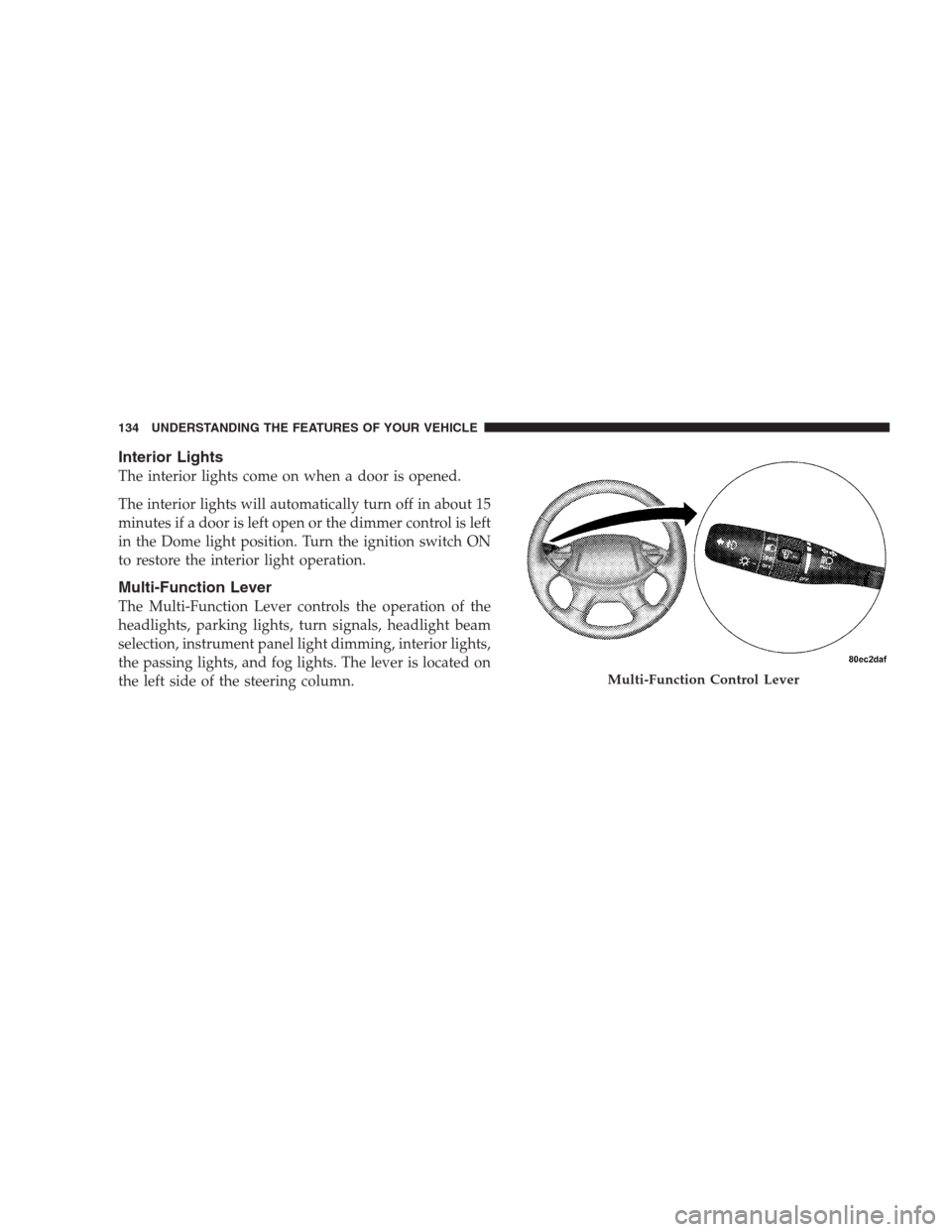
The Multi-Function Lever controls the operation of the
headlights, parking lights, turn signals, headlight beam
selection, instrument panel light dimming, interior lights,
the passing lights, and fog lights. The lever is located on
the left side of the steering column.
Multi-Function Control Lever
134 UNDERSTANDING THE FEATURES OF YOUR VEHICLE
Page 135 of 464
Headlights, Parking Lights, Instrument Panel
Lights
Turn the end of the Multi-Function Lever to the first
detent for parking light and instrument panel light
operation. Turn to the second detent for headlight, park
light and instrument panel light operation.
To change the brightness of the instrument panel lights,
rotate the center portion of the Multi-Function Lever up
or down.
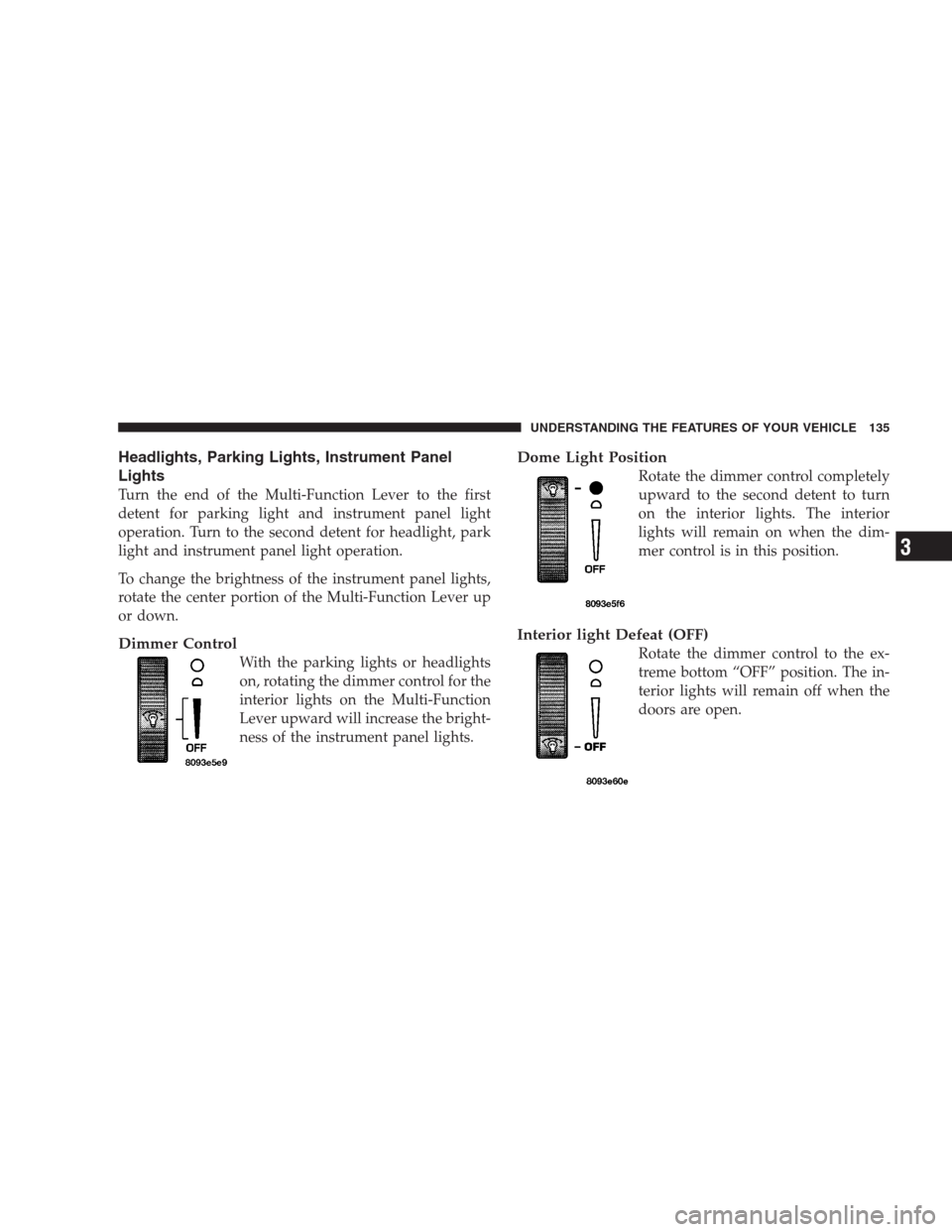
Dimmer Control
With the parking lights or headlights
on, rotating the dimmer control for the
interior lights on the Multi-Function
Lever upward will increase the bright-
ness of the instrument panel lights.
Dome Light Position
Rotate the dimmer control completely
upward to the second detent to turn
on the interior lights. The interior
lights will remain on when the dim-
mer control is in this position.
Interior light Defeat (OFF)
Rotate the dimmer control to the ex-
treme bottom “OFF” position. The in-
terior lights will remain off when the
doors are open.
UNDERSTANDING THE FEATURES OF YOUR VEHICLE 135
3
Page 164 of 464
A third outlet is located on the back of the front center
console near the floor, and is also controlled by the
ignition switch.
A fourth outlet is located on the driver’s side, in the rear
cargo area and is also controlled by the ignition switch.
The outlets include tethered caps labeled with a key or
battery symbol indicating the power source. The passen-
ger side instrument panel and center console outlets are
powered directly from the battery, items plugged into
these outlets may discharge the battery and/or prevent
engine starting.
The passenger side and center console outlets are protected
by an automatic reset circuit breaker. The automatic circuit
breaker restores power when the overload is removed.
NOTE:If desired, the fourth power outlet in the rear cargo
area can be converted by your authorized dealer to provide
power with the ignition switch in the OFF position.
Electrical Outlet Use With Engine Off
CAUTION!
•Many accessories that can be plugged in draw power from
the vehicle’s battery, even when not in use (i.e. cellular
phones, etc.). Eventually, if plugged in long enough, the
vehicle’s battery will discharge sufficiently to degrade
battery life and/or prevent engine starting.
•Accessories that draw higher power (i.e. coolers, vacuum
cleaners, lights, etc.), will degrade the battery even more
quickly. Only use these intermittently and with greater
caution.
•After the use of high power draw accessories, or long
periods of the vehicle not being started (with accessories
still plugged in), the vehicle must be driven a sufficient
length of time to allow the alternator to recharge the
vehicle’s battery.
•Power outlets are designed for accessory plugs only. Do
not hang any type of accessory or accessory bracket from
the plug. Improper use of the power outlet can cause
damage.
164 UNDERSTANDING THE FEATURES OF YOUR VEHICLE
Page 173 of 464
UNDERSTANDING YOUR INSTRUMENT PANEL
CONTENTS
�Instrument Panel And Controls.............177
�Base Instrument Cluster..................178
�Premium Instrument Cluster...............179
�Instrument Cluster Descriptions............180
�Electronic Vehicle Information Center (EVIC) —
If Equipped...........................191
▫Customer Programmable Features —
If Equipped.........................193
▫Compass Display — If Equipped..........197
▫Mini-Trip Functions — If Equipped........199�Setting The Analog Clock.................199
�Electronic Digital Clock..................200
▫Clock Setting Procedure.................200
�Radio General Information................200
▫Radio Broadcast Signals.................200
▫Two Types Of Signals..................200
▫Electrical Disturbances..................201
▫AM Reception.......................201
▫FM Reception........................2014
Page 174 of 464
�Sales Code RAH—AM & FM Stereo Radio With
CD Player And CD/DVD Changer Controls....202
▫Radio Operation......................202
▫CD Player Operation...................206
▫CD/DVD Changer Operation.............208
▫Notes On Playing MP3 Files.............208
▫Operation Instructions - (CD Mode For MP3
Audio Play).........................210
�Sales Code REV AM & FM Stereo Radio With
CD Player And CD/DVD Changer Controls....212
▫Radio Operation......................212
▫CD Player Operation...................216
▫CD/DVD Changer Operation.............218
▫Notes On Playing MP3 Files.............218▫Operation Instructions - (CD Mode For MP3
Audio Play).........................220
�6 Disc CD/DVD Changer (RDV) —
If Equipped...........................221
▫Operating Instructions — CD/DVD Changer . . 222
▫Eject (EJT) Button.....................224
▫Operating Instructions — Remote Control....224
▫Operating Instructions — Video Screen......228
▫Operating Instructions — Headphones......230
▫Operating Instructions — MP3 Player, Portable
Walkman...........................232
▫Operating Instructions — Video
Games/Camcorders...................232
�Navigation System — If Equipped...........232
174 UNDERSTANDING YOUR INSTRUMENT PANEL
Page 175 of 464
�Satellite Radio — If Equipped..............233
▫System Activation.....................234
▫Electronic Serial Number/Sirius Identification
Number (ENS/SID)....................234
▫Selecting Satellite Mode In RBB, RAH And
RBK Radios.........................235
▫Selecting Satellite Mode In RBP, RBU, RAZ,
RB1 And RBQ Radios..................235
▫Selecting a Channel....................235
▫Storing And Selecting Pre-Set Channels......236
▫Using The PTY (Program Type) Button
(If Equipped)........................236
▫PTY Button�Scan�.....................236
▫PTY Button�Seek�.....................236▫Satellite Antenna......................237
▫Reception Quality.....................237
�Remote Sound System Controls.............237
▫Radio Operation......................238
▫Tape Player.........................238
▫CD Player..........................238
�Cassette Tape And Player Maintenance.......239
�CD/DVD Disc Maintenance...............240
�Radio Operation And Cellular Phones........240
�Climate Controls.......................240
▫Manual Air Conditioning And Heating
System.............................241
▫Mode Control........................242
UNDERSTANDING YOUR INSTRUMENT PANEL 175
4
Page 176 of 464
▫Manual Air Conditioning Operation........246
▫Dual-Zone Automatic Temperature Control . . . 249▫Electric Rear Window Defroster...........259
176 UNDERSTANDING YOUR INSTRUMENT PANEL