2007 CHEVROLET MALIBU keyless
[x] Cancel search: keylessPage 225 of 510
DIC Vehicle Personalization
The following personalization options may appear
on your vehicle’s audio display by pressing the
MENU button:
OIL LIFE RESET:When this option is displayed,
you can reset the engine oil life system.
To reset the system, seeEngine Oil Life
System on page 362.
UNITS:When UNITS appears on the display,
press the enter button to move between METRIC
or ENGLISH. When you have made your choice,
press the MENU button to record your selection.
The initial setting from the factory is English for
the United States and metric for Canada.
If you choose English, all information will be
displayed in English units.
If you choose metric, all information will be
displayed in metric units.The unit measurement will also change the trip
odometer, temperature, and average fuel
economy displays.
REMOTE START:If your vehicle has this
feature, the remote start option can be enabled
or disabled. When REMOTE START appears
on the display, press the enter button to move
between OFF and ON. When you have made
your choice, press the MENU button to record
your selection. The initial setting from the
factory is ON.
LOCK HORN:If your vehicle has Remote
Keyless Entry (RKE), this option which allows
the vehicle’s horn to chirp every time the
lock button on the RKE transmitter is pressed,
can be enabled or disabled. When LOCK HORN
appears on the display, press the enter button
to move between ON and OFF. When you have
made your choice, press the MENU button to
record your selection. The initial setting from
the factory is OFF.
225
Page 226 of 510
UNLOCK HORN:If your vehicle has Remote
Keyless Entry (RKE), this option which allows
the vehicle’s horn to chirp every time the unlock
button on the RKE transmitter is pressed, can
be enabled or disabled. When UNLOCK HORN
appears on the display, press the enter button
to move between ON and OFF. When you have
made your choice, press the MENU button to
record your selection. The initial setting from
the factory is OFF.
LIGHT FLASH:If your vehicle has Remote
Keyless Entry (RKE), this option which allows
the vehicle’s exterior perimeter lighting to
ash every time the lock, unlock, or trunk release
buttons on the RKE transmitter are pressed,
can be enabled or disabled. When LIGHT FLASH
appears on the display, press the enter button
to move between OFF and ON. When you have
made your choice, press the MENU button to
record your selection. The initial setting from
the factory is ON.DELAY LOCK:The delayed locking option, which
delays the actual locking of the vehicle, can be
enabled or disabled. When DELAY LOCK appears
on the display, press the enter button to move
between OFF and ON. When you have made your
choice, press the MENU button to record your
selection. The initial setting from the factory is ON.
AUTO UNLK (Unlock):The automatic door
unlocking option, which allows the vehicle
to automatically unlock certain doors can
be enabled or disabled. When AUTO UNLK
appears on the display, press the enter button
to move between ALL, DRIVER, or NONE.
When you have made your choice, press and
the MENU button to record your selection.
The initial setting from the factory is ALL.
SeeProgrammable Automatic Door Locks
on page 106for more information.
226
Page 227 of 510
UNLK (Unlock):This screen displays only if
DRIVER or ALL is selected for the AUTO UNLK
option. This option determines when the automatic
door unlocking will occur, when either the key is
turned to OFF or the vehicle is shifted into
PARK (P). When UNLK appears on the display,
press the enter button to move between KEY OFF
and SHIFT TO P (Park). When you have made
your choice, press the MENU button to record your
selection. The initial setting from the factory is
SHIFT TO P (Park). SeeProgrammable Automatic
Door Locks on page 106for more information.
EXT (Exterior) LIGHTS:If your vehicle has
Remote Keyless Entry (RKE), this option, which
allows the vehicle’s exterior perimeter lighting
to turn on each time the unlock button on the RKE
transmitter is pressed, can be enabled or disabled.
When EXT LIGHTS appears on the display, press
the enter button to move between ON and OFF.When you have made your choice, press the MENU
button to record your selection. The initial setting
from the factory is ON.
LANGUAGE:To select your choice of language,
press the enter button to move between the
optional languages.
The languages are ENGLISH, FRENCH,
SPANISH, and GERMAN.
Choosing a language will display all of the
information on the DIC in the desired language.
When you have made your choice, press the
MENU button for at least one second to record
your selection. The initial setting from the factory
is ENGLISH.
227
Page 453 of 510
Fuses Usage
7 Not Used
8 Not Used
9 Not Used
10 Sunroof Controls
11 Not Used
12 Auxiliary Power 2
13 Not Used
14 Heated Seat Controls
15 Not Used
16Remote Keyless Entry System,
XM Satellite Radio, Rear Seat
Entertainment System, Homelink
17 Back-up Lamps
18 Not Used
19 Not Used
20Cigarette Lighter, Auxiliary Power
Outlet
21 Not Used
22 TrunkFuses Usage
23 Rear Window Defogger
24 Heated Mirror Controls
25 Fuel Pump
Relays Usage
26 Rear Window Defogger
27 Parklamps
28 Not Used
29 Not Used
30 Not Used
31 Not Used
32 Not Used
33 Back-up Lamps
34 Not Used
35 Not Used
36 Trunk
37 Fuel Pump
38 (Diode) Trunk, Cargo Lamps
453
Page 502 of 510
Instrument Panel
Overview.................................................. 168
Instrument Panel (I/P)
Brightness................................................ 184
Cluster..................................................... 198
J
Jump Starting.............................................. 385
K
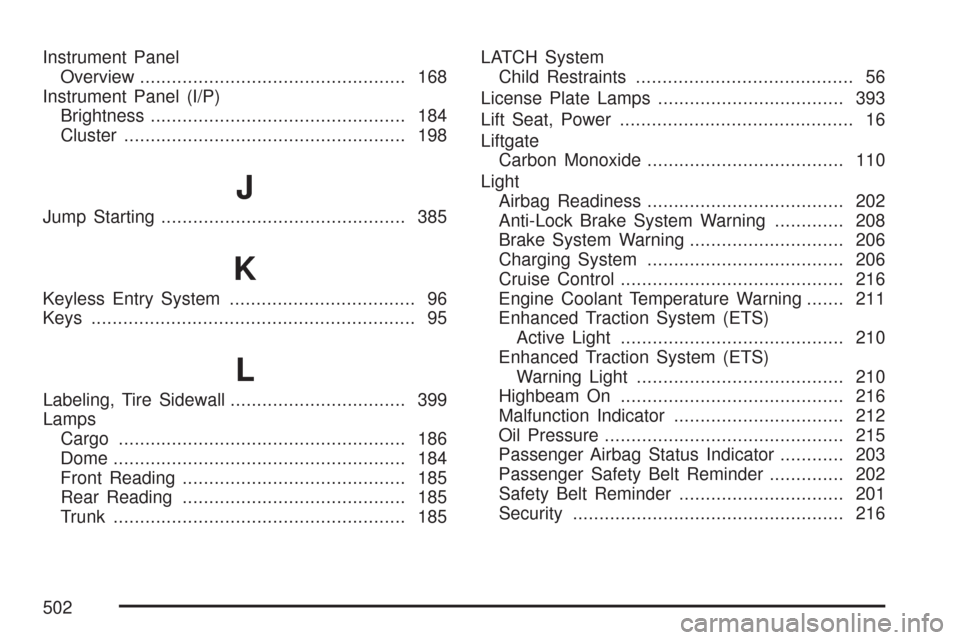
Keyless Entry System................................... 96
Keys............................................................. 95
L
Labeling, Tire Sidewall................................. 399
Lamps
Cargo...................................................... 186
Dome....................................................... 184
Front Reading.......................................... 185
Rear Reading.......................................... 185
Trunk....................................................... 185LATCH System
Child Restraints......................................... 56
License Plate Lamps................................... 393
Lift Seat, Power............................................ 16
Liftgate
Carbon Monoxide..................................... 110
Light
Airbag Readiness..................................... 202
Anti-Lock Brake System Warning............. 208
Brake System Warning............................. 206
Charging System..................................... 206
Cruise Control.......................................... 216
Engine Coolant Temperature Warning....... 211
Enhanced Traction System (ETS)
Active Light.......................................... 210
Enhanced Traction System (ETS)
Warning Light....................................... 210
Highbeam On.......................................... 216
Malfunction Indicator................................ 212
Oil Pressure............................................. 215
Passenger Airbag Status Indicator............ 203
Passenger Safety Belt Reminder.............. 202
Safety Belt Reminder............................... 201
Security................................................... 216
502
Page 506 of 510
Rearview Mirror, Automatic Dimming with
OnStar®and Compass............................. 139
Rearview Mirror with OnStar®...................... 138
Rearview Mirrors......................................... 138
Reclining Seatbacks...................................... 10
Recommended Fluids and Lubricants.......... 468
Recreational Vehicle Towing........................ 330
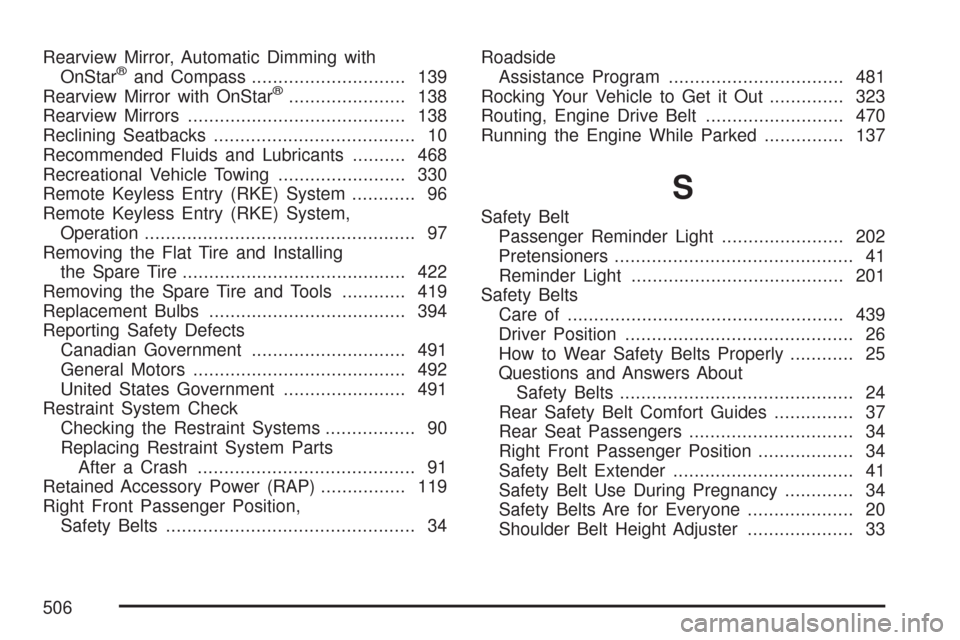
Remote Keyless Entry (RKE) System............ 96
Remote Keyless Entry (RKE) System,
Operation................................................... 97
Removing the Flat Tire and Installing
the Spare Tire.......................................... 422
Removing the Spare Tire and Tools............ 419
Replacement Bulbs..................................... 394
Reporting Safety Defects
Canadian Government............................. 491
General Motors........................................ 492
United States Government....................... 491
Restraint System Check
Checking the Restraint Systems................. 90
Replacing Restraint System Parts
After a Crash......................................... 91
Retained Accessory Power (RAP)................ 119
Right Front Passenger Position,
Safety Belts............................................... 34Roadside
Assistance Program................................. 481
Rocking Your Vehicle to Get it Out.............. 323
Routing, Engine Drive Belt.......................... 470
Running the Engine While Parked............... 137
S
Safety Belt
Passenger Reminder Light....................... 202
Pretensioners............................................. 41
Reminder Light........................................ 201
Safety Belts
Care of.................................................... 439
Driver Position........................................... 26
How to Wear Safety Belts Properly............ 25
Questions and Answers About
Safety Belts............................................ 24
Rear Safety Belt Comfort Guides............... 37
Rear Seat Passengers............................... 34
Right Front Passenger Position.................. 34
Safety Belt Extender.................................. 41
Safety Belt Use During Pregnancy............. 34
Safety Belts Are for Everyone.................... 20
Shoulder Belt Height Adjuster.................... 33
506