2007 CHEVROLET IMPALA odometer
[x] Cancel search: odometerPage 147 of 460

Instrument Panel Overview........................ 150
Hazard Warning Flashers.......................... 152
Other Warning Devices............................. 152
Horn.......................................................... 152
Tilt Wheel.................................................. 153
Turn Signal/Multifunction Lever.................. 153
Turn and Lane-Change Signals................. 154
Headlamp High/Low-Beam Changer.......... 155
Flash-to-Pass............................................ 155
Windshield Wipers..................................... 155
Windshield Washer.................................... 156
Cruise Control........................................... 157
Exterior Lamps.......................................... 160
Delayed Headlamps.................................. 162
Daytime Running Lamps (DRL)/
Automatic Headlamp System.................. 162
Fog Lamps................................................ 163
Instrument Panel Brightness...................... 163
Courtesy Lamps........................................ 163
Dome Lamp.............................................. 164
Entry Lighting............................................ 164
Delayed Entry Lighting.............................. 164
Delayed Exit Lighting................................. 165
Parade Dimming........................................ 165
Reading Lamps......................................... 165Electric Power Management...................... 165
Battery Run-Down Protection..................... 166
Accessory Power Outlet(s)........................ 167
Ashtray(s) and Cigarette Lighter................ 168
Climate Controls......................................... 168
Climate Control System............................. 168
Outlet Adjustment...................................... 172
Passenger Compartment Air Filter............. 173
Warning Lights, Gages, and Indicators..... 174
Instrument Panel Cluster........................... 175
Speedometer and Odometer...................... 176
Tachometer............................................... 176
Safety Belt Reminder Light........................ 177
Passenger Safety Belt Reminder Light....... 177
Airbag Readiness Light............................. 178
Passenger Airbag Status Indicator............. 179
Charging System Light.............................. 181
Brake System Warning Light..................... 181
Anti-Lock Brake System Warning Light...... 182
Traction Control System (TCS)
Warning Light........................................ 183
Engine Coolant Temperature
Warning Light........................................ 183
Engine Coolant Temperature Gage............ 184
Section 3 Instrument Panel
147
Page 176 of 460
Speedometer and Odometer
Your speedometer lets you see your speed in both
miles per hour (mph) and kilometers per hour
(km/h). Your odometer shows how far your vehicle
has been driven in either miles (used in the United
States) or in kilometers (used in Canada).
Your vehicle has a tamper-resistant odometer.
If you see ERROR, you’ll know someone
has probably tampered with it and the numbers
may not be accurate.
You may wonder what happens if your vehicle
needs a new odometer installed. If the new
one can be set to the mileage total of the old
odometer, then that will be done. But if it can’t,
then it will be set at zero and a label must be put
on the driver’s door to show the old mileage
reading when the new odometer was installed.
Tachometer
The tachometer displays the engine speed in
revolutions per minute (rpm).
Notice:If you operate the engine with the
tachometer in the shaded warning area, your
vehicle could be damaged, and the damages
would not be covered by your warranty. Do not
operate the engine with the tachometer in
the shaded warning area.
176
Page 191 of 460
If your vehicle has these features, the DIC also
displays the compass direction and the outside
air temperature when viewing the trip and fuel
information. The compass direction appears on the
top right corner of the DIC display. The outside air
temperature automatically appears in the bottom
right corner of the DIC display. If there is a problem
with the system that controls the temperature
display, the numbers will be replaced with dashes.
If this occurs, have the vehicle serviced by your
dealer.
The DIC also allows some features to be
customized. SeeDIC Vehicle Customization on
page 208for more information.
DIC Operation and Displays
The DIC has different displays which can be
accessed by pressing the DIC buttons located
on the instrument panel, to the right of the
instrument panel cluster.
DIC Buttons
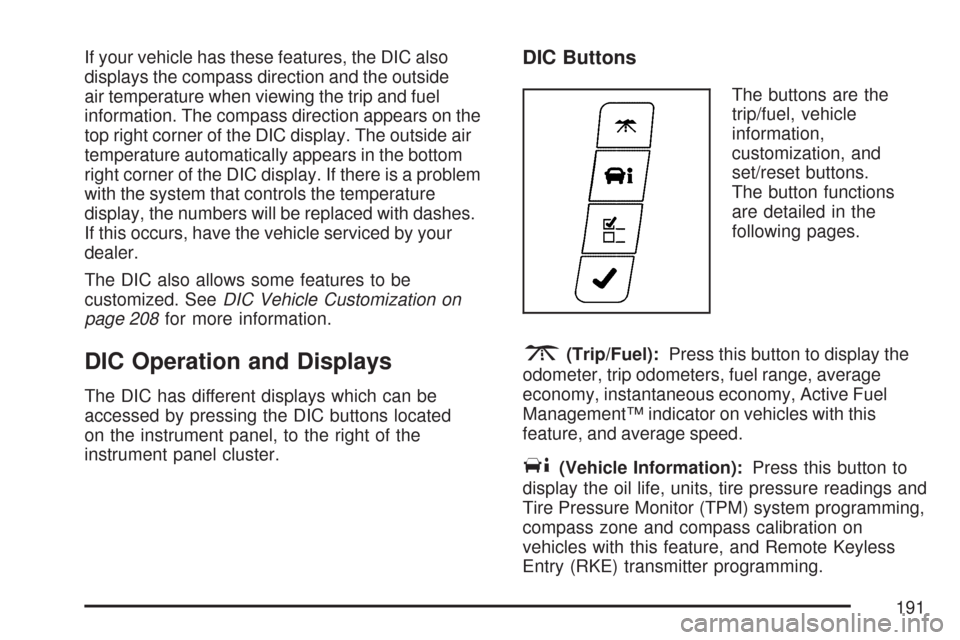
The buttons are the
trip/fuel, vehicle
information,
customization, and
set/reset buttons.
The button functions
are detailed in the
following pages.
3(Trip/Fuel):Press this button to display the
odometer, trip odometers, fuel range, average
economy, instantaneous economy, Active Fuel
Management™ indicator on vehicles with this
feature, and average speed.
T(Vehicle Information):Press this button to
display the oil life, units, tire pressure readings and
Tire Pressure Monitor (TPM) system programming,
compass zone and compass calibration on
vehicles with this feature, and Remote Keyless
Entry (RKE) transmitter programming.
191
Page 192 of 460
U(Customization):Press this button to
customize the feature settings on your vehicle.
SeeDIC Vehicle Customization on page 208
for more information.
V(Set/Reset):Press this button to set or reset
certain functions and to turn off or acknowledge
messages on the DIC.
Trip/Fuel Menu Items
3
(Trip/Fuel):Press this button to scroll
through the following menu items:
Odometer
Press the trip/fuel button until ODOMETER
displays. This display shows the distance the
vehicle has been driven in either miles (mi)
or kilometers (km).
Trip A and Trip B
Press the trip/fuel button until TRIP A or TRIP B
displays. This display shows the current distance
traveled in either miles (mi) or kilometers (km)
since the last reset for each trip odometer. Both
trip odometers can be used at the same time.Each trip odometer can be reset to zero separately
by pressing the set/reset button while the desired
trip odometer is displayed.
The trip odometer has a feature called the
retro-active reset. This can be used to set the trip
odometer to the number of miles (kilometers)
driven since the ignition was last turned on. This
can be used if the trip odometer is not reset at the
beginning of the trip.
To use the retro-active reset feature, press and hold
the set/reset button for at least four seconds. The
trip odometer will display the number of miles (mi)
or kilometers (km) driven since the ignition was last
turned on and the vehicle was moving. Once the
vehicle begins moving, the trip odometer will
accumulate mileage. For example, if the vehicle
was driven 5 miles (8 km) before it is started again,
and then the retro-active reset feature is activated,
the display will show 5 miles (8 km). As the vehicle
begins moving, the display will then increase to
5.1 miles (8.2 km), 5.2 miles (8.4 km), etc.
If the retro-active reset feature is activated after
the vehicle is started, but before it begins moving,
the display will show the number of miles (mi)
or kilometers (km) that were driven during the last
ignition cycle.
192
Page 203 of 460
ERROR
This message displays while viewing the odometer
or trip odometers if there is a problem with the
instrument panel cluster. See your dealer for
service.
FUEL LEVEL LOW
This message displays when your vehicle is low
on fuel. Rell the fuel tank as soon as possible.
SeeFuel Gage on page 190andFilling the Tank
on page 302for more information.
HOOD OPEN
If your vehicle has the remote start feature, this
message displays when the hood is not closed
properly. When this message appears, make sure
that the hood is closed completely. SeeHood
Release on page 305.
ICE POSSIBLE DRIVE WITH CARE
This message displays when the outside air
temperature is cold enough to create icy road
conditions. Adjust your driving accordingly.
LEFT REAR DOOR OPEN
This message displays when the driver’s side rear
door is not closed properly. When this message
appears, make sure that the driver’s side rear door
is closed completely.
OIL PRESSURE LOW STOP ENGINE
Notice:If you drive your vehicle while
the engine oil pressure is low, severe engine
damage may occur. If a low oil pressure
warning appears on the Driver Information
Center (DIC), stop the vehicle as soon as
possible. Do not drive the vehicle until the
cause of the low oil pressure is corrected. See
Engine Oil on page 310for more information.
This message displays when the vehicle’s
engine oil pressure is low. The oil pressure light
also appears on the instrument panel cluster.
SeeOil Pressure Light on page 188.
Stop the vehicle immediately, as engine damage
can result from driving a vehicle with low oil
pressure. Have the vehicle serviced by your dealer
as soon as possible when this message is
displayed.
203
Page 371 of 460

Wheel Replacement
Replace any wheel that is bent, cracked, or badly
rusted or corroded. If wheel nuts keep coming
loose, the wheel, wheel bolts, and wheel
nuts should be replaced. If the wheel leaks air,
replace it (except some aluminum wheels,
which can sometimes be repaired). See your
dealer/retailer if any of these conditions exist.
Your dealer/retailer will know the kind of wheel
you need.
Each new wheel should have the same
load-carrying capacity, diameter, width, offset and
be mounted the same way as the one it replaces.
If you need to replace any of your wheels, wheel
bolts, or wheel nuts, replace them only with
new GM original equipment parts. This way,
you will be sure to have the right wheel, wheel
bolts, and wheel nuts for your vehicle.{CAUTION:
Using the wrong replacement wheels,
wheel bolts, or wheel nuts on your vehicle
can be dangerous. It could affect the
braking and handling of your vehicle,
make your tires lose air and make you
lose control. You could have a collision
in which you or others could be injured.
Always use the correct wheel, wheel bolts,
and wheel nuts for replacement.
Notice:The wrong wheel can also cause
problems with bearing life, brake cooling,
speedometer or odometer calibration,
headlamp aim, bumper height, vehicle ground
clearance, and tire or tire chain clearance
to the body and chassis.
SeeChanging a Flat Tire on page 374for more
information.
371
Page 421 of 460
Maintenance Record
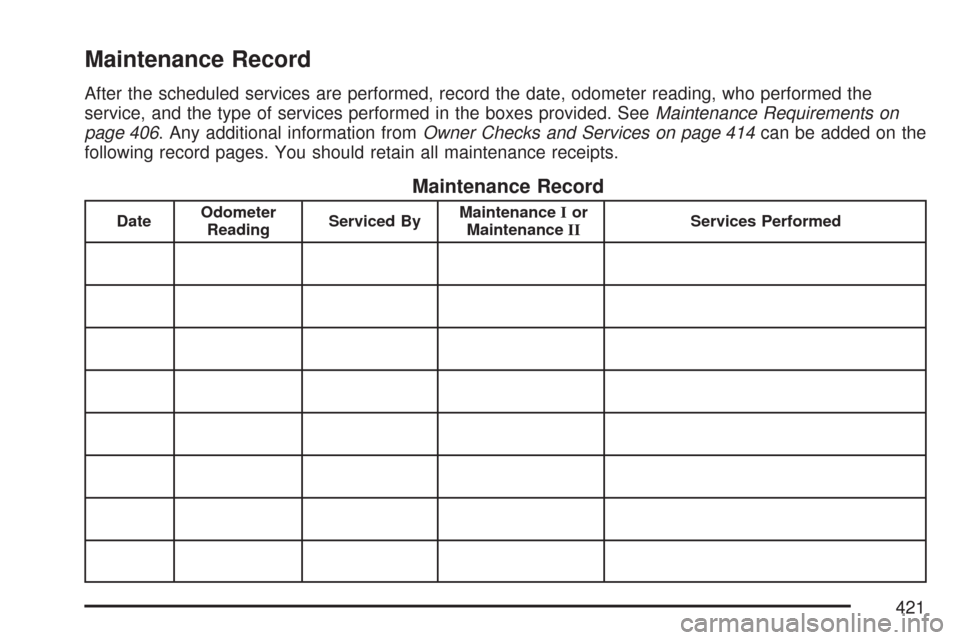
After the scheduled services are performed, record the date, odometer reading, who performed the
service, and the type of services performed in the boxes provided. SeeMaintenance Requirements on
page 406. Any additional information fromOwner Checks and Services on page 414can be added on the
following record pages. You should retain all maintenance receipts.
Maintenance Record
DateOdometer
ReadingServiced ByMaintenanceIor
MaintenanceIIServices Performed
421
Page 422 of 460
Maintenance Record (cont’d)
DateOdometer
ReadingServiced ByMaintenanceIor
MaintenanceIIServices Performed
422