2007 CHEVROLET AVALANCHE ECO mode
[x] Cancel search: ECO modePage 161 of 618
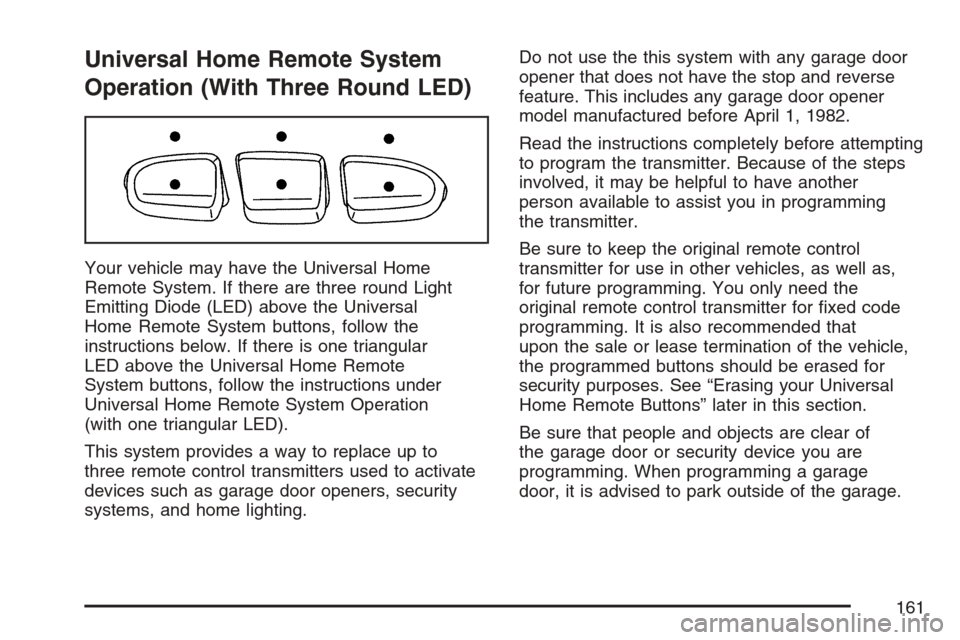
Universal Home Remote System
Operation (With Three Round LED)
Your vehicle may have the Universal Home
Remote System. If there are three round Light
Emitting Diode (LED) above the Universal
Home Remote System buttons, follow the
instructions below. If there is one triangular
LED above the Universal Home Remote
System buttons, follow the instructions under
Universal Home Remote System Operation
(with one triangular LED).
This system provides a way to replace up to
three remote control transmitters used to activate
devices such as garage door openers, security
systems, and home lighting.Do not use the this system with any garage door
opener that does not have the stop and reverse
feature. This includes any garage door opener
model manufactured before April 1, 1982.
Read the instructions completely before attempting
to program the transmitter. Because of the steps
involved, it may be helpful to have another
person available to assist you in programming
the transmitter.
Be sure to keep the original remote control
transmitter for use in other vehicles, as well as,
for future programming. You only need the
original remote control transmitter for xed code
programming. It is also recommended that
upon the sale or lease termination of the vehicle,
the programmed buttons should be erased for
security purposes. See “Erasing your Universal
Home Remote Buttons” later in this section.
Be sure that people and objects are clear of
the garage door or security device you are
programming. When programming a garage
door, it is advised to park outside of the garage.
161
Page 166 of 618
Reprogramming Universal Home
Remote Buttons
You can reprogram any of the three buttons by
repeating the instructions.
Erasing Universal Home Remote
Buttons
You should erase the programmed buttons when
you sell the vehicle or terminate your lease.
To erase either rolling code or xed code on the
Universal Home Remote device, do the following:
1. Press and hold the two outside buttons at
the same time for about 20 seconds, until
the indicator lights, located directly above the
buttons, begin to blink rapidly.
2. Once the indicator lights begin to blink,
release both buttons. The codes from all
button will be erased.
For additional information on Universal Home
Remote, seeCustomer Assistance Offices
on page 586.
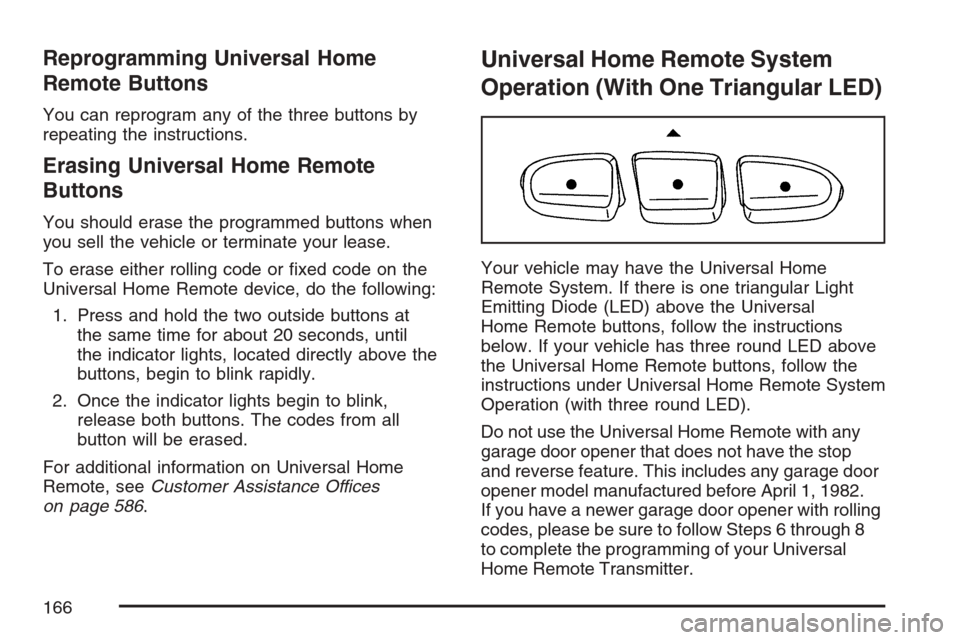
Universal Home Remote System
Operation (With One Triangular LED)
Your vehicle may have the Universal Home
Remote System. If there is one triangular Light
Emitting Diode (LED) above the Universal
Home Remote buttons, follow the instructions
below. If your vehicle has three round LED above
the Universal Home Remote buttons, follow the
instructions under Universal Home Remote System
Operation (with three round LED).
Do not use the Universal Home Remote with any
garage door opener that does not have the stop
and reverse feature. This includes any garage door
opener model manufactured before April 1, 1982.
If you have a newer garage door opener with rolling
codes, please be sure to follow Steps 6 through 8
to complete the programming of your Universal
Home Remote Transmitter.
166
Page 169 of 618
Gate Operator and Canadian
Programming
Canadian radio-frequency laws require transmitter
signals to time out or quit after several seconds
of transmission. This may not be long enough
for Universal Home Remote to pick up the signal
during programming. Similarly, some U.S. gate
operators are manufactured to time out in
the same manner.
If you live in Canada, or you are having difficulty
programming a gate operator or garage door
opener by using the “Programming Universal
Home Remote” procedures, regardless of where
you live, replace Step 3 under “Programming
Universal Home Remote” with the following:
Continue to press and hold the Universal Home
Remote button while you press and release every
two seconds (cycle) the hand-held transmitter
button until the frequency signal has been
successfully accepted by the Universal Home
Remote. The Universal Home Remote indicator
light will ash slowly at rst and then rapidly.
Proceed with Step 4 under “Programming
Universal Home Remote” to complete.
Using Universal Home Remote
Press and hold the appropriate Universal Home
Remote button for at least half of a second.
The indicator light will come on while the signal
is being transmitted.
Erasing Universal Home Remote
Buttons
To erase programming from the three Universal
Home Remote buttons do the following:
1. Press and hold down the two outside buttons
until the indicator light begins to ash, after
20 seconds. Do not hold the two outside
buttons for longer than 30 seconds.
2. Release both buttons.
The Universal Home Remote is now in the training
(learning) mode and can be programmed at any
time beginning with Step 2 under “Programming
Universal Home Remote” shown earlier in
this section.
Individual buttons cannot be erased, but they
can be reprogrammed. See “Reprogramming
a Single Universal Home Remote Button”
following this section.
169
Page 208 of 618
Turn and Lane-Change Signals
The turn signal has two upward (for right) and
two downward (for left) positions. These positions
allow you to signal a turn or a lane change.
To signal a turn, move the lever all the way up or
down. When the turn is nished, the lever will
return automatically.
To signal a lane change, raise or lower the
lever for less than one second until the arrow
starts to ash. This will cause the turn signals
to automatically ash three times. It will ash
six times if the tow-haul mode is active. Holding
the turn signal lever for more than one second will
cause the turn signals to ash until you release
the lever. The lever will return by itself when
it is released.
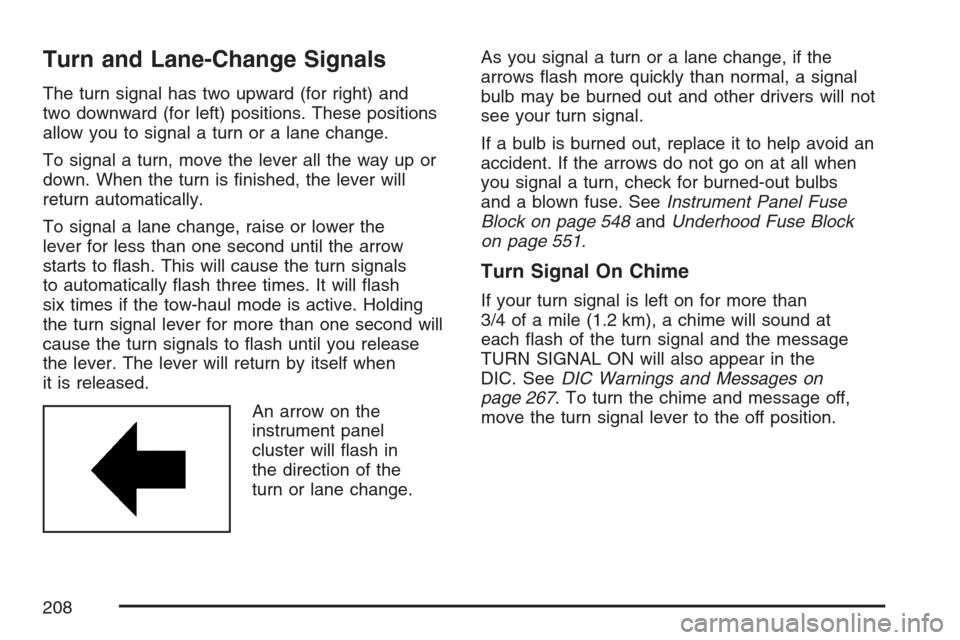
An arrow on the
instrument panel
cluster will ash in
the direction of the
turn or lane change.As you signal a turn or a lane change, if the
arrows ash more quickly than normal, a signal
bulb may be burned out and other drivers will not
see your turn signal.
If a bulb is burned out, replace it to help avoid an
accident. If the arrows do not go on at all when
you signal a turn, check for burned-out bulbs
and a blown fuse. SeeInstrument Panel Fuse
Block on page 548andUnderhood Fuse Block
on page 551.
Turn Signal On Chime
If your turn signal is left on for more than
3/4 of a mile (1.2 km), a chime will sound at
each ash of the turn signal and the message
TURN SIGNAL ON will also appear in the
DIC. SeeDIC Warnings and Messages on
page 267. To turn the chime and message off,
move the turn signal lever to the off position.
208
Page 210 of 618

You control the windshield wipers by turning the
band with the wiper symbol on it.
8(Mist):For a single wiping cycle, turn the
band to mist. Hold it there until the wipers start.
Then let go. The wipers will stop after
one wipe. If you want more wipe cycles, hold
the band on mist longer.
6(Delay):You can set the wiper speed for a long
or short delay between wiping cycles. This can
be very useful in light rain or snow. Turn the band
to choose the delay time. The closer to the top
of the lever, the shorter the delay.
6(Low Speed):For steady wiping at low
speed, turn the band away from you to the
rst solid band past the delay settings.
1(High Speed):For high-speed wiping,
turn the band further, to the second solid band
past the delay settings.
9(Off):To stop the wipers, move the band to off.
Rainsense™ II Wipers
If your vehicle has Rainsense™ II windshield
wipers, the moisture sensor is located next to
the inside rearview mirror and is mounted on the
windshield. When active, these sensors are
able to detect moisture on the windshield and
automatically turn on the wipers.
To turn on the Rainsense™ feature, the wipers
must be set to one of the ve delay settings on
the multifunction lever. Each of the ve settings
adjusts the sensitivity of the rainsensor.
Since different drivers have different setting
preferences, it is recommended that the mid-range
setting (position 3) be used initially. For more
wipes, select the higher settings; for fewer wipes,
select the lower settings located closer to the
off position on the multifunction lever.
The rainsensor will automatically control the
frequency of the wipes from the off setting to
the high speed setting according to the weather
conditions. The wipers can be left in a rainsense
mode even when it is not raining.
Notice:Going through an automatic car
wash with the wipers on can damage them.
Turn the wipers off when going through
an automatic car wash.
210
Page 227 of 618

Climate Controls
Dual Climate Control System
With this system you can control the heating,
cooling, defrost, defog and ventilation of
your vehicle.
Manual Operation
Turn the right knob clockwise or counterclockwise
to direct the airow inside of your vehicle.To change the current mode, select one of the
following:
H(Vent):This mode directs air to the instrument
panel outlets.
)(Bi-Level):This mode directs half of the air
to the instrument panel outlets and to the
oor outlets. The ow can be divided between
vent and oor outlets depending upon where the
knob is placed between the settings. A little
air is directed towards the windshield and side
window outlets. Cooler air is directed to the
upper outlets and warmer air to the oor outlets.
6(Floor):This mode directs most of the air
to the oor outlets, with some of the air directed
to the windshield, side window outlets, and
second row oor outlets. In this mode, the system
will automatically select outside air. Recirculation
cannot be selected when in Floor Mode.
The right knob can also be used to select defog
or defrost mode. For more information, see
“Defogging and Defrosting” later in this section.
By positioning the right knob between two modes,
a combination of those two modes is selected.
227
Page 232 of 618

Automatic Operation
AUTO (Automatic):When automatic operation
is active the system will control the inside
temperature, the air delivery, and the fan speed.
Use the steps below to place the entire system
in automatic mode:
1. Press the AUTO button.
When AUTO is selected, the display will
change to show the current temperature(s)
and AUTO will be lit on the display. The
current delivery mode and fan speed will also
be displayed for approximately 5 seconds.
When AUTO is selected, the air conditioning
operation and air inlet will be automatically
controlled. The air conditioning compressor
will run when the outside temperature is over
about 40°F (4°C). The air inlet will normally
be set to outside air. If it is hot outside, the
air inlet may automatically switch to recirculate
inside air to help quickly cool down your
vehicle. The light on the button will illuminate
in recirculation.2. Set the driver’s and passenger’s temperature.
To nd your comfort setting, start with a
74°F (23°C) temperature setting and allow
about 20 minutes for the system to regulate.
Use the driver’s or passenger’s temperature
buttons to adjust the temperature setting
as necessary. If you choose the temperature
setting of 60°F (15°C), the system will
remain at the maximum cooling setting.
If you choose the temperature setting of
90°F (32°C), the system will remain at the
maximum heat setting. Choosing either
maximum setting will not cause the vehicle
to heat or cool any faster.
Be careful not to cover the solar sensor located
on the top of the instrument panel near the
windshield. This sensor regulates air temperature
based on sun load and also turns on your
headlamps. For more information on the solar
sensor, see “Sensors” later in this section.
232
Page 234 of 618

The air delivery mode setting will be displayed
and the AUTO light will turn off. The fan will
remain under automatic control.
H(Vent):This setting will deliver air to the
instrument panel outlets.
)(Bi-Level):This mode directs half of the
air to the instrument panel outlets and to the
oor outlets. The ow can be divided between
vent and oor outlets depending upon where the
knob is placed between the settings. A little
air is directed towards the windshield and side
window outlets. Cooler air is directed to the
upper outlets and warmer air to the oor outlets.
6(Floor):This mode directs most of the air
to the oor outlets, with some of the air directed
to the windshield, side window outlets, and
second row oor outlets. In this mode, the system
will automatically select outside air.
-(Defog):See “Defogging and Defrosting” later
in this section.
@(Recirculation):Press this button to turn
the recirculation mode on. When the button
is pressed, an indicator light will come on.
This mode keeps outside air from entering the
vehicle. It can be used to reduce outside air
and prevent odors from entering your vehicle.
Recirculation may also help cool the air inside
your vehicle more quickly once the temperature
inside the vehicle is less than the outside
temperature.
The recirculation mode cannot be used with
oor, defrost, or defogging modes. If you try to
select recirculation in one of those modes,
the indicator will ash three times and turn off.
The air conditioning compressor will also come on
when this mode is activated. While in recirculation
mode the windows may fog when the weather
is cold and damp. To clear the fog, select either
the defog or defrost mode and increase the
fan speed. Recirculation mode can be turned off
by pressing the button again, or turning off
the engine.
234