2007 BUICK LACROSSE display
[x] Cancel search: displayPage 282 of 512
FM Stereo
FM stereo will give the best sound, but FM signals
will reach only about 10 to 40 miles (16 to 65 km).
Tall buildings or hills can interfere with FM
signals, causing the sound to fade in and out.
XM™ Satellite Radio Service
XM™ Satellite Radio Service gives digital radio
reception from coast-to-coast in the 48 contiguous
United States, and in Canada. Just as with FM,
tall buildings or hills can interfere with satellite
radio signals, causing the sound to fade in and out.
In addition, traveling or standing under heavy
foliage, bridges, garages, or tunnels may cause
loss of the XM™ signal for a period of time.
The radio may display NO SIGNAL to indicate
interference.
Care of Your CDs
Handle CDs carefully. Store them in their original
cases or other protective cases and away from
direct sunlight and dust. The CD player scans the
bottom surface of the disc. If the surface of a
CD is damaged, such as cracked, broken,
or scratched, the CD will not play properly or not
at all. If the surface of a CD is soiled, take a
soft, lint free cloth or dampen a clean, soft cloth in
a mild, neutral detergent solution mixed with
water, and clean it. Make sure the wiping process
starts from the center to the edge.
Do not touch the bottom side of a CD while
handling it; this could damage the surface. Pick up
CDs by grasping the outer edges or the edge of
the hole and the outer edge.
Care of the CD Player
Do not use CD lens cleaners for CD players
because the lens of the CD optics can become
contaminated by lubricants.
282
Page 284 of 512

XM™ Satellite Radio
Antenna System
The XM™ Satellite Radio antenna is located on
the roof of your vehicle. Keep this antenna clear of
snow and ice build up for clear radio reception.
If your vehicle has a sunroof, the performance of
the XM™ system may be affected if the sunroof
is open.
Loading items onto the roof of your vehicle can
interfere with the performance of the XM™ system.
Make sure the XM™ Satellite Radio antenna is
not obstructed.
Chime Level Adjustment
The radio is used to adjust the vehicle’s chime
level. To change the volume level of the chime,
press and hold pushbutton 6 with the ignition
on and the radio power off. The volume level
will change from the normal level to loud,
and LOUD will appear on the radio display.
To change back to the default or normal setting,
press and hold pushbutton 6 again. The volume
level will change from the loud level to normal,
and NORMAL will appear on the radio display.
Removing the radio and not replacing it with
a factory radio or chime module will disable
vehicle chimes.
284
Page 294 of 512
Traction Control System (TCS)
Your vehicle may have a Traction Control System
(TCS) that limits wheel spin. This is especially
useful in slippery road conditions. The system
operates only if it senses that one or both of the
front wheels are spinning or beginning to lose
traction. When this happens, the system works the
front brakes and reduces engine power to limit
wheel spin. It may also upshift the transaxle to limit
wheel spin. You may feel or hear the system
working, but this is normal.
The TRACTION CONTROL ACTIVE message on
the Driver Information Center (DIC) will be
displayed when the system is limiting wheel spin.
If the vehicle is in cruise control when the TCS
begins to limit wheel spin, the cruise control will
automatically disengage. When road conditions
allow safe use of the cruise control, it can be used
again. SeeCruise Control on page 154.The TCS operates in all transaxle shift lever
positions. But the system can upshift the transaxle
only as high as the shift lever position that was
chosen, so use the lower gears only when
necessary. SeeAutomatic Transaxle Operation
on page 114.
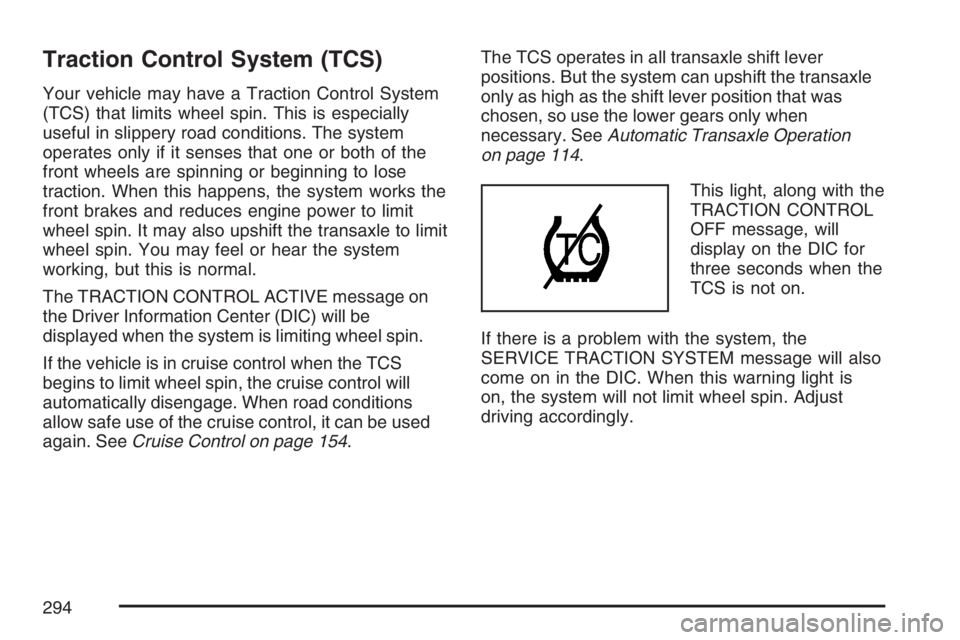
This light, along with the
TRACTION CONTROL
OFF message, will
display on the DIC for
three seconds when the
TCS is not on.
If there is a problem with the system, the
SERVICE TRACTION SYSTEM message will also
come on in the DIC. When this warning light is
on, the system will not limit wheel spin. Adjust
driving accordingly.
294
Page 295 of 512
To limit wheel spin, especially in slippery road
conditions, you should always leave the TCS on.
But you can turn the system off if you ever
need to. The TCS should be turned off if the
vehicle ever gets stuck in sand, mud or snow and
rocking the vehicle is required. SeeRocking
Your Vehicle to Get It Out on page 319andIf Your
Vehicle is Stuck in Sand, Mud, Ice, or Snow on
page 318.
To turn the TCS on or off, press the TCS button
located above the radio.
When the TCS is turned off, the TCS warning light
will come on along with the TRACTION CONTROL
OFF message on the DIC. It will disappear when
the TCS is turned back on. If the TCS is limiting
wheel spin when the TCS button is pressed, the
TCS warning light will come on and the TCS will
turn off right away.
Adding non-GM accessories can affect your
vehicle’s performance. SeeAccessories and
Modications on page 341for more information.Enhanced Traction System (ETS)
Your vehicle may have an Enhanced Traction
System (ETS) that limits wheel spin. This is
especially useful in slippery road conditions. The
system operates only if it senses that one or
both of the front wheels are spinning or beginning
to lose traction. When this happens, the system
reduces engine power and may also upshift
the transaxle to limit wheel spin. You may feel or
hear the system working, but this is normal.
The TRACTION CONTROL ACTIVE message on
the Driver Information Center (DIC) will be
displayed when the system is limiting wheel spin.
If the vehicle is in cruise control when ETS
begins to limit wheel spin, the cruise control will
automatically disengage. When road conditions
allow safe use of it, the cruise control can be used
again. SeeCruise Control on page 154.
295
Page 296 of 512
The ETS operates in all transaxle shift lever
positions. But the system can upshift the transaxle
only as high as the chosen shift lever position,
so use the lower gears only when necessary. See
Automatic Transaxle Operation on page 114.
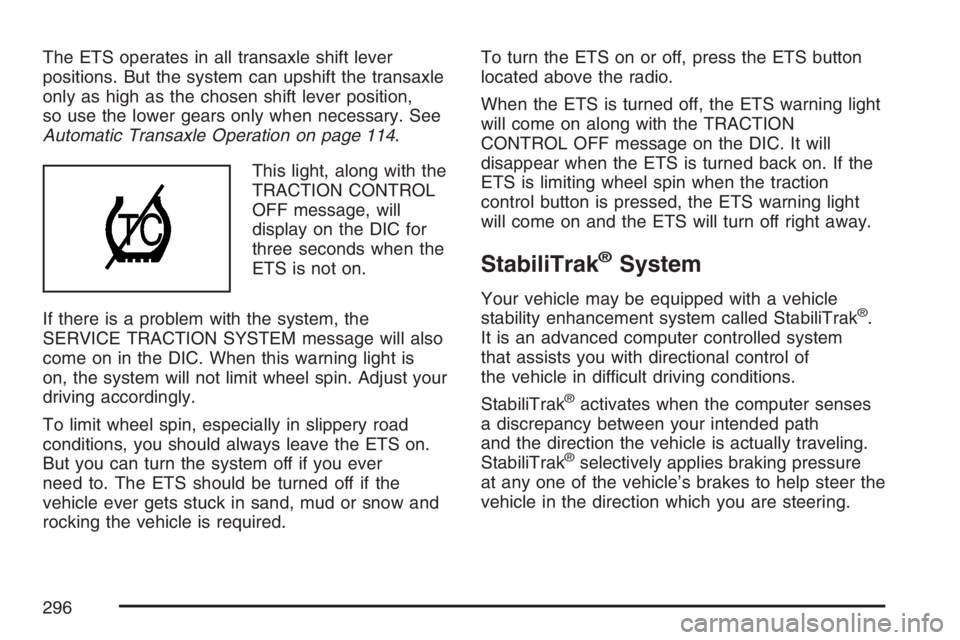
This light, along with the
TRACTION CONTROL
OFF message, will
display on the DIC for
three seconds when the
ETS is not on.
If there is a problem with the system, the
SERVICE TRACTION SYSTEM message will also
come on in the DIC. When this warning light is
on, the system will not limit wheel spin. Adjust your
driving accordingly.
To limit wheel spin, especially in slippery road
conditions, you should always leave the ETS on.
But you can turn the system off if you ever
need to. The ETS should be turned off if the
vehicle ever gets stuck in sand, mud or snow and
rocking the vehicle is required.To turn the ETS on or off, press the ETS button
located above the radio.
When the ETS is turned off, the ETS warning light
will come on along with the TRACTION
CONTROL OFF message on the DIC. It will
disappear when the ETS is turned back on. If the
ETS is limiting wheel spin when the traction
control button is pressed, the ETS warning light
will come on and the ETS will turn off right away.
StabiliTrak®System
Your vehicle may be equipped with a vehicle
stability enhancement system called StabiliTrak®.
It is an advanced computer controlled system
that assists you with directional control of
the vehicle in difficult driving conditions.
StabiliTrak
®activates when the computer senses
a discrepancy between your intended path
and the direction the vehicle is actually traveling.
StabiliTrak
®selectively applies braking pressure
at any one of the vehicle’s brakes to help steer the
vehicle in the direction which you are steering.
296
Page 297 of 512

When the system activates, a STABILITY
CONTROL ACTIVE message will be displayed on
the Driver Information Center (DIC). SeeDIC
Warnings and Messages on page 208. You may
also hear a noise or feel vibration in the brake
pedal. This is normal. Continue to steer the vehicle
in the direction you want it to go.
If there is a problem detected with StabiliTrak
®,a
SERVICE STABILITY SYSTEM or STABILITY
CONTROL OFF message will be displayed on the
Driver Information Center (DIC). A warning light
will also appear on the instrument panel cluster.
SeeDIC Warnings and Messages on page 208.
When this message is displayed, the system is not
operational. Driving should be adjusted
accordingly.
If your vehicle is in cruise control when the
StabiliTrak
®activates, the cruise control will
automatically disengage. When road conditions
allow you to safely use it again, you may reengage
the cruise control. SeeCruise Control on
page 154for more information.
Steering
Power Steering
If you lose power steering assist because the
engine stops or the system is not functioning, you
can steer but it will take much more effort.
Steering Tips
It is important to take curves at a reasonable
speed.
A lot of the “driver lost control” accidents mentioned
on the news happen on curves. Here is why:
Experienced driver or beginner, each of us is
subject to the same laws of physics when driving on
curves. The traction of the tires against the road
surface makes it possible for the vehicle to change
its path when you turn the front wheels. If there is
no traction, inertia will keep the vehicle going in the
same direction. If you have ever tried to steer a
vehicle on wet ice, you will understand this.
297
Page 347 of 512

{CAUTION:
If you spill fuel and then something
ignites it, you could be badly burned.
Fuel can spray out on you if you open
the fuel cap too quickly. This spray can
happen if your tank is nearly full, and is
more likely in hot weather. Open the fuel
cap slowly and wait for any hiss noise to
stop. Then unscrew the cap all the way.
Be careful not to spill fuel. Do not top off or overll
the tank and wait a few seconds after you have
nished pumping before removing the nozzle.
Clean fuel from painted surfaces as soon as
possible. SeeWashing Your Vehicle on page 442.
When replacing the fuel cap, turn it clockwise until
it clicks. Make sure the cap is fully installed. The
diagnostic system can determine if the fuel cap
has been left off or improperly installed. This would
allow fuel to evaporate into the atmosphere.
SeeMalfunction Indicator Lamp on page 190.Your vehicle may also have a check gas cap
warning light, which will be displayed on the
instrument panel cluster if the fuel cap is not
properly installed. SeeCheck Gas Cap Light
on page 199for more information.
If your vehicle has a Driver Information Center
(DIC), the CHECK GAS CAP message will
be displayed if the fuel cap is not properly
installed. SeeDIC Warnings and Messages
on page 208for more information.
{CAUTION:
If a re starts while you are refueling,
do not remove the nozzle. Shut off the
ow of fuel by shutting off the pump or
by notifying the station attendant. Leave
the area immediately.
Notice:If you need a new fuel cap, be sure to
get the right type. Your dealer can get one for
you. If you get the wrong type, it may not t
properly. This may cause your malfunction
indicator lamp to light and may damage
your fuel tank and emissions system. See
Malfunction Indicator Lamp on page 190.
347
Page 367 of 512

Radiator Pressure Cap
Notice:If the pressure cap is not tightly
installed, coolant loss and possible engine
damage may occur. Be sure the cap is properly
and tightly secured.
The radiator pressure cap is located in the front
of the engine compartment on the passenger’s
side of the vehicle. SeeEngine Compartment
Overview on page 350for more information
on location.
Engine Overheating
There is a coolant temperature gage and a
warning light on the instrument panel cluster that
indicate an overheated engine condition. See
Engine Coolant Temperature Gage on page 189
andEngine Coolant Temperature Warning Light
on page 188for more information.
In addition, if your vehicle is equipped with a
Driver Information Center (DIC), you will nd an
ENGINE COOLANT HOT and a REDUCED
POWER STOP WHEN SAFE message displayed
on the DIC. SeeDIC Warnings and Messages
on page 208for more information.
367