Page 189 of 425
5-16 Audio
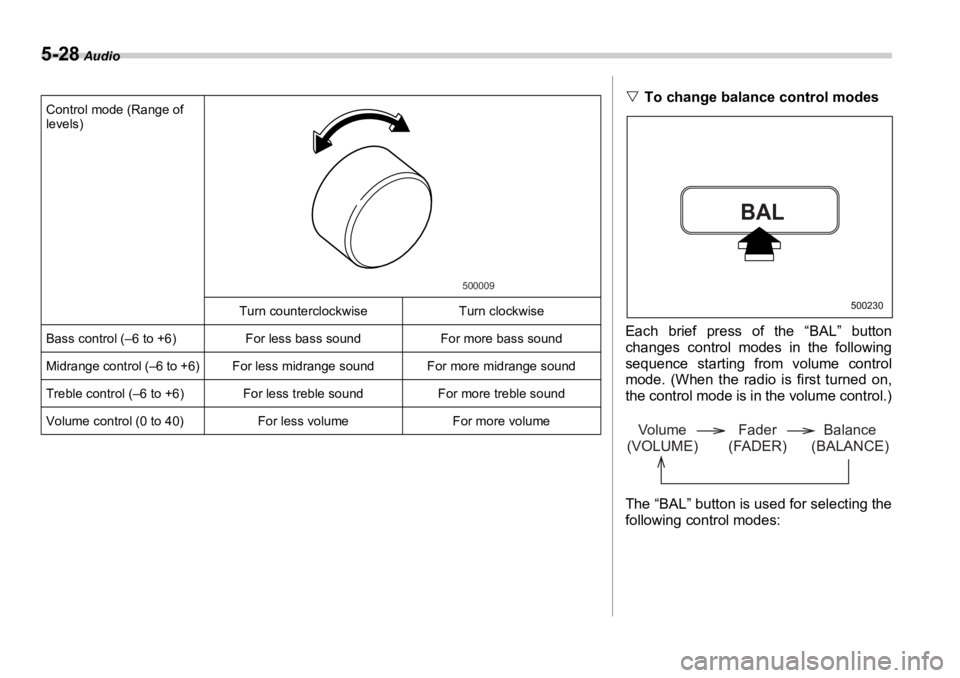
Control mode (Range of
levels)
Turn counterclockw ise Turn clockwise
Fader control (R9 to F9) To increase rear speaker volume
and decrease front speaker vol-
ume To increase front speaker volume
and decrease rear speaker vol-
ume
Balance control (L9 to R9) To increase left speaker volume
and decrease right speaker vol-
ume To increase right speaker volume
and decrease left speaker vol-
ume
Volume control (0 to 40) For less volume For more volume 500009
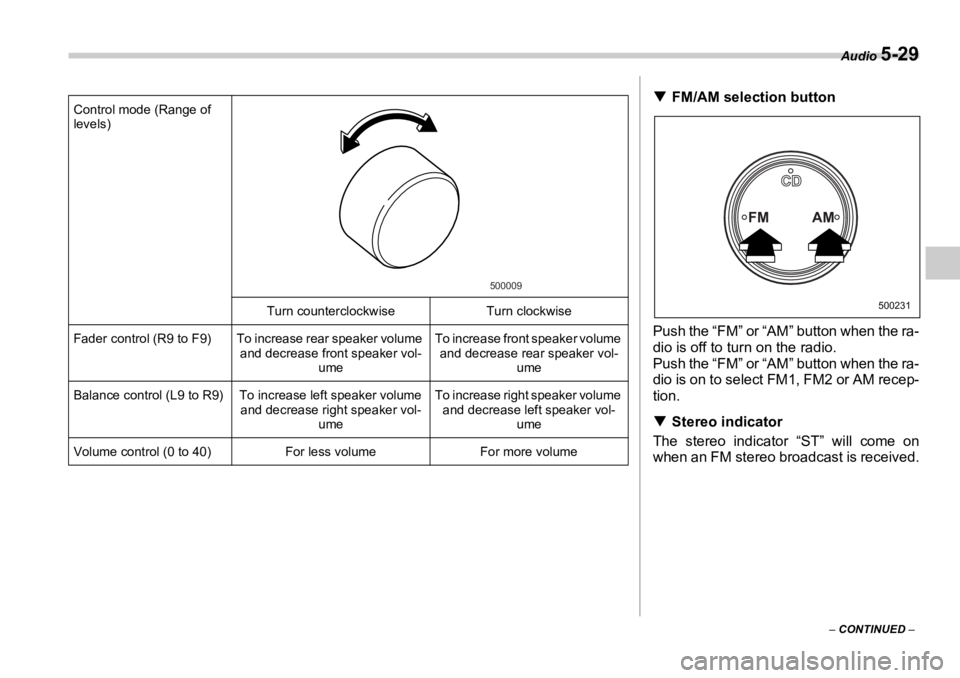
T FM/AM selection button (FM/AM)
Push the “FM” or “AM” button when the ra-
dio is off to turn on the radio.
Push the “FM” or “AM” button when the ra-
dio is on to select FM1, FM2 or AM recep-
tion.
T Stereo indicator
The stereo indicator “ST” will come on
when an FM stereo broadcast is received. FM AM CD 500231
Page 201 of 425
5-28 Audio
Control mode (Range of
levels)
Turn counterclockw ise Turn clockwise
Bass control (–6 to +6) For less bass sound For more bass sound
Midrange control (–6 to +6) For less midrange sound For more midrange sound
Treble control (–6 to +6) For less treble sound For more treble sound
Volume control (0 to 40) For less volume For more volume 500009
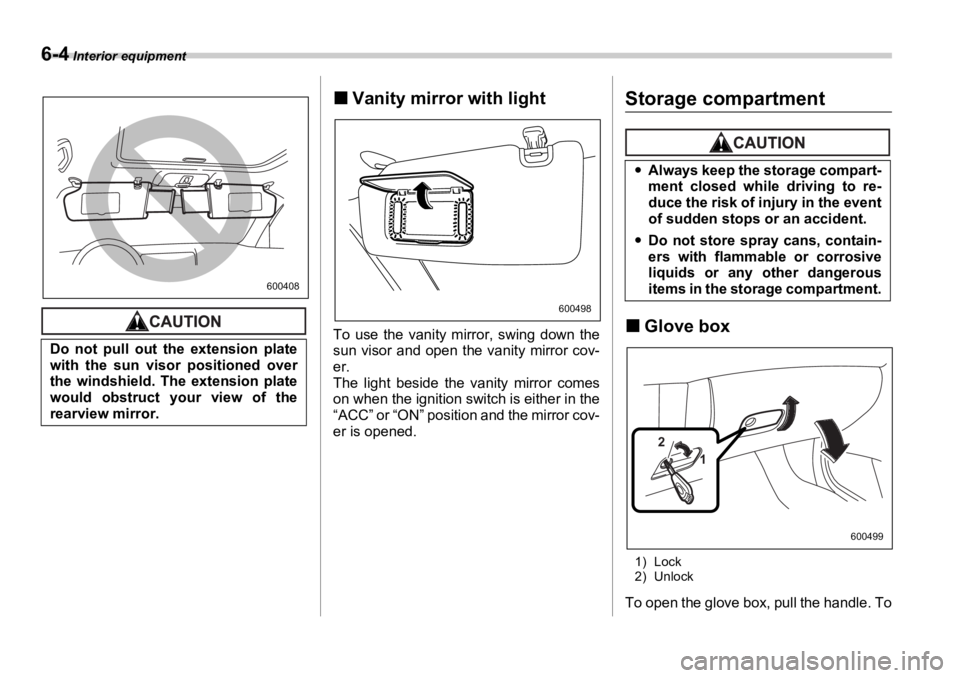
V To change balance control modes
Each brief press of the “BAL” button
changes control modes in the following
sequence starting from volume control
mode. (When the radio is first turned on,
the control mode is in the volume control.)
The “BAL” button is used for selecting the
following control modes:BAL 500230
Volume
(VOLUME) Balance
(BALANCE)Fader
(FADER)
Page 202 of 425
Audio
5-29
– CONTINUED –Control mode (Range of
levels)
Turn counterclockw ise Turn clockwise
Fader control (R9 to F9) To increase rear speaker volume
and decrease front speaker vol-
ume To increase front speaker volume
and decrease rear speaker vol-
ume
Balance control (L9 to R9) To increase left speaker volume
and decrease right speaker vol-
ume To increase right speaker volume
and decrease left speaker vol-
ume
Volume control (0 to 40) For less volume For more volume 500009
T FM/AM selection button
Push the “FM” or “AM” button when the ra-
dio is off to turn on the radio.
Push the “FM” or “AM” button when the ra-
dio is on to select FM1, FM2 or AM recep-
tion.
T Stereo indicator
The stereo indicator “ST” will come on
when an FM stereo broadcast is received. FM AM CD 500231
Page 220 of 425
Interior equipment
6-3
– CONTINUED –Vehicle without moonroof
To turn on the map light, push the switch.
To turn it off, pu sh the switch again.
When leaving the vehicle, make sure the
light is turned off to avoid battery dis-
charge. Sun visors
To block out glare, swing down the visors.
To use the sun visor at a side window,
swing it down and move it sideways. „ Sun visor extension plate
With the sun visor positioned over the side
window, you can use the sun visor exten-
sion plate to prevent glare through the gap
between the sun visor and center pillar. To
use the extension plate, pull it toward the
rear of the vehicle. When you have fin-
ished using it, stow it by pushing it toward
the front of the vehicle.600496
400228 600407
Page 221 of 425
6-4 Interior equipment
„ Vanity mirror with light
To use the vanity mirror, swing down the
sun visor and open the vanity mirror cov-
er.
The light beside the vanity mirror comes
on when the ignition switch is either in the
“ACC” or “ON” position and the mirror cov-
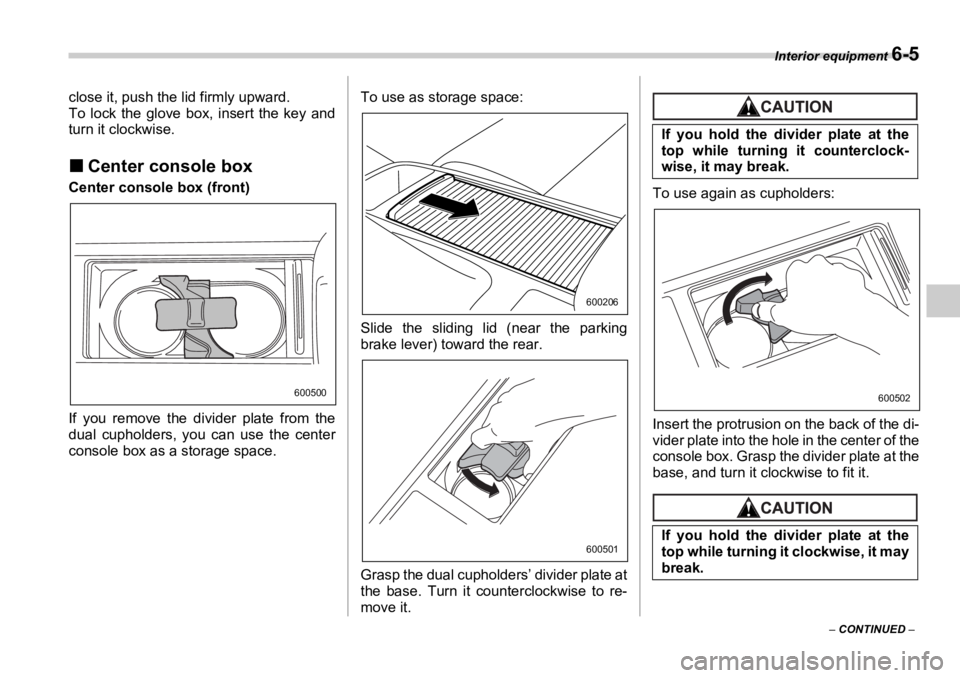
er is opened. Storage compartment
„ Glove box
1) Lock
2) Unlock
To open the glove box, pull the handle. ToDo not pull out the extension plate
with the sun visor positioned over
the windshield. The extension plate
would obstruct your view of the
rearview mirror. 600408
600498
y Always keep the storage compart-
ment closed while driving to re-
duce the risk of injury in the event
of sudden stops or an accident.
y Do not store spray cans, contain-
ers with flammable or corrosive
liquids or any other dangerous
items in the storage compartment.
12
600499
Page 222 of 425
Interior equipment
6-5
– CONTINUED –close it, push the lid firmly upward.
To lock the glove box, insert the key and
turn it clockwise.
„ Center console boxCenter console box (front)
If you remove the divider plate from the
dual cupholders, you can use the center
console box as a storage space. To use as storage space:
Slide the sliding lid (near the parking
brake lever) toward the rear.
Grasp the dual cupholders’ divider plate at
the base. Turn it counterclockwise to re-
move it. To use again as cupholders:
Insert the protrusion on the back of the di-
vider plate into the hole in the center of the
console box. Grasp the divider plate at the
base, and turn it clockwise to fit it.600500 600206
600501If you hold the divider plate at the
top while turning it counterclock-
wise, it may break.
If you hold the divider plate at the
top while turning it clockwise, it may
break. 600502
Page 223 of 425
6-6 Interior equipment
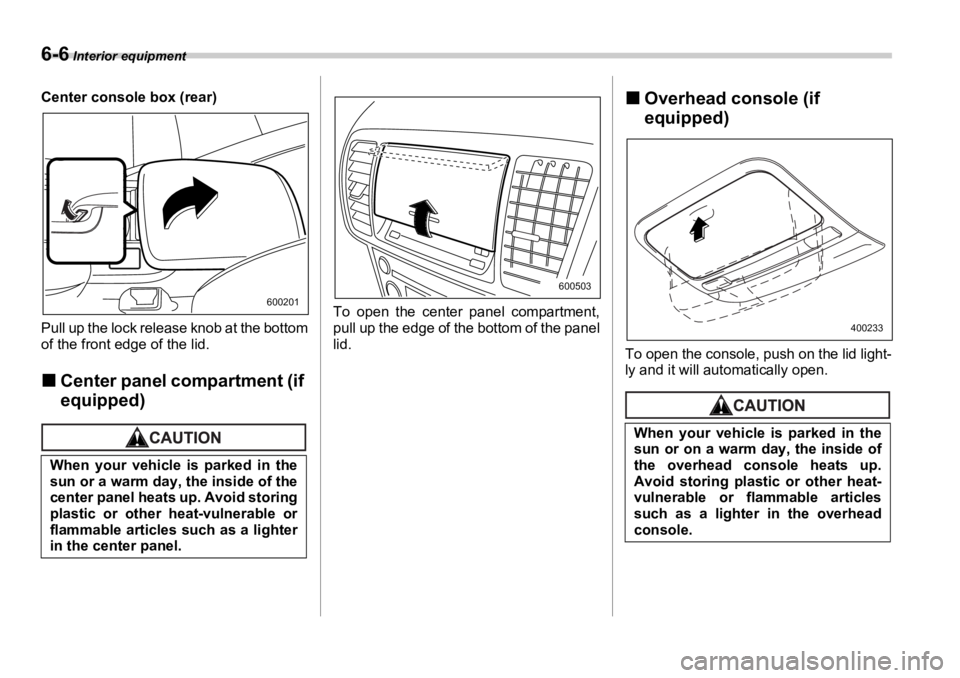
Center console box (rear)
Pull up the lock release knob at the bottom
of the front edge of the lid.
„ Center panel compartment (if
equipped) To open the center panel compartment,
pull up the edge of the bottom of the panel
lid. „ Overhead console (if
equipped)
To open the console, push on the lid light-
ly and it will automatically open.
When your vehicle is parked in the
sun or a warm day, the inside of the
center panel heats up. Avoid storing
plastic or other heat-vulnerable or
flammable articles such as a lighter
in the center panel. 600201 600503
When your vehicle is parked in the
sun or on a warm day, the inside of
the overhead console heats up.
Avoid storing plastic or other heat-
vulnerable or flammable articles
such as a lighter in the overhead
console. 400233
Page 234 of 425
Interior equipment
6-17
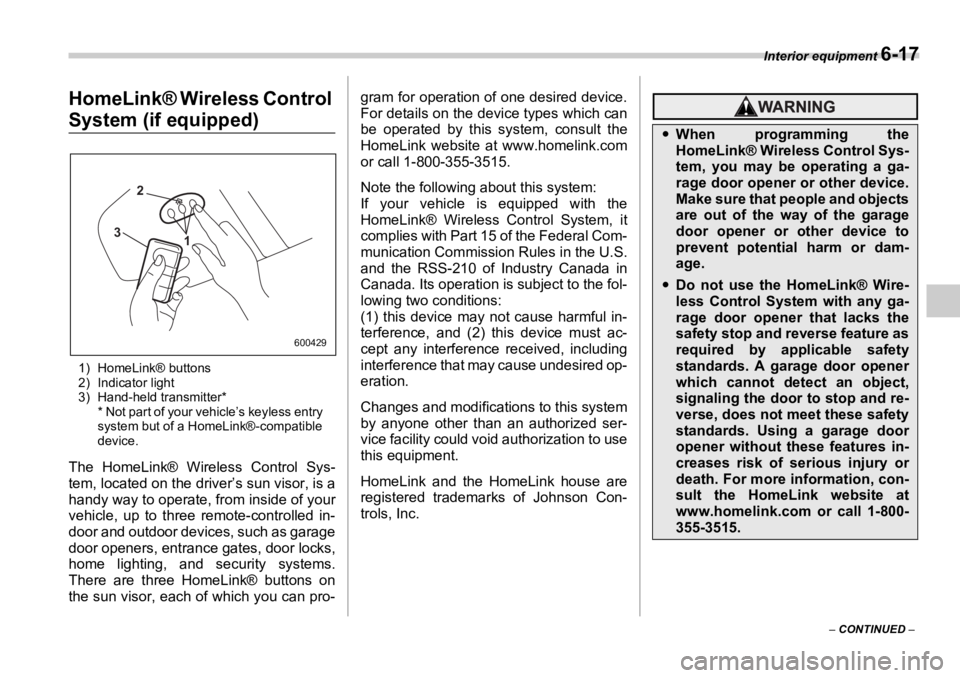
– CONTINUED –HomeLink® Wireless Control
System (if equipped)
1) HomeLink® buttons
2) Indicator light
3) Hand-held transmitter*
* Not part of your vehicle’s keyless entry
system but of a HomeLink®-compatible
device.
The HomeLink® Wireless Control Sys-
tem, located on the driver’s sun visor, is a
handy way to operate, from inside of your
vehicle, up to three remote-controlled in-
door and outdoor devices, such as garage
door openers, entran ce gates, door locks,
home lighting, and security systems.
There are three HomeLink® buttons on
the sun visor, each of which you can pro- gram for operation of one desired device.
For details on the device types which can
be operated by this system, consult the
HomeLink website at www.homelink.com
or call 1-800-355-3515.
Note the following about this system:
If your vehicle is equipped with the
HomeLink® Wireless Control System, it
complies with Part 15 of the Federal Com-
munication Commission Rules in the U.S.
and the RSS-210 of Industry Canada in
Canada. Its operation is subject to the fol-
lowing two conditions:
(1) this device may not cause harmful in-
terference, and (2) this device must ac-
cept any interference received, including
interference that may cause undesired op-
eration.
Changes and modifica tions to this system
by anyone other than an authorized ser-
vice facility could void authorization to use
this equipment.
HomeLink and the HomeLink house are
registered trademarks of Johnson Con-
trols, Inc.12
3 600429 y When programming the
HomeLink® Wireless Control Sys-
tem, you may be operating a ga-
rage door opener or other device.
Make sure that people and objects
are out of the way of the garage
door opener or other device to
prevent potential harm or dam-
age.
y Do not use the HomeLink® Wire-
less Control System with any ga-
rage door opener that lacks the
safety stop and reverse feature as
required by applicable safety
standards. A garage door opener
which cannot detect an object,
signaling the door to stop and re-
verse, does not meet these safety
standards. Using a garage door
opener without these features in-
creases risk of serious injury or
death. For more information, con-
sult the HomeLink website at
www.homelink.com or call 1-800-
355-3515.