Page 164 of 539
163 Controls in detail
Control system
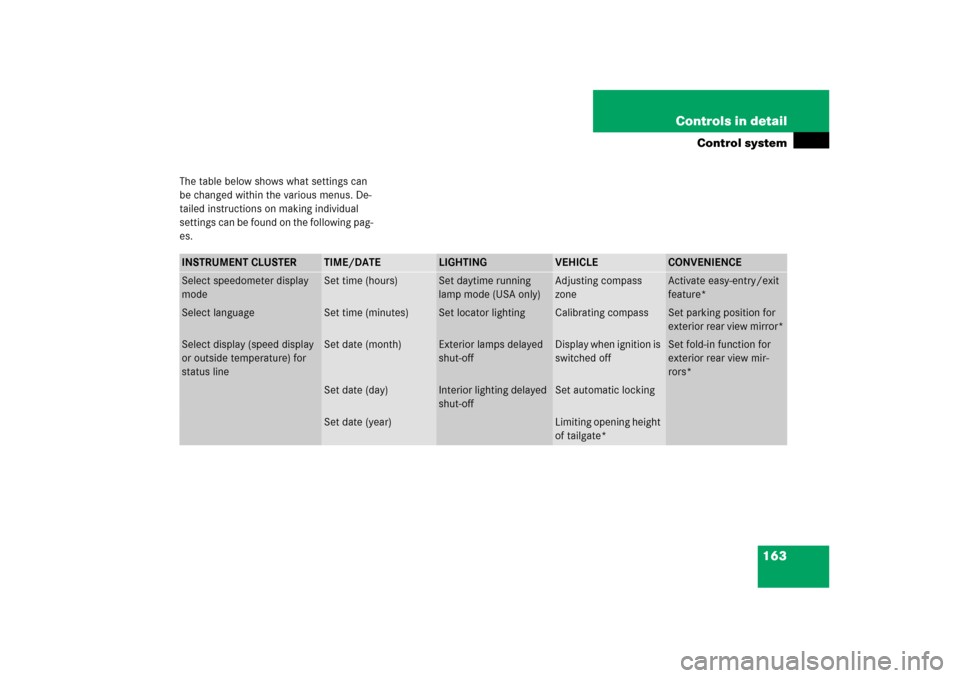
The table below shows what settings can
be changed within the various menus. De-
tailed instructions on making individual
settings can be found on the following pag-
es.INSTRUMENT CLUSTER
TIME/DATE
LIGHTING
VEHICLE
CONVENIENCE
Select speedometer display
mode
Set time (hours)
Set daytime running
lamp mode (USA only)
Adjusting compass
zone
Activate easy-entry/exit
feature*
Select language
Set time (minutes)
Set locator lighting
Calibrating compass
Set parking position for
exterior rear view mirror*
Select display (speed display
or outside temperature) for
status line
Set date (month)
Exterior lamps delayed
shut-off
Display when ignition is
switched off
Set fold-in function for
exterior rear view mir-
rors*
Set date (day)
Interior lighting delayed
shut-off
Set automatic locking
Set date (year)
Limiting opening height
of tailgate*
Page 165 of 539
164 Controls in detailControl systemInstrument cluster submenu
Access the
Instr. cluster
submenu us-
ing the jbutton via the Settings
menu. Use the
Instr. cluster
submenu
to change the instrument cluster display
settings. The following functions are avail-
able:Selecting speedometer display mode
�
Move the selection marker to the Instr. cluster
submenu using
theæ orç button.
�
Press buttonj ork repeatedly
until you see this message in the dis-
play:
Display unit
Speedometer/odometer
.
The selection marker is on the current
setting.
�
Press æ or ç to set speedome-
ter unit to
km or
miles
.
Selecting language
�
Move the selection marker to the Instr. cluster
submenu using
theæ orç button.
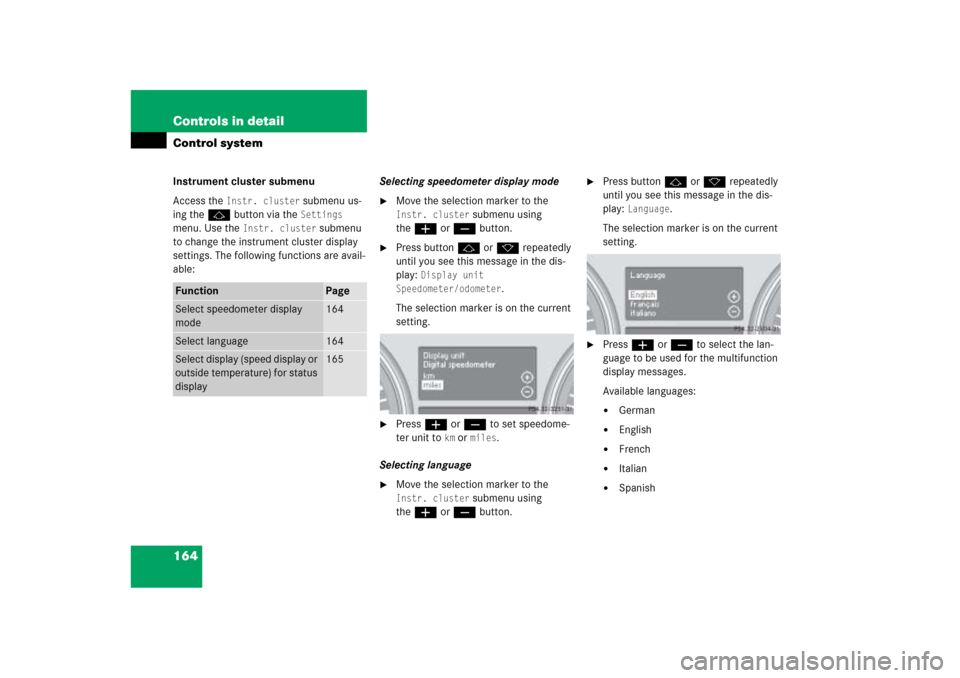
�
Press buttonj ork repeatedly
until you see this message in the dis-
play:
Language
.
The selection marker is on the current
setting.
�
Pressæ orç to select the lan-
guage to be used for the multifunction
display messages.
Available languages:�
German
�
English
�
French
�
Italian
�
Spanish
Function
Page
Select speedometer display
mode
164
Select language
164
Select display (speed display or
outside temperature) for status
display
165
Page 166 of 539
165 Controls in detail
Control system
Selecting display (speed display or out-
side temperature) for status display�
Move the selection marker with
theæ orç button to the
Instr.
cluster
submenu.
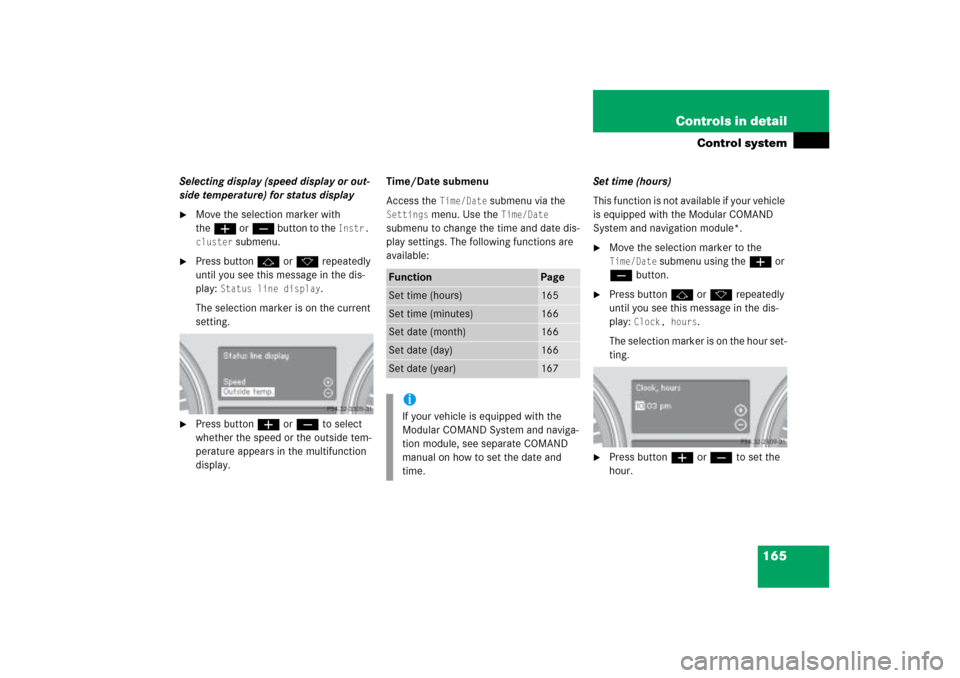
�
Press buttonj ork repeatedly
until you see this message in the dis-
play:
Status line display
.
The selection marker is on the current
setting.
�
Press buttonæ orç to select
whether the speed or the outside tem-
perature appears in the multifunction
display.Time/Date submenu
Access the
Time/Date
submenu via the
Settings
menu. Use the
Time/Date
submenu to change the time and date dis-
play settings. The following functions are
available:Set time (hours)
This function is not available if your vehicle
is equipped with the Modular COMAND
System and navigation module*.
�
Move the selection marker to the Time/Date
submenu using theæ or
çbutton.
�
Press buttonj ork repeatedly
until you see this message in the dis-
play:
Clock, hours
.
The selection marker is on the hour set-
ting.
�
Press buttonæ orç to set the
hour.
Function
Page
Set time (hours)
165
Set time (minutes)
166
Set date (month)
166
Set date (day)
166
Set date (year)
167
iIf your vehicle is equipped with the
Modular COMAND System and naviga-
tion module, see separate COMAND
manual on how to set the date and
time.
Page 173 of 539
172 Controls in detailControl system�
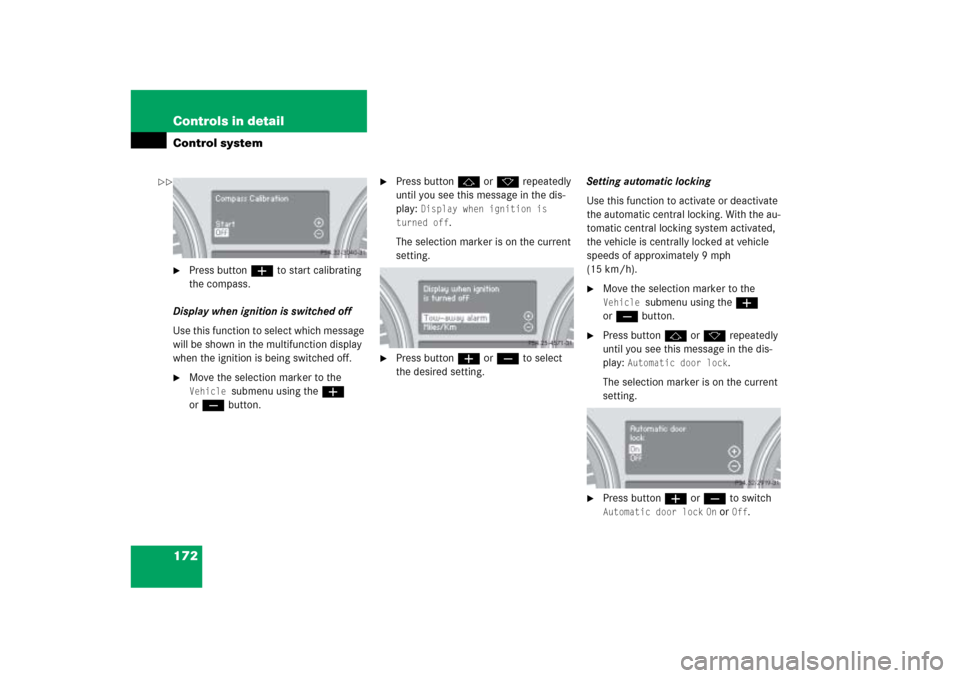
Press buttonæ to start calibrating
the compass.
Display when ignition is switched off
Use this function to select which message
will be shown in the multifunction display
when the ignition is being switched off.
�
Move the selection marker to the Vehicle
submenu using theæ
orç button.
�
Press buttonj ork repeatedly
until you see this message in the dis-
play:
Display when ignition is
turned off
.
The selection marker is on the current
setting.
�
Press buttonæ orç to select
the desired setting.Setting automatic locking
Use this function to activate or deactivate
the automatic central locking. With the au-
tomatic central locking system activated,
the vehicle is centrally locked at vehicle
speeds of approximately 9 mph
(15 km/h).
�
Move the selection marker to the Vehicle
submenu using theæ
orç button.
�
Press buttonj ork repeatedly
until you see this message in the dis-
play:
Automatic door lock
.
The selection marker is on the current
setting.
�
Press buttonæ orç to switch Automatic door lock
On or
Off
.
��
Page 176 of 539
175 Controls in detail
Control system
�
Press buttonæ orç to switch
function
On or
Off
.
Setting fold-in function* for exterior
rear view mirrors
Using this function, you can set the exteri-
or rear view mirrors to be automatically
folded (
�page 197) in when you lock your
vehicle.
�
Move the selection marker with
theæ orç button to the
Convenience
submenu.
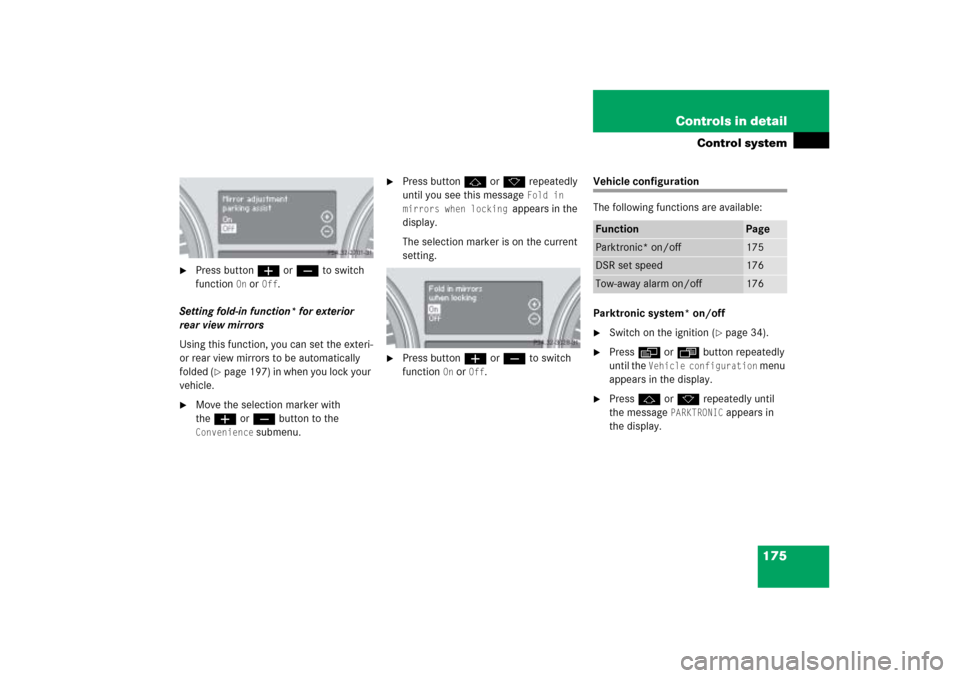
�
Press buttonj ork repeatedly
until you see this message
Fold in
mirrors when locking
appears in the
display.
The selection marker is on the current
setting.
�
Press buttonæ orç to switch
function
On or
Off
.
Vehicle configuration
The following functions are available:
Parktronic system* on/off�
Switch on the ignition (
�page 34).
�
Pressè orÿ button repeatedly
until the
Vehicle configuration
menu
appears in the display.
�
Pressj ork repeatedly until
the message
PARKTRONIC
appears in
the display.
Function
Page
Parktronic* on/off
175
DSR set speed
176
Tow-away alarm on/off
176
Page 177 of 539
176 Controls in detailControl system�
Press buttonæ orç to switch
function
On or
Off
.
This setting is maintained until the ignition
is switched off.
DSR (Downhill Speed Regulation)
programmed default speed
In the
Downhill Speed Regulation
menu,
you can program the default speed the
DSR is set to when it is activated.
You can program the default speed be-
tween 4 - 10 mph (Canada: 6 - 18 km/h).
The set value is increased in 1 mph
(Canada: 2 km/h) increments.
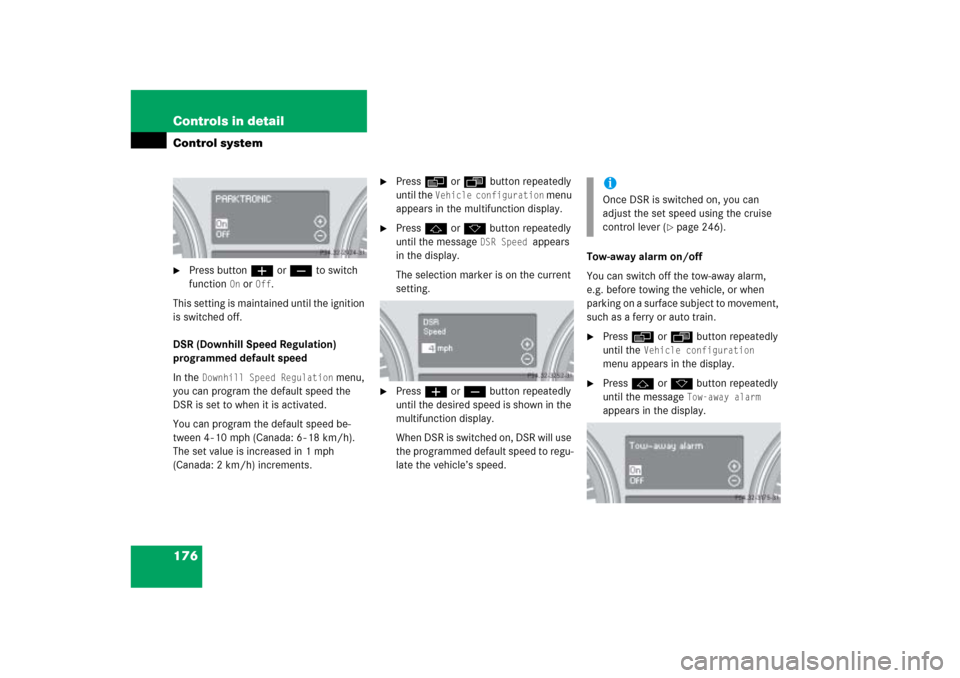
�
Pressè orÿ button repeatedly
until the
Vehicle configuration
menu
appears in the multifunction display.
�
Pressj ork button repeatedly
until the message
DSR Speed
appears
in the display.
The selection marker is on the current
setting.
�
Pressæ orç button repeatedly
until the desired speed is shown in the
multifunction display.
When DSR is switched on, DSR will use
the programmed default speed to regu-
late the vehicle’s speed.Tow-away alarm on/off
You can switch off the tow-away alarm,
e.g. before towing the vehicle, or when
parking on a surface subject to movement,
such as a ferry or auto train.
�
Pressè orÿ button repeatedly
until the
Vehicle configuration
menu appears in the display.
�
Pressj ork button repeatedly
until the message
Tow-away alarm
appears in the display.
iOnce DSR is switched on, you can
adjust the set speed using the cruise
control lever (
�page 246).
Page 178 of 539
177 Controls in detail
Control system
�
Pressæ orç button repeatedly
to switch
On
or
Off
the tow-away
alarm.
Trip computer menu
Use the Trip computer menu to call up
statistical data on your vehicle. The follow-
ing information is available:
Fuel consumption statistics after start�
Press buttonÿ orè repeatedly
until you see the first function of the
trip computer menu.
�
Press buttonj ork repeatedly
until you see this message in the left
display:
After start
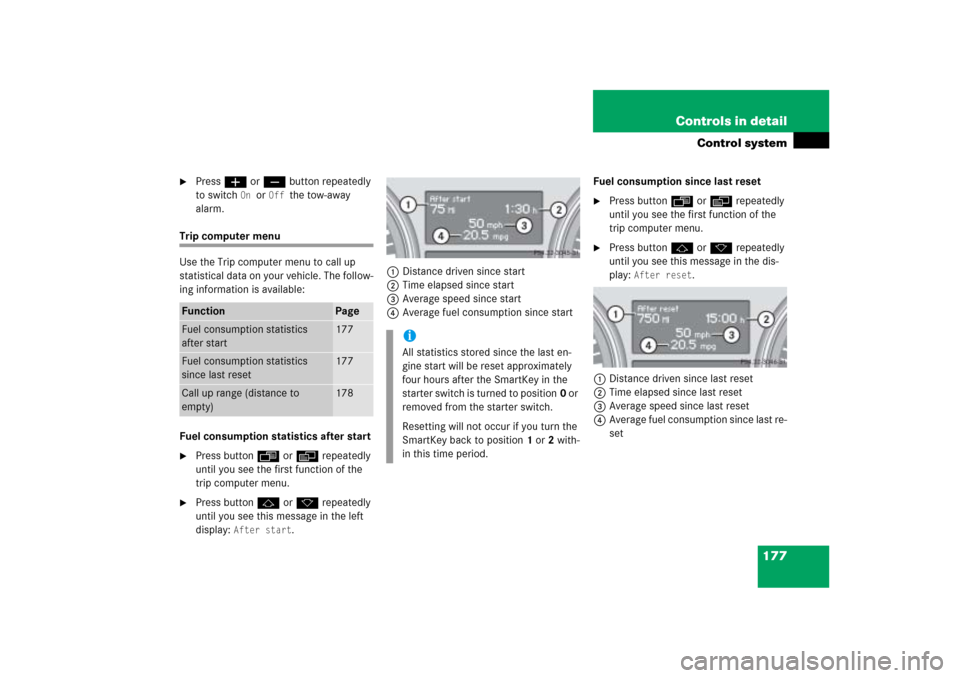
.1Distance driven since start
2Time elapsed since start
3Average speed since start
4Average fuel consumption since startFuel consumption since last reset
�
Press buttonÿ orè repeatedly
until you see the first function of the
trip computer menu.
�
Press buttonj ork repeatedly
until you see this message in the dis-
play:
After reset
.
1Distance driven since last reset
2Time elapsed since last reset
3Average speed since last reset
4Average fuel consumption since last re-
set
Function
Page
Fuel consumption statistics
after start
177
Fuel consumption statistics
since last reset
177
Call up range (distance to
empty)
178
iAll statistics stored since the last en-
gine start will be reset approximately
four hours after the SmartKey in the
starter switch is turned to position0 or
removed from the starter switch.
Resetting will not occur if you turn the
SmartKey back to position1 or2 with-
in this time period.
Page 180 of 539
179 Controls in detail
Control system
You can use the functions in the
TEL
menu
to operate your telephone, provided it is
connected to a hands-free system and
switched on.
�
Switch on the telephone and Modular
COMAND system.
�
Press buttonÿ orè on the
steering wheel repeatedly until you see
the
TEL
menu in the display.Which messages will appear in the display
field depends on whether your telephone is
switched on or off:
�
If the telephone is off, the message in
the multifunction display is:
PHONE OFF
.
�
If the telephone is on:
The telephone will then search for a
network. During this time the display is
empty.
As soon as the telephone has found a
network,
READY
appears in the display.
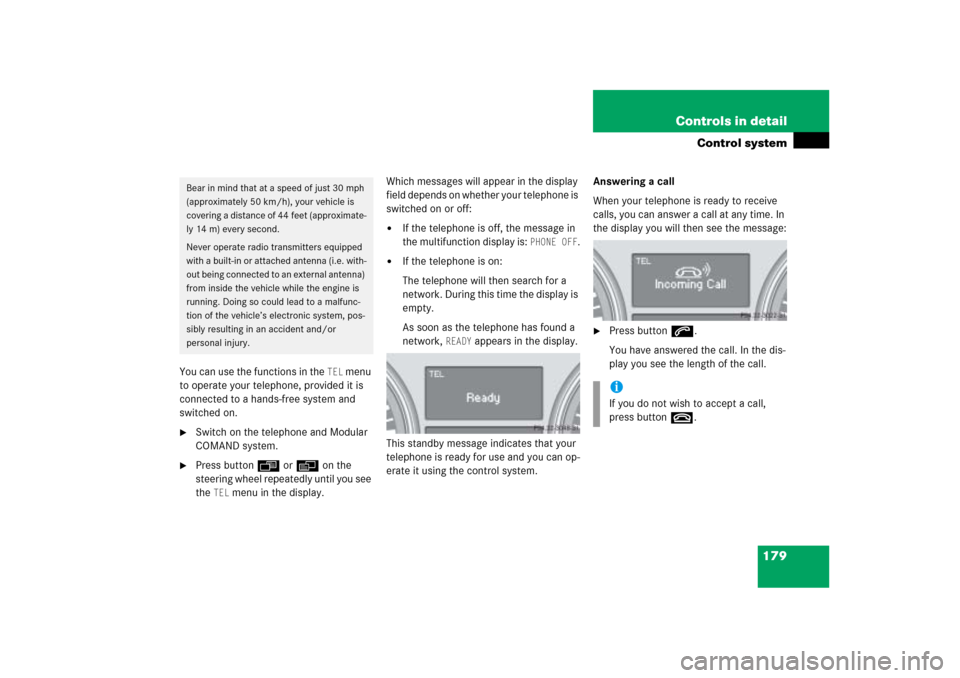
This standby message indicates that your
telephone is ready for use and you can op-
erate it using the control system.Answering a call
When your telephone is ready to receive
calls, you can answer a call at any time. In
the display you will then see the message:
�
Press buttons.
You have answered the call. In the dis-
play you see the length of the call.
Bear in mind that at a speed of just 30 mph
(approximately 50 km/h), your vehicle is
covering a distance of 44 feet (approximate-
ly 14 m) every second.
Never operate radio transmitters equipped
with a built-in or attached antenna (i.e. with-
out being connected to an external antenna)
from inside the vehicle while the engine is
running. Doing so could lead to a malfunc-
tion of the vehicle’s electronic system, pos-
sibly resulting in an accident and/or
personal injury.
iIf you do not wish to accept a call,
press buttont.