Page 26 of 514

25 At a glance
Instrument cluster
Item
Page
1
LLeft turn signal indica-
tor lamp
53
2
vESP
® warning lamp
378
3
Speedometer
4
Multifunction display
140
5
lDistance warning
lamp
Warning lamp without func-
tion. It illuminates with the ig-
nition on. It should go out
when the engine is running.
6
KRight turn signal indi-
cator lamp
53
7
Coolant temperature indi-
cator with:
137
•Coolant temperature
warning lamp
377,
398
Item
Page
8
Tachometer with:
138
1Supplemental
Restraint System
(SRS) indicator lamp
380,
409
-Antilock Brake Sys-
tem (ABS) indicator
lamp
374
71,
379
BLow beam headlamp
indicator lamp
131
AHigh beam headlamp
indicator lamp
131
9
Main odometer with:�
Gear selector lever
position
140
�
Program mode
140
Item
Page
a
Clock with:
153
;Brake warning lamp,
USA only
375
3Brake warning lamp,
Canada onlyúEngine malfunction in-
dicator lamp,
USA only
376
±Engine malfunction in-
dicator lamp,
Canada only
376
CRoll bar warning lamp
b
Fuel display with:AFuel reserve warning
lamp
379
c
Reset button for:�
Resetting trip odometer
136
�
Adjusting instrument
cluster illumination
136
�
Confirming new time set-
tings
153
Page 137 of 514
136 Controls in detailInstrument clusterFor a full view illustration of the instrument
cluster, see “Instrument cluster”
(�page 24).
1Reset button
The instrument cluster is activated when
you
�
open a door
�
switch on the ignition (
�page 36)
�
press reset button1
�
switch on the exterior lamps
You can change the instrument cluster
settings in the Instrument cluster submenu
of the control system (
�page 151).
Instrument cluster illumination
Use the reset button1 to adjust the
illumination brightness for the instrument
cluster.To brighten illumination
�
Turn reset button1 clockwise.
The instrument cluster illumination will
brighten.
To dim illumination
�
Turn reset button1 counterclock-
wise.
The instrument cluster illumination will
dim.
iThe instrument cluster illumination is
dimmed or brightened automatically to
suit ambient light conditions.
The instrument cluster illumination will
also be adjusted automatically when
you switch on the vehicle’s exterior
lamps.
Page 138 of 514
137 Controls in detail
Instrument cluster
Coolant temperature indicator
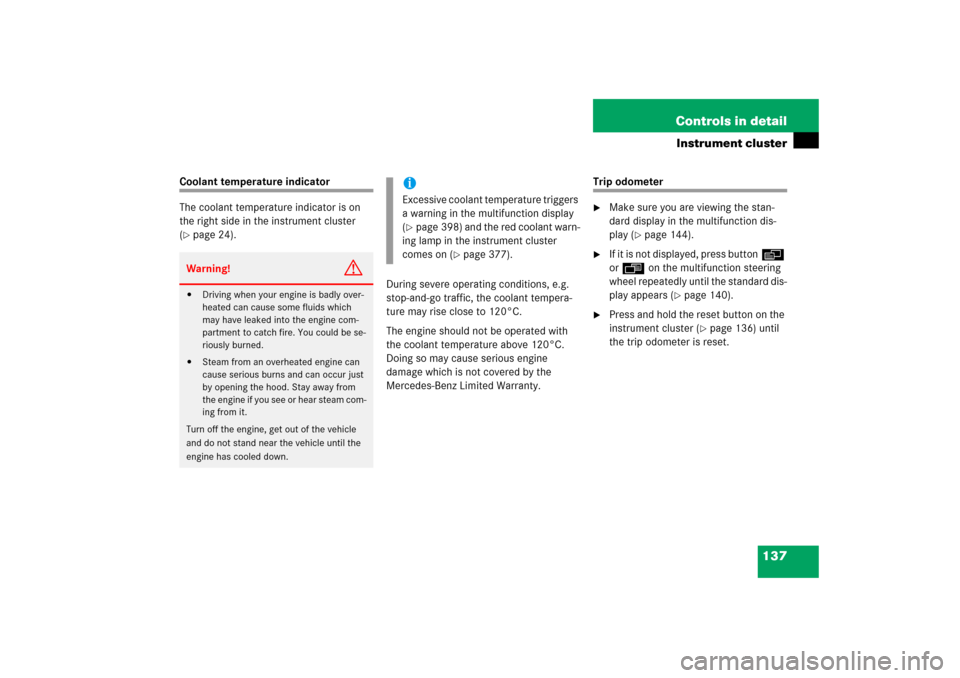
The coolant temperature indicator is on
the right side in the instrument cluster
(�page 24).
During severe operating conditions, e.g.
stop-and-go traffic, the coolant tempera-
ture may rise close to 120°C.
The engine should not be operated with
the coolant temperature above 120°C.
Doing so may cause serious engine
damage which is not covered by the
Mercedes-Benz Limited Warranty.
Trip odometer�
Make sure you are viewing the stan-
dard display in the multifunction dis-
play (
�page 144).
�
If it is not displayed, press buttonè
orÿ on the multifunction steering
wheel repeatedly until the standard dis-
play appears (
�page 140).
�
Press and hold the reset button on the
instrument cluster (
�page 136) until
the trip odometer is reset.
Warning!
G
�
Driving when your engine is badly over-
heated can cause some fluids which
may have leaked into the engine com-
partment to catch fire. You could be se-
riously burned.
�
Steam from an overheated engine can
cause serious burns and can occur just
by opening the hood. Stay away from
the engine if you see or hear steam com-
ing from it.
Turn off the engine, get out of the vehicle
and do not stand near the vehicle until the
engine has cooled down.
iExcessive coolant temperature triggers
a warning in the multifunction display
(�page 398) and the red coolant warn-
ing lamp in the instrument cluster
comes on (
�page 377).
Page 146 of 514
145 Controls in detail
Control system
AUDIO menu
The functions in the
Audio
menu operate
the audio equipment which you currently
have turned on.
If no audio equipment is currently turned
on, the message
Audio off
is shown in the
multifunction display.
The following functions are available:
Select radio station
�
Turn on the radio (
�page 212) and se-
lect radio. Vehicles with COMAND*:
Refer to separate operating instruc-
tions.
�
Press buttonè orÿ repeatedly
until the currently tuned station
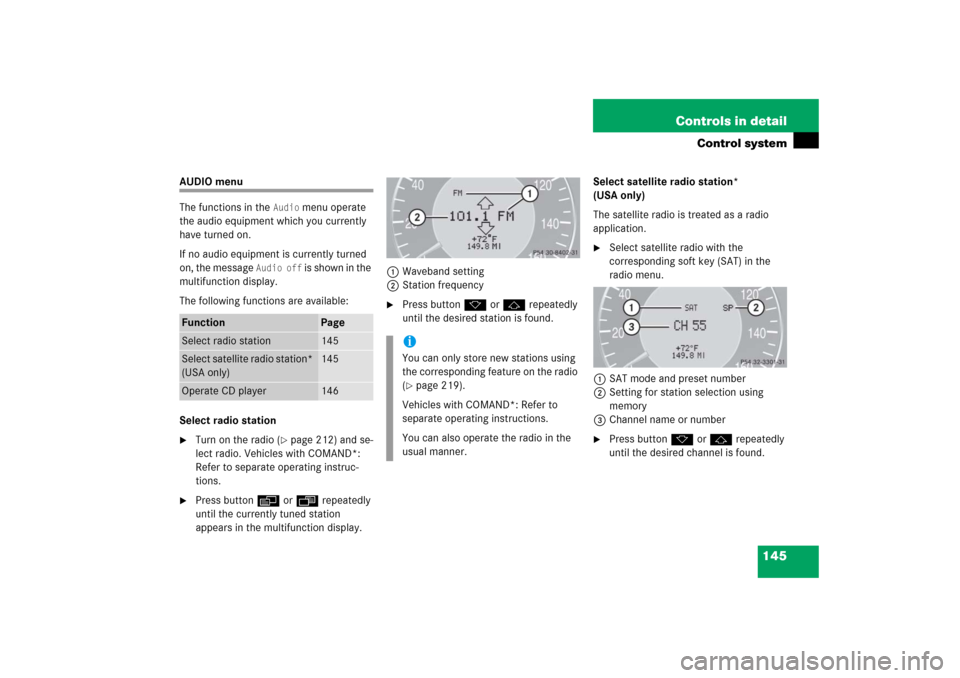
appears in the multifunction display.1Waveband setting
2Station frequency
�
Press buttonk orj repeatedly
until the desired station is found.Select satellite radio station*
(USA only)
The satellite radio is treated as a radio
application.
�
Select satellite radio with the
corresponding soft key (SAT) in the
radio menu.
1SAT mode and preset number
2Setting for station selection using
memory
3Channel name or number
�
Press buttonk orj repeatedly
until the desired channel is found.
Function
Page
Select radio station
145
Select satellite radio station*
(USA only)
145
Operate CD player
146
iYou can only store new stations using
the corresponding feature on the radio
(�page 219).
Vehicles with COMAND*: Refer to
separate operating instructions.
You can also operate the radio in the
usual manner.
Page 149 of 514
148 Controls in detailControl systemSettings menu
In the
Settings
menu there are two
functions:
�
The function
Reset to factory
settings?
, with which you can reset all
the settings to the original factory
settings.
�
A collection of submenus with which
you can make individual settings for
your vehicle.
�
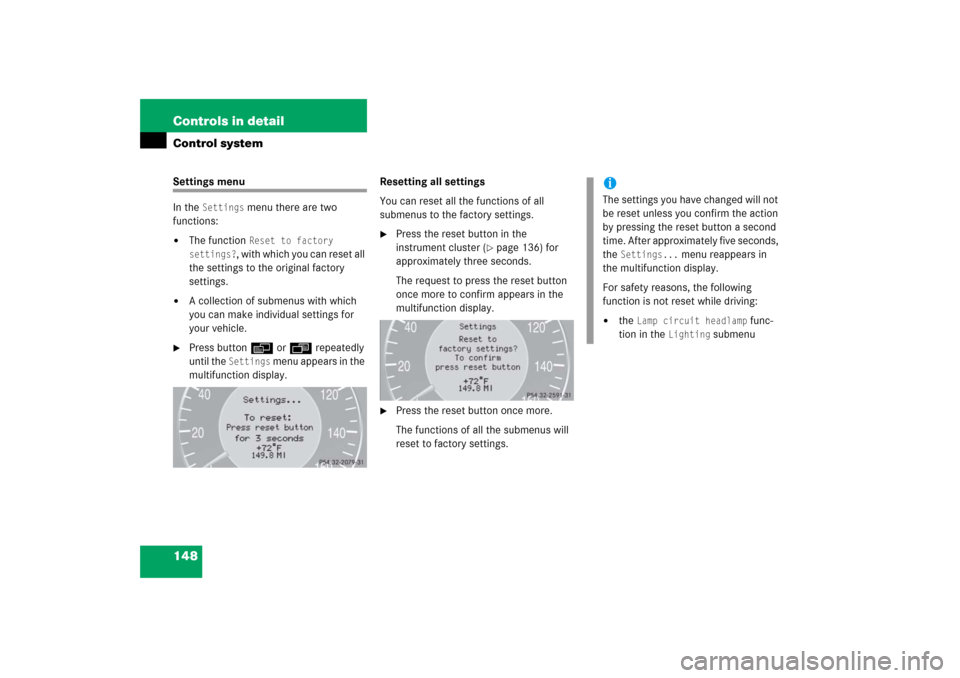
Press buttonè orÿ repeatedly
until the
Settings
menu appears in the
multifunction display.Resetting all settings
You can reset all the functions of all
submenus to the factory settings.
�
Press the reset button in the
instrument cluster (
�page 136) for
approximately three seconds.
The request to press the reset button
once more to confirm appears in the
multifunction display.
�
Press the reset button once more.
The functions of all the submenus will
reset to factory settings.
iThe settings you have changed will not
be reset unless you confirm the action
by pressing the reset button a second
time. After approximately five seconds,
the
Settings...
menu reappears in
the multifunction display.
For safety reasons, the following
function is not reset while driving:
�
the
Lamp circuit headlamp
func-
tion in the
Lighting
submenu
Page 150 of 514
149 Controls in detail
Control system
Submenus in the Settings menu�
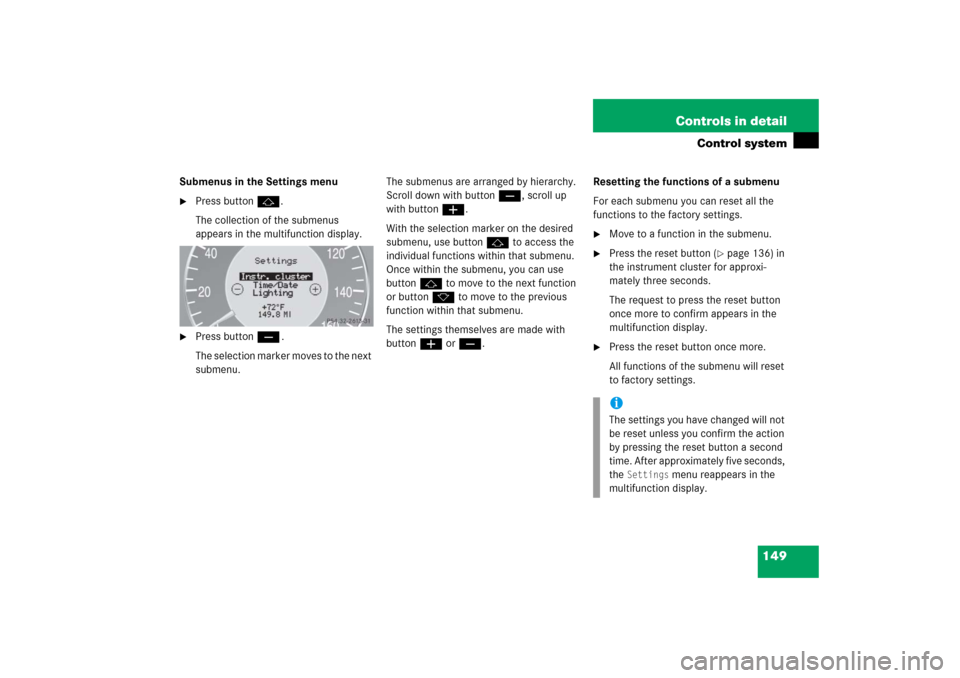
Press buttonj.
The collection of the submenus
appears in the multifunction display.
�
Press buttonç.
The selection marker moves to the next
submenu.The submenus are arranged by hierarchy.
Scroll down with buttonç, scroll up
with buttonæ.
With the selection marker on the desired
submenu, use buttonj to access the
individual functions within that submenu.
Once within the submenu, you can use
buttonj to move to the next function
or buttonk to move to the previous
function within that submenu.
The settings themselves are made with
buttonæ orç.Resetting the functions of a submenu
For each submenu you can reset all the
functions to the factory settings.
�
Move to a function in the submenu.
�
Press the reset button (
�page 136) in
the instrument cluster for approxi-
mately three seconds.
The request to press the reset button
once more to confirm appears in the
multifunction display.
�
Press the reset button once more.
All functions of the submenu will reset
to factory settings.iThe settings you have changed will not
be reset unless you confirm the action
by pressing the reset button a second
time. After approximately five seconds,
the
Settings
menu reappears in the
multifunction display.
Page 154 of 514
153 Controls in detail
Control system
Time/Date submenu
Access the
Time/Date
submenu via the
Settings
menu. Use the
Time/Date
submenu to change the instrument cluster
display settings.
The following functions are available:Setting time (hours)
This function can only be seen in vehicles
with audio system.
�
Move the selection marker with
buttonæ orç to the
Time
/Date
submenu.
�
Press buttonj ork repeatedly
until the message
Clock, hours
Confirm by press. R
appears in the
multifunction display.
The selection marker is on the hour
setting.
�
Press buttonæ orç to set the
hour.
�
Press the reset button in the instru-
ment cluster (
�page 136) to confirm.
The hour is set and stored.
Function
Page
Setting the time (hours)
153
Setting the time (minutes)
154
Setting the date (month)
154
Setting the date (day)
155
Setting the date (year)
155
iVehicles with COMAND*:
For information on setting the time in
COMAND, refer to the separate
COMAND operating instructions.
Page 155 of 514

154 Controls in detailControl systemSetting time (minutes)
This function can only be seen in vehicles
with audio system.�
Move the selection marker with
buttonæ orç to the
Time/Date
submenu.
�
Press buttonj ork repeatedly
until the message
Clock, minutes
Confirm by press. R
appears in the
multifunction display.
The selection marker is on the minutes
setting.
�
Press buttonæ orç to set the
minutes.
�
Press the reset button in the instru-
ment cluster (
�page 136) to confirm.
The minutes are set and stored.
Setting the date (month)
This function can only be seen in vehicles
with audio system.
�
Move the selection marker with
buttonæ orç to the
Time/Date
submenu.
�
Press buttonj ork repeatedly
until the message
Set date month
appears in the multifunction display.
The selection marker is on the month
setting.
�
Press buttonæ orç to set the
month.
iVehicles with COMAND*:
For information on setting the time in
COMAND, refer to the separate
COMAND operating instructions.
iVehicles with COMAND*:
For information on setting the date in
COMAND, refer to the separate
COMAND operating instructions.

