Page 47 of 328
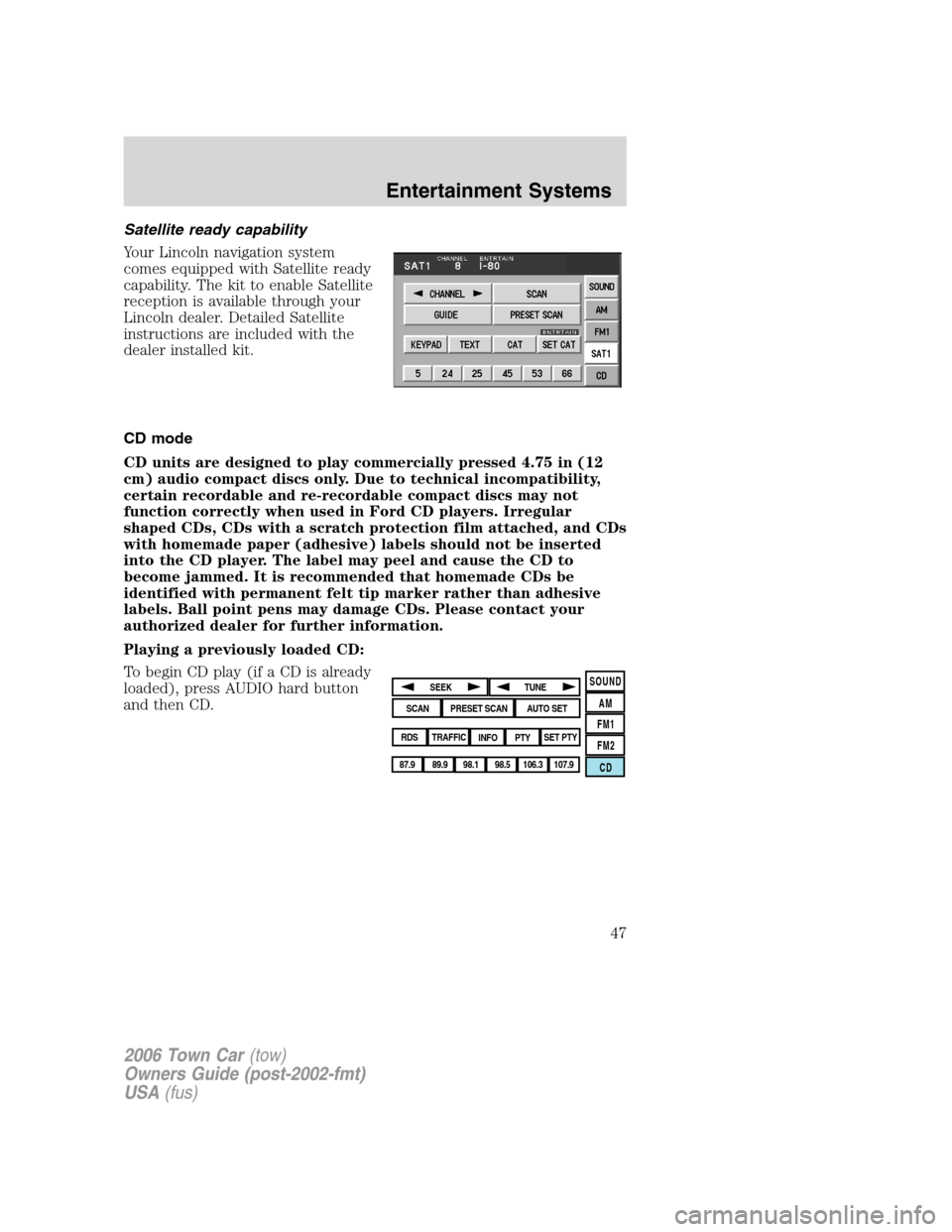
Satellite ready capability
Your Lincoln navigation system
comes equipped with Satellite ready
capability. The kit to enable Satellite
reception is available through your
Lincoln dealer. Detailed Satellite
instructions are included with the
dealer installed kit.
CD mode
CD units are designed to play commercially pressed 4.75 in (12
cm) audio compact discs only. Due to technical incompatibility,
certain recordable and re-recordable compact discs may not
function correctly when used in Ford CD players. Irregular
shaped CDs, CDs with a scratch protection film attached, and CDs
with homemade paper (adhesive) labels should not be inserted
into the CD player. The label may peel and cause the CD to
become jammed. It is recommended that homemade CDs be
identified with permanent felt tip marker rather than adhesive
labels. Ball point pens may damage CDs. Please contact your
authorized dealer for further information.
Playing a previously loaded CD:
To begin CD play (if a CD is already
loaded), press AUDIO hard button
and then CD.
SOUND
AM
FM1
FM2
CDSEEK
TUNE
PRESET SCANAUTO SET
SCAN
RDS
TRAFFIC
INFO PTYSET PTY
87.9
89.9 98.1
98.5 106.3 107.9
2006 Town Car(tow)
Owners Guide (post-2002-fmt)
USA(fus)
Entertainment Systems
47
Page 58 of 328
Restore system defaults
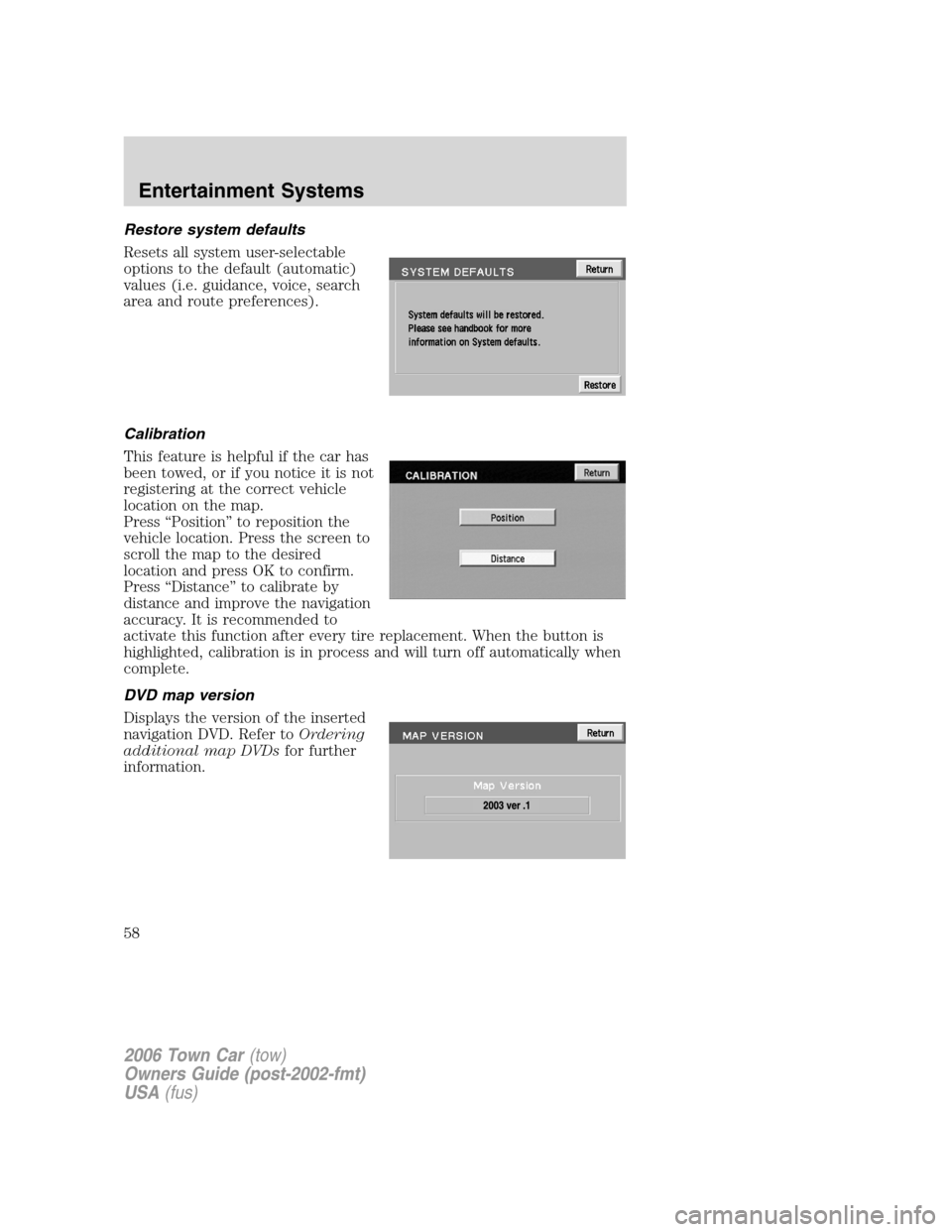
Resets all system user-selectable
options to the default (automatic)
values (i.e. guidance, voice, search
area and route preferences).
Calibration
This feature is helpful if the car has
been towed, or if you notice it is not
registering at the correct vehicle
location on the map.
Press “Position” to reposition the
vehicle location. Press the screen to
scroll the map to the desired
location and press OK to confirm.
Press “Distance” to calibrate by
distance and improve the navigation
accuracy. It is recommended to
activate this function after every tire replacement. When the button is
highlighted, calibration is in process and will turn off automatically when
complete.
DVD map version
Displays the version of the inserted
navigation DVD. Refer toOrdering
additional map DVDsfor further
information.
2006 Town Car(tow)
Owners Guide (post-2002-fmt)
USA(fus)
Entertainment Systems
58
Page 72 of 328
Initial map display
After pressing AGREE to the initial
WARNING screen, you will move
into the initial map screen which
shows the current vehicle location.
Pressing the globe icon will take you
to the user settings — audible
feedback, navigation units, language
and clock (if equipped).
Note:There may be a slight time
delay between the soft key and the
hard key functions.
Destination entry
Search area
The mapped areas covered by your
map DVD are reflected in the
Search Area map that is displayed
on the Destination Entry screen.
Your navigation system uses a
regional search area. This area is
the area from which navigational
directions will be used.
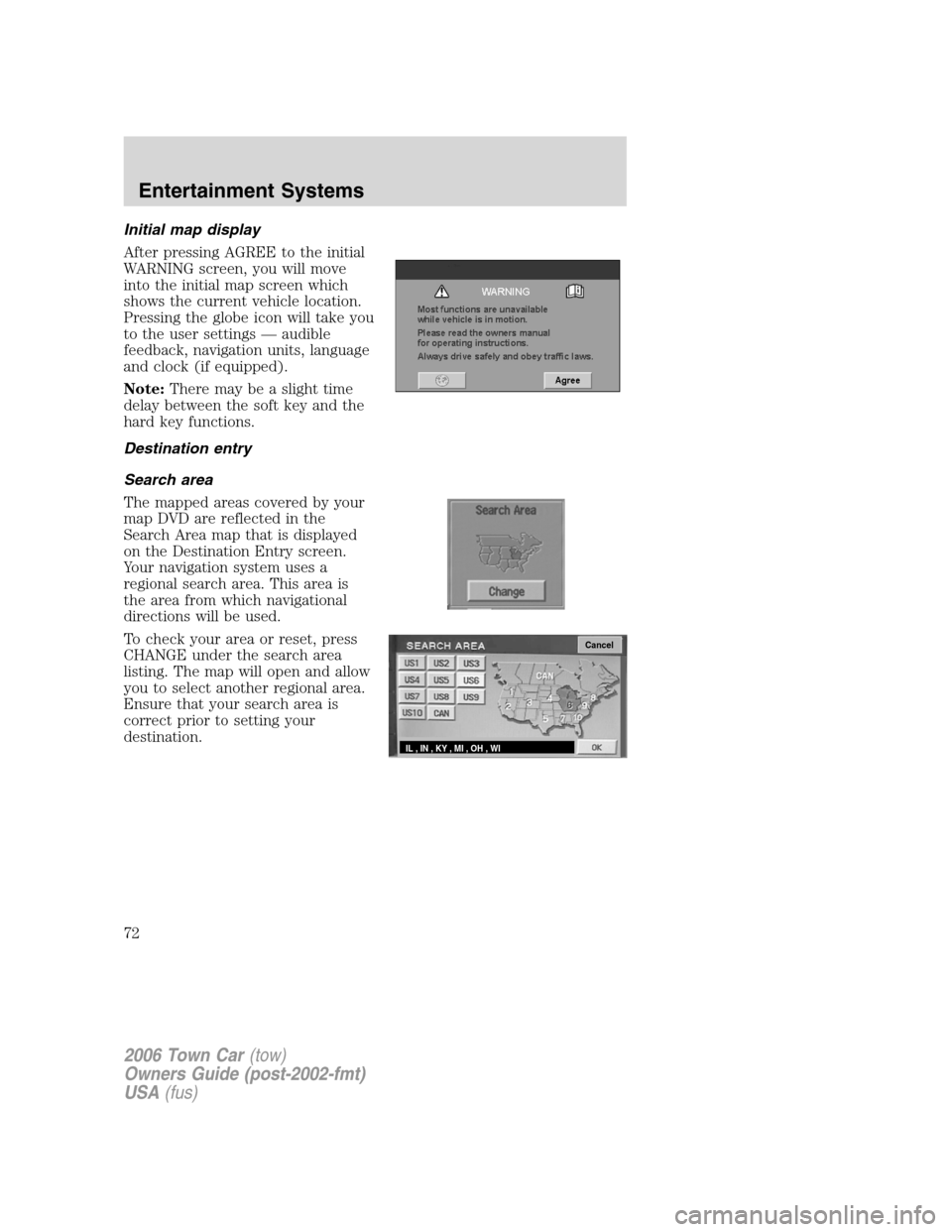
To check your area or reset, press
CHANGE under the search area
listing. The map will open and allow
you to select another regional area.
Ensure that your search area is
correct prior to setting your
destination.
Cancel
IL , IN , KY , MI , OH , WI
2006 Town Car(tow)
Owners Guide (post-2002-fmt)
USA(fus)
Entertainment Systems
72
Page 116 of 328
•Depress the brake pedal until the
desired vehicle speed is reached,
press the SET + control.
Turning off speed control
There are two ways to turn off the speed control:
•Depress the brake pedal. This will
not erase your vehicle’s
previously set speed.
•Press the speed control OFF
control.
Note:When you turn the speed
control or the ignition off, your
speed control set speed memory is
erased.
STEERING WHEEL CONTROLS (IF EQUIPPED)
These controls allow you to operate some radio and climate control
features.
Audio control features
In Radio mode:
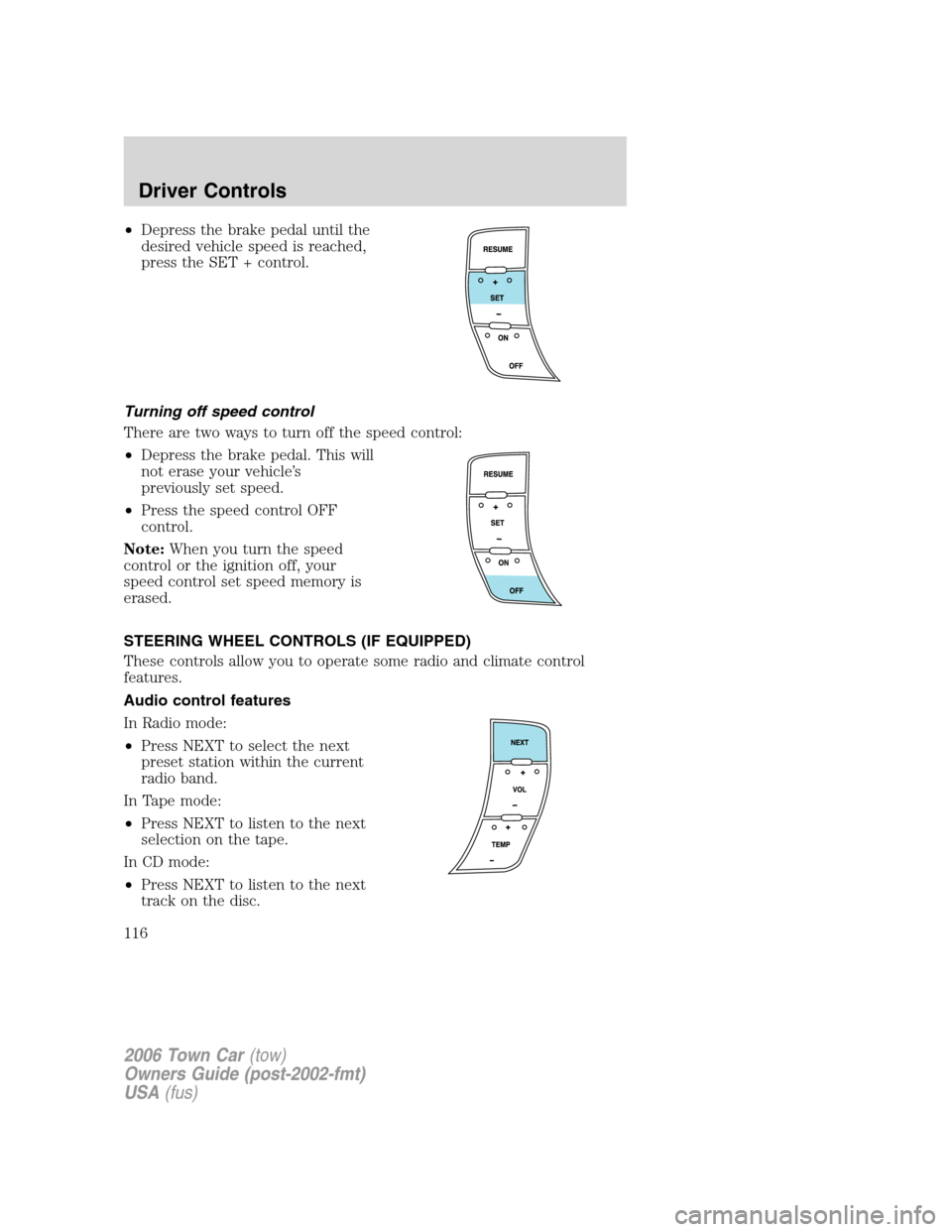
•Press NEXT to select the next
preset station within the current
radio band.
In Tape mode:
•Press NEXT to listen to the next
selection on the tape.
In CD mode:
•Press NEXT to listen to the next
track on the disc.
2006 Town Car(tow)
Owners Guide (post-2002-fmt)
USA(fus)
Driver Controls
116
Page 124 of 328
Reset
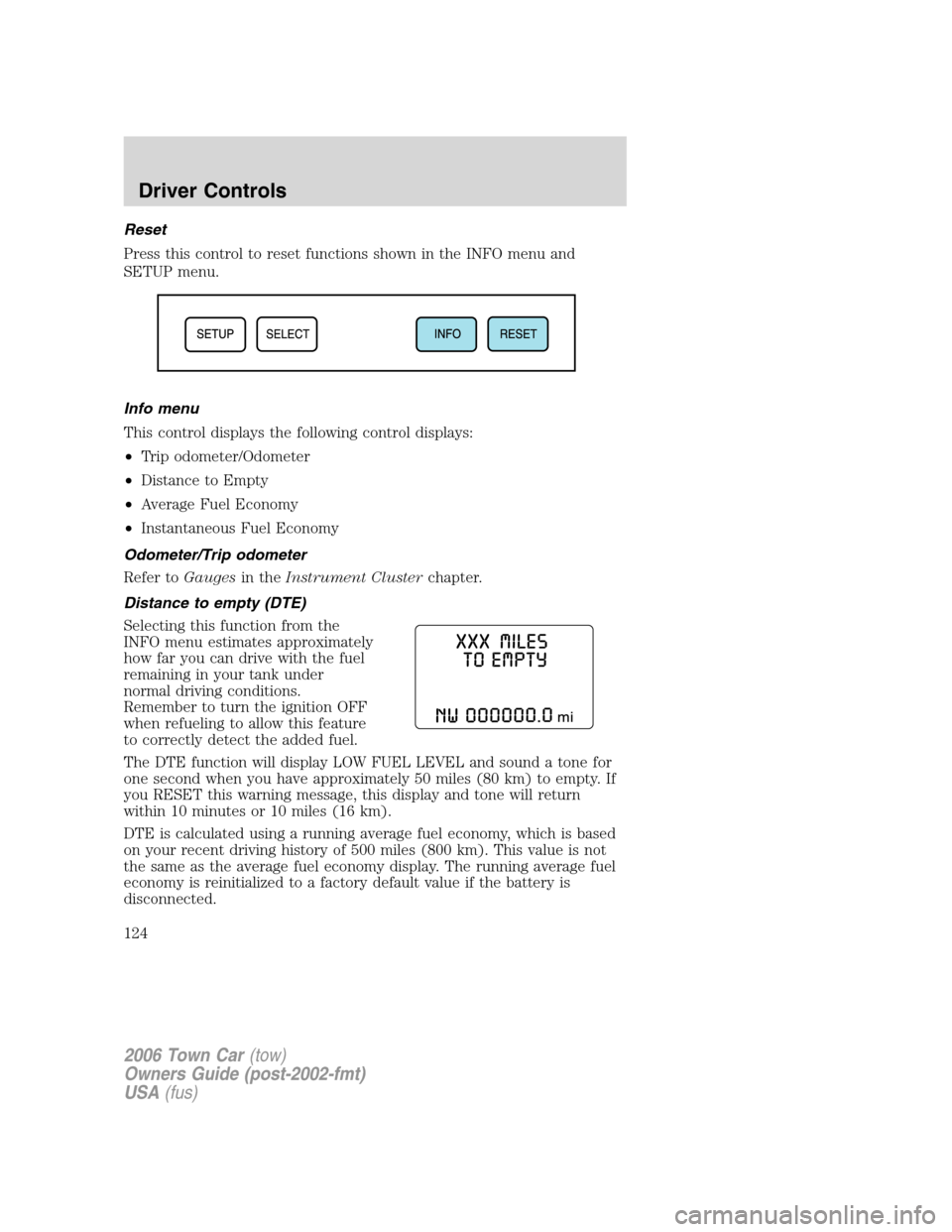
Press this control to reset functions shown in the INFO menu and
SETUP menu.
Info menu
This control displays the following control displays:
•Trip odometer/Odometer
•Distance to Empty
•Average Fuel Economy
•Instantaneous Fuel Economy
Odometer/Trip odometer
Refer toGaugesin theInstrument Clusterchapter.
Distance to empty (DTE)
Selecting this function from the
INFO menu estimates approximately
how far you can drive with the fuel
remaining in your tank under
normal driving conditions.
Remember to turn the ignition OFF
when refueling to allow this feature
to correctly detect the added fuel.
The DTE function will display LOW FUEL LEVEL and sound a tone for
one second when you have approximately 50 miles (80 km) to empty. If
you RESET this warning message, this display and tone will return
within 10 minutes or 10 miles (16 km).
DTE is calculated using a running average fuel economy, which is based
on your recent driving history of 500 miles (800 km). This value is not
the same as the average fuel economy display. The running average fuel
economy is reinitialized to a factory default value if the battery is
disconnected.
2006 Town Car(tow)
Owners Guide (post-2002-fmt)
USA(fus)
Driver Controls
124
Page 125 of 328
Average fuel economy (AFE)
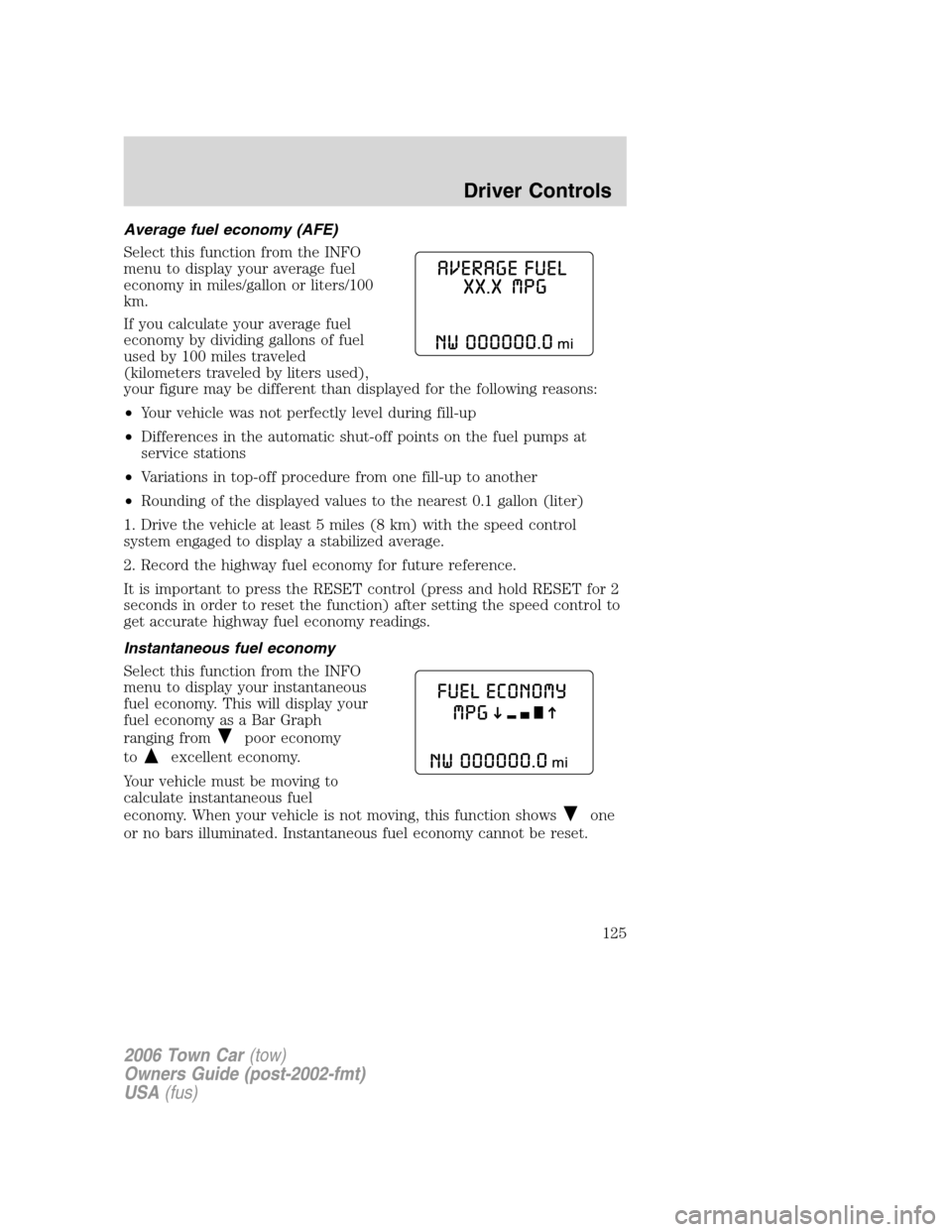
Select this function from the INFO
menu to display your average fuel
economy in miles/gallon or liters/100
km.
If you calculate your average fuel
economy by dividing gallons of fuel
used by 100 miles traveled
(kilometers traveled by liters used),
your figure may be different than displayed for the following reasons:
•Your vehicle was not perfectly level during fill-up
•Differences in the automatic shut-off points on the fuel pumps at
service stations
•Variations in top-off procedure from one fill-up to another
•Rounding of the displayed values to the nearest 0.1 gallon (liter)
1. Drive the vehicle at least 5 miles (8 km) with the speed control
system engaged to display a stabilized average.
2. Record the highway fuel economy for future reference.
It is important to press the RESET control (press and hold RESET for 2
seconds in order to reset the function) after setting the speed control to
get accurate highway fuel economy readings.
Instantaneous fuel economy
Select this function from the INFO
menu to display your instantaneous
fuel economy. This will display your
fuel economy as a Bar Graph
ranging from
poor economy
to
excellent economy.
Your vehicle must be moving to
calculate instantaneous fuel
economy. When your vehicle is not moving, this function shows
one
or no bars illuminated. Instantaneous fuel economy cannot be reset.
2006 Town Car(tow)
Owners Guide (post-2002-fmt)
USA(fus)
Driver Controls
125
Page 126 of 328
Setup menu
Press this control for the following displays:
•System Check
•Display (odometer/speedometer)
•Font Size (normal/large)
•Units (English/Metric)
•Language
•Compass Zone/Calibration
•Oil Minder Start Value
System check
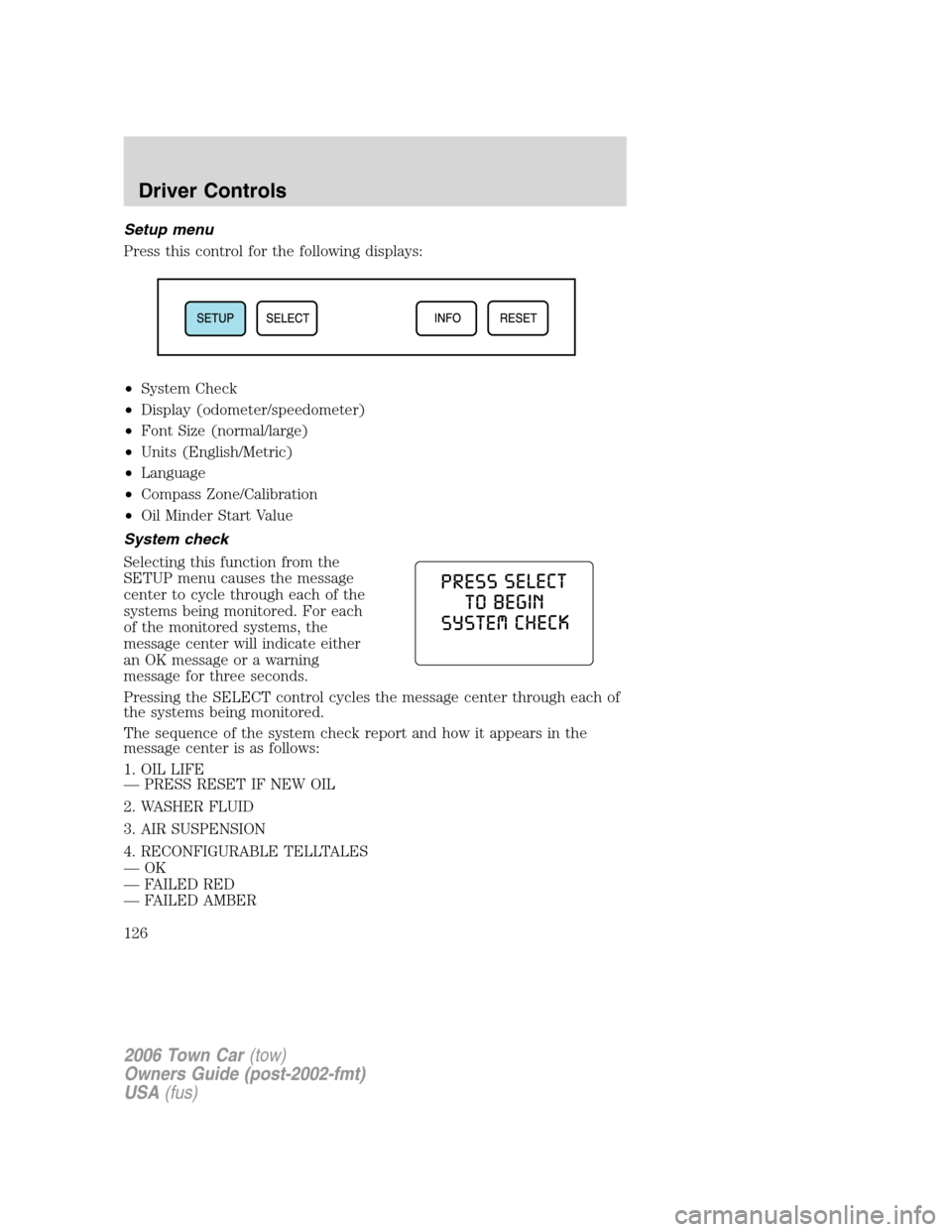
Selecting this function from the
SETUP menu causes the message
center to cycle through each of the
systems being monitored. For each
of the monitored systems, the
message center will indicate either
an OK message or a warning
message for three seconds.
Pressing the SELECT control cycles the message center through each of
the systems being monitored.
The sequence of the system check report and how it appears in the
message center is as follows:
1. OIL LIFE
— PRESS RESET IF NEW OIL
2. WASHER FLUID
3. AIR SUSPENSION
4. RECONFIGURABLE TELLTALES
—OK
— FAILED RED
— FAILED AMBER
2006 Town Car(tow)
Owners Guide (post-2002-fmt)
USA(fus)
Driver Controls
126
Page 130 of 328
Reverse Sensing System (Park Aid)
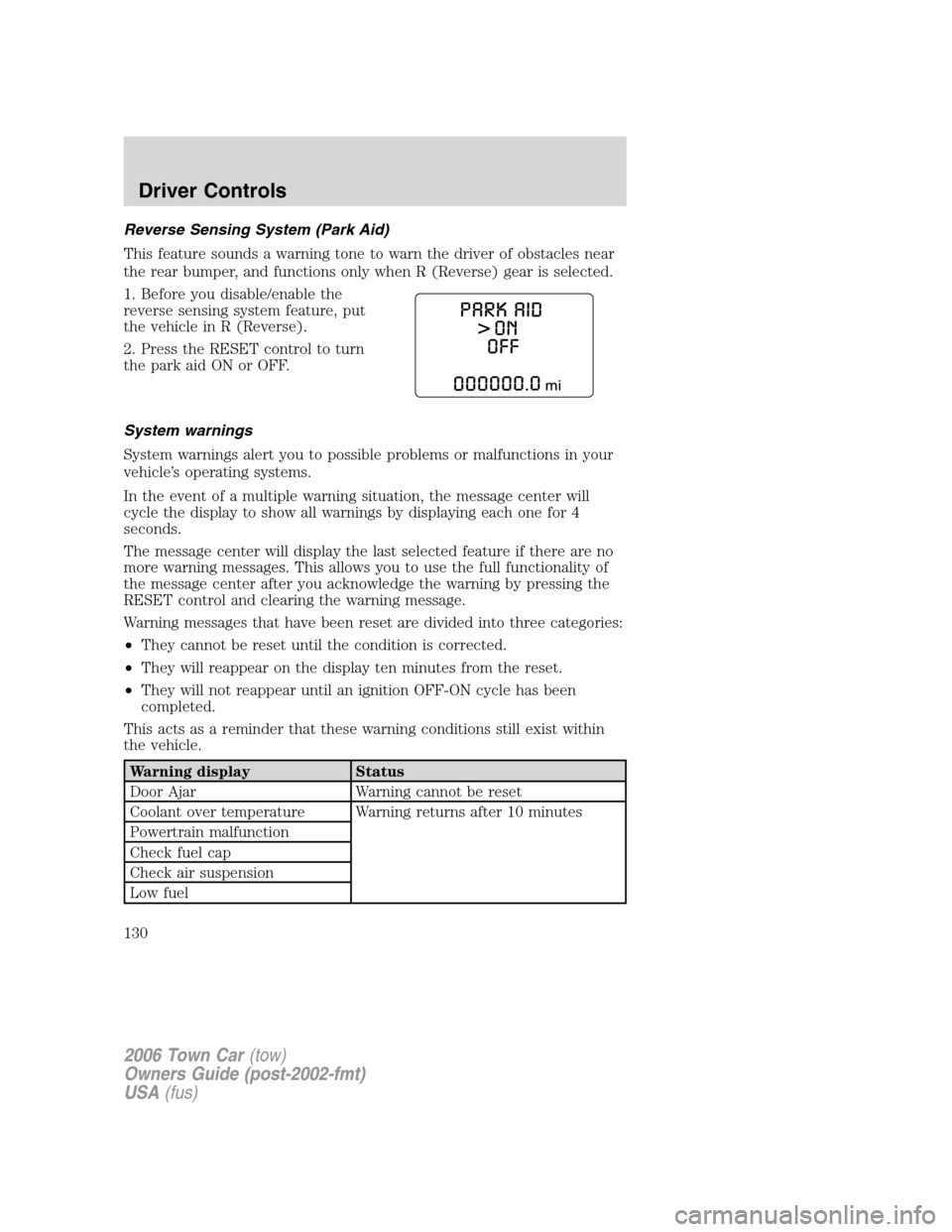
This feature sounds a warning tone to warn the driver of obstacles near
the rear bumper, and functions only when R (Reverse) gear is selected.
1. Before you disable/enable the
reverse sensing system feature, put
the vehicle in R (Reverse).
2. Press the RESET control to turn
the park aid ON or OFF.
System warnings
System warnings alert you to possible problems or malfunctions in your
vehicle’s operating systems.
In the event of a multiple warning situation, the message center will
cycle the display to show all warnings by displaying each one for 4
seconds.
The message center will display the last selected feature if there are no
more warning messages. This allows you to use the full functionality of
the message center after you acknowledge the warning by pressing the
RESET control and clearing the warning message.
Warning messages that have been reset are divided into three categories:
•They cannot be reset until the condition is corrected.
•They will reappear on the display ten minutes from the reset.
•They will not reappear until an ignition OFF-ON cycle has been
completed.
This acts as a reminder that these warning conditions still exist within
the vehicle.
Warning display Status
Door Ajar Warning cannot be reset
Coolant over temperature Warning returns after 10 minutes
Powertrain malfunction
Check fuel cap
Check air suspension
Low fuel
2006 Town Car(tow)
Owners Guide (post-2002-fmt)
USA(fus)
Driver Controls
130