Page 60 of 316
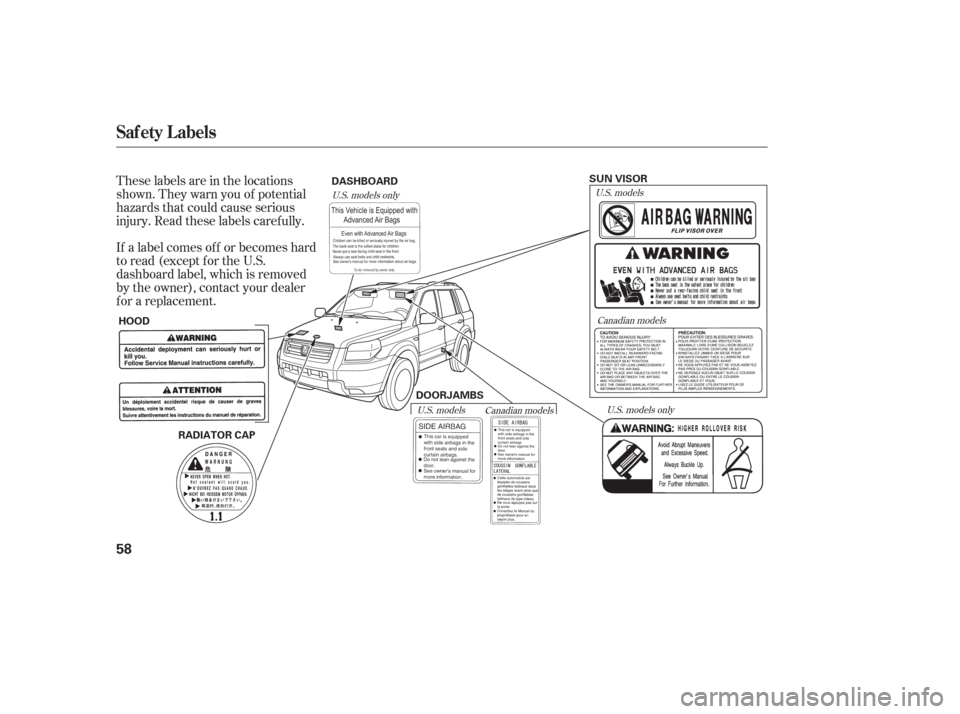
If a label comes of f or becomes hard
to read (except for the U.S.
dashboard label, which is removed
by the owner), contact your dealer
f or a replacement. These labels are in the locations
shown. They warn you of potential
hazards that could cause serious
injury. Read these labels caref ully.
U.S. models onlyCanadian models
U.S. models
U.S. models only
U.S. models Canadian models
Saf ety L abels
58
RADIATOR CAP
HOOD DASHBOARD
SUN VISOR
DOORJAMBS
Page 98 of 316

The moonroof has two positions: it
can be tilted up in the back f or
ventilation, or it can be slid back into
the roof . Use the switch under the
lef t dashboard vent to operate the
moonroof . The ignition switch must
be in the ON (II) position.To tilt up the back of the moonroof ,
press and hold the center button
. To close the moonroof , press
and hold the upper button . To
open the moonroof , press and hold
the lower button . Release the
button when the moonroof gets to
the desired position. Make sure
everyone’s hands are away f rom the
moonroof bef ore opening or closing
it. The moonroof has a key-of f delay
f unction. You can still open and close
the moonroof f or up to 10 minutes
after you turn off the ignition switch.
The key-of f delay f unction cancels as
soon as you open either f ront door.
You must then turn the ignition
switch to the ON (II) position to
operate the moonroof .
If equipped
Moonroof
96
CLOSE BUTTON
OPEN BUTTON
TILT-UP
BUTTON
Opening or closing the
moonroof on someone’s hands
or fingers can cause serious
injury.
Make sure all hands and fingers
are clear of the moonroof
before opening or closing it. If you try to open the moonroof in
below-f reezing temperatures, or when
it is covered with snow or ice, you can
damage the moonroof panel or motor.
Page 110 of 316
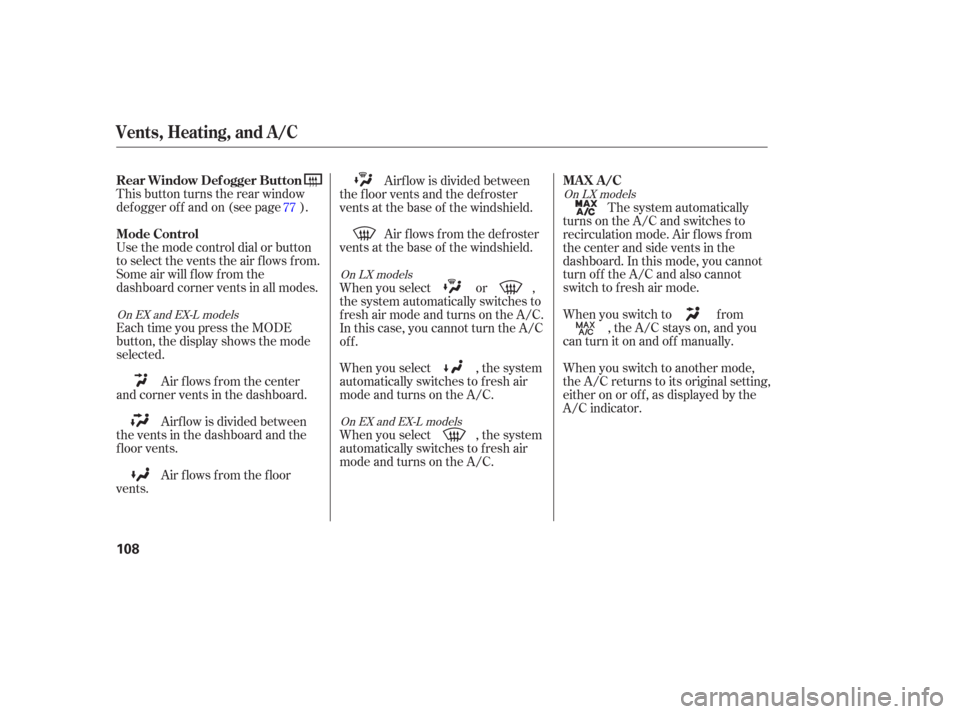
This button turns the rear window
def ogger of f and on (see page ).
Use the mode control dial or button
to select the vents the air flows from.
Some air will flow from the
dashboard corner vents in all modes.
Each time you press the MODE
button, the display shows the mode
selected.Air flows from the center
and corner vents in the dashboard.
Airf low is divided between
the vents in the dashboard and the
f loor vents.
Air f lows f rom the f loor
vents. Airf low is divided between
the f loor vents and the def roster
vents at the base of the windshield.
Air f lows f rom the def roster
vents at the base of the windshield. The system automatically
turns on the A/C and switches to
recirculation mode. Air f lows f rom
the center and side vents in the
dashboard. In this mode, you cannot
turn of f the A/C and also cannot
switch to f resh air mode.
When you switch to f rom , the A/C stays on, and you
canturnitonandoff manually.
When you switch to another mode,
the A/C returns to its original setting,
either on or of f , as displayed by the
A/C indicator.
When you select , the system
automatically switches to f resh air
mode and turns on the A/C. When you select or ,
the system automatically switches to
f resh air mode and turns on the A/C.
In this case, you cannot turn the A/C
off.
When you select , the system
automatically switches to f resh air
mode and turns on the A/C.
77
On EX and EX-L models
On EX and EX-L modelsOn LX models
On LX models
Rear Window Def ogger Button
Mode Control MA X A /C
Vents, Heating, and A/C
108
Page 113 of 316
When you switch to , f romor , the A/C stays on.
This helps prevent the windows f rom
rapidly f ogging up when the air is
suddenly routed away f rom the
windshield. If you want to turn the
A/C off, press and release the A/C
button until the indicator in the
buttoncomesonandthengoesoff.
When you press again or the
MODE button, the A/C returns to its
original setting, either on or of f , as
displayed by the A/C ON or A/C
OFF indicator. If the original setting
is A/C OFF, the system switches to
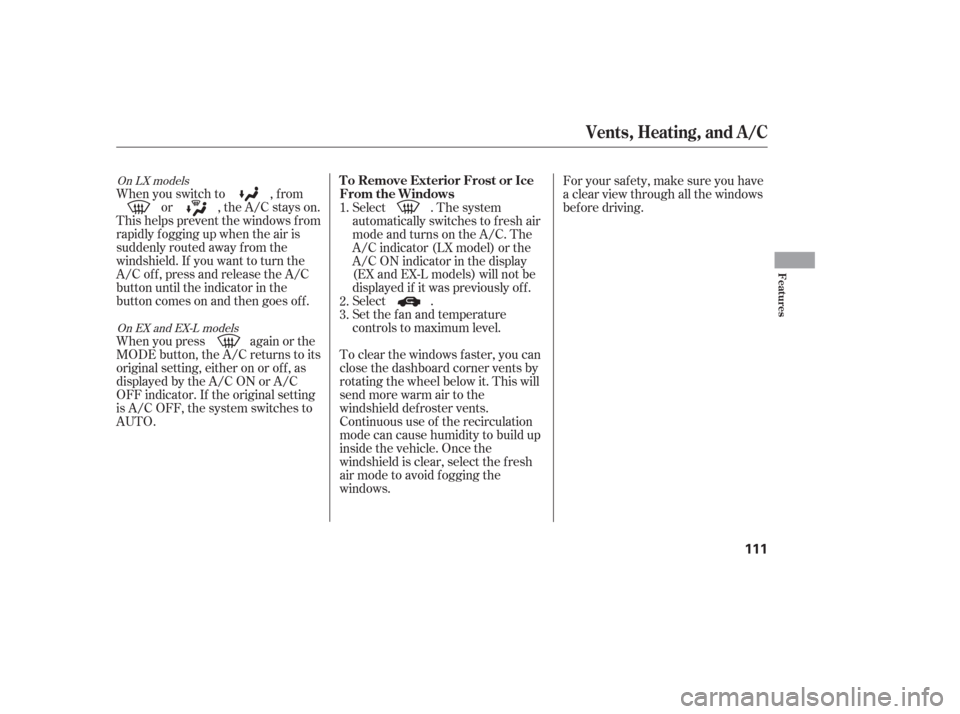
AUTO. Select . The system
automatically switches to f resh air
mode and turns on the A/C. The
A/C indicator (LX model) or the
A/C ON indicator in the display
(EX and EX-L models) will not be
displayed if it was previously of f .
Select .
Set the f an and temperature
controls to maximum level.
For your saf ety, make sure you have
a clear view through all the windows
bef ore driving.
To clear the windows f aster, you can
close the dashboard corner vents by
rotating the wheel below it. This will
send more warm air to the
windshield def roster vents.
Continuous use of the recirculation
mode can cause humidity to build up
inside the vehicle. Once the
windshield is clear, select the f resh
air mode to avoid fogging the
windows. 1.
2.
3.
On LX models
On EX and EX-L models
Vents, Heating, and A/C
T o Remove Exterior Frost or Ice
From the Windows
Features
111
Page 116 of 316
�µ
�µ
�µ Theclimatecontrolsystemhastwo
sensors. A sunlight sensor is in the
top of the dashboard, and a
temperature sensor is next to the
steering column. Do not cover the
sensors or spill any liquid on them.
OFF (center) The rear A/C unit
shuts off.
Cool Air Turn this dial
counterclockwise to increase the
temperature.
Warm Air Turn this dial clockwise
to increase the temperature.
On EX and EX-L models
Sunlight and T emperature
Sensors
Vents, Heating, and A/C
114
SUNLIGHT SENSOR TEMPERATURE SENSOR
COOL AIR
WARM AIR
Page 176 of 316

The security system helps to protect
your vehicle and valuables f rom thef t.
The horn sounds and a combination
of headlights, parking lights, side
marker lights, and taillights f lash if
someone attempts to break into your
vehicle. This alarm continues for 2
minutes, then the system resets. To
reset an alarm system bef ore the 2
minutes have elapsed, unlock the
driver’s f ront door with the key or
the remote transmitter.Once the security system is set,
opening any door without using the
key or the remote transmitter, or the
hood, will cause it to alarm. It also
alarms if the radio is removed from
the dashboard or the wiring is cut.The security system will not set if
the hood, the tailgate, or any door is
not f ully closed. If the system will not
set, check the Door and Tailgate
Open Monitor on the instrument
panel (see page ) to see if the
doors and the tailgate are f ully
closed. Since it is not part of the
monitor display, manually check the
hood.
Do not attempt to alter this system
or add other devices to it.
The security system automatically
sets 15 seconds after you lock the
doors, hood, and the tailgate. For the
system to activate, you must lock the
doors f rom the outside with the key,
lock tab, door lock switch, or remote
transmitter. The security system
indicator next to the driver’s door
lock starts blinking immediately to
show you the system is setting itself . 66
On EX and EX-L models
Security System
174
SECURITY SYSTEM INDICATOR
Page 190 of 316
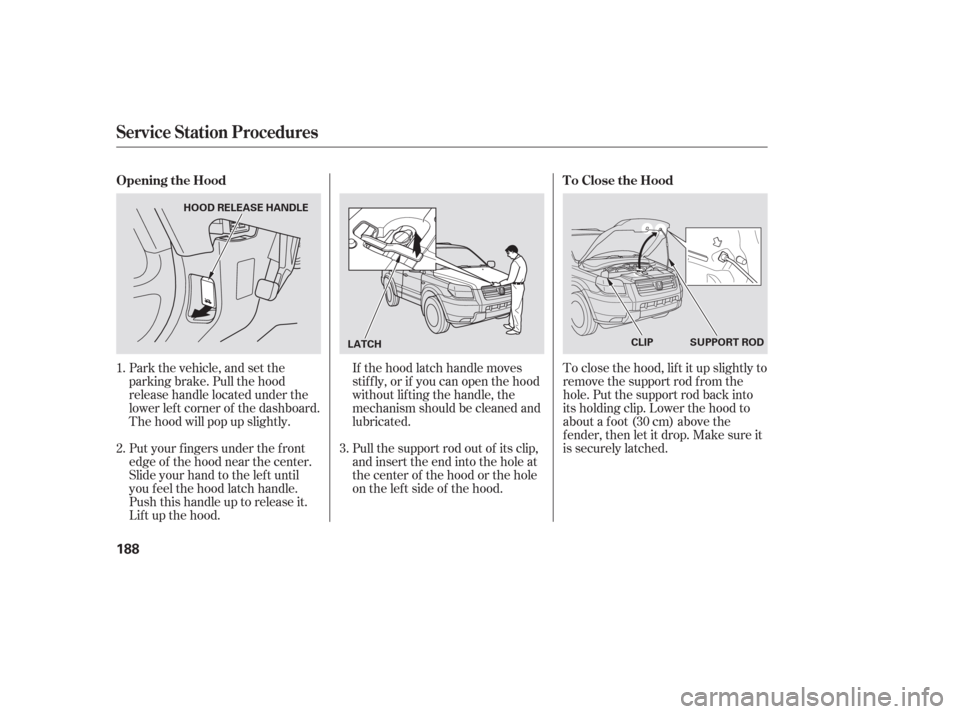
Park the vehicle, and set the
parking brake. Pull the hood
release handle located under the
lower lef t corner of the dashboard.
The hood will pop up slightly.If the hood latch handle moves
stif f ly, or if you can open the hood
without lifting the handle, the
mechanism should be cleaned and
lubricated.
Pull the support rod out of its clip,
and insert the end into the hole at
the center of the hood or the hole
on the lef t side of the hood.
Put your f ingers under the f ront
edge of the hood near the center.
Slide your hand to the lef t until
you f eel the hood latch handle.
Push this handle up to release it.
Lif t up the hood. To close the hood, lif t it up slightly to
remove the support rod f rom the
hole. Put the support rod back into
its holding clip. Lower the hood to
about a f oot (30 cm) above the
f ender, then let it drop. Make sure it
is securely latched.
3.
2. 1.
Service Station Procedures
Opening the Hood T o Close the Hood
188
LATCHSUPPORT ROD
CLIP
HOOD RELEASE HANDLE
Page 281 of 316

The vehicle’s f uses are located in
f our f use boxes. The interior f use
boxes are located under the
dashboard on the driver’s and
passenger’s side.
CONT INUED
Emergency Towing, Fuses
Taking Care of the Unexpected
279
DRIVER’ S SIDE INTERIOR
If , due to damage, your vehicle must
be towed with all f our wheels on the
ground, do the f ollowing:With all f our wheels on the ground,
it is best to tow the vehicle no farther
than 50 miles (80 km), and keep the
speed below 35 mph (55 km/h).
Release the parking brake.
Start the engine.
Shif t to D f or several seconds,
then to N.
Turn of f the engine.
Improper towing preparation will
damage the transmission. Follow the
above procedure exactly. If you cannot
shif t the transmission or start the
engine, your vehicle must be
transported with the all f our wheels of f
the ground. The steerin
g system can be damaged if
the steering wheel is locked. Leave the
ignition switch in the ACCESSORY (I)
position, and make sure the steering
wheel turns f reely bef ore you begin
towing.
Trying to lif t or tow your vehicle by the
bumpers will cause serious damage.
The bumpers are not designed to
support the vehicle’s weight. Fuses