Page 68 of 420

This indicator comes on f or a f ew
seconds when you turn the ignition
switch to the ON (II) position. It will
gooffifyouhaveinserteda
properly-coded ignition key. If it is
not a properly-coded key, the
indicator will blink and the engine
will not start (see page ).
This indicator also blinks several
times when you turn the ignition
switch f rom the ON (II) position to
the ACCESSORY (I) or the LOCK
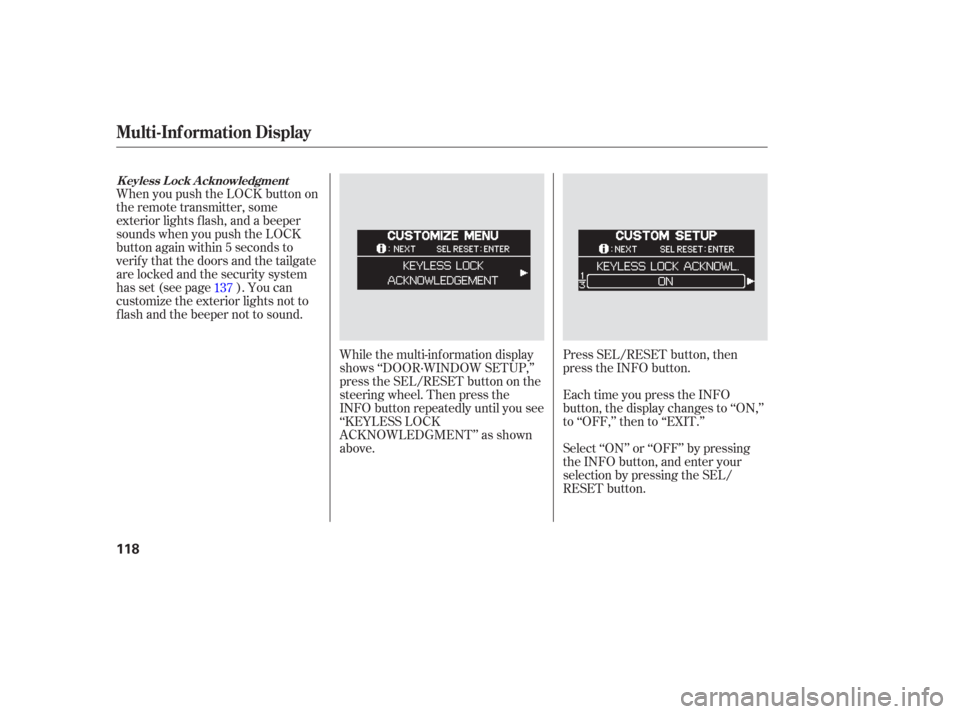
(0) position.The appropriate light comes on in
this display if the tailgate or any door
is not closed tightly.
All the lights in the monitor come on
f or a f ew seconds when you turn the
ignition switch to the ON (II)
position.
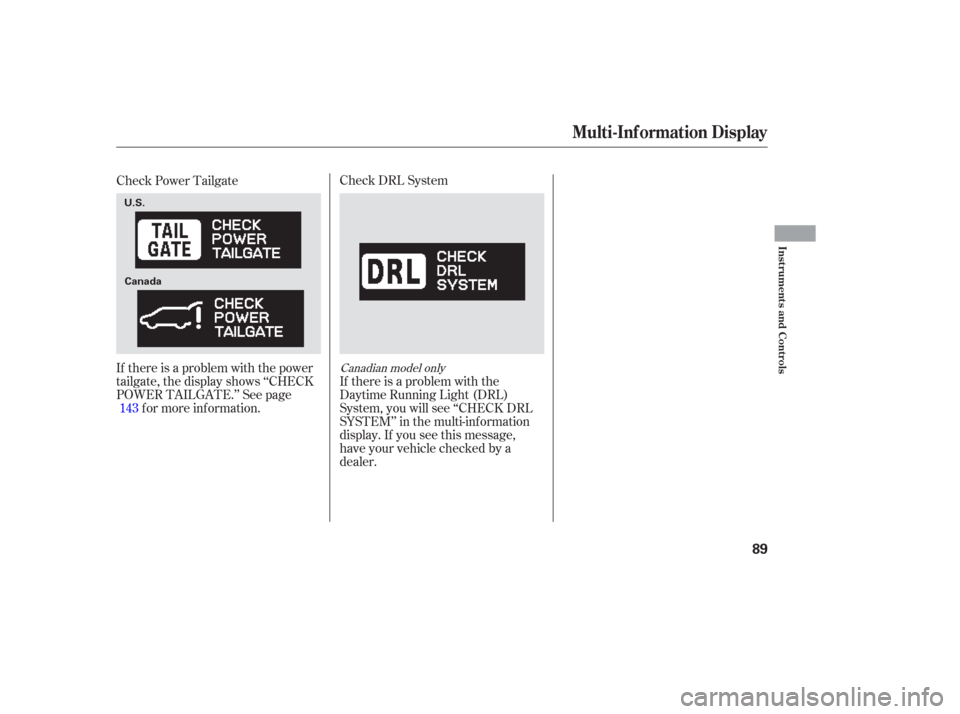
On the Touring model, you will also
see a ‘‘CHECK LEFT SLIDING
DOOR’’ or ‘‘CHECK RIGHT
SLIDING DOOR’’ message in the
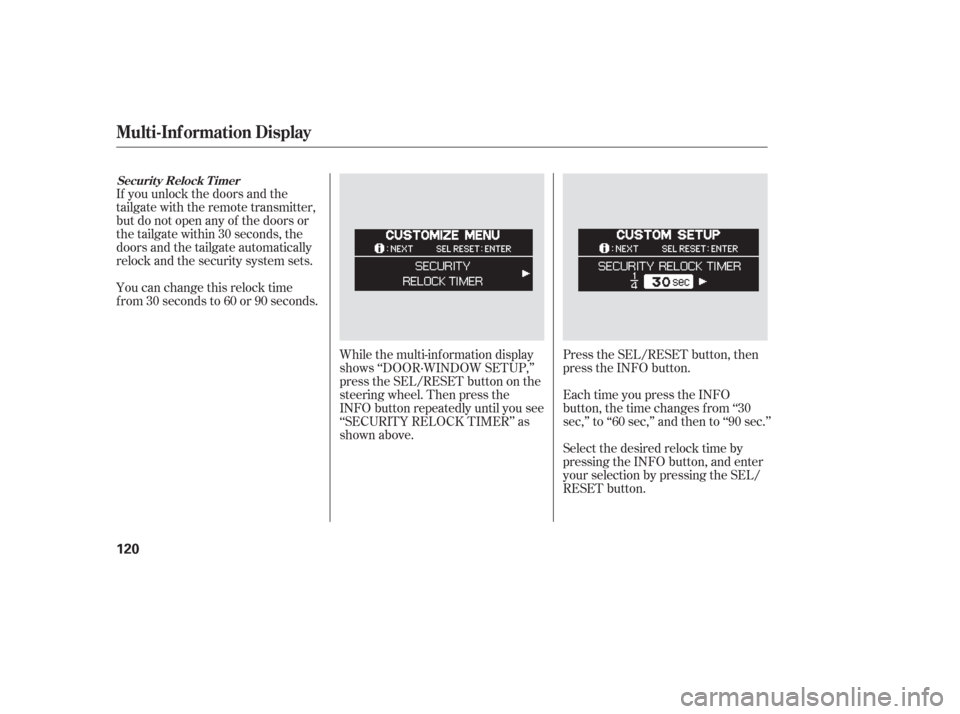
multi-inf ormation display. This indicator comes on f or a f ew
seconds when you turn the ignition
switch to the ON (II) position. If it
comes on at any other time, there is
a problem in the power sliding door
system. With this indicator on, move
themainswitchonthedashboardto
the OFF position, and have the
system checked by your dealer as
soon as possible. You can still open
or close each sliding door manually.
For more inf ormation on the power
sliding doors, see page .
133
146
On EX and EX-L models only
Instrument Panel Indicators
Immobilizer System
Indicator Door and T ailgate Open Monitor
Power Sliding
Door Indicator
Inst rument s and Cont rols
67
U.S. Canada
Page 82 of 420
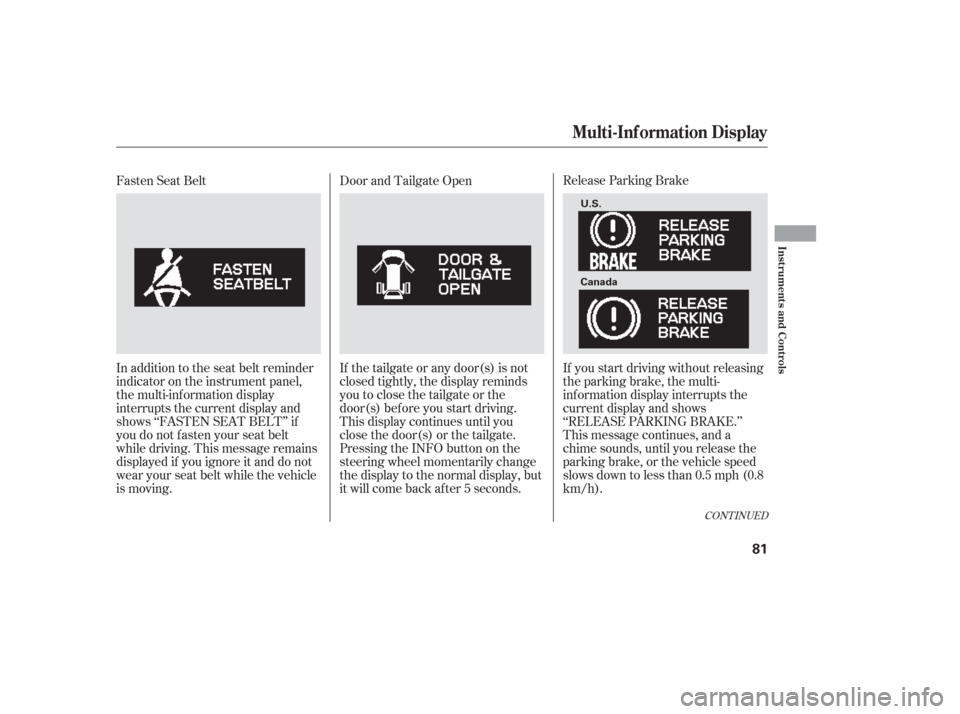
Release Parking Brake
If you start driving without releasing
the parking brake, the multi-
inf ormation display interrupts the
current display and shows
‘‘RELEASE PARKING BRAKE.’’
This message continues, and a
chime sounds, until you release the
parking brake, or the vehicle speed
slows down to less than 0.5 mph (0.8
km/h).
Door and Tailgate Open
If the tailgate or any door(s) is not
closed tightly, the display reminds
you to close the tailgate or the
door(s) bef ore you start driving.
This display continues until you
close the door(s) or the tailgate.
Pressing the INFO button on the
steering wheel momentarily change
the display to the normal display, but
it will come back af ter 5 seconds.
Fasten Seat Belt
In addition to the seat belt reminder
indicator on the instrument panel,
the multi-information display
interrupts the current display and
shows ‘‘FASTEN SEAT BELT’’ if
you do not f asten your seat belt
while driving. This message remains
displayed if you ignore it and do not
wear your seat belt while the vehicle
is moving.
CONT INUED
Multi-Inf ormation Display
Inst rument s and Cont rols
81
U.S.
Canada
Page 90 of 420
Check DRL System
If there is a problem with the
Daytime Running Light (DRL)
System, you will see ‘‘CHECK DRL
SYSTEM’’ in the multi-inf ormation
display. If you see this message,
have your vehicle checked by a
dealer.
Check Power Tailgate
If there is a problem with the power
tailgate, the display shows ‘‘CHECK
POWER TAILGATE.’’ See page
f or more inf ormation.
143
Canadian model only
Multi-Inf ormation Display
Inst rument s and Cont rols
89
U.S.
Canada
Page 110 of 420
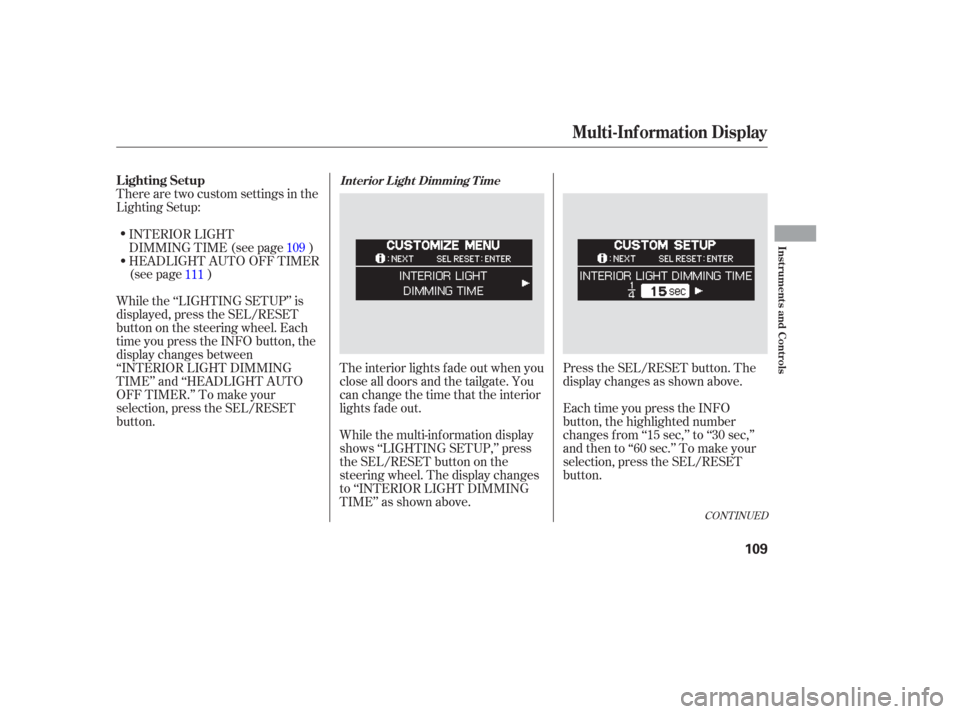
There are two custom settings in the
Lighting Setup:The interior lights f ade out when you
close all doors and the tailgate. You
can change the time that the interior
lights f ade out.
While the multi-information display
shows ‘‘LIGHTING SETUP,’’ press
the SEL/RESET button on the
steering wheel. The display changes
to ‘‘INTERIOR LIGHT DIMMING
TIME’’ as shown above.Press the SEL/RESET button. The
display changes as shown above.
Each time you press the INFO
button, the highlighted number
changes f rom ‘‘15 sec,’’ to ‘‘30 sec,’’
andthento‘‘60sec.’’Tomakeyour
selection, press the SEL/RESET
button.
INTERIOR LIGHT
DIMMING TIME (see page )
HEADLIGHT AUTO OFF TIMER
(see page )
While the ‘‘LIGHTING SETUP’’ is
displayed, press the SEL/RESET
button on the steering wheel. Each
time you press the INFO button, the
display changes between
‘‘INTERIOR LIGHT DIMMING
TIME’’ and ‘‘HEADLIGHT AUTO
OFF TIMER.’’ To make your
selection, press the SEL/RESET
button. 109
111
CONT INUED
Lighting SetupInt erior L ight Dimming T ime
Multi-Inf ormation Display
Inst rument s and Cont rols
109
Page 119 of 420
When you push the LOCK button on
the remote transmitter, some
exterior lights f lash, and a beeper
sounds when you push the LOCK
button again within 5 seconds to
verify that the doors and the tailgate
arelockedandthesecuritysystem
has set (see page ). You can
customize the exterior lights not to
f lash and the beeper not to sound.While the multi-information display
shows ‘‘DOOR·WINDOW SETUP,’’
press the SEL/RESET button on the
steering wheel. Then press the
INFO button repeatedly until you see
‘‘KEYLESS LOCK
ACKNOWLEDGMENT’’ as shown
above.Press SEL/RESET button, then
press the INFO button.
Each time you press the INFO
button, the display changes to ‘‘ON,’’
to ‘‘OFF,’’ then to ‘‘EXIT.’’
Select ‘‘ON’’ or ‘‘OFF’’ by pressing
the INFO button, and enter your
selection by pressing the SEL/
RESET button.
137
K eyless L ock A cknowledgment
Multi-Inf ormation Display
118
Page 121 of 420
If you unlock the doors and the
tailgate with the remote transmitter,
but do not open any of the doors or
thetailgatewithin30seconds,the
doors and the tailgate automatically
relock and the security system sets.
You can change this relock time
f rom 30 seconds to 60 or 90 seconds.While the multi-information display
shows ‘‘DOOR·WINDOW SETUP,’’
press the SEL/RESET button on the
steering wheel. Then press the
INFO button repeatedly until you see
‘‘SECURITY RELOCK TIMER’’ as
shown above.Press the SEL/RESET button, then
press the INFO button.
Each time you press the INFO
button, the time changes f rom ‘‘30
sec,’’ to ‘‘60 sec,’’ and then to ‘‘90 sec.’’
Select the desired relock time by
pressing the INFO button, and enter
your selection by pressing the SEL/
RESET button.
Securit y Relock T imer
Multi-Inf ormation Display
120
Page 125 of 420
�Î
�Î
To use the horn, press the pad around the ‘‘H’’ logo.
:
Controls Near the Steering Wheel
124
POWER SLIDING
DOOR SWITCHES
REAR WINDOW
DEFOGGER
STEERING WHEEL
ADJUSTMENT CRUISE
CONTROL
CLOCK
LIGHT CONTROL
SWITCH
AUDIO SYSTEM/
REAR
ENTERTAINMENT
SYSTEM
STEERING WHEEL
AUDIO CONTROLS PASSENGER
AIRBAG OFF
INDICATOR
POWER TAILGATE
SWITCH HEADLIGHTS/
TURN SIGNALS
HAZARD WARNING
BUTTON
WINDSHIELD
WIPERS/WASHERS
VSA OFF
SWITCH
HORN (P.33)
PARKING SENSOR
SYSTEM SWITCH
DRIVER’S PEDAL
ADJUSTMENT SWITCH
(P.75)MULTI-INFORMATION
DISPLAY SWITCHES
VSA OFF SWITCH
/
MOONROOF
(P.173)
(P.146)(P.170)
(P.308)
(P.277)
(P.308)
(P.233) (P.131) (P.125)(P.187)
(P.130)
(P.232)
(P.130)
(P.269)
(P.126)
(P.203,235)
(P.143)
Page 136 of 420
�µ�µ�µ
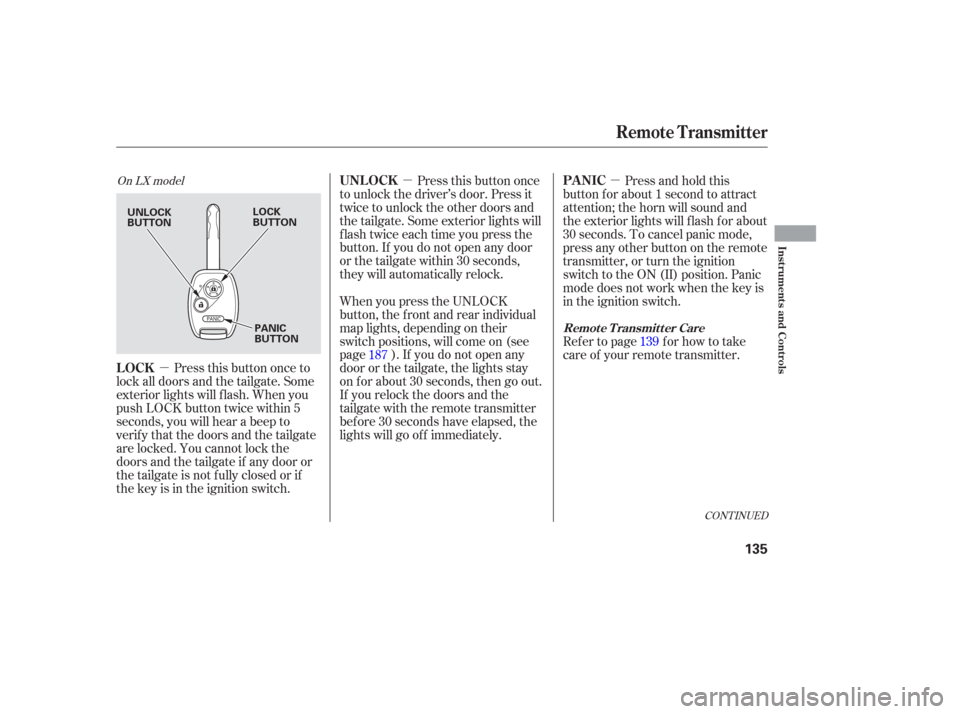
Press this button once to
lock all doors and the tailgate. Some
exterior lights will f lash. When you
push LOCK button twice within 5
seconds, you will hear a beep to
verify that the doors and the tailgate
are locked. You cannot lock the
doors and the tailgate if any door or
the tailgate is not f ully closed or if
the key is in the ignition switch. Press this button once
to unlock the driver’s door. Press it
twice to unlock the other doors and
the tailgate. Some exterior lights will
f lash twice each time you press the
button. If you do not open any door
orthetailgatewithin30seconds,
they will automatically relock. Press and hold this
button for about 1 second to attract
attention; the horn will sound and
the exterior lights will f lash f or about
30 seconds. To cancel panic mode,
press any other button on the remote
transmitter, or turn the ignition
switch to the ON (II) position. Panic
mode does not work when the key is
in the ignition switch.
When you press the UNLOCK
button, the f ront and rear individual
map lights, depending on their
switch positions, will come on (see
page ). If you do not open any
door or the tailgate, the lights stay
on f or about 30 seconds, then go out.
If you relock the doors and the
tailgate with the remote transmitter
bef ore 30 seconds have elapsed, the
lights will go of f immediately. Refertopage forhowtotake
care of your remote transmitter.
187 139
CONT INUED
On LX model
LOCKUNL OCK
PA NIC
Remote Transmitter
Remote Transmitter Care
Inst rument s and Cont rols
135
UNLOCK
BUTTONLOCK
BUTTON
PANIC
BUTTON