2006 FORD FREESTYLE brake
[x] Cancel search: brakePage 71 of 288
Disengaging speed control
To disengage the speed control:
•Depress the brake pedal or press CNCL (Cancel).
Disengaging the speed control will not erase previous set speed.
Resuming a set speed
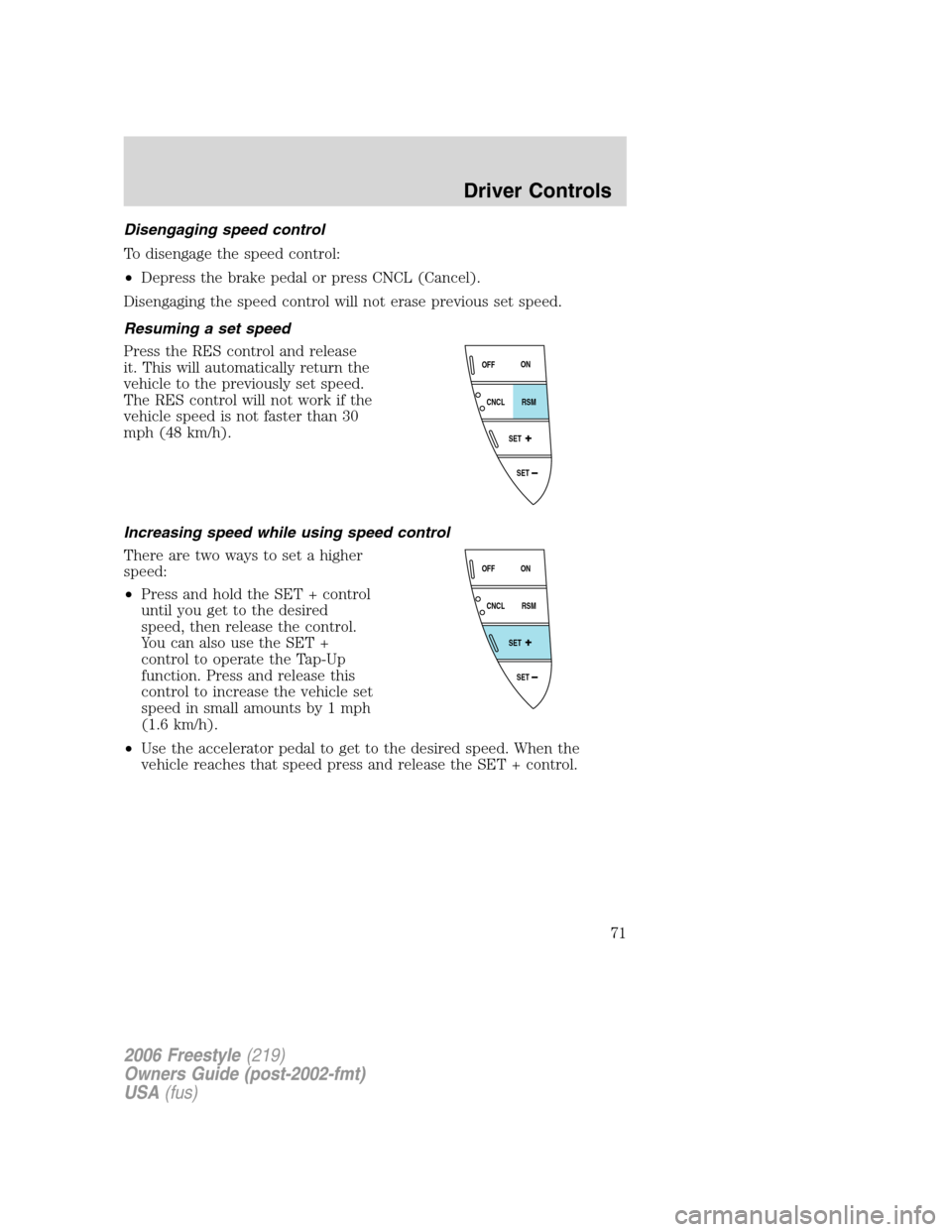
Press the RES control and release
it. This will automatically return the
vehicle to the previously set speed.
The RES control will not work if the
vehicle speed is not faster than 30
mph (48 km/h).
Increasing speed while using speed control
There are two ways to set a higher
speed:
•Press and hold the SET + control
until you get to the desired
speed, then release the control.
You can also use the SET +
control to operate the Tap-Up
function. Press and release this
control to increase the vehicle set
speed in small amounts by 1 mph
(1.6 km/h).
•Use the accelerator pedal to get to the desired speed. When the
vehicle reaches that speed press and release the SET + control.
SET
SET
RSM CNCLON
OFF
SET
SET
RSM CNCLON
OFF
2006 Freestyle(219)
Owners Guide (post-2002-fmt)
USA(fus)
Driver Controls
71
Page 72 of 288
Reducing speed while using speed control
There are two ways to reduce a set
speed:
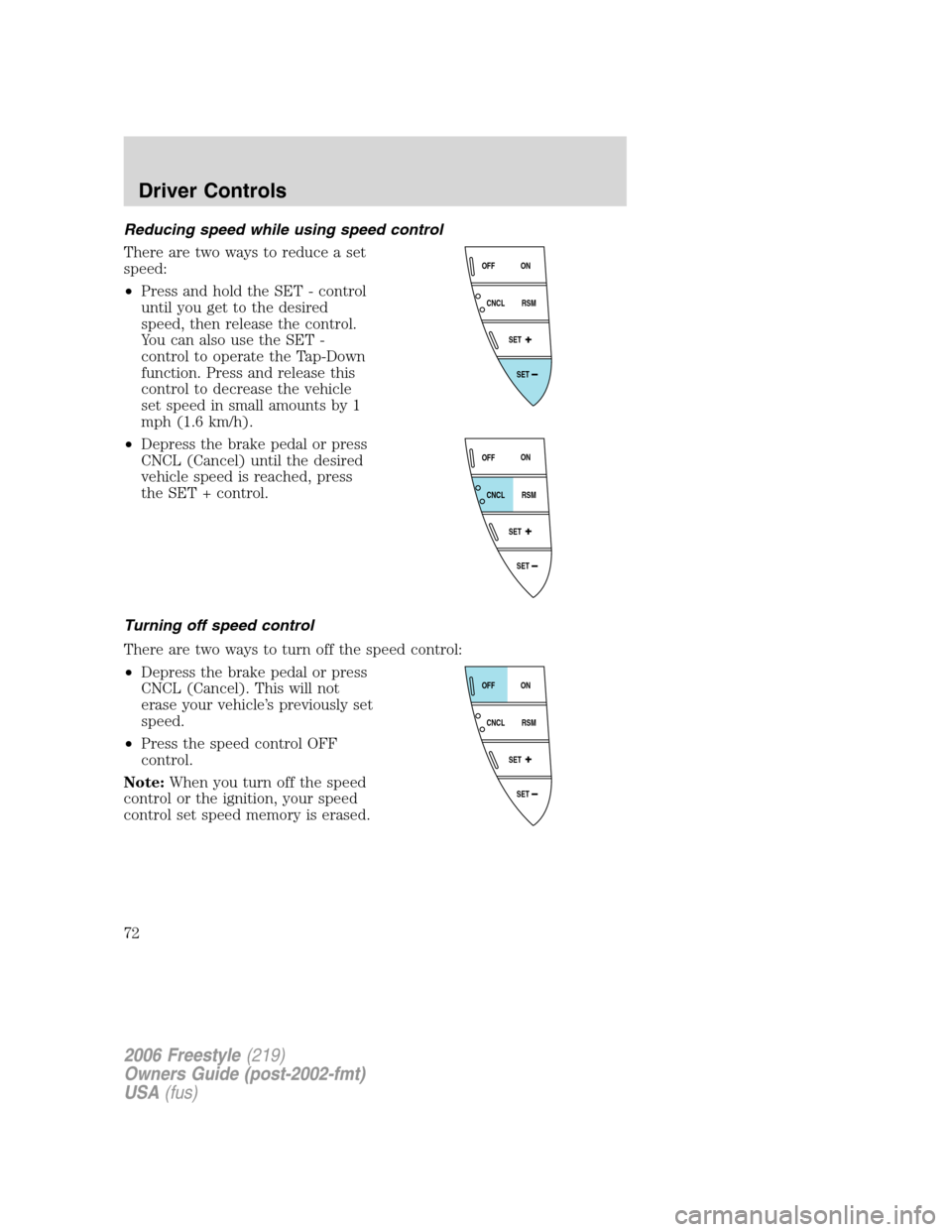
•Press and hold the SET - control
until you get to the desired
speed, then release the control.
You can also use the SET -
control to operate the Tap-Down
function. Press and release this
control to decrease the vehicle
set speed in small amounts by 1
mph (1.6 km/h).
•Depress the brake pedal or press
CNCL (Cancel) until the desired
vehicle speed is reached, press
the SET + control.
Turning off speed control
There are two ways to turn off the speed control:
•Depress the brake pedal or press
CNCL (Cancel). This will not
erase your vehicle’s previously set
speed.
•Press the speed control OFF
control.
Note:When you turn off the speed
control or the ignition, your speed
control set speed memory is erased.
SET
SET
RSM CNCLON
OFF
SET
SET
RSM CNCLON
OFF
SET
SET
RSM CNCLON
OFF
2006 Freestyle(219)
Owners Guide (post-2002-fmt)
USA(fus)
Driver Controls
72
Page 84 of 288
System check
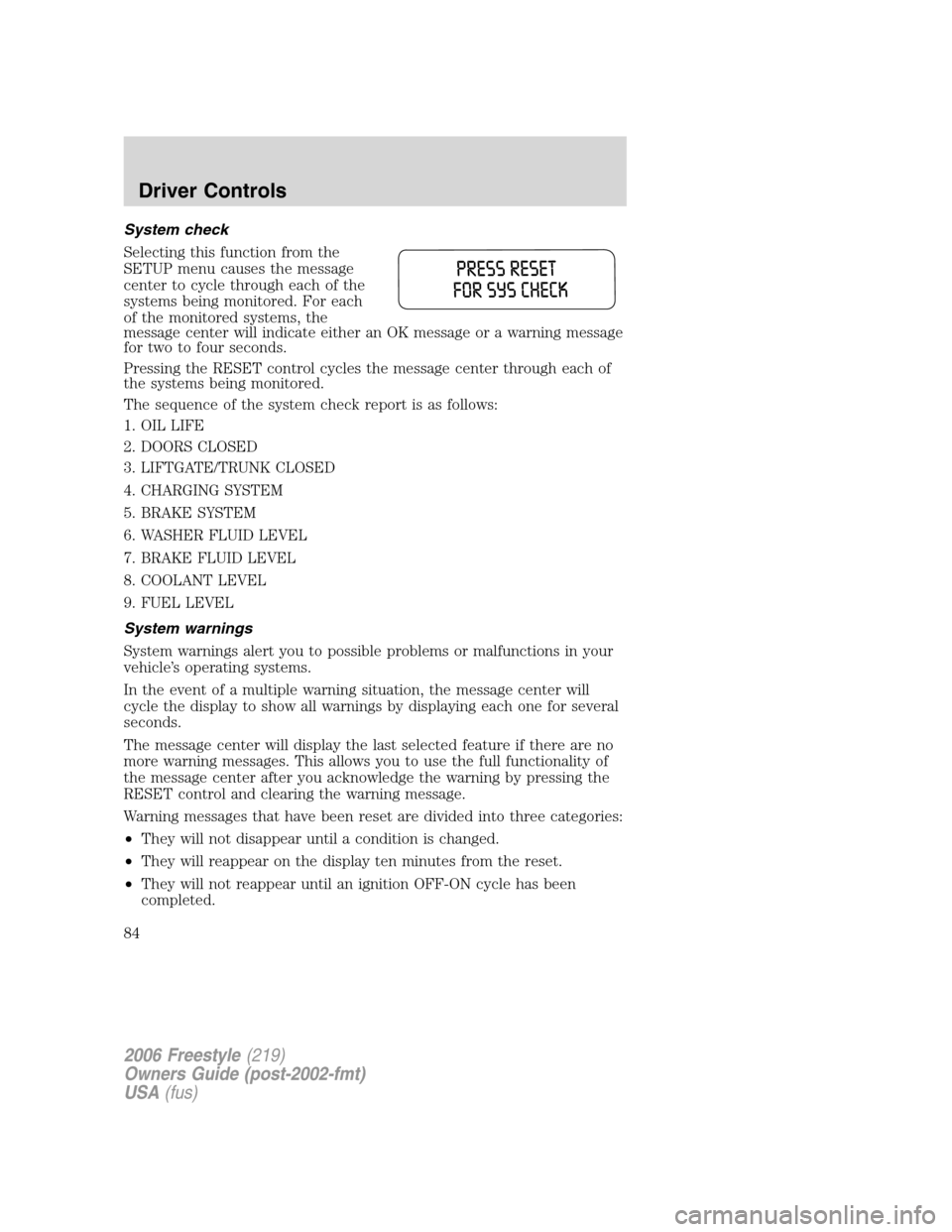
Selecting this function from the
SETUP menu causes the message
center to cycle through each of the
systems being monitored. For each
of the monitored systems, the
message center will indicate either an OK message or a warning message
for two to four seconds.
Pressing the RESET control cycles the message center through each of
the systems being monitored.
The sequence of the system check report is as follows:
1. OIL LIFE
2. DOORS CLOSED
3. LIFTGATE/TRUNK CLOSED
4. CHARGING SYSTEM
5. BRAKE SYSTEM
6. WASHER FLUID LEVEL
7. BRAKE FLUID LEVEL
8. COOLANT LEVEL
9. FUEL LEVEL
System warnings
System warnings alert you to possible problems or malfunctions in your
vehicle’s operating systems.
In the event of a multiple warning situation, the message center will
cycle the display to show all warnings by displaying each one for several
seconds.
The message center will display the last selected feature if there are no
more warning messages. This allows you to use the full functionality of
the message center after you acknowledge the warning by pressing the
RESET control and clearing the warning message.
Warning messages that have been reset are divided into three categories:
•They will not disappear until a condition is changed.
•They will reappear on the display ten minutes from the reset.
•They will not reappear until an ignition OFF-ON cycle has been
completed.
2006 Freestyle(219)
Owners Guide (post-2002-fmt)
USA(fus)
Driver Controls
84
Page 85 of 288

This acts as a reminder that these warning conditions still exist within
the vehicle.
Warnings Status
Driver’s door ajar Warning cannot be reset (CLOSE
DOOR TO RESET) will be displayed
Passenger door ajar
Left rear door ajar
Right rear door ajar
Park brake engaged RELEASE PARK BRAKE will be
displayed
Low fuel level Warning returns after 10 minutes
Check charging system
Check brake system
Low brake fluid Warning returns after the ignition key
is turned from OFF to RUN
Liftgate ajar (if equipped)
Trunk ajar (if equipped)
Washer Fluid level low
Change oil soon
Oil change required
DRIVER’S DOOR AJAR.Displayed when the driver’s door is not
completely closed.
PASSENGER DOOR AJAR.Displayed when the passenger side door is
not completely closed.
LEFT REAR DOOR AJAR.Displayed when the left rear door is not
completely closed.
RIGHT REAR DOOR AJAR.Displayed when the right rear door is not
completely closed.
PARK BRAKE ENGAGED.Displayed when the park brake is engaged.
If the warning stays on after the park brake is off, contact your
authorized dealer as soon as possible.
LOW FUEL LEVEL.Displayed as an early reminder of a low fuel
condition.
CHECK CHARGING SYSTEM.Displayed when the electrical system is
not maintaining proper voltage. If you are operating electrical accessories
when the engine is idling at a low speed, turn off as many of the
electrical loads as possible. If the warning stays on or comes on when the
engine is operating at normal speeds, have the electrical system checked
as soon as possible.
2006 Freestyle(219)
Owners Guide (post-2002-fmt)
USA(fus)
Driver Controls
85
Page 86 of 288

CHECK BRAKE SYSTEM.Displayed when the brake system needs
servicing. If the warning stays on or continues to come on, contact your
authorized dealer as soon as possible.
LOW BRAKE FLUID.Indicates the brake fluid level is low and the
brake system should be inspected immediately. Refer toBrake fluid
reservoirin theMaintenance and Specificationschapter.
LIFTGATE AJAR (if equipped).Displayed when the liftgate is not
completely closed.
TRUNK AJAR (if equipped).Displayed when the trunk is not
completely closed.
LOW WASHER FLUID LEVEL.Indicates the washer fluid reservoir is
less than one quarter full. Check the washer fluid level. Refer to
Windshield washer fluidin theMaintenance and Specifications
chapter.
CHANGE OIL SOON/OIL CHANGE REQUIRED.Oil Life XX%,
CHANGE SOON/OIL LIFE 0%, CHANGE OIL, OIL LIFE XX%, CHANGE
SOON displayed when the engine oil life remaining is 10 percent and
again when the engine oil life remaining is between 5% and 1%. When oil
life left reaches 0%, the OIL LIFE 0%, CHANGE OIL message will be
displayed.
An oil change is required whenever indicated by the message center and
according to the recommended maintenance schedule. USE ONLY
RECOMMENDED ENGINE OILS.
To reset the oil monitoring system to 100% after each oil change
[approximately 5,000 miles (8,000 km) or 180 days] perform the
following:
To reset the oil life to 100% with system warnings CHANGE OIL
SOON/OIL CHANGE REQUIRED displayed:
1. Select this function from the
SETUP control for current display
mode.
2006 Freestyle(219)
Owners Guide (post-2002-fmt)
USA(fus)
Driver Controls
86
Page 99 of 288
To lock all doors and liftgate,press the 7•8 and the 9•0atthe
same time.Note:The driver’s door must be closed. Youdo notneed to
enter the keypad code first.
Autolock
The autolock feature will lock all the doors and liftgate when:
•all the doors and liftgate are closed,
•the ignition is in the 3 (RUN) position,
•you shift into any gear putting the vehicle in motion, and
•the brake pedal is released and the vehicle attains a speed greater
than 5 mph (8 km/h).
The autolock feature repeats when:
•any door or the liftgate is opened then closed while the ignition is in
the 3 (RUN) position, and
•you put the vehicle in motion by releasing the brake pedal and the
vehicle attains a speed greater than 5 mph (8 km/h).
Deactivating/activating autolock
Your vehicle comes with the autolock feature activated. There are three
methods to enable/disable this feature: One is through your authorized
dealer, the second with a power door unlock/lock sequence, and the third
with the keypad.
Before following the activation or deactivation procedures, make sure
that the anti-theft system is not armed, ignition is off, and all vehicle
doors and liftgate are closed.
Power door unlock/lock procedure
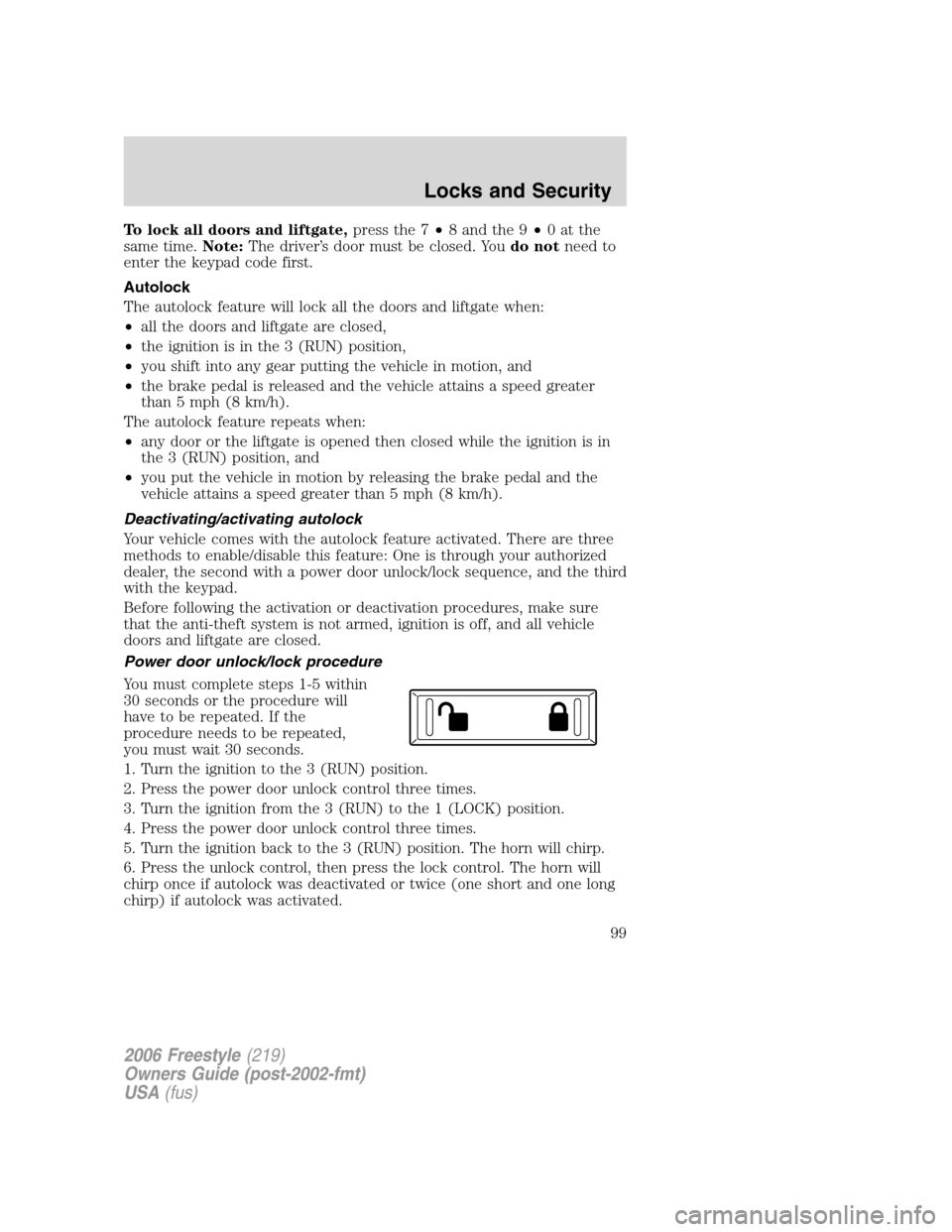
You must complete steps 1-5 within
30 seconds or the procedure will
have to be repeated. If the
procedure needs to be repeated,
you must wait 30 seconds.
1. Turn the ignition to the 3 (RUN) position.
2. Press the power door unlock control three times.
3. Turn the ignition from the 3 (RUN) to the 1 (LOCK) position.
4. Press the power door unlock control three times.
5. Turn the ignition back to the 3 (RUN) position. The horn will chirp.
6. Press the unlock control, then press the lock control. The horn will
chirp once if autolock was deactivated or twice (one short and one long
chirp) if autolock was activated.
2006 Freestyle(219)
Owners Guide (post-2002-fmt)
USA(fus)
Locks and Security
99
Page 123 of 288
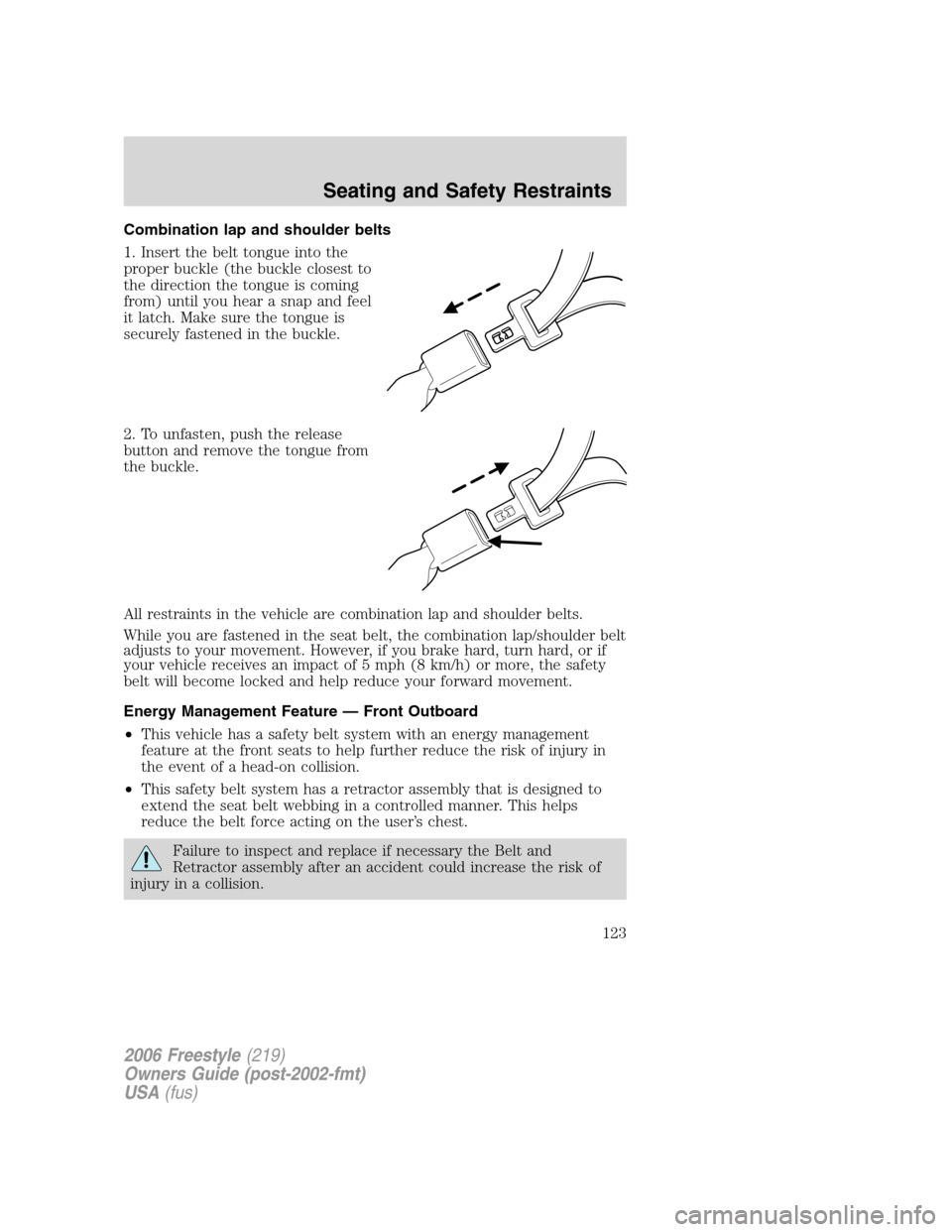
Combination lap and shoulder belts
1. Insert the belt tongue into the
proper buckle (the buckle closest to
the direction the tongue is coming
from) until you hear a snap and feel
it latch. Make sure the tongue is
securely fastened in the buckle.
2. To unfasten, push the release
button and remove the tongue from
the buckle.
All restraints in the vehicle are combination lap and shoulder belts.
While you are fastened in the seat belt, the combination lap/shoulder belt
adjusts to your movement. However, if you brake hard, turn hard, or if
your vehicle receives an impact of 5 mph (8 km/h) or more, the safety
belt will become locked and help reduce your forward movement.
Energy Management Feature — Front Outboard
•This vehicle has a safety belt system with an energy management
feature at the front seats to help further reduce the risk of injury in
the event of a head-on collision.
•This safety belt system has a retractor assembly that is designed to
extend the seat belt webbing in a controlled manner. This helps
reduce the belt force acting on the user’s chest.
Failure to inspect and replace if necessary the Belt and
Retractor assembly after an accident could increase the risk of
injury in a collision.
2006 Freestyle(219)
Owners Guide (post-2002-fmt)
USA(fus)
Seating and Safety Restraints
123
Page 124 of 288
All safety restraints in the vehicle are combination lap and shoulder
belts. All of the passenger combination lap and shoulder belts have two
types of locking modes described below:
Vehicle sensitive mode
This is the normal retractor mode, which allows free shoulder belt length
adjustment to your movements and locking in response to vehicle
movement. For example, if the driver brakes suddenly or turns a corner
sharply, or the vehicle receives an impact of approximately 5 mph (8
km/h) or more, the combination safety belts will lock to help reduce
forward movement of the driver and passengers.
Automatic locking mode
When to use the automatic locking mode
In this mode, the shoulder belt is automatically pre-locked. The belt will
still retract to remove any slack in the shoulder belt. The automatic
locking mode is not available on the driver safety belt.
This mode should be usedany timea child safety seat is installed in a
passenger front or outboard rear seating position (if equipped). Children
12 years old and under should be properly restrained in the rear seat
whenever possible. Refer toSafety restraints for childrenorSafety
seats for childrenlater in this chapter.
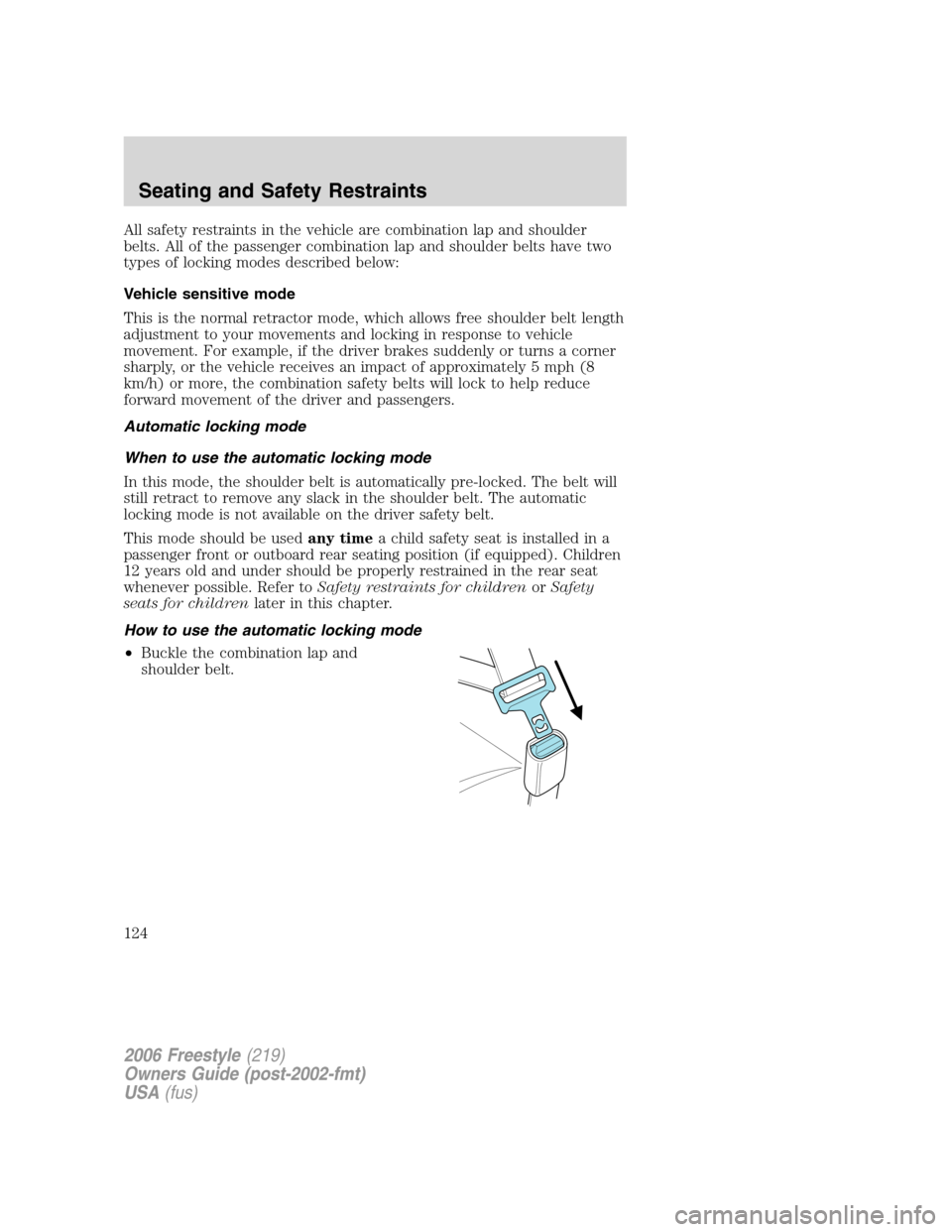
How to use the automatic locking mode
•Buckle the combination lap and
shoulder belt.
2006 Freestyle(219)
Owners Guide (post-2002-fmt)
USA(fus)
Seating and Safety Restraints
124