Page 77 of 360
Storing the current car position in the address book
If you are at a location you would
like to store in the address book,
such as a new restaurant:
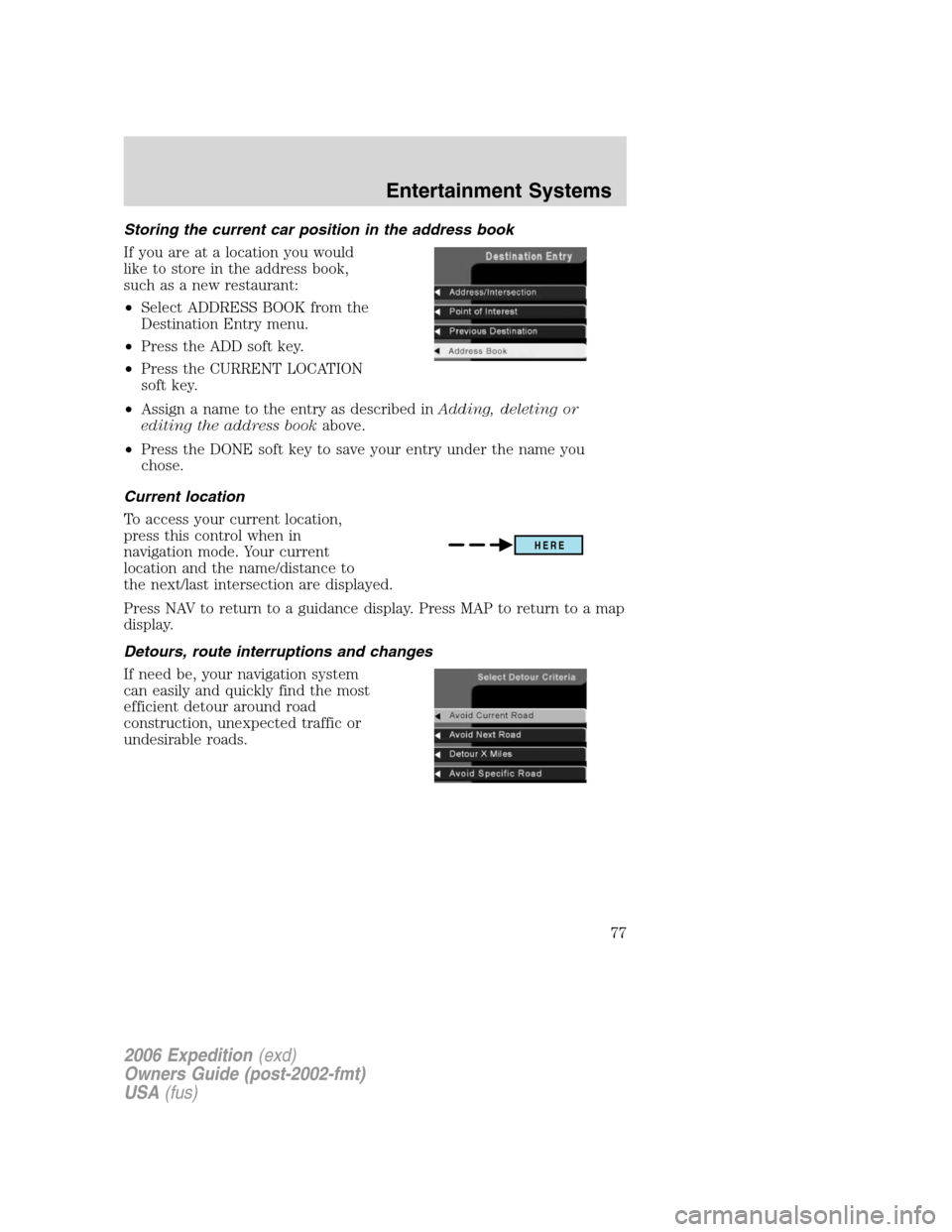
•Select ADDRESS BOOK from the
Destination Entry menu.
•Press the ADD soft key.
•Press the CURRENT LOCATION
soft key.
•Assign a name to the entry as described inAdding, deleting or
editing the address bookabove.
•Press the DONE soft key to save your entry under the name you
chose.
Current location
To access your current location,
press this control when in
navigation mode. Your current
location and the name/distance to
the next/last intersection are displayed.
Press NAV to return to a guidance display. Press MAP to return to a map
display.
Detours, route interruptions and changes
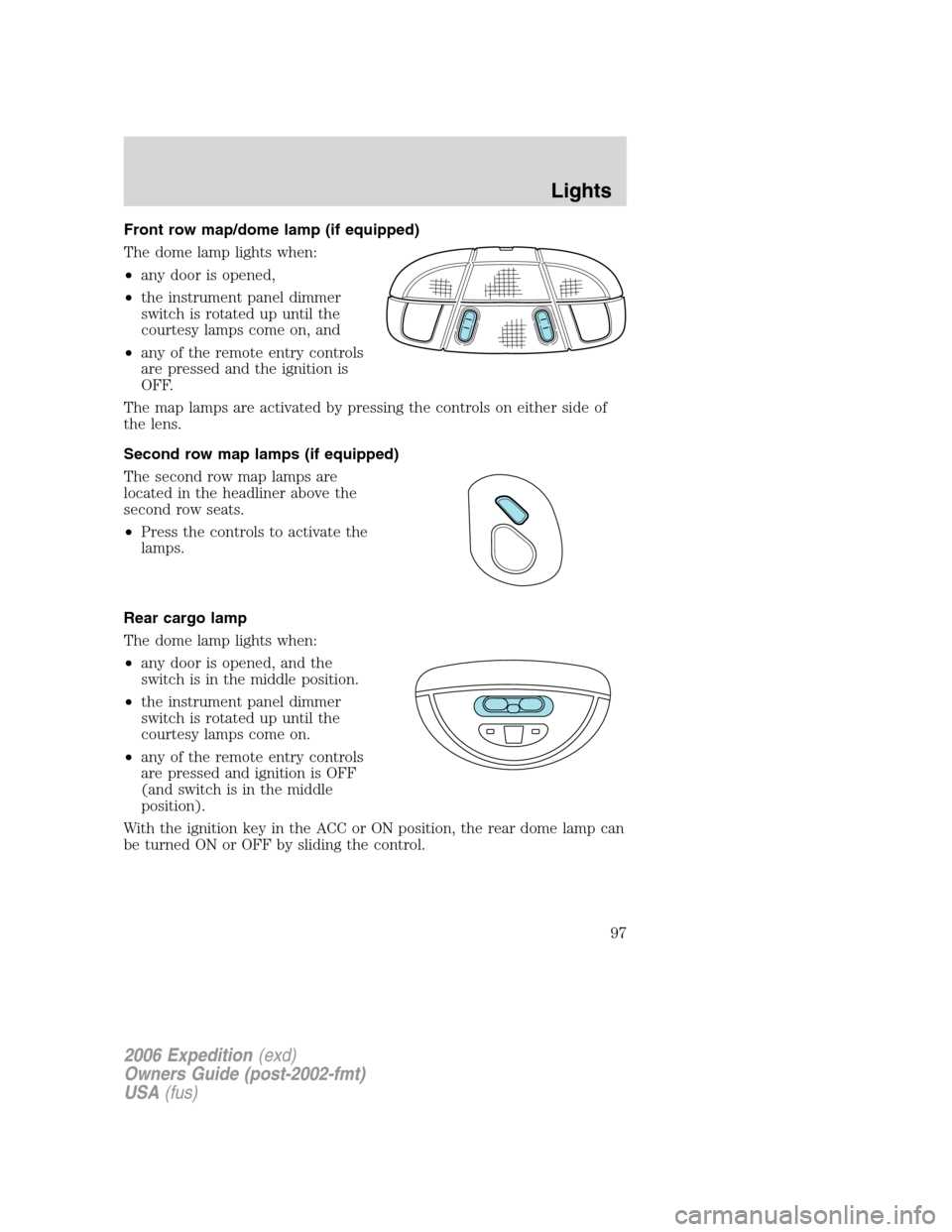
If need be, your navigation system
can easily and quickly find the most
efficient detour around road
construction, unexpected traffic or
undesirable roads.
HERE
2006 Expedition(exd)
Owners Guide (post-2002-fmt)
USA(fus)
Entertainment Systems
77
Page 78 of 360
Detour options
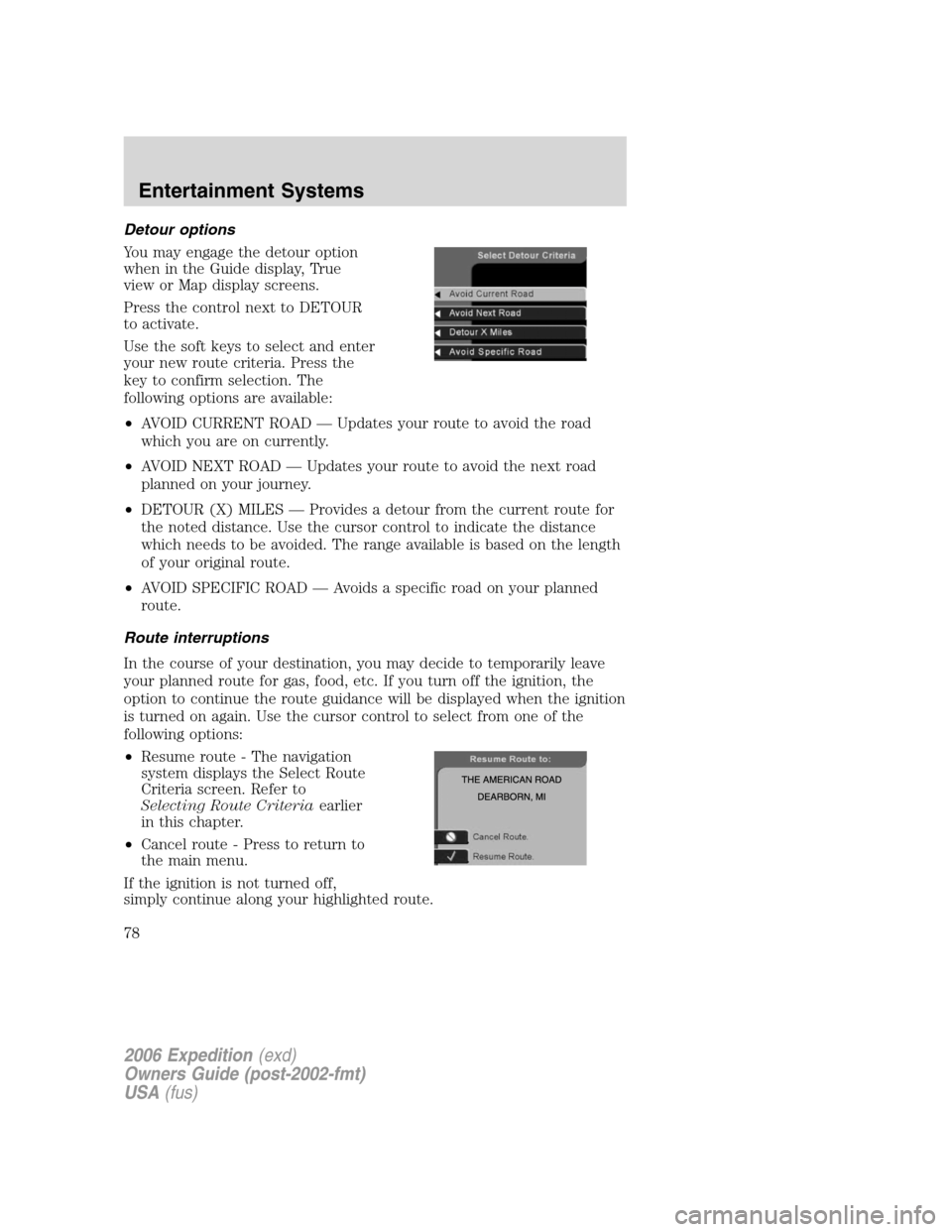
You may engage the detour option
when in the Guide display, True
view or Map display screens.
Press the control next to DETOUR
to activate.
Use the soft keys to select and enter
your new route criteria. Press the
key to confirm selection. The
following options are available:
•AVOID CURRENT ROAD — Updates your route to avoid the road
which you are on currently.
•AVOID NEXT ROAD — Updates your route to avoid the next road
planned on your journey.
•DETOUR (X) MILES — Provides a detour from the current route for
the noted distance. Use the cursor control to indicate the distance
which needs to be avoided. The range available is based on the length
of your original route.
•AVOID SPECIFIC ROAD — Avoids a specific road on your planned
route.
Route interruptions
In the course of your destination, you may decide to temporarily leave
your planned route for gas, food, etc. If you turn off the ignition, the
option to continue the route guidance will be displayed when the ignition
is turned on again. Use the cursor control to select from one of the
following options:
•Resume route - The navigation
system displays the Select Route
Criteria screen. Refer to
Selecting Route Criteriaearlier
in this chapter.
•Cancel route - Press to return to
the main menu.
If the ignition is not turned off,
simply continue along your highlighted route.
2006 Expedition(exd)
Owners Guide (post-2002-fmt)
USA(fus)
Entertainment Systems
78
Page 79 of 360
Route changes or cancellations
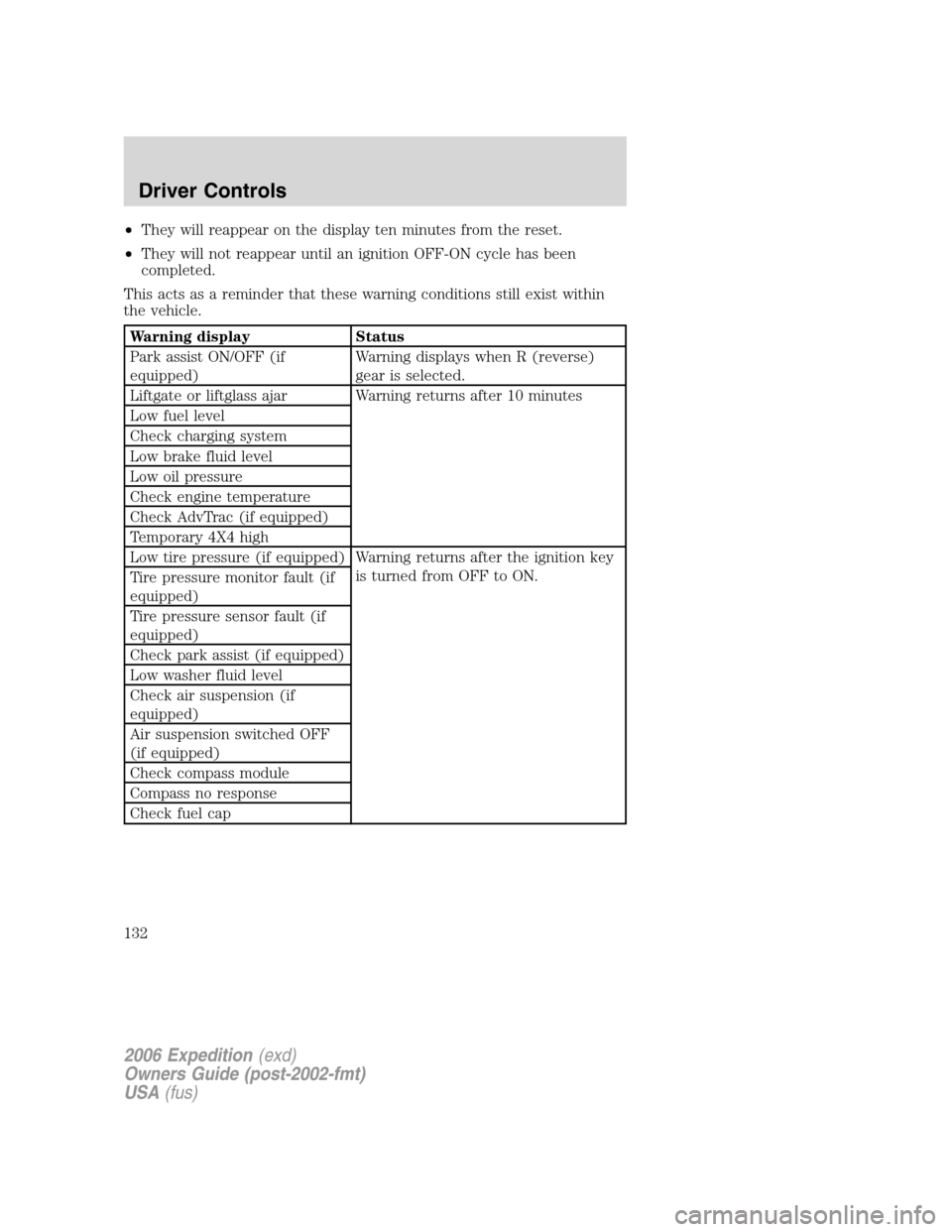
To cancel or change your current
route:
•Press BACK, then select ’Cancel
Guidance’ or
•Press the CANCEL soft key.
Navigation Menu
You are able to make various
adjustments in navigation mode. To
view the options, press the control
next to “Option Menu” to select
from the following options:
Navigation options
Once in the navigation preference
menu, you may select from the
following options:
•VOICE — Select to turn the voice
output on or off and to adjust the
volume level.
•MAP — Choose between
“Heading up” to put your
direction of travel toward the top of the screen, or “North up” to
ensure that North is always at the top of the screen.
•UNITS — Press to select from miles or kilometers. When kilometers
are selected, it will affect the map and the fuel economy screen.
2006 Expedition(exd)
Owners Guide (post-2002-fmt)
USA(fus)
Entertainment Systems
79
Page 80 of 360

Display options
Use this feature to change the
display setting. This feature can be
accessed by selecting “Display
Options” within the Main Menu.
Use the cursor control to select one
of the following options:
•MODE — auto (automatic), day
or night display settings.
•BRIGHTNESS— provides manual adjustment for screen brightness.
•Turn Display Off— Turns the display off. Press any button to turn the
display back on again.
System options
•Language Selection: Use the
cursor control to select and enter
the desired voice and text
language.
•Clock Setting: Your vehicle is equipped
with a clock in the VNR system. To set the clock:
1. Access the CLOCK screen.
2. Press the ADJUST control to
select the hours or minutes to set.
3. Use the cursor control to increase
or decrease the hours or minutes.
4. Press DONE to set the time.
5. Select the SET soft key to
synchronize/set the minutes and
seconds to GPS time. The hours will remain at the user set value.
You may choose to set the clock to a 12 or 24 hour display.
2006 Expedition(exd)
Owners Guide (post-2002-fmt)
USA(fus)
Entertainment Systems
80
Page 97 of 360
Front row map/dome lamp (if equipped)
The dome lamp lights when:
•any door is opened,
•the instrument panel dimmer
switch is rotated up until the
courtesy lamps come on, and
•any of the remote entry controls
are pressed and the ignition is
OFF.
The map lamps are activated by pressing the controls on either side of
the lens.
Second row map lamps (if equipped)
The second row map lamps are
located in the headliner above the
second row seats.
•Press the controls to activate the
lamps.
Rear cargo lamp
The dome lamp lights when:
•any door is opened, and the
switch is in the middle position.
•the instrument panel dimmer
switch is rotated up until the
courtesy lamps come on.
•any of the remote entry controls
are pressed and ignition is OFF
(and switch is in the middle
position).
With the ignition key in the ACC or ON position, the rear dome lamp can
be turned ON or OFF by sliding the control.
2006 Expedition(exd)
Owners Guide (post-2002-fmt)
USA(fus)
Lights
97
Page 132 of 360
•They will reappear on the display ten minutes from the reset.
•They will not reappear until an ignition OFF-ON cycle has been
completed.
This acts as a reminder that these warning conditions still exist within
the vehicle.
Warning display Status
Park assist ON/OFF (if
equipped)Warning displays when R (reverse)
gear is selected.
Liftgate or liftglass ajar Warning returns after 10 minutes
Low fuel level
Check charging system
Low brake fluid level
Low oil pressure
Check engine temperature
Check AdvTrac (if equipped)
Temporary 4X4 high
Low tire pressure (if equipped) Warning returns after the ignition key
is turned from OFF to ON.
Tire pressure monitor fault (if
equipped)
Tire pressure sensor fault (if
equipped)
Check park assist (if equipped)
Low washer fluid level
Check air suspension (if
equipped)
Air suspension switched OFF
(if equipped)
Check compass module
Compass no response
Check fuel cap
2006 Expedition(exd)
Owners Guide (post-2002-fmt)
USA(fus)
Driver Controls
132
Page 138 of 360
KEYS
One key operates all the locks and starts the vehicle. Always carry a
spare key with you in case of an emergency.
Your keys are programmed to your vehicle; using a non-programmed key
will not permit your vehicle to start. If you lose your authorized dealer
supplied keys, replacement keys are available through your authorized
dealer. Refer to theSecuriLock�passive anti-theft systemsection later
in this chapter for more information.
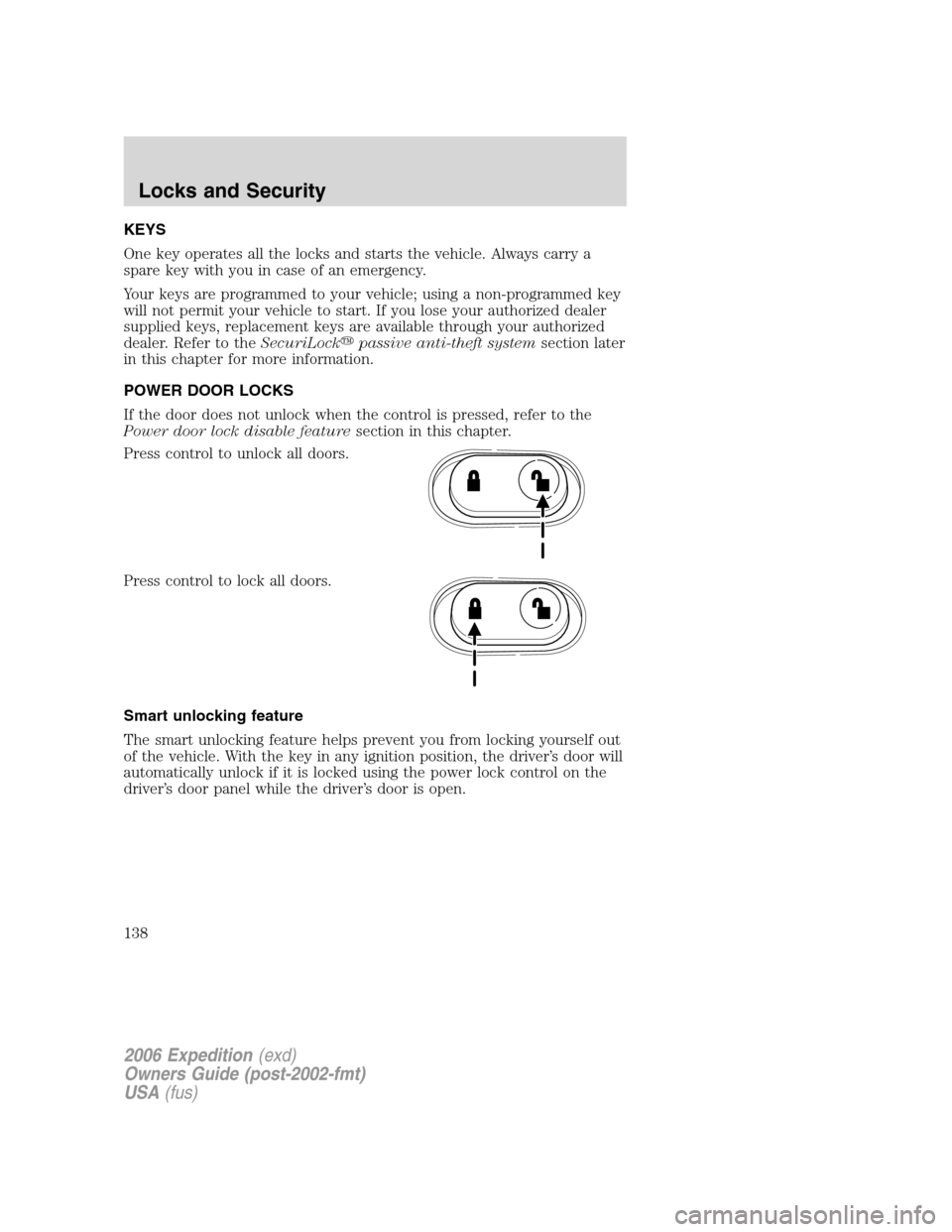
POWER DOOR LOCKS
If the door does not unlock when the control is pressed, refer to the
Power door lock disable featuresection in this chapter.
Press control to unlock all doors.
Press control to lock all doors.
Smart unlocking feature
The smart unlocking feature helps prevent you from locking yourself out
of the vehicle. With the key in any ignition position, the driver’s door will
automatically unlock if it is locked using the power lock control on the
driver’s door panel while the driver’s door is open.
2006 Expedition(exd)
Owners Guide (post-2002-fmt)
USA(fus)
Locks and Security
138
Page 139 of 360
CHILDPROOF DOOR LOCKS
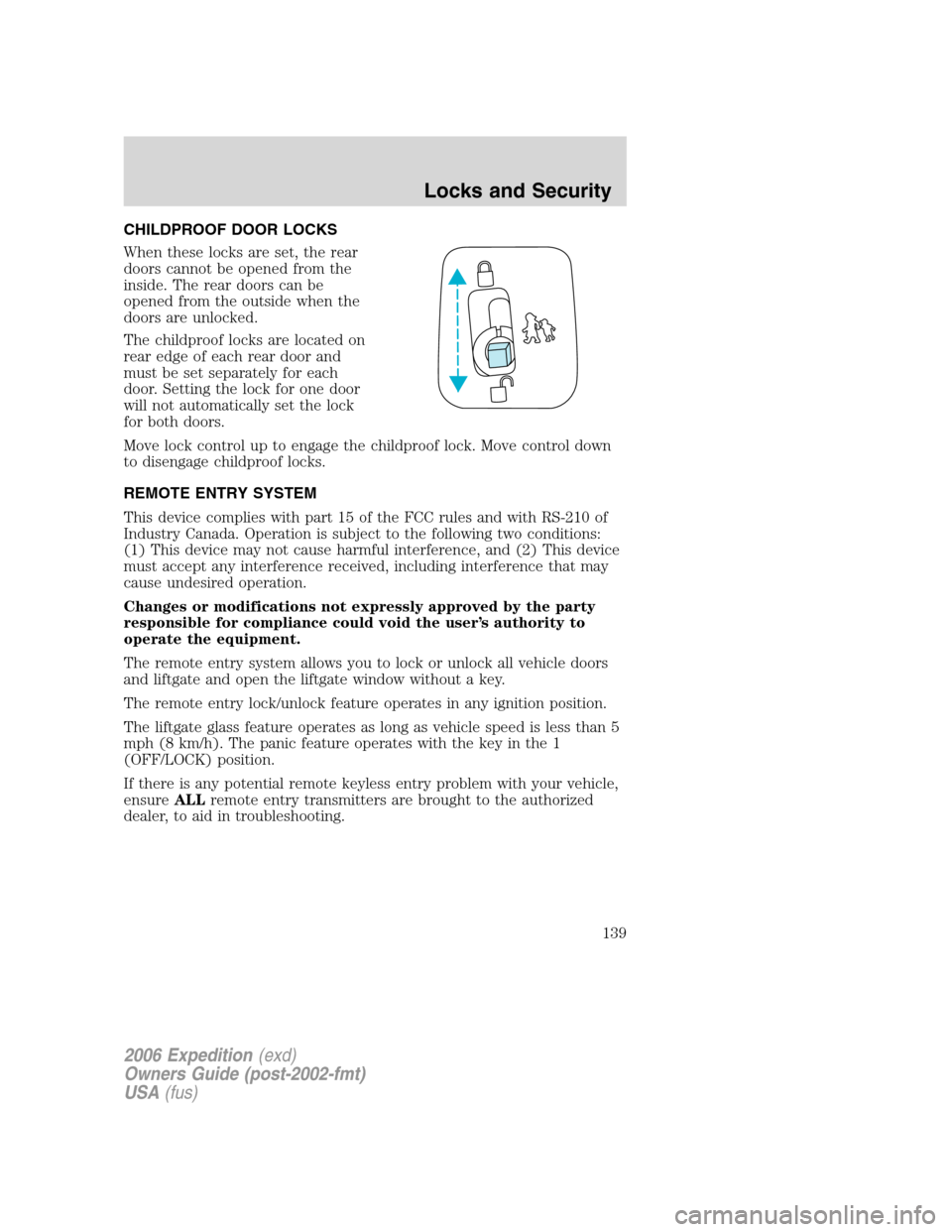
When these locks are set, the rear
doors cannot be opened from the
inside. The rear doors can be
opened from the outside when the
doors are unlocked.
The childproof locks are located on
rear edge of each rear door and
must be set separately for each
door. Setting the lock for one door
will not automatically set the lock
for both doors.
Move lock control up to engage the childproof lock. Move control down
to disengage childproof locks.
REMOTE ENTRY SYSTEM
This device complies with part 15 of the FCC rules and with RS-210 of
Industry Canada. Operation is subject to the following two conditions:
(1) This device may not cause harmful interference, and (2) This device
must accept any interference received, including interference that may
cause undesired operation.
Changes or modifications not expressly approved by the party
responsible for compliance could void the user’s authority to
operate the equipment.
The remote entry system allows you to lock or unlock all vehicle doors
and liftgate and open the liftgate window without a key.
The remote entry lock/unlock feature operates in any ignition position.
The liftgate glass feature operates as long as vehicle speed is less than 5
mph (8 km/h). The panic feature operates with the key in the 1
(OFF/LOCK) position.
If there is any potential remote keyless entry problem with your vehicle,
ensureALLremote entry transmitters are brought to the authorized
dealer, to aid in troubleshooting.
2006 Expedition(exd)
Owners Guide (post-2002-fmt)
USA(fus)
Locks and Security
139