Page 47 of 296

UNDERSTANDING THE FEATURES OF YOUR VEHICLE
CONTENTS
�Console Features.......................50
▫Console Features—Without Heated Seats....50
▫Console Features—With Heated Seats.......51
�Mirrors..............................52
▫Inside Day/Night Mirror—If Equipped......52
▫Automatic Dimming Mirror—If Equipped....52
▫Electric Remote-Control Mirrors
—If Equipped........................53
▫Outside Mirror—Driver’s Side............53
▫Outside Mirror—Passenger’s Side..........54
▫Illuminated Vanity Mirrors—If Equipped....54
�Seats................................54▫Manual Front Seat Adjustments............54
▫Power Seats—If Equipped...............56
▫Adjustable Head Restraints...............56
▫Folding Rear Seat......................57
�To Open And Close The Hood.............58
�Lights...............................59
▫Interior Lights........................59
▫Front Map/Reading Lights—If Equipped....60
▫Multi-Function Control Lever..............61
▫Headlights, Parking Lights, Instrument Panel
Lights..............................61
▫Automatic Headlights—If Equipped.........62
3
Page 53 of 296
CAUTION!
To avoid damage to the mirror during cleaning,
never spray any cleaning solution directly onto the
mirror. Apply the solution onto a clean cloth and
wipe the mirror clean.
Electric Remote-Control Mirrors—If Equipped
Both of the outside mirrors can be adjusted by using the
remote controls mounted on the instrument panel to the
left of the steering wheel.
NOTE:Place the mirror selector switch in the center
(neutral) position to prevent accidental movement of the
mirrors.
Outside Mirror—Driver’s Side
Adjust the outside mirror to center on the adjacent lane of
traffic, with a slight overlap of the view obtained on the
inside mirror.
Power Mirror Controls
UNDERSTANDING THE FEATURES OF YOUR VEHICLE 53
3
Page 58 of 296
TO OPEN AND CLOSE THE HOOD
To open the hood, two latches must be released. First pull
the hood release lever located under the left side of the
instrument panel.
Then lift the secondary latch located under the front edge
of the hood, near the center and raise the hood.Use the hood prop rod to secure the hood in the open
position. Place the upper end of the prop rod in the hole
marked“prop”on the underside of the hood.
To prevent possible damage, do not slam the hood to
close it. Use a firm downward push at the center of the
hood to ensure that both latches engage.
Hood Release Lever
Hood Safety Catch
58 UNDERSTANDING THE FEATURES OF YOUR VEHICLE
Page 59 of 296
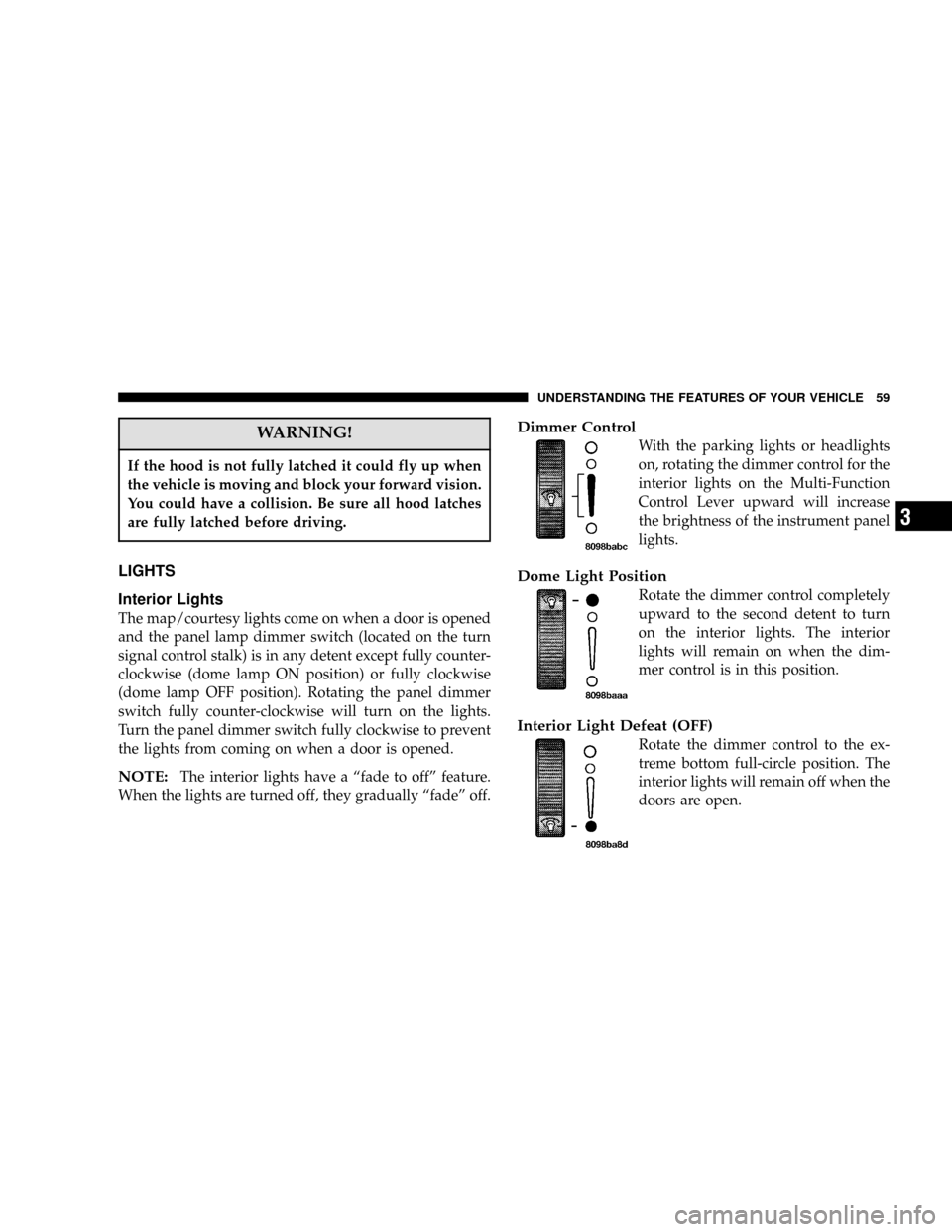
WARNING!
If the hood is not fully latched it could fly up when
the vehicle is moving and block your forward vision.
You could have a collision. Be sure all hood latches
are fully latched before driving.
LIGHTS
Interior Lights
The map/courtesy lights come on when a door is opened
and the panel lamp dimmer switch (located on the turn
signal control stalk) is in any detent except fully counter-
clockwise (dome lamp ON position) or fully clockwise
(dome lamp OFF position). Rotating the panel dimmer
switch fully counter-clockwise will turn on the lights.
Turn the panel dimmer switch fully clockwise to prevent
the lights from coming on when a door is opened.
NOTE:The interior lights have a“fade to off”feature.
When the lights are turned off, they gradually“fade”off.
Dimmer Control
With the parking lights or headlights
on, rotating the dimmer control for the
interior lights on the Multi-Function
Control Lever upward will increase
the brightness of the instrument panel
lights.
Dome Light Position
Rotate the dimmer control completely
upward to the second detent to turn
on the interior lights. The interior
lights will remain on when the dim-
mer control is in this position.
Interior Light Defeat (OFF)
Rotate the dimmer control to the ex-
treme bottom full-circle position. The
interior lights will remain off when the
doors are open.
UNDERSTANDING THE FEATURES OF YOUR VEHICLE 59
3
Page 61 of 296
Multi-Function Control Lever
The Multi-Function lever controls the operation of the
headlights, turn signals, headlight beam select switch,
instrument panel light dimming, courtesy lights, passing
lights, dome light and fog lights.
Headlights, Parking Lights, Instrument Panel
Lights
Turn the end of the control lever to the first detent for
parking light operation. Turn to the second detent for
headlight operation.To change the brightness of the instrument panel lights,
turn the center portion of the lever up or down. Turning
the dimmer control to the full up position also turns on
the courtesy lights. Turning the dimmer control to the full
down position prevents the courtesy lights from coming
on when a door is opened.
Multi-Function Lever
Multi-Function Lever
UNDERSTANDING THE FEATURES OF YOUR VEHICLE 61
3
Page 76 of 296

Sunroof Fully Closed
Press and hold the switch forward until the sunroof stops
completely to ensure that the sunroof is fully closed.
ELECTRICAL POWER OUTLET
The power outlet is located in the lower center of your
instrument panel. If your vehicle is equipped with heated
seats, a second power outlet is located inside the center
console. All accessories connected to any outlet should be
removed or turned off when the vehicle is not in use.
CAUTION!
Electrical Outlet Use With Engine Off
•Many accessories that can be plugged in draw
power from the vehicle’s battery, even when not
in use (i.e., cellular phones, etc.). Eventually, if
plugged in long enough, the vehicle’s battery will
discharge sufficiently to degrade battery life
and/or prevent engine starting.
•Accessories that draw higher power (i.e., coolers,
vacuum cleaners, lights, etc.) will degrade the
battery even more quickly. Only use these inter-
mittently and with greater caution.
•After the use of high power draw accessories, or
long periods of the vehicle not being started (with
accessories still plugged in), the vehicle must be
driven a sufficient length of time to allow the
alternator to recharge the vehicle’s battery.
•Power outlets are designed for accessory plugs
only. Do not hang any type of accessory or acces-
sory bracket from the plug. Improper use of the
power outlet can cause damage.
76 UNDERSTANDING THE FEATURES OF YOUR VEHICLE
Page 77 of 296

UNDERSTANDING YOUR INSTRUMENT PANEL
CONTENTS
�Instruments And Controls.................81
�Instrument Cluster......................82
�Instrument Cluster Description.............83
�Compass, Temperature, And Trip Computer
Display—If Equipped
...................89
▫Control Buttons.......................89
▫Trip Conditions........................90
▫Compass Temperature Display.............90
�Cigar Lighter/Ashtray...................92
�Electronic Digital Clock..................92
▫To Set The Clock.......................93
�Radio General Information................93
▫Radio Broadcast Signals..................93
▫Two Types Of Signals...................93
▫Electrical Disturbances...................93
▫AM Reception........................93
▫FM Reception.........................93
�Sales Code RAZ—AM/ FM Stereo Radio With
Cassette Tape Player, CD Player And
CD Changer Controls
....................94
▫Operating Instructions—Radio............94
▫Power Switch, Volume Control.............94
▫Seek Button (Radio Mode)................94
4
Page 78 of 296

▫Tuning..............................94
▫Radio Data System (RDS)................95
▫PTY (Program Type) Button...............95
▫Balance.............................96
▫Fade...............................96
▫Tone Control.........................96
▫AM/FM Selection......................97
▫Scan Button..........................97
▫To Set The Radio Push-Button Memory.......97
▫To Change From Clock To Radio Mode.......97
▫Operating Instructions—Tape Player........97
▫Seek Button..........................98
▫Fast Forward (FF)......................98
▫Rewind (RW).........................98
▫Tape Eject............................98
▫Scan Button..........................98▫Changing Tape Direction.................98
▫Metal Tape Selection....................98
▫Pinch Roller Release....................98
▫Noise Reduction.......................99
▫Operating Instructions—CD Player.........99
▫Inserting The Compact Disc...............99
▫Seek Button.........................100
▫EJT CD (Eject) Button..................100
▫FF/Tune/RW........................100
▫Program Button 4 (Random Play)..........100
▫Mode..............................100
▫Tape CD Button......................101
▫Time Button.........................101
▫Scan Button.........................101
▫CD Changer Control Capability
—If Equipped.......................101
78 UNDERSTANDING YOUR INSTRUMENT PANEL