2006 CHEVROLET MALIBU turn signal
[x] Cancel search: turn signalPage 224 of 442
Remote Control
To use the remote control, aim it at the transmitter
window on the DVD player and press the desired button.
Direct sunlight or very bright light may affect the
ability of the transmitter to receive signals from the
remote control. If the remote control does not seem to
be working, the batteries may need to be replaced.
See “Battery Replacement” later in this section. Objects
blocking the line of sight will affect the function of the
remote control.
Notice:Do not store the remote control in heat
or direct sunlight. This could damage the remote
control and it would not be covered by your
warranty. Keep the remote control stored in the
rear seat armrest when not in use.
If your vehicle is the Malibu MAXX, your vehicle may
have a rear seat storage compartment. Store the
headphones and the remote control in this compartment
when not in use.
Remote Control Buttons
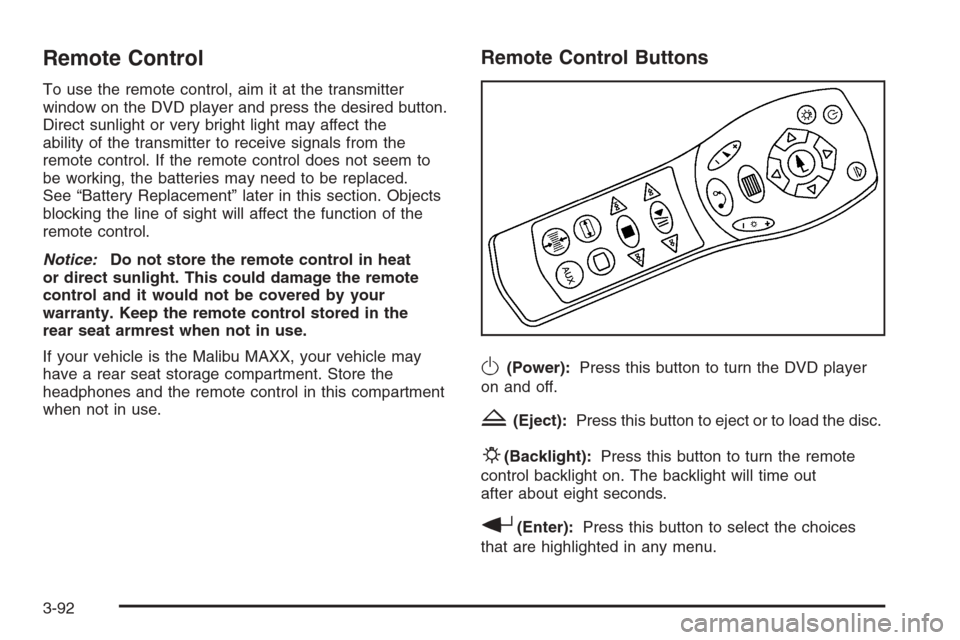
O(Power):Press this button to turn the DVD player
on and off.
Z(Eject):Press this button to eject or to load the disc.
P(Backlight):Press this button to turn the remote
control backlight on. The backlight will time out
after about eight seconds.
r(Enter):Press this button to select the choices
that are highlighted in any menu.
3-92
Page 232 of 442
Problem Recommended Action
My disc is stuck in the
player. The eject button
does not work.Press the eject button on
the DVD player. Turn the
power off, then on again,
then press the eject
button on the DVD player.
Do not attempt to force or
remove the disc from the
player. If the problem
persists, return to your
GM dealer for further
assistance.
I lost the remote control
and/or the headphones.Contact your GM dealer
for assistance.
Sometimes the wireless
headphone audio cuts out
or buzzes for a moment,
then it comes back.This could be caused by
blocking the transmitting
area between the
headphones and the
transmitter on the
DVD player. Make sure
nothing is between the
headphones and the
DVD player.Problem Recommended Action
DVD System inoperable. In severe or extreme
temperatures your DVD
system might not be
operable. Temperatures
below−4°F (−20°C) or
above 158°F (70°C) could
damage the DVD system.
Operate the DVD system
under normal or
comfortable cabin
temperature ranges.
The wireless headphones
have audio distortion.Verify that the
headphones are facing
to the front of the vehicle,
left and right sides
are indicated on the
headphones to ensure
that the signal is
received properly.
In auxiliary mode, the
picture moves or scrolls.Check the signal coming
from the auxiliary device
and make sure that
the connection and the
signal are good.
3-100
Page 238 of 442
Audio Steering Wheel Controls
(Four Spoke)
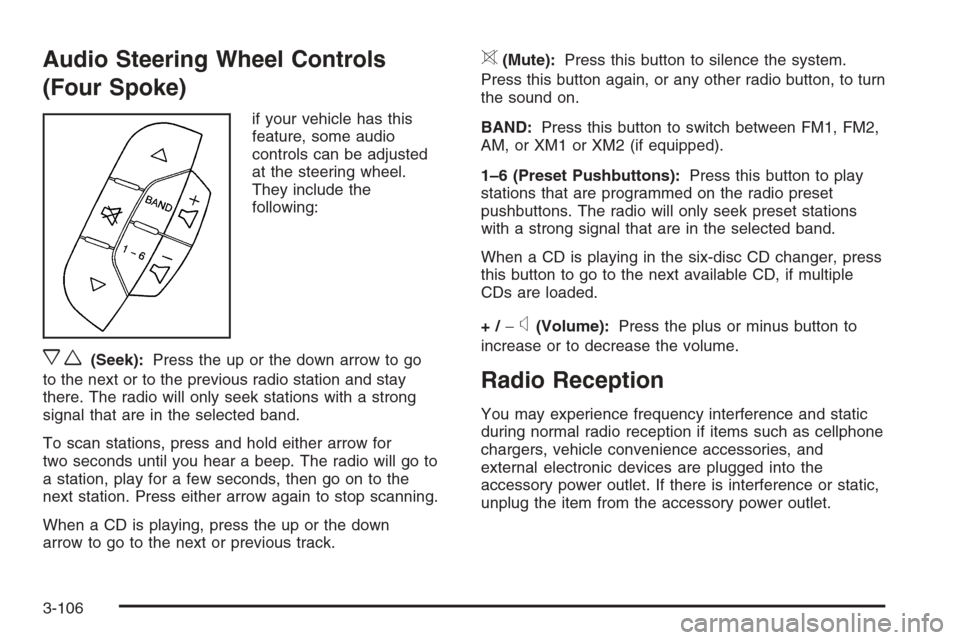
if your vehicle has this
feature, some audio
controls can be adjusted
at the steering wheel.
They include the
following:
xw(Seek):Press the up or the down arrow to go
to the next or to the previous radio station and stay
there. The radio will only seek stations with a strong
signal that are in the selected band.
To scan stations, press and hold either arrow for
two seconds until you hear a beep. The radio will go to
a station, play for a few seconds, then go on to the
next station. Press either arrow again to stop scanning.
When a CD is playing, press the up or the down
arrow to go to the next or previous track.
>(Mute):Press this button to silence the system.
Press this button again, or any other radio button, to turn
the sound on.
BAND:Press this button to switch between FM1, FM2,
AM, or XM1 or XM2 (if equipped).
1–6 (Preset Pushbuttons):Press this button to play
stations that are programmed on the radio preset
pushbuttons. The radio will only seek preset stations
with a strong signal that are in the selected band.
When a CD is playing in the six-disc CD changer, press
this button to go to the next available CD, if multiple
CDs are loaded.
+/−
x(Volume):Press the plus or minus button to
increase or to decrease the volume.
Radio Reception
You may experience frequency interference and static
during normal radio reception if items such as cellphone
chargers, vehicle convenience accessories, and
external electronic devices are plugged into the
accessory power outlet. If there is interference or static,
unplug the item from the accessory power outlet.
3-106
Page 256 of 442
Do not get too close to the vehicle you want to
pass while you are awaiting an opportunity. For
one thing, following too closely reduces your area
of vision, especially if you are following a larger
vehicle. Also, you will not have adequate space
if the vehicle ahead suddenly slows or stops. Keep
back a reasonable distance.
When it looks like a chance to pass is coming up,
start to accelerate but stay in the right lane and
do not get too close. Time your move so you will
be increasing speed as the time comes to move
into the other lane. If the way is clear to pass,
you will have a running start that more than makes
up for the distance you would lose by dropping
back. And if something happens to cause you
to cancel your pass, you need only slow down and
drop back again and wait for another opportunity.
If other vehicles are lined up to pass a slow vehicle,
wait your turn. But take care that someone is not
trying to pass you as you pull out to pass the slow
vehicle. Remember to glance over your shoulder
and check the blind spot.
Check your mirrors, glance over your shoulder,
and start your left lane change signal before moving
out of the right lane to pass. When you are far
enough ahead of the passed vehicle to see its
front in your inside mirror, activate your right lane
change signal and move back into the right lane.
Remember that your passenger side outside mirror is
convex. The vehicle you just passed may seem to be
farther away from you than it really is.
Try not to pass more than one vehicle at a time
on two-lane roads. Reconsider before passing the
next vehicle.
Do not overtake a slowly moving vehicle too rapidly.
Even though the brake lamps are not ashing,
it may be slowing down or starting to turn.
If you are being passed, make it easy for the
following driver to get ahead of you. Perhaps you can
ease a little to the right.
4-16
Page 260 of 442
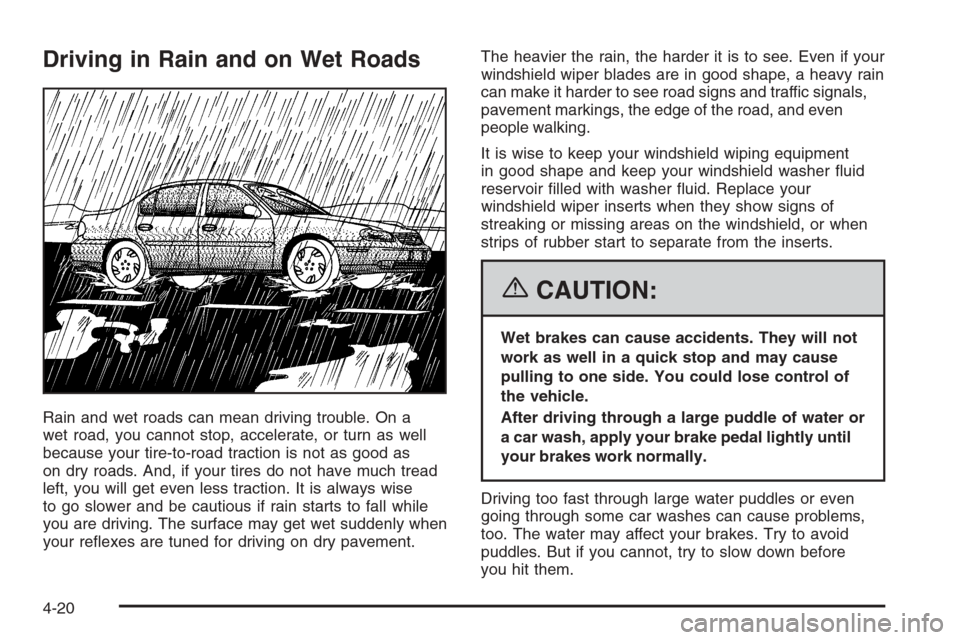
Driving in Rain and on Wet Roads
Rain and wet roads can mean driving trouble. On a
wet road, you cannot stop, accelerate, or turn as well
because your tire-to-road traction is not as good as
on dry roads. And, if your tires do not have much tread
left, you will get even less traction. It is always wise
to go slower and be cautious if rain starts to fall while
you are driving. The surface may get wet suddenly when
your reexes are tuned for driving on dry pavement.The heavier the rain, the harder it is to see. Even if your
windshield wiper blades are in good shape, a heavy rain
can make it harder to see road signs and traffic signals,
pavement markings, the edge of the road, and even
people walking.
It is wise to keep your windshield wiping equipment
in good shape and keep your windshield washer uid
reservoir lled with washer uid. Replace your
windshield wiper inserts when they show signs of
streaking or missing areas on the windshield, or when
strips of rubber start to separate from the inserts.
{CAUTION:
Wet brakes can cause accidents. They will not
work as well in a quick stop and may cause
pulling to one side. You could lose control of
the vehicle.
After driving through a large puddle of water or
a car wash, apply your brake pedal lightly until
your brakes work normally.
Driving too fast through large water puddles or even
going through some car washes can cause problems,
too. The water may affect your brakes. Try to avoid
puddles. But if you cannot, try to slow down before
you hit them.
4-20
Page 262 of 442
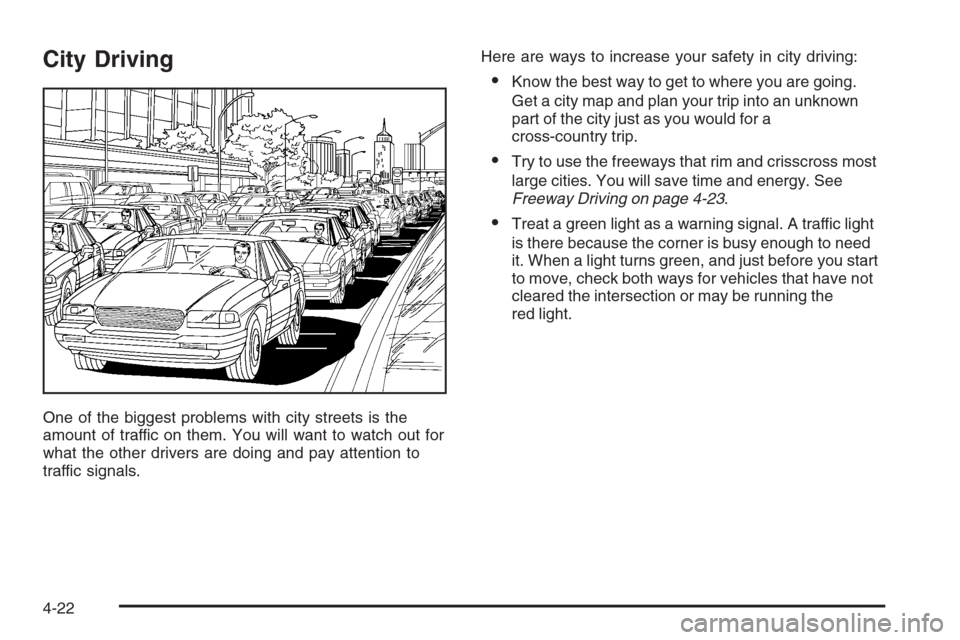
City Driving
One of the biggest problems with city streets is the
amount of traffic on them. You will want to watch out for
what the other drivers are doing and pay attention to
traffic signals.Here are ways to increase your safety in city driving:
Know the best way to get to where you are going.
Get a city map and plan your trip into an unknown
part of the city just as you would for a
cross-country trip.
Try to use the freeways that rim and crisscross most
large cities. You will save time and energy. See
Freeway Driving on page 4-23.
Treat a green light as a warning signal. A traffic light
is there because the corner is busy enough to need
it. When a light turns green, and just before you start
to move, check both ways for vehicles that have not
cleared the intersection or may be running the
red light.
4-22
Page 263 of 442
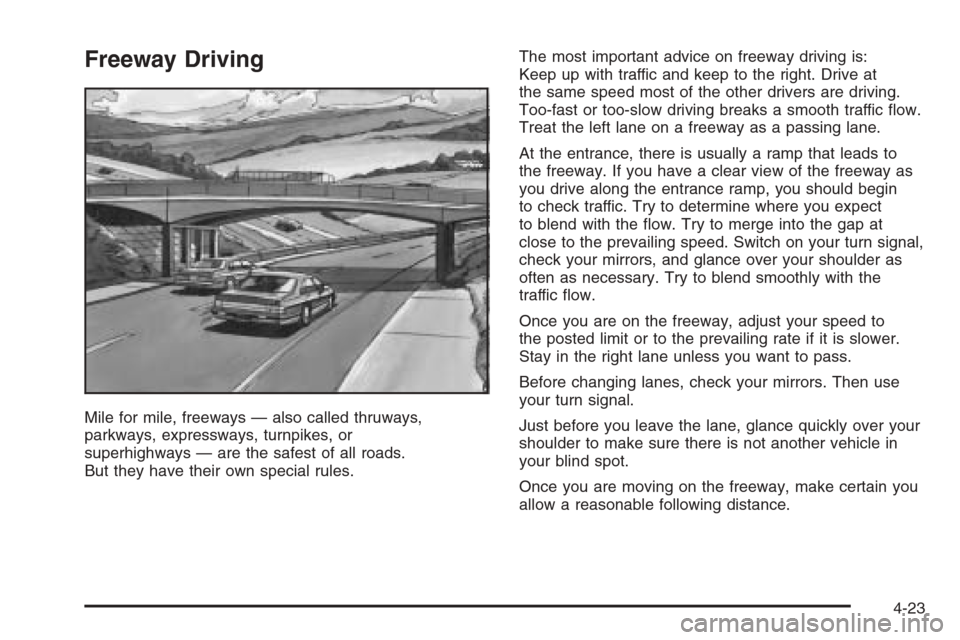
Freeway Driving
Mile for mile, freeways — also called thruways,
parkways, expressways, turnpikes, or
superhighways — are the safest of all roads.
But they have their own special rules.The most important advice on freeway driving is:
Keep up with traffic and keep to the right. Drive at
the same speed most of the other drivers are driving.
Too-fast or too-slow driving breaks a smooth traffic ow.
Treat the left lane on a freeway as a passing lane.
At the entrance, there is usually a ramp that leads to
the freeway. If you have a clear view of the freeway as
you drive along the entrance ramp, you should begin
to check traffic. Try to determine where you expect
to blend with the ow. Try to merge into the gap at
close to the prevailing speed. Switch on your turn signal,
check your mirrors, and glance over your shoulder as
often as necessary. Try to blend smoothly with the
traffic ow.
Once you are on the freeway, adjust your speed to
the posted limit or to the prevailing rate if it is slower.
Stay in the right lane unless you want to pass.
Before changing lanes, check your mirrors. Then use
your turn signal.
Just before you leave the lane, glance quickly over your
shoulder to make sure there is not another vehicle in
your blind spot.
Once you are moving on the freeway, make certain you
allow a reasonable following distance.
4-23
Page 286 of 442
Driving with a Trailer
Towing a trailer requires a certain amount of experience.
Before setting out for the open road, you’ll want to get
to know your rig. Acquaint yourself with the feel of
handling and braking with the added weight of the trailer.
And always keep in mind that the vehicle you are
driving is now a good deal longer and not nearly as
responsive as your vehicle is by itself.
Before you start, check the trailer hitch and platform
(and attachments), safety chains, electrical connector,
lamps, tires and mirror adjustment. If the trailer has
electric brakes, start your vehicle and trailer moving
and then apply the trailer brake controller by hand to be
sure the brakes are working. This lets you check
your electrical connection at the same time.
During your trip, check occasionally to be sure that
the load is secure, and that the lamps and any trailer
brakes are still working.
Following Distance
Stay at least twice as far behind the vehicle ahead as
you would when driving your vehicle without a trailer.
This can help you avoid situations that require
heavy braking and sudden turns.
Passing
You’ll need more passing distance up ahead when
you’re towing a trailer. And, because you’re a good deal
longer, you’ll need to go much farther beyond the
passed vehicle before you can return to your lane.
Backing Up
Hold the bottom of the steering wheel with one hand.
Then, to move the trailer to the left, just move that hand
to the left. To move the trailer to the right, move your
hand to the right. Always back up slowly and, if possible,
have someone guide you.
Making Turns
Notice:Making very sharp turns while trailering
could cause the trailer to come in contact with the
vehicle. Your vehicle could be damaged. Avoid
making very sharp turns while trailering.
When you’re turning with a trailer, make wider turns
than normal. Do this so your trailer won’t strike
soft shoulders, curbs, road signs, trees or other objects.
Avoid jerky or sudden maneuvers. Signal well in
advance.
4-46