2006 CHEVROLET CORVETTE traction control
[x] Cancel search: traction controlPage 201 of 426
TOP NOT SECURE:This message displays and a
chime sounds when the power convertible top button
is released before the top open or close operation
is complete or if the top is closed without the header
latch engaged. Press and hold the convertible top button
to fully open or close the top, and make sure that the
header latch is engaged after the top is closed.
TRACTION SYSTEM AND ACTIVE
HANDLING – OFF:By pressing the Active Handling
System console button for ve seconds, the driver can
turn the Traction Control and Active Handling Systems
off. The message TRACTION SYSTEM AND ACTIVE
HANDLING – OFF will be displayed in the DIC, the
instrument panel cluster light will be on and a chime will
sound. You can acknowledge this message by pressing
the RESET button. The anti-lock brake systems remains
on with the Traction Control and Active Handling Systems
off. You should adjust your driving accordingly.
TRACTION SYSTEM AND ACTIVE HANDLING ON:
If the Traction Control and Active Handling Systems are
off, pressing the Active Handling System console button
momentarily will turn both systems on. The message
TRACTION SYSTEM AND ACTIVE HANDLING – ON will
be displayed temporarily in the DIC, the instrument panel
cluster light will be off and a chime will sound.TRACTION SYSTEM ACTIVE:When your Traction
Control System is limiting wheel spin, the TRACTION
SYSTEM ACTIVE message will be displayed. Slippery
road conditions may exist if this message is displayed,
so adjust your driving accordingly. The message
will stay on for a few seconds after the Traction Control
System stops limiting wheel spin.
TRACTION SYSTEM – OFF:You will hear a single
quick tone when this message is displayed and the
traction control system warning light on the instrument
panel cluster will come on. SeeTraction Control System
(TCS) Warning Light on page 3-40. This message comes
on and stays on when the Active Handling System
console button is pressed to turn the system off. To
acknowledge this message, press the RESET button.
TRACTION SYSTEM – ON:You will hear a single quick
tone when this message is displayed. This message
is displayed when you decide to turn on the Traction
Control System by pressing the Active Handling System
console button on the console. This message will
shut off automatically on its own.
3-65
Page 213 of 426
Audio System(s)
Determine which radio your vehicle has and then read
the pages following to familiarize yourself with its
features.
Driving without distraction is a necessity for a safer
driving experience. SeeDefensive Driving on page 4-2.
By taking a few moments to read this manual and
get familiar with your vehicle’s audio system, you can
use it with less effort, as well as take advantage of
its features. While your vehicle is parked, set up your
audio system by presetting your favorite radio stations,
setting the tone and adjusting the speakers. Then,
when driving conditions permit, you can tune to your
favorite stations using the presets and steering
wheel controls if the vehicle has them.{CAUTION:
This system provides you with a far greater
access to audio stations and song listings.
Giving extended attention to entertainment
tasks while driving can cause a crash and you
or others can be injured or killed. Always keep
your eyes on the road and your mind on the
drive — avoid engaging in extended searching
while driving.
Keeping your mind on the drive is important for safe
driving. For more information, seeDefensive Driving on
page 4-2.
3-77
Page 214 of 426
Here are some ways in which you can help avoid
distraction while driving.
While your vehicle is parked:
Familiarize yourself with all of its controls.
Familiarize yourself with its operation.
Set up your audio system by presetting your
favorite radio stations, setting the tone, and
adjusting the speakers. Then, when driving
conditions permit, you can tune to your favorite
radio stations using the presets and steering wheel
controls if the vehicle has them.
Notice:Before adding any sound equipment to
your vehicle, such as an audio system, CD player,
CB radio, mobile telephone, or two-way radio, make
sure that it can be added by checking with your
dealer. Also, check federal rules covering mobile
radio and telephone units. If sound equipment can
be added, it is very important to do it properly.
Added sound equipment may interfere with
the operation of your vehicle’s engine, radio, or
other systems, and even damage them. Your
vehicle’s systems may interfere with the operation
of sound equipment that has been added.Notice:The chime signals related to safety belts,
parking brake, and other functions of your vehicle
operate through the radio/entertainment system.
If that equipment is replaced or additional equipment
is added to your vehicle, the chimes may not
work. Make sure that replacement or additional
equipment is compatible with your vehicle before
installing it. SeeAccessories and Modifications
on page 5-3.
Your vehicle may have a feature called Retained
Accessory Power (RAP). With RAP, the audio system
can be played even after the ignition is turned off.
SeeRetained Accessory Power (RAP) on page 2-23
for more information.
Setting the Time
With the ignition on and the radio off, press the H or the
M button to enter clock mode. Press and hold H until
the correct hour appears on the display. Press and
hold M until the correct minute appears on the display.
To change the time default setting from 12 hour to
24 hour, press either the H or the M button for
two seconds to enter the clock mode. Press the tune
knob to select between the 12 or 24 hour display format.
The clock mode will automatically time out with the
changed display format set as the current default setting.
3-78
Page 239 of 426
Your Driving, the Road, and Your Vehicle..........4-2
Defensive Driving...........................................4-2
Drunken Driving.............................................4-3
Control of a Vehicle........................................4-6
Braking.........................................................4-6
Anti-Lock Brake System (ABS).........................4-7
Braking in Emergencies...................................4-9
Traction Control System (TCS).........................4-9
Active Handling System.................................4-10
Limited-Slip Rear Axle...................................4-12
Selective Ride Control...................................4-12
Steering......................................................4-13
Off-Road Recovery.......................................4-15
Passing.......................................................4-16
Loss of Control.............................................4-17
Racing or Other Competitive Driving................4-18
Driving at Night............................................4-19Driving in Rain and on Wet Roads..................4-20
City Driving..................................................4-22
Freeway Driving...........................................4-23
Before Leaving on a Long Trip.......................4-24
Highway Hypnosis........................................4-25
Hill and Mountain Roads................................4-26
Winter Driving..............................................4-28
If Your Vehicle is Stuck in Sand, Mud,
Ice, or Snow.............................................4-32
Rocking Your Vehicle to Get It Out.................4-33
Loading Your Vehicle....................................4-33
Towing..........................................................4-38
Towing Your Vehicle.....................................4-38
Recreational Vehicle Towing...........................4-38
Towing a Trailer...........................................4-38
Section 4 Driving Your Vehicle
4-1
Page 244 of 426
Control of a Vehicle
You have three systems that make your vehicle go where
you want it to go. They are the brakes, the steering, and
the accelerator. All three systems have to do their work at
the places where the tires meet the road.
Sometimes, as when you are driving on snow or ice, it is
easy to ask more of those control systems than the tires
and road can provide. That means you can lose control of
your vehicle. SeeTraction Control System (TCS) on
page 4-9andActive Handling System on page 4-10.
Adding non-GM accessories can affect your vehicle’s
performance. SeeAccessories and Modications
on page 5-3.
Braking
SeeBrake System Warning Light on page 3-38.
Braking action involves perception time and
reaction time.First, you have to decide to push on the brake pedal.
That is perception time. Then you have to bring up your
foot and do it. That is reaction time.
Average reaction time is about three-fourths of a
second. But that is only an average. It might be less
with one driver and as long as two or three seconds or
more with another. Age, physical condition, alertness,
coordination, and eyesight all play a part. So do alcohol,
drugs, and frustration. But even in three-fourths of a
second, a vehicle moving at 60 mph (100 km/h) travels
66 feet (20 m). That could be a lot of distance in an
emergency, so keeping enough space between
your vehicle and others is important.
And, of course, actual stopping distances vary greatly
with the surface of the road, whether it is pavement
or gravel; the condition of the road, whether it is
wet, dry, or icy; tire tread; the condition of your brakes;
the weight of the vehicle; and the amount of brake
force applied.
4-6
Page 247 of 426
Using ABS
Do not pump the brakes. Just hold the brake pedal
down rmly and let anti-lock work for you. You may hear
a motor or clicking noise and feel the brake pedal
move a little during a stop, but this is normal.
Braking in Emergencies
With ABS, you can steer and brake at the same time.
In many emergencies, steering can help you more than
even the very best braking.
Traction Control System (TCS)
Your vehicle has a traction control system called TCS
that limits wheel spin. This is especially useful in slippery
road conditions. The system operates only if it senses
that the rear wheels are spinning too much or are
beginning to lose traction. When this happens, the
system works the rear brakes and reduces engine power
(by closing the throttle and managing engine spark) to
limit wheel spin.The TRACTION SYSTEM ACTIVE message will come
on when the TCS system is limiting wheel spin. See
DIC Warnings and Messages on page 3-53. You
may feel or hear the system working, but this is normal.
If your vehicle is in cruise control when the TCS system
begins to limit wheel spin, the cruise control will
automatically disengage. When road conditions allow you
to safely use it again, you may re-engage the cruise
control. SeeTurn Signal/Multifunction Lever on page 3-8.
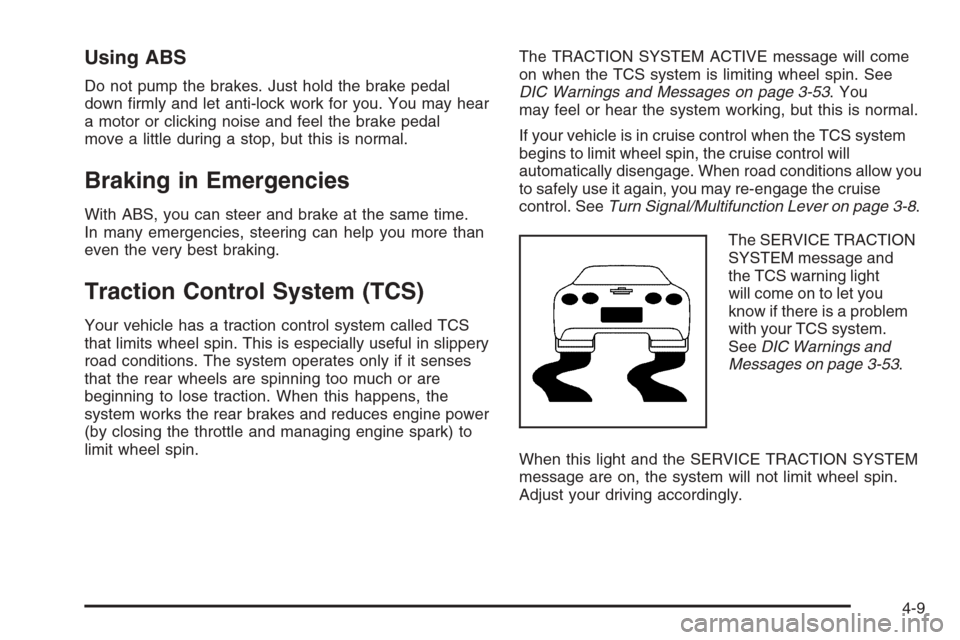
The SERVICE TRACTION
SYSTEM message and
the TCS warning light
will come on to let you
know if there is a problem
with your TCS system.
SeeDIC Warnings and
Messages on page 3-53.
When this light and the SERVICE TRACTION SYSTEM
message are on, the system will not limit wheel spin.
Adjust your driving accordingly.
4-9
Page 248 of 426

The TCS system automatically comes on whenever you
start your vehicle. To limit wheel spin, especially in
slippery road conditions, you should always leave the
system on. But you can turn the TCS system off if
you ever need to.
To turn the system off,
press the button located
on the console. You can
turn the system on or off at
any time by pressing the
ACTIVE HANDLING
button. The DIC will display
the appropriate message
when you push the button.
Notice:When traction control is turned off, or
Competitive Driving Mode is active, it is possible to
lose traction. If you attempt to shift with the rear
wheels spinning with a loss of traction, it is possible
to cause damage to the transmission. Do not attempt
to shift when the rear wheels do not have traction.
Damage caused by misuse of the vehicle is not
covered. See your warranty book for additional
information.
Adding non-GM accessories can affect your vehicle’s
performance. SeeAccessories and Modications
on page 5-3for more information.Active Handling System
The Active Handling System is a computer controlled
system that helps the driver maintain directional control
of the vehicle in difficult driving conditions. This is
accomplished by selectively applying any one of the
vehicle’s brakes.
When you rst start your vehicle during cold winter
weather and begin to drive away, the message ACTIVE
HANDLING WARMING UP may be displayed in the
DIC. This is normal. You can acknowledge this message
by pressing the RESET button. The Active Handling
System performance is affected until the message,
ACTIVE HANDLING READY, is displayed in the DIC.
The ACTIVE HANDLING CALIBRATING message may
be displayed in the DIC and the instrument panel
cluster light will be on after exceeding 18 mph (30 km/h)
for 10 seconds. The Active Handling System is off
until the ACTIVE HANDLING READY message
is displayed. This could take up to 15 minutes.
The ACTIVE HANDLING message will come on when
the system is operating. SeeDIC Warnings and
Messages on page 3-53for more information. You may
also feel or hear the system working. This is normal.
4-10
Page 249 of 426
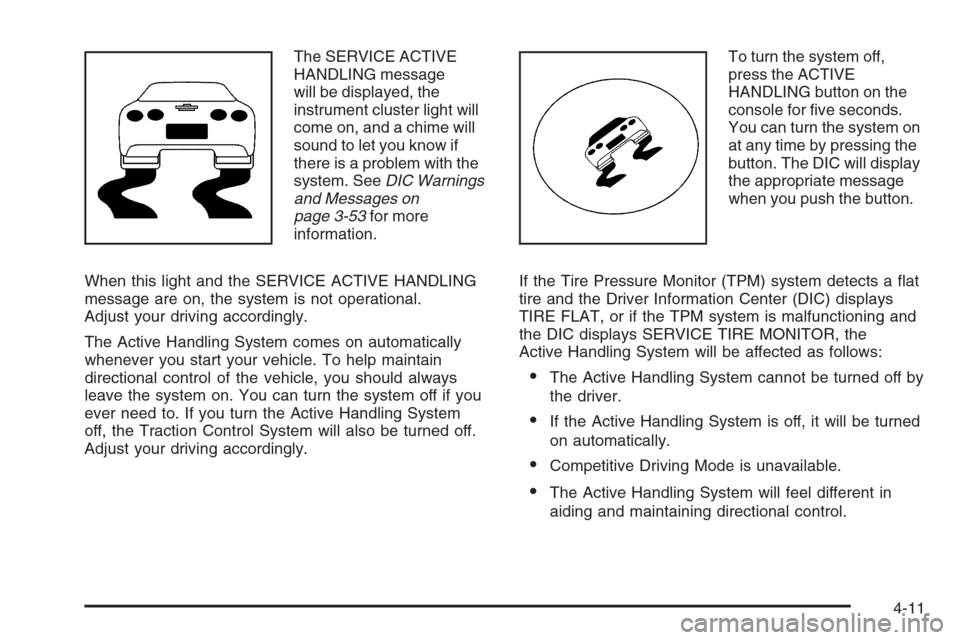
The SERVICE ACTIVE
HANDLING message
will be displayed, the
instrument cluster light will
come on, and a chime will
sound to let you know if
there is a problem with the
system. SeeDIC Warnings
and Messages on
page 3-53for more
information.
When this light and the SERVICE ACTIVE HANDLING
message are on, the system is not operational.
Adjust your driving accordingly.
The Active Handling System comes on automatically
whenever you start your vehicle. To help maintain
directional control of the vehicle, you should always
leave the system on. You can turn the system off if you
ever need to. If you turn the Active Handling System
off, the Traction Control System will also be turned off.
Adjust your driving accordingly.To turn the system off,
press the ACTIVE
HANDLING button on the
console for ve seconds.
You can turn the system on
at any time by pressing the
button. The DIC will display
the appropriate message
when you push the button.
If the Tire Pressure Monitor (TPM) system detects a at
tire and the Driver Information Center (DIC) displays
TIRE FLAT, or if the TPM system is malfunctioning and
the DIC displays SERVICE TIRE MONITOR, the
Active Handling System will be affected as follows:
The Active Handling System cannot be turned off by
the driver.
If the Active Handling System is off, it will be turned
on automatically.
Competitive Driving Mode is unavailable.
The Active Handling System will feel different in
aiding and maintaining directional control.
4-11