Page 68 of 295

The multi-inf ormation display in the
instrument panel displays various
inf ormation and messages when the
ignition switch is in the ON (II)
position. Some of the messages help
you operate your vehicle more
comf ortably.
Others help to keep you aware of the
periodic maintenance your vehicle
needs f or continued trouble-f ree
driving.Driver 1 or 2 Detected
Door and Trunk Open
Fasten Seat Belt
Release Parking Brake
Odometer
Trip Meter
Outside Temperature
Engine Oil Lif e Maintenance Messages
Auto door lock conditions
Auto door unlock conditions
Whenever unlocking (driver’s
door, or all doors)
Keyless lock acknowledgment
conditions
Security relock timer
Headlight auto of f timer
Interior light dimming time
To customize these control settings,
see page .
Low Windshield Washer Fluid
Level (Canada only)
Here is a list of the messages you
can see. The f ollowing pages give
you more inf ormation on these
messages.
Tighten Fuel Cap With the multi-information display
and the two buttons next to it, you
can also customize these vehicle
control settings to your liking.Language Selection (Canada only) HandsFree Link
Keyless Memory Settings
Trip Computer
Tire Pressure
76
Multi-Inf ormation Display
67
SELECT/
RESET
BUTTON
INFO
BUTTON
TMTM
Page 70 of 295
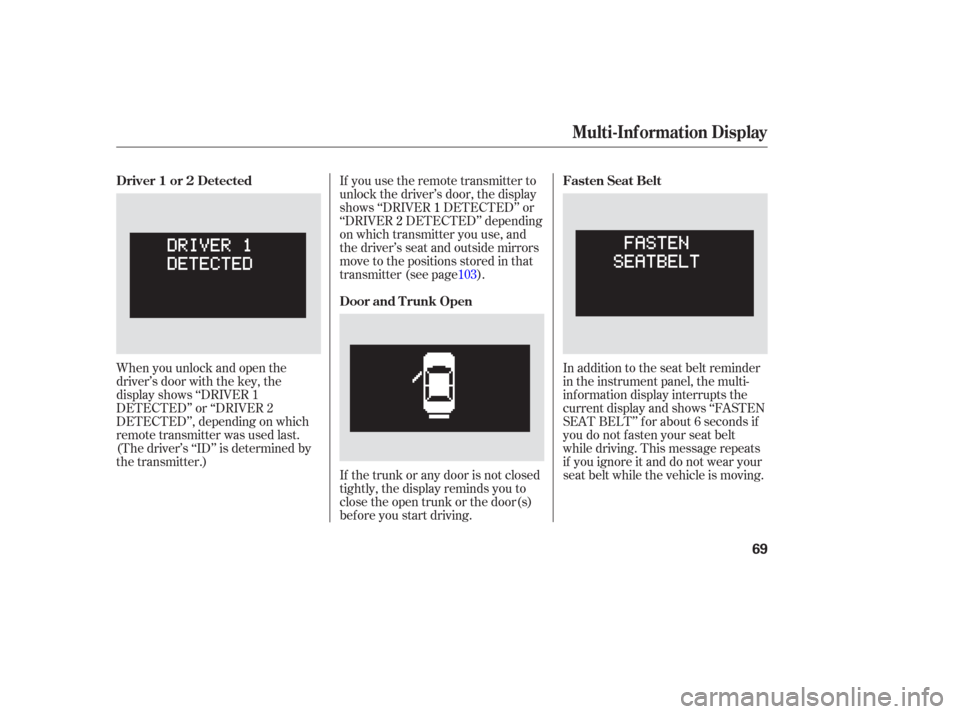
When you unlock and open the
driver’s door with the key, the
display shows ‘‘DRIVER 1
DETECTED’’ or ‘‘DRIVER 2
DETECTED’’, depending on which
remote transmitter was used last.
(The driver’s ‘‘ID’’ is determined by
the transmitter.)If you use the remote transmitter to
unlock the driver’s door, the display
shows ‘‘DRIVER
1DETECTED’’ or
‘‘DRIVER 2DETECTED’’ depending
on which transmitter you use, and
the driver’s seat and outside mirrors
move to the positions stored in that
transmitter (see page ).
If the trunk or any door is not closed
tightly, the display reminds you to
close the open trunk or the door(s)
bef ore you start driving. In addition to the seat belt reminder
in the instrument panel, the multi-
inf ormation display interrupts the
current display and shows ‘‘FASTEN
SEAT BELT’’ f or about 6 seconds if
you do not f asten your seat belt
while driving. This message repeats
if you ignore it and do not wear your
seat belt while the vehicle is moving.
103
Driver 1 or 2 Detected
Door and T runk OpenFasten Seat Belt
Multi-Inf ormation Display
69
Page 77 of 295

�¼
Select the menu item you want
(‘‘CHG SETTINGS’’, ‘‘DEFAULT
ALL’’ or ‘‘EXIT’’) by moving the
pointer ‘‘ ’’ with the INFO button.
Af ter selecting a menu item, enter
your selection by pressing the
Select/Reset button.
To exit this mode without changing
the current settings, select ‘‘EXIT’’
and press the Select/Reset button.
The display will move to the next
mode.
If you want to change the settings,
select ‘‘CHG SETTINGS’’, and press
the Select/Reset button. The display
will change to the screen shown in
the middle column of this page.
While ‘‘Keyless Memory Settings’’ is
displayed, press the Select/Reset
button. The display will change to
the screen shown above. Auto door lock conditions
Auto door unlock conditions
Keyless lock acknowledgment
conditions
Security relock timer
Headlight auto of f timer
Interior light dimming time
With the vehicle stopped and the
transmission in Park (A/T) or the
parking brake set (M/T), you can
customize some of the vehicle
control settings to your pref erence.
Here are the settings you can
customize:
Multi-Inf ormation Display
K eyless Memory Settings
76
TM
Page 78 of 295
�»�¼�¼
�¼
If you want the settings as they were
when the vehicle lef t the f actory,
select ‘‘DEFAULT ALL’’ and press
the Select/Reset button. The display
will change to the screen shown
above. Press the Select/Reset button
to select ‘‘OK’’ or press the or
side of the INFO button to cancel. Therearethreepossiblesettings:
OFF: The auto door lock is
deactivated all the time.
SHIFTFROMP:Thedoorswilllock
whenever you move the shif t lever
out of P. (Models with automatic
transmission.)
10 MPH: The doors will lock when
the vehicle speed reaches 10 mph.
The f irst Keyless Memory Setting is
Auto Door Lock conditions. Select
the desired condition by moving the
pointer with the side of the INFO
button. On the display, will be
next to the current setting.
CONT INUED
Multi-Inf ormation Display
Inst rument s and Cont rols
77
Page 79 of 295
�µ�¼
�¼
The next setting menu is Auto Door
Unlocking conditions.
OFF: The auto door unlock is
deactivated all the time.
SHIFT TO P: The driver’s door or
all doors depending on your
selection in the next step, will
unlock whenever you move the
shif t lever to P. IGN OFF The driver’s door or
all doors unlock when you turn the
ignition switch to LOCK (0).
Enteryourselectionbymoving
the pointer with the side of the
INFO button.
To designate the door(s) that
unlock under the previous step,
select ‘‘DRIVER’S DOOR’’ or
‘‘ALL DOORS’’ by moving the
pointer with the INFO button.
Then enter your selection by
moving the pointer with the
side of the INFO button.
4.
1.
2. 3.
Multi-Inf ormation Display
78
Page 80 of 295

�¼�¼
The next setting menu is ‘‘KEYLESS
LOCK ACKNOWLEDGMENT’’.
If you do not want the beeper to
sound, select ‘‘BEEP OFF’’ and enter
your selection by moving the pointer
with the side of the INFO button. The next setting menu is
‘‘SECURITY RELOCK TIMER’’.
If you unlock the doors with the
remote transmitter, but do not open
any of the doors within 30 seconds,
the doors automatically relock and
the security system sets.
The headlights, parking lights,
taillights and license plate light turn
of f af ter the selected time when you
remove the key from the ignition
switch and close the driver’s door.
You can change this relock time
f rom 30 seconds to 60 or 90 seconds.
Select the desired relock time by
moving the pointer with the side
of the INFO button. The last two setting menus are
‘‘HEADLIGHT AUTO OFF TIMER’’
and ‘‘INTERIOR LIGHT DIMMING
TIME’’.
Select the time (‘‘0S, 15S, 30S or 60
S’’) and enter your selection by
pressing the Select/Reset button.
When you push the LOCK button a
second time within 5 seconds after
you lock the doors with the remote
transmitter, a beep will sound to
verify that doors are locked and the
security system has set.
Multi-Inf ormation Display
Inst rument s and Cont rols
79
Page 87 of 295

The automatic lighting of f f eature
turns off the headlights, all other
exterior lights, and the instrument
panel lights within 15 seconds of
removing the key from the ignition
switch and closing the driver’s door.
You can change this 15 second timer
to 0, 30, or 60 seconds (see page ).The lights will turn on again when
you unlock or open the driver’s door.
If you unlock the door, but do not
open it within 15 seconds, the lights
will go off. With the driver’s door
open, you will hear a lights-on
reminder chime.
Push the button between the center
vents to turn on the hazard warning
lights (f our-way f lashers). This
causes all f our outside turn signals
and both indicators in the instrument
panel to f lash. Use the hazard
warning lights if you need to park in
a dangerous area near heavy traffic,
or if your vehicle is disabled.
The automatic lighting of f f eature
activates if you leave the headlight
switch in the ‘‘ ’’ or ‘‘ ’’
position, remove the key, open, then
close the driver’s door.
If you remove the key f rom the
ignition switch with the headlight
switch on, but do not open the door
and get out, the lights will turn of f
af ter 10 minutes. 79
Automatic Lighting Of f , Hazard Warning Button
Automatic L ighting Of f Feature
Hazard Warning Button
86
Page 89 of 295
Push the lever up to lock the
steering wheel in that position.
To adjust the steering wheel: Push the lever under the steering
column all the way down.
Move the steering wheel up or
down, and in or out to the desired
position, making sure the wheel
points toward your chest, not
toward your f ace. Make sure you
can see the instrument panel
gauges and the indicators. Make sure you have securely
locked the steering wheel in place
by trying to move it up, down, in,
and out.
Make any steering wheel adjustment
bef ore you start driving.
1.
2.3.
4.
Steering Wheel A djustment
88
Adjusting the steering wheel
position while driving may
cause you to lose control of the
vehicle and be seriously injured
inacrash.
Adjust the steering wheel only
when the vehicle is stopped.


