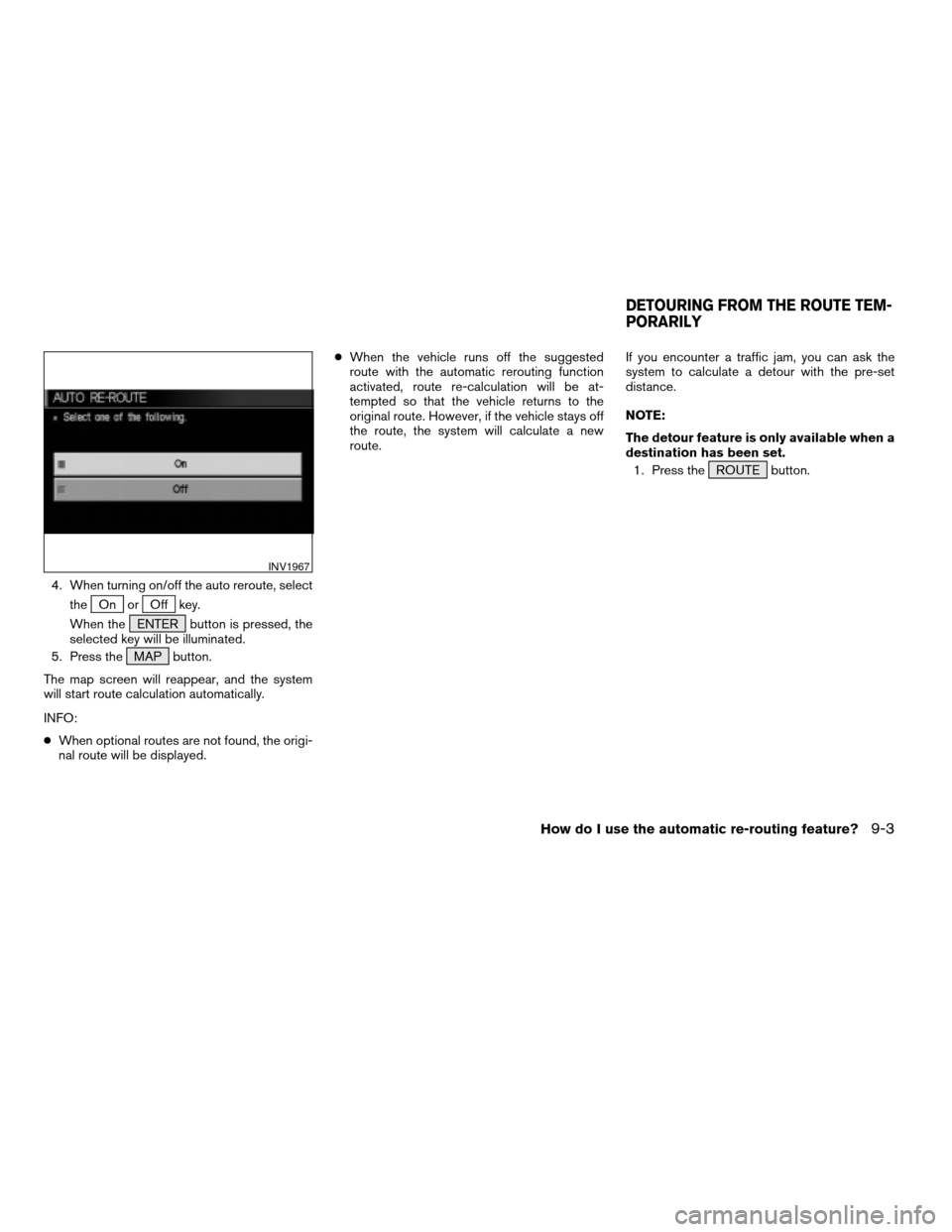
4. When turning on/off the auto reroute, select
the
On orOff key.
When the ENTER button is pressed, the
selected key will be illuminated.
5. Press the MAP button.
The map screen will reappear, and the system
will start route calculation automatically.
INFO:
cWhen optional routes are not found, the origi-
nal route will be displayed.cWhen the vehicle runs off the suggested
route with the automatic rerouting function
activated, route re-calculation will be at-
tempted so that the vehicle returns to the
original route. However, if the vehicle stays off
the route, the system will calculate a new
route.If you encounter a traffic jam, you can ask the
system to calculate a detour with the pre-set
distance.
NOTE:
The detour feature is only available when a
destination has been set.
1. Press the ROUTE button.
INV1967
DETOURING FROM THE ROUTE TEM-
PORARILY
How do I use the automatic re-routing feature?9-3
ZREVIEW COPYÐ2005(nav)
Navigation System OMÐUSA_English(nna)
07/10/04Ðdebbie
X