Page 7 of 498

Contents
Control system .................................. 137
Multifunction display .................... 137
Multifunction steering wheel ........ 138
Menus .......................................... 140
Standard display menu ................ 142
AUDIO menu ................................ 143
NAV* menu .................................. 144
Vehicle status
message memory menu ............... 145
Settings menu .............................. 146
Trip computer menu..................... 160
TEL menu* ................................... 162
Automatic transmission ..................... 165
One-touch gearshifting................. 167
Gear ranges ................................. 168
Gear selector lever position ......... 169
Automatic shift program .............. 170
Driving tips ................................... 171
Steering wheel gearshift control
(Speedshift)
- CLK 500 and CLK 55 AMG ......... 172
Manual shift program
CLK 55 AMG ................................ 175
Emergency operation
(Limp Home Mode) ...................... 177Good visibility ..................................... 178
Headlamp cleaning system* ......... 178
Rear view mirrors.......................... 178
Sun visors ..................................... 181
Rear window sunshade* ............... 182
Rear window defroster .................. 183
Climate control (CLK 320) .................. 184
Deactivating the
climate control system ................. 187
Setting the temperature................ 187
Adjusting air distribution
and volume ................................... 188
Defrosting ..................................... 189
Air recirculation mode .................. 190
Air conditioning............................. 191
Rear passenger compartment
adjustable air vents....................... 193
Automatic climate control
(CLK 500/CLK 55 AMG)..................... 194
Deactivating the
automatic climate control system. 197
Setting the temperature................ 197
Adjusting air distribution............... 198
Adjusting air volume ..................... 199
Defrosting ..................................... 200
Maximum cooling MAXCOOL ........ 200Air recirculation mode .................. 201
Charcoal filter ............................... 202
Air conditioning ............................ 204
Residual heat and ventilation*
(available on Automatic climate
control panel design A only) ......... 205
Rear passenger compartment
adjustable air vents ...................... 206
Audio system...................................... 207
Audio and telephone, operation .... 207
Operating safety ........................... 207
Operating and display elements ... 208
Button and soft key operation ...... 210
Operation...................................... 210
Radio operation ............................ 215
Introduction to satellite radio*
(USA only) ..................................... 220
CD mode....................................... 225
GSM network phones ................... 232
TDMA or CDMA network phones .. 238
Emergency calls “911” ................. 245
Power windows .................................. 247
Opening and
closing the windows ..................... 247
Synchronizing power windows ...... 250
Page 146 of 498
144 Controls in detailControl systemOperate the CD player�
Turn on the radio and select the
CD player (
�page 227). Vehicles with
COMAND*: Refer to separate
operating instructions.
�
Press buttonè orÿ repeatedly
until the settings for the CD currently
being played appear in the multifunc-
tion display.
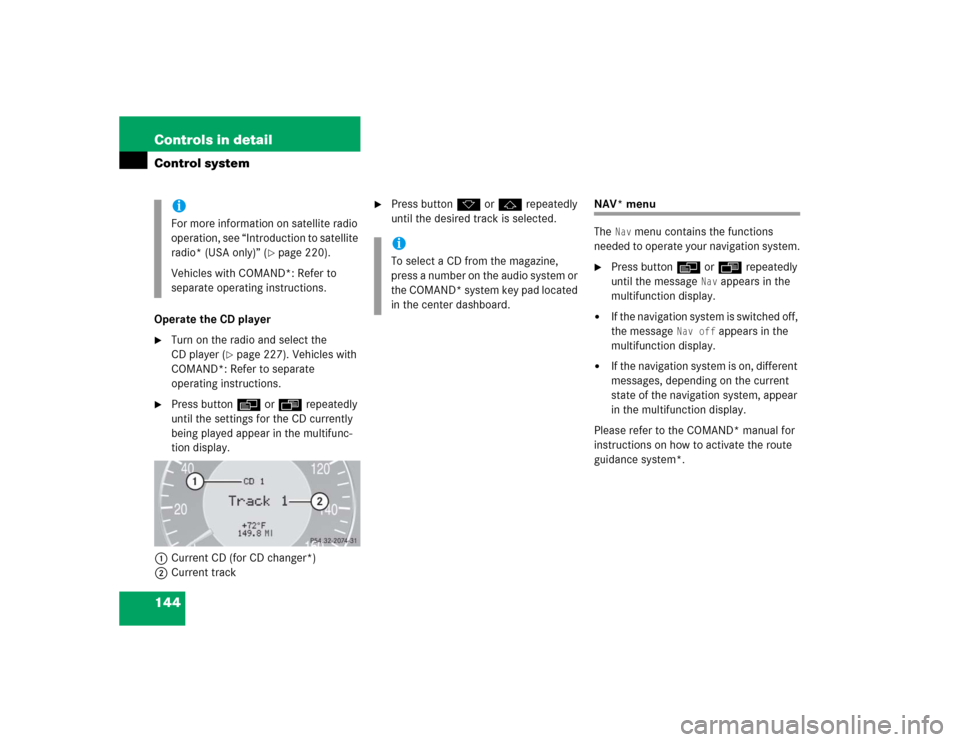
1Current CD (for CD changer*)
2Current track
�
Press buttonk orj repeatedly
until the desired track is selected.
NAV* menu
The
Nav
menu contains the functions
needed to operate your navigation system.
�
Press buttonè orÿ repeatedly
until the message
Nav
appears in the
multifunction display.
�
If the navigation system is switched off,
the message
Nav off
appears in the
multifunction display.
�
If the navigation system is on, different
messages, depending on the current
state of the navigation system, appear
in the multifunction display.
Please refer to the COMAND* manual for
instructions on how to activate the route
guidance system*.
iFor more information on satellite radio
operation, see “Introduction to satellite
radio* (USA only)” (
�page 220).
Vehicles with COMAND*: Refer to
separate operating instructions.
iTo select a CD from the magazine,
press a number on the audio system or
the COMAND* system key pad located
in the center dashboard.
Page 211 of 498
209 Controls in detail
Audio system
Item
Page
1
CD changer mode selector
AUX mode selector
225
215
2
Single CD mode selector
227
3
Radio mode selector
4
Mute function (radio)
219
Pause (CD)
231
5
Volume distribution
213
6
Sound settings
211
7
Display
8
Alphanumeric keypad
Item
Page
9
Speed dialing memory
(telephone) in descending
order
a
Accepting a call
(telephone)
237
b
Telephone mode selector
232
c
Speed dialing memory
(telephone) in ascending
order
233
d
Terminating a call
(telephone)
237
e
CD slot
f
CD ejection
227
Item
Page
g
Soft keys
210
h
Volume
211
j
Switching on/off
210
k
Manual tuning / seek
tuning (radio)
217
Track search, reverse (CD)
230
l
Manual tuning / seek
tuning (radio)
217
Track search,
fast forward (CD)
230
Page 214 of 498
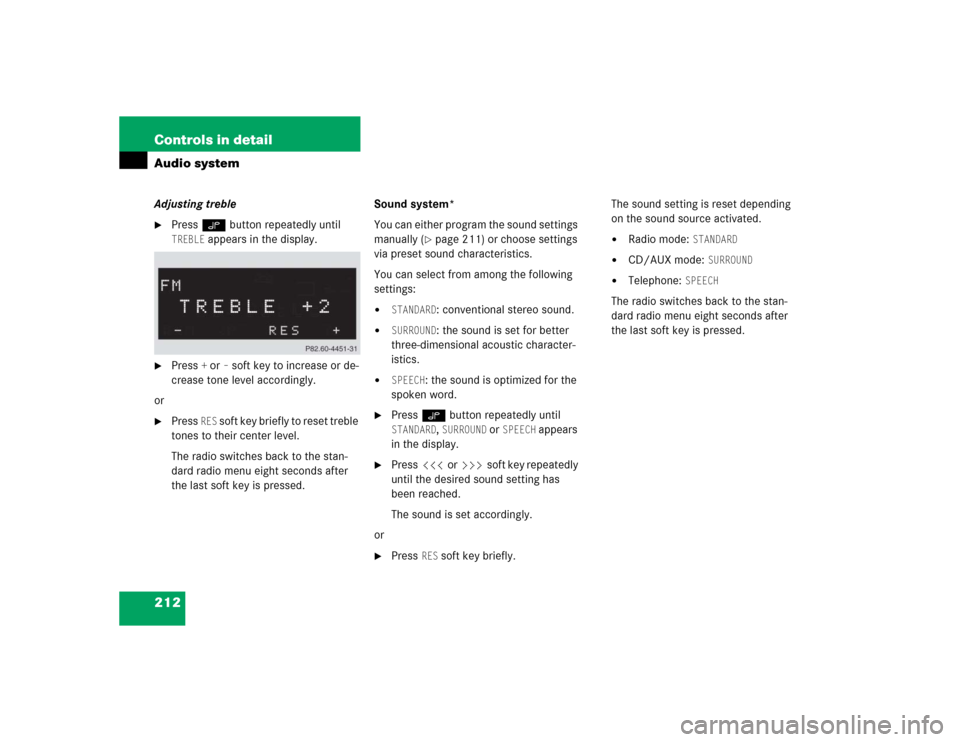
212 Controls in detailAudio systemAdjusting treble�
Press O button repeatedly until TREBLE
appears in the display.
�
Press
+ or
– soft key to increase or de-
crease tone level accordingly.
or
�
Press
RES
soft key briefly to reset treble
tones to their center level.
The radio switches back to the stan-
dard radio menu eight seconds after
the last soft key is pressed.Sound system*
You can either program the sound settings
manually (
�page 211) or choose settings
via preset sound characteristics.
You can select from among the following
settings:
�
STANDARD
: conventional stereo sound.
�
SURROUND
: the sound is set for better
three-dimensional acoustic character-
istics.
�
SPEECH
: the sound is optimized for the
spoken word.
�
Press O button repeatedly until STANDARD
, SURROUND
or
SPEECH
appears
in the display.
�
Press X or Y soft key repeatedly
until the desired sound setting has
been reached.
The sound is set accordingly.
or
�
Press
RES
soft key briefly.The sound setting is reset depending
on the sound source activated.
�
Radio mode:
STANDARD
�
CD/AUX mode:
SURROUND
�
Telephone:
SPEECH
The radio switches back to the stan-
dard radio menu eight seconds after
the last soft key is pressed.
Page 224 of 498
222 Controls in detailAudio systemThe first channel 001 is called up and the
PTY system changes to All categories.
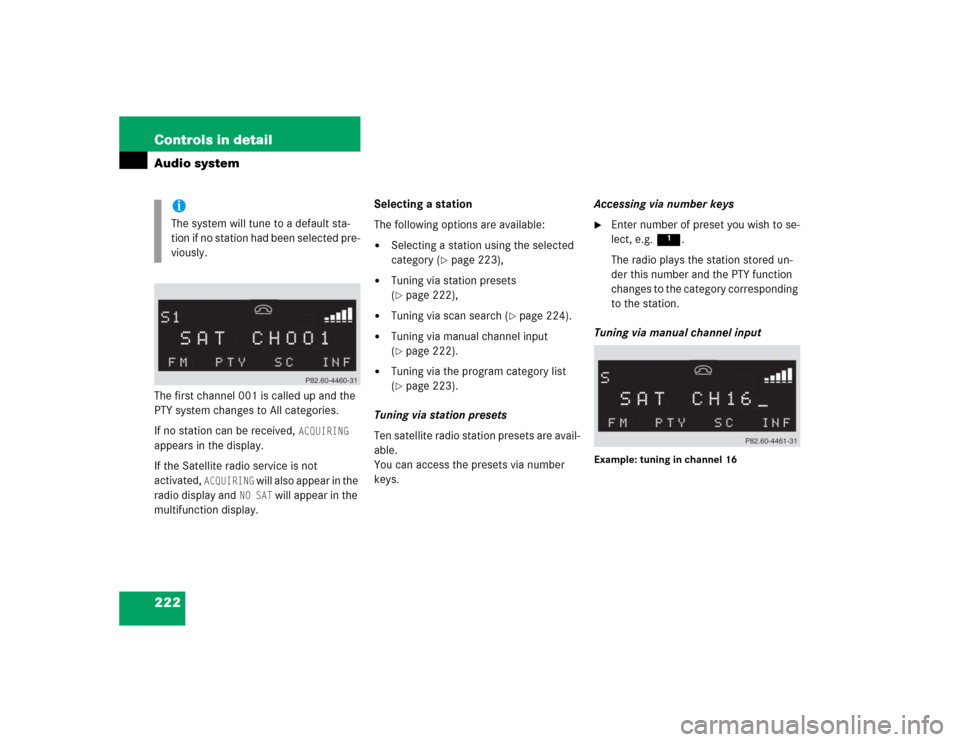
If no station can be received,
ACQUIRING
appears in the display.
If the Satellite radio service is not
activated,
ACQUIRING
will also appear in the
radio display and
NO SAT
will appear in the
multifunction display.Selecting a station
The following options are available:
�
Selecting a station using the selected
category (
�page 223),
�
Tuning via station presets
(�page 222),
�
Tuning via scan search (
�page 224).
�
Tuning via manual channel input
(�page 222).
�
Tuning via the program category list
(�page 223).
Tuning via station presets
Ten satellite radio station presets are avail-
able.
You can access the presets via number
keys.Accessing via number keys
�
Enter number of preset you wish to se-
lect, e.g. 1.
The radio plays the station stored un-
der this number and the PTY function
changes to the category corresponding
to the station.
Tuning via manual channel input
Example: tuning in channel 16
iThe system will tune to a default sta-
tion if no station had been selected pre-
viously.