Page 134 of 474
133 Controls in detail
Control system
�
Press buttonk orj.
The stored messages will now be
displayed in the order in which they
have occurred. For malfunction and
warning messages, see “Vehicle status
messages in the multifunction display”
(�page 347).
Should the vehicle’s system record any
conditions while driving, the number of
messages will reappear in the multifunc-
tion display when the SmartKey in the
starter switch is turned to position0 or
removed from the starter switch.
Settings menu
In the
Settings
menu there are two
functions:
�
The function
Reset to factory
settings
, with which you can reset all
the settings to the original factory
settings.
�
A collection of submenus with which
you can make individual settings for
your vehicle.
�
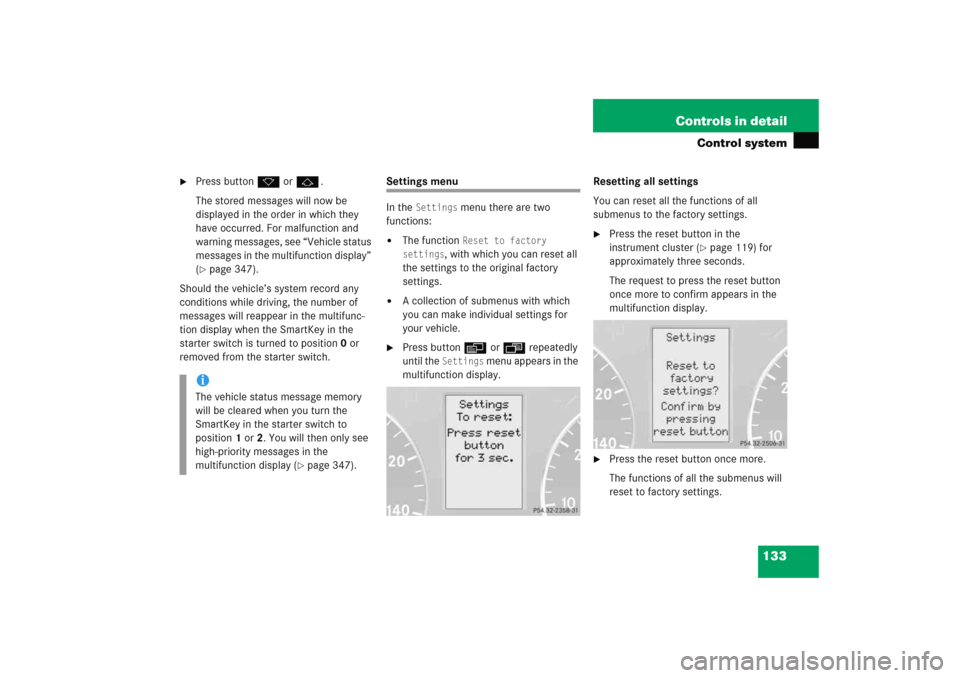
Press buttonè orÿ repeatedly
until the
Settings
menu appears in the
multifunction display.Resetting all settings
You can reset all the functions of all
submenus to the factory settings.
�
Press the reset button in the
instrument cluster (
�page 119) for
approximately three seconds.
The request to press the reset button
once more to confirm appears in the
multifunction display.
�
Press the reset button once more.
The functions of all the submenus will
reset to factory settings.
iThe vehicle status message memory
will be cleared when you turn the
SmartKey in the starter switch to
position1 or2. You will then only see
high-priority messages in the
multifunction display (
�page 347).
Page 135 of 474
134 Controls in detailControl system
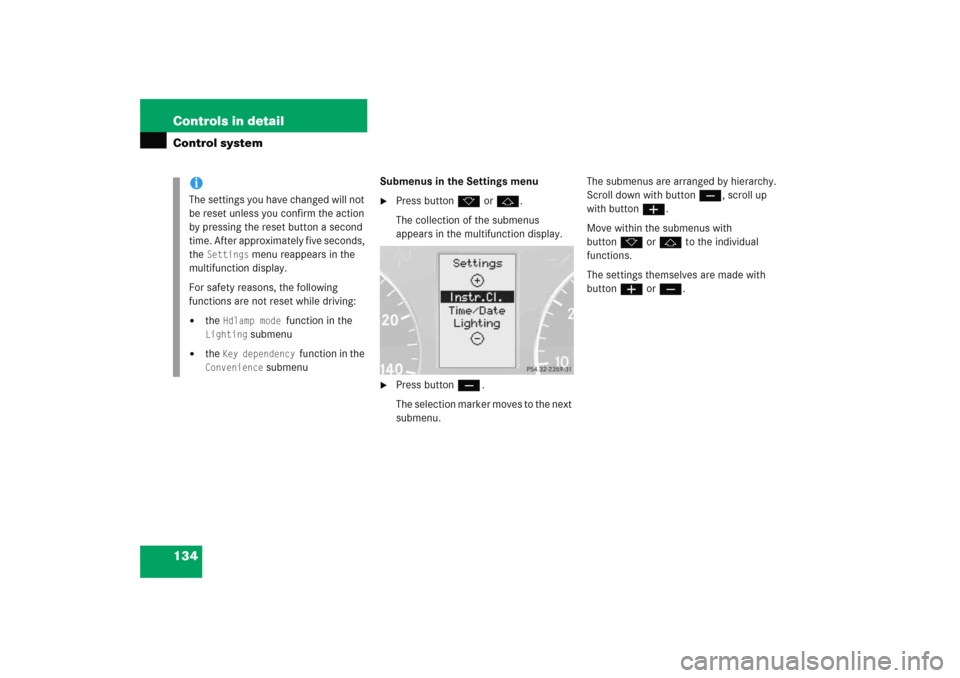
Submenus in the Settings menu�
Press buttonk orj.
The collection of the submenus
appears in the multifunction display.
�
Press buttonç.
The selection marker moves to the next
submenu.The submenus are arranged by hierarchy.
Scroll down with buttonç, scroll up
with buttonæ.
Move within the submenus with
buttonk orj to the individual
functions.
The settings themselves are made with
buttonæ orç.
iThe settings you have changed will not
be reset unless you confirm the action
by pressing the reset button a second
time. After approximately five seconds,
the
Settings
menu reappears in the
multifunction display.
For safety reasons, the following
functions are not reset while driving:
�
the
Hdlamp mode
function in the
Lighting
submenu
�
the
Key dependency
function in the
Convenience
submenu
Page 136 of 474
135 Controls in detail
Control system
Resetting the functions of a submenu
For each submenu you can reset all the
functions to the factory settings.�
Move to a function in the submenu.
�
Press the reset button (
�page 119) in
the instrument cluster for approxi-
mately three seconds.
The request to press the reset button
once more to confirm appears in the
multifunction display.
�
Press the reset button once more.
All functions of the submenu will reset
to factory settings.iThe settings you have changed will not
be reset unless you confirm the action
by pressing the reset button a second
time. Approximately five seconds after
pressing the reset button for the
second time, the
Settings
menu
reappears in the multifunction display.
Page 146 of 474
145 Controls in detail
Control system
In low ambient light conditions the follow-
ing lamps will switch on additionally:�
Parking lamps
�
Tail lamps
�
License plate lamps
�
Side marker lamps
For more information on the daytime
running lamp mode, see “Lighting”
(
�page 110).Setting locator lighting
With the locator lighting feature activated
and the exterior lamp switch in
positionU, the following lamps will
switch on when the vehicle is unlocked
with the SmartKey during darkness:
�
Parking lamps
�
Tail lamps
�
License plate lamps
�
Side marker lamps
�
Front fog lamps
The locator lighting switches off when the
driver’s door is opened.
If you do not open a door after unlocking
with the SmartKey the lamps will switch off
automatically after approximately
40 seconds.
�
Move the selection marker with
buttonæorç to the
Lighting
submenu.
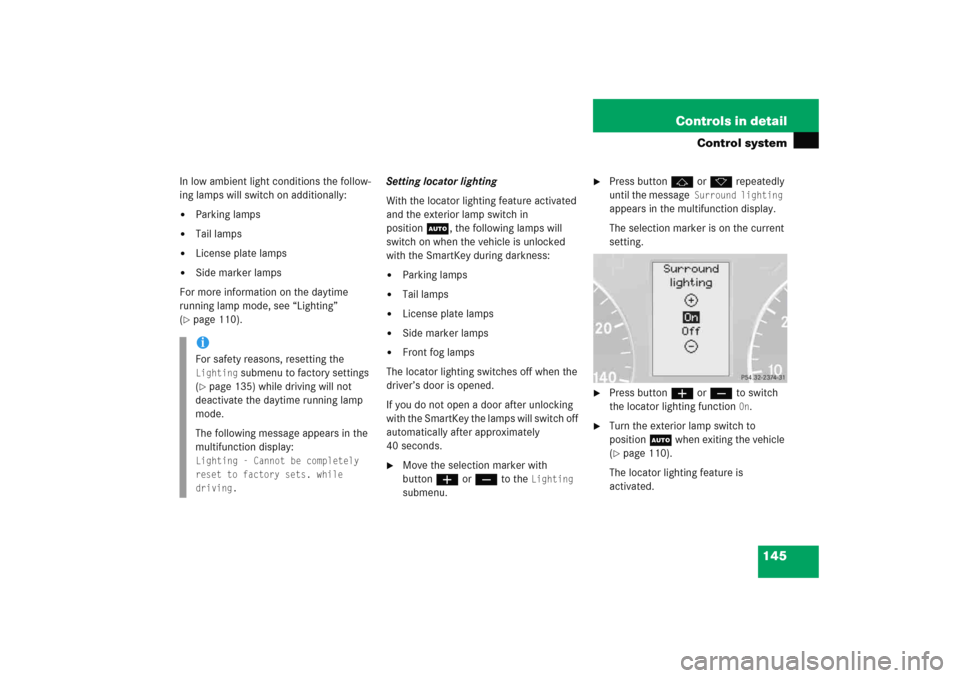
�
Press buttonjork repeatedly
until the message
Surround lighting
appears in the multifunction display.
The selection marker is on the current
setting.
�
Press buttonæorç to switch
the locator lighting function
On.
�
Turn the exterior lamp switch to
positionU when exiting the vehicle
(�page 110).
The locator lighting feature is
activated.
iFor safety reasons, resetting the Lighting
submenu to factory settings
(
�page 135) while driving will not
deactivate the daytime running lamp
mode.
The following message appears in the
multifunction display:
Lighting - Cannot be completely
reset to factory sets. while
driving.
Page 152 of 474
151 Controls in detail
Control system
Trip computer menu
Use the trip computer menu to call up
statistical data on your vehicle.
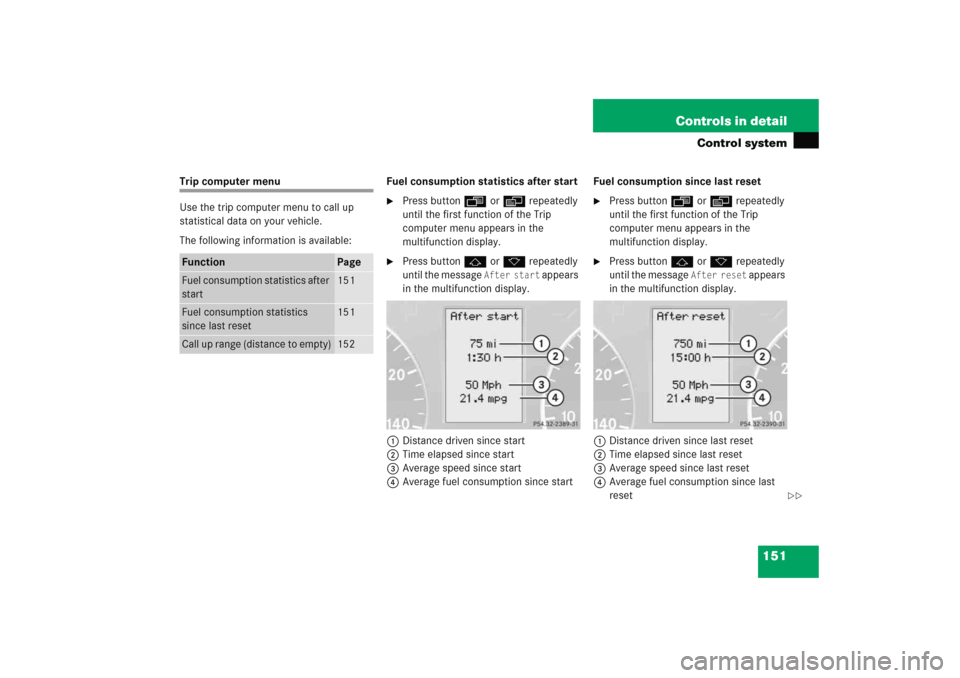
The following information is available:Fuel consumption statistics after start
�
Press buttonÿ orè repeatedly
until the first function of the Trip
computer menu appears in the
multifunction display.
�
Press buttonj ork repeatedly
until the message
After start
appears
in the multifunction display.
1Distance driven since start
2Time elapsed since start
3Average speed since start
4Average fuel consumption since startFuel consumption since last reset
�
Press buttonÿ orè repeatedly
until the first function of the Trip
computer menu appears in the
multifunction display.
�
Press buttonj ork repeatedly
until the message
After reset
appears
in the multifunction display.
1Distance driven since last reset
2Time elapsed since last reset
3Average speed since last reset
4Average fuel consumption since last
reset
Function
Page
Fuel consumption statistics after
start
151
Fuel consumption statistics
since last reset
151
Call up range (distance to empty)
152
��
Page 153 of 474
152 Controls in detailControl system
Resetting fuel consumption statistics�
Press buttonÿ orè repeatedly
until the first function of the trip
computer menu appears in the
multifunction display.
�
Press buttonj ork repeatedly
until the reading that you want to reset
appears in the multifunction display.
�
Press and hold the reset button in the
instrument cluster (
�page 119) until
the value is reset to0.Call up range (distance to empty)
�
Press buttonÿ orè repeatedly
until the first function of the trip
computer menu appears in the
multifunction display.
�
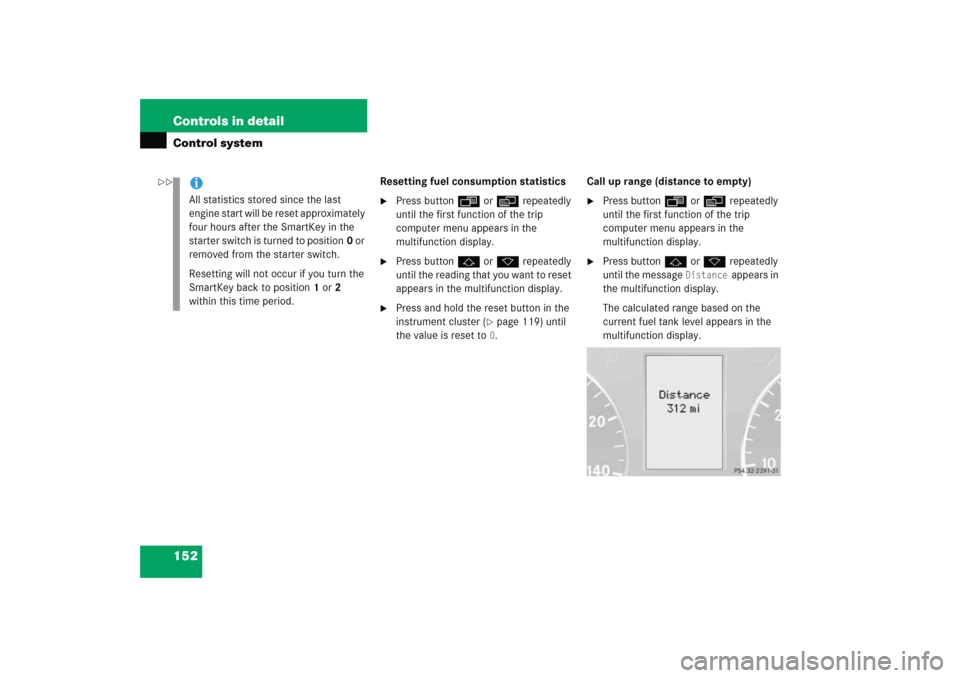
Press buttonj ork repeatedly
until the message
Distance
appears in
the multifunction display.
The calculated range based on the
current fuel tank level appears in the
multifunction display.
iAll statistics stored since the last
engine start will be reset approximately
four hours after the SmartKey in the
starter switch is turned to position0 or
removed from the starter switch.
Resetting will not occur if you turn the
SmartKey back to position1 or2
within this time period.
��
Page 200 of 474
199 Controls in detail
Audio system
Switching off�
Remove SmartKey from starter switch.
or
�
Press M button.
Adjusting the volume
�
Turn rotary control of N button.
The volume will increase or decrease
depending on the direction turned.Adjusting sound functions
The bass and treble functions are called up
by pressing the O button.
Settings for bass and treble are stored sep-
arately for the AM and FM wavebands,
weather band, CD mode and telephone
mode.
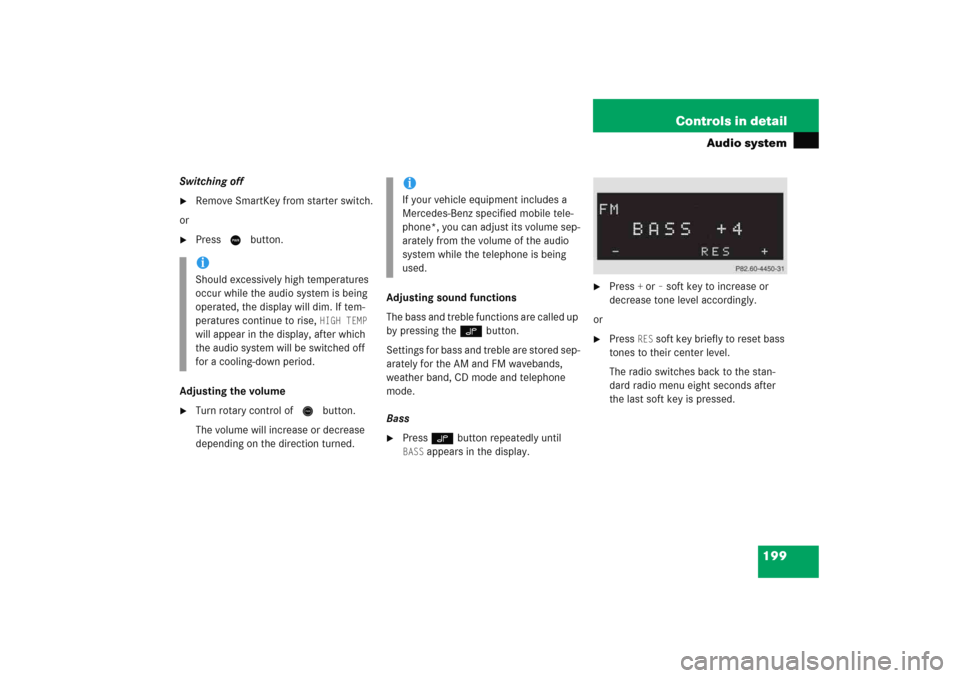
Bass
�
Press O button repeatedly until BASS
appears in the display.
�
Press
+ or
– soft key to increase or
decrease tone level accordingly.
or
�
Press
RES
soft key briefly to reset bass
tones to their center level.
The radio switches back to the stan-
dard radio menu eight seconds after
the last soft key is pressed.
iShould excessively high temperatures
occur while the audio system is being
operated, the display will dim. If tem-
peratures continue to rise,
HIGH TEMP
will appear in the display, after which
the audio system will be switched off
for a cooling-down period.
iIf your vehicle equipment includes a
Mercedes-Benz specified mobile tele-
phone*, you can adjust its volume sep-
arately from the volume of the audio
system while the telephone is being
used.
Page 201 of 474
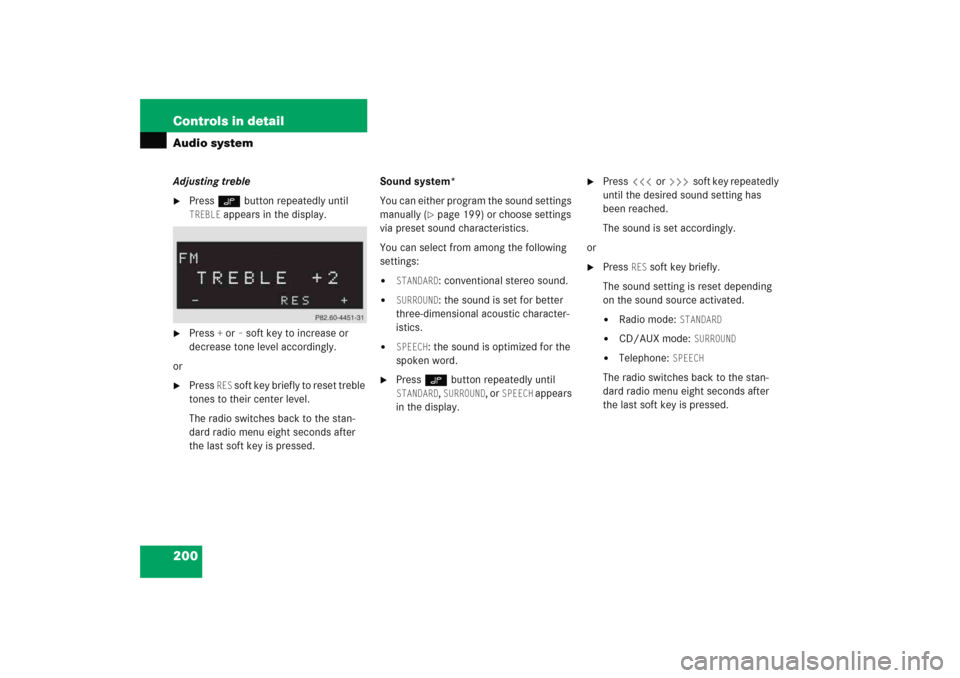
200 Controls in detailAudio systemAdjusting treble�
Press O button repeatedly until TREBLE
appears in the display.
�
Press
+ or
– soft key to increase or
decrease tone level accordingly.
or
�
Press
RES
soft key briefly to reset treble
tones to their center level.
The radio switches back to the stan-
dard radio menu eight seconds after
the last soft key is pressed.Sound system*
You can either program the sound settings
manually (
�page 199) or choose settings
via preset sound characteristics.
You can select from among the following
settings:
�
STANDARD
: conventional stereo sound.
�
SURROUND
: the sound is set for better
three-dimensional acoustic character-
istics.
�
SPEECH
: the sound is optimized for the
spoken word.
�
Press O button repeatedly until STANDARD
, SURROUND
, or
SPEECH
appears
in the display.
�
Press X or Y soft key repeatedly
until the desired sound setting has
been reached.
The sound is set accordingly.
or
�
Press
RES
soft key briefly.
The sound setting is reset depending
on the sound source activated.
�
Radio mode:
STANDARD
�
CD/AUX mode:
SURROUND
�
Telephone:
SPEECH
The radio switches back to the stan-
dard radio menu eight seconds after
the last soft key is pressed.