2005 LINCOLN TOWN CAR remote control
[x] Cancel search: remote controlPage 109 of 328
INTERIOR LAMPS
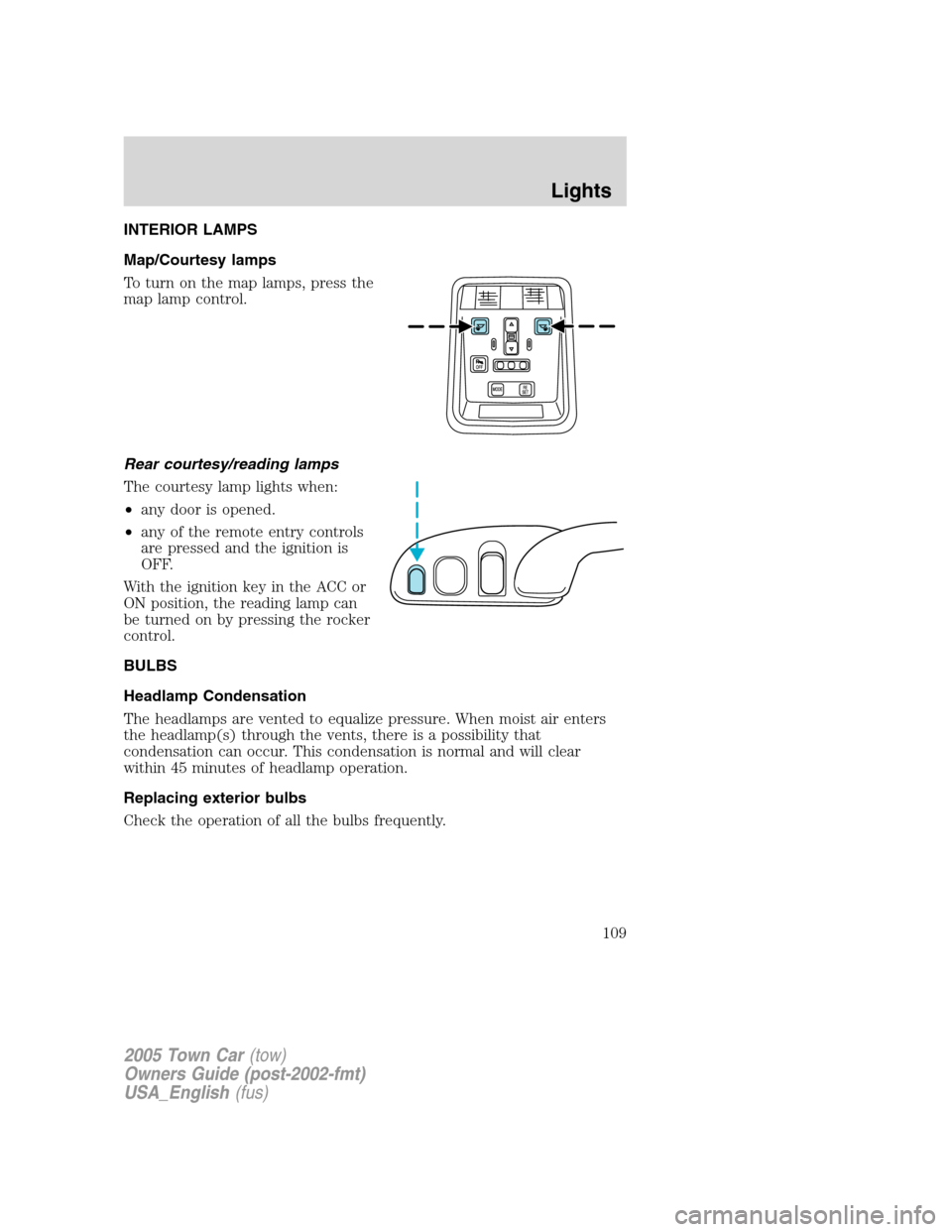
Map/Courtesy lamps
To turn on the map lamps, press the
map lamp control.
Rear courtesy/reading lamps
The courtesy lamp lights when:
•any door is opened.
•any of the remote entry controls
are pressed and the ignition is
OFF.
With the ignition key in the ACC or
ON position, the reading lamp can
be turned on by pressing the rocker
control.
BULBS
Headlamp Condensation
The headlamps are vented to equalize pressure. When moist air enters
the headlamp(s) through the vents, there is a possibility that
condensation can occur. This condensation is normal and will clear
within 45 minutes of headlamp operation.
Replacing exterior bulbs
Check the operation of all the bulbs frequently.
2005 Town Car(tow)
Owners Guide (post-2002-fmt)
USA_English(fus)
Lights
109
Page 143 of 328
POWER TRUNK (IF EQUIPPED)
Your vehicle may be equipped with a power trunk controlled by the
interior trunk control, the key fob or the keypad on the door.
If anything obstructs the power trunk while it is closing, the trunk will
automatically reverse to the open position, provided it meets sufficient
resistance. Resistance must be as strong as the force of the closing
trunk, or stronger. The force of the closing trunk increases as the trunk
approaches the latched position. The trunk will close with the next press
of the interior trunk control or key fob button.
Make sure all persons are clear of the luggage compartment area
before using the power trunk control.
If the battery is disconnected, discharged, or a new battery is installed,
the power trunk needs to be reset. To reset the power trunk:
•Reconnect the battery with the trunk closed
•Power activate the trunk with the power interior trunk release, the
key fob or the keypad on the door to the full open position, then
power activate the same power source and fully close the trunk. The
power trunk is now reset.
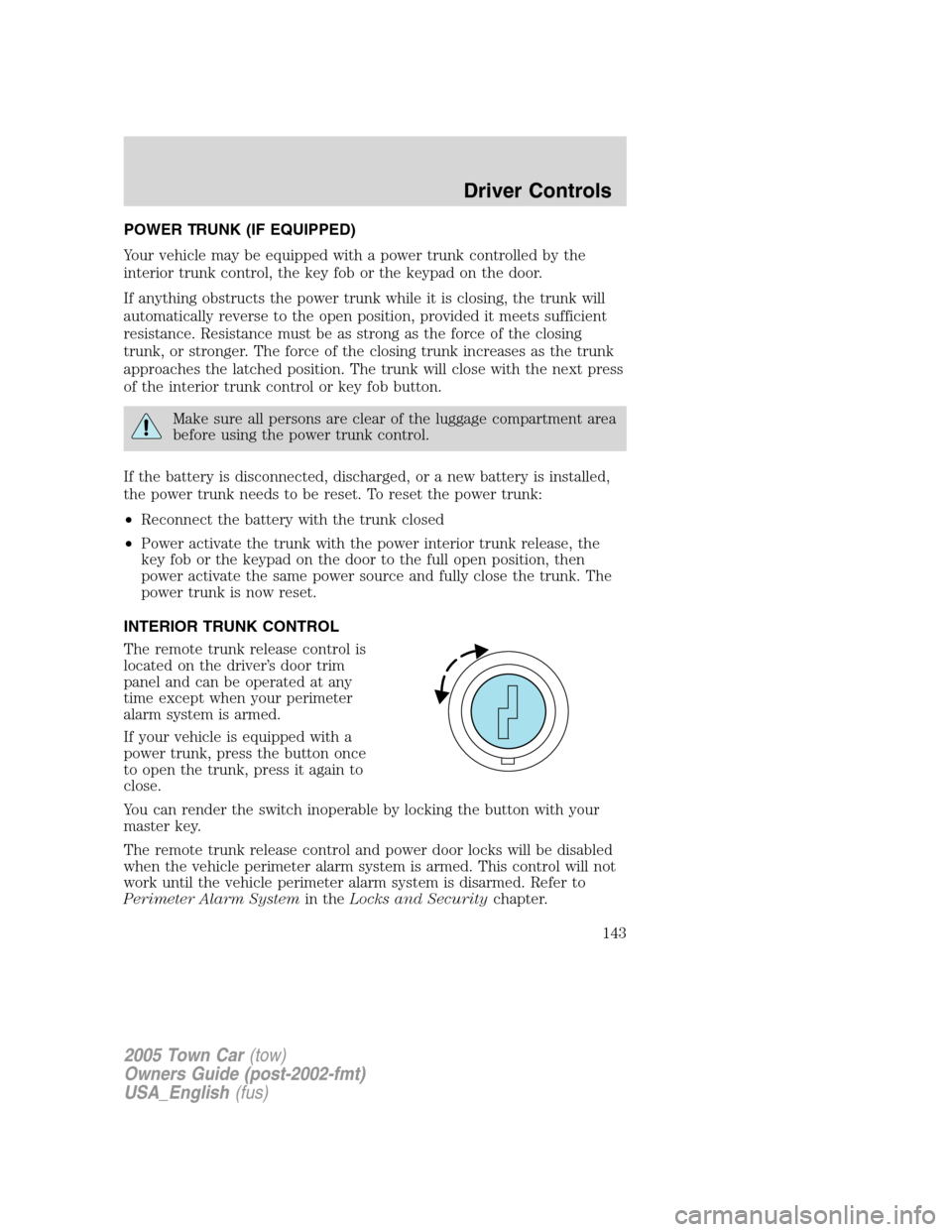
INTERIOR TRUNK CONTROL
The remote trunk release control is
located on the driver’s door trim
panel and can be operated at any
time except when your perimeter
alarm system is armed.
If your vehicle is equipped with a
power trunk, press the button once
to open the trunk, press it again to
close.
You can render the switch inoperable by locking the button with your
master key.
The remote trunk release control and power door locks will be disabled
when the vehicle perimeter alarm system is armed. This control will not
work until the vehicle perimeter alarm system is disarmed. Refer to
Perimeter Alarm Systemin theLocks and Securitychapter.
2005 Town Car(tow)
Owners Guide (post-2002-fmt)
USA_English(fus)
Driver Controls
143
Page 144 of 328
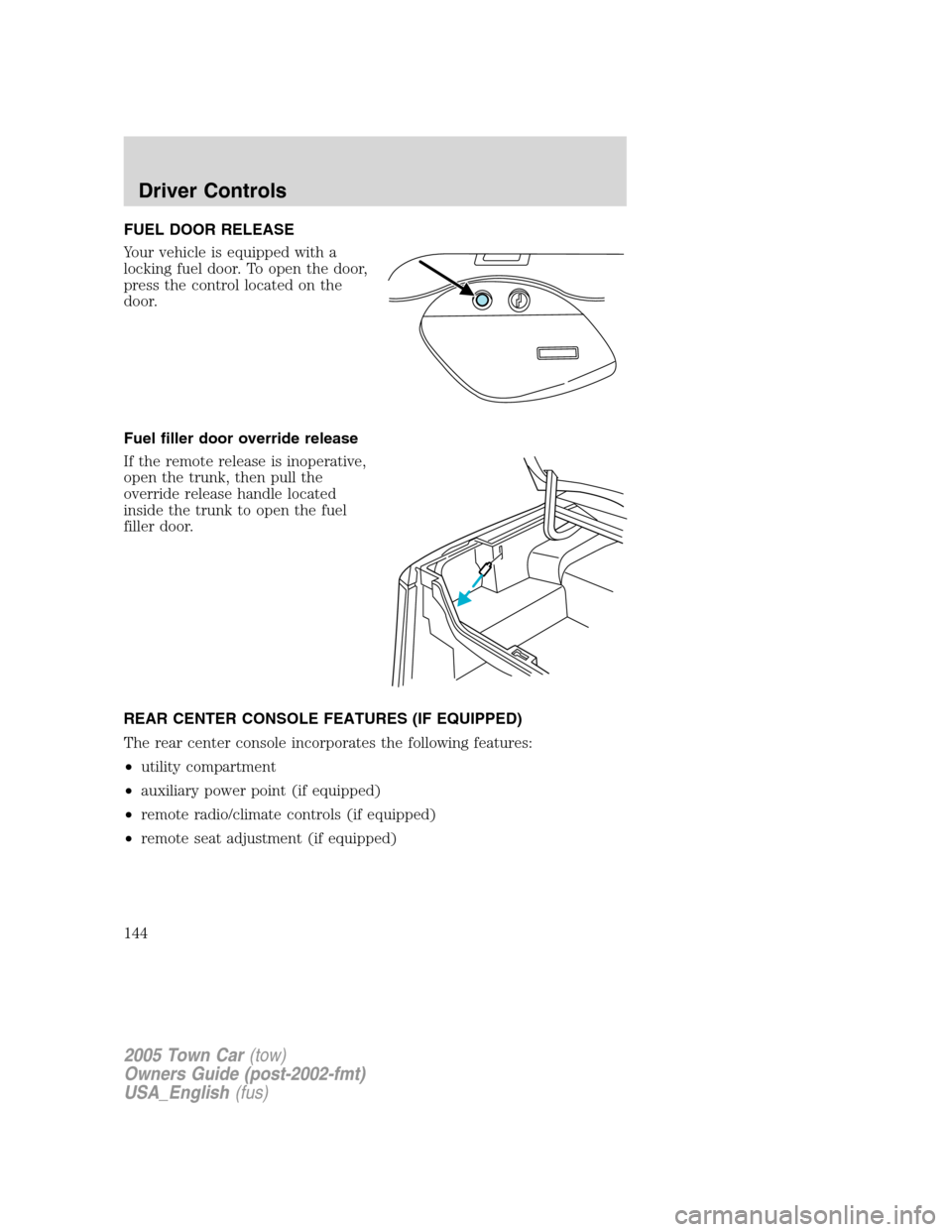
FUEL DOOR RELEASE
Your vehicle is equipped with a
locking fuel door. To open the door,
press the control located on the
door.
Fuel filler door override release
If the remote release is inoperative,
open the trunk, then pull the
override release handle located
inside the trunk to open the fuel
filler door.
REAR CENTER CONSOLE FEATURES (IF EQUIPPED)
The rear center console incorporates the following features:
•utility compartment
•auxiliary power point (if equipped)
•remote radio/climate controls (if equipped)
•remote seat adjustment (if equipped)
2005 Town Car(tow)
Owners Guide (post-2002-fmt)
USA_English(fus)
Driver Controls
144
Page 145 of 328
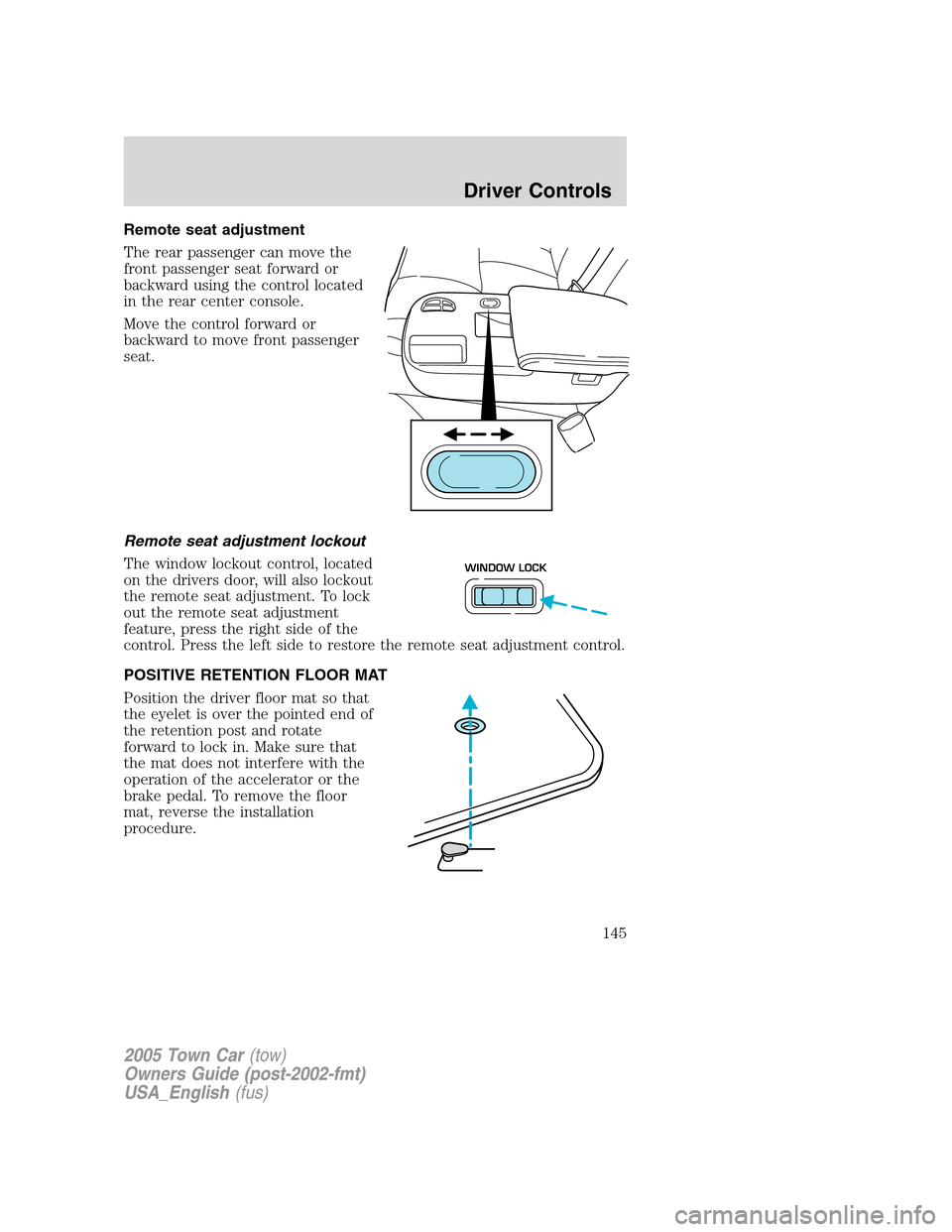
Remote seat adjustment
The rear passenger can move the
front passenger seat forward or
backward using the control located
in the rear center console.
Move the control forward or
backward to move front passenger
seat.
Remote seat adjustment lockout
The window lockout control, located
on the drivers door, will also lockout
the remote seat adjustment. To lock
out the remote seat adjustment
feature, press the right side of the
control. Press the left side to restore the remote seat adjustment control.
POSITIVE RETENTION FLOOR MAT
Position the driver floor mat so that
the eyelet is over the pointed end of
the retention post and rotate
forward to lock in. Make sure that
the mat does not interfere with the
operation of the accelerator or the
brake pedal. To remove the floor
mat, reverse the installation
procedure.
WINDOW LOCK
2005 Town Car(tow)
Owners Guide (post-2002-fmt)
USA_English(fus)
Driver Controls
145
Page 146 of 328
KEYS
Your vehicle is equipped with a master key and a valet (identified with
the word VALET) key lock system. The master key will access:
•the driver’s door,
•the trunk,
•the glove box,
•the ignition, and
•the interior trim remote trunk release.
The valet key will access:
•the driver’s door,
•the ignition.
Before handing over the valet key to a valet attendant, lock the interior
remote trunk release control and the glove box with the master key. Do
not hand over the remote entry transmitter or the master key to the
valet attendant.
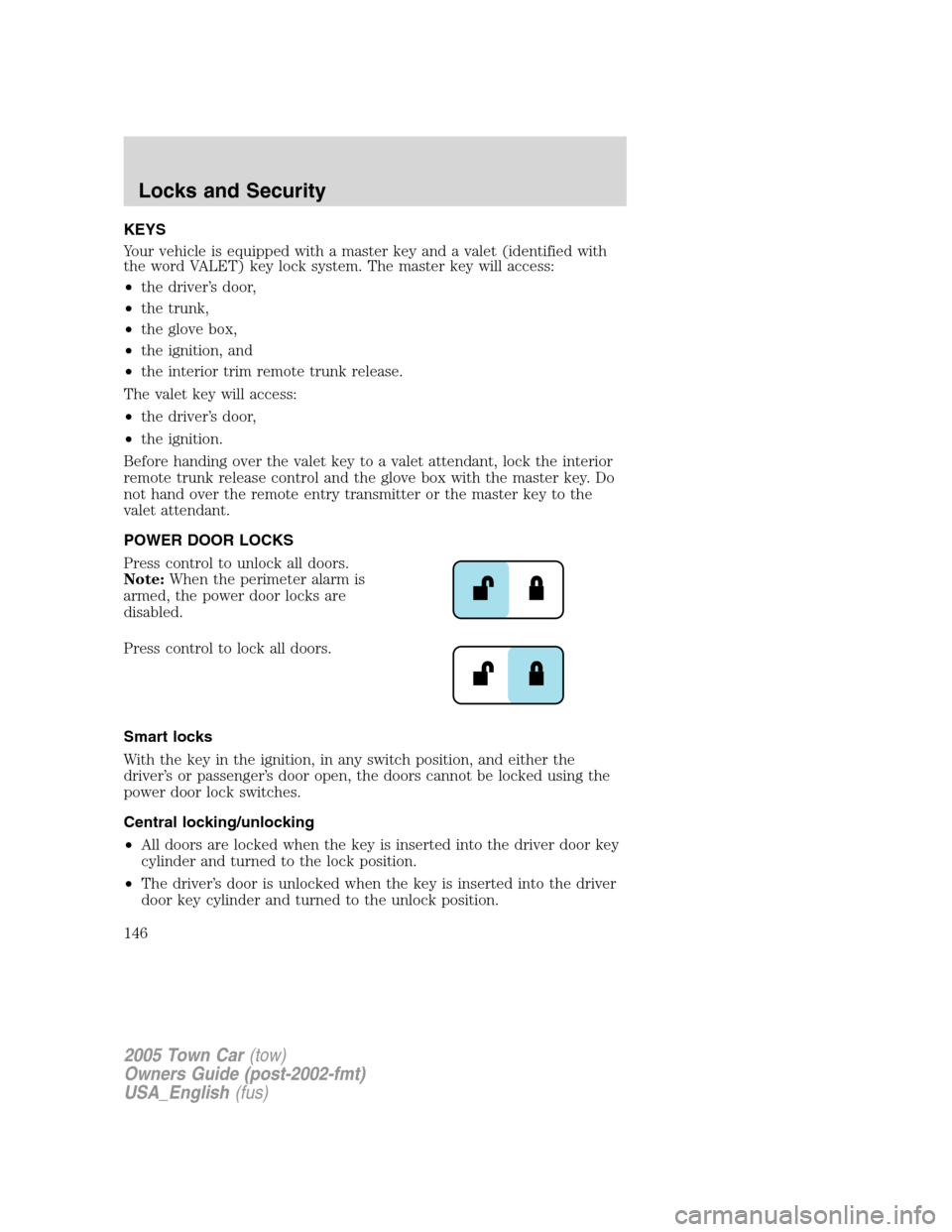
POWER DOOR LOCKS
Press control to unlock all doors.
Note:When the perimeter alarm is
armed, the power door locks are
disabled.
Press control to lock all doors.
Smart locks
With the key in the ignition, in any switch position, and either the
driver’s or passenger’s door open, the doors cannot be locked using the
power door lock switches.
Central locking/unlocking
•All doors are locked when the key is inserted into the driver door key
cylinder and turned to the lock position.
•The driver’s door is unlocked when the key is inserted into the driver
door key cylinder and turned to the unlock position.
2005 Town Car(tow)
Owners Guide (post-2002-fmt)
USA_English(fus)
Locks and Security
146
Page 149 of 328
Changes or modifications not expressly approved by the party
responsible for compliance could void the user’s authority to
operate the equipment.
The typical operating range for your remote entry transmitter is
approximately 33 feet (10 meters). A decrease in operating range could
be caused by:
•weather conditions,
•nearby radio towers,
•structures around the vehicle, or
•other vehicles parked next to your vehicle.
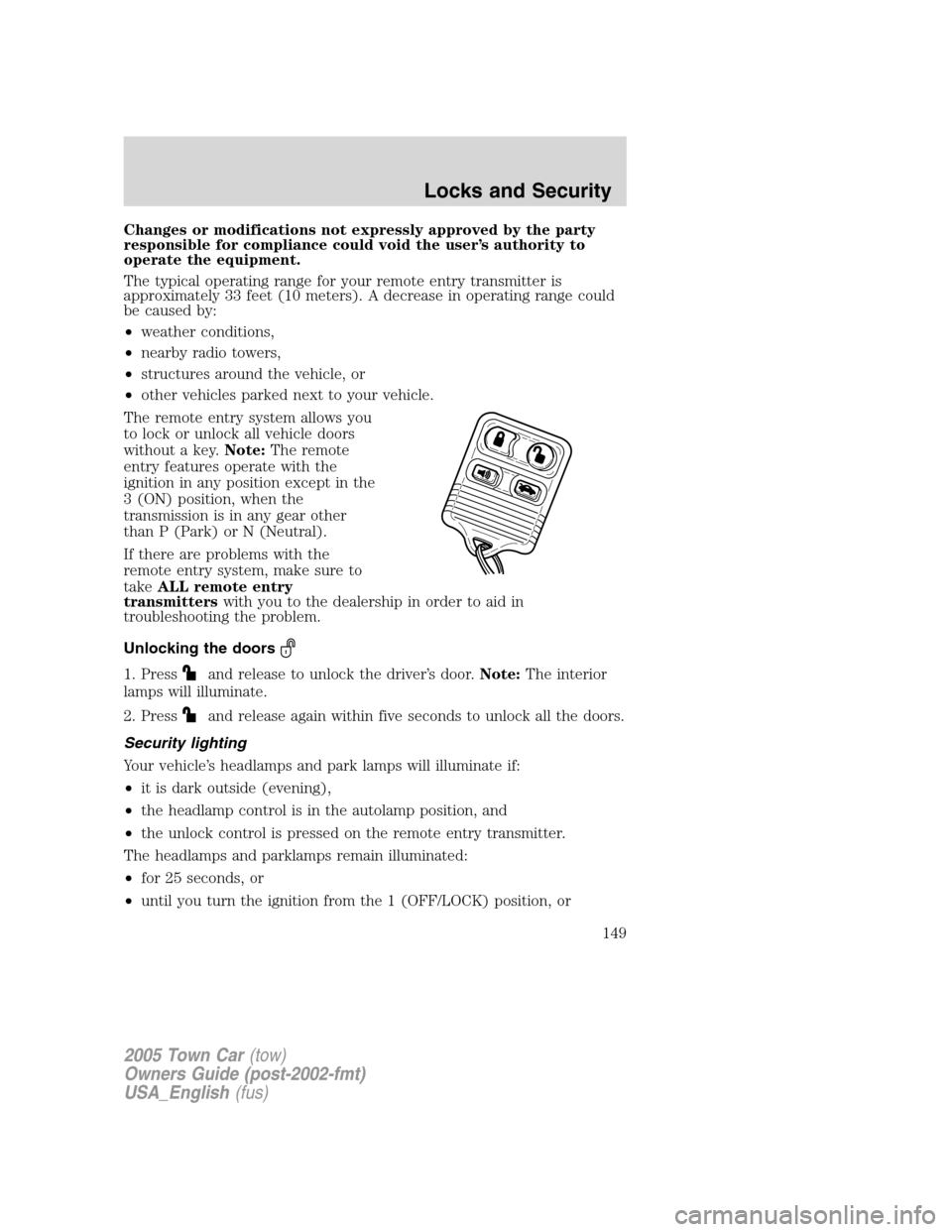
The remote entry system allows you
to lock or unlock all vehicle doors
without a key.Note:The remote
entry features operate with the
ignition in any position except in the
3 (ON) position, when the
transmission is in any gear other
than P (Park) or N (Neutral).
If there are problems with the
remote entry system, make sure to
takeALL remote entry
transmitterswith you to the dealership in order to aid in
troubleshooting the problem.
Unlocking the doors
1. Pressand release to unlock the driver’s door.Note:The interior
lamps will illuminate.
2. Press
and release again within five seconds to unlock all the doors.
Security lighting
Your vehicle’s headlamps and park lamps will illuminate if:
•it is dark outside (evening),
•the headlamp control is in the autolamp position, and
•the unlock control is pressed on the remote entry transmitter.
The headlamps and parklamps remain illuminated:
•for 25 seconds, or
•until you turn the ignition from the 1 (OFF/LOCK) position, or
2005 Town Car(tow)
Owners Guide (post-2002-fmt)
USA_English(fus)
Locks and Security
149
Page 150 of 328
•until the vehicle doors are locked using the remote entry transmitter
or the power door unlock control.
Locking the doors
Pressand release to lock all the doors.Note:The interior lamps will
turn off and the parklamps will flash, if all the closures (doors, trunk,
hood) are closed. If any closure is not closed, the parklamps willnot
flash.
Press
and release again within five seconds to confirm that all the
doors are closed.Note:The doors will lock again, the horn will chirp
once and the parklamps will flash, if all the closures are closed. If any
closure is not closed, the horn will chirp twice and the parklamps will
notflash.
Deactivating/activating the horn chirp feature
The horn chirp feature can be turned on/off through the following
procedure:
Complete Steps 1-7 within 30 seconds or you must repeat the procedure.
Wait 30 seconds before repeating the procedure.
1. Turn the ignition to the 3 (ON) position.
2. Press the power door unlock control on the door panel 3 times.
3. Cycle the ignition from the 3 (ON) to the 1 (OFF/LOCK) position.
4. Press the power door unlock control 3 times.
5. Turn the ignition to the 3 (ON) position. The doors will lock and
unlock.
6. Press the unlock control twice within 5 seconds. The horn will chirp
twice to indicate a successful activation/deactivation of the horn chirp
feature.
7. Turn the ignition to the 1 (OFF/LOCK) position.
Sounding a panic alarm
Press
on the remote transmitter to activate the alarm.Note:The
panic alarm only works with the ignition in the 1 (OFF/LOCK) position.
Press
a second time to deactivate the alarm. You may also
deactivate the alarm in the following ways:
•Turn the ignition to the 2 (ACCESSORY), 3 (ON) or 4 (START)
positions.
2005 Town Car(tow)
Owners Guide (post-2002-fmt)
USA_English(fus)
Locks and Security
150
Page 153 of 328
To reprogram the remote entry
transmitters:
1. Ensure the vehicle is
electronically unlocked.
2. Put the key in the ignition.
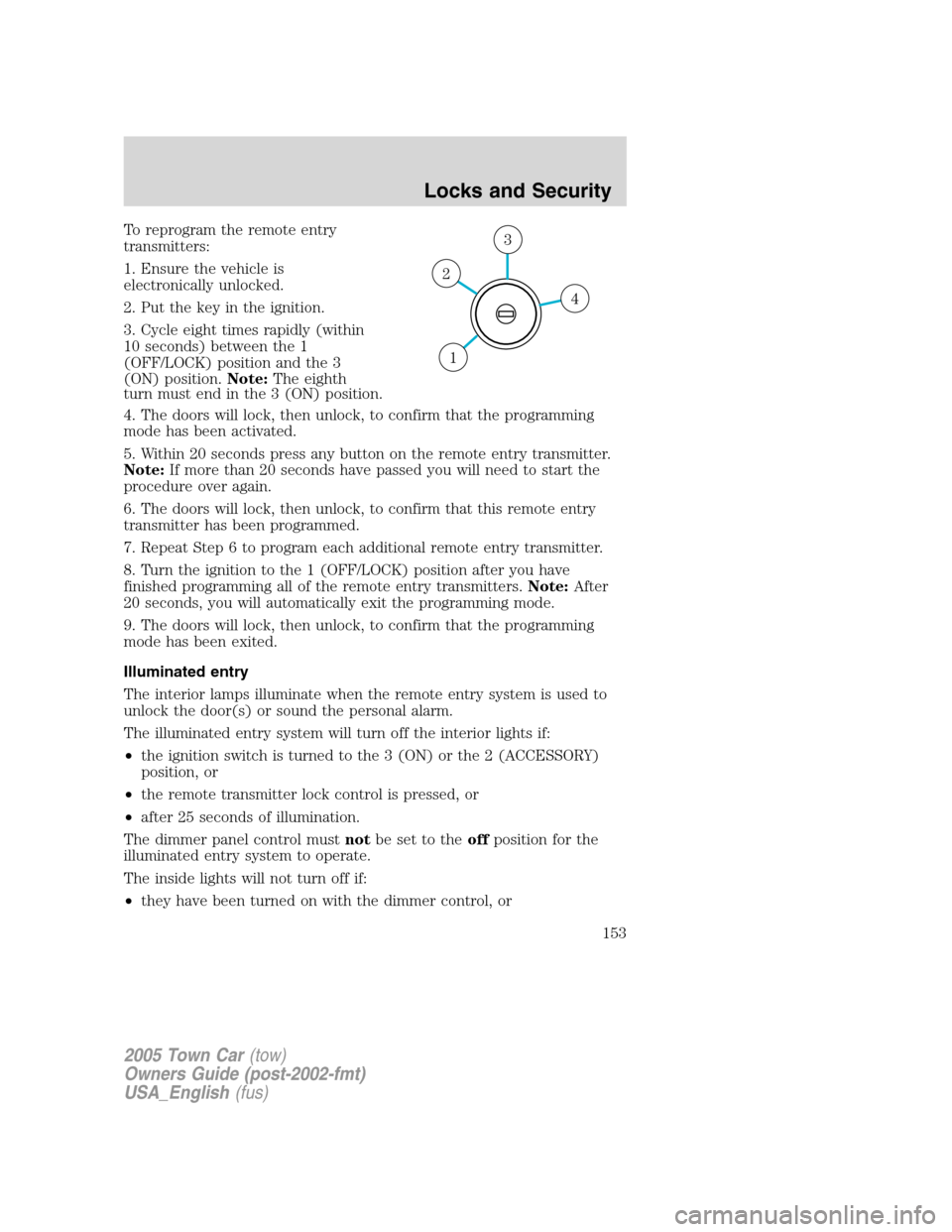
3. Cycle eight times rapidly (within
10 seconds) between the 1
(OFF/LOCK) position and the 3
(ON) position.Note:The eighth
turn must end in the 3 (ON) position.
4. The doors will lock, then unlock, to confirm that the programming
mode has been activated.
5. Within 20 seconds press any button on the remote entry transmitter.
Note:If more than 20 seconds have passed you will need to start the
procedure over again.
6. The doors will lock, then unlock, to confirm that this remote entry
transmitter has been programmed.
7. Repeat Step 6 to program each additional remote entry transmitter.
8. Turn the ignition to the 1 (OFF/LOCK) position after you have
finished programming all of the remote entry transmitters.Note:After
20 seconds, you will automatically exit the programming mode.
9. The doors will lock, then unlock, to confirm that the programming
mode has been exited.
Illuminated entry
The interior lamps illuminate when the remote entry system is used to
unlock the door(s) or sound the personal alarm.
The illuminated entry system will turn off the interior lights if:
•the ignition switch is turned to the 3 (ON) or the 2 (ACCESSORY)
position, or
•the remote transmitter lock control is pressed, or
•after 25 seconds of illumination.
The dimmer panel control mustnotbe set to theoffposition for the
illuminated entry system to operate.
The inside lights will not turn off if:
•they have been turned on with the dimmer control, or
4
3
2
1
2005 Town Car(tow)
Owners Guide (post-2002-fmt)
USA_English(fus)
Locks and Security
153