Page 144 of 354
421
Driving your vehicle
1
2
3
4
5
6
7
8
9
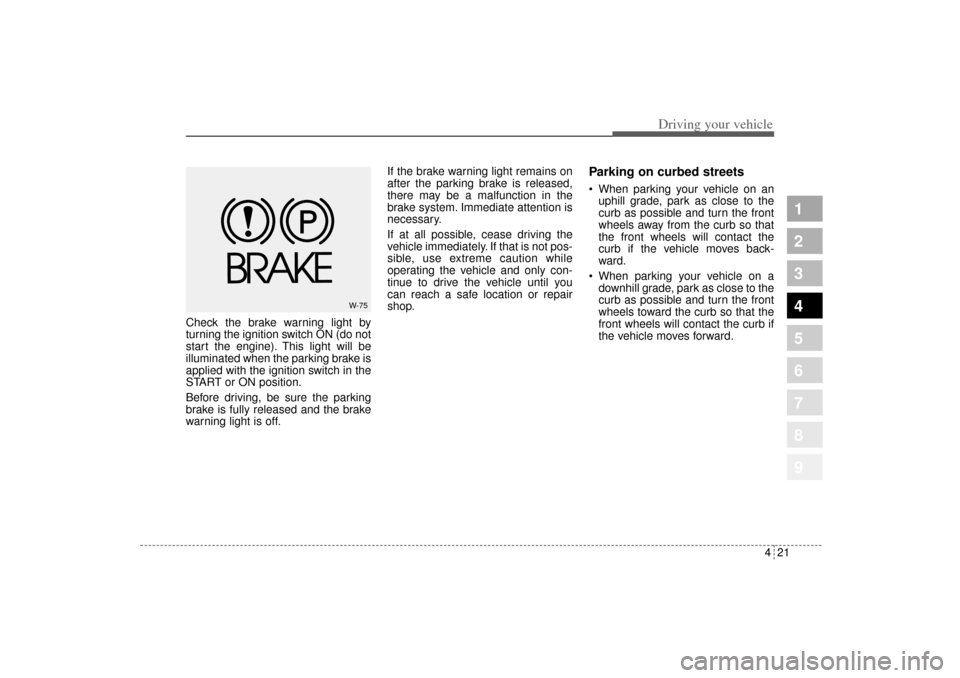
Check the brake warning light by
turning the ignition switch ON (do not
start the engine). This light will be
illuminated when the parking brake is
applied with the ignition switch in the
START or ON position.
Before driving, be sure the parking
brake is fully released and the brake
warning light is off.If the brake warning light remains on
after the parking brake is released,
there may be a malfunction in the
brake system. Immediate attention is
necessary.
If at all possible, cease driving the
vehicle immediately. If that is not pos-
sible, use extreme caution while
operating the vehicle and only con-
tinue to drive the vehicle until you
can reach a safe location or repair
shop.
Parking on curbed streets When parking your vehicle on an
uphill grade, park as close to the
curb as possible and turn the front
wheels away from the curb so that
the front wheels will contact the
curb if the vehicle moves back-
ward.
When parking your vehicle on a
downhill grade, park as close to the
curb as possible and turn the front
wheels toward the curb so that the
front wheels will contact the curb if
the vehicle moves forward.
W-75
KM CAN (ENG) 4.qxd 9/13/2004 4:48 PM Page 21
Page 146 of 354
423
Driving your vehicle
1
2
3
4
5
6
7
8
9
Even with the anti-lock brake sys-
tem, your vehicle still requires suf-
ficient stopping distance. Always
maintain a safe distance from the
vehicle in front of you.
Always slow down when cornering.
The anti-lock brake system cannot
prevent accidents resulting from
excessive speeds.
On loose or uneven road surfaces,
operation of the anti-lock brake
system may result in a longer stop-
ping distance than for vehicles
equipped with a conventional
brake system.
✽ ✽
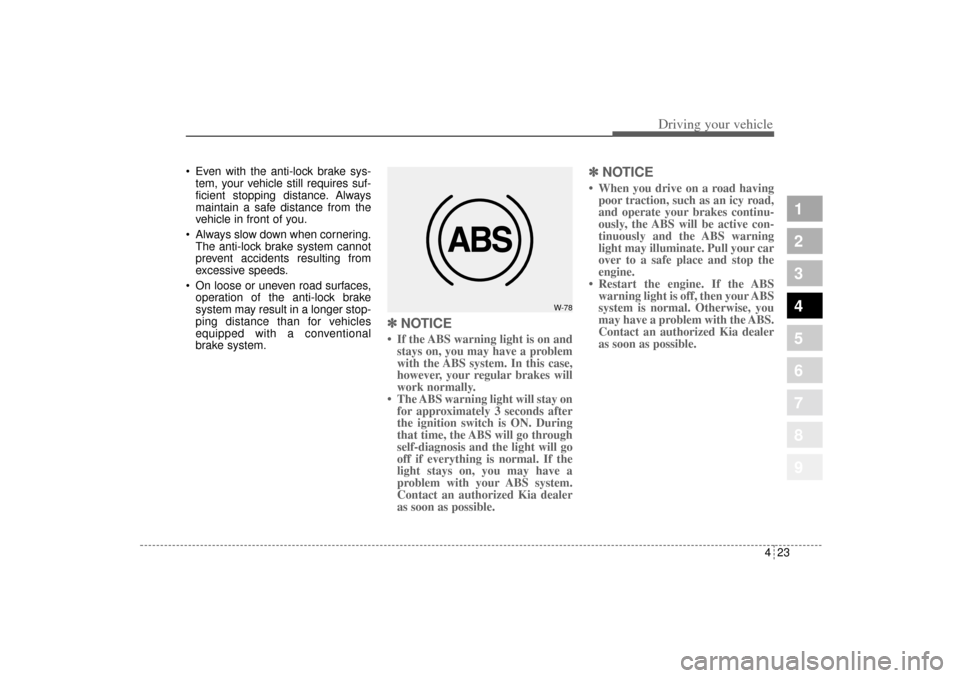
NOTICE• If the ABS warning light is on and
stays on, you may have a problem
with the ABS system. In this case,
however, your regular brakes will
work normally.
• The ABS warning light will stay on
for approximately 3 seconds after
the ignition switch is ON. During
that time, the ABS will go through
self-diagnosis and the light will go
off if everything is normal. If the
light stays on, you may have a
problem with your ABS system.
Contact an authorized Kia dealer
as soon as possible.
✽ ✽
NOTICE• When you drive on a road having
poor traction, such as an icy road,
and operate your brakes continu-
ously, the ABS will be active con-
tinuously and the ABS warning
light may illuminate. Pull your car
over to a safe place and stop the
engine.
• Restart the engine. If the ABS
warning light is off, then your ABS
system is normal. Otherwise, you
may have a problem with the ABS.
Contact an authorized Kia dealer
as soon as possible.
W-78
KM CAN (ENG) 4.qxd 9/13/2004 4:48 PM Page 23
Page 153 of 354
Driving your vehicle30 4
1
2
3
4
5
6
7
8
9
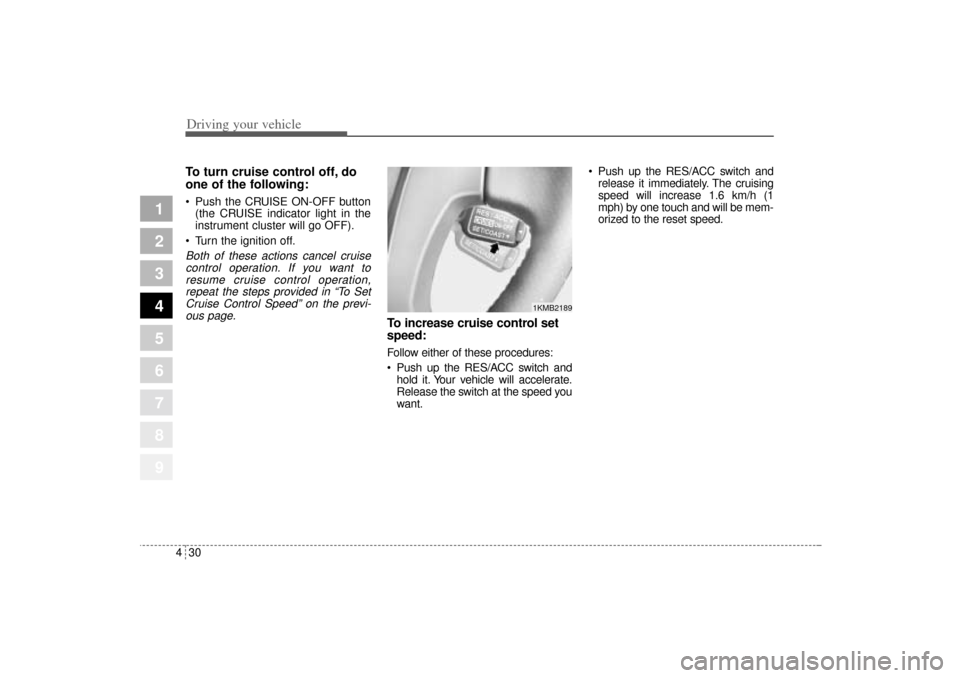
To turn cruise control off, do
one of the following: Push the CRUISE ON-OFF button
(the CRUISE indicator light in the
instrument cluster will go OFF).
Turn the ignition off.Both of these actions cancel cruise
control operation. If you want to
resume cruise control operation,
repeat the steps provided in “To Set
Cruise Control Speed” on the previ-
ous page.
To increase cruise control set
speed:Follow either of these procedures:
Push up the RES/ACC switch and
hold it. Your vehicle will accelerate.
Release the switch at the speed you
want. Push up the RES/ACC switch and
release it immediately. The cruising
speed will increase 1.6 km/h (1
mph) by one touch and will be mem-
orized to the reset speed.
1KMB2189
KM CAN (ENG) 4.qxd 9/13/2004 4:48 PM Page 30
Page 156 of 354
433
Driving your vehicle
1
2
3
4
5
6
7
8
9
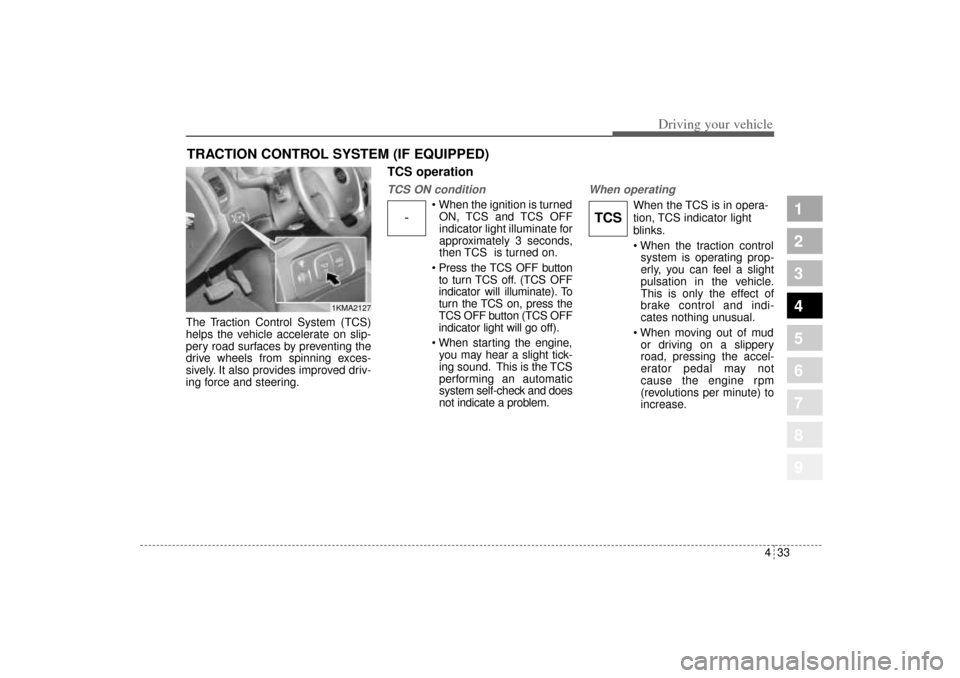
The Traction Control System (TCS)
helps the vehicle accelerate on slip-
pery road surfaces by preventing the
drive wheels from spinning exces-
sively. It also provides improved driv-
ing force and steering.
TCS operationTCS ON condition
When the ignition is turned
ON, TCS and TCS OFF
indicator light illuminate for
approximately 3 seconds,
then TCS is turned on.
Press the TCS OFF button
to turn TCS off. (TCS OFF
indicator will illuminate). To
turn the TCS on, press the
TCS OFF button (TCS OFF
indicator light will go off).
When starting the engine,
you may hear a slight tick-
ing sound. This is the TCS
performing an automatic
system self-check and does
not indicate a problem.
When operating
When the TCS is in opera-
tion, TCS indicator light
blinks.
When the traction control
system is operating prop-
erly, you can feel a slight
pulsation in the vehicle.
This is only the effect of
brake control and indi-
cates nothing unusual.
When moving out of mud
or driving on a slippery
road, pressing the accel-
erator pedal may not
cause the engine rpm
(revolutions per minute) to
increase.
TRACTION CONTROL SYSTEM (IF EQUIPPED)
1KMA2127
-
TCS
KM CAN (ENG) 4.qxd 9/13/2004 4:48 PM Page 33
Page 157 of 354
Driving your vehicle34 4
1
2
3
4
5
6
7
8
9
TCS operation offTCS OFF state
To cancel TCS operation,
press the TCS OFF button
(TCS OFF indicator light
illuminates).
If the ignition switch is
turned to LOCK position
when TCS is off, TCS
remains off. Upon restart-
ing the engine, the TCS will
automatically turn on
again.
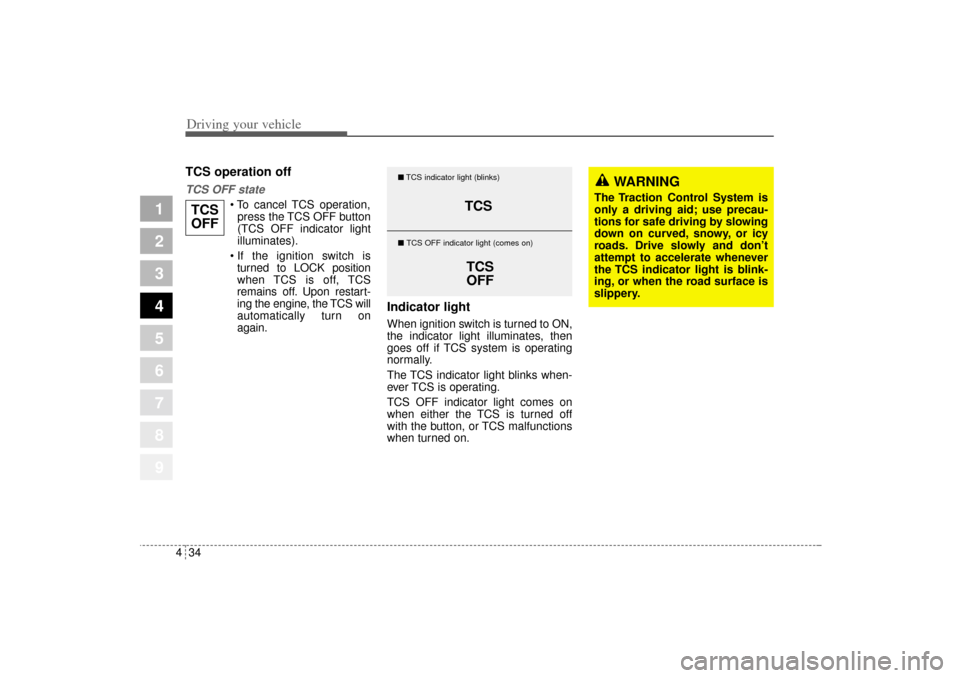
Indicator lightWhen ignition switch is turned to ON,
the indicator light illuminates, then
goes off if TCS system is operating
normally.
The TCS indicator light blinks when-
ever TCS is operating.
TCS OFF indicator light comes on
when either the TCS is turned off
with the button, or TCS malfunctions
when turned on.
TCS
OFF
TCS
TCS
OFF
�TCS indicator light (blinks)
� TCS OFF indicator light (comes on)
WARNING
The Traction Control System is
only a driving aid; use precau-
tions for safe driving by slowing
down on curved, snowy, or icy
roads. Drive slowly and don’t
attempt to accelerate whenever
the TCS indicator light is blink-
ing, or when the road surface is
slippery.
KM CAN (ENG) 4.qxd 9/13/2004 4:48 PM Page 34
Page 159 of 354
Driving your vehicle36 4
1
2
3
4
5
6
7
8
9
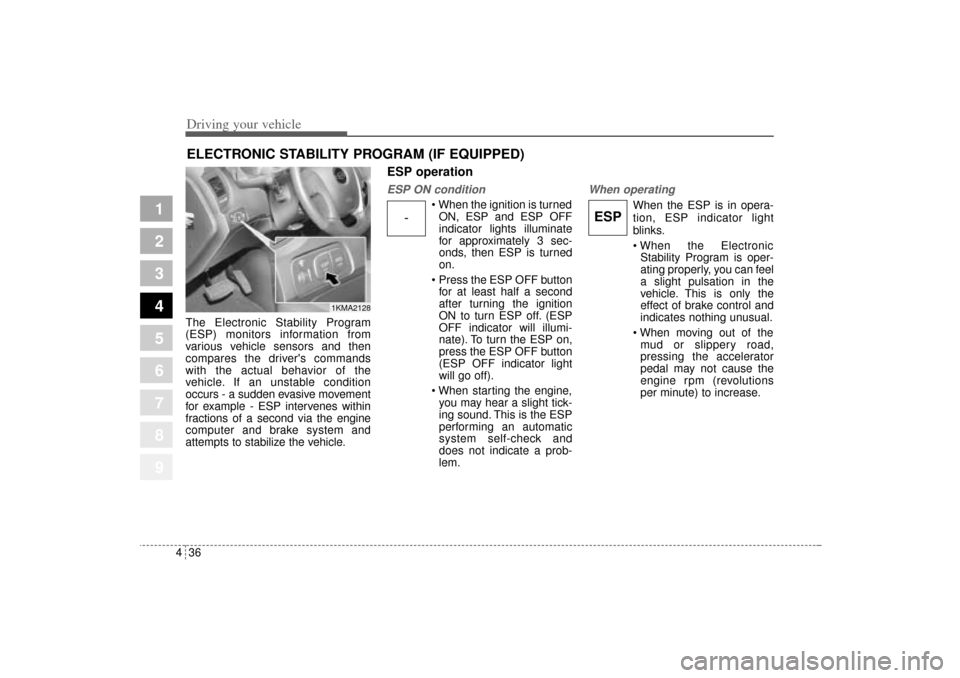
The Electronic Stability Program
(ESP) monitors information from
various vehicle sensors and then
compares the driver's commands
with the actual behavior of the
vehicle. If an unstable condition
occurs - a sudden evasive movement
for example - ESP intervenes within
fractions of a second via the engine
computer and brake system and
attempts to stabilize the vehicle.
ESP operationESP ON condition
When the ignition is turned
ON, ESP and ESP OFF
indicator lights illuminate
for approximately 3 sec-
onds, then ESP is turned
on.
Press the ESP OFF button
for at least half a second
after turning the ignition
ON to turn ESP off. (ESP
OFF indicator will illumi-
nate). To turn the ESP on,
press the ESP OFF button
(ESP OFF indicator light
will go off).
When starting the engine,
you may hear a slight tick-
ing sound. This is the ESP
performing an automatic
system self-check and
does not indicate a prob-
lem.
When operating
When the ESP is in opera-
tion, ESP indicator light
blinks.
When the Electronic
Stability Program is oper-
ating properly, you can feel
a slight pulsation in the
vehicle. This is only the
effect of brake control and
indicates nothing unusual.
When moving out of the
mud or slippery road,
pressing the accelerator
pedal may not cause the
engine rpm (revolutions
per minute) to increase.
ELECTRONIC STABILITY PROGRAM (IF EQUIPPED)
-
ESP
1KMA2128
KM CAN (ENG) 4.qxd 9/13/2004 4:48 PM Page 36
Page 160 of 354
437
Driving your vehicle
1
2
3
4
5
6
7
8
9
ESP operation offESP OFF state
To cancel ESP operation,
press the ESP OFF button
(ESP OFF indicator light
illuminates).
If the ignition switch is
turned to LOCK position
when ESP is off, ESP
remains off. Upon restart-
ing the engine, the ESP
will automatically turn on
again.
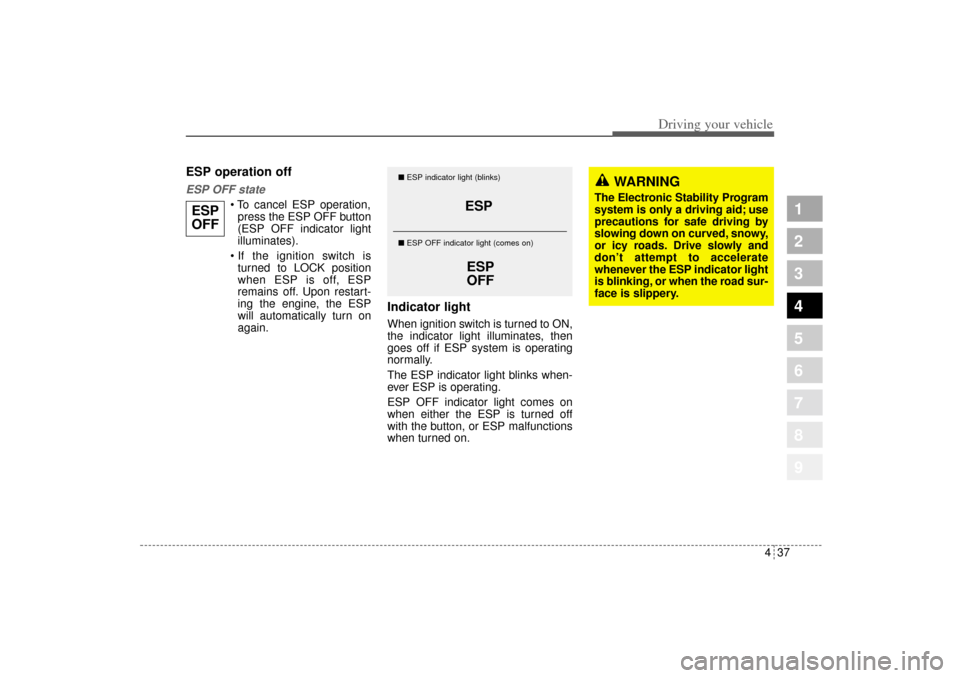
Indicator lightWhen ignition switch is turned to ON,
the indicator light illuminates, then
goes off if ESP system is operating
normally.
The ESP indicator light blinks when-
ever ESP is operating.
ESP OFF indicator light comes on
when either the ESP is turned off
with the button, or ESP malfunctions
when turned on.
ESP
ESP
OFF
�ESP indicator light (blinks)
� ESP OFF indicator light (comes on)
WARNING
The Electronic Stability Program
system is only a driving aid; use
precautions for safe driving by
slowing down on curved, snowy,
or icy roads. Drive slowly and
don’t attempt to accelerate
whenever the ESP indicator light
is blinking, or when the road sur-
face is slippery.
ESP
OFF
KM CAN (ENG) 4.qxd 9/13/2004 4:48 PM Page 37
Page 163 of 354
Driving your vehicle40 4
1
2
3
4
5
6
7
8
9
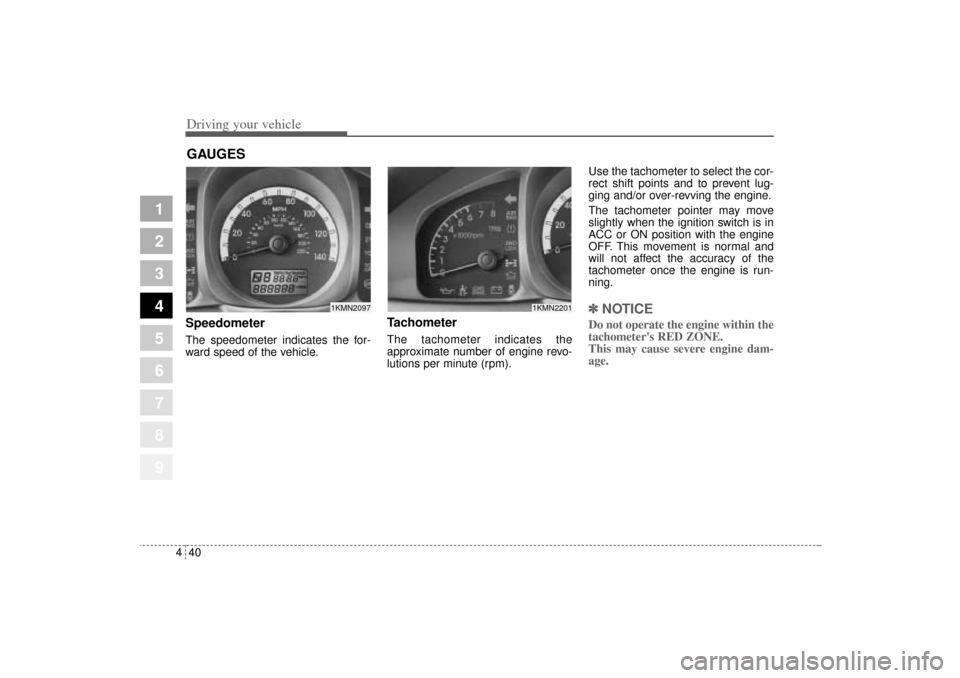
Speedometer The speedometer indicates the for-
ward speed of the vehicle.
Tachometer The tachometer indicates the
approximate number of engine revo-
lutions per minute (rpm).Use the tachometer to select the cor-
rect shift points and to prevent lug-
ging and/or over-revving the engine.
The tachometer pointer may move
slightly when the ignition switch is in
ACC or ON position with the engine
OFF. This movement is normal and
will not affect the accuracy of the
tachometer once the engine is run-
ning.
✽ ✽
NOTICEDo not operate the engine within the
tachometer's RED ZONE.
This may cause severe engine dam-
age.
GAUGES
1KMN2097
1KMN2201
KM CAN (ENG) 4.qxd 9/13/2004 4:48 PM Page 40