Page 36 of 272

HEADLAMP CONTROL
Rotate the headlamp control to the
first position to turn on the parking
lamps. Rotate to the second position
to also turn on the headlamps.
HEADLAMP BATTERY SAVER
The battery saver will shut off the exterior lamps 10 minutes after the
ignition switch has been turned off if the headlamp control is in the
HEADLAMP position. The system will not shut off the parking lamps if
the headlamp control is in the PARK position.
Autolamp control (if equipped)
The autolamp system sets the
headlamps to turn on and off
automatically. The autolamp control,
located on the headlamp switch,
will:
•turn on the lamps automatically at night
•turn off the lamps automatically during the daylight
•keep the lamps on for up to three minutes after the key is turned to
OFF.
The autolamp system also keeps the lights on for approximately 20
seconds after the ignition switch is turned to the OFF position.
Autolamp delay system (if equipped)
If your vehicle has an autolamp feature, you can set the headlamp delay
time to keep the headlights on for up to three minutes after the key is
turned OFF. The delay time is set to 20 seconds at the factory, but the
2005 Escape(204)
Owners Guide (post-2002-fmt)
USA English(fus)
Lights
Lights
36
Page 37 of 272

delay time may be changed by following the steps below (steps 1
through 6 must be done within 10 seconds):
1. Turn the key to the 1 (LOCK)
position.
2. Rotate the headlamp control to
the autolamp position.
3. Rotate the headlamp control to
the OFF position.
4. Turn the key to the 3rd (ON)
position.
5. Turn the key back to the 1st
(LOCK) position.
6. Turn the headlamp control to the autolamp position (the headlights
should turn on).
7. Turn the headlamp control to the OFF position when the desired
delay time (up to 3 minutes) has been reached.
Foglamp control (if equipped)
Turn on the low-beam headlamps.
Press the foglamp control, located
on the instrument panel, to activate
the foglamps. The foglamp LED will
illuminate when the foglamps are
on. When the highbeams are
activated, the foglamps will not
operate.
Press the foglamp control to deactivate the foglamps.
Daytime running lamps (DRL) (if equipped)
Turns the lowbeam headlamps on with a reduced output.
To activate:
•the ignition must be in the ON position.
•the headlamp control is in the OFF, parking lamps or autolamp
position.
•the vehicle not in park and the parking brake released.
2005 Escape(204)
Owners Guide (post-2002-fmt)
USA English(fus)
Lights
37
Page 42 of 272
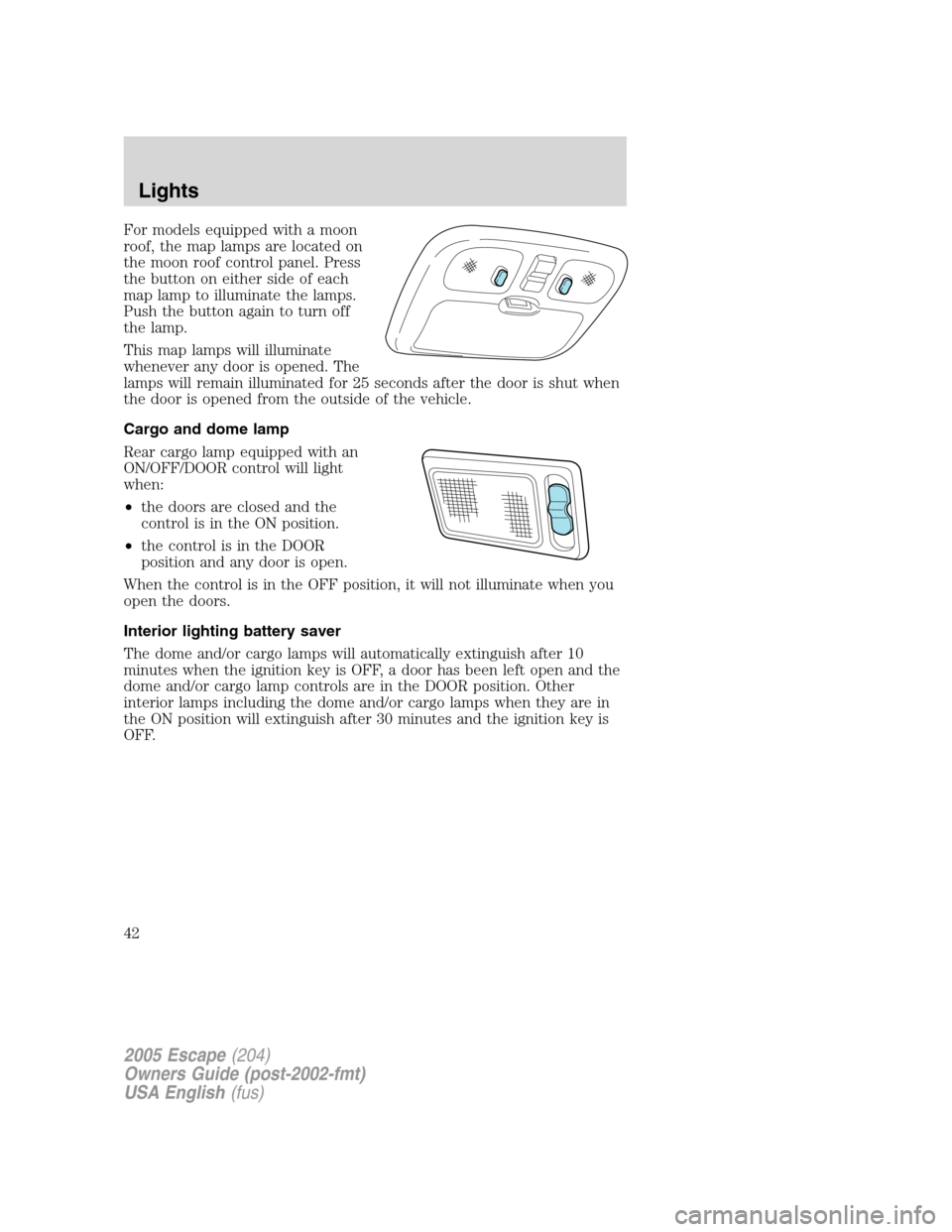
For models equipped with a moon
roof, the map lamps are located on
the moon roof control panel. Press
the button on either side of each
map lamp to illuminate the lamps.
Push the button again to turn off
the lamp.
This map lamps will illuminate
whenever any door is opened. The
lamps will remain illuminated for 25 seconds after the door is shut when
the door is opened from the outside of the vehicle.
Cargo and dome lamp
Rear cargo lamp equipped with an
ON/OFF/DOOR control will light
when:
•the doors are closed and the
control is in the ON position.
•the control is in the DOOR
position and any door is open.
When the control is in the OFF position, it will not illuminate when you
open the doors.
Interior lighting battery saver
The dome and/or cargo lamps will automatically extinguish after 10
minutes when the ignition key is OFF, a door has been left open and the
dome and/or cargo lamp controls are in the DOOR position. Other
interior lamps including the dome and/or cargo lamps when they are in
the ON position will extinguish after 30 minutes and the ignition key is
OFF.
2005 Escape(204)
Owners Guide (post-2002-fmt)
USA English(fus)
Lights
42
Page 53 of 272
POWER WINDOWS (IF EQUIPPED)
When closing the power windows, you should verify they are free
of obstructions and ensure that children and/or pets are not in
the proximity of the window openings.
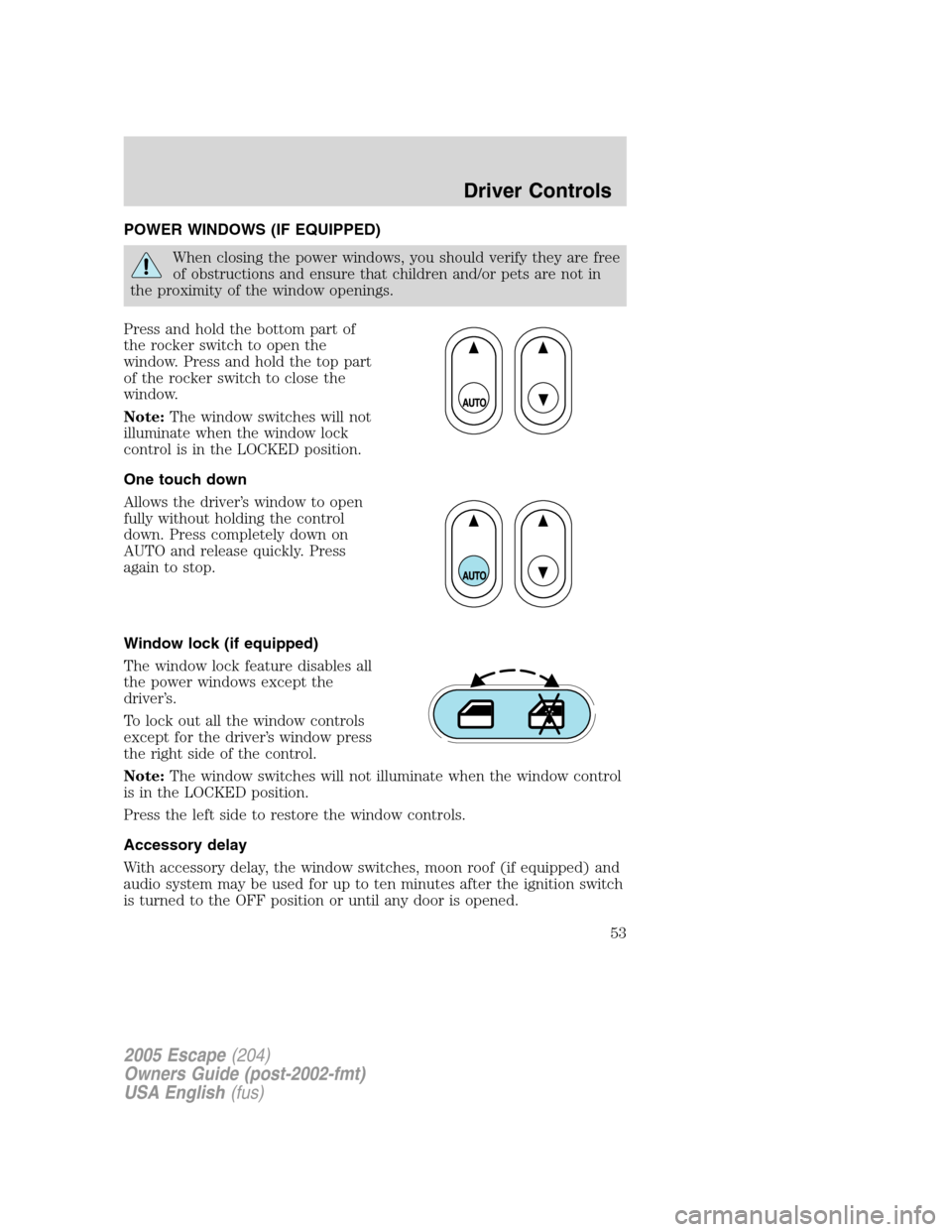
Press and hold the bottom part of
the rocker switch to open the
window. Press and hold the top part
of the rocker switch to close the
window.
Note:The window switches will not
illuminate when the window lock
control is in the LOCKED position.
One touch down
Allows the driver’s window to open
fully without holding the control
down. Press completely down on
AUTO and release quickly. Press
again to stop.
Window lock (if equipped)
The window lock feature disables all
the power windows except the
driver’s.
To lock out all the window controls
except for the driver’s window press
the right side of the control.
Note:The window switches will not illuminate when the window control
is in the LOCKED position.
Press the left side to restore the window controls.
Accessory delay
With accessory delay, the window switches, moon roof (if equipped) and
audio system may be used for up to ten minutes after the ignition switch
is turned to the OFF position or until any door is opened.
2005 Escape(204)
Owners Guide (post-2002-fmt)
USA English(fus)
Driver Controls
53
Page 54 of 272
POWER SIDE VIEW MIRRORS
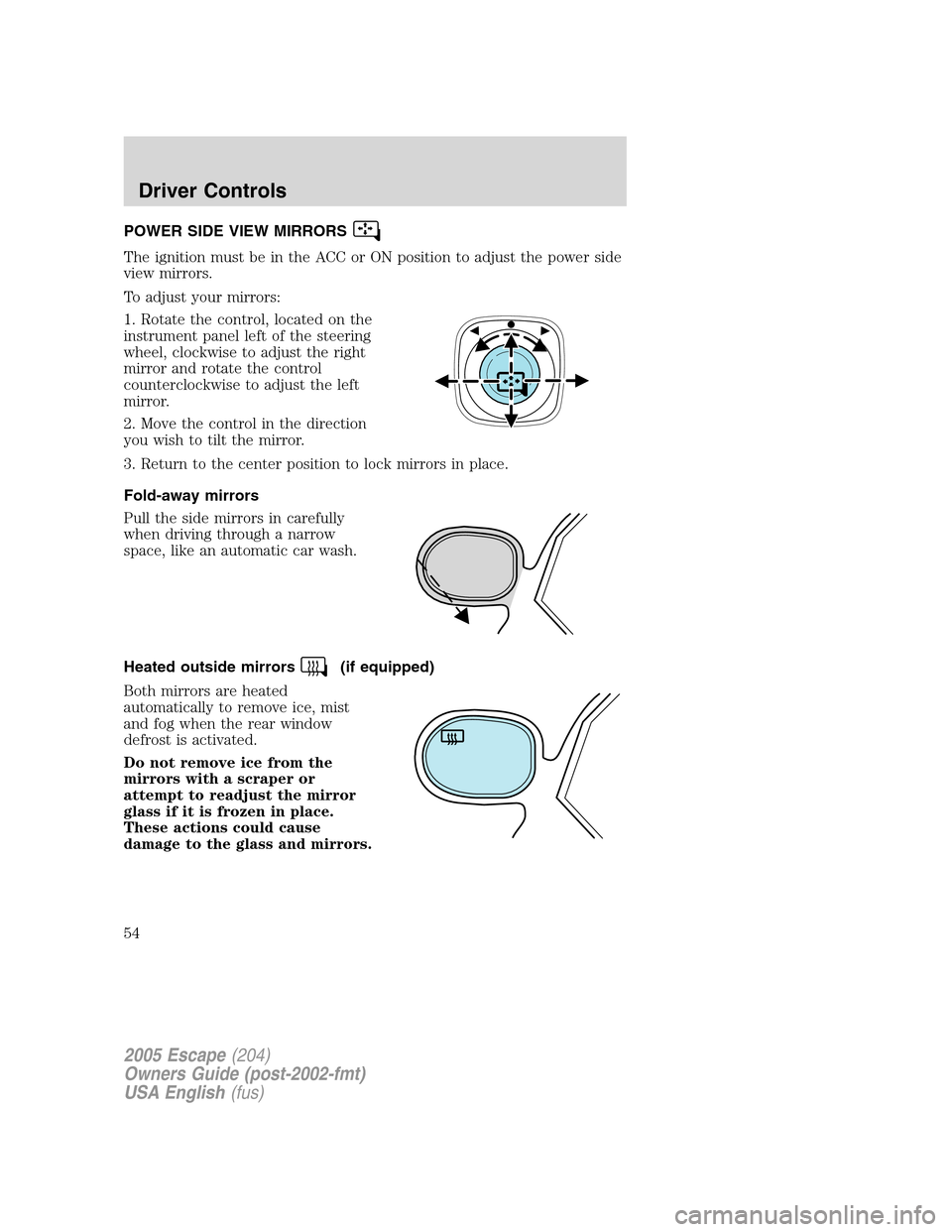
The ignition must be in the ACC or ON position to adjust the power side
view mirrors.
To adjust your mirrors:
1. Rotate the control, located on the
instrument panel left of the steering
wheel, clockwise to adjust the right
mirror and rotate the control
counterclockwise to adjust the left
mirror.
2. Move the control in the direction
you wish to tilt the mirror.
3. Return to the center position to lock mirrors in place.
Fold-away mirrors
Pull the side mirrors in carefully
when driving through a narrow
space, like an automatic car wash.
Heated outside mirrors
(if equipped)
Both mirrors are heated
automatically to remove ice, mist
and fog when the rear window
defrost is activated.
Do not remove ice from the
mirrors with a scraper or
attempt to readjust the mirror
glass if it is frozen in place.
These actions could cause
damage to the glass and mirrors.
2005 Escape(204)
Owners Guide (post-2002-fmt)
USA English(fus)
Driver Controls
54
Page 57 of 272
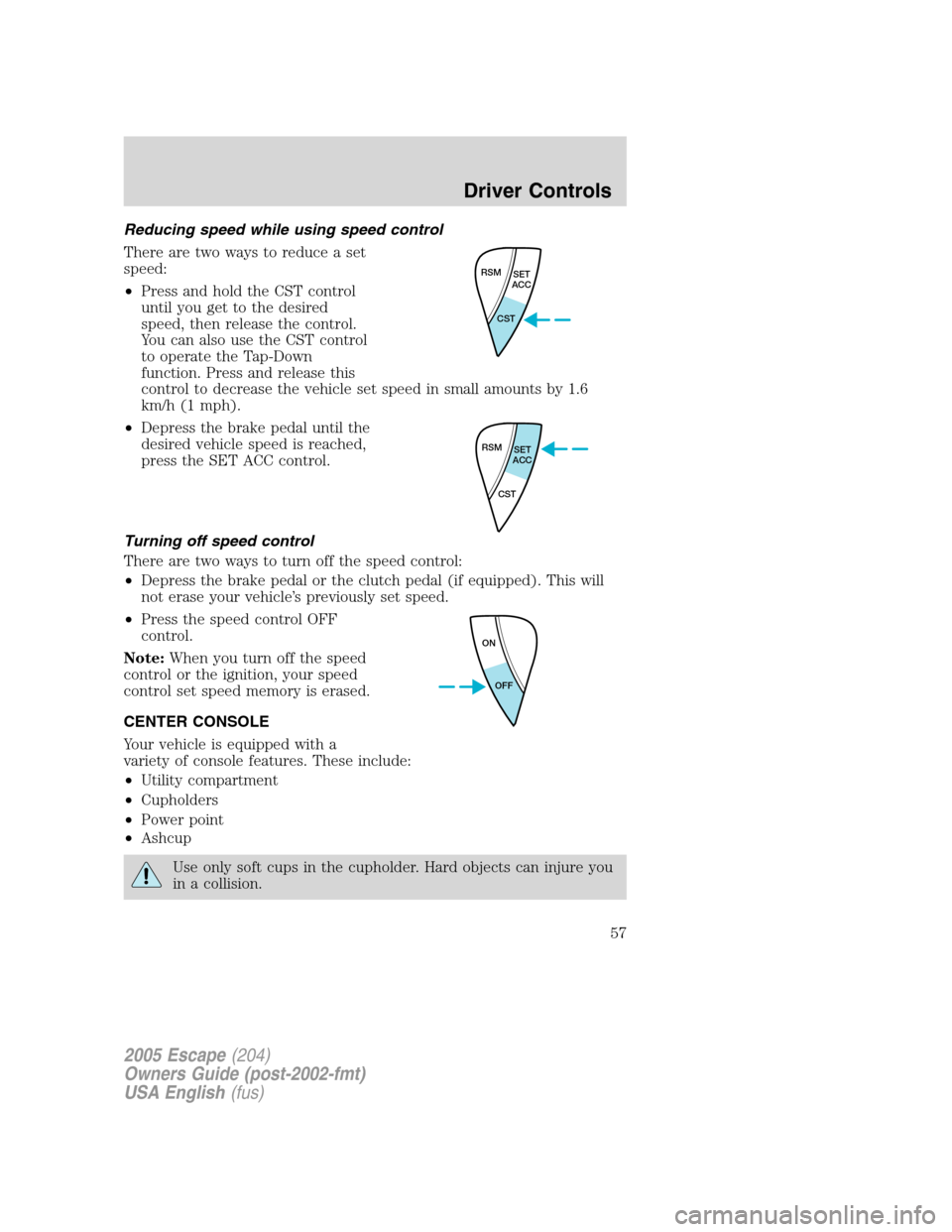
Reducing speed while using speed control
There are two ways to reduce a set
speed:
•Press and hold the CST control
until you get to the desired
speed, then release the control.
You can also use the CST control
to operate the Tap-Down
function. Press and release this
control to decrease the vehicle set speed in small amounts by 1.6
km/h (1 mph).
•Depress the brake pedal until the
desired vehicle speed is reached,
press the SET ACC control.
Turning off speed control
There are two ways to turn off the speed control:
•Depress the brake pedal or the clutch pedal (if equipped). This will
not erase your vehicle’s previously set speed.
•Press the speed control OFF
control.
Note:When you turn off the speed
control or the ignition, your speed
control set speed memory is erased.
CENTER CONSOLE
Your vehicle is equipped with a
variety of console features. These include:
•Utility compartment
•Cupholders
•Power point
•Ashcup
Use only soft cups in the cupholder. Hard objects can injure you
in a collision.
RSM
SET
ACC
CST
RSM
SET
ACC
CST
ON
OFF
2005 Escape(204)
Owners Guide (post-2002-fmt)
USA English(fus)
Driver Controls
57
Page 59 of 272
Do not let children play with the moon roof. They may seriously
injure themselves.
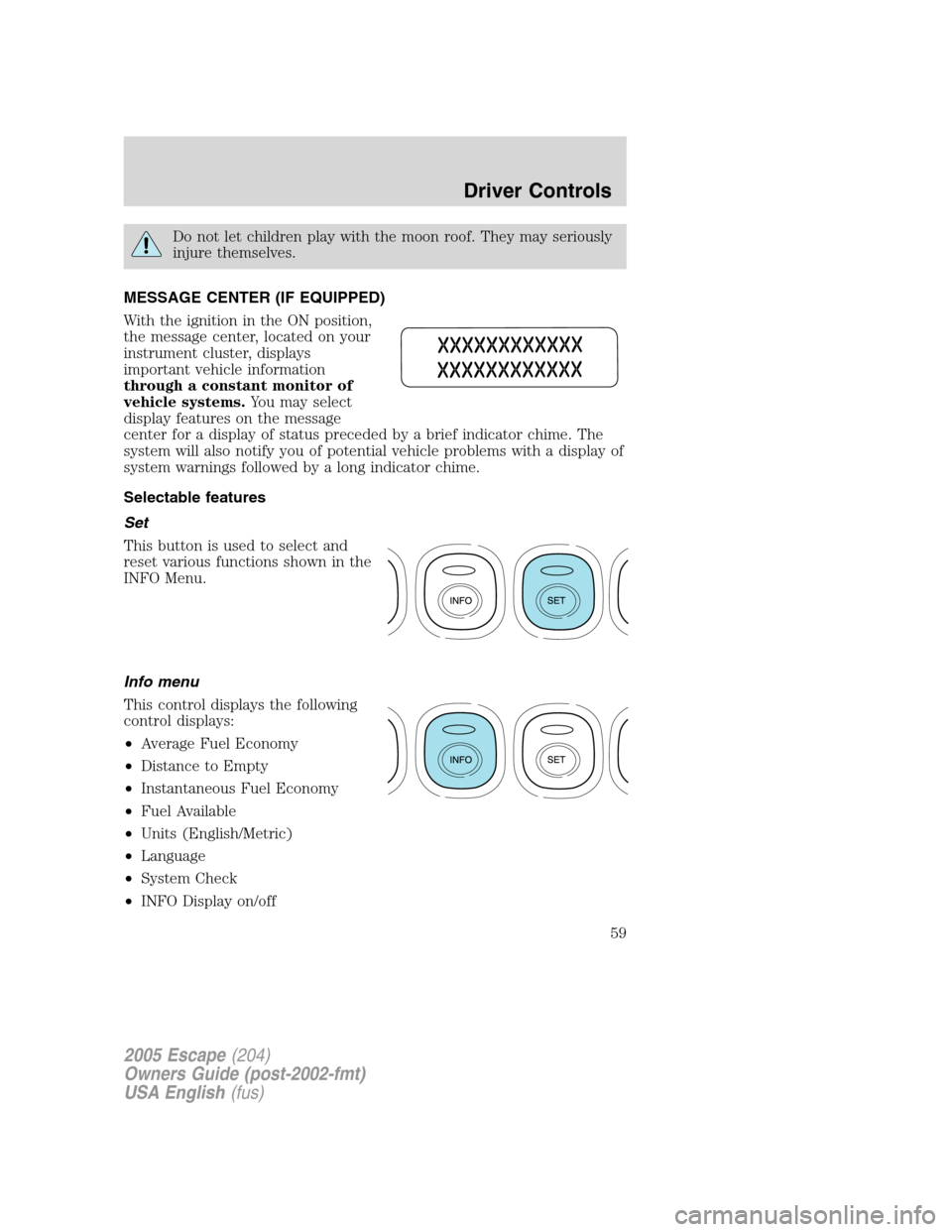
MESSAGE CENTER (IF EQUIPPED)
With the ignition in the ON position,
the message center, located on your
instrument cluster, displays
important vehicle information
through a constant monitor of
vehicle systems.You may select
display features on the message
center for a display of status preceded by a brief indicator chime. The
system will also notify you of potential vehicle problems with a display of
system warnings followed by a long indicator chime.
Selectable features
Set
This button is used to select and
reset various functions shown in the
INFO Menu.
Info menu
This control displays the following
control displays:
•Average Fuel Economy
•Distance to Empty
•Instantaneous Fuel Economy
•Fuel Available
•Units (English/Metric)
•Language
•System Check
•INFO Display on/off
2005 Escape(204)
Owners Guide (post-2002-fmt)
USA English(fus)
Driver Controls
59
Page 60 of 272
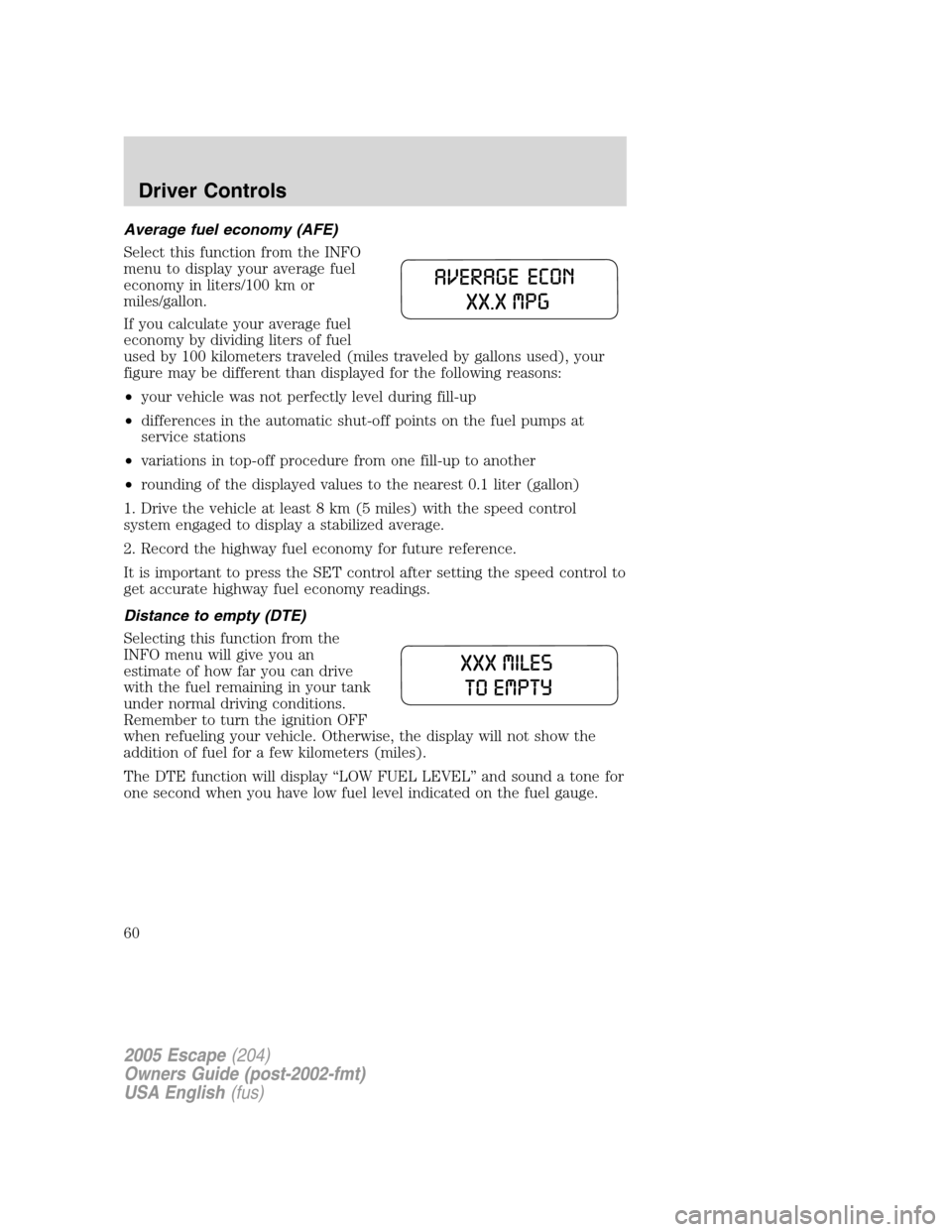
Average fuel economy (AFE)
Select this function from the INFO
menu to display your average fuel
economy in liters/100 km or
miles/gallon.
If you calculate your average fuel
economy by dividing liters of fuel
used by 100 kilometers traveled (miles traveled by gallons used), your
figure may be different than displayed for the following reasons:
•your vehicle was not perfectly level during fill-up
•differences in the automatic shut-off points on the fuel pumps at
service stations
•variations in top-off procedure from one fill-up to another
•rounding of the displayed values to the nearest 0.1 liter (gallon)
1. Drive the vehicle at least 8 km (5 miles) with the speed control
system engaged to display a stabilized average.
2. Record the highway fuel economy for future reference.
It is important to press the SET control after setting the speed control to
get accurate highway fuel economy readings.
Distance to empty (DTE)
Selecting this function from the
INFO menu will give you an
estimate of how far you can drive
with the fuel remaining in your tank
under normal driving conditions.
Remember to turn the ignition OFF
when refueling your vehicle. Otherwise, the display will not show the
addition of fuel for a few kilometers (miles).
The DTE function will display“LOW FUEL LEVEL”and sound a tone for
one second when you have low fuel level indicated on the fuel gauge.
2005 Escape(204)
Owners Guide (post-2002-fmt)
USA English(fus)
Driver Controls
60