Page 1 of 264
Introduction 4
Instrument Cluster 10
Warning and control lights 10
Gauges 15
Entertainment Systems 20
AM/FM stereo 20
AM/FM stereo cassette 22
AM/FM stereo with CD 25
AM/FM stereo cassette with CD 28
AM/FM stereo with cassette and in-dash six CD 33
Climate Controls 39
Manual heating and air conditioning 39
Automatic temperature control 40
Rear window defroster 42
Lights 43
Headlamps 43
Turn signal control 45
Bulb replacement 46
Driver Controls 53
Windshield wiper/washer control 53
Steering wheel adjustment 54
Power windows 65
Mirrors 66
Speed control 67
Message center 76
Locks and Security 82
Keys 82
Locks 82
Anti-theft system 90
Table of Contents
1
2005 Crown Victoria(cro)
Owners Guide (post-2002-fmt)
USA(fus)
Page 8 of 264
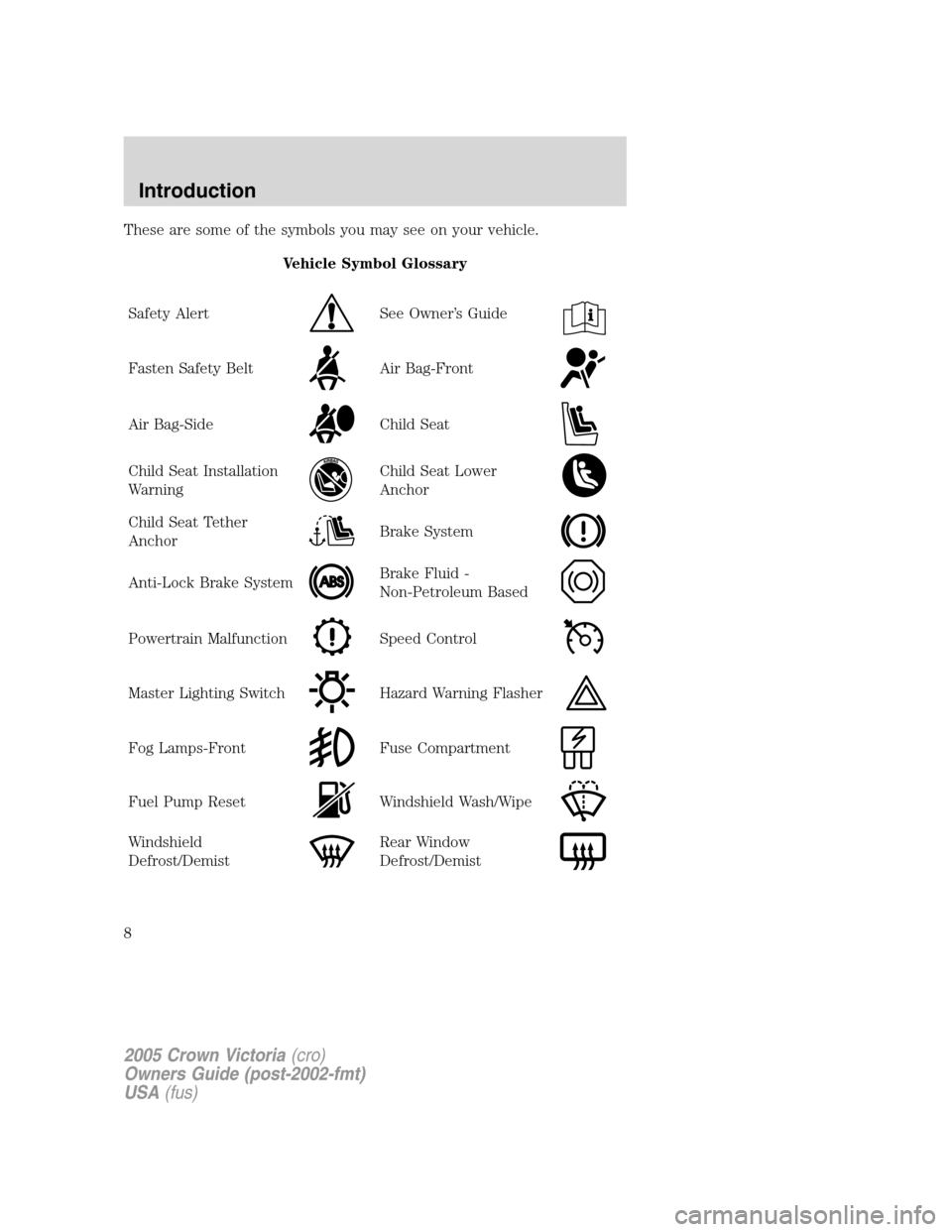
These are some of the symbols you may see on your vehicle.
Vehicle Symbol Glossary
Safety Alert
See Owner’s Guide
Fasten Safety BeltAir Bag-Front
Air Bag-SideChild Seat
Child Seat Installation
WarningChild Seat Lower
Anchor
Child Seat Tether
AnchorBrake System
Anti-Lock Brake SystemBrake Fluid -
Non-Petroleum Based
Powertrain MalfunctionSpeed Control
Master Lighting SwitchHazard Warning Flasher
Fog Lamps-FrontFuse Compartment
Fuel Pump ResetWindshield Wash/Wipe
Windshield
Defrost/DemistRear Window
Defrost/Demist
2005 Crown Victoria(cro)
Owners Guide (post-2002-fmt)
USA(fus)
Introduction
8
Page 9 of 264
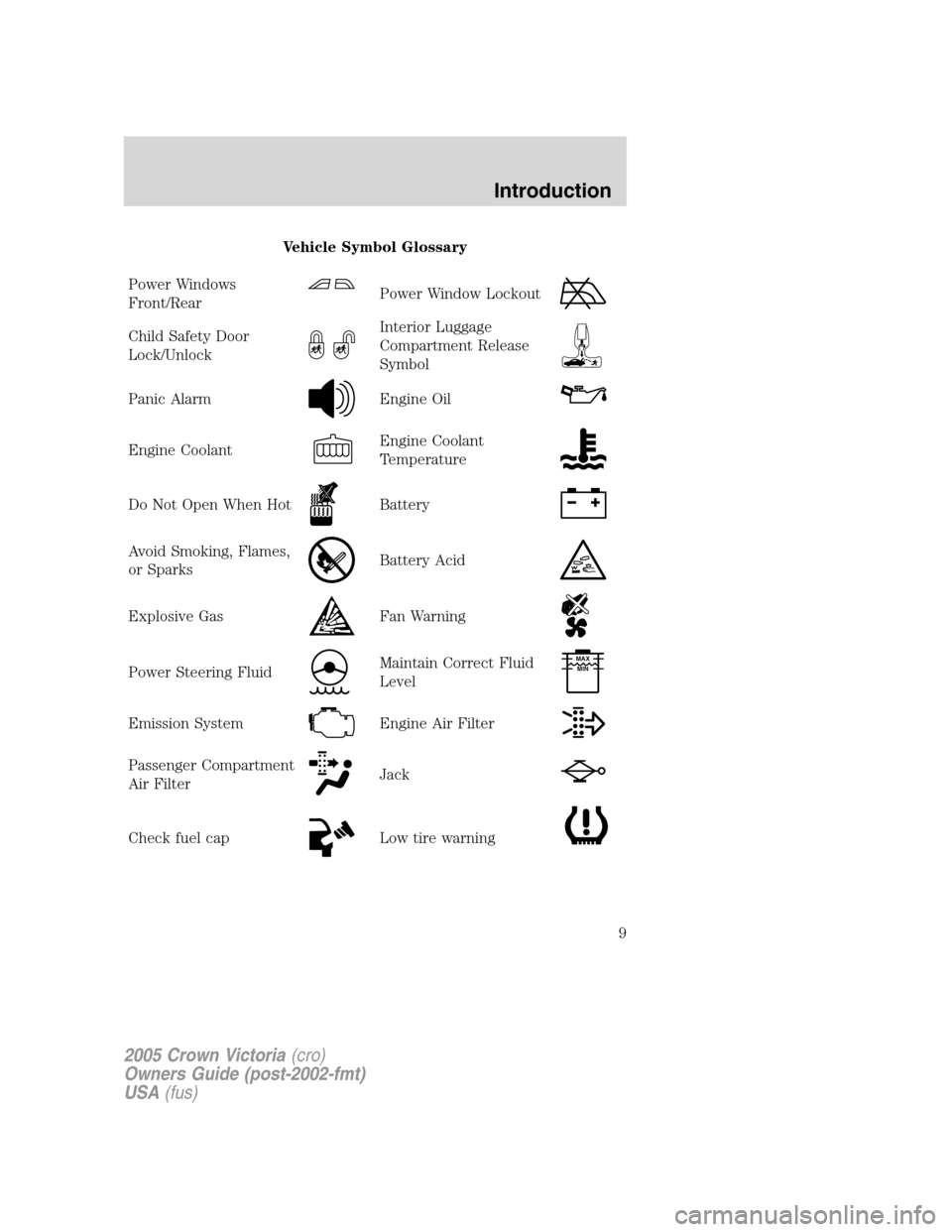
Vehicle Symbol Glossary
Power Windows
Front/Rear
Power Window Lockout
Child Safety Door
Lock/UnlockInterior Luggage
Compartment Release
Symbol
Panic AlarmEngine Oil
Engine CoolantEngine Coolant
Temperature
Do Not Open When HotBattery
Avoid Smoking, Flames,
or SparksBattery Acid
Explosive GasFan Warning
Power Steering FluidMaintain Correct Fluid
LevelMAX
MIN
Emission SystemEngine Air Filter
Passenger Compartment
Air FilterJack
Check fuel capLow tire warning
2005 Crown Victoria(cro)
Owners Guide (post-2002-fmt)
USA(fus)
Introduction
9
Page 12 of 264
Driving a vehicle with the brake system warning light on is
dangerous. A significant decrease in braking performance may
occur. It will take you longer to stop the vehicle. Have the vehicle
checked by your dealer immediately.
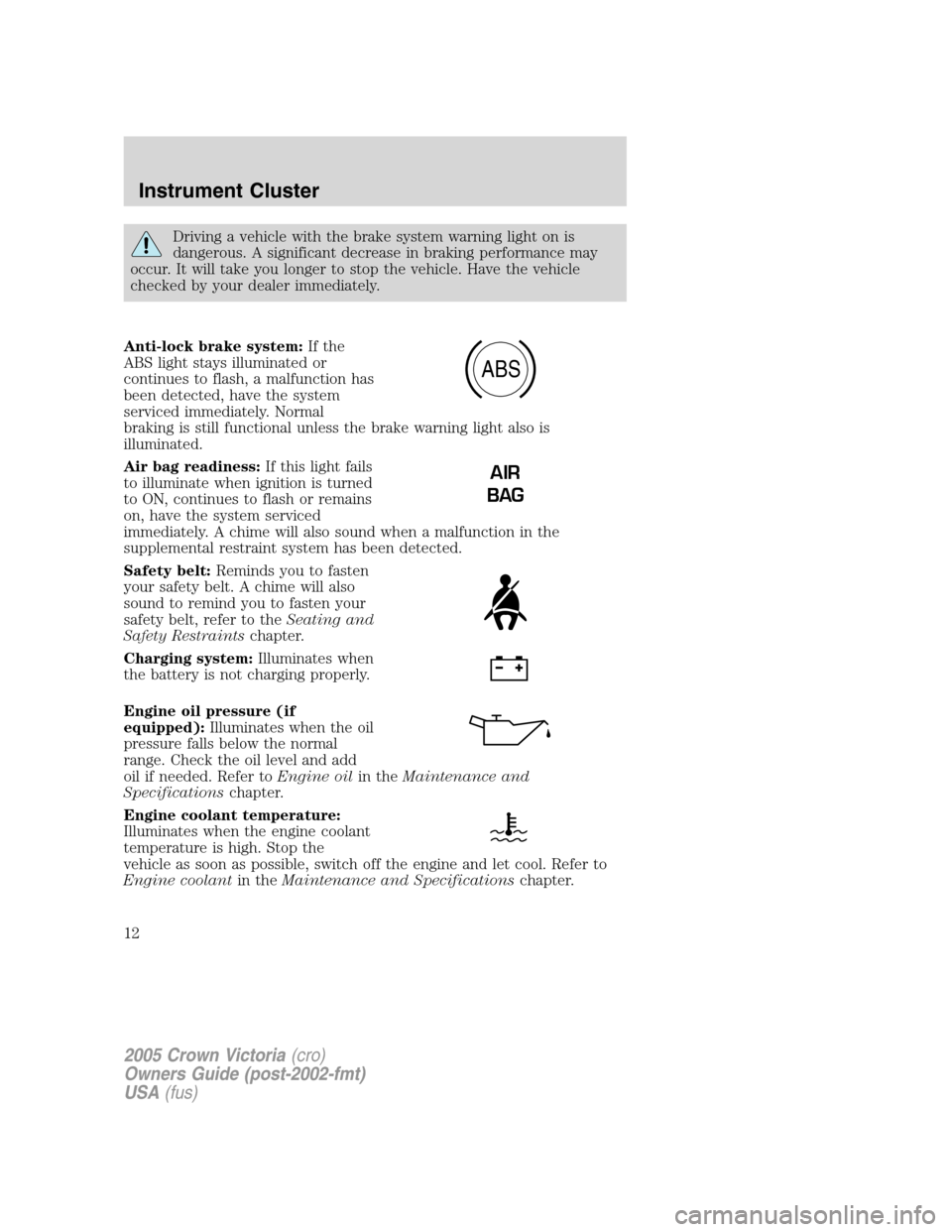
Anti-lock brake system:If the
ABS light stays illuminated or
continues to flash, a malfunction has
been detected, have the system
serviced immediately. Normal
braking is still functional unless the brake warning light also is
illuminated.
Air bag readiness:If this light fails
to illuminate when ignition is turned
to ON, continues to flash or remains
on, have the system serviced
immediately. A chime will also sound when a malfunction in the
supplemental restraint system has been detected.
Safety belt:Reminds you to fasten
your safety belt. A chime will also
sound to remind you to fasten your
safety belt, refer to theSeating and
Safety Restraintschapter.
Charging system:Illuminates when
the battery is not charging properly.
Engine oil pressure (if
equipped):Illuminates when the oil
pressure falls below the normal
range. Check the oil level and add
oil if needed. Refer toEngine oilin theMaintenance and
Specificationschapter.
Engine coolant temperature:
Illuminates when the engine coolant
temperature is high. Stop the
vehicle as soon as possible, switch off the engine and let cool. Refer to
Engine coolantin theMaintenance and Specificationschapter.
ABS
AIR
BAG
2005 Crown Victoria(cro)
Owners Guide (post-2002-fmt)
USA(fus)
Instrument Cluster
12
Page 15 of 264
Key-in-ignition warning chime:Sounds when the key is left in the
ignition in the OFF/LOCK or ACCESSORY position and the driver’s door
is opened.
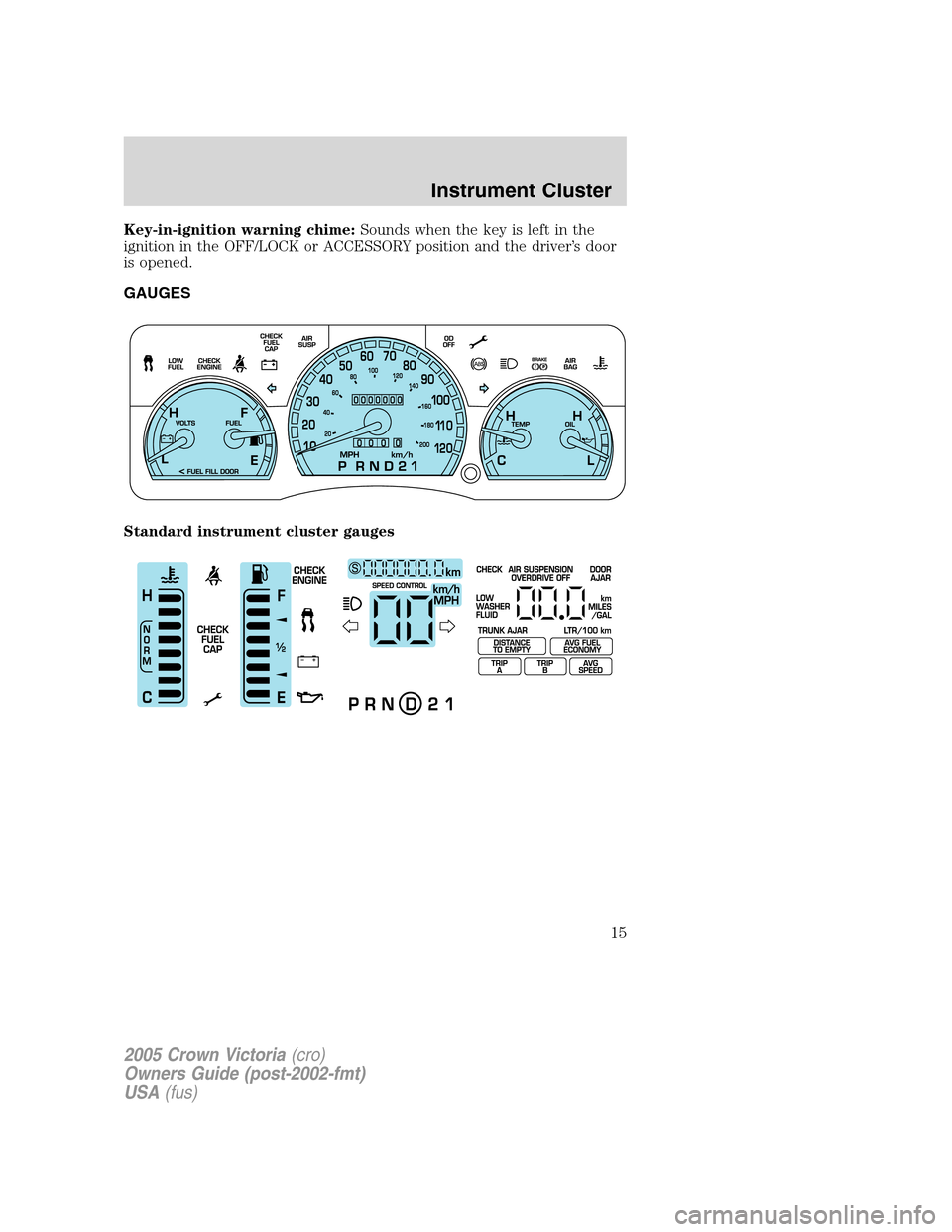
GAUGES
Standard instrument cluster gauges
2005 Crown Victoria(cro)
Owners Guide (post-2002-fmt)
USA(fus)
Instrument Cluster
15
Page 21 of 264
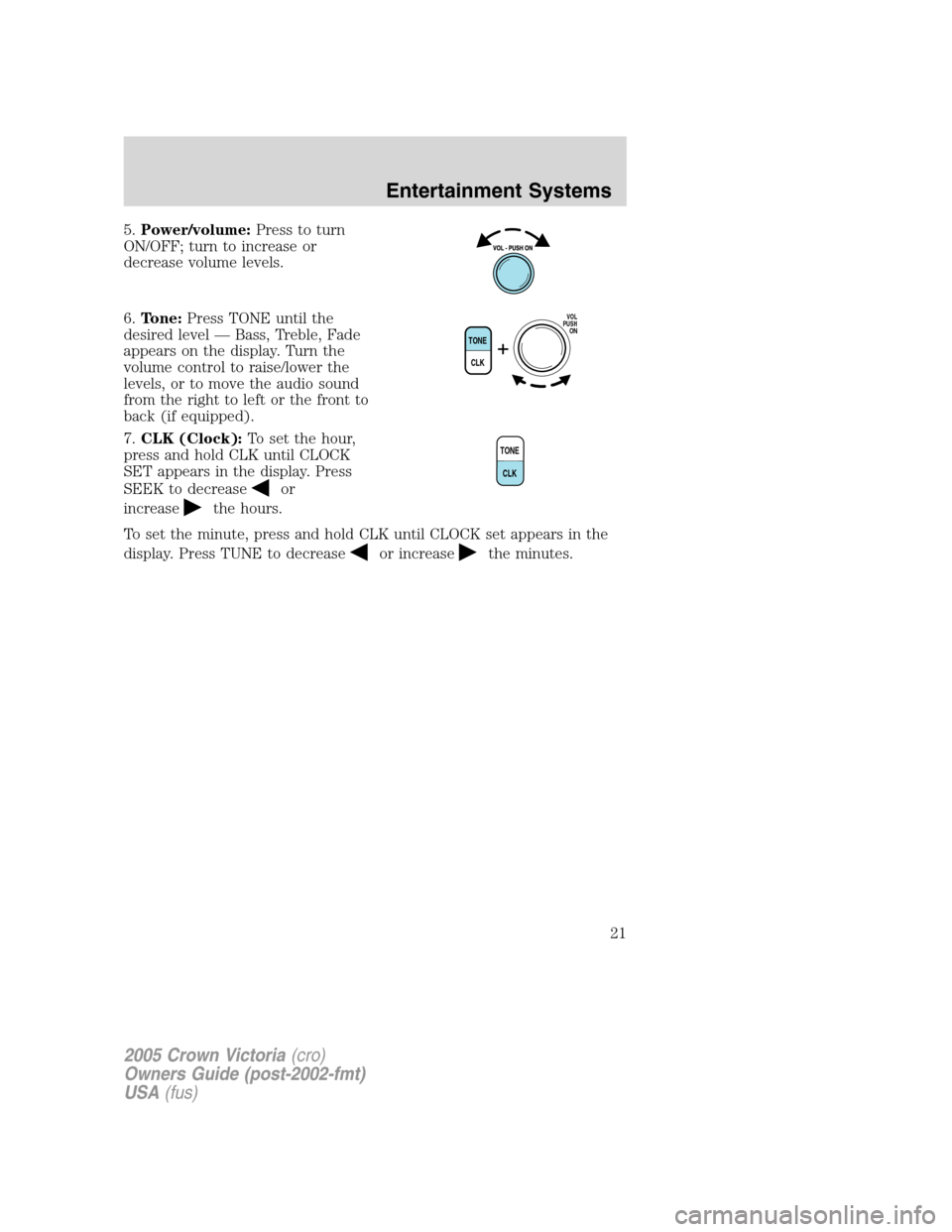
5.Power/volume:Press to turn
ON/OFF; turn to increase or
decrease volume levels.
6.Tone:Press TONE until the
desired level — Bass, Treble, Fade
appears on the display. Turn the
volume control to raise/lower the
levels, or to move the audio sound
from the right to left or the front to
back (if equipped).
7.CLK (Clock):To set the hour,
press and hold CLK until CLOCK
SET appears in the display. Press
SEEK to decrease
or
increase
the hours.
To set the minute, press and hold CLK until CLOCK set appears in the
display. Press TUNE to decrease
or increasethe minutes.
TONE
CLK
VOL
PUSH
ON
TONE
CLK
2005 Crown Victoria(cro)
Owners Guide (post-2002-fmt)
USA(fus)
Entertainment Systems
21
Page 27 of 264
When activated, AUTOSET will momentarily appear in the display when
any of the preset controls are pressed.
Speed sensitive volume:Radio volume changes automatically and
slightly with vehicle speed to compensate for road and wind noise.
Recommended level is 1–3. Level 0 turns the feature off and level 7 is
the maximum setting.
Press MENU to access and use
SELto adjust the volume setting.
The level will appear in the display.
Setting the clock:Press MENU until SELECT HOUR or SELECT MINS
is displayed. Press
SELto manually decrease/increase the
hours/minutes. Press MENU again to disengage clock mode.
Note:The menu selections will remain in the display for approximately
10 seconds, at which time the display will return to the previous mode.
You may also exit the menu options by pressing any other audio control.
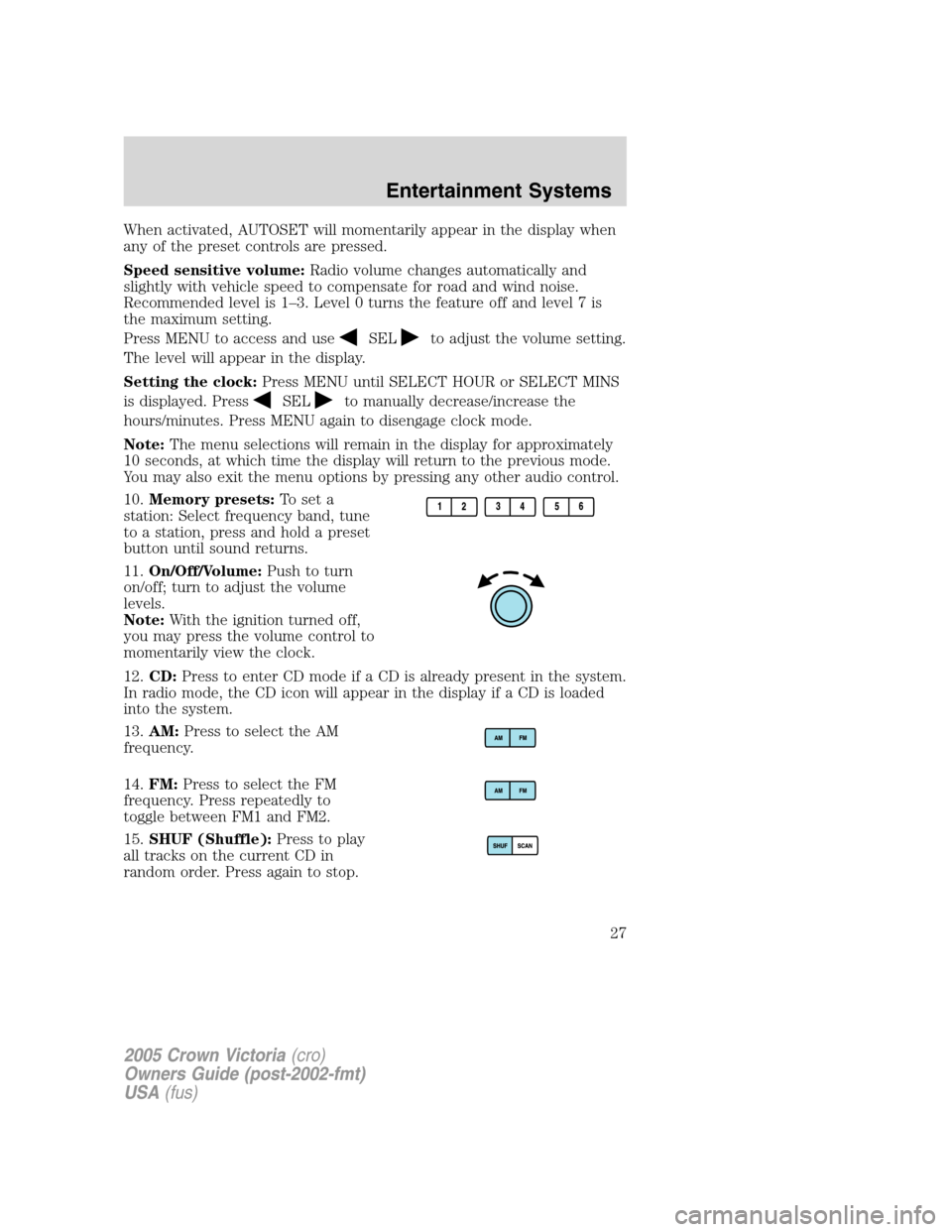
10.Memory presets:To set a
station: Select frequency band, tune
to a station, press and hold a preset
button until sound returns.
11.On/Off/Volume:Push to turn
on/off; turn to adjust the volume
levels.
Note:With the ignition turned off,
you may press the volume control to
momentarily view the clock.
12.CD:Press to enter CD mode if a CD is already present in the system.
In radio mode, the CD icon will appear in the display if a CD is loaded
into the system.
13.AM:Press to select the AM
frequency.
14.FM:Press to select the FM
frequency. Press repeatedly to
toggle between FM1 and FM2.
15.SHUF (Shuffle):Press to play
all tracks on the current CD in
random order. Press again to stop.
2005 Crown Victoria(cro)
Owners Guide (post-2002-fmt)
USA(fus)
Entertainment Systems
27
Page 31 of 264
Dolby:Works in tape mode to reduces tape noise and hiss. Press MENU
until DOLBY XX appears in the display. Press
SEL-TEXTto
toggle ON/OFF.
The Dolby�noise reduction system is manufactured under license from
Dolby Laboratories Licensing Corporation. Dolby�and the double-D
symbol are registered trademarks of Dolby Laboratories Licensing
Corporation.
Setting the clock:Press MENU repeatedly until SELECT HOUR or
SELECT MINS is displayed. Press
SEL-TEXTto manually
decrease/increase the hours/minutes. Press MENU again to disengage
clock mode.
Note:The menu selections will remain in the display for approximately
10 seconds, at which time the display will return to the previous mode.
You may also exit the menu options by pressing any other audio control.
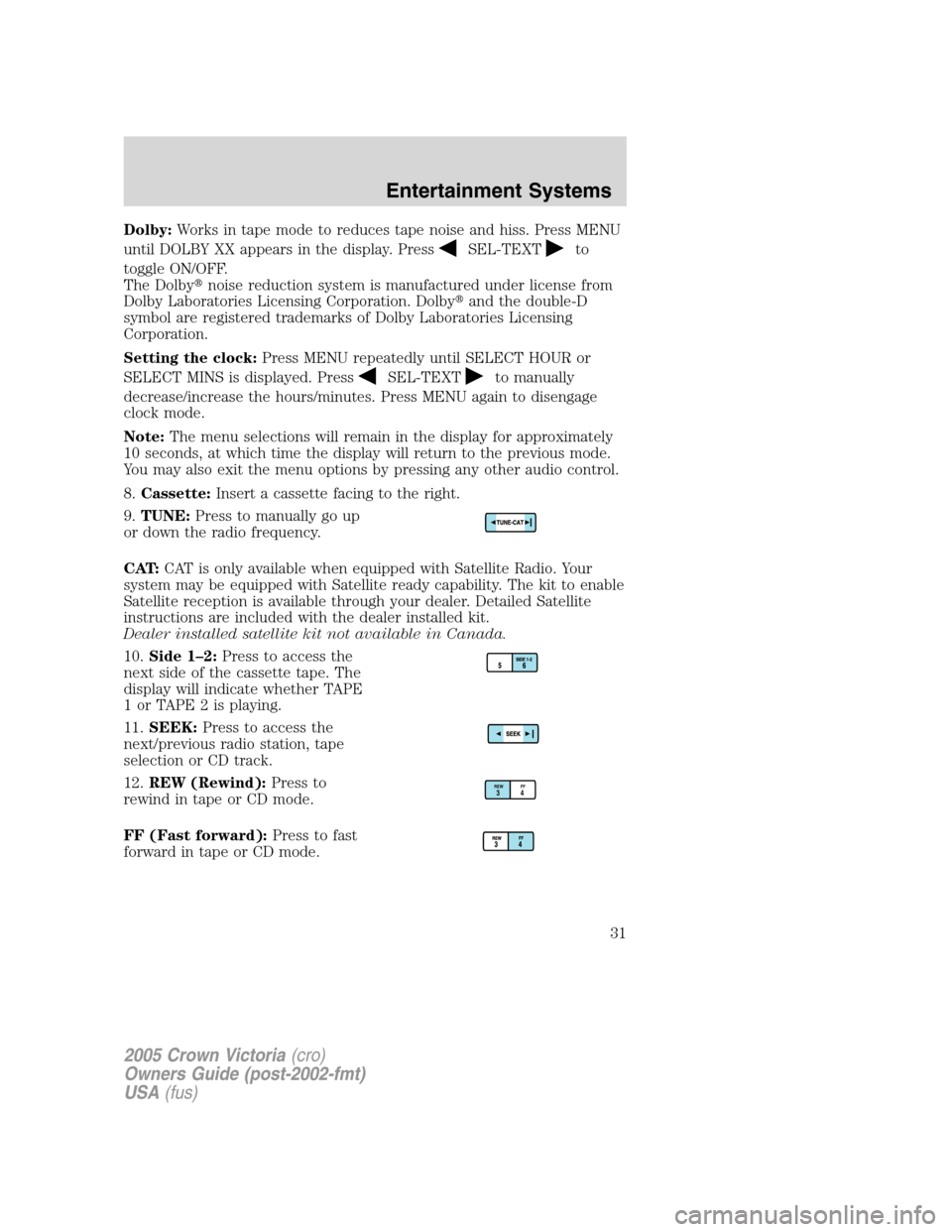
8.Cassette:Insert a cassette facing to the right.
9.TUNE:Press to manually go up
or down the radio frequency.
CAT:CAT is only available when equipped with Satellite Radio. Your
system may be equipped with Satellite ready capability. The kit to enable
Satellite reception is available through your dealer. Detailed Satellite
instructions are included with the dealer installed kit.
Dealer installed satellite kit not available in Canada.
10.Side 1–2:Press to access the
next side of the cassette tape. The
display will indicate whether TAPE
1orTAPE2isplaying.
11.SEEK:Press to access the
next/previous radio station, tape
selection or CD track.
12.REW (Rewind):Press to
rewind in tape or CD mode.
FF (Fast forward):Press to fast
forward in tape or CD mode.
REWFF34
2005 Crown Victoria(cro)
Owners Guide (post-2002-fmt)
USA(fus)
Entertainment Systems
31