2005 DODGE NEON ECO mode
[x] Cancel search: ECO modePage 93 of 246

Random Play (RND)
Press the Random button to play the tracks on the
selected disc in random order for an interesting change of
pace.
Random can be cancelled by pressing the button a second
time or by ejecting the CD from the changer.
Operating Instructions - Satellite Radio Mode (If
Equipped)
Refer to the Satellite Radio section of the Owner's
Manual.
CD Diagnostic Indicators
When driving over a very rough road, the CD player may
skip momentarily. Skipping will not damage the disc or
the player, and play will resume automatically.
As a safeguard and to protect your CD player, one of the
following warning symbols may appear on your display.
A CD HOT symbol indicates the player is too hot.CD HOT will pause the operation. Play can be resumed
when the operating temperature is corrected or another
MODE is selected.
An ERR symbol will appear on the display if the laser is
unable to read the Disc data for the following reasons:
²Excessive vibration
²Disc inserted upside down
²Damaged disc
²Water condensation on optics
SATELLITE RADIO Ð IF EQUIPPED
Satellite radio uses direct satellite to receiver broadcast-
ing technology to provide clear digital sound, coast to
coast. The subscription service provider is SiriusŸ Satel-
lite Radio. This service offers up to 100 channels of music,
sports, news, entertainment, and programming for chil-
dren, directly from its satellites and broadcasting studios.
UNDERSTANDING YOUR INSTRUMENT PANEL 93
4
Page 94 of 246

System Activation
To activate your Sirius Satellite Radio service, call the
toll-free number 888-539-7474, or visit the Sirius web site
at www.sirius.com. Please have the following informa-
tion available when activating your system:
1. The Electronic Serial Number/Sirius Identification
Number (ESN/SID).
2. Credit card information.
3. Your Vehicle Identification Number.
Electronic Serial Number/Sirius Identification
Number (ENS/SID)
The Electronic Serial Number/Sirius Identification Num-
ber is needed to activate your Sirius Satellite Radio
system. To access the ESN/SID, refer to the following
steps:
ESN/SID Access With RBB, RAH and RBK Radios
With the ignition switch in the ACCESSORY position and
the radio OFF, press the Tape Eject or CD Eject (depend-
ing on the radio type) and Time buttons simultaneously
for 3 seconds. The first four digits of the twelve-digit
ESN/SID number will be displayed. Press the SEEK UPbutton to display the next four digits. Continue to press
the SEEK UP button until all twelve ESN/SID digits have
been displayed. The SEEK DOWN will page down until
the first four digits are displayed. The radio will exit the
ESN/SID mode when any other button is pushed, the
ignition is turned OFF, or 5 minutes has passed since any
button was pushed.
ESN/SID Access With RBP, RBU, RAZ, RB1 and
RBQ Radios
With the ignition switch in the ACCESSORY position and
the radio OFF, press the CD Eject and TIME buttons
simultaneously for 3 seconds. All twelve ESN/SID num-
bers will be displayed. The radio will exit the ESN/SID
mode when any other button is pushed, the ignition is
turned OFF, or 5 minutes has passed since any button
was pushed.
Selecting Satellite Mode in RBB, RAH and RBK
Radios
Press the MODE button repeatedly until9SA9appears in
the display. A CD or tape may remain in the radio while
in the Satellite radio mode.
94 UNDERSTANDING YOUR INSTRUMENT PANEL
Page 95 of 246

Selecting Satellite Mode in RBP, RBU, RAZ, RB1
and RBQ Radios
Press the MODE button repeatedly until the word
9SIRIUS9appears in the display. These radios will also
display the following:
²After 3 seconds, the current channel name and channel
number will be displayed for 5 seconds.
²The current program type and channel number will
then be displayed for 5 seconds.
²The current channel number will then be displayed
until an action occurs.
A CD or tape may remain in the radio while in the
Satellite radio mode.
Selecting a Channel
Press and release the SEEK or TUNE buttons to search for
the next channel. Press the top of the button to search up
and the bottom of the button to search down. Holding the
TUNE button causes the radio to bypass channels until
the button is released.Press and release the SCAN button (if equipped) to
automatically change channels every 7 seconds. The
radio will pause on each channel for 7 seconds before
moving on to the next channel. The word9SCAN9will
appear in the display between each channel change. Press
the SCAN button a second time to stop the search.
NOTE:Channels that may contain objectionable con-
tent can be blocked. Contact Sirius Customer Care at
888-539-7474 to discuss options for channel blocking or
unblocking. Please have your ESN/SID information
available.
Storing and Selecting Pre-Set Channels
In addition to the 10 AM and 10 FM pre-set stations, you
may also commit 10 satellite stations to push button
memory. These satellite channel pre-set stations will not
erase any AM or FM pre-set memory stations. Follow the
memory pre-set procedures that apply to your radio.
UNDERSTANDING YOUR INSTRUMENT PANEL 95
4
Page 99 of 246

Playing Discs
The radio will show the CD number, the CD track
number, and the Track Time Elapsed while the radio is in
the CD mode. If more than one CD is loaded in the
changer, the changer will automatically play the next disc
after playing the last track of the current disc.
Seek Button
Press the top of this button on the radio once to play the
next track. Press the bottom of the button once to return
to the beginning of the current track. Press the bottom of
the button twice to play the previous track.
FF/TUNE/RW
Press the FF (fast forward) button and the CD player will
fast forward through the tracks until the button is re-
leased. Press the RW (rewind) button and the CD player
will reverse through the tracks until the button is re-
leased.
Mode Button
Press this button to toggle between radio and cd modes.
Program Button 1
Press this button to play the next available disc.
Program Button 4 (Random Play)
Press this button while the CD is playing to activate
Random Play. This feature plays the selections on the
current compact disc in random order to provide an
interesting change of pace. The CD changer stays in the
random play mode when changing to the next disc.
NOTE:The changer will not random play between
discs.
Press the top of the Seek button once to move to the next
randomly selected track. Press the bottom of the Seek
button to go back to the beginning of the track.
Press button 4 a second time to stop random play.
Program Button 5
Press this button to play the previous disc.
UNDERSTANDING YOUR INSTRUMENT PANEL 99
4
Page 100 of 246

Time Button
Press this button to switch between time of day and CD
track time.
Changing Modes
While in the radio mode, if a cassette is loaded, press the
Mode button to switch to the tape mode. If a CD is
loaded, press the Mode button to select the CD mode. If
neither a tape nor CD is loaded, the radio will ignore the
command.
²Inserting either a tape or CD automatically starts that
mode of play.
²Pressing the AM/FM button while in the tape or CD
mode will select the radio mode.
²If in the CD mode and the last CD is ejected, the radio
will tune to the last station selected.
Removing Discs from the CD Changer
If there is a single CD in the changer, press the EJT button
and the CD will eject. If the CD is not removed within 15
seconds, it will automatically reload into the CD changer.To eject additional CDs from the changer, first select the
numbered button where the CD is located and then press
the EJT button.
CD Changer Operation with the Changer Off
The CD changer is able to load and eject discs with the
ignition power off. However, while the ignition is off, one
of the six numbered buttons must be pressed first.
COMPACT DISC MAINTENANCE
To keep the compact discs in good condition, take the
following precautions:
1. Handle the disc by its edge; avoid touching the
surface.
2. If the disc is stained, clean the surface with a soft cloth,
wiping from center to edge.
3. Do not apply paper or tape to the disc; avoid scratch-
ing the disc.
4. Do not use solvents such as benzine, thinner, cleaners,
or antistatic sprays.
5. Store the disc in its case after playing.
100 UNDERSTANDING YOUR INSTRUMENT PANEL
Page 101 of 246

6. Do not expose the disc to direct sunlight.
7. Do not store the disc where temperatures may become
too high.
NOTE:If you experience difficulty in playing a particu-
lar disc, it may be damaged, oversized, or have theft
protection encoding. Try a known good disc before
considering disc player service.
RADIO OPERATION AND CELLULAR PHONES
Under certain conditions, the operation of a cellular
phone in your vehicle can cause erratic or noisy perfor-
mance from your radio. This condition may be lessened
or eliminated by relocating the cellular phone antenna.
This condition is not harmful to the radio. If your radio
performance does not satisfactorily ªclearº by the repo-
sitioning of the antenna, it is recommended that the radio
volume be turned down or off during cellular phone
operation.
CLIMATE CONTROLS
Heater Only
The controls are as follows:
Fan Control
Use this control to regulate the
amount of air forced through the
system in any mode you select.
Turn the control clockwise to in-
crease fan speed. Turn the control
to the full counterclockwise posi-
tion to turn the fan off.
NOTE:There is always a small amount of air entering
the vehicle even when the fan is turned off. If this
becomes objectionable during cold weather, place the
mode control on FLOOR to direct the air flow away from
passengers.
UNDERSTANDING YOUR INSTRUMENT PANEL 101
4
Page 103 of 246
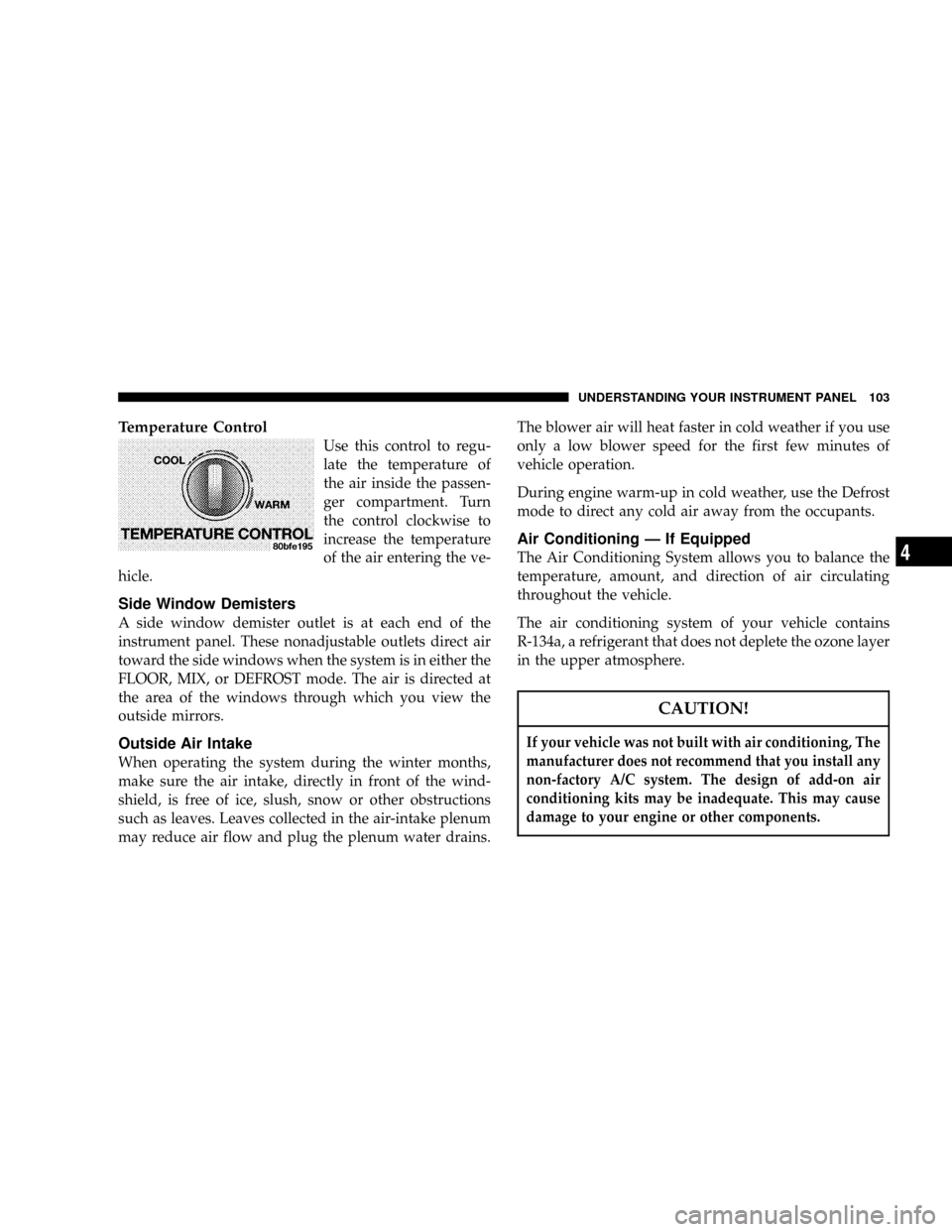
Temperature Control
Use this control to regu-
late the temperature of
the air inside the passen-
ger compartment. Turn
the control clockwise to
increase the temperature
of the air entering the ve-
hicle.
Side Window Demisters
A side window demister outlet is at each end of the
instrument panel. These nonadjustable outlets direct air
toward the side windows when the system is in either the
FLOOR, MIX, or DEFROST mode. The air is directed at
the area of the windows through which you view the
outside mirrors.
Outside Air Intake
When operating the system during the winter months,
make sure the air intake, directly in front of the wind-
shield, is free of ice, slush, snow or other obstructions
such as leaves. Leaves collected in the air-intake plenum
may reduce air flow and plug the plenum water drains.The blower air will heat faster in cold weather if you use
only a low blower speed for the first few minutes of
vehicle operation.
During engine warm-up in cold weather, use the Defrost
mode to direct any cold air away from the occupants.
Air Conditioning Ð If Equipped
The Air Conditioning System allows you to balance the
temperature, amount, and direction of air circulating
throughout the vehicle.
The air conditioning system of your vehicle contains
R-134a, a refrigerant that does not deplete the ozone layer
in the upper atmosphere.
CAUTION!
If your vehicle was not built with air conditioning, The
manufacturer does not recommend that you install any
non-factory A/C system. The design of add-on air
conditioning kits may be inadequate. This may cause
damage to your engine or other components.
UNDERSTANDING YOUR INSTRUMENT PANEL 103
4
Page 104 of 246

The controls are as follows:
Fan and Air Conditioning Control
Use this control to regulate
the amount of air forced
through the system in any
mode you select. The fan
speeds to the left of the OFF
position are for Air Condi-
tioning. Choosing one of
these speeds turns on the air
conditioning compressor. The
fan speed increases as you
move the control counterclockwise from the OFF posi-
tion.
NOTE:The air conditioning compressor will not en-
gage until the engine has been running for about 10
seconds.
Fan speeds to the right of OFF are for heater or ventila-
tion operation. The fan speed increases as you move the
control clockwise from the OFF position.
Mode Control (Air Direction)
The mode control allows you
to choose from several pat-
terns of air distribution. You
can select either a primary
mode, as identified by the
symbols, or a blend of two of
these modes. The center point
between modes gives an even
blend of both modes. The
closer the control is to a par-
ticular mode, the more air distribution you receive from
that mode.
Panel
Air is directed through the outlets in the instru-
ment panel. These outlets can be adjusted to direct
air flow.
104 UNDERSTANDING YOUR INSTRUMENT PANEL