2005 CHEVROLET IMPALA oil
[x] Cancel search: oilPage 85 of 398

Engine Coolant Heater
Your vehicle may be equipped with this feature.
In very cold weather, 0°F (−18°C) or colder, the engine
coolant heater can help. You will get easier starting
and better fuel economy during engine warm-up.
Usually, the coolant heater should be plugged in a
minimum of four hours prior to starting your vehicle.
At temperatures above 32°F (0°C), use of the coolant
heater is not required.
To Use the Engine Coolant Heater
1. Turn off the engine.
2. Open the hood and unwrap the electrical cord.
The cord is attached to the underside of the
diagonal brace, which is located above the engine
air cleaner/lter assembly.
3. Plug it into a normal, grounded 110-volt AC outlet.
{CAUTION:
Plugging the cord into an ungrounded outlet
could cause an electrical shock. Also, the
wrong kind of extension cord could overheat
and cause a re. You could be seriously
injured. Plug the cord into a properly grounded
three-prong 110-volt AC outlet. If the cord will
not reach, use a heavy-duty three-prong
extension cord rated for at least 15 amps.
4. Before starting the engine, be sure to unplug and
store the cord as it was before to keep it away
from moving engine parts. If you do not, it could
be damaged.
How long should you keep the coolant heater plugged
in? The answer depends on the outside temperature, the
kind of oil you have, and some other things. Instead
of trying to list everything here, we ask that you contact
your dealer in the area where you will be parking
your vehicle. The dealer can give you the best advice
for that particular area.
2-19
Page 104 of 398

Vehicle Personalization
Some of the convenience features can be reset or
customized to perform according to your preference.
Features you can program depend upon the options
that came with your vehicle. The following list shows
features that can be reset or customized along with
the options.
Settings (Available for All)
Engine Oil Life System Reset (Available for All)
Low Tire Pressure Reset (If Equipped)
Delayed Headlamp Illumination (Available for All)
Automatic Door Lock and Unlock (Available for All)
Remote Visual Verication (Available with Remote
Keyless Entry)
Remote Audible Verication (Available with Remote
Keyless Entry)
Content Theft Operation (Optional with Content
Theft System)
Trunk Jamb (Optional with Content Theft System)
Horn Chirp On Timer (Available with Remote
Keyless Entry)
Remote Keyless Entry Transmitter Programming
(Available with Remote Keyless Entry)
Return to Original Factory Settings
(Available for All)
Exit Vehicle Customization Mode
Programmable Modes
To reset or customize the features, rst enter the
vehicle customization main menu. To enter the main
menu, do the following:
1. Turn the ignition to ACC or ON. The radio must
be off.
2. Press and hold the TUNE or DISP knob on the
radio for at least ve seconds until SETTINGS
is displayed.
3. Press the SEEK or PSCAN up or down arrows to
scroll through each available feature on your
main menu.
4. Press the PREV or NEXT buttons to scroll through
the lower menu. An asterisk (*) will appear next to
the item that is the current setting.
The following information shows how to reset or
customize features after entering the main menu.
2-38
Page 105 of 398

SETTINGS (Display Current Settings)
This feature displays your vehicle personalization
settings.
OIL LIFE (Engine Oil Life System Reset)
This feature allows you to reset the engine oil life
system after an oil change. Be careful not to reset the
OIL LIFE at any time other than when the oil has
been changed. To clear the CHANGE ENGINE OIL light
from the instrument panel cluster and reset the engine
oil life system, do the following:
1. Scroll, using the SEEK/PSCAN up or down arrows,
until OIL LIFE appears on the display.
2. Press the PREV or NEXT button to enter the
submenu. RESET will then be displayed.
3. Press the TUNE/DISP knob to reset. A chime will
be heard to verify the new setting and DONE will
be displayed for one second.
Also see “How to Reset the Engine Oil Life System”
underEngine Oil Life System on page 5-21andEngine
Oil on page 5-18for more information.
In addition to the engine oil life system monitoring the
oil life, additional maintenance is recommended in
the Maintenance Schedule in this manual.
SeeScheduled Maintenance on page 6-4.The CHANGE ENGINE OIL light is now reset. You can
either exit the programming mode by following the
instructions later in this section or program the next
feature available on your vehicle.
TIRE MON (Tire Ination Monitor Reset)
This feature allows you to reset the tire pressure
monitor after checking all tire pressures. SeeTires on
page 5-60. To clear the LOW TIRE PRESSURE light
from the instrument panel cluster and reset the low tire
pressure monitor, do the following:
1. Scroll, using the SEEK/PSCAN up or down arrows,
until TIRE MON appears on the display.
2. Press the PREV or NEXT button to enter the
submenu. RESET will be displayed.
3. Press the TUNE/DISP knob to reset. A chime will
be heard to verify the new setting and DONE will
be displayed for one second.
The low tire pressure monitor is now reset. You can
either exit the programming mode by following the
instructions later in this section or program the next
feature available on your vehicle.
2-39
Page 114 of 398

Message Center.............................................3-40
Service Traction System Warning Message......3-40
Traction Active Message................................3-41
Battery Warning Message..............................3-41
Hot Coolant Temperature Warning Message.....3-42
Low Oil Pressure Message............................3-42
Low Engine Oil Level Message.......................3-43
Change Engine Oil Message..........................3-44
Low Tire Message........................................3-44
Door Ajar Warning Message...........................3-45
Trunk Ajar Warning Message.........................3-45
Security Message.........................................3-46
Low Washer Fluid Warning Message...............3-46
Low Fuel Warning Message...........................3-47
Low Brake Fluid Warning Message.................3-47
Service Vehicle Soon Message.......................3-48
Highbeam Out Warning Message....................3-48Driver Information Center (DIC).......................3-49
Trip Computer................................................3-51
Audio System(s).............................................3-52
Setting the Time...........................................3-52
Radio with Cassette......................................3-53
Radio with CD..............................................3-64
Radio with Cassette and CD..........................3-74
Theft-Deterrent Feature..................................3-87
Audio Steering Wheel Controls.......................3-87
Radio Reception...........................................3-88
Care of the Cassette Tape Player...................3-88
Care of Your CDs.........................................3-90
Care of the CD Player...................................3-90
Backglass Antenna.......................................3-90
XM™ Satellite Radio Antenna System.............3-91
Vehicle Customization Settings.......................3-91
Chime Level Adjustment................................3-91
Section 3 Instrument Panel
3-2
Page 154 of 398

Hot Coolant Temperature Warning
Message
This message is displayed when the cooling system
temperature gets hot. A chime will sound
continuously, also.
Check the coolant temperature gage and the coolant
level. SeeEngine Coolant on page 5-29,Engine Coolant
Temperature Gage on page 3-34andEngine
Overheating on page 5-32for further information.
Low Oil Pressure Message
This message is displayed in the message center when
the engine oil pressure is low. A chime will sound
continuously, also.
If this occurs, you should have your vehicle serviced
immediately. United StatesCanada
United StatesCanada
3-42
Page 155 of 398
{CAUTION:
Do not keep driving if the oil pressure is low.
If you do, your engine can become so hot that
it catches re. You or others could be burned.
Check your oil as soon as possible and have
your vehicle serviced.
Notice:Lack of proper engine oil maintenance may
damage the engine. The repairs would not be
covered by your warranty. Always follow the
maintenance schedule in this manual for changing
engine oil.
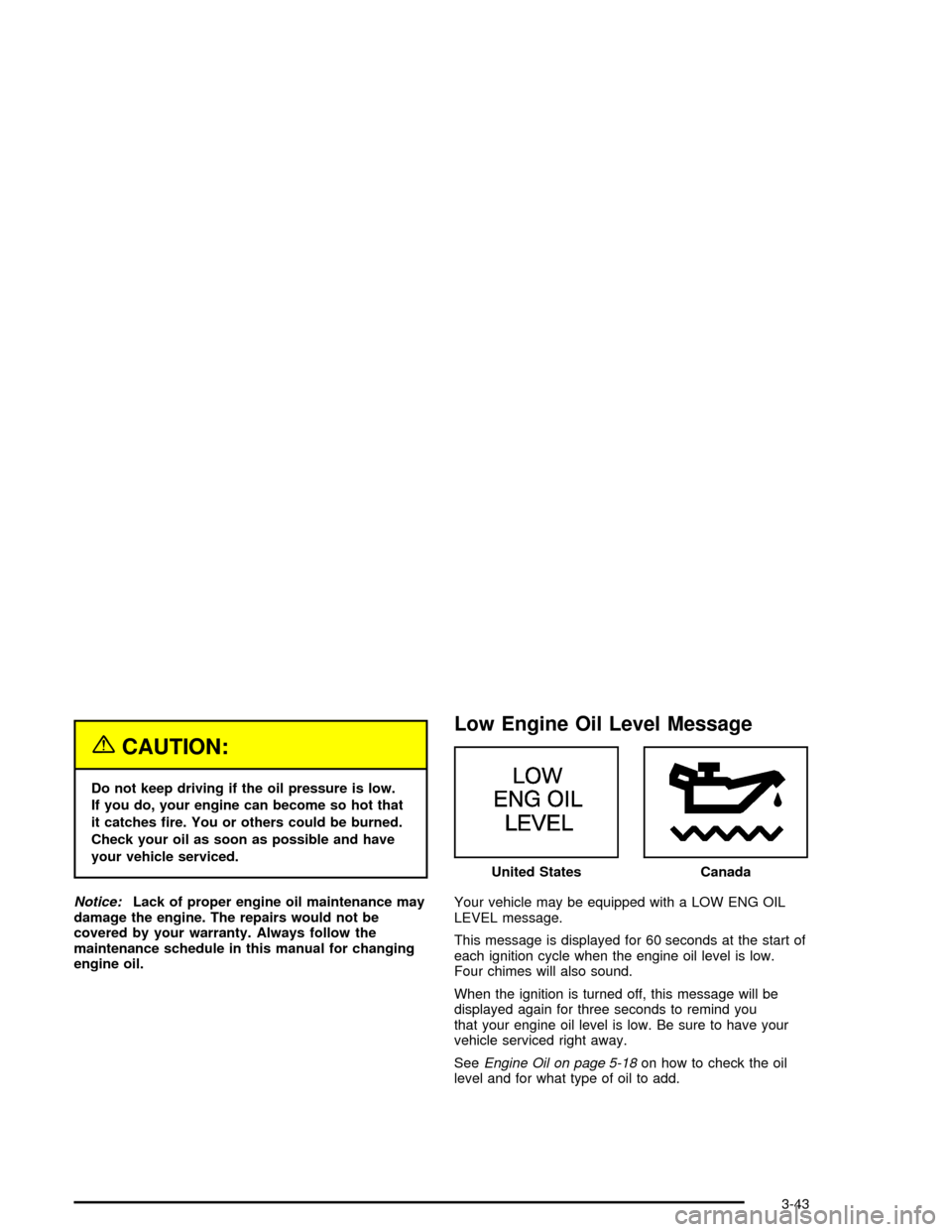
Low Engine Oil Level Message
Your vehicle may be equipped with a LOW ENG OIL
LEVEL message.
This message is displayed for 60 seconds at the start of
each ignition cycle when the engine oil level is low.
Four chimes will also sound.
When the ignition is turned off, this message will be
displayed again for three seconds to remind you
that your engine oil level is low. Be sure to have your
vehicle serviced right away.
SeeEngine Oil on page 5-18on how to check the oil
level and for what type of oil to add.United States
Canada
3-43
Page 156 of 398

Change Engine Oil Message
When this message comes on, it means that service is
required for your vehicle. It will appear for 60 seconds.
SeeScheduled Maintenance on page 6-4and
Engine Oil on page 5-18for more information.
Once the engine oil has been changed, the CHANGE
ENGINE OIL message must be reset. Until it is
reset, this message will be displayed for 60 seconds
each time you start the engine. For more information on
resetting the system, see “How to Reset the Change
Engine Oil Message” underEngine Oil on page 5-18.
Low Tire Message
Your vehicle may be equipped with the tire pressure
system which monitors the ination pressure of the tires.
After the system has “learned” the tire pressure with
properly inated tires, the LOW TIRE PRESSURE
message will be displayed and four warning chimes will
sound if the tire pressure in one tire becomes 12 psi
(83 kPa) lower than the other three tires.
When you have checked the tire pressures, be sure to
reset the tire ination monitor. See “Tire Pressure
Monitor System” underTires on page 5-60. United States
CanadaUnited StatesCanada
3-44
Page 202 of 398

Care of Your CDs
Handle CDs carefully. Store them in their original cases
or other protective cases and away from direct
sunlight and dust. If the surface of a CD is soiled,
dampen a clean, soft cloth in a mild, neutral detergent
solution and clean it, wiping from the center to the edge.
Be sure never to touch the side without writing when
handling CDs. Pick up CDs by grasping the outer edges
or the edge of the hole and the outer edge.
Care of the CD Player
The use of CD lens cleaners for CD players is not
advised, due to the risk of contaminating the lens of the
CD optics with lubricants internal to the CD mechanism.
Backglass Antenna
The AM-FM antenna is integrated with the rear window
defogger, located in the rear window. Be sure that the
inside surface of the rear window is not scratched and
that the lines on the glass are not damaged. If the inside
surface is damaged, it could interfere with radio
reception. Also, for proper radio reception, the antenna
connector at the top-center of the rear window needs to
be properly attached to the post on the glass.
Notice:Using a razor blade or sharp object to clear
the inside rear window may damage the rear window
antenna and/or the rear window defogger. Repairs
would not be covered by your warranty. Do not clear
the inside rear window with sharp objects.
Notice:Do not apply aftermarket glass tinting with
metallic lm. The metallic lm in some tinting
materials will interfere with or distort the incoming
radio reception. Any damage caused to your
backglass antenna due to metallic tinting materials
will not be covered by your warranty.
3-90