2005 CHEVROLET IMPALA door lock
[x] Cancel search: door lockPage 97 of 398

Safe and Sound Plan
Advanced Automatic Collision Notication
Automatic Notication of Airbag Deployment
Emergency Services
Roadside Assistance
Stolen Vehicle Tracking
AccidentAssist
Remote Door Unlock/Vehicle Alert
Remote Diagnostics
Online Concierge
Directions and Connections Plan
All Safe and Sound Plan Services
Driving Directions
RideAssist
Information and Convenience Services
OnStar®Personal Calling
As an OnStar®subscriber, the Personal Calling
capability is an available hands-free wireless phone that
is integrated into the vehicle. Calls can be placed
nationwide using simple voice commands with no
additional contracts and no additional roaming charges.
To nd out more about OnStar
®Personal Calling,
refer to the OnStar®user’s guide in the vehicle’s glove
box or visit www.onstar.com or www.onstarcanada.com;
or speak with an OnStar
®advisor by pressing the
OnStar®button or by calling 1-888-4-ONSTAR
(1-888-466-7827).
OnStar®Virtual Advisor
Virtual Advisor is a feature of OnStar®Personal Calling
that uses minutes to access up-to-date weather and
traffic reports for your area, news and sports updates,
stock quotes, entertainment and more. Customize
your information prole at www.myonstar.com.
See the OnStar
®user’s guide for more information.
2-31
Page 98 of 398
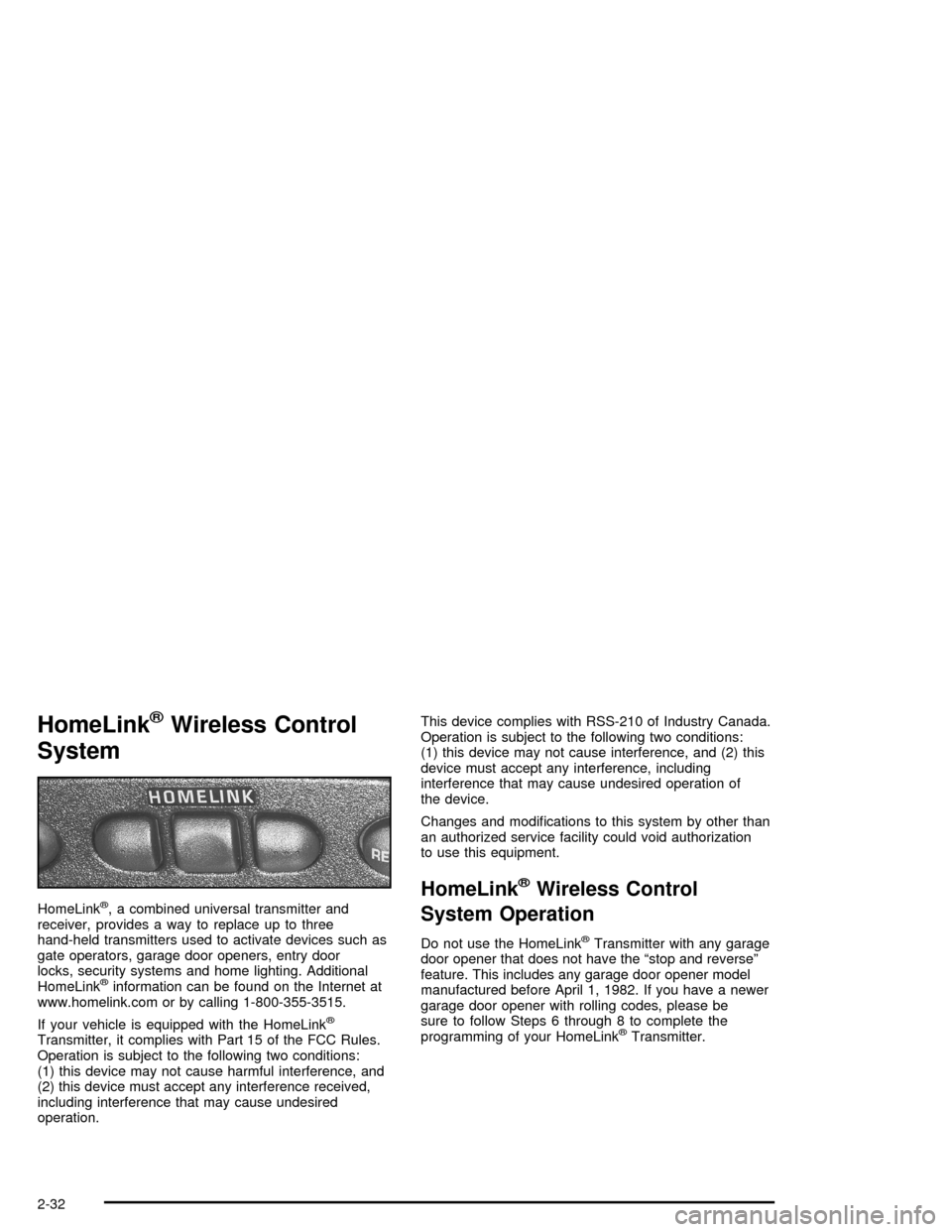
HomeLink®Wireless Control
System
HomeLink®, a combined universal transmitter and
receiver, provides a way to replace up to three
hand-held transmitters used to activate devices such as
gate operators, garage door openers, entry door
locks, security systems and home lighting. Additional
HomeLink
®information can be found on the Internet at
www.homelink.com or by calling 1-800-355-3515.
If your vehicle is equipped with the HomeLink
®
Transmitter, it complies with Part 15 of the FCC Rules.
Operation is subject to the following two conditions:
(1) this device may not cause harmful interference, and
(2) this device must accept any interference received,
including interference that may cause undesired
operation.This device complies with RSS-210 of Industry Canada.
Operation is subject to the following two conditions:
(1) this device may not cause interference, and (2) this
device must accept any interference, including
interference that may cause undesired operation of
the device.
Changes and modications to this system by other than
an authorized service facility could void authorization
to use this equipment.
HomeLink®Wireless Control
System Operation
Do not use the HomeLink®Transmitter with any garage
door opener that does not have the “stop and reverse”
feature. This includes any garage door opener model
manufactured before April 1, 1982. If you have a newer
garage door opener with rolling codes, please be
sure to follow Steps 6 through 8 to complete the
programming of your HomeLink
®Transmitter.
2-32
Page 104 of 398

Vehicle Personalization
Some of the convenience features can be reset or
customized to perform according to your preference.
Features you can program depend upon the options
that came with your vehicle. The following list shows
features that can be reset or customized along with
the options.
Settings (Available for All)
Engine Oil Life System Reset (Available for All)
Low Tire Pressure Reset (If Equipped)
Delayed Headlamp Illumination (Available for All)
Automatic Door Lock and Unlock (Available for All)
Remote Visual Verication (Available with Remote
Keyless Entry)
Remote Audible Verication (Available with Remote
Keyless Entry)
Content Theft Operation (Optional with Content
Theft System)
Trunk Jamb (Optional with Content Theft System)
Horn Chirp On Timer (Available with Remote
Keyless Entry)
Remote Keyless Entry Transmitter Programming
(Available with Remote Keyless Entry)
Return to Original Factory Settings
(Available for All)
Exit Vehicle Customization Mode
Programmable Modes
To reset or customize the features, rst enter the
vehicle customization main menu. To enter the main
menu, do the following:
1. Turn the ignition to ACC or ON. The radio must
be off.
2. Press and hold the TUNE or DISP knob on the
radio for at least ve seconds until SETTINGS
is displayed.
3. Press the SEEK or PSCAN up or down arrows to
scroll through each available feature on your
main menu.
4. Press the PREV or NEXT buttons to scroll through
the lower menu. An asterisk (*) will appear next to
the item that is the current setting.
The following information shows how to reset or
customize features after entering the main menu.
2-38
Page 106 of 398

LT DELAY
(Delayed Headlamp Illumination)
This feature allows the headlamps and parking lamps to
stay on for a set amount of time after you exit the
vehicle, or to turn off immediately.
Programmable Modes
Mode 1:OFF
Mode 2:30 SEC
Mode 3:60 SEC
Your vehicle was originally programmed to Mode 2.
The mode may have been changed since then.
To determine the current mode, or to change the mode,
do the following:
1. Scroll, using the SEEK/PSCAN up or down arrows,
until LT DELAY appears on the display.
2. Press the PREV or NEXT button to enter the
submenu. The current selection will have an
asterisk (*) next to it. If you do not wish to change the
current mode, you can either exit the programming
mode by following the directions later in this section
or program the next feature available on your vehicle.
3. Scroll, using the PREV or NEXT buttons, through
the modes to change the current mode.4. With your preference displayed, press the
TUNE/DISP button to select. A chime will be heard
to verify the new setting. The new selection will
be displayed with an asterisk (*) for one second.
The mode you selected is now set. You can either exit
the programming mode by following the instructions
later in this section or program the next feature available
on your vehicle.AUTOLOCK
(Automatic Door Lock and Unlock)
With the ignition in ON and the doors closed, this feature
allows the vehicle doors to automatically lock and
unlock when the driver shifts the transaxle into and out
of PARK (P), or to turn the feature off.
Programmable Modes
Mode 1:OFF
Mode 2:LCK ONLY — Automatic door lock
on/automatic door unlock off.
Mode 3:DRVR UNL — Automatic door lock
on/automatic door unlock on (driver’s door only).
Mode 4:ALL UNL — Automatic door lock on/automatic
door unlock on.
2-40
Page 129 of 398

To turn the fog lamps on, press the FOG button. A light
will come on in the button to let you know that the
fog lamps are on. Press the FOG button again to turn
the fog lamps off.
The ignition must be ON and the parking lamps must be
on for your fog lamps to work.
The fog lamps will go off while you change to high-beam
headlamps.
Instrument Panel Brightness
The control for the instrument panel lights is located on
the exterior lamps control. Your parking lamps must
be on for this feature to work. Turn the control clockwise
to brighten the lights or counterclockwise to dim them.
Courtesy Lamps
When any door is opened, several lamps come on.
These lamps are courtesy lamps. They make it easy for
you to enter and leave your vehicle. You can also
turn these lamps on by turning the exterior lamps control
all the way clockwise.
Dome Lamp
If your vehicle has this feature, the dome lamp will
come on when you open a door. You can also turn this
lamp on by turning the exterior lamps control clockwise
as far as it will go. Vehicles that have the optional
sunroof do not have a dome lamp.
Entry Lighting
Your vehicle may be equipped with courtesy lamps that
will come on and stay on for a set time whenever
you press UNLOCK on the remote keyless entry
transmitter (if equipped).
If you open a door, the lamps will stay on while it’s open
and then turn off automatically about 25 seconds after
you close it. If you press UNLOCK and don’t open
a door, the lamps will turn off after about 40 seconds.
Entry lighting includes a feature called theater dimming.
With theater dimming, the lamps don’t just turn off at the
end of the delay time. Instead, they slowly dim after the
delay time until they go out. The delay time is canceled if
you turn the ignition key to ON or press the power door
lock switch. The lamps will dim right away.
When the ignition is on, illuminated entry is inactive,
which means the courtesy lamps won’t come on unless
a door is opened.
3-17
Page 130 of 398

Delayed Entry Lighting
Delayed entry lighting illuminates the interior for a
period of time after all the doors have been closed.
The ignition must be off for delayed entry lighting
to work. Immediately after all the doors have been
closed, the delayed entry lighting feature will continue to
work until one of the following occurs:
The ignition is ON,
the doors are locked, or
an illumination period of 25 seconds has elapsed.
If during the illumination period a door is opened,
the timed illumination period will be canceled and the
interior lamps will remain on because a door is open.
Delayed Exit Lighting
This feature illuminates the interior for a period of time
after the key is removed from the ignition.
The ignition must be off for delayed exit lighting to work.
When the key is removed, interior illumination will
activate and remain on until one of the following occurs:
The ignition is ON,
the power door locks are activated, or
an illumination period of 25 seconds has elapsed.If during the illumination period a door is opened, the
timed illumination period will be canceled and the interior
lamps will remain on because a door is open.
Parade Dimming
The instrument panel has an added feature called
parade mode. This feature prohibits the dimming of your
instrument panel displays during the daylight while
the headlamps are on so that you’ll still be able to see
the displays.
Reading Lamps
Your vehicle may be equipped with reading lamps that
are located on the assist handles in the headliner.
These lamps and the interior courtesy lamps come on
when any door is opened. Press the lens to turn them on
and off.
3-18
Page 235 of 398

Tire and Loading Information Label
A vehicle specic Tire and Loading Information label
is attached to the vehicle’s center pillar (B-pillar).
With the driver’s door open, you will nd the label
attached below the door lock post (striker).The tire and loading information label lists the number
of occupant seating positions (A), and the maximum
vehicle capacity weight (B) in kilograms and pounds.
The Tire and Loading Information label also lists the
tire size of the original equipment tires (C) and the
recommended cold tire ination pressures (D).
For more information on tires and ination, seeTires on
page 5-60andInation - Tire Pressure on page 5-66.
There is also important loading information on the
Certication label. It tells you the Gross Vehicle Weight
Rating (GVWR) and the Gross Axle Weight Rating
(GAWR) for the front and rear axle, see “Certication
Label” later in this section.
Label Example
4-31
Page 256 of 398

Filling the Tank
{CAUTION:
Fuel vapor burns violently and a fuel re can
cause bad injuries. To help avoid injuries to you
and others, read and follow all the instructions
on the pump island. Turn off your engine when
you are refueling. Do not smoke if you are near
fuel or refueling your vehicle. Keep sparks,
ames, and smoking materials away from fuel.
Do not leave the fuel pump unattended when
refueling your vehicle — this is against the law
in some places. Keep children away from the
fuel pump; never let children pump fuel.The tethered fuel cap is located behind a hinged fuel
door on the driver’s side of the vehicle.
To remove the fuel cap, turn it slowly counterclockwise.
The fuel cap has a spring in it; if the cap is released
too soon, it will spring back to the right.
While refueling, let the fuel cap hang by the tether
below the fuel ll opening.
5-8