2005 CHEVROLET BLAZER keyless entry
[x] Cancel search: keyless entryPage 84 of 436
Remember, the theft-deterrent system won’t activate if
you lock the doors with a key or use the manual
door lock. It activates only if you use a power door lock
switch with the door open, or with the remote keyless
entry transmitter. You should also remember that
you can start your vehicle with the correct ignition key if
the alarm has been set off.
Here’s how to avoid setting off the alarm by accident:
If you don’t want to activate the theft-deterrent
system, the vehicle should be locked with the door
keyafterthe doors are closed.
Always unlock a door with a key, or use the remote
keyless entry transmitter. Unlocking a door any
other way will set off the alarm.
If you set off the alarm by accident, unlock any door
with the key. You can also turn off the alarm by pressing
UNLOCK on the remote keyless entry transmitter.
The alarm won’t stop if you try to unlock a door any
other way.
Testing the Alarm
The alarm can be tested by following these steps:
1. From inside the vehicle, lower the driver’s window
and open the driver’s door.
2. Activate the system by locking the doors with the
power door lock switch while the door is open, or
with the remote keyless entry transmitter.
3. Get out of the vehicle, close the door and wait for
the SECURITY light to go out.
4. Then reach in through the window, unlock the door
with the manual door lock and open the door. This
should set off the alarm.
If the alarm does not sound when it should but the
vehicle’s headlamps ash, check to see if the horn
works. The horn fuse may be blown. To replace
the fuse, seeFuses and Circuit Breakers on page 5-97.
If the alarm does not sound or the vehicle’s headlamps
do not ash, the vehicle should be serviced by an
authorized service center.
2-18
Page 126 of 436
Vehicle Personalization
Memory Seat
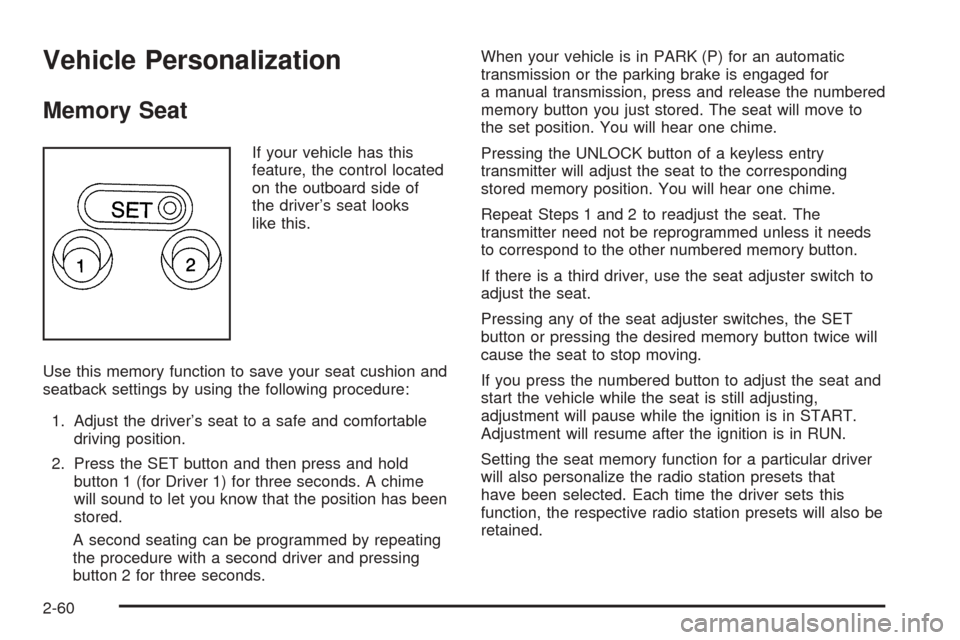
If your vehicle has this
feature, the control located
on the outboard side of
the driver’s seat looks
like this.
Use this memory function to save your seat cushion and
seatback settings by using the following procedure:
1. Adjust the driver’s seat to a safe and comfortable
driving position.
2. Press the SET button and then press and hold
button 1 (for Driver 1) for three seconds. A chime
will sound to let you know that the position has been
stored.
A second seating can be programmed by repeating
the procedure with a second driver and pressing
button 2 for three seconds.When your vehicle is in PARK (P) for an automatic
transmission or the parking brake is engaged for
a manual transmission, press and release the numbered
memory button you just stored. The seat will move to
the set position. You will hear one chime.
Pressing the UNLOCK button of a keyless entry
transmitter will adjust the seat to the corresponding
stored memory position. You will hear one chime.
Repeat Steps 1 and 2 to readjust the seat. The
transmitter need not be reprogrammed unless it needs
to correspond to the other numbered memory button.
If there is a third driver, use the seat adjuster switch to
adjust the seat.
Pressing any of the seat adjuster switches, the SET
button or pressing the desired memory button twice will
cause the seat to stop moving.
If you press the numbered button to adjust the seat and
start the vehicle while the seat is still adjusting,
adjustment will pause while the ignition is in START.
Adjustment will resume after the ignition is in RUN.
Setting the seat memory function for a particular driver
will also personalize the radio station presets that
have been selected. Each time the driver sets this
function, the respective radio station presets will also be
retained.
2-60
Page 142 of 436
Fog Lamps
Your vehicle may be equipped with fog lamps. Use your
fog lamps for better vision in foggy or misty conditions.
Your parking lamps or headlamps must be on for
your fog lamps to work.
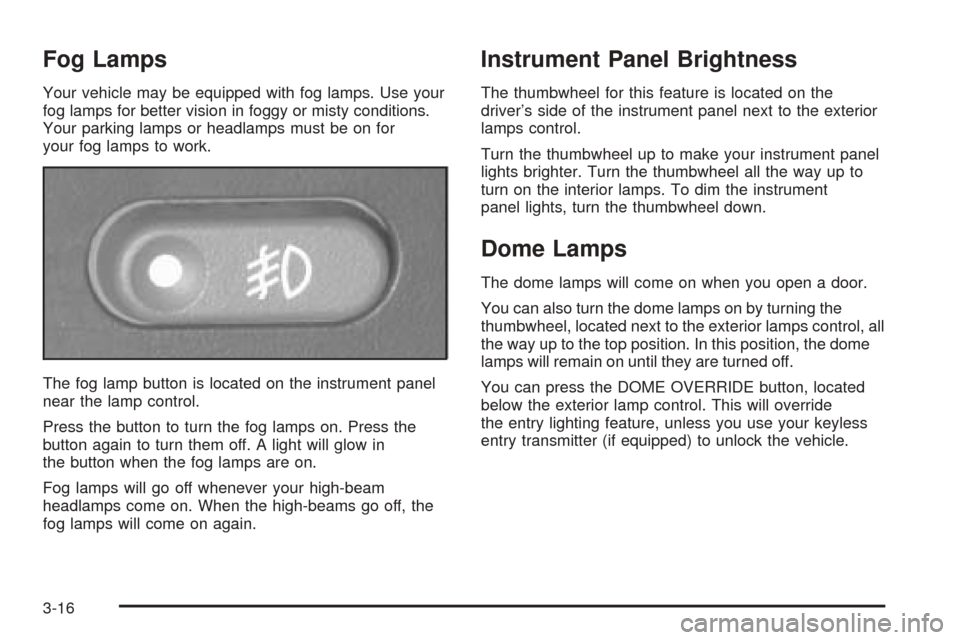
The fog lamp button is located on the instrument panel
near the lamp control.
Press the button to turn the fog lamps on. Press the
button again to turn them off. A light will glow in
the button when the fog lamps are on.
Fog lamps will go off whenever your high-beam
headlamps come on. When the high-beams go off, the
fog lamps will come on again.
Instrument Panel Brightness
The thumbwheel for this feature is located on the
driver’s side of the instrument panel next to the exterior
lamps control.
Turn the thumbwheel up to make your instrument panel
lights brighter. Turn the thumbwheel all the way up to
turn on the interior lamps. To dim the instrument
panel lights, turn the thumbwheel down.
Dome Lamps
The dome lamps will come on when you open a door.
You can also turn the dome lamps on by turning the
thumbwheel, located next to the exterior lamps control, all
the way up to the top position. In this position, the dome
lamps will remain on until they are turned off.
You can press the DOME OVERRIDE button, located
below the exterior lamp control. This will override
the entry lighting feature, unless you use your keyless
entry transmitter (if equipped) to unlock the vehicle.
3-16
Page 143 of 436
Entry Lighting
Your vehicle is equipped with an illuminated entry feature.
When a door is opened, the dome lamps will come on if
the DOME OVERRIDE button is in the out position.
When the doors are closed, the lamps will stay on for a
short period of time and will turn off automatically. If
you use your keyless entry transmitter, if equipped, to
unlock your vehicle, the interior lamps will come on for a
short time whether or not the DOME OVERRIDE
button is in the out position.
Exit Lighting
With exit lighting, the interior lamps will come on when
you remove the key from the ignition to help you
see while exiting the vehicle. If the DOME OVERRIDE
button is in the out position, these lamps will stay
on for a short period of time and then will go out.
Front Reading Lamps
Press the button located near each lamp on the
overhead console to turn a reading lamp on and off.
The lamps can be swiveled to point in the desired
direction.
If you have the mini console, press the lens on each
lamp to turn it on or off.
Map Lamps
If your vehicle has front map lamps, they are located on
the inside rearview mirror. They will automatically
come on for about 40 seconds when the doors are
unlocked with the keyless entry transmitter, if equipped,
or until the ignition key is turned to RUN or
ACCESSORY. The lamps will also stay on for about
40 seconds after you exit the vehicle unless you lock the
doors with the keyless entry transmitter.
You can also turn the lamps on and off by pressing the
button near each lamp.
Battery Run-Down Protection
This feature shuts off the dome, courtesy, vanity,
reading, glove box and underhood lamps if they are left
on for more than 20 minutes when the ignition is off.
This will keep your battery from running down.
If the battery run-down protection shuts off the interior
lamps, it may be necessary to do one of the following to
return to normal operation:
Shut off all lamps and close all doors.
Turn the ignition key to RUN.
3-17
Page 429 of 436
J
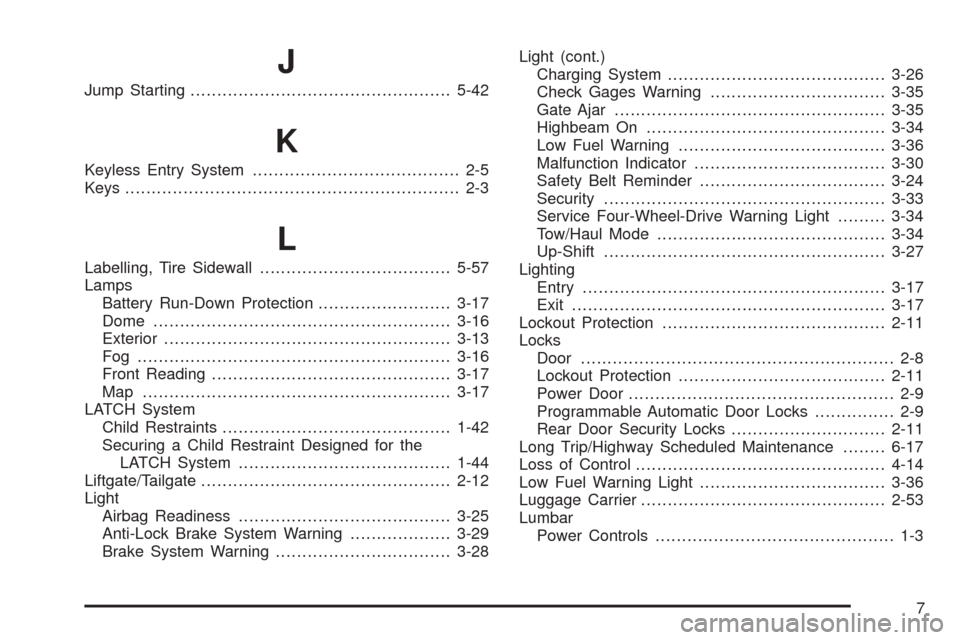
Jump Starting.................................................5-42
K
Keyless Entry System....................................... 2-5
Keys............................................................... 2-3
L
Labelling, Tire Sidewall....................................5-57
Lamps
Battery Run-Down Protection.........................3-17
Dome........................................................3-16
Exterior......................................................3-13
Fog ...........................................................3-16
Front Reading.............................................3-17
Map ..........................................................3-17
LATCH System
Child Restraints...........................................1-42
Securing a Child Restraint Designed for the
LATCH System........................................1-44
Liftgate/Tailgate...............................................2-12
Light
Airbag Readiness........................................3-25
Anti-Lock Brake System Warning...................3-29
Brake System Warning.................................3-28Light (cont.)
Charging System.........................................3-26
Check Gages Warning.................................3-35
Gate Ajar...................................................3-35
Highbeam On.............................................3-34
Low Fuel Warning.......................................3-36
Malfunction Indicator....................................3-30
Safety Belt Reminder...................................3-24
Security.....................................................3-33
Service Four-Wheel-Drive Warning Light.........3-34
Tow/Haul Mode...........................................3-34
Up-Shift.....................................................3-27
Lighting
Entry.........................................................3-17
Exit...........................................................3-17
Lockout Protection..........................................2-11
Locks
Door........................................................... 2-8
Lockout Protection.......................................2-11
Power Door.................................................. 2-9
Programmable Automatic Door Locks............... 2-9
Rear Door Security Locks.............................2-11
Long Trip/Highway Scheduled Maintenance........6-17
Loss of Control...............................................4-14
Low Fuel Warning Light...................................3-36
Luggage Carrier..............................................2-53
Lumbar
Power Controls............................................. 1-3
7
Page 432 of 436
Q
Questions and Answers About Safety Belts.........1-12
R
Radiator Pressure Cap....................................5-28
Radios..........................................................3-39
AM-FM Radio.............................................3-41
Care of Your Cassette Tape Player................3-75
Care of Your CD Player...............................3-76
Care of Your CDs........................................3-76
Radio with Cassette and CD.........................3-51
Radio with CD............................................3-43
Radio with Six-Disc CD................................3-64
Setting the Time for Radios with Radio Data
Systems (RDS)........................................3-40
Setting the Time for Radios without Radio
Data Systems (RDS)................................3-40
Theft-Deterrent............................................3-74
Understanding Reception..............................3-75
Rear Axle......................................................5-46
Rear Door Security Locks................................2-11
Rear Safety Belt Comfort Guides......................1-27
Rear Seat Operation......................................... 1-6
Rear Seat Passengers, Safety Belts..................1-23
Rear Storage Area..........................................2-55
Rearview Mirror, Automatic Dimming..................2-42Rearview Mirrors.............................................2-42
Reclining Seatbacks.......................................... 1-4
Recovery Hooks.............................................4-45
Recreational Vehicle Towing.............................4-51
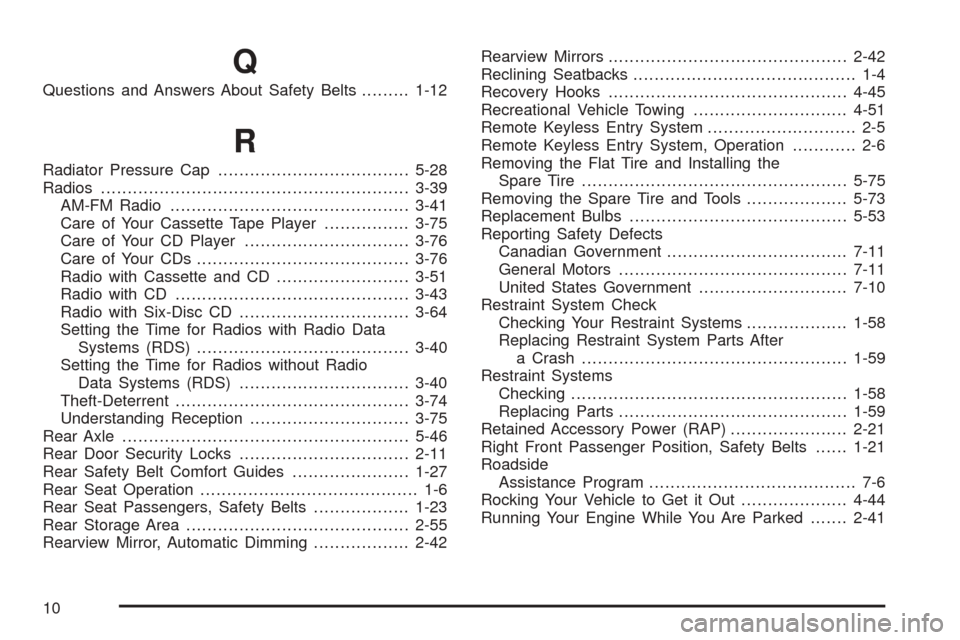
Remote Keyless Entry System............................ 2-5
Remote Keyless Entry System, Operation............ 2-6
Removing the Flat Tire and Installing the
Spare Tire..................................................5-75
Removing the Spare Tire and Tools...................5-73
Replacement Bulbs.........................................5-53
Reporting Safety Defects
Canadian Government..................................7-11
General Motors...........................................7-11
United States Government............................7-10
Restraint System Check
Checking Your Restraint Systems...................1-58
Replacing Restraint System Parts After
a Crash..................................................1-59
Restraint Systems
Checking....................................................1-58
Replacing Parts...........................................1-59
Retained Accessory Power (RAP)......................2-21
Right Front Passenger Position, Safety Belts......1-21
Roadside
Assistance Program....................................... 7-6
Rocking Your Vehicle to Get it Out....................4-44
Running Your Engine While You Are Parked.......2-41
10