Page 190 of 245
2004 VOLVO XC90
Fuses in the passenger compartment
Fuses are located inside the access panel on the end face of the dashboa\
rd. There are also a number of
spare fuses. No. Amperage
1. Blower - climate system 30
2. Audio amplifier 30
3. Power driver's seat 30
4. Power passenger's seat (option) 30
5. Driver's door - central locking, power windows, door mirror 25
6. Front passenger's door - central locking, power windows, door mirror \
25
7. Rear side doors - power windows, child safety locks 30
8. -
9. -
10. Power passenger's seat 5
11. Electric socket 12V 15
12. Ignition switch (30-feed), central electronic module, starter moto\
r relay,
SRS, antenna ring, engine management system 10
13. -
14. Electronic module (ceiling), courtesy lighting (ceiling) 10
15. -
16. Speed-sensitive power steering (T6 only), vacuum pump 15
17. ABS/DSTC 5
18. Heated driver's seat (option) 15
file:///K|/ownersdocs/2004/2004_XC90/04xc90_09b.htm (20 of 23)12/30/20\
06 4:35:28 PM
Page 191 of 245
15
20. Infotainment system 10
21. Relay extended D1 feed: climate control system, power drivers seat,\
instrument panel 10
22. Headlight s")
2004 VOLVO XC90
19. Heated front passenger's seat (option)15
20. Infotainment system 10
21. Relay extended D1 feed: climate control system, power driver's seat,\
instrument panel 10
22. Headlight switch module, climate control system, onboard diagnostic \
connector,
steering wheel lever modules 5
23. Turn signals 20
24. Automatic transmission - shift inhibitor, extended D2 feed 10
25. Fuel pump 15
26. Moonroof (option) 15
27. Central electronic module, vanity mirror lighting, courtesy lighting\
, glove compartment
lighting, alarm siren* 10
28. Alarm siren* 5
29. -
30. Daytime running lights 10
31. Daytime running lights 10
32. Left front/rear parking lights 7.5
33. Right front/rear parking lights, license plate lights 7.5
34. Front fog 15
35. -
36. High beam headlights 20
37. Navigation system (option), DVD player 10
38. Low beam headlights, Bi-Xenon headlights (option) 15
* Please be aware that if these fuses are not intact, or have been remov\
ed, the alarm will not sound.
pg. 146 Maintenance
Fuses (contd)
file:///K|/ownersdocs/2004/2004_XC90/04xc90_09b.htm (21 of 23)12/30/20\
06 4:35:28 PM
Page 199 of 245
2004 VOLVO XC90
Fuel tank 19 US gals. (72 liters), minimum octane requirement - AKI 87 (RON
91) - unleaded fuel (See also page 82)
Engine oil
B5254T2 6.1 US qts. (5.8 liters)
B6294T 7.1 US qts. (6.7 liters)
Transmission oil
Automatic (AW 55-50 5- speed) 7.9 US qts. (7.5 liters)
Automatic (GM 4-speed) 7.9 US qts. (7.5 liters)
Miscellaneous
Power steering 0.9 US qts. (0.9 liters)
Windshield washer reservoir 6.9 US qts. (6.5 liters)
Brake fluid 0.63 US qts. (0.6 liters)
Air conditioning system Front - 2.2 lb. (1 kg), Rear (option) 2.9 lb. (1.3 kg) R 134a
WARNING!
When adding accessories, equipment, luggage and other cargo to your vehi\
cle, the total capacity
weight must not be exceeded.
pg. 152 Specifications
Lubricants
Engine oil
Meeting minimum ILSAC specification GF-2, including ACEA A1, API SJ, SJ/\
CF and SJ/ Energy
Conserving.
Oil additives must not be used.
Transmission
Oil grade:
4-speed automatic (on models with 6-cylinder turbo engines):
Dexron III G (Volvo P/N 1161521).
5-speed automatic (on models with 5-cylinder turbo engines):
Volvo synthetic transmission oil Volvo P/N 1161540.
file:///K|/ownersdocs/2004/2004_XC90/04xc90_10.htm (6 of 11)12/30/2006\
4:35:29 PM
Page 200 of 245
2004 VOLVO XC90
Different types of oil should never be mixed.
Power steering
Grade: ATF
Brake fluid
Fluid type: DOT 4+ boiling point >536°F (280°C), P/N 9437433
Cooling system
Type Positive pressure, closed system.
Coolant Volvo original coolant/antifreeze
Volume 5-cyl. turbo 9.3 US qts. (8.8 liters)
6-cyl. turbo 11.2 US qts (10.6 liters)
The thermostat begins to open at 194°F (90°C).
Suspension
Rear suspension
Individual rear wheel suspension with longitudinal support arms, double \
link arms and track rods.
Front suspension
Spring strut suspension with integrated shock absorbers and control arms\
linked to the support frame.
Power-assisted rack and pinion steering. Safety type steering column.
pg. 153 Specifications
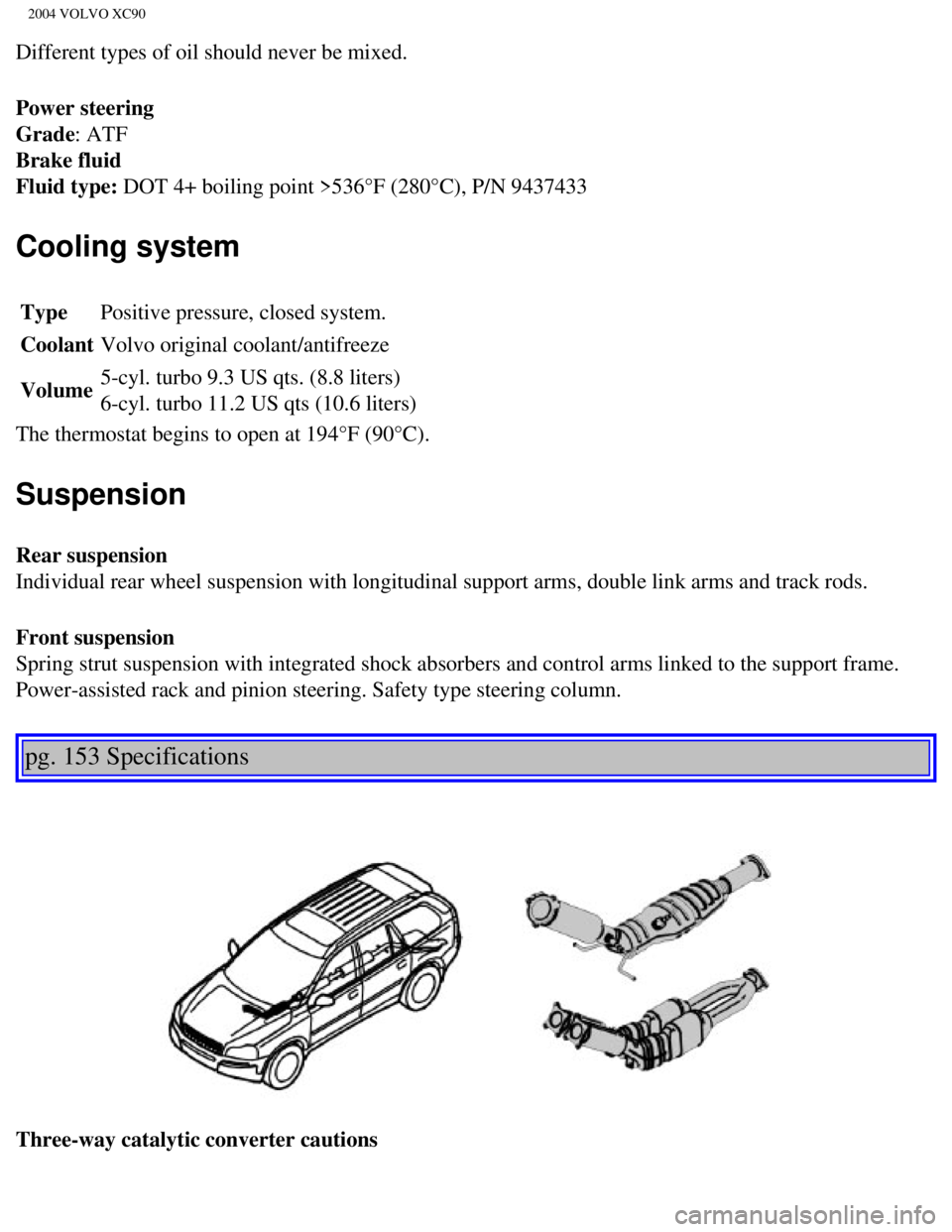
Three-way catalytic converter cautions
file:///K|/ownersdocs/2004/2004_XC90/04xc90_10.htm (7 of 11)12/30/2006\
4:35:29 PM
Page 207 of 245
2004 VOLVO XC90
Steering wheel keypad (option)
The four buttons on the steering wheel keypad can be used to control the\
audio system. The steering
wheel keypad can be used to adjust volume, shift between preset stations\
and change CD tracks.
l Press the or buttons briefly to search for a radio station, or to go to the next/pre\
vious
track on a CD
l Press and hold down these buttons to search within a track.
Display
The display (1) shows the currently selected function, menu selections\
, etc.
Clean the display with a dry, soft, lint-free cloth. Do not use cleaning\
agents.
Accessing and using menus
In menu mode, you can change settings and program new functions in the a\
udio system. The various
file:///K|/ownersdocs/2004/2004_XC90/04xc90_11a.htm (3 of 17)12/30/200\
6 4:35:31 PM
Page 211 of 245
 clockwise or counterclockwise to raise or lower the \
volume. The volume control is
electronic and has no end position. Volume can also be raised (+")
2004 VOLVO XC90
Volume control
Turn the knob (2) clockwise or counterclockwise to raise or lower the \
volume. The volume control is
electronic and has no end position. Volume can also be raised (+) or l\
owered (-) using the optional
steering wheel keypad.
Pause mode
If the volume is turned off, the CD player will go into pause mode. Re-a\
ctivate the player by turning up
the volume.
Selecting a sound source
A sound source can be selected either with the function buttons (3) - \
CD, AM/FM, or with the
SELECTOR control (4).
To select a sound source:
l Turn the SELECTOR control to choose FM1, FM2, AM, CD, CD changer (optio\
n)
l Press the AM/FM button repeatedly to choose between FM1, FM2, AM
l Press the CD button to change to the CD player or optional CD changer
The selected sound source will be shown in the display.
pg. 165 Audio
Sound settings
1. Press the SOUND button (1) repeatedly until you come to the setting\
that you wish to change. Choose
BASS, TREBLE, FADER, BALANCE, SUBWOOFER (option), CENTER (option) or\
SURROUND
(option).
2. Use the SELECTOR control (2) to adjust the level of the setting you\
have selected. The display shows
file:///K|/ownersdocs/2004/2004_XC90/04xc90_11a.htm (7 of 17)12/30/200\
6 4:35:31 PM
Page 215 of 245
2004 VOLVO XC90
Station search
1. Choose radio mode AM/FM1/FM2 using the SELECTOR control (1) or the \
AM/FM button (2).
2. Press briefly on
or to search for the next strong station. The radio will search for the ne\
xt
audible station and then stop.
3. Press one of the buttons again to start a new search.
Manually search for a known frequency
1. Press and hold the
or button (or the corresponding buttons on the steering wheel
keypad). MAN will be shown in the display. The radio will slowly scroll\
in the desired direction and
then increase speed after a few seconds.
2. Release the button when the desired frequency is displayed.
3. If you need to adjust the frequency, press briefly on
or .
4. The manual search function is available for five seconds after you la\
st pressed the button.
pg. 169 Audio
file:///K|/ownersdocs/2004/2004_XC90/04xc90_11a.htm (11 of 17)12/30/20\
06 4:35:31 PM
Page 224 of 245
 or the CD button \
(2).
2. Insert a CD into the player.
NOTE: To pause CD playback, turn the volume all the way")
2004 VOLVO XC90
Starting the CD
1. Select the CD mode using the SELECTOR control (1) or the CD button \
(2).
2. Insert a CD into the player.
NOTE: To pause CD playback, turn the volume all the way down. "CD paused" wil\
l be displayed. This
will not occur if someone in the rear seat is listening to the CD throug\
h the optional headphones.
Play will resume when the volume is turned up again.
Changing tracks
Press
to go to the next track or to go to the previous track. The track number is shown in the
display. If you have a keypad in the steering wheel, you can use the arr\
ow keys in the same way.
Searching within a track
Press and hold down
or to search within a track or the whole disc. The search continues as
long as the buttons are depressed. If you have a keypad in the steering \
wheel, you can use the arrow keys
in the same way.
Random play
This function plays the tracks on a CD in random order (shuffle).
1. Press the MENU button.
2. Select RANDOM and press ENTER.
3. RND is shown in the display as long as the function is activated.
4. Go into the menu and select RANDOM OFF to stop random play, or press \
EXIT.
pg. 176 Audio
file:///K|/ownersdocs/2004/2004_XC90/04xc90_11b.htm (3 of 11)12/30/200\
6 4:35:32 PM


The four buttons on the steering wheel keypad can be used to control the\
audio system. The steering
wheel keypad can be used to adjust volume, shift")
 or the \
AM/FM button (2).
2. Press briefly on
or to search for the next strong station. The radio wi")