2004 PONTIAC GRAND PRIX brake
[x] Cancel search: brakePage 93 of 432
Leaving Your Vehicle With the Engine
Running
{CAUTION:
It can be dangerous to leave your vehicle with
the engine running. Your vehicle could move
suddenly if the shift lever is not fully in
PARK (P) with the parking brake ®rmly set.
And, if you leave the vehicle with the engine
running, it could overheat and even catch ®re.
You or others could be injured. Don't leave
your vehicle with the engine running.
If you have to leave your vehicle with the engine
running, be sure the vehicle is in PARK (P) and the
parking brake is ®rmly set before you leave it. After
you've moved the shift lever into PARK (P), hold the
regular brake pedal down. Then, see if you can
move the shift lever away from PARK (P) (without ®rst
pushing the shift lever button). If you can, it means
that the shift lever wasn't fully locked into PARK (P).
Torque Lock
If you are parking on a hill and you don't shift your
transaxle into PARK (P) properly, the weight of
the vehicle may put too much force on the parking pawl
in the transaxle. You may ®nd it difficult to move the
shift lever out of PARK (P). This is called ªtorque lock.º
To prevent torque lock, set the parking brake and
then shift into PARK (P) properly before you leave the
driver's seat. To ®nd out how, see
Shifting Into Park (P)
on page 2-28.
When you are ready to drive, move the shift lever out
of PARK (P) before you release the parking brake.
If torque lock does occur, you may need to have
another vehicle push your vehicle uphill. This should
take some of the pressure from the parking pawl in
the transaxle, so you can move the shift lever out
of PARK (P).
2-29
Page 94 of 432
Shifting Out of Park (P)
Your vehicle has an automatic transaxle shift lock
control system which locks the shift lever in PARK (P)
when the ignition is in the OFF position. In addition,
you have to fully apply your regular brakes before you
can shift from PARK (P) when the ignition is in RUN.
See
Automatic Transaxle Operation on page 2-22.
If you cannot shift out of PARK (P), ease pressure on
the shift lever and push the shift lever all the way up
into PARK (P) as you maintain brake application.
Then move the shift lever into the gear you want.
If you ever hold the brake pedal down but still can't shift
out of PARK (P), try this:
1. Turn the key to ACCESSORY. (There is no shift
interlock in this key position.)
2. Apply and hold the brake until the end of Step 4.
3. Shift the transaxle to NEUTRAL (N).
4. Start the vehicle and then shift to the transaxle gear
you want.
5. Have the system ®xed as soon as you can.
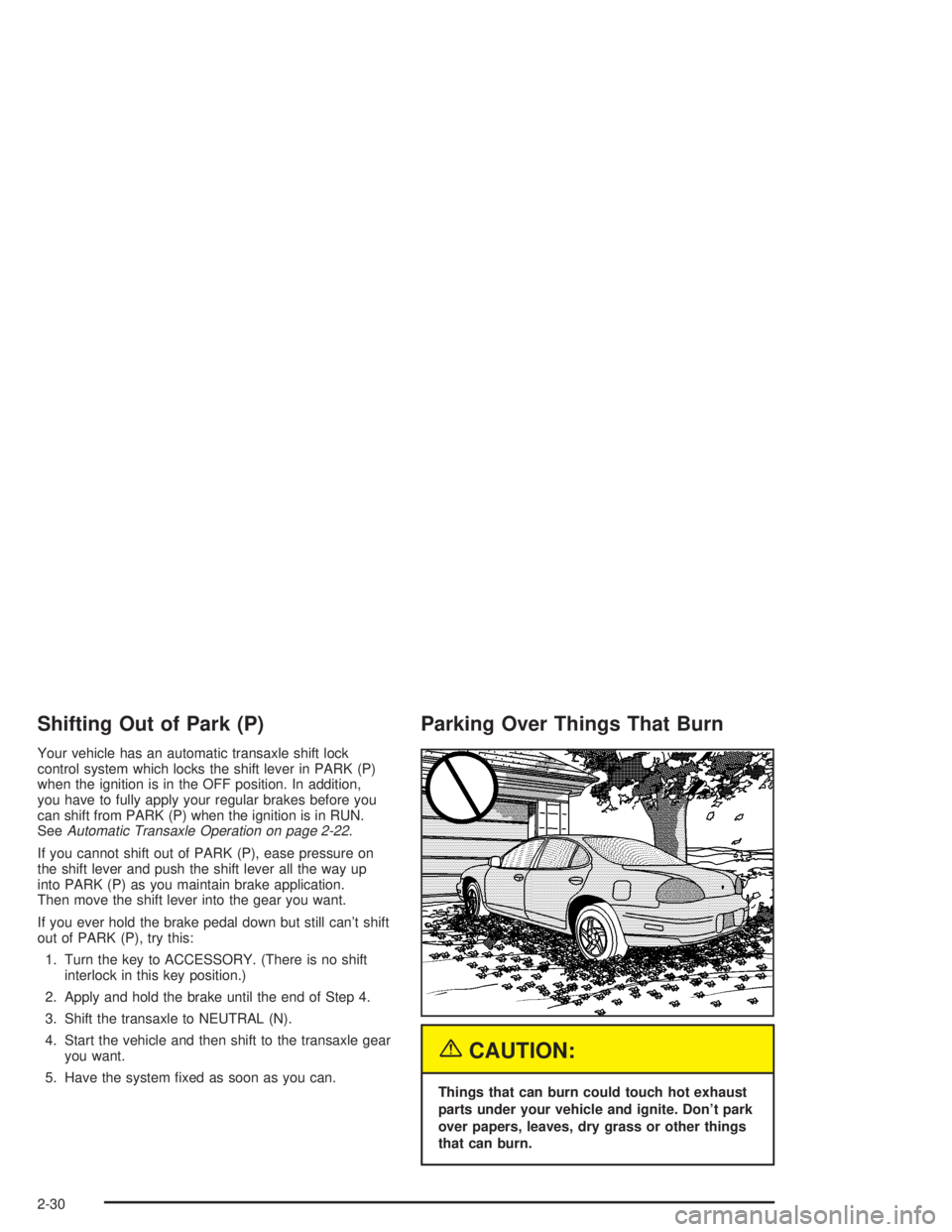
Parking Over Things That Burn
{CAUTION:
Things that can burn could touch hot exhaust
parts under your vehicle and ignite. Don't park
over papers, leaves, dry grass or other things
that can burn.
2-30
Page 96 of 432
Running Your Engine While You
Are Parked
It's better not to park with the engine running. But if you
ever have to, here are some things to know.
{CAUTION:
Idling the engine with the climate control
system off could allow dangerous exhaust into
your vehicle. See the earlier Caution under
ªEngine Exhaust.º
Also, idling in a closed-in place can let deadly
carbon monoxide (CO) into your vehicle even if
the climate control fan is at the highest setting.
One place this can happen is a garage.
Exhaust Ð with CO Ð can come in easily.
NEVER park in a garage with the engine
running.
Another closed-in place can be a blizzard.
See ªWinter Drivingº in the Index.
{CAUTION:
It can be dangerous to get out of your vehicle
if the shift lever is not fully in PARK (P) with
the parking brake ®rmly set. Your vehicle can
roll. Don't leave your vehicle when the engine
is running unless you have to. If you've left
the engine running, the vehicle can move
suddenly. You or others could be injured.
To be sure your vehicle won't move, even
when you're on fairly level ground, always set
your parking brake and move the shift lever
to PARK (P).
Follow the proper steps to be sure your vehicle won't
move. See
Shifting Into Park (P) on page 2-28.
If you are parking on a hill and if you're pulling a trailer,
also see
Towing a Trailer on page 4-37.
2-32
Page 105 of 432

Instrument Panel Overview...............................3-2
Hazard Warning Flashers................................3-4
Other Warning Devices...................................3-5
Horn.............................................................3-5
Tilt Wheel.....................................................3-5
Windshield Washer Lever................................3-6
Cruise Control Lever.......................................3-8
Exterior Lamps.............................................3-12
Interior Lamps..............................................3-16
Head-Up Display (HUD).................................3-19
Accessory Power Outlets...............................3-23
Ashtrays and Cigarette Lighter........................3-24
Climate Controls............................................3-25
Climate Control System.................................3-25
Outlet Adjustment.........................................3-29
Warning Lights, Gages and Indicators.............3-31
Instrument Panel Cluster................................3-32
Speedometer and Odometer...........................3-33
Tachometer.................................................3-33
Safety Belt Reminder Light.............................3-34
Air Bag Readiness Light................................3-34
Up-Shift Light...............................................3-35
Brake System Warning Light..........................3-36
Anti-Lock Brake System Warning Light.............3-37
Traction Control System (TCS)
Warning Light...........................................3-38Enhanced Traction System Warning Light.........3-38
Engine Coolant Temperature Warning Light......3-39
Engine Coolant Temperature Gage..................3-39
Malfunction Indicator Lamp.............................3-40
Oil Pressure Light.........................................3-43
Fog Lamp Light............................................3-44
High-Beam On Light......................................3-44
Fuel Gage...................................................3-44
Driver Information Center (DIC).......................3-45
DIC Controls and Displays.............................3-45
DIC Warnings and Messages.........................3-65
Audio System(s).............................................3-88
Setting the Time...........................................3-88
Radio with CD..............................................3-89
Radio with Cassette and CD.........................3-100
Radio with Six-Disc CD................................3-114
Theft-Deterrent Feature................................3-128
Audio Steering Wheel Controls......................3-129
Understanding Radio Reception....................3-130
Care of Your Cassette Tape Player...............3-130
Care of Your CDs.......................................3-131
Care of Your CD Player...............................3-131
Backglass Antenna......................................3-132
XMŸ Satellite Radio Antenna System
(United States Only).................................3-132
Section 3 Instrument Panel
3-1
Page 108 of 432
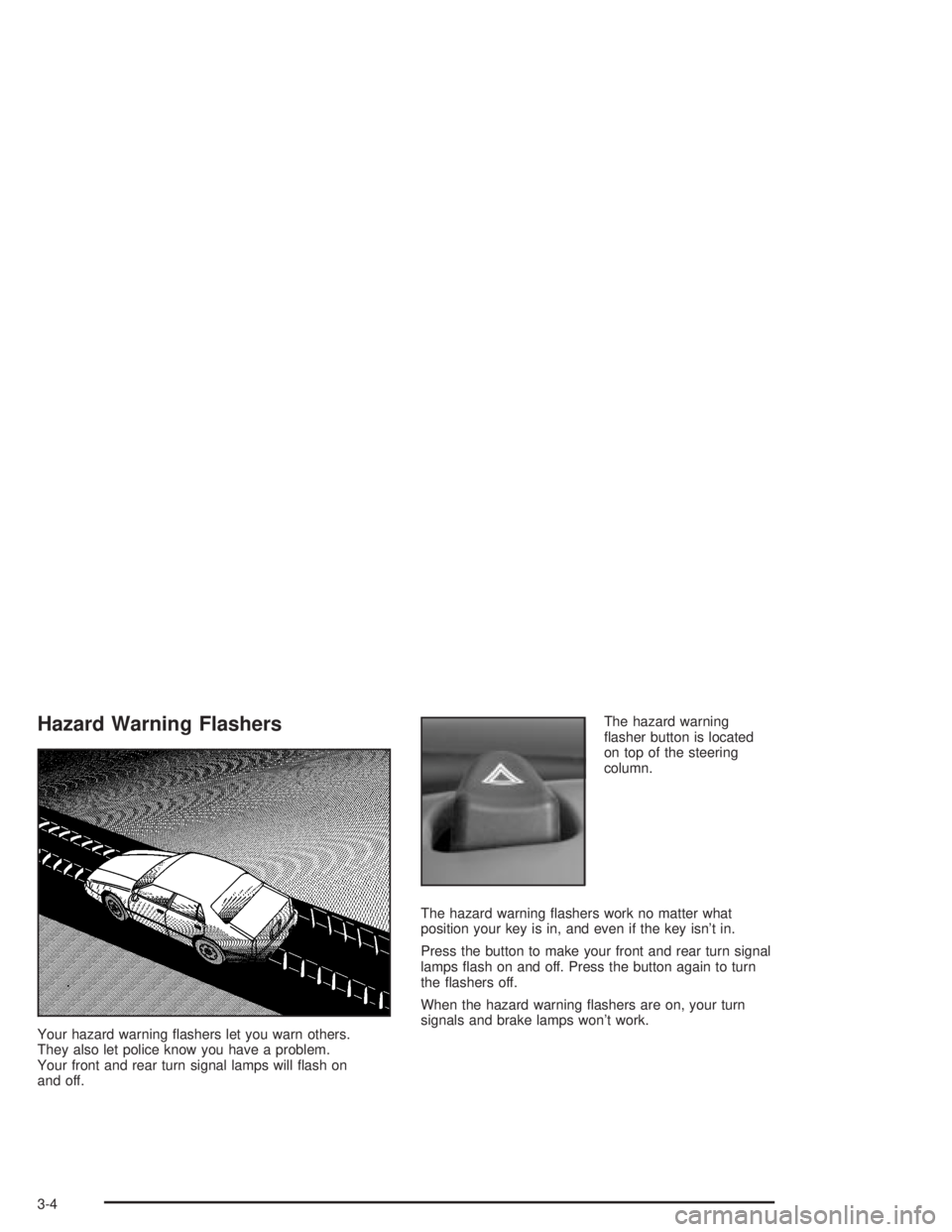
Hazard Warning Flashers
Your hazard warning ¯ashers let you warn others.
They also let police know you have a problem.
Your front and rear turn signal lamps will ¯ash on
and off.The hazard warning
¯asher button is located
on top of the steering
column.
The hazard warning ¯ashers work no matter what
position your key is in, and even if the key isn't in.
Press the button to make your front and rear turn signal
lamps ¯ash on and off. Press the button again to turn
the ¯ashers off.
When the hazard warning ¯ashers are on, your turn
signals and brake lamps won't work.
3-4
Page 113 of 432
With cruise control, you can maintain a speed of
approximately 25 mph (40 km/h) or more without
keeping your foot on the accelerator. This is helpful
on long trips. Cruise control does not work at speeds
below about 25 mph (40 km/h).
When you apply your brakes, the cruise control
shuts off.
If your vehicle is in cruise control and either the
Traction Control System (TCS) or the Enhanced Traction
System (ETS) begins to limit wheel spin, the cruise
control will automatically disengage. See
Traction
Control System (TCS) on page 4-10andEnhanced
Traction System (ETS) on page 4-11. When road
conditions allow you to safely use it again, you may
turn the cruise control back on.
Setting Cruise Control
{CAUTION:
If you leave your cruise control on when you're
not using cruise, you might hit a button and go
into cruise when you don't want to. You could
be startled and even lose control. Keep the
cruise control switch off until you want to use
cruise control.
1. Push the button at the end of the cruise control
lever to turn the cruise control on.
2. Accelerate to the speed you want.
3. Push down on the cruise control lever and release
it. This will set the cruise control.
4. Remove your foot from the accelerator pedal.
3-9
Page 114 of 432
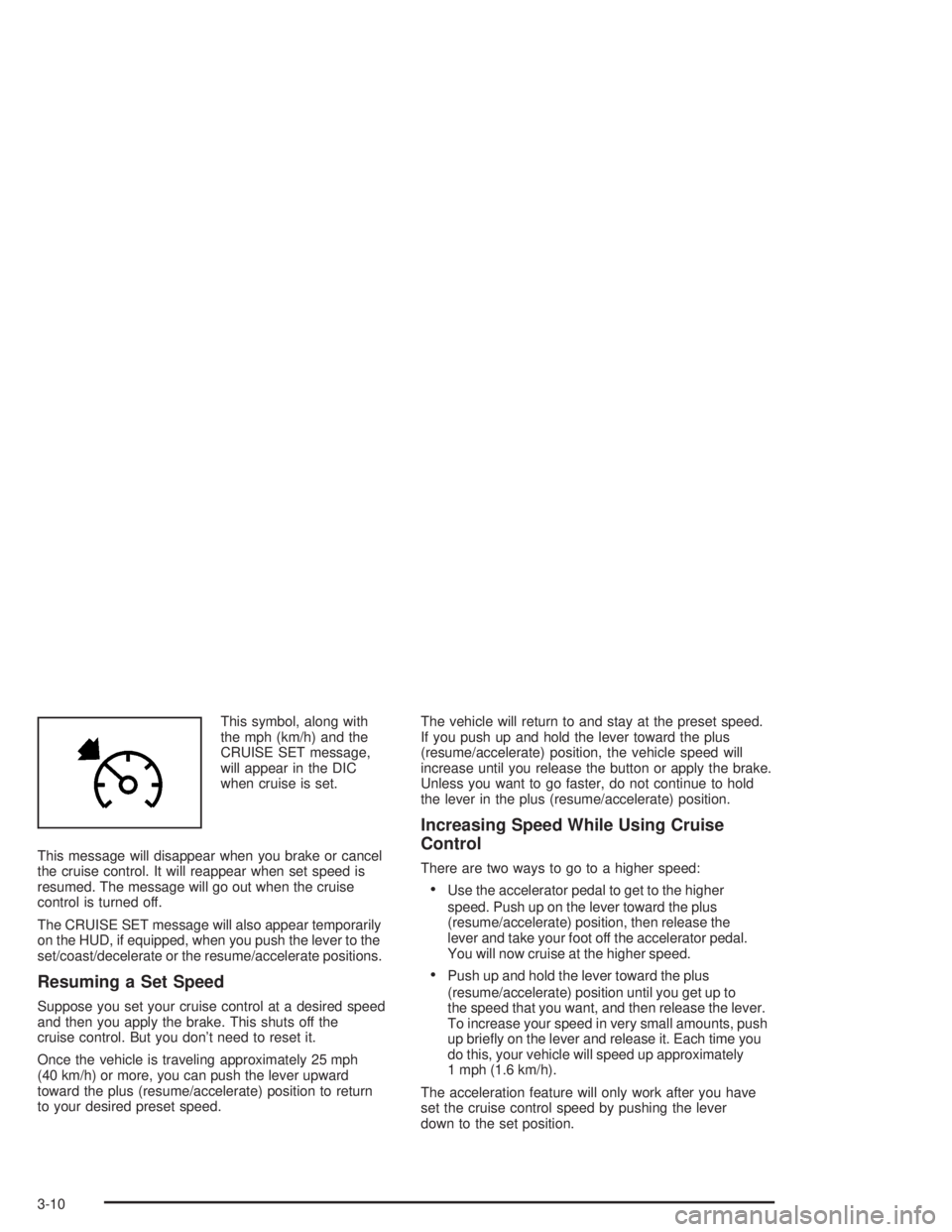
This symbol, along with
the mph (km/h) and the
CRUISE SET message,
will appear in the DIC
when cruise is set.
This message will disappear when you brake or cancel
the cruise control. It will reappear when set speed is
resumed. The message will go out when the cruise
control is turned off.
The CRUISE SET message will also appear temporarily
on the HUD, if equipped, when you push the lever to the
set/coast/decelerate or the resume/accelerate positions.
Resuming a Set Speed
Suppose you set your cruise control at a desired speed
and then you apply the brake. This shuts off the
cruise control. But you don't need to reset it.
Once the vehicle is traveling approximately 25 mph
(40 km/h) or more, you can push the lever upward
toward the plus (resume/accelerate) position to return
to your desired preset speed.The vehicle will return to and stay at the preset speed.
If you push up and hold the lever toward the plus
(resume/accelerate) position, the vehicle speed will
increase until you release the button or apply the brake.
Unless you want to go faster, do not continue to hold
the lever in the plus (resume/accelerate) position.
Increasing Speed While Using Cruise
Control
There are two ways to go to a higher speed:
·Use the accelerator pedal to get to the higher
speed. Push up on the lever toward the plus
(resume/accelerate) position, then release the
lever and take your foot off the accelerator pedal.
You will now cruise at the higher speed.
·Push up and hold the lever toward the plus
(resume/accelerate) position until you get up to
the speed that you want, and then release the lever.
To increase your speed in very small amounts, push
up brie¯y on the lever and release it. Each time you
do this, your vehicle will speed up approximately
1 mph (1.6 km/h).
The acceleration feature will only work after you have
set the cruise control speed by pushing the lever
down to the set position.
3-10
Page 115 of 432
Reducing Speed While Using Cruise
Control
There are two ways to reduce your speed while using
cruise control:
·Push the lever downward toward the minus
(set/coast/decelerate) position until you reach the
lower speed you want, then release it.
·To slow down in very small amounts, push the lever
downward toward the minus (set/coast/decelerate)
position brie¯y. Each time you do this, the vehicle will
slow down approximately 1 mph (1.6 km/h).
Passing Another Vehicle While Using
Cruise Control
Use the accelerator pedal to increase your speed.
When you take your foot off the pedal, your vehicle will
slow down to the cruise control speed you set earlier.
Using Cruise Control on Hills
How well your cruise control will work on hills depends
upon your speed, load and the steepness of the
hills. When going up steep hills, you may have to
step on the accelerator pedal to maintain your speed.When going downhill, you may have to brake or shift to
a lower gear to keep your speed down. Applying the
brake or shifting into a lower gear will take you out
of cruise control. If you need to apply the brake or shift
to a lower gear due to the grade of the downhill
slope, you may not want to attempt to use your cruise
control feature.
Cancelling Cruise Control
To cancel a cruise control session, pull the cruise
control lever forward, or, step lightly on the brake pedal.
Doing either of these two things will only end the
current cruise control session, but the set speed will be
retained in memory.
You must push the button at the end of the cruise
control lever to turn the system off.
Erasing Speed Memory
When you turn off the cruise control or the ignition,
your cruise control set speed memory is erased.
3-11