Page 70 of 186
– Previous Destination
– Address/Street
– Intersection
– Point of Interest (POI)
– City
– Phone Number
– Map
– Home
2. Set the route priorities and select the
Route Calc. key to calculate the route.
Refer to “Route calculation and guidance”
on page 5-35.
INFO:
cIf you select the
OK key at this point, route
calculation will start without any waypoints.
cPress the PREV button to display the [EDIT
ROUTE] screen.
Setting the waypoints
After you set a destination, you can set waypoints.
INFO:
cWhen the ROUTE button is pressed on the
map and the
Edit Route key is selected, the
[EDIT ROUTE] screen will be displayed.
cThe maximum number of destinations and
waypoints that can be set is six (6) .
Please refer to “Expert mode categories” on
page 5-2.
1. Select the
key orkey on
the [EDIT ROUTE] screen.
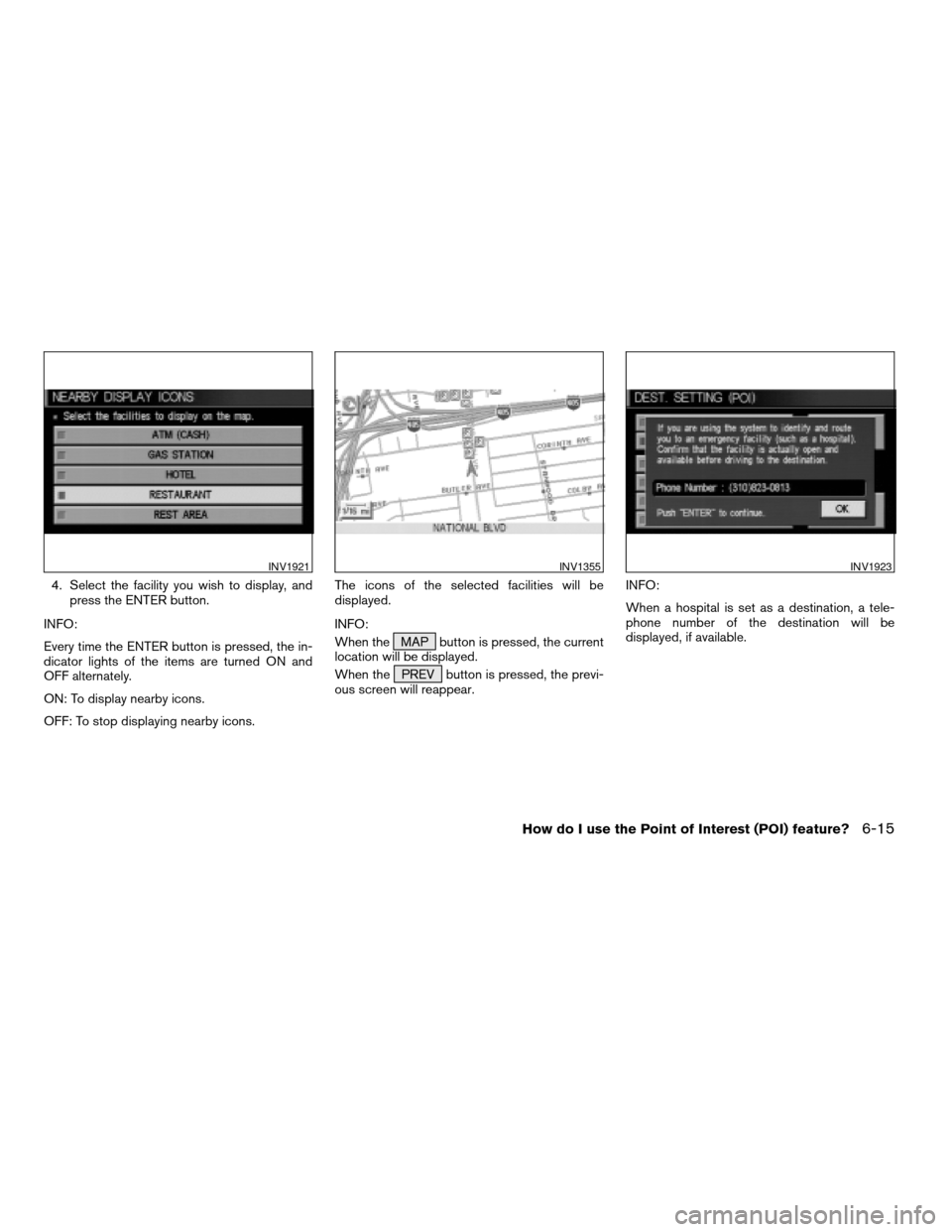
INV1857INV1858
5-32How do I program a destination?
ZREVIEW COPYÐ2004 Titan(tzw)
Navigation System OM(navi)ÐUSA_English(nna)
04/02/04Ðdebbie
X
Page 82 of 186
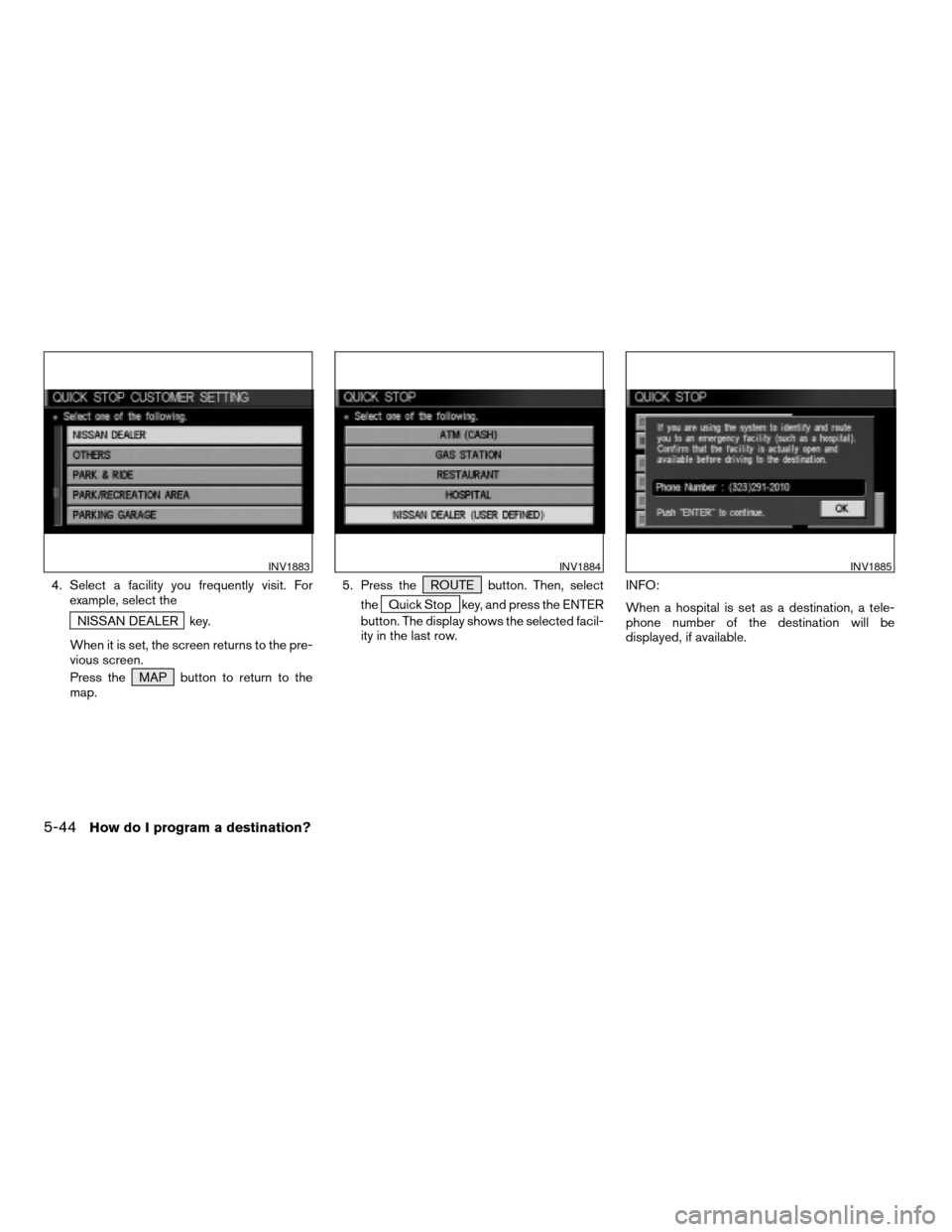
4. Select a facility you frequently visit. For
example, select the
NISSAN DEALER key.
When it is set, the screen returns to the pre-
vious screen.
Press the MAP button to return to the
map.5. Press the ROUTE button. Then, select
the
Quick Stop key, and press the ENTER
button. The display shows the selected facil-
ity in the last row.INFO:
When a hospital is set as a destination, a tele-
phone number of the destination will be
displayed, if available.
INV1883INV1884INV1885
5-44How do I program a destination?
ZREVIEW COPYÐ2004 Titan(tzw)
Navigation System OM(navi)ÐUSA_English(nna)
04/02/04Ðdebbie
X
Page 90 of 186
cWhen theInfo key next to the facility name of
your choice is selected in step 2, the display
shows the detailed [Address] and [Telephone
number] of the selected facility, and the
Map andEnter keys.4. When setting the facility as the destination,
select the
OK key. The display shows the
[DEST. SETTING (POI)] screen to set the
destination.
Set priorities and select the
Route Calc. key. Then, the route calcula-
tion will be started.
When you alter the destination or set
waypoints, select the
Waypoint key.
Please refer to “Making the system guide the
route with detailed options” on page 5-31.cWhen the
Map key is selected, the display
shows the map. When the ENTER button is
pressed, the display shows the
Destination key.
INV1897INV1896INV2006
6-4How do I use the Point of Interest (POI) feature?
ZREVIEW COPYÐ2004 Titan(tzw)
Navigation System OM(navi)ÐUSA_English(nna)
04/02/04Ðdebbie
X
Page 101 of 186
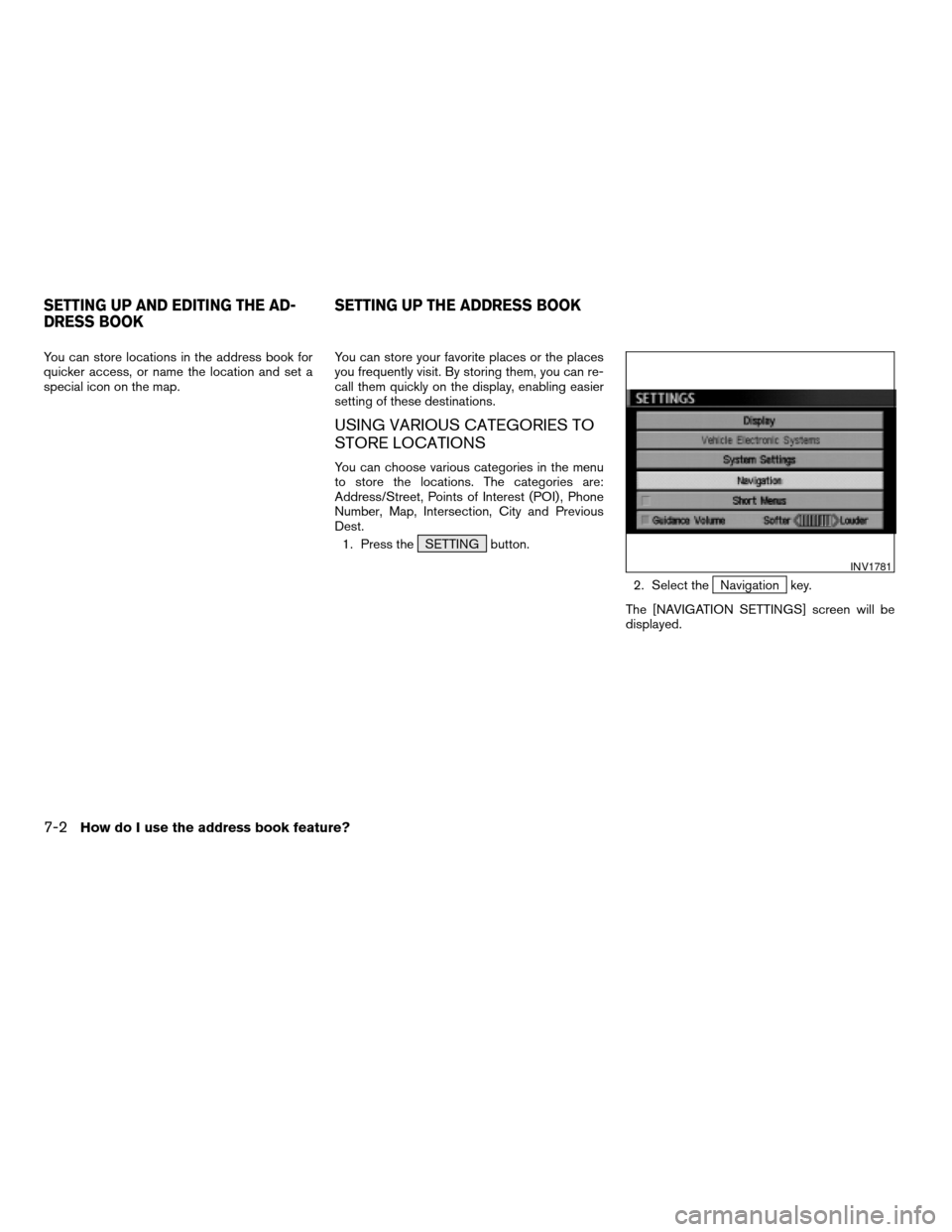
4. Select the facility you wish to display, and
press the ENTER button.
INFO:
Every time the ENTER button is pressed, the in-
dicator lights of the items are turned ON and
OFF alternately.
ON: To display nearby icons.
OFF: To stop displaying nearby icons.The icons of the selected facilities will be
displayed.
INFO:
When the MAP button is pressed, the current
location will be displayed.
When the PREV button is pressed, the previ-
ous screen will reappear.INFO:
When a hospital is set as a destination, a tele-
phone number of the destination will be
displayed, if available.
INV1921INV1355INV1923
How do I use the Point of Interest (POI) feature?6-15
ZREVIEW COPYÐ2004 Titan(tzw)
Navigation System OM(navi)ÐUSA_English(nna)
04/02/04Ðdebbie
X
Page 104 of 186
You can store locations in the address book for
quicker access, or name the location and set a
special icon on the map.You can store your favorite places or the places
you frequently visit. By storing them, you can re-
call them quickly on the display, enabling easier
setting of these destinations.
USING VARIOUS CATEGORIES TO
STORE LOCATIONS
You can choose various categories in the menu
to store the locations. The categories are:
Address/Street, Points of Interest (POI) , Phone
Number, Map, Intersection, City and Previous
Dest.
1. Press the SETTING button.
2. Select the
Navigation key.
The [NAVIGATION SETTINGS] screen will be
displayed.
INV1781
SETTING UP AND EDITING THE AD-
DRESS BOOKSETTING UP THE ADDRESS BOOK
7-2How do I use the address book feature?
ZREVIEW COPYÐ2004 Titan(tzw)
Navigation System OM(navi)ÐUSA_English(nna)
04/02/04Ðdebbie
X
Page 166 of 186
To order updated mapping DVD-ROMs or addi-
tional DVD-ROMs, please contact the NISSAN
Navigation System help desk at:
cADDRESS: P .O. Box 2082, Burlingame, CA
94011
cE-MAIL: [email protected]
cWEB SITE: www.zenrin.com
cPHONE: 1-888-661-9995
cHOURS: 6:00 AM to 5:00 PM (Pacific Time)
CAUTION
cHandle a DVD-ROM by its edges.
Never touch the surface of the disc.
cTo clean a disc, wipe the surface
from the center to the outer edge us-
ing a clean, soft cloth. Do not wipe
the disc using a circular motion.
Do not use a conventional record
cleaner, benzine, thinner or alcohol
intended for industrial use.cA new disc may be rough on its inner
and outer edges. Remove the rough
edges using the side of a pen or pen-
cil as illustrated.
cNever attempt to use a DVD-ROM
that has been cracked, deformed, or
repaired using adhesive. Doing so
may cause damage to the
equipment.
cHandle the DVD-ROM carefully to avoid con-
tamination or flaws. Otherwise, signals may
not be read properly.
cDo not write, draw or attach anything on any
side of the DVD-ROM.
cDo not store the DVD-ROM in locations ex-
posed to direct sunlight or in high tempera-
tures or humidity.
cAlways place the discs in the storage case
when they are not being used.
cDo not put on any sticker or write anything on
either surface of the DVD-ROM.
SIH0082
HOW TO ORDER MAP DATA DVD-
ROM UPDATESHOW TO HANDLE THE DVD-ROM
12-2Information on map data discs
ZREVIEW COPYÐ2004 Titan(tzw)
Navigation System OM(navi)ÐUSA_English(nna)
04/02/04Ðdebbie
X
Page 174 of 186
For assistance or inquiries about the NISSAN
Navigation System, please contact NISSAN
customer assistance at:
cADDRESS: P.O. Box 191, Gardena, CA
90247
cWEB SITE: www.nissan-usa.com
cPHONE: 1–800–NISSAN-1
(1–800–647–7261)
CUSTOMER ASSISTANCE
13-2Troubleshooting guide
ZREVIEW COPYÐ2004 Titan(tzw)
Navigation System OM(navi)ÐUSA_English(nna)
04/02/04Ðdebbie
X
Page 185 of 186

KEY
Address Book key............5-3
Address/Street key...........5-7
Adjust Current Location key. . . .11-19
All Clear key...............5-41
Area key...............8-4 , 8-9
Auto Re-route On/Off key.......9-2
Avoid Area Setting key.........8-2
Avoid Freeway key........8-4 , 8-9
Avoid the Current Street key.....9-4
Birdview key...............11-5
Cancel Guidance key.........5-45
Cancel Simulation key.......11-15
Category key...............6-5
City key..................5-22
Clear Memory key............4-6
Complete Route key.........11-11
Country key...............5-29
Destination key..............5-5
Detour key.................9-4
ENTER key................4-12
Edit Address Book key.........7-3
Edit Route key...............9-4
GPS Information key.........11-17
Guidance Volume key.........10-2
Heading key...............11-8
Heading Up key.............11-8
Home key.................5-30
I AGREE key...............4-12
Intersection key.............5-14
Landmark Icon key...........7-11
List key...................6-2
Louder key................10-2
Map key..................5-27
Minimize FWY key...........5-34
Minimize Toll Road key........5-34
Navigation key...............4-5
Nearby key................6-12
Nearby Display Icons key......6-14
North Up key...............11-8
Pause key................11-15
Phone Number key...........5-25
Plan View key..............11-5
key.........6-2
Previous Dest. key............5-5
Priorities key...............5-34
Quick Stop key.............5-41
Quick Stop Customer Setting key .5-43
Rename key............7-9 , 8-6
Return All Settings to Default key .4-18
Route Info key...............4-9
Route Simulation key........11-14
Route calc. key.............5-35
Save Current Location key......7-4
Set Average Speed for Estimated Journey Time
key.......................4-18
Short Menus key.............3-5
Shortest Distance key.........5-34
Shortest Time key...........5-34
Softer key.................10-2
Sort key...................7-7
State key..................6-3
14-3
ZREVIEW COPYÐ2004 Titan(tzw)
Navigation System OM(navi)ÐUSA_English(nna)
04/02/04Ðdebbie
X
![NISSAN TITAN 2004 1.G Navigation Manual cWhen theInfo key next to the facility name of
your choice is selected in step 2, the display
shows the detailed [Address] and [Telephone
number] of the selected facility, and the
Map andEnter keys.4.](/manual-img/5/682/w960_682-89.png "NISSAN TITAN 2004 1.G Navigation Manual cWhen theInfo key next to the facility name of
your choice is selected in step 2, the display
shows the detailed [Address] and [Telephone
number] of the selected facility, and the
Map andEnter keys.4.")