Page 149 of 464
149 Controls in detail
Control system
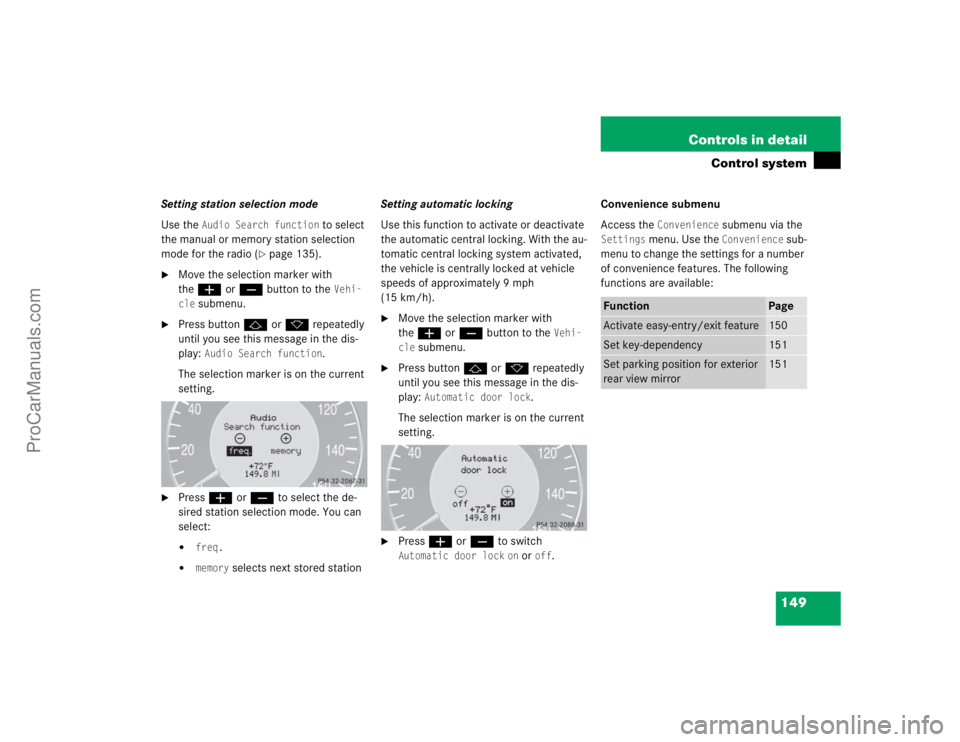
Setting station selection mode
Use the
Audio Search function
to select
the manual or memory station selection
mode for the radio (
�page 135).
�
Move the selection marker with
theæ orç button to the
Vehi-
cle
submenu.
�
Press buttonj ork repeatedly
until you see this message in the dis-
play:
Audio Search function
.
The selection marker is on the current
setting.
�
Pressæ orç to select the de-
sired station selection mode. You can
select:�
freq.
�
memory
selects next stored stationSetting automatic locking
Use this function to activate or deactivate
the automatic central locking. With the au-
tomatic central locking system activated,
the vehicle is centrally locked at vehicle
speeds of approximately 9 mph
(15 km/h).
�
Move the selection marker with
theæ orç button to the
Vehi-
cle
submenu.
�
Press buttonj ork repeatedly
until you see this message in the dis-
play:
Automatic door lock
.
The selection marker is on the current
setting.
�
Pressæ orç to switch Automatic door lock
on or
off
.Convenience submenu
Access the
Convenience
submenu via the
Settings
menu. Use the
Convenience
sub-
menu to change the settings for a number
of convenience features. The following
functions are available:
Function
Page
Activate easy-entry/exit feature
150
Set key-dependency
151
Set parking position for exterior
rear view mirror
151
ProCarManuals.com
Page 183 of 464

183 Controls in detail
Audio system
�Audio system
Audio and telephone, operation
These instructions are intended to help
you become familiar with your
Mercedes-Benz audio system. They con-
tain useful tips and a detailed description
of the user functions.
Operating safety
Sound system
Your vehicle is equipped with a sound sys-
tem. The subwoofer is located between the
rear seats.
Warning!
G
In order to avoid distraction which could
lead to an accident, the driver should enter
system settings with the vehicle at a stand-
still and operate the system only when road
and traffic conditions permit. Always pay full
attention to traffic conditions first before
operating system controls while driving.
Bear in mind that at a speed of just 30 mph
(approximately 50 km/h), your car is cover-
ing a distance of 50 feet (approximately
14 m) every second.
Warning!
G
Any alterations made to electronic compo-
nents can cause malfunctions.
The radio, amplifier, CD changer*, satellite
radio*, telephone* and voice control sys-
tem* are interconnected. When one of the
components is not operational or has not
been removed/replaced properly, the func-
tion of other components may be impaired.
This condition might seriously impair the
operating safety of your vehicle.
We recommend that you have any service
work on electronic components carried out
by an authorized Mercedes-Benz Center.
!Make sure no objects fall into the open-
ings of the subwoofer between the rear
seats.
If necessary, contact an authorized
Mercedes-Benz Center to remove any
objects which may have fallen into the
openings.
ProCarManuals.com
Page 185 of 464
185 Controls in detail
Audio system
Item
Page
1
CD mode selector
199
2
Manual tuning
(radio)
189
Fast forward/reverse
(cassette, CD)
198,
202
Speed dialing memory
(telephone*)
207
3
Radio mode selector
189
4
Display panelCassette compartment
behind display panel
Item
Page
5
Alpha-numeric keypadBand selection,
station buttons (radio)
189
CD selection (CD)
201
Telephone number entry,
retrieving speed dialing
memory (telephone)
204
6
Scanning (radio, cassette,
CD)
191,
198,
202
7
Function button
190
8
Light-emitting diode
Item
Page
9
Function keys
a
Cassette eject
197
b
Cassette mode selector
196
c
Telephone* mode selector
203
d
Seek tuning (radio)
190
Track search (cassette,
CD)
197,
202
Speed dialing memory
(telephone)
207
e
On/off
186
Volume
186
ProCarManuals.com
Page 186 of 464

186 Controls in detailAudio systemButton and soft key operation
In these instructions, the alpha-numeric
keypad (right side of radio panel) and the
function buttons (left side of radio panel)
are referred to as “buttons”. The four keys
below the display panel are referred to as
“soft keys”.
Operation
Switching on/off
Switching on:�
Turn SmartKey in starter switch to
position1 or2.
or
�
Turn control knoba.
Switching off:
�
Remove SmartKey from starter switch.
or
�
Turn control knoba.Adjusting the volume
�
Turn control knoba.
The volume will increase or decrease
depending on the direction turned.
Adjusting audio functions
Press the AUD key to call up the bass, tre-
ble, balance and fader functions in the var-
ious operating modes. Settings for bass
and treble are stored separately for the AM
and FM frequency bands, satellite radio
(SAT) mode, cassette mode and CD mode.
!Do not press directly on the display
face. Otherwise, the display will be
damaged.
iIf the radio is switched on without the
SmartKey in the starter switch, it will
automatically switch off again after ap-
prox. 30 minutes.
iThe volume setting can be selected
separately for the telephone*, audio
system and voice control system*.
ProCarManuals.com
Page 189 of 464
189 Controls in detail
Audio system
You can select from among the
following settings:�
DRV
: The tone level is set to the
Driver position; sound is directed
toward the passengers.
�
SP: The tone level is set for Speech,
optimizing the sound for the spoken
word.
�
AMB
: The tone level is set for
Ambience, producing a
three-dimensional sound.
�
OFF
: The audio system sound
selection is turned off.
Telephone* muting
If a telephone has been installed in the
vehicle, the radio will switch to telephone
mode when a call is incoming. The current
audio source is muted.
Radio operation
Selecting radio mode�
Pressb button.
�
You can now receive radio stations
over the analog FM, AM or WB station
frequencies or you can receive chan-
nels digitally via satellite radio (SAT)*.
Analog station frequencies
Selecting the band
You can select from among FM, AM or WB
frequency bands.
Weather band (
�see page 192).
�
Press FM, AM or WB key repeatedly un-
til desired band has been selected.
The FM, AM and WB frequency bands
are called up one after the other.
The frequency band currently selected
appears in the upper left-hand corner
of the display.
Selecting a station
The following options are available for
selecting a station:
�
Direct frequency band input
(�page 190)
�
Manual tuning (
�page 190)
�
Automatic seek tuning (
�page 190)
�
Scan tuning (
�page 191)
�
Preset buttons (
�page 191)
�
Automatic station memory (Autostore)
(�page 191)
iFM frequency band:
FM 87.7......107.9 MHz
AM frequency band:
MW (medium wave) 530......1710 KHz
ProCarManuals.com
Page 191 of 464
191 Controls in detail
Audio system
Scan tuning�
Starting scan tuning�
Select desired frequency band.
�
Press2 button.SC will appear on the display. The
radio briefly tunes in all receivable
stations on the band selected. The
first scan cycle will tune in only the
stations with a strong signal. The
second scan cycle will tune in every
receivable station.
�
Ending scan tuning�
Press2 button ord, c,
f ore button.SC disappears from the display.Manual station memory (Presets)
You can store ten AM and ten FM stations.
�
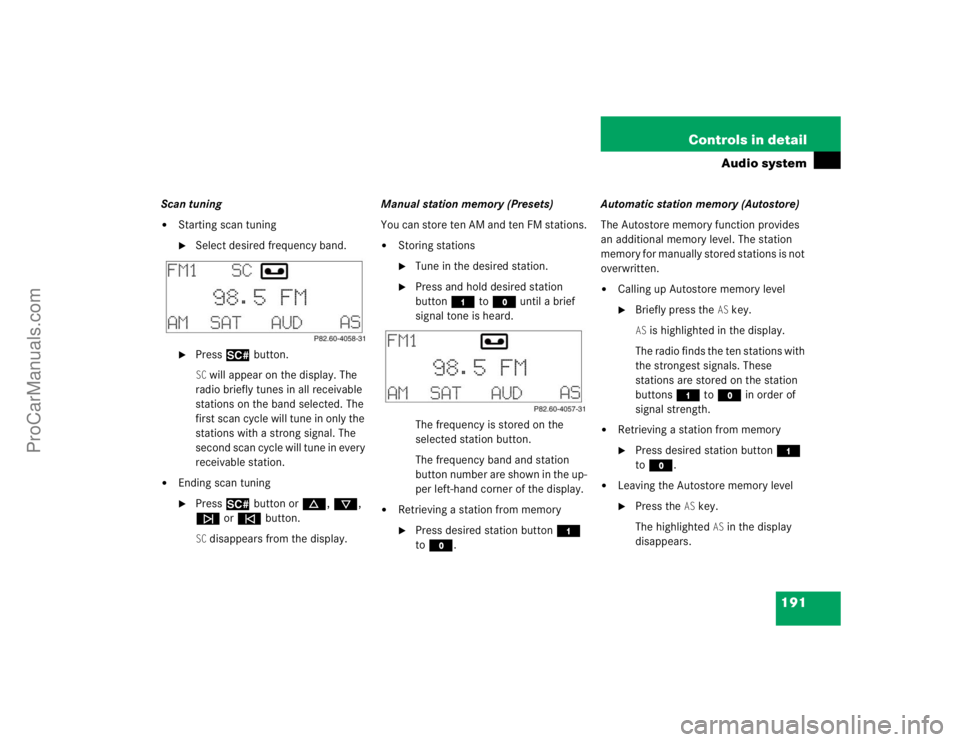
Storing stations�
Tune in the desired station.
�
Press and hold desired station
button4 toM until a brief
signal tone is heard.
The frequency is stored on the
selected station button.
The frequency band and station
button number are shown in the up-
per left-hand corner of the display.
�
Retrieving a station from memory�
Press desired station button4
toM.Automatic station memory (Autostore)
The Autostore memory function provides
an additional memory level. The station
memory for manually stored stations is not
overwritten.
�
Calling up Autostore memory level�
Briefly press the
AS key.
AS is highlighted in the display.
The radio finds the ten stations with
the strongest signals. These
stations are stored on the station
buttons4 toM in order of
signal strength.
�
Retrieving a station from memory�
Press desired station button4
toM.
�
Leaving the Autostore memory level�
Press the
AS key.
The highlighted
AS in the display
disappears.
ProCarManuals.com
Page 192 of 464

192 Controls in detailAudio systemWeather band�
Press the
WB key.
The weather band station last selected
is tuned in.
�
Select the desired weather band
station with buttons4 to7.
If a station cannot be tuned in, a scan
is automatically started.
�
Pressf ore button. The next
receivable weather band station is
tuned in.
Satellite radio (SAT)* (USA only)Sirius Satellite Radio provides 100 chan-
nels of digital-quality radio, among others
music, sports, news, and entertainment,
free of commercials. Sirius Satellite Radio
uses a fleet of high-power satellites to
broadcast 24 hours per day
coast-to-coast.
This diverse, satellite-delivered program-
ming is available for a monthly subscrip-
tion fee.
For more information, call the Sirius ser-
vice or contact www.siriusradio.com
Program categories
The channels are categorized. The catego-
ries allow you to tune to stations broad-
casting a certain type of program
(PTY mode) (
�page 195).
iAdditional optional satellite radio
equipment and a subscription to satel-
lite radio service provider is required
for the satellite radio operation de-
scribed here. Feature description is
based on preliminary information avail-
able at time of printing.
At time of printing, no date for availabil-
ity of optional equipment required for
satellite radio operation had been set.
Contact your authorized
Mercedes-Benz Center for details and
availability for your vehicle.
Satellite radio service may be unavail-
able or interrupted from time to time
for a variety of reasons, such as envi-
ronmental or topographic conditions
and other things we can't control. Ser-
vice might also not be available in cer-
tain places (e.g., in tunnels, parking
garages, or within or next to buildings)
or near other technologies.
ProCarManuals.com
Page 194 of 464
194 Controls in detailAudio systemChannel selection
The following options are available for se-
lecting a channel:�
Direct channel input (
�page 194)
�
Manual tuning (
�page 194)
�
Preset channels (
�page 194)
Direct channel input
�
Press“key.
�
Enter desired channel number using
buttons 4 to M.Manual tuning
�
Press and hold f, d, c or
e button until the desired channel
has been reached.
Preset channels
You can store up to ten channels.
�
Retrieving a channel from memory�
Press the desired channel button
4 to M.
�
Storing channels�
Tune in the desired channel.
�
Press and hold desired channel but-
ton 4 to M until a brief signal
tone sounds.
The channel is stored on the selected
channel button.
iOnly inputs for available channels are
possible.
If a button is not pressed within four
seconds, the radio will return to the last
station tuned.
ProCarManuals.com