Page 179 of 400

179 Controls in detail
Audio system
Starting satellite radio (SAT)�
Start radio mode.
If the radio was in SAT radio mode be-
fore being turned off or changed to an-
other operating mode, the last SAT
channel selected is called up.
or
�
Press the
SAT
key.
When you call up the SAT radio mode
for the first time,
ACQUIRING
will appear
on the display during the initialization
process.
or
The last channel selected is called up.Entering the Electronic Serial Number
(ESN)
The first time SAT radio is called up, you
must give your SAT radio provider the Elec-
tronic Serial Number (ESN) of your SAT re-
ceiver over the telephone.
�
Press the
SAT
key.
The radio switches to SAT mode.
CALL SIRI
appears on the display.
�
Press the
ESN
key.
The provider’s phone number will ap-
pear first. After pressing the
ESN
key
again, the ESN number will appear.
Make note of the phone number and
ESN number.
�
Press the
ESN
key repeatedly until all
required information has appeared on
the display.
�
Call the telephone number and give
provider your ESN number.iCredit card information is also required
for your application.
The activation process takes approxi-
mately five to ten minutes after calling
the SIRIUS Service Center.
Page 180 of 400
180 Controls in detailAudio systemChannel selection
The following options are available for se-
lecting a channel:�
Direct channel input (
�page 180)
�
Manual tuning (
�page 180)
�
Preset channels (
�page 180)
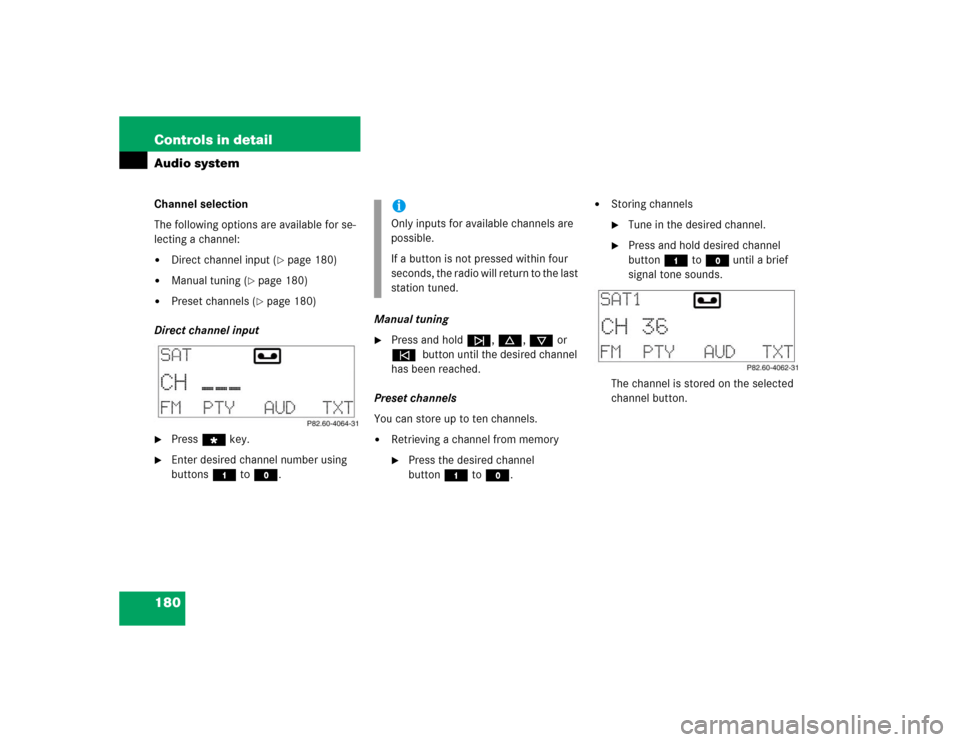
Direct channel input
�
Press“key.
�
Enter desired channel number using
buttons4 toM.Manual tuning
�
Press and holdf, d, c or
e button until the desired channel
has been reached.
Preset channels
You can store up to ten channels.
�
Retrieving a channel from memory�
Press the desired channel
button4 toM.
�
Storing channels�
Tune in the desired channel.
�
Press and hold desired channel
button4 toM until a brief
signal tone sounds.
The channel is stored on the selected
channel button.
iOnly inputs for available channels are
possible.
If a button is not pressed within four
seconds, the radio will return to the last
station tuned.
Page 181 of 400
181 Controls in detail
Audio system
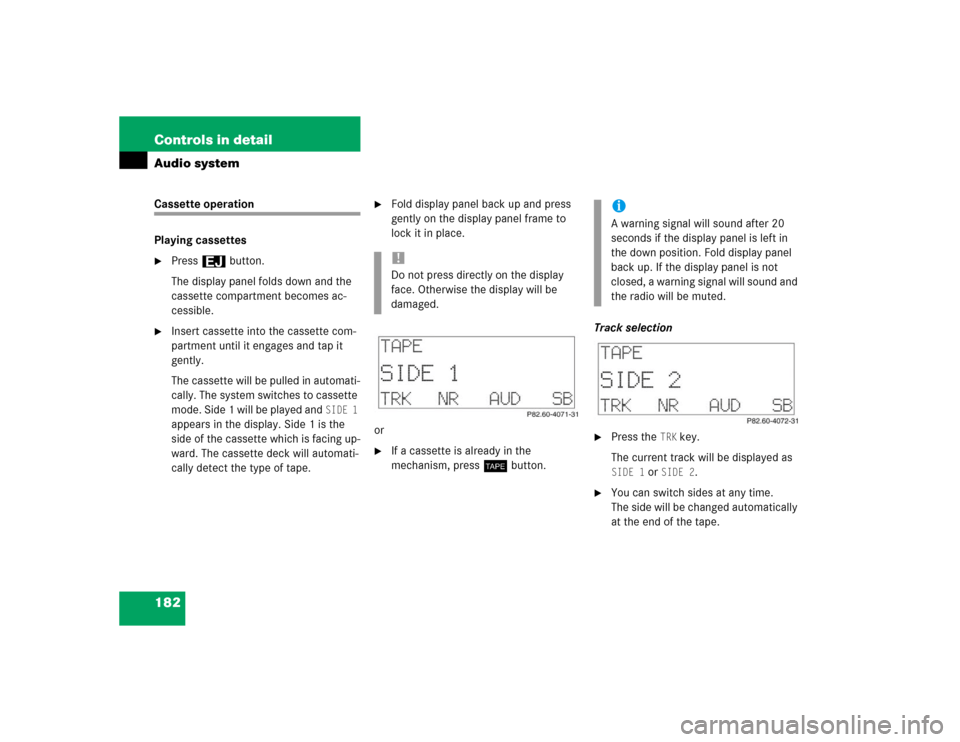
Program type (PTY) mode
In PTY mode, you can tune in and select
channels of a specific program type.
Calling up PTY mode�
Start SAT radio mode.
�
Press the
PTY
key.
The name of the channel currently
being received is shown.
Leaving PTY mode
�
Press the
CH
key.
The number of the channel currently
being received is shown.Selecting channel category
�
Pressd or cbutton.
The individual program types are se-
lected.
Tuning in a PTY channel
Once you have selected a program type,
you can tune in channels broadcasting a
program that corresponds to the selected
program type.
�
Pressf or ebutton.
The radio will tune to the next highest
or lowest channel broadcasting this
type of program.Program Descriptive Text (PDT)
In PDT mode, you can call up additional in-
formation on the channel, the current track
and the performing artist(s).
�
Press the
TXT
key.
The station category appears on the
display.
�
Press the
TXT
key again within four
seconds.
The title of the current track appears.
�
Press the
TXT
key again within four
seconds.
The name of the musician(s) of the cur-
rent track appear on the display.
Page 182 of 400
182 Controls in detailAudio systemCassette operation
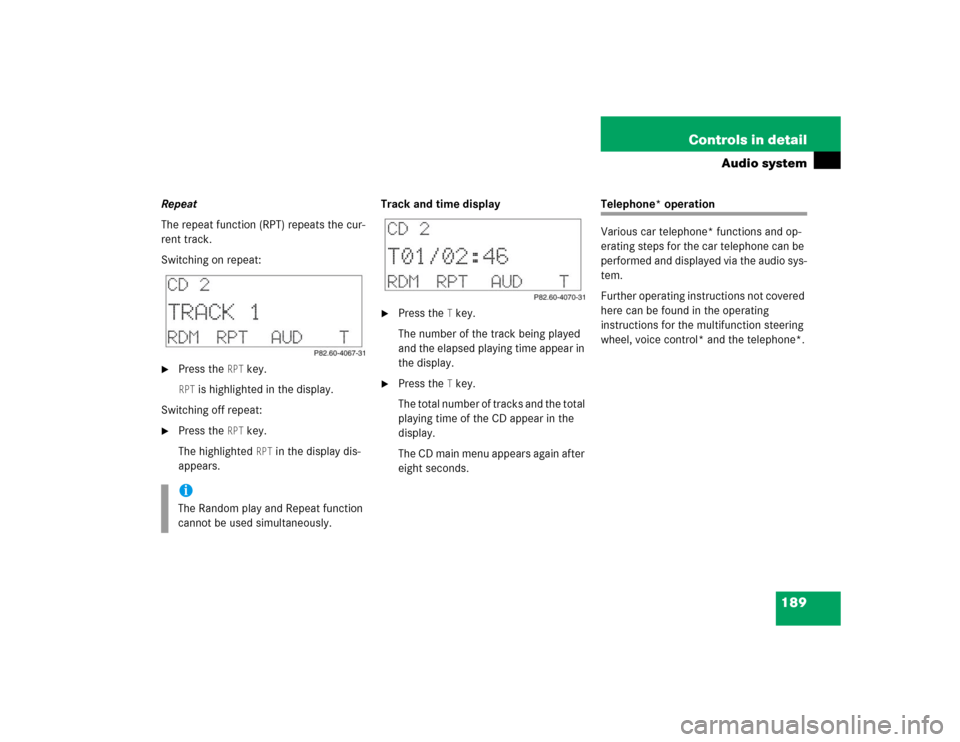
Playing cassettes�
Press3 button.
The display panel folds down and the
cassette compartment becomes ac-
cessible.
�
Insert cassette into the cassette com-
partment until it engages and tap it
gently.
The cassette will be pulled in automati-
cally. The system switches to cassette
mode. Side 1 will be played and
SIDE 1
appears in the display. Side 1 is the
side of the cassette which is facing up-
ward. The cassette deck will automati-
cally detect the type of tape.
�
Fold display panel back up and press
gently on the display panel frame to
lock it in place.
or
�
If a cassette is already in the
mechanism, pressj button.Track selection
�
Press the
TRK
key.
The current track will be displayed as
SIDE 1
or
SIDE 2
.
�
You can switch sides at any time.
The side will be changed automatically
at the end of the tape.
!Do not press directly on the display
face. Otherwise the display will be
damaged.
iA warning signal will sound after 20
seconds if the display panel is left in
the down position. Fold display panel
back up. If the display panel is not
closed, a warning signal will sound and
the radio will be muted.
Page 184 of 400

184 Controls in detailAudio systemScanning�
Starting scan�
Press2 button.SC will appear on the display.
Each track on the cassette will be
played briefly in ascending order.
�
Stopping scan�
Press2 , d, c, f or
ebutton.
The system will switch to Play.Fast forward/reverse
�
Starting cassette fast forward mode�
Pressd button.FORWARD
will appear on the display.
�
Starting cassette fast reverse mode�
Pressc button.REWIND
will appear on the display.
The cassette will automatically switch over
to the play mode at the end or beginning of
the tape.
�
Stopping the cassette fast forward/re-
verse mode�
Pressd, c, f or
ebutton.
The cassette will switch over to the
play mode.Skipping blank sections (skip blank)
Switching on the skip blank function
�
Press the
SB key.
SB is highlighted in the display.
If the system does not detect a sound
signal, the cassette will automatically
fast forward to the next sound signal.
Switching off the skip blank function
�
Press the
SB key.
The highlighted
SB
in the display disap-
pears.
Page 185 of 400
185 Controls in detail
Audio system
Dolby NR
1 (noise reduction system)
To enable optimum sound reproduction of
cassettes recorded using Dolby B NR, the
Dolby NR system should be switched on.Switching on
�
Press the
NR key.
NR is highlighted in the display.
Switching off
�
Press the
NR key.
The highlighted
NR in the display disap-
pears.
CD changer* operation
General notes
Should excessively high temperatures oc-
cur while in CD mode,
CD TEMP HIGH
will
appear on the display and the CD will be
muted. The unit will then switch back to
the last operating mode used until the tem-
perature has decreased to a safe operating
level.
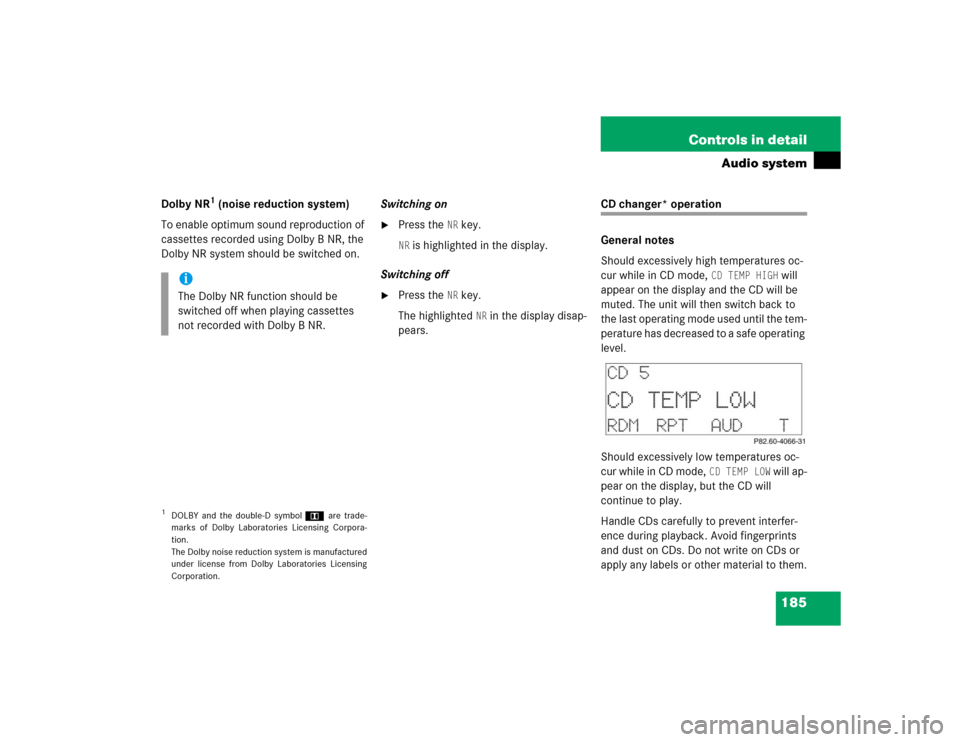
Should excessively low temperatures oc-
cur while in CD mode,
CD TEMP LOW
will ap-
pear on the display, but the CD will
continue to play.
Handle CDs carefully to prevent interfer-
ence during playback. Avoid fingerprints
and dust on CDs. Do not write on CDs or
apply any labels or other material to them.
1DOLBY and the double-D symbolÙ are trade-
marks of Dolby Laboratories Licensing Corpora-
tion.
The Dolby noise reduction system is manufactured
under license from Dolby Laboratories Licensing
Corporation.iThe Dolby NR function should be
switched off when playing cassettes
not recorded with Dolby B NR.
Page 188 of 400
188 Controls in detailAudio systemSkipping tracks forward/backward�
Skipping tracks forward�
Pressf button.
The next track will be played.
�
Skipping tracks backward�
Presse button.
If the track has been playing for
more than ten seconds, it will revert
to the start of that track. If it has
been playing for less than ten sec-
onds, it will revert to the preceding
track.
Pressing thef or ebutton repeat-
edly will result in multiple tracks being
skipped.
Fast forward/reverse
�
Fast forward�
Press and holdd button until
desired point has been reached.
�
Fast reverse�
Press and holdc button until
desired point has been reached.
Scanning
�
Starting scan�
Press2 button.SC appears in the display.
Each track on the current CD will be
played for approx. eight seconds in
ascending order.
�
Ending scan�
Press2, d, c, f or
ebutton.
Random play
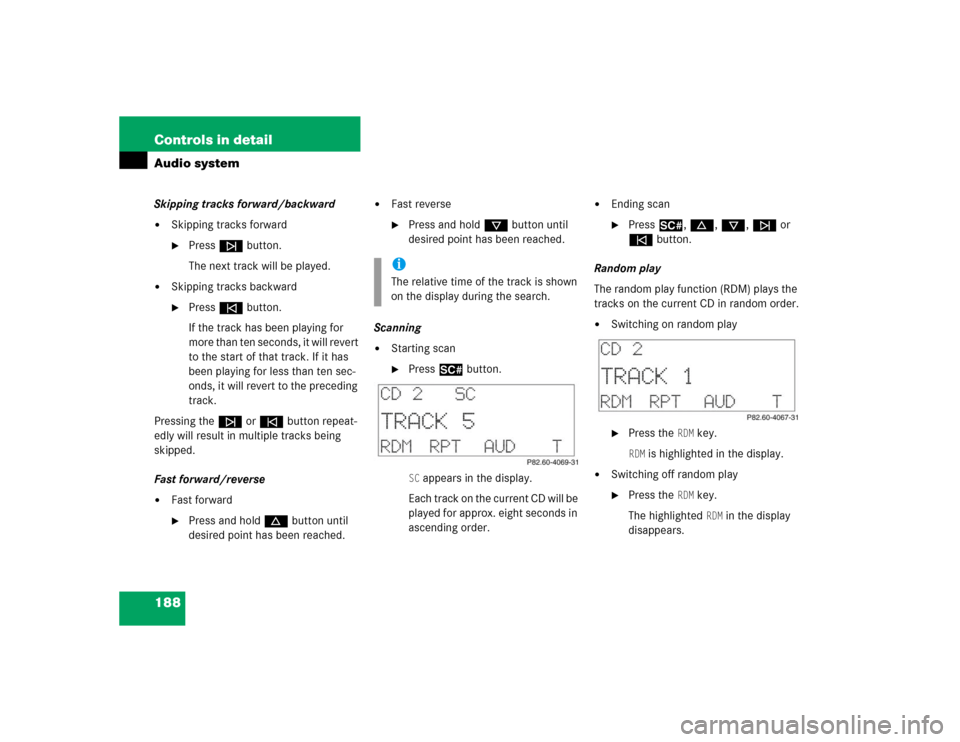
The random play function (RDM) plays the
tracks on the current CD in random order.
�
Switching on random play�
Press the
RDM
key.
RDM
is highlighted in the display.
�
Switching off random play�
Press the
RDM
key.
The highlighted RDM
in the display
disappears.
iThe relative time of the track is shown
on the display during the search.
Page 189 of 400
189 Controls in detail
Audio system
Repeat
The repeat function (RPT) repeats the cur-
rent track.
Switching on repeat:�
Press the
RPT
key.
RPT
is highlighted in the display.
Switching off repeat:
�
Press the
RPT
key.
The highlighted RPT
in the display dis-
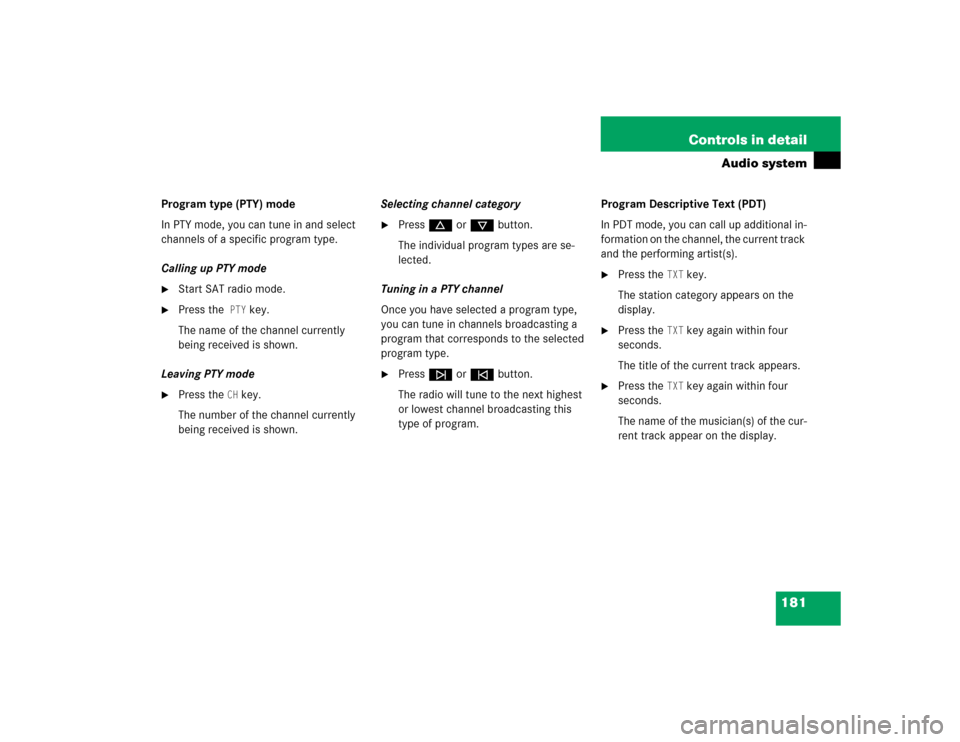
appears.Track and time display
�
Press the
T key.
The number of the track being played
and the elapsed playing time appear in
the display.
�
Press the
T key.
The total number of tracks and the total
playing time of the CD appear in the
display.
The CD main menu appears again after
eight seconds.
Telephone* operation
Various car telephone* functions and op-
erating steps for the car telephone can be
performed and displayed via the audio sys-
tem.
Further operating instructions not covered
here can be found in the operating
instructions for the multifunction steering
wheel, voice control* and the telephone*.
iThe Random play and Repeat function
cannot be used simultaneously.