Page 20 of 248
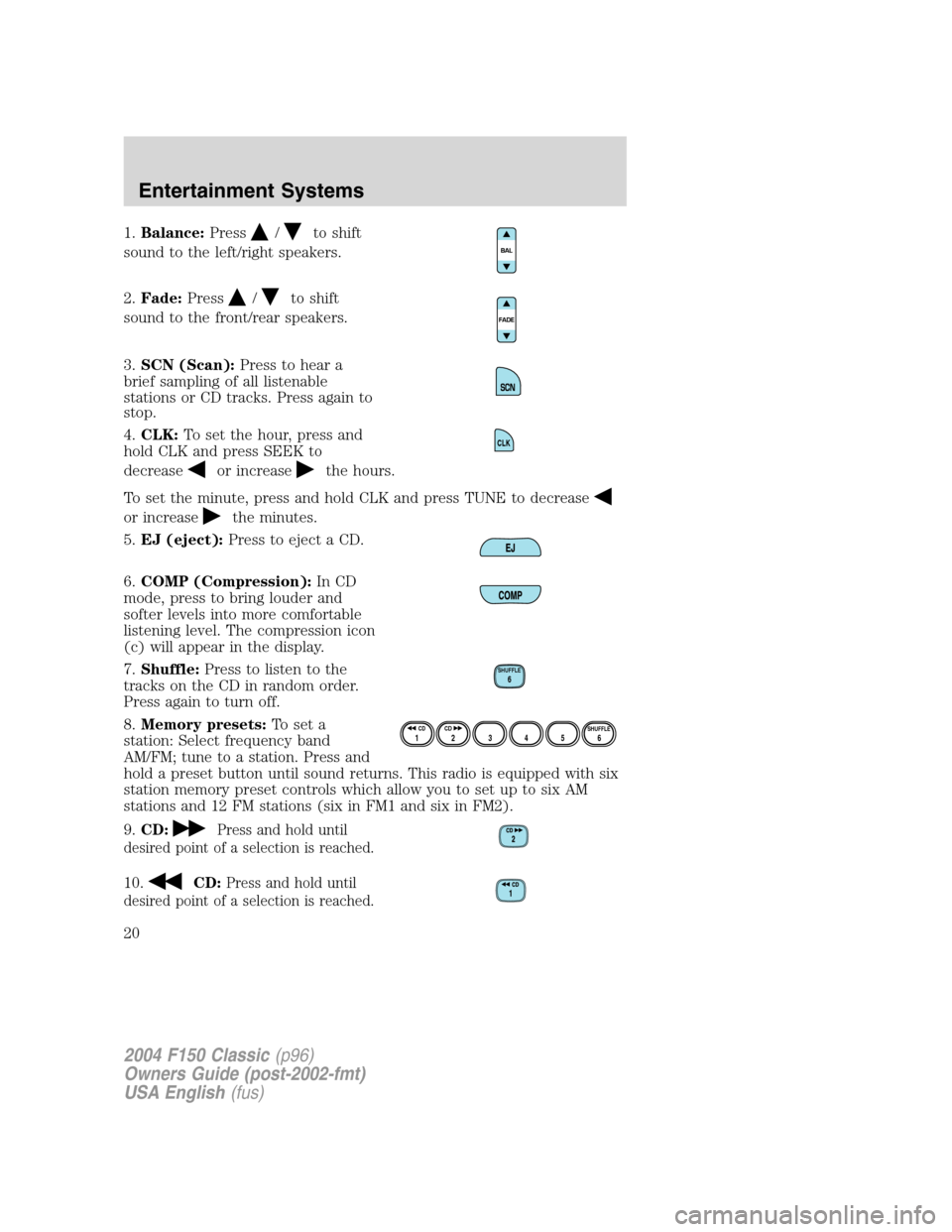
1.Balance:Press/to shift
sound to the left/right speakers.
2.Fade:Press
/to shift
sound to the front/rear speakers.
3.SCN (Scan):Press to hear a
brief sampling of all listenable
stations or CD tracks. Press again to
stop.
4.CLK:To set the hour, press and
hold CLK and press SEEK to
decrease
or increasethe hours.
To set the minute, press and hold CLK and press TUNE to decrease
or increasethe minutes.
5.EJ (eject):Press to eject a CD.
6.COMP (Compression):In CD
mode, press to bring louder and
softer levels into more comfortable
listening level. The compression icon
(c) will appear in the display.
7.Shuffle:Press to listen to the
tracks on the CD in random order.
Press again to turn off.
8.Memory presets:To set a
station: Select frequency band
AM/FM; tune to a station. Press and
hold a preset button until sound returns. This radio is equipped with six
station memory preset controls which allow you to set up to six AM
stations and 12 FM stations (six in FM1 and six in FM2).
9.CD:
Press and hold until
desired point of a selection is reached.
10.CD:Press and hold until
desired point of a selection is reached.
CLK
SHUFFLE6
12 3456SHUFFLE CD CD
2004 F150 Classic(p96)
Owners Guide (post-2002-fmt)
USA English(fus)
Entertainment Systems
20
Page 24 of 248
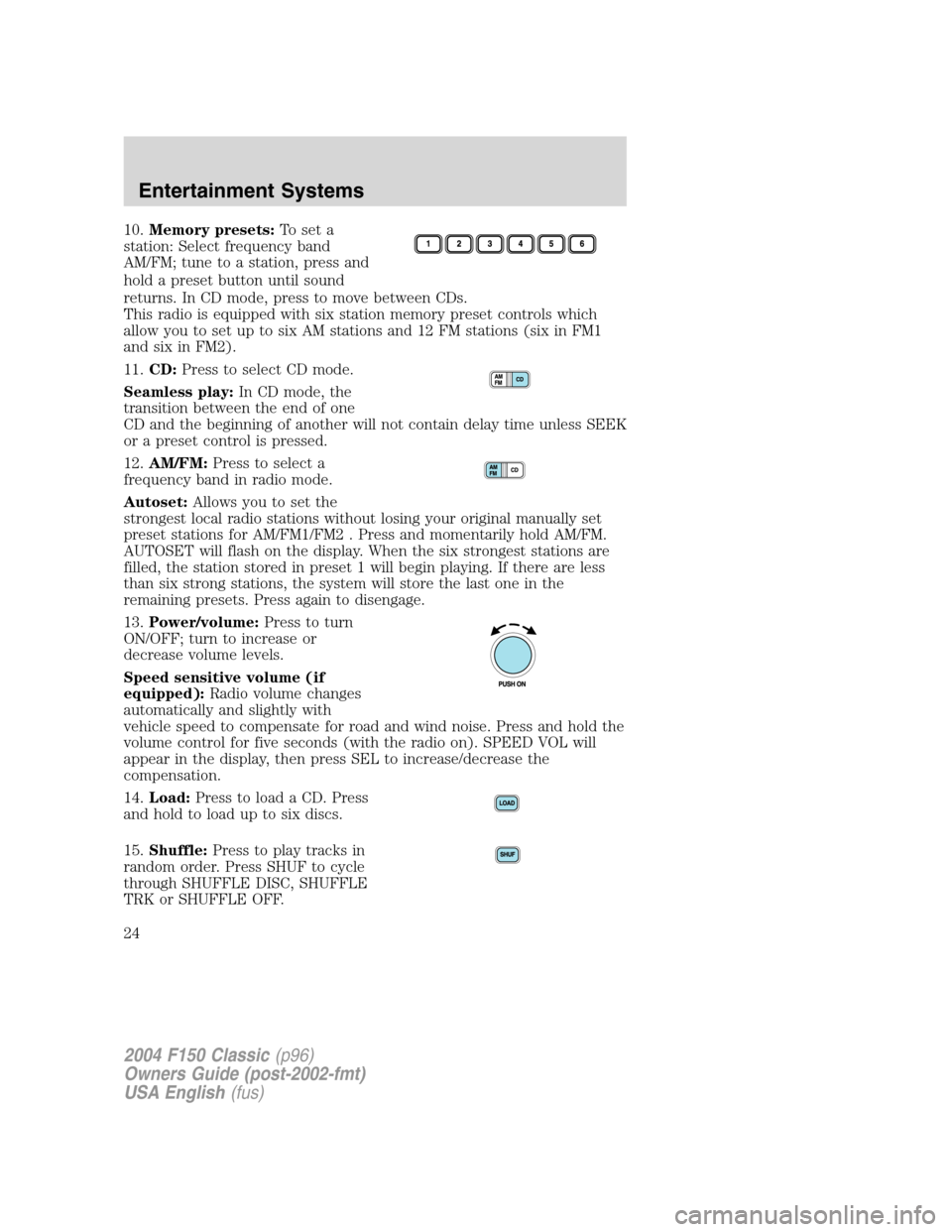
10.Memory presets:To set a
station: Select frequency band
AM/FM; tune to a station, press and
hold a preset button until sound
returns. In CD mode, press to move between CDs.
This radio is equipped with six station memory preset controls which
allow you to set up to six AM stations and 12 FM stations (six in FM1
and six in FM2).
11.CD:Press to select CD mode.
Seamless play:In CD mode, the
transition between the end of one
CD and the beginning of another will not contain delay time unless SEEK
or a preset control is pressed.
12.AM/FM:Press to select a
frequency band in radio mode.
Autoset:Allows you to set the
strongest local radio stations without losing your original manually set
preset stations for AM/FM1/FM2 . Press and momentarily hold AM/FM.
AUTOSET will flash on the display. When the six strongest stations are
filled, the station stored in preset 1 will begin playing. If there are less
than six strong stations, the system will store the last one in the
remaining presets. Press again to disengage.
13.Power/volume:Press to turn
ON/OFF; turn to increase or
decrease volume levels.
Speed sensitive volume (if
equipped):Radio volume changes
automatically and slightly with
vehicle speed to compensate for road and wind noise. Press and hold the
volume control for five seconds (with the radio on). SPEED VOL will
appear in the display, then press SEL to increase/decrease the
compensation.
14.Load:Press to load a CD. Press
and hold to load up to six discs.
15.Shuffle:Press to play tracks in
random order. Press SHUF to cycle
through SHUFFLE DISC, SHUFFLE
TRK or SHUFFLE OFF.
2004 F150 Classic(p96)
Owners Guide (post-2002-fmt)
USA English(fus)
Entertainment Systems
24
Page 28 of 248
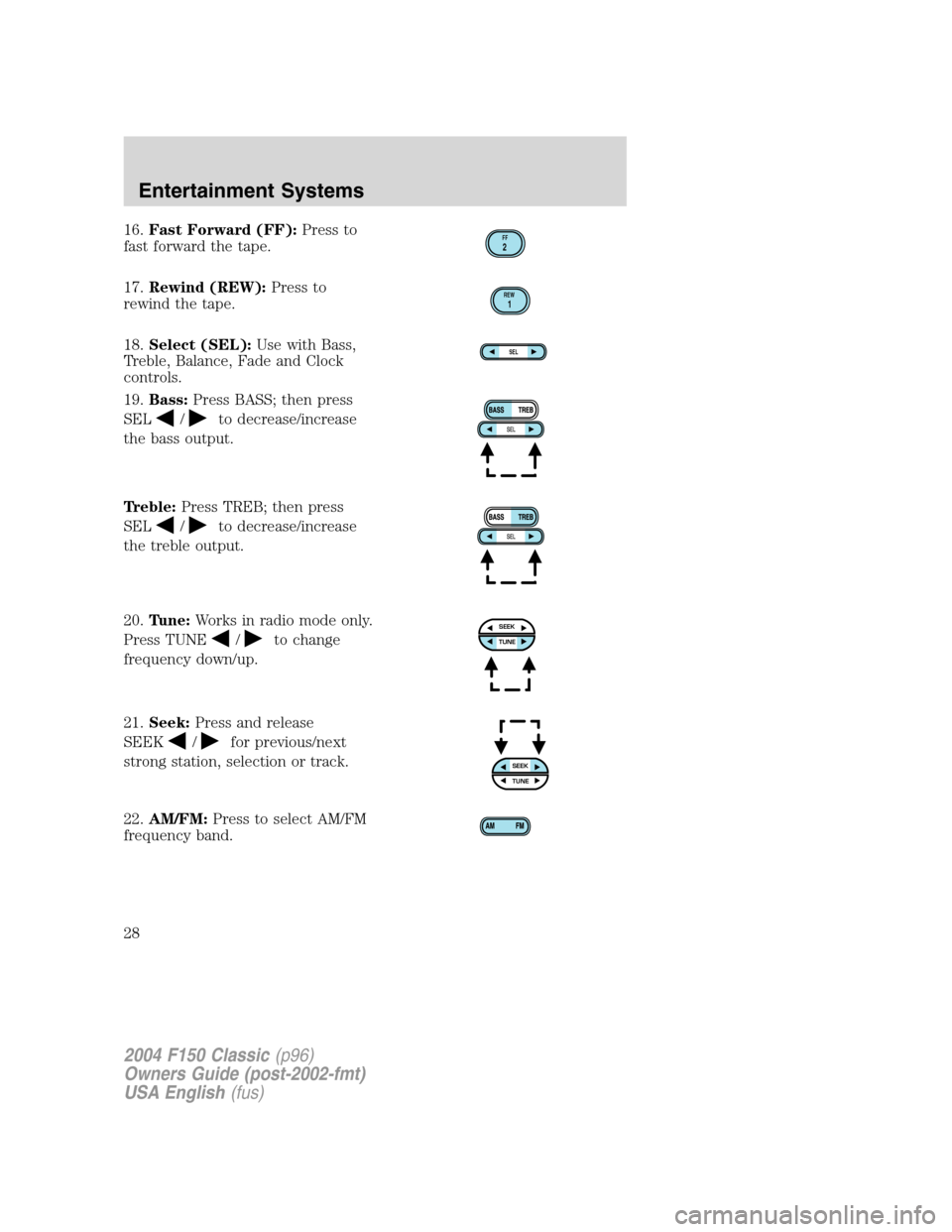
16.Fast Forward (FF):Press to
fast forward the tape.
17.Rewind (REW):Press to
rewind the tape.
18.Select (SEL):Use with Bass,
Treble, Balance, Fade and Clock
controls.
19.Bass:Press BASS; then press
SEL
/to decrease/increase
the bass output.
Treble:Press TREB; then press
SEL
/to decrease/increase
the treble output.
20.Tune:Works in radio mode only.
Press TUNE
/to change
frequency down/up.
21.Seek:Press and release
SEEK
/for previous/next
strong station, selection or track.
22.AM/FM:Press to select AM/FM
frequency band.
FF2
REW1
SEL
SEEKTUNE
SEEKTUNE
2004 F150 Classic(p96)
Owners Guide (post-2002-fmt)
USA English(fus)
Entertainment Systems
28
Page 49 of 248
situations. Safety must be paramount when using mobile communications
equipment to avoid negating these benefits.
Mobile Communication Equipment includes, but is not limited to cellular
phones, pagers, portable email devices, in vehicle communications
systems, telematics devices and portable two-way radios.
A driver’s first responsibility is the safe operation of the vehicle.
The most important thing you can do to prevent a crash is to
avoid distractions and pay attention to the road. Wait until it is safe to
operate Mobile Communications Equipment.
POWER WINDOWS (IF EQUIPPED)
Do not leave children unattended in the vehicle and do not let
children play with the power windows. They may seriously injure
themselves.
When closing the power windows, you should verify they are free
of obstructions and ensure that children and/or pets are not in
the proximity of the window openings.
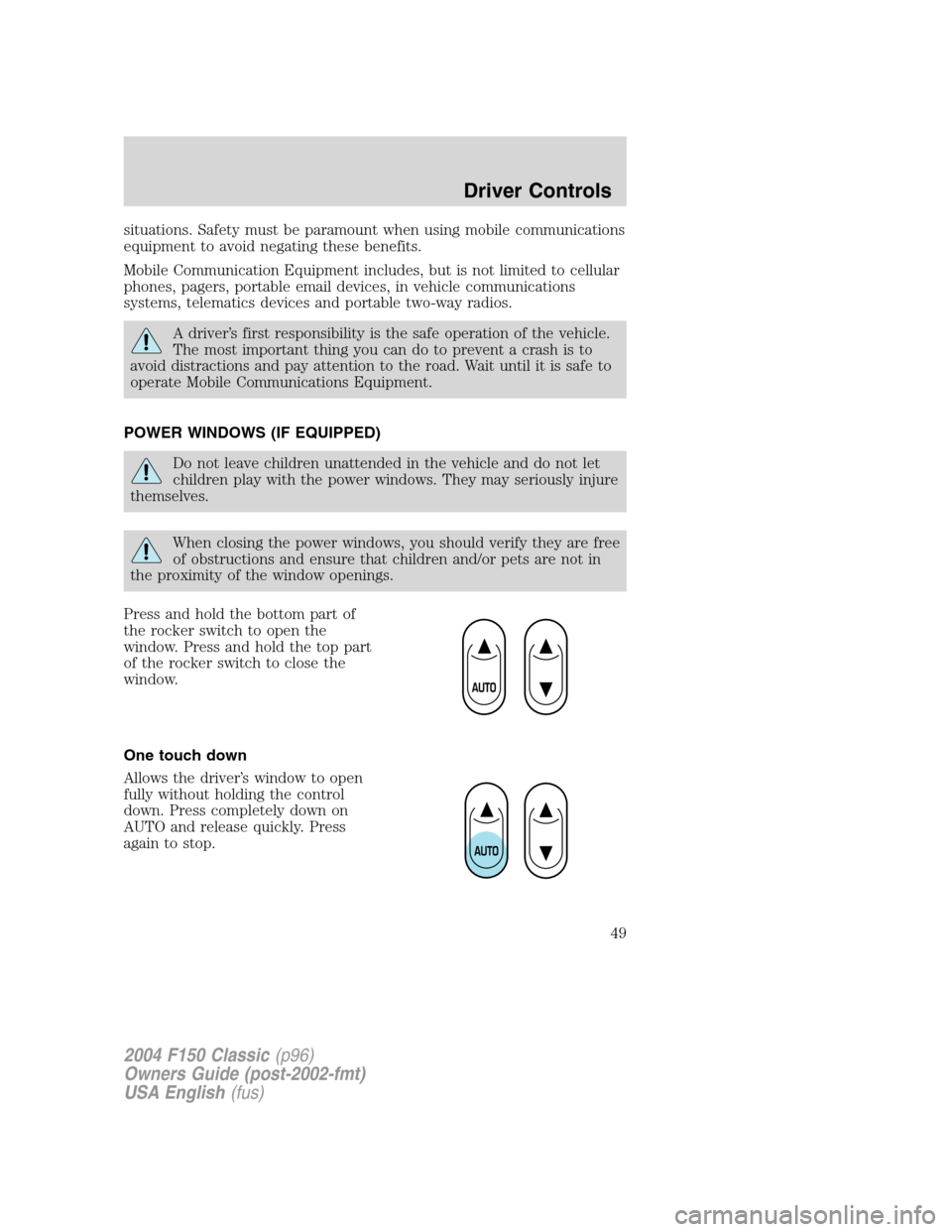
Press and hold the bottom part of
the rocker switch to open the
window. Press and hold the top part
of the rocker switch to close the
window.
One touch down
Allows the driver’s window to open
fully without holding the control
down. Press completely down on
AUTO and release quickly. Press
again to stop.
2004 F150 Classic(p96)
Owners Guide (post-2002-fmt)
USA English(fus)
Driver Controls
49