Page 74 of 344
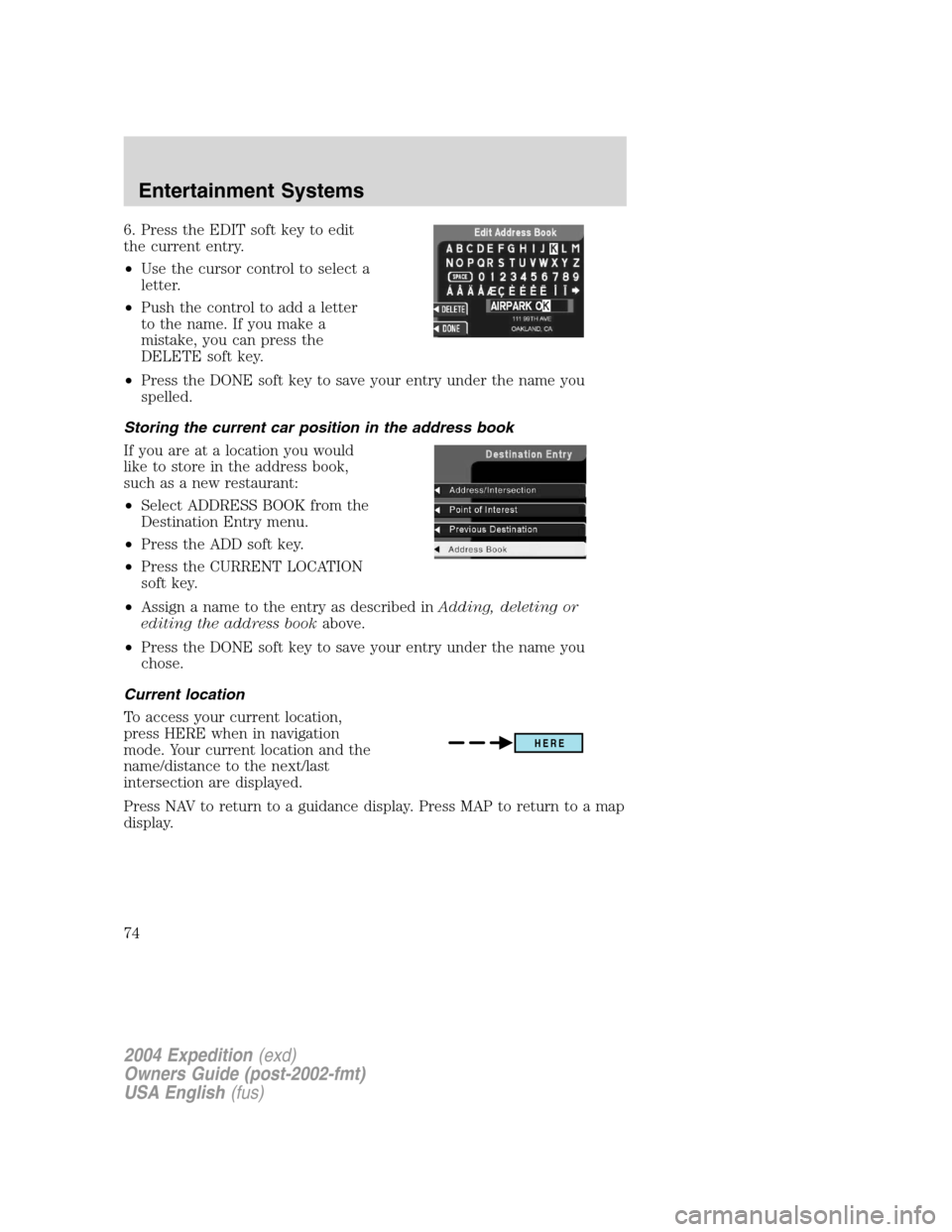
6. Press the EDIT soft key to edit
the current entry.
•Use the cursor control to select a
letter.
•Push the control to add a letter
to the name. If you make a
mistake, you can press the
DELETE soft key.
•Press the DONE soft key to save your entry under the name you
spelled.
Storing the current car position in the address book
If you are at a location you would
like to store in the address book,
such as a new restaurant:
•Select ADDRESS BOOK from the
Destination Entry menu.
•Press the ADD soft key.
•Press the CURRENT LOCATION
soft key.
•Assign a name to the entry as described inAdding, deleting or
editing the address bookabove.
•Press the DONE soft key to save your entry under the name you
chose.
Current location
To access your current location,
press HERE when in navigation
mode. Your current location and the
name/distance to the next/last
intersection are displayed.
Press NAV to return to a guidance display. Press MAP to return to a map
display.
HERE
2004 Expedition(exd)
Owners Guide (post-2002-fmt)
USA English(fus)
Entertainment Systems
74
Page 75 of 344
Detours, route interruptions and changes
If need be, your navigation system
can easily and quickly find the most
efficient detour around road
construction, unexpected traffic or
undesirable roads.
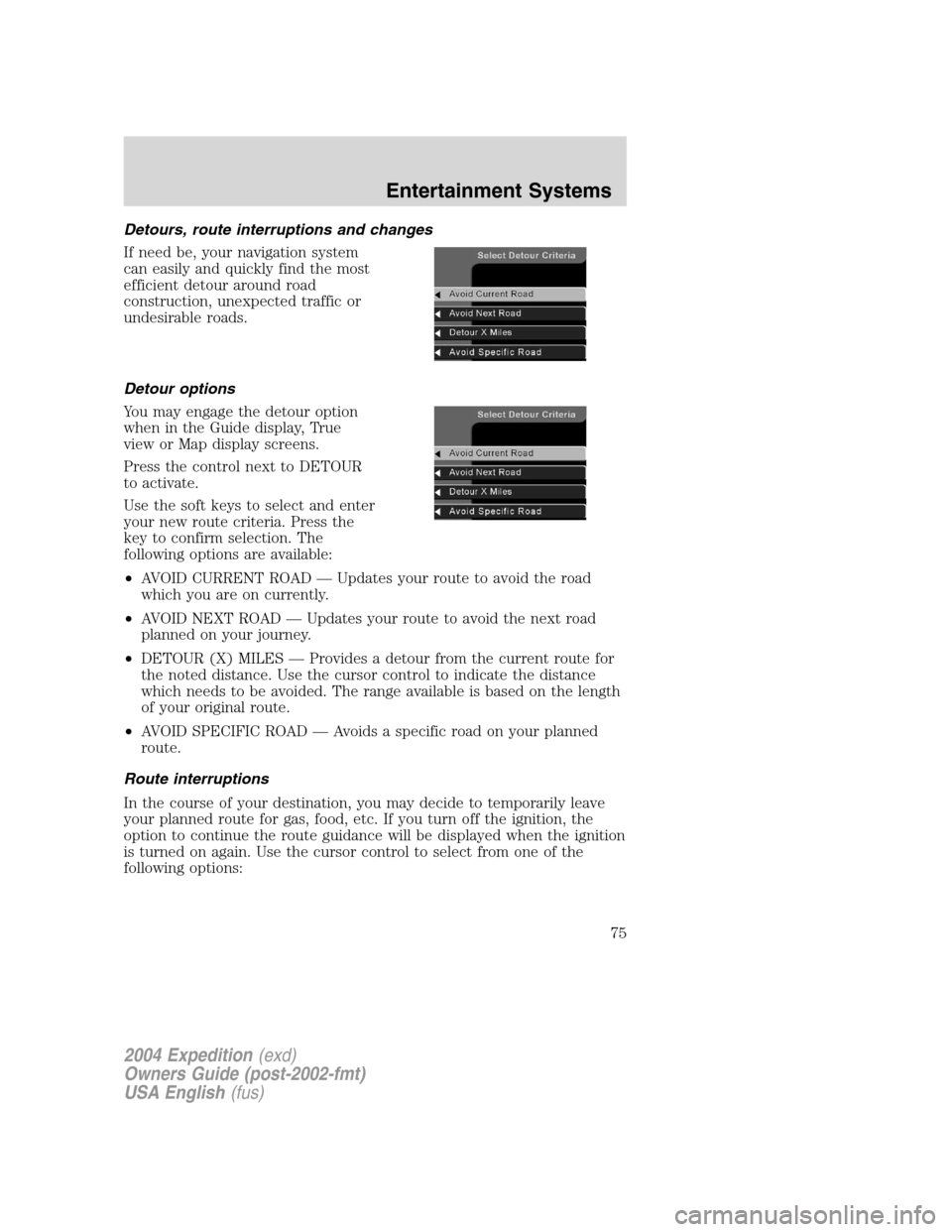
Detour options
You may engage the detour option
when in the Guide display, True
view or Map display screens.
Press the control next to DETOUR
to activate.
Use the soft keys to select and enter
your new route criteria. Press the
key to confirm selection. The
following options are available:
•AVOID CURRENT ROAD—Updates your route to avoid the road
which you are on currently.
•AVOID NEXT ROAD—Updates your route to avoid the next road
planned on your journey.
•DETOUR (X) MILES—Provides a detour from the current route for
the noted distance. Use the cursor control to indicate the distance
which needs to be avoided. The range available is based on the length
of your original route.
•AVOID SPECIFIC ROAD—Avoids a specific road on your planned
route.
Route interruptions
In the course of your destination, you may decide to temporarily leave
your planned route for gas, food, etc. If you turn off the ignition, the
option to continue the route guidance will be displayed when the ignition
is turned on again. Use the cursor control to select from one of the
following options:
2004 Expedition(exd)
Owners Guide (post-2002-fmt)
USA English(fus)
Entertainment Systems
75
Page 76 of 344
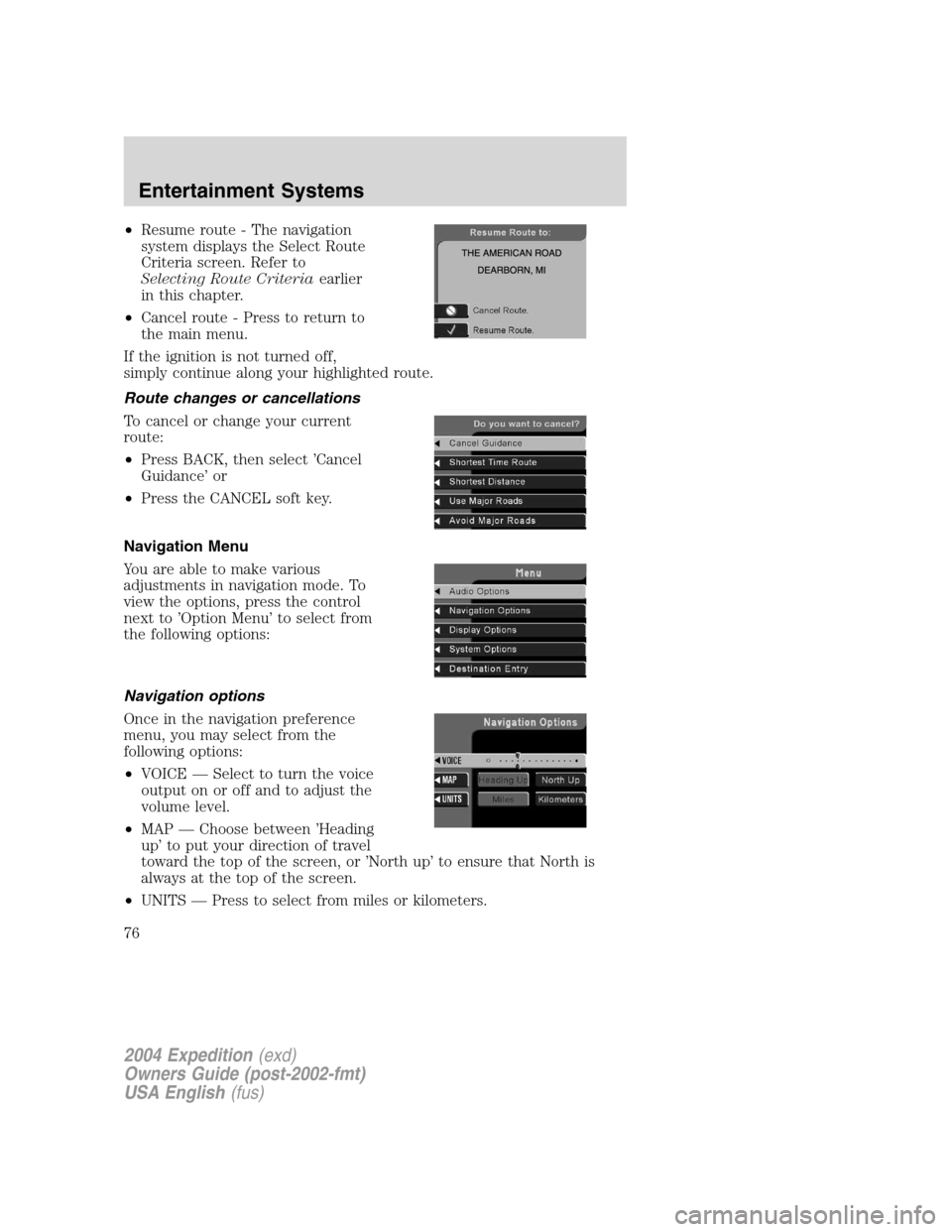
•Resume route - The navigation
system displays the Select Route
Criteria screen. Refer to
Selecting Route Criteriaearlier
in this chapter.
•Cancel route - Press to return to
the main menu.
If the ignition is not turned off,
simply continue along your highlighted route.
Route changes or cancellations
To cancel or change your current
route:
•Press BACK, then select’Cancel
Guidance’or
•Press the CANCEL soft key.
Navigation Menu
You are able to make various
adjustments in navigation mode. To
view the options, press the control
next to’Option Menu’to select from
the following options:
Navigation options
Once in the navigation preference
menu, you may select from the
following options:
•VOICE—Select to turn the voice
output on or off and to adjust the
volume level.
•MAP—Choose between’Heading
up’to put your direction of travel
toward the top of the screen, or’North up’to ensure that North is
always at the top of the screen.
•UNITS—Press to select from miles or kilometers.
2004 Expedition(exd)
Owners Guide (post-2002-fmt)
USA English(fus)
Entertainment Systems
76
Page 77 of 344
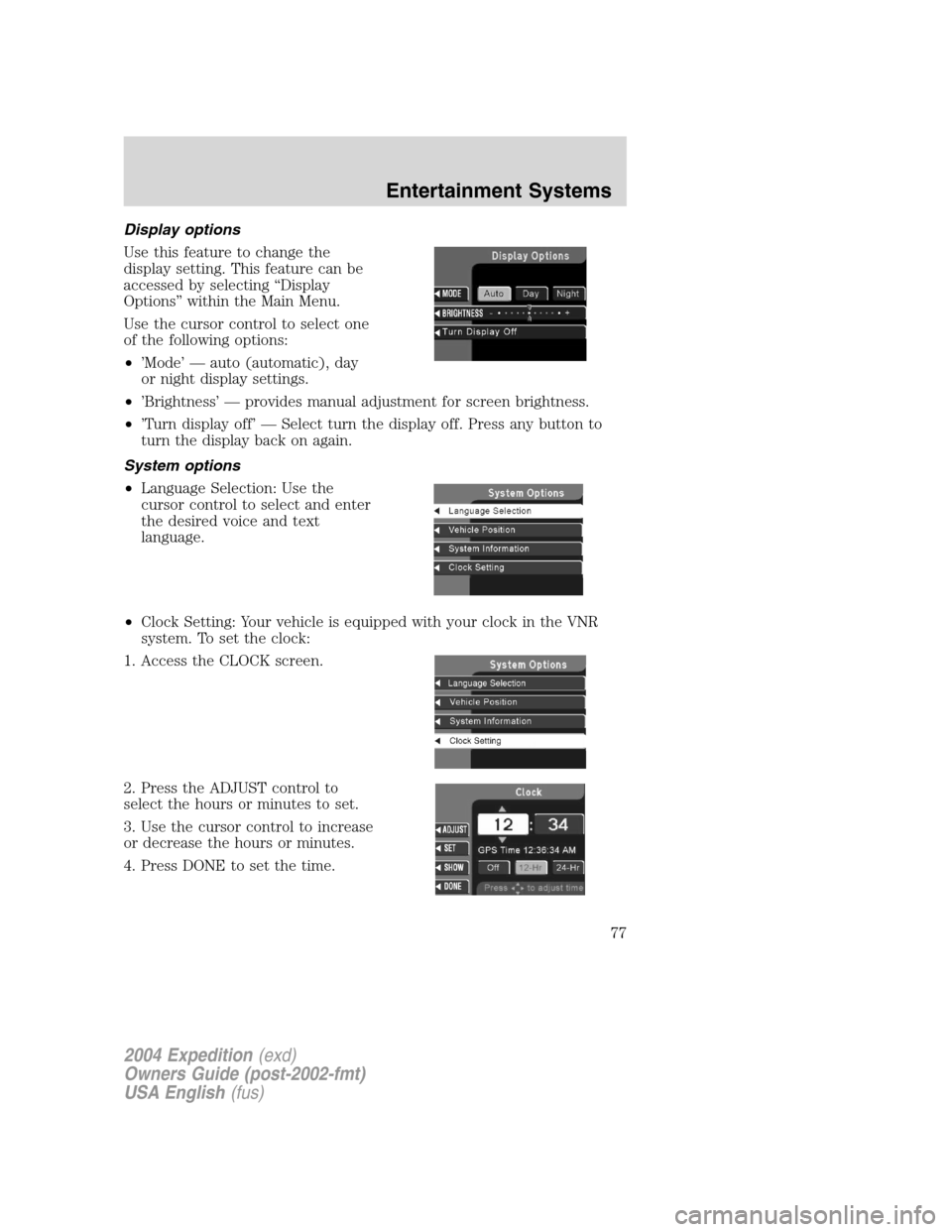
Display options
Use this feature to change the
display setting. This feature can be
accessed by selecting“Display
Options”within the Main Menu.
Use the cursor control to select one
of the following options:
•’Mode’—auto (automatic), day
or night display settings.
•’Brightness’—provides manual adjustment for screen brightness.
•’Turn display off’—Select turn the display off. Press any button to
turn the display back on again.
System options
•Language Selection: Use the
cursor control to select and enter
the desired voice and text
language.
•Clock Setting: Your vehicle is equipped with your clock in the VNR
system. To set the clock:
1. Access the CLOCK screen.
2. Press the ADJUST control to
select the hours or minutes to set.
3. Use the cursor control to increase
or decrease the hours or minutes.
4. Press DONE to set the time.
2004 Expedition(exd)
Owners Guide (post-2002-fmt)
USA English(fus)
Entertainment Systems
77
Page 78 of 344
5. Select the SET soft key to synchronize/set the minutes and seconds to
GPS time. The hours will remain at the user set value.
You may choose to set the clock to a 12 or 24 hour display.
General information
Federal Communication Commission (FCC) Compliance
Changes or modifications not approved by Ford or Lincoln Mercury could
void user’s authority to operate the equipment. This equipment has been
tested and found to comply with the limits for a Class B digital device,
pursuant to Part 15 of the FCC Rules. These limits are designed to
provide reasonable protection against harmful interference in a
residential installation. This equipment generates, uses and can radiate
radio frequency energy and, if not installed and used in accordance with
the instructions, may cause harmful interference to radio
communications.
However, there is no guarantee that interference will not occur in a
particular installation. If this equipment does cause harmful interference
to radio or television reception, which can be determined by turning the
equipment off and on, the user is encouraged to consult the dealer or an
experienced radio/TV technician for help.
Cleaning the display
Do not spray cleaning fluid directly onto the unit. Instead, spray onto a
soft cloth and gently wipe the unit. Only recommended products should
be used.
Do not clean any part of the system with benzene, paint thinner or any
other solvent.
Do not spill liquids of any kind onto the unit.
The navigation system utilizes a database stored in a special format on a
CD. It is recommended always to use the latest update of this map CD.
•The navigation system will only work with CDs specifically intended
for your navigation system.
•Always store the map CDs in their protective cases when not in use.
2004 Expedition(exd)
Owners Guide (post-2002-fmt)
USA English(fus)
Entertainment Systems
78
Page 82 of 344
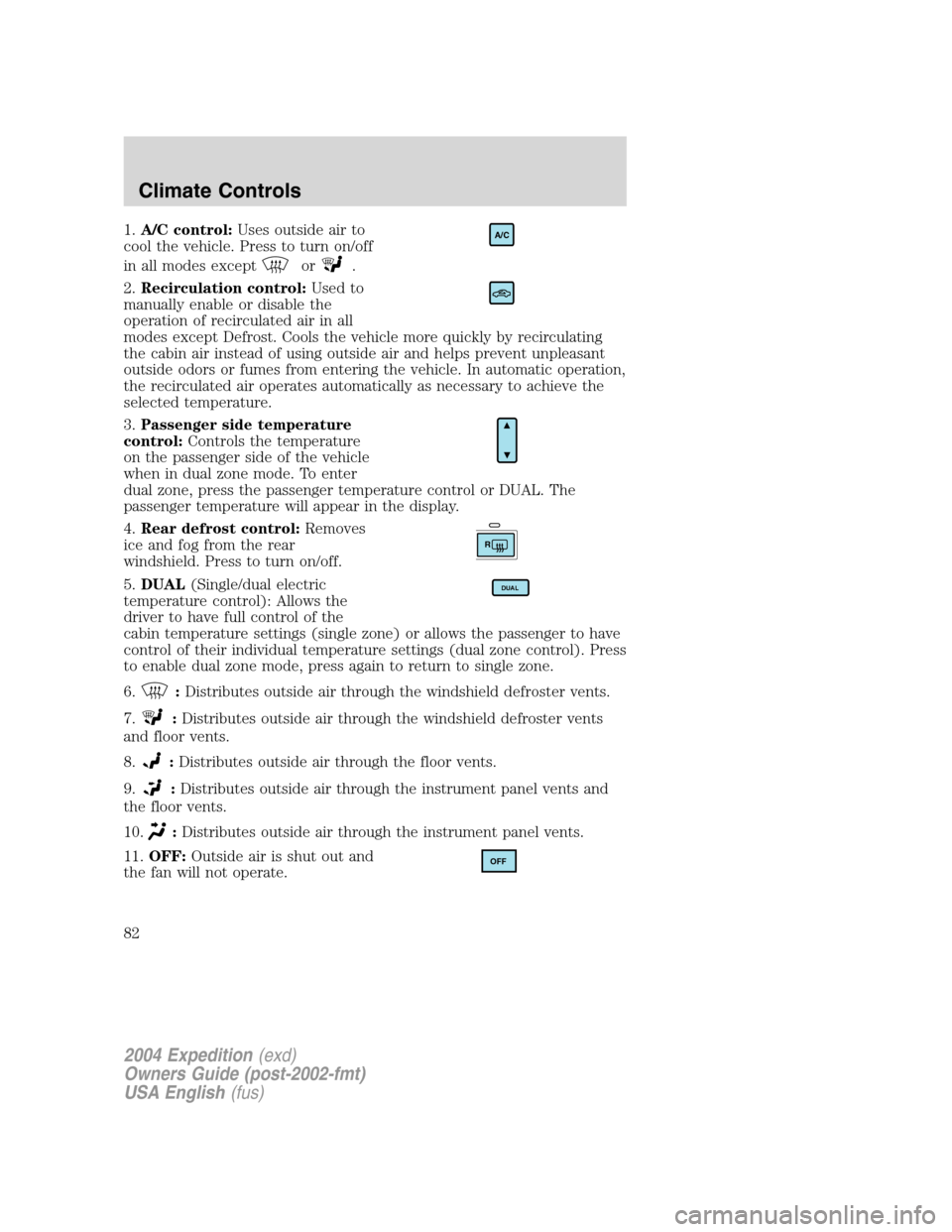
1.A/C control:Uses outside air to
cool the vehicle. Press to turn on/off
in all modes except
or.
2.Recirculation control:Used to
manually enable or disable the
operation of recirculated air in all
modes except Defrost. Cools the vehicle more quickly by recirculating
the cabin air instead of using outside air and helps prevent unpleasant
outside odors or fumes from entering the vehicle. In automatic operation,
the recirculated air operates automatically as necessary to achieve the
selected temperature.
3.Passenger side temperature
control:Controls the temperature
on the passenger side of the vehicle
when in dual zone mode. To enter
dual zone, press the passenger temperature control or DUAL. The
passenger temperature will appear in the display.
4.Rear defrost control:Removes
ice and fog from the rear
windshield. Press to turn on/off.
5.DUAL(Single/dual electric
temperature control): Allows the
driver to have full control of the
cabin temperature settings (single zone) or allows the passenger to have
control of their individual temperature settings (dual zone control). Press
to enable dual zone mode, press again to return to single zone.
6.
:Distributes outside air through the windshield defroster vents.
7.
:Distributes outside air through the windshield defroster vents
and floor vents.
8.
:Distributes outside air through the floor vents.
9.
:Distributes outside air through the instrument panel vents and
the floor vents.
10.
:Distributes outside air through the instrument panel vents.
11.OFF:Outside air is shut out and
the fan will not operate.
A/C
R
DUAL
OFF
2004 Expedition(exd)
Owners Guide (post-2002-fmt)
USA English(fus)
Climate Controls
82
Page 83 of 344
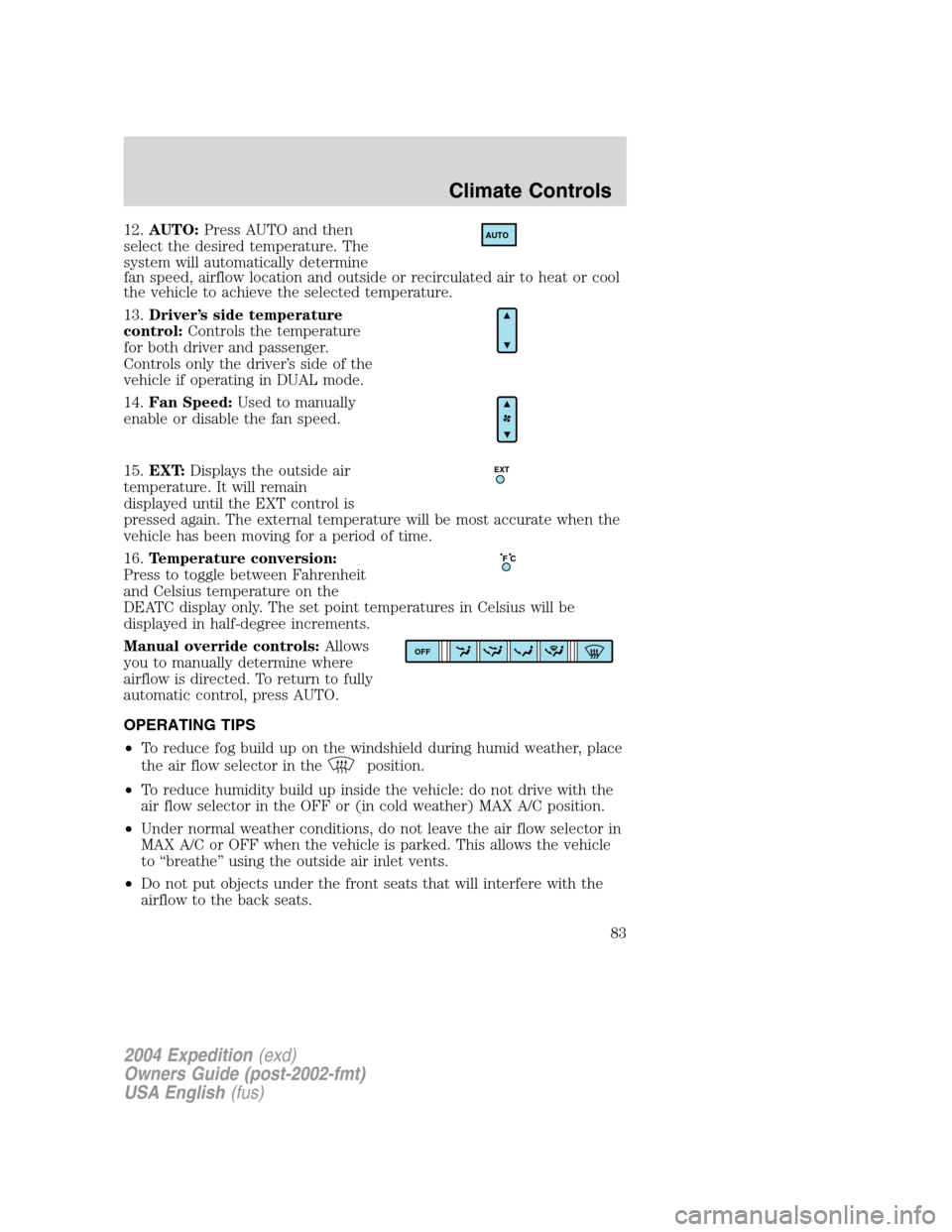
12.AUTO:Press AUTO and then
select the desired temperature. The
system will automatically determine
fan speed, airflow location and outside or recirculated air to heat or cool
the vehicle to achieve the selected temperature.
13.Driver’s side temperature
control:Controls the temperature
for both driver and passenger.
Controls only the driver’s side of the
vehicle if operating in DUAL mode.
14.Fan Speed:Used to manually
enable or disable the fan speed.
15.EXT:Displays the outside air
temperature. It will remain
displayed until the EXT control is
pressed again. The external temperature will be most accurate when the
vehicle has been moving for a period of time.
16.Temperature conversion:
Press to toggle between Fahrenheit
and Celsius temperature on the
DEATC display only. The set point temperatures in Celsius will be
displayed in half-degree increments.
Manual override controls:Allows
you to manually determine where
airflow is directed. To return to fully
automatic control, press AUTO.
OPERATING TIPS
•To reduce fog build up on the windshield during humid weather, place
the air flow selector in the
position.
•To reduce humidity build up inside the vehicle: do not drive with the
air flow selector in the OFF or (in cold weather) MAX A/C position.
•Under normal weather conditions, do not leave the air flow selector in
MAX A/C or OFF when the vehicle is parked. This allows the vehicle
to“breathe”using the outside air inlet vents.
•Do not put objects under the front seats that will interfere with the
airflow to the back seats.
AUTO
EXT
F C
OFF
2004 Expedition(exd)
Owners Guide (post-2002-fmt)
USA English(fus)
Climate Controls
83
Page 117 of 344
ELECTRONIC COMPASS/TEMPERATURE DISPLAY WITHOUT
MESSAGE CENTER (IF EQUIPPED)
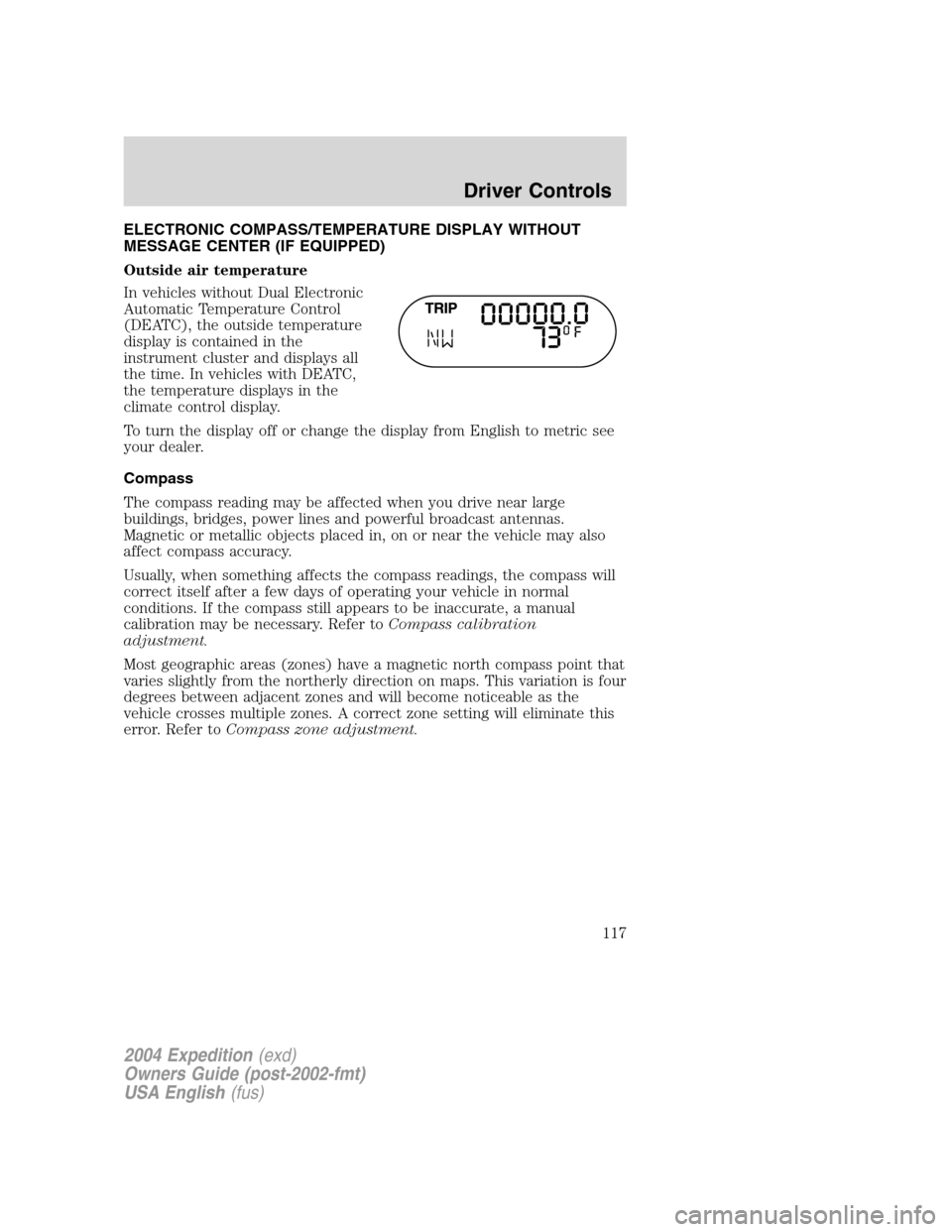
Outside air temperature
In vehicles without Dual Electronic
Automatic Temperature Control
(DEATC), the outside temperature
display is contained in the
instrument cluster and displays all
the time. In vehicles with DEATC,
the temperature displays in the
climate control display.
To turn the display off or change the display from English to metric see
your dealer.
Compass
The compass reading may be affected when you drive near large
buildings, bridges, power lines and powerful broadcast antennas.
Magnetic or metallic objects placed in, on or near the vehicle may also
affect compass accuracy.
Usually, when something affects the compass readings, the compass will
correct itself after a few days of operating your vehicle in normal
conditions. If the compass still appears to be inaccurate, a manual
calibration may be necessary. Refer toCompass calibration
adjustment.
Most geographic areas (zones) have a magnetic north compass point that
varies slightly from the northerly direction on maps. This variation is four
degrees between adjacent zones and will become noticeable as the
vehicle crosses multiple zones. A correct zone setting will eliminate this
error. Refer toCompass zone adjustment.
2004 Expedition(exd)
Owners Guide (post-2002-fmt)
USA English(fus)
Driver Controls
117