Page 66 of 344
Limited GPS reception
System performance may be adversely affected if GPS reception is
interrupted or interference occurs over a distance of several miles. The
following are possible causes for GPS reception being interrupted. If the
vehicle is:
•in multi-story parking garages
•in tunnels and under bridges
•in between high buildings
•by forests or tree-lined avenues
•in heavy rain showers and thunderstorms
•in valleys and in mountainous regions
The GPS signal strength may vary. The directional heading indicator at
the bottom of the screen might change color to indicate this signal
strength. The colors are as follows:
•Green—A clear GPS signal is being received.
•Yellow—The GPS signal is partially blocked.
•Red—The GPS signal is unavailable and may be temporarily blocked.
To enter navigation mode
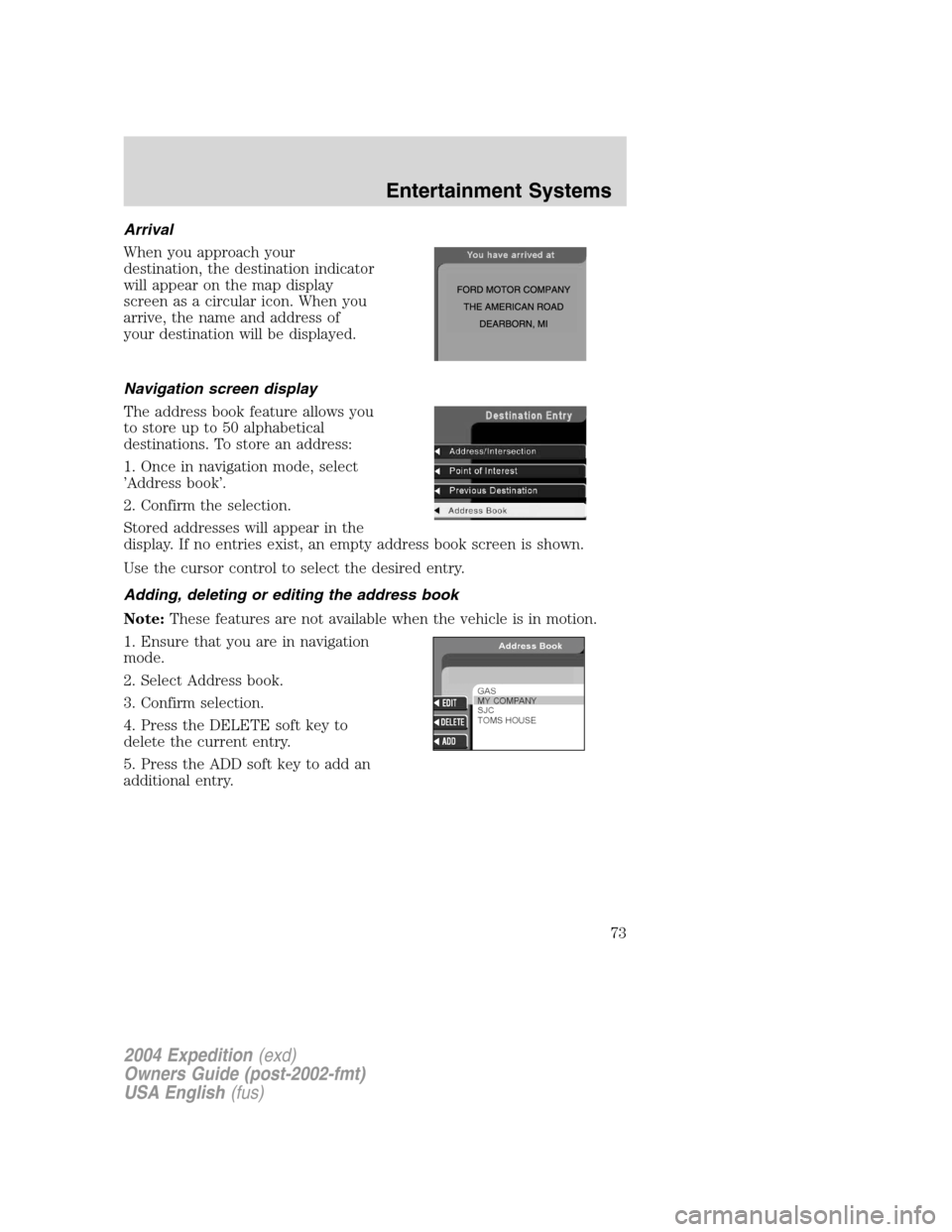
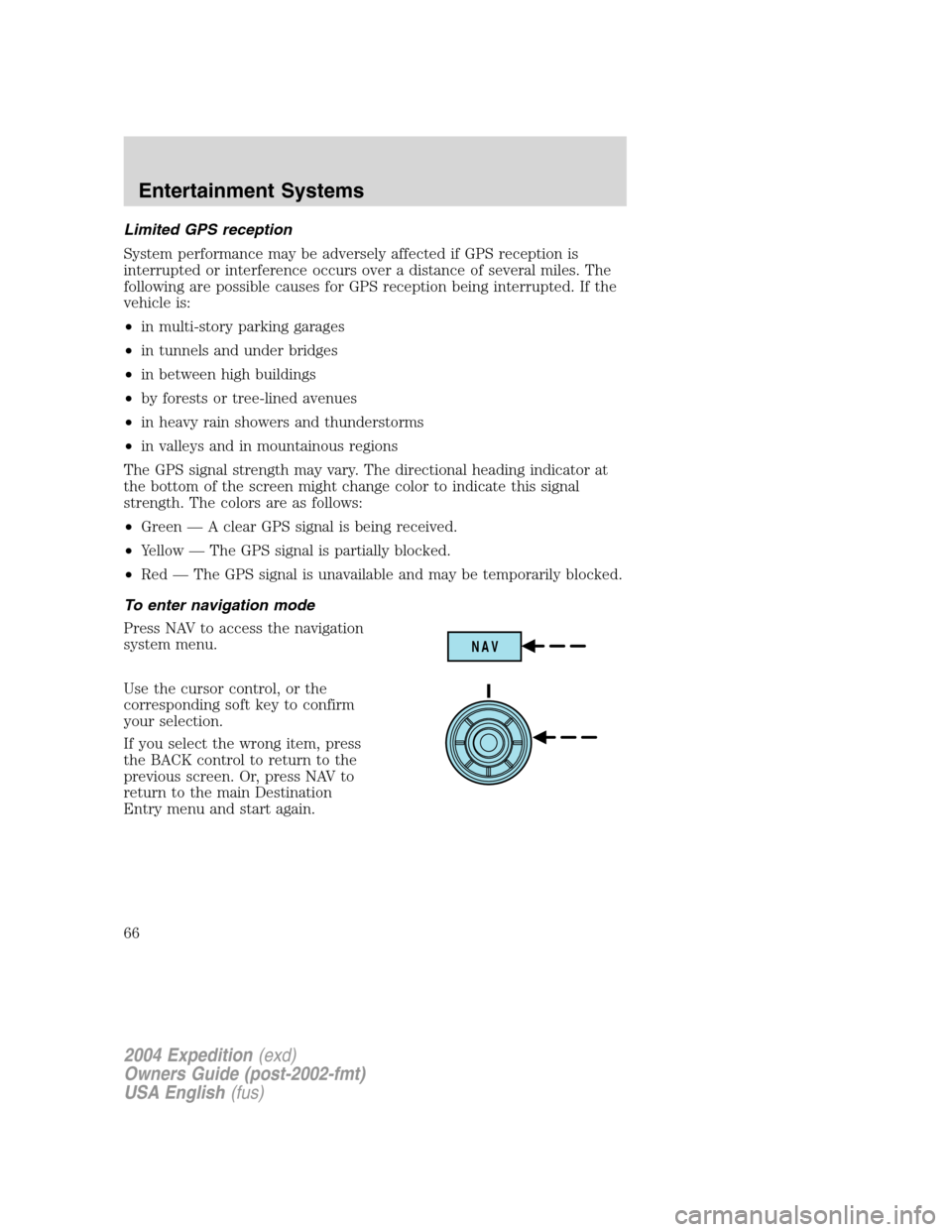
Press NAV to access the navigation
system menu.
Use the cursor control, or the
corresponding soft key to confirm
your selection.
If you select the wrong item, press
the BACK control to return to the
previous screen. Or, press NAV to
return to the main Destination
Entry menu and start again.
NAV
2004 Expedition(exd)
Owners Guide (post-2002-fmt)
USA English(fus)
Entertainment Systems
66
Page 67 of 344
Map display information
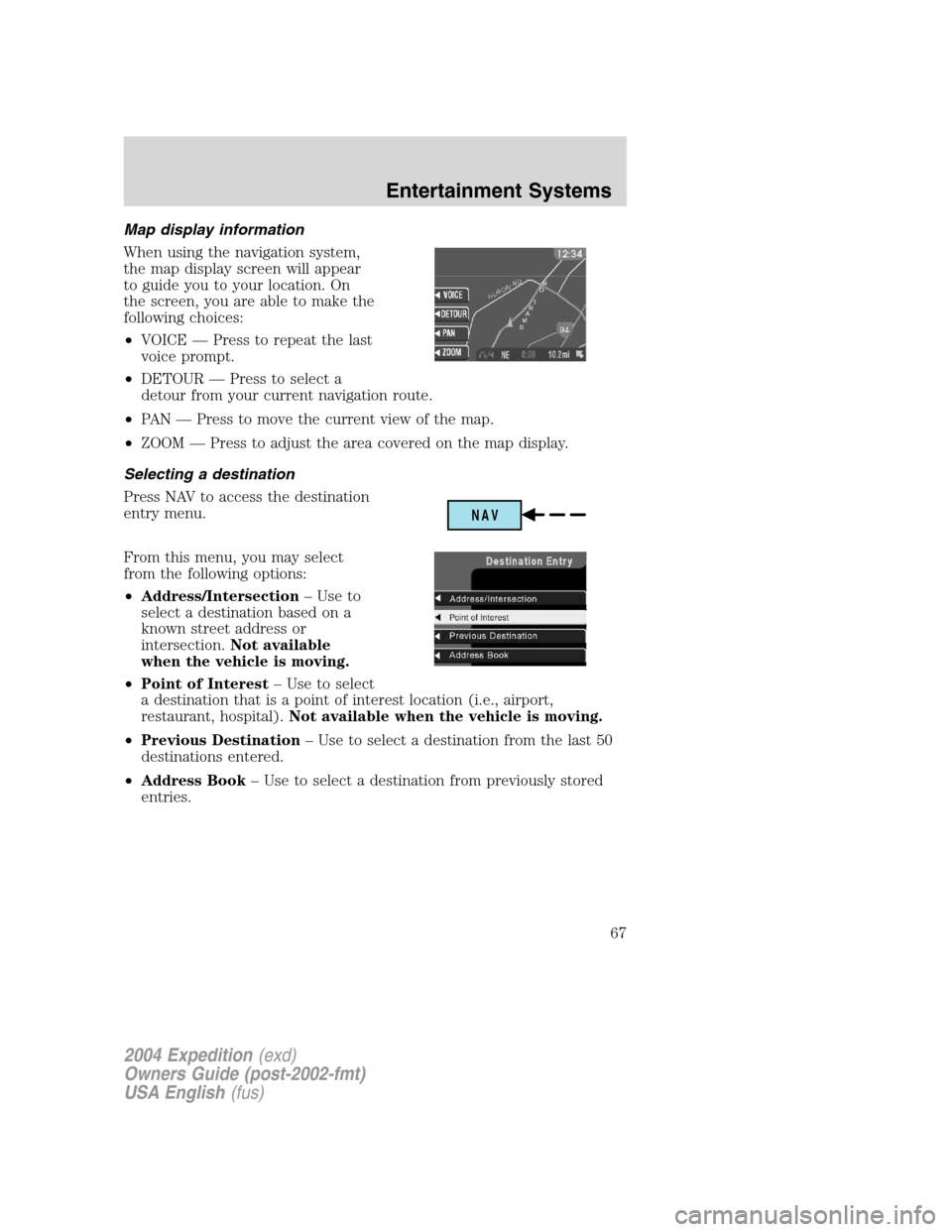
When using the navigation system,
the map display screen will appear
to guide you to your location. On
the screen, you are able to make the
following choices:
•VOICE—Press to repeat the last
voice prompt.
•DETOUR—Press to select a
detour from your current navigation route.
•PA N—Press to move the current view of the map.
•ZOOM—Press to adjust the area covered on the map display.
Selecting a destination
Press NAV to access the destination
entry menu.
From this menu, you may select
from the following options:
•Address/Intersection–Use to
select a destination based on a
known street address or
intersection.Not available
when the vehicle is moving.
•Point of Interest–Use to select
a destination that is a point of interest location (i.e., airport,
restaurant, hospital).Not available when the vehicle is moving.
•Previous Destination–Use to select a destination from the last 50
destinations entered.
•Address Book–Use to select a destination from previously stored
entries.
NAV
2004 Expedition(exd)
Owners Guide (post-2002-fmt)
USA English(fus)
Entertainment Systems
67
Page 69 of 344
•Within a Town/City–Lists entries for a specific city in alphabetical
order.
Certain categories may not be available in some areas and POIs may not
all be listed. Up to date information also depends upon using the latest
navigation CD available.
Previous destination
The last 50 destinations entered into
the navigation system are
automatically stored in the system’s
memory.
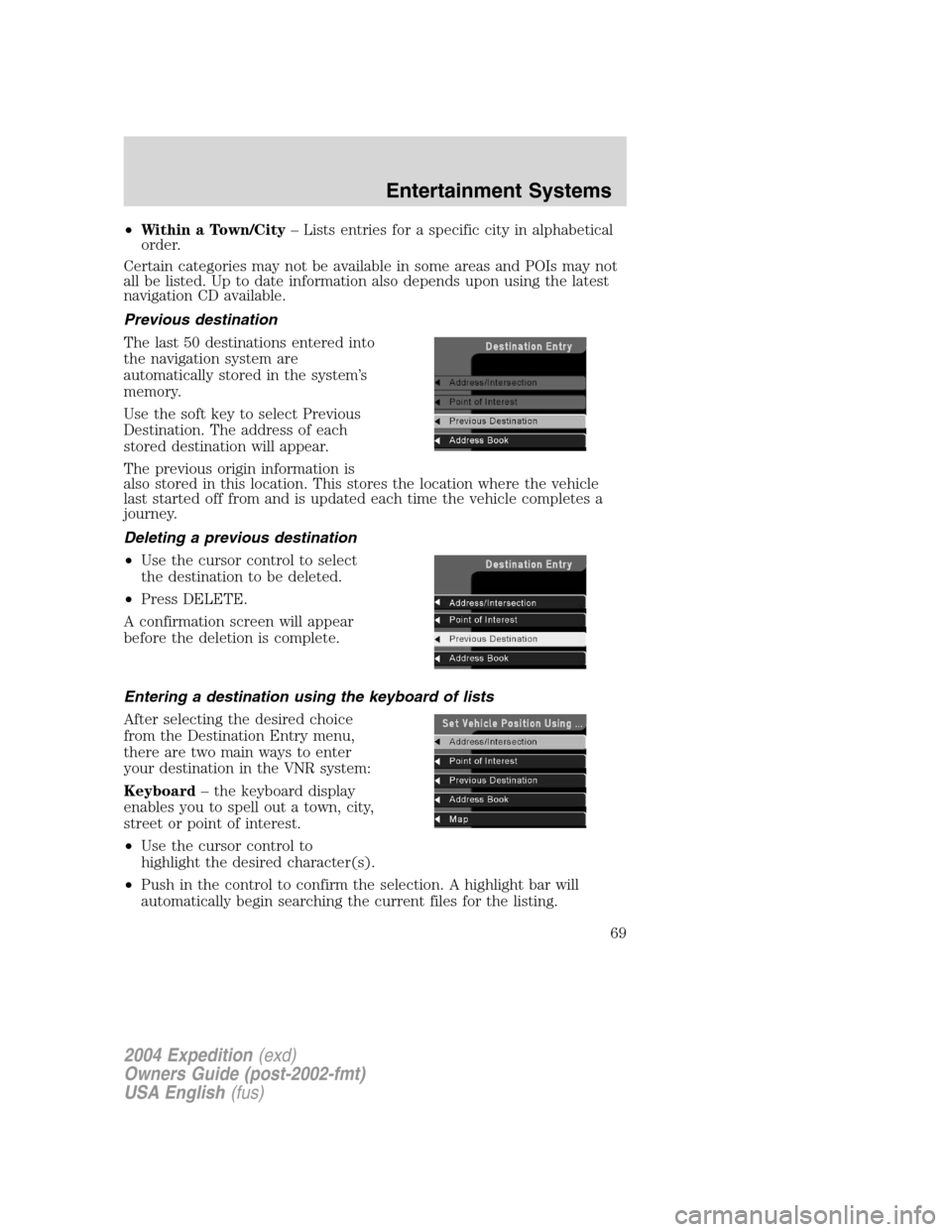
Use the soft key to select Previous
Destination. The address of each
stored destination will appear.
The previous origin information is
also stored in this location. This stores the location where the vehicle
last started off from and is updated each time the vehicle completes a
journey.
Deleting a previous destination
•Use the cursor control to select
the destination to be deleted.
•Press DELETE.
A confirmation screen will appear
before the deletion is complete.
Entering a destination using the keyboard of lists
After selecting the desired choice
from the Destination Entry menu,
there are two main ways to enter
your destination in the VNR system:
Keyboard–the keyboard display
enables you to spell out a town, city,
street or point of interest.
•Use the cursor control to
highlight the desired character(s).
•Push in the control to confirm the selection. A highlight bar will
automatically begin searching the current files for the listing.
2004 Expedition(exd)
Owners Guide (post-2002-fmt)
USA English(fus)
Entertainment Systems
69
Page 70 of 344
•To move back to previously selected characters, press DELETE.
List–Your VNR system shows a list of town/cities, streets or points of
interest and a highlight bar indicates the line selected. You may choose
any of these for a destination.
•Press LIST to enter list mode.
•Use the cursor control to scroll through the selections.
•Press in the cursor control to confirm the selection.
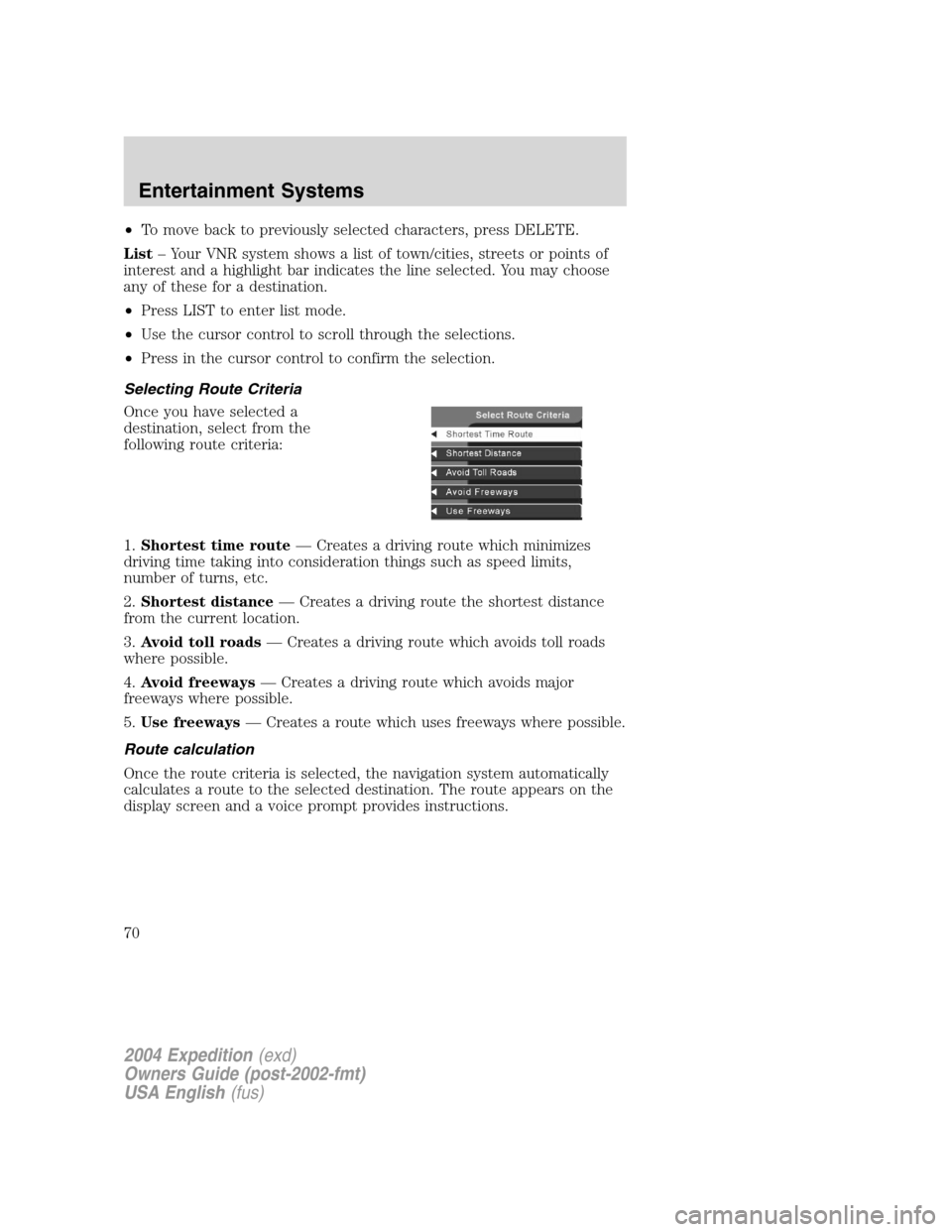
Selecting Route Criteria
Once you have selected a
destination, select from the
following route criteria:
1.Shortest time route—Creates a driving route which minimizes
driving time taking into consideration things such as speed limits,
number of turns, etc.
2.Shortest distance—Creates a driving route the shortest distance
from the current location.
3.Avoid toll roads—Creates a driving route which avoids toll roads
where possible.
4.Avoid freeways—Creates a driving route which avoids major
freeways where possible.
5.Use freeways—Creates a route which uses freeways where possible.
Route calculation
Once the route criteria is selected, the navigation system automatically
calculates a route to the selected destination. The route appears on the
display screen and a voice prompt provides instructions.
2004 Expedition(exd)
Owners Guide (post-2002-fmt)
USA English(fus)
Entertainment Systems
70
Page 71 of 344
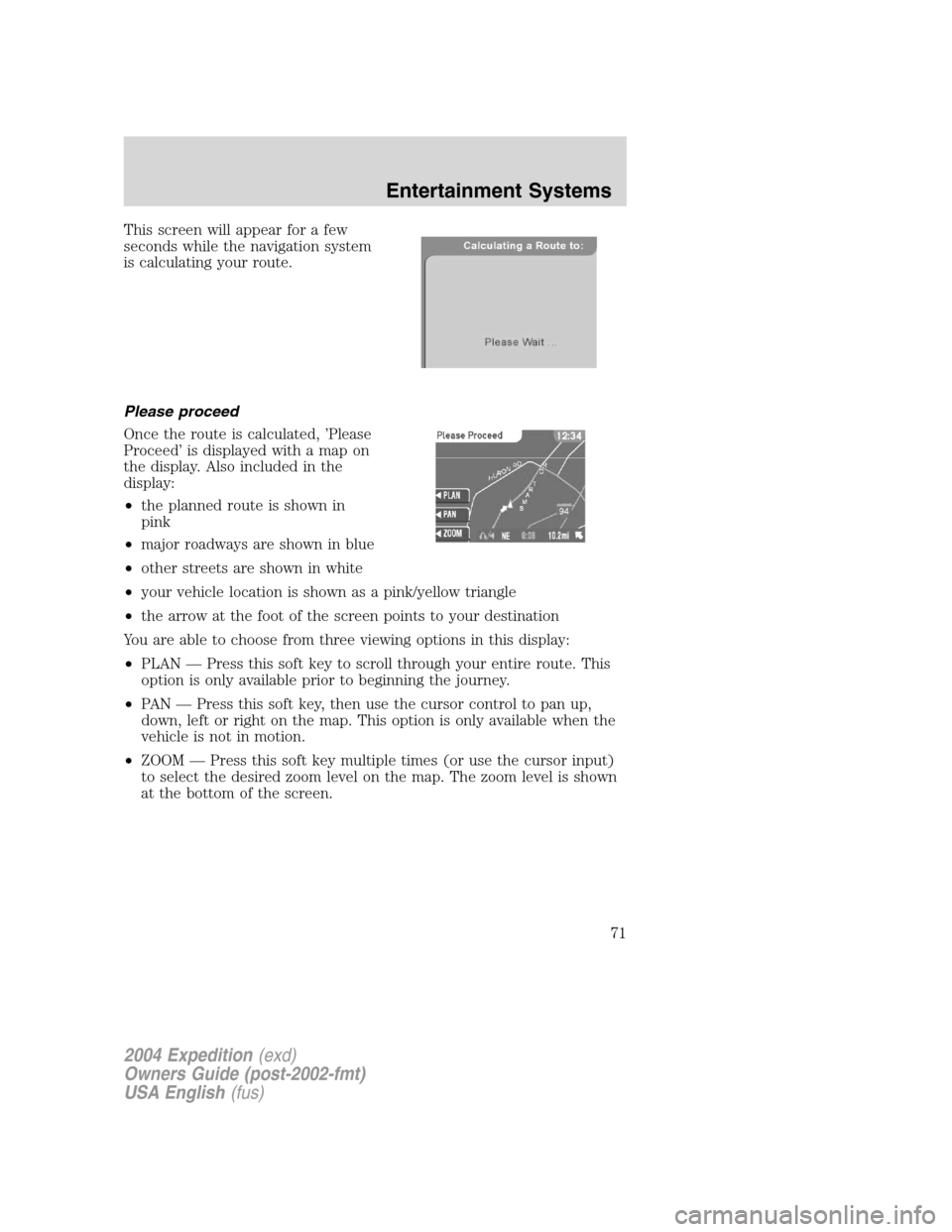
This screen will appear for a few
seconds while the navigation system
is calculating your route.
Please proceed
Once the route is calculated,’Please
Proceed’is displayed with a map on
the display. Also included in the
display:
•the planned route is shown in
pink
•major roadways are shown in blue
•other streets are shown in white
•your vehicle location is shown as a pink/yellow triangle
•the arrow at the foot of the screen points to your destination
You are able to choose from three viewing options in this display:
•PLAN—Press this soft key to scroll through your entire route. This
option is only available prior to beginning the journey.
•PA N—Press this soft key, then use the cursor control to pan up,
down, left or right on the map. This option is only available when the
vehicle is not in motion.
•ZOOM—Press this soft key multiple times (or use the cursor input)
to select the desired zoom level on the map. The zoom level is shown
at the bottom of the screen.
2004 Expedition(exd)
Owners Guide (post-2002-fmt)
USA English(fus)
Entertainment Systems
71
Page 72 of 344
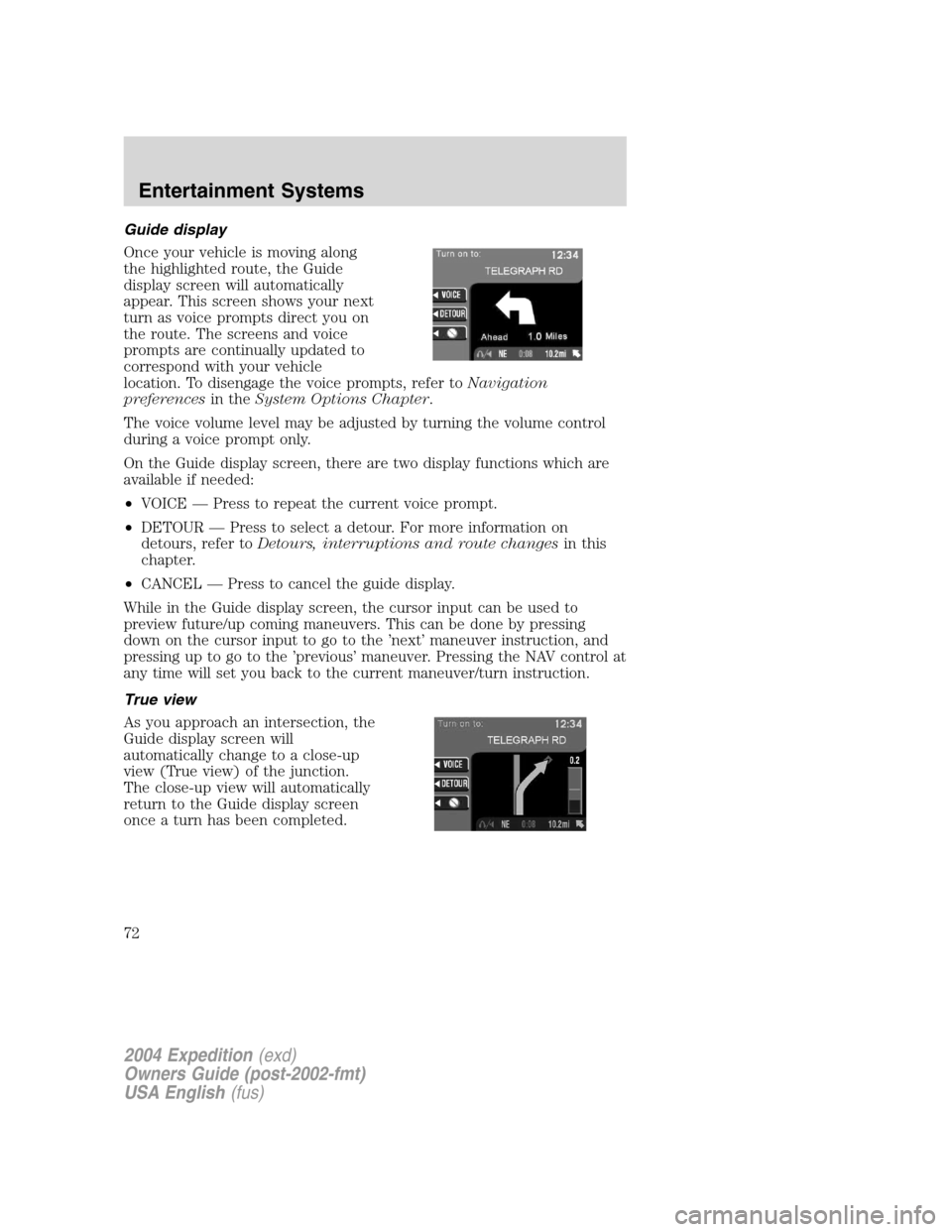
Guide display
Once your vehicle is moving along
the highlighted route, the Guide
display screen will automatically
appear. This screen shows your next
turn as voice prompts direct you on
the route. The screens and voice
prompts are continually updated to
correspond with your vehicle
location. To disengage the voice prompts, refer toNavigation
preferencesin theSystem Options Chapter.
The voice volume level may be adjusted by turning the volume control
during a voice prompt only.
On the Guide display screen, there are two display functions which are
available if needed:
•VOICE—Press to repeat the current voice prompt.
•DETOUR—Press to select a detour. For more information on
detours, refer toDetours, interruptions and route changesin this
chapter.
•CANCEL—Press to cancel the guide display.
While in the Guide display screen, the cursor input can be used to
preview future/up coming maneuvers. This can be done by pressing
down on the cursor input to go to the’next’maneuver instruction, and
pressing up to go to the’previous’maneuver. Pressing the NAV control at
any time will set you back to the current maneuver/turn instruction.
True view
As you approach an intersection, the
Guide display screen will
automatically change to a close-up
view (True view) of the junction.
The close-up view will automatically
return to the Guide display screen
once a turn has been completed.
2004 Expedition(exd)
Owners Guide (post-2002-fmt)
USA English(fus)
Entertainment Systems
72
Page 73 of 344
Arrival
When you approach your
destination, the destination indicator
will appear on the map display
screen as a circular icon. When you
arrive, the name and address of
your destination will be displayed.
Navigation screen display
The address book feature allows you
to store up to 50 alphabetical
destinations. To store an address:
1. Once in navigation mode, select
’Address book’.
2. Confirm the selection.
Stored addresses will appear in the
display. If no entries exist, an empty address book screen is shown.
Use the cursor control to select the desired entry.
Adding, deleting or editing the address book
Note:These features are not available when the vehicle is in motion.
1. Ensure that you are in navigation
mode.
2. Select Address book.
3. Confirm selection.
4. Press the DELETE soft key to
delete the current entry.
5. Press the ADD soft key to add an
additional entry.
2004 Expedition(exd)
Owners Guide (post-2002-fmt)
USA English(fus)
Entertainment Systems
73
Page 74 of 344
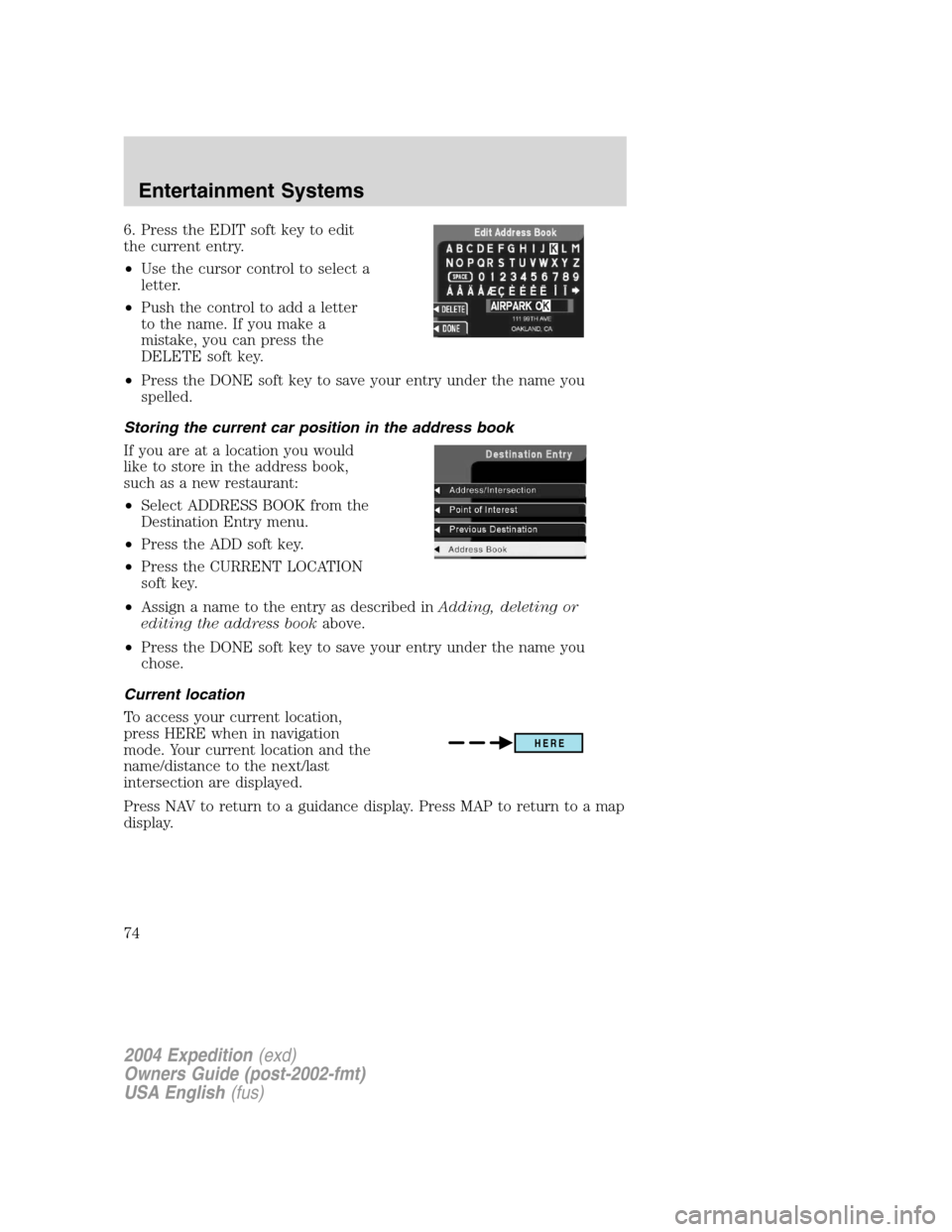
6. Press the EDIT soft key to edit
the current entry.
•Use the cursor control to select a
letter.
•Push the control to add a letter
to the name. If you make a
mistake, you can press the
DELETE soft key.
•Press the DONE soft key to save your entry under the name you
spelled.
Storing the current car position in the address book
If you are at a location you would
like to store in the address book,
such as a new restaurant:
•Select ADDRESS BOOK from the
Destination Entry menu.
•Press the ADD soft key.
•Press the CURRENT LOCATION
soft key.
•Assign a name to the entry as described inAdding, deleting or
editing the address bookabove.
•Press the DONE soft key to save your entry under the name you
chose.
Current location
To access your current location,
press HERE when in navigation
mode. Your current location and the
name/distance to the next/last
intersection are displayed.
Press NAV to return to a guidance display. Press MAP to return to a map
display.
HERE
2004 Expedition(exd)
Owners Guide (post-2002-fmt)
USA English(fus)
Entertainment Systems
74