2004 CHRYSLER TOWN AND COUNTRY Engine
[x] Cancel search: EnginePage 164 of 401

12. Engine Temperature Warning Light
This light warns of an overheated engine condi-
tion. If the engine is critically hot, a continuous
chime will sound for 4 minutes. After the chime
turns off, the engine will still be critically hot until the
light turns off.
13. Vehicle Theft Alarm Light Ð If Equipped
This light will flash for approximately 15 sec-
onds when the vehicle theft alarm is arming.
14. Temperature Gauge
The temperature gauge shows engine coolant tempera-
ture. Any reading within the normal range indicates that
the engine cooling system is operating satisfactorily.The gauge pointer will likely indicate a higher tempera-
ture when driving in hot weather, up mountain grades,
or when towing a trailer. It should not be allowed to
exceed the upper limits of the normal operating range.
CAUTION!
Driving with a hot engine cooling system could
damage your vehicle. If temperature gauge reads (H),
pull over and stop the vehicle. Idle the vehicle with
the air conditioner turned off until the pointer drops
back into the normal range. If the pointer remains on
the ªHº, and you hear continuous chimes, turn the
engine off immediately, and call for service.
164 UNDERSTANDING YOUR INSTRUMENT PANEL
Page 165 of 401
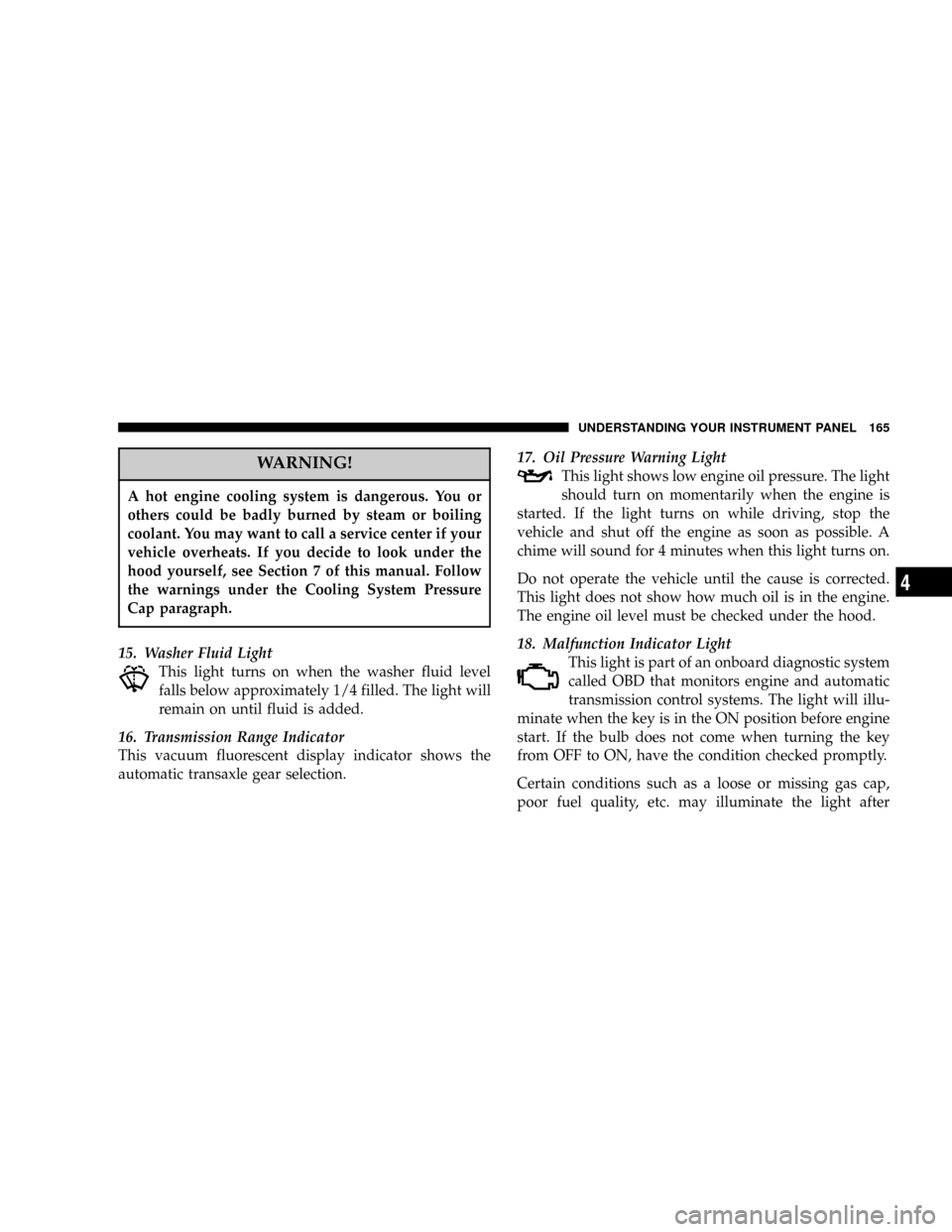
WARNING!
A hot engine cooling system is dangerous. You or
others could be badly burned by steam or boiling
coolant. You may want to call a service center if your
vehicle overheats. If you decide to look under the
hood yourself, see Section 7 of this manual. Follow
the warnings under the Cooling System Pressure
Cap paragraph.
15. Washer Fluid Light
This light turns on when the washer fluid level
falls below approximately 1/4 filled. The light will
remain on until fluid is added.
16. Transmission Range Indicator
This vacuum fluorescent display indicator shows the
automatic transaxle gear selection.17. Oil Pressure Warning Light
This light shows low engine oil pressure. The light
should turn on momentarily when the engine is
started. If the light turns on while driving, stop the
vehicle and shut off the engine as soon as possible. A
chime will sound for 4 minutes when this light turns on.
Do not operate the vehicle until the cause is corrected.
This light does not show how much oil is in the engine.
The engine oil level must be checked under the hood.
18. Malfunction Indicator Light
This light is part of an onboard diagnostic system
called OBD that monitors engine and automatic
transmission control systems. The light will illu-
minate when the key is in the ON position before engine
start. If the bulb does not come when turning the key
from OFF to ON, have the condition checked promptly.
Certain conditions such as a loose or missing gas cap,
poor fuel quality, etc. may illuminate the light after
UNDERSTANDING YOUR INSTRUMENT PANEL 165
4
Page 166 of 401

engine start. The vehicle should be serviced if the light
stays on through several of your typical driving cycles. In
most situations the vehicle will drive normally and will
not require towing.
The Malfunction Indicator Light flashes to alert to serious
conditions that could lead to immediate loss of power or
severe catalytic converter damage. The vehicle should be
serviced as soon as possible if this occurs.
19. Trac Off Indicator Ð If Equipped
This vacuum fluorescent display indicator should illumi-
nate for approximately four seconds as a bulb check
when the ignition switch is first turned ON.
The ªTRAC OFFº Indicator will flash if the traction
control is in use.
The ªTRAC OFFº Indicator will illuminate if:
²The Traction Control switch has been used to turn
the system OFF.
²There is a Traction Control System malfunction
²The system has been deactivated to prevent damage
to the brake system due to overheated brake tem-
peratures.
NOTE:Extended heavy use of Traction Control may
cause the system to deactivate and turn on the TRAC and
the OFF indicators located in the instrument cluster.
This is to prevent overheating of the brake system and is
a normal condition. The system will remain disabled for
about 4 minutes until the brakes have cooled. The system
will automatically reactivate and turn off the TRAC and
the OFF indicators.
If your vehicle becomes stuck in mud, ice, or snow, turn
the Traction Control System OFF before attempting to
ªrockº the vehicle free.
166 UNDERSTANDING YOUR INSTRUMENT PANEL
Page 167 of 401

20. Odometer/Trip Odometer
The odometer shows the total distance the vehicle has
been driven.
U.S. federal regulations require that upon transfer of
vehicle ownership, the seller certify to the purchaser the
correct mileage that the vehicle has been driven. There-
fore, if the odometer reading is changed during repair or
replacement, be sure to keep a record of the reading
before and after the service so that the correct mileage can
be determined.
The trip odometer shows individual trip mileage. To
switch from odometer to trip odometer, press the Trip
Odometer button.
21. Cruise Indicator
This vacuum fluorescent display indicator shows that the
Speed Control System is ON.22. Trip Odometer Button
Press this button to change the display from odometer to
trip odometer. The word TRIP will appear when in the
trip odometer mode.
Push in and hold the button for two seconds to reset the
trip odometer to 0 miles or kilometers. The odometer
must be in trip mode to reset.
23. Tire Pressure Monitor Warning Light Ð If
Equipped
This light will turn on when there is a Low tire
pressure condition. The light will also turn on
if a problem exist with any tire sensor. The light
will remain on until the tire pressure is prop-
erly set or the problem with the sensor is corrected.
This light will turn on momentarily as a bulb check when
the engine is started.
UNDERSTANDING YOUR INSTRUMENT PANEL 167
4
Page 214 of 401

Defrost modes are selected. This is done to assist in
drying the air and it will help in keeping the windows
from fogging.
Manual Air Conditioning Operation
To turn on the air conditioning, set the front
blower control to any position except O (OFF) and
press the A/C button which is located next to the
recirculation button. An indicator light on the A/C
button shows that the air conditioning is on.
Cool dehumidified air comes through the outlets selected
by the Mode Control. To turn off the air conditioning,
press the A/C button a second time. The indicator light
will turn off.
NOTE:
²The compressor will not engage until the engine has
been running for a few seconds.
²If your air conditioning performance seems lower than
expected, check the A/C air filter and the front of the
A/C condenser for an accumulation of dirt or insects.
The A/C condenser is located in front of the radiator.
The A/C air filter is located under the instrument
panel on the passenger side.
²Fabric type fascia protectors tend to block the amount
of air to the condenser and may reduce air condition-
ing performance.
Economy Mode
If economy mode is desired, press the A/C button to turn
off the indicator light, and the A/C compressor. Move the
temperature control lever to the desired temperature.
Recirculation Control
Press the recirculation button to recirculate the
air inside the vehicle. This is located next to the
A/C button. An indicator light on the button
shows that air is being recirculated. Use the
214 UNDERSTANDING YOUR INSTRUMENT PANEL
Page 216 of 401

²Start the engine, and continue to hold in the ªRear
Wipe/Washº button until the indicator light starts
flashing repeatedly.
²Press the recirculation button until the indicator light
remains lit.
²The selection will be stored when the ignition switch is
turned OFF or if the ªRear Wipe/Washº button is
pressed.
If the recirculation indicator light is lit, the recirculation
mode will not reset when the engine is started. If the
recirculation indicator light is not lit, the recirculation
mode will reset to the outside air mode when the engine
is started. The programmed status can be changed back
and forth by following the above mentioned procedure.
Manual Rear Zone Climate Control Ð If Equipped
The Manual Rear Zone Climate Control system has floor
air outlets to the rear of the right side sliding door and
overhead outlets at each outboard rear seating position.
The unit provides warm or cool air through the floor and
upper outlets.
The rear blower and temperature controls for the rear
seat passengers are located in the headliner near the
center of the vehicle.
216 UNDERSTANDING YOUR INSTRUMENT PANEL
Page 220 of 401

desired temperature is displayed, the system will achieve
and maintain that comfort level automatically. When the
system is set up for your comfort level, it is not necessary
to change the settings. You will experience the greatest
efficiency by simply allowing the system to function
automatically.
NOTE:
²It is not necessary to move the temperature settings for
cold or hot vehicles. The system automatically adjusts
the temperature, mode and fan speed to provide
comfort as quickly as possible.
²The temperature can be displayed in U.S. or Metric by
selecting the US/M customer programmable feature.
Refer to the ªOverhead Console-Customer Program-
mable Featuresº in Section 3 of this manual.
To provide you with maximum comfort in the automatic
mode, during cold start-ups the blower fan will remain
off and ªDELAYº will appear in the front ATC displayuntil the engine warms up. Also, an estimate of the time
remaining until the ªDELAYº is over will appear peri-
odically in the display. However, the fan will engage
immediately if the defrost mode is selected or by rotating
the blower control to any fixed blower speed.
This feature may be disabled using the following proce-
dure:
²Press and hold the Heated Rear Window and Auto LO
buttons for 5 seconds.
²The ªDELAYº symbol will flash to indicate that the
feature as been disabled.
This feature may be enabled using the following proce-
dure:
²Press and hold the Heated Rear Window and Auto HI
buttons for 5 seconds.
220 UNDERSTANDING YOUR INSTRUMENT PANEL
Page 228 of 401

Bi-Level Mode
Air comes from both the headliner outlets and the
floor outlets.
NOTE:In many temperature positions, the bi-level
mode is designed to provide cooler air out of the head-
liner outlets and warmer air from the floor outlets.
Headliner Mode
Air comes from the outlets in the headliner. Each of
these outlets can be individually adjusted to direct
the flow of air. Moving the air vane knob on the outlets to
one side will shut off the air flow.
Summer Operation
The engine cooling system in air conditioned vehicles
must be protected with a high-quality antifreeze coolant
to provide proper corrosion protection and to protect
against engine overheating. A 50% solution of ethyleneglycol antifreeze coolant in water is recommended. Refer
to section 7, Maintenance Procedures, of this manual for
proper coolant selection.
Winter Operation
The air from the heater system will heat faster in cold
weather if you use only low blower speeds for the first 10
minutes of vehicle operation. Use of the air Recirculation
mode during winter months is not recommended be-
cause it may cause window fogging.
Vacation Storage
Anytime you store your vehicle, or keep it out of service
(i.e. vacation) for two weeks or more, run the air condi-
tioning system at idle for about five minutes in the fresh
air and high blower setting. This will insure adequate
system lubrication to minimize the possibility of com-
pressor damage when the system is started again.
228 UNDERSTANDING YOUR INSTRUMENT PANEL