2004 CHEVROLET IMPALA light
[x] Cancel search: lightPage 108 of 420

6. Locate in the garage, the garage door opener
receiver (motor-head unit). Locate the “Learn”
or “Smart” button. This can usually be found where
the hanging antenna wire is attached to the
motor-head unit.
7. Firmly press and release the “Learn” or “Smart”
button. The name and color of the button may
vary by manufacturer.
You will have 30 seconds to start Step 8.
8. Return to the vehicle. Firmly press and hold the
programmed HomeLink
®button for two seconds,
then release. Repeat the press/hold/release
sequence a second time, and depending on the
brand of the garage door opener (or other rolling
code device), repeat this sequence a third time
to complete the programming.
HomeLink
®should now activate your rolling-code
equipped device.
To program the remaining two HomeLink
®buttons,
begin with Step 2 of “Programming HomeLink®.” Do not
repeat Step 1.
Gate Operator and Canadian
Programming
Canadian radio-frequency laws require transmitter
signals to “time out” or quit after several seconds of
transmission. This may not be long enough for
HomeLink
®to pick up the signal during programming.
Similarly, some U.S. gate operators are manufactured to
“time out” in the same manner.
If you live in Canada, or you are having difficulty
programming a gate operator by using the
“Programming HomeLink
®” procedures (regardless of
where you live), replace Step 3 under “Programming
HomeLink
®” with the following:
Continue to press and hold the HomeLink
®button while
you press and release every two seconds (cycle)
your hand-held transmitter until the frequency signal has
been successfully accepted by HomeLink
®. The
indicator light will ash slowly at rst and then rapidly.
Proceed with Step 4 under “Programming HomeLink
®”
to complete.
2-40
Page 109 of 420

Using HomeLink®
Press and hold the appropriate HomeLink®button for at
least half of a second. The indicator light will come
on while the signal is being transmitted.
Erasing HomeLink®Buttons
To erase programming from the three buttons do the
following:
1. Press and hold down the two outside buttons until
the indicator light begins to ash, after 20 seconds.
2. Release both buttons. Do not hold for longer than
30 seconds.
HomeLink
®is now in the train (learning) mode and can
be programmed at any time beginning with Step 2
under “Programming HomeLink
®.”
Individual buttons can not be erased, but they can be
reprogrammed. See “Reprogramming a Single
HomeLink
®Button” next.
Reprogramming a Single HomeLink®
Button
To program a device to HomeLink®using a HomeLink®
button previously trained, follow these steps:
1. Press and hold the desired HomeLink
®button.
Do not release the button.
2. The indicator light will begin to ash after
20 seconds. While still holding the HomeLink
®
button, proceed with Step 2 under “Programming
HomeLink®.”
Resetting Defaults
To reset HomeLink®to default settings do the following:
1. Hold down the two outside buttons for about
20 seconds until the indicator light begins to ash.
2. Continue to hold both buttons until the HomeLink
®
indicator light turns off.
3. Release both buttons.
For questions or comments, contact HomeLink
®at
1-800-355-3515, or on the internet at
www.homelink.com.
2-41
Page 113 of 420

SETTINGS (Display Current Settings)
This feature displays your vehicle personalization
settings.
OIL LIFE (GM Oil Life System Reset)
This feature allows you to reset the GM Oil Life System
Monitor after an oil change, seeEngine Oil on
page 5-18. Be careful not to reset the OIL LIFE at any
time other than when the oil has been changed. To clear
the CHANGE ENGINE OIL light from the instrument
panel cluster and reset the oil life monitor:
1. Scroll, using the SEEK/PSCAN up or down arrows,
until OIL LIFE appears on the display.
2. Press the PREV or NEXT button to enter the
submenu. RESET will then be displayed.
3. Press the TUNE/DISP knob to reset. A chime will
be heard to verify the new setting and DONE will
be displayed for one second.
The CHANGE ENGINE OIL light is now reset. You can
either exit the programming mode by following the
instructions later in this section or program the next
feature available on your vehicle.
TIRE MON (Tire Ination Monitor
Reset)
This feature allows you to reset the tire pressure
monitor after checking all tire pressures, seeTires on
page 5-64. To clear the LOW TIRE PRESSURE
light from the instrument panel cluster and reset the low
tire pressure monitor do the following:
1. Scroll, using the SEEK/PSCAN up or down arrows,
until TIRE MON appears on the display.
2. Press the PREV or NEXT button to enter the
submenu. RESET will be displayed.
3. Press the TUNE/DISP knob to reset. A chime will
be heard to verify the new setting and DONE will
be displayed for one second.
The low tire pressure monitor is now reset. You can
either exit the programming mode by following the
instructions later in this section or program the next
feature available on your vehicle.
2-45
Page 115 of 420
Mode 3:DRVR UNL — Automatic door lock
on/automatic door unlock on (driver’s door only).
Automatic door lock on/automatic door unlock on
(driver’s door only).
Mode 4:ALL UNL — Automatic door lock on/automatic
door unlock on.
Your vehicle was originally programmed to Mode 4. The
mode may have been changed since then. To determine
the current mode, or to change the mode, do the
following:
1. Scroll, using the SEEK/PSCAN up or down arrows,
until AUTOLOCK appears on the display.
2. Press the PREV or NEXT button to enter the
submenu. The current selection will have an
asterisk (*) next to it. If you do not wish to change
the current mode, you can either exit the
programming mode by following the directions later
in this section or program the next feature
available on your vehicle.
3. Scroll, using the PREV or NEXT buttons, through
the modes to change the current mode.4. With your preference displayed, press the
TUNE/DISP button to select. A chime will be heard
to verify the new setting. The new selection will
be displayed with an asterisk (*) for one second.
The mode you selected is now set. You can either exit
the programming mode by following the instructions
later in this section or program the next feature available
on your vehicle.
FOB LIGHT (Remote Visual
Verication)
This feature allows the exterior lights to ash when the
remote keyless entry transmitter is used to lock or
unlock the vehicle or to program no verication.
Programmable Modes
Mode 1:OFF
Mode 2:ON — One ash for each remote lock/two
ashes for each remote unlock.
2-47
Page 116 of 420
Your vehicle was originally programmed to Mode 2. The
mode may have been changed since then. To determine
the current mode, or to change the mode, do the
following:
1. Scroll, using the SEEK/PSCAN up or down arrows,
until FOB LIGHT appears on the display.
2. Press the PREV or NEXT button to enter the
submenu. The current selection will have an
asterisk (*) next to it. If you do not wish to change
the current mode, you can either exit the
programming mode by following the directions later
in this section or program the next feature
available on your vehicle.
3. Scroll, using the PREV or NEXT buttons, through
the modes to change the current mode.
4. With your preference displayed, press the
TUNE/DISP button to select. A chime will be heard
to verify the new setting. A new selection will be
displayed with an asterisk (*) for one second.
If your vehicle has the optional content theft-deterrent
system, the rst time a remote UNLOCK command
is received, three ashes will be seen and three horn
chirps heard to indicate an alarm condition has occurred
since last arming. SeeTheft-Deterrent Systems on
page 2-15.The mode you selected is now set. You can either exit
the programming mode by following the instructions
later in this section or program the next feature available
on your vehicle.
FOB HORN (Remote Audible
Verication)
This feature allows the horn to chirp when the remote
keyless entry transmitter is used to lock or unlock
the vehicle or to program no verication.
Programmable Modes
Mode 1:OFF
Mode 2:PARTIAL — One chirp for each remote LOCK
command/no chirp for remote UNLOCK command.
Mode 3:FULL — One chirp for each remote LOCK
command/two chirps for the rst remote UNLOCK
command.
2-48
Page 121 of 420

Instrument Panel Overview...............................3-4
Hazard Warning Flashers................................3-6
Other Warning Devices...................................3-6
Horn.............................................................3-7
Tilt Wheel.....................................................3-7
Turn Signal/Multifunction Lever.........................3-7
Cruise Control..............................................3-11
Exterior Lamps.............................................3-14
Interior Lamps..............................................3-17
Accessory Power Outlets...............................3-19
Ashtrays and Cigarette Lighter........................3-20
Climate Controls............................................3-20
Dual Climate Control System..........................3-20
Outlet Adjustment.........................................3-24
Passenger Compartment Air Filter...................3-25
Warning Lights, Gages, and Indicators............3-26
Instrument Panel Cluster................................3-27
Speedometer and Odometer...........................3-30
Tachometer.................................................3-31
Safety Belt Reminder Light.............................3-31
Air Bag Readiness Light................................3-32
Brake System Warning Light..........................3-33
Anti-Lock Brake System Warning Light.............3-35Traction Control System (TCS) Warning Light . . .3-35
Engine Coolant Temperature Gage..................3-36
Malfunction Indicator Lamp.............................3-37
Cruise Control Light......................................3-41
Fuel Gage...................................................3-42
Message Center.............................................3-43
Service Traction System Warning Message......3-43
Traction Active Message................................3-44
Battery Warning Message..............................3-45
Hot Coolant Temperature Warning Message.....3-45
Low Oil Pressure Message............................3-46
Low Engine Oil Level Message.......................3-47
Change Engine Oil Message..........................3-47
Low Tire Message........................................3-48
Door Ajar Warning Message...........................3-48
Trunk Ajar Warning Message.........................3-49
Security Message.........................................3-49
Low Washer Fluid Warning Message...............3-50
Low Fuel Warning Message...........................3-50
Low Brake Fluid Warning Message.................3-51
Service Vehicle Soon Message.......................3-51
Highbeam Out Warning Message....................3-52
Section 3 Instrument Panel
3-1
Page 128 of 420
Turn and Lane-Change Indicator
The turn signal has two upward (for right) and two
downward (for left) positions. These positions allow you
to signal a turn or a lane change.
To signal a turn, move the lever all the way up or down.
When the turn is nished, the lever will return
automatically.
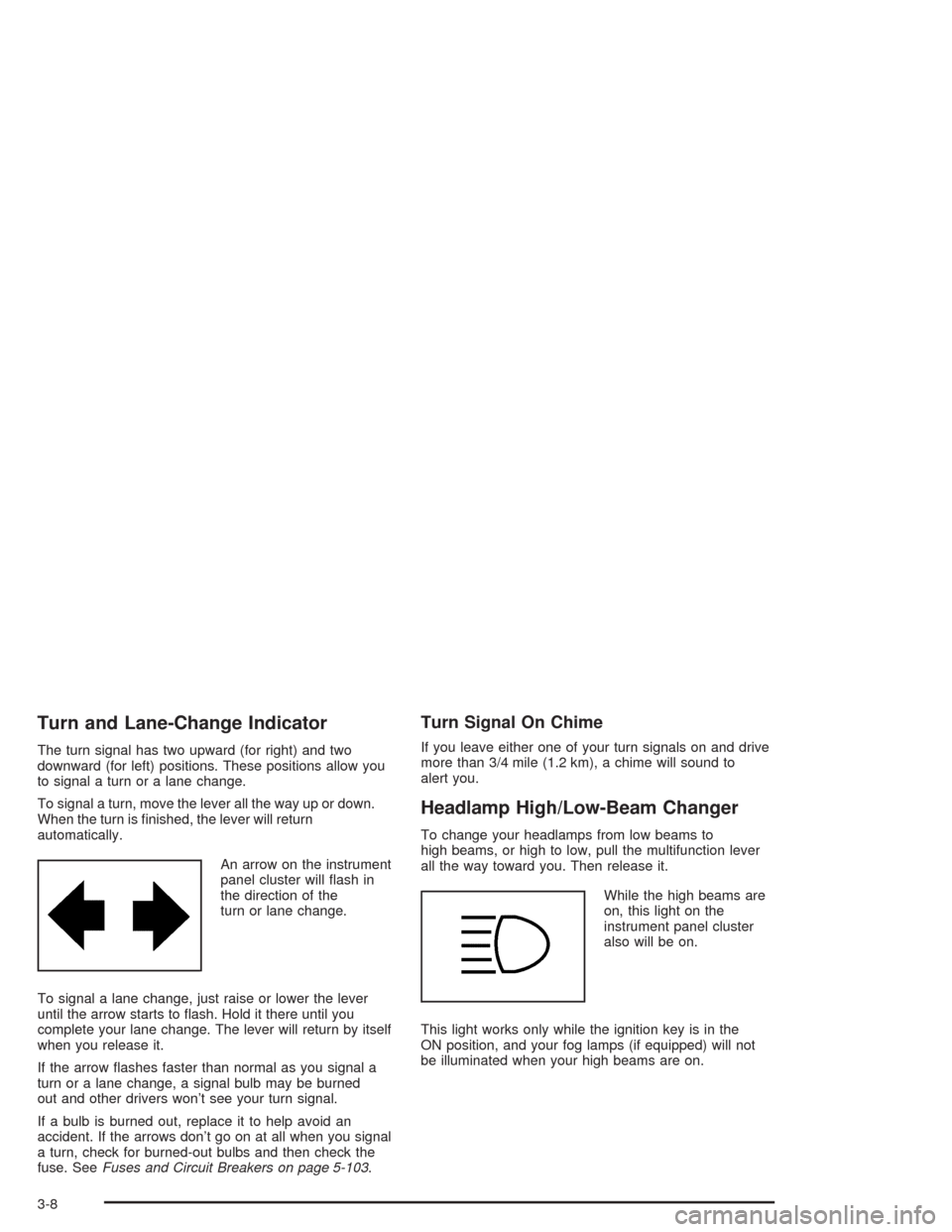
An arrow on the instrument
panel cluster will ash in
the direction of the
turn or lane change.
To signal a lane change, just raise or lower the lever
until the arrow starts to ash. Hold it there until you
complete your lane change. The lever will return by itself
when you release it.
If the arrow ashes faster than normal as you signal a
turn or a lane change, a signal bulb may be burned
out and other drivers won’t see your turn signal.
If a bulb is burned out, replace it to help avoid an
accident. If the arrows don’t go on at all when you signal
a turn, check for burned-out bulbs and then check the
fuse. SeeFuses and Circuit Breakers on page 5-103.
Turn Signal On Chime
If you leave either one of your turn signals on and drive
more than 3/4 mile (1.2 km), a chime will sound to
alert you.
Headlamp High/Low-Beam Changer
To change your headlamps from low beams to
high beams, or high to low, pull the multifunction lever
all the way toward you. Then release it.
While the high beams are
on, this light on the
instrument panel cluster
also will be on.
This light works only while the ignition key is in the
ON position, and your fog lamps (if equipped) will not
be illuminated when your high beams are on.
3-8
Page 132 of 420

3. Press the SET button
located on the steering
wheel and release it.
4. Take your foot off the accelerator.
The CRUISE light on the instrument panel cluster will
come on after the cruise control has been set to the
desired speed.Resuming a Set Speed
Suppose you set your cruise control at a desired speed
and then you apply the brake. This, of course shuts
off the cruise control. But you don’t need to reset it.
Once you’re going about
25 mph (40 km/h) or more,
press the RESUME
button on your steering
wheel. You’ll go back
to your chosen speed and
stay there.
3-12