2004 CHEVROLET COLORADO display
[x] Cancel search: displayPage 129 of 414

Instrument Panel Overview...............................3-2
Hazard Warning Flashers................................3-4
Other Warning Devices...................................3-5
Horn.............................................................3-5
Tilt Wheel.....................................................3-5
Turn Signal/Multifunction Lever.........................3-6
Exterior Lamps...............................................3-6
Interior Lamps..............................................3-10
Accessory Power Outlets...............................3-10
Ashtrays and Cigarette Lighter........................3-11
Climate Controls............................................3-12
Climate Control System.................................3-12
Outlet Adjustment.........................................3-14
Warning Lights, Gages, and Indicators............3-15
Instrument Panel Cluster................................3-16
Speedometer and Odometer...........................3-17
Trip Odometer..............................................3-17
Tachometer.................................................3-18
Safety Belt Reminder Light.............................3-18
Air Bag Readiness Light................................3-19
Air Bag Off Light..........................................3-20
Battery Warning Light....................................3-21
Up-Shift Light (Manual Transmission)...............3-22
Brake System Warning Light..........................3-22
Anti-Lock Brake System Warning Light.............3-23
Engine Coolant Temperature Gage..................3-24Malfunction Indicator Lamp.............................3-24
Oil Pressure Light.........................................3-27
Security Light...............................................3-28
Cruise Control Light......................................3-28
Highbeam On Light.......................................3-28
Daytime Running Lamps Indicator Light...........3-29
Fuel Gage...................................................3-29
Driver Information Center (DIC).......................3-30
DIC Controls and Displays.............................3-30
DIC Warnings and Messages.........................3-32
Audio System(s).............................................3-36
Setting the Time for Radios without Radio
Data Systems (RDS)..................................3-36
Setting the Time for Radios with Radio Data
Systems (RDS).........................................3-36
AM-FM Radio...............................................3-37
Radio with CD..............................................3-39
Radio with Six-Disc CD.................................3-47
Theft-Deterrent Feature (Non-RDS Radios).......3-58
Theft-Deterrent Feature (RDS Radios).............3-58
Radio Reception...........................................3-59
Care of Your CDs.........................................3-59
Care of Your CD Player................................3-59
Fixed Mast Antenna......................................3-59
Chime Level Adjustment................................3-59
Section 3 Instrument Panel
3-1
Page 138 of 414

Interior Lamps
Instrument Panel Brightness
The thumbwheel for this feature is located next to the
exterior lamps control. SeeExterior Lamps on page 3-6.
D(Instrument Panel Lights):Turn the thumbwheel
up or down to brighten or dim the instrument panel lights
and the radio display. This will only work if the
headlamps or parking lamps are on.
To turn on the dome lamp, with the vehicle doors
closed, turn the thumbwheel all the way up.
Dome Lamp
The dome lamp will come on when you open a door.
You can also turn the dome lamp on by turning the
thumbwheel all the way up. In this position, the dome
lamp will remain on whether a door is opened or closed.
E(Dome Override):Press this button, located
below the exterior lamp control, to turn the dome lamp
off even when a door is opened. To return the lamp
to automatic operation, press the button again.
Exit Lighting
With exit lighting, the interior lamps will come on when
you remove the key from the ignition. The lamps
will not come on if the dome override button is
pressed in.
Battery Run-Down Protection
This feature shuts off the dome lamp if it is left on for
more than 20 minutes when the ignition is in LOCK. This
will keep your battery from running down.
Accessory Power Outlets
Your vehicle may have an accessory power outlet.
With accessory power outlets you can plug in auxiliary
electrical equipment such as a cellular telephone or
CB radio.
Your vehicle may have two accessory power outlets
located on the lower part of the instrument panel below
the climate control system and there may be one
located on the rear of the center console. A small cap
must be pulled down to access an accessory power
outlet. When not using an outlet be sure to cover it with
the protective cap.
3-10
Page 145 of 414

Speedometer and Odometer
Your speedometer lets you see your speed in both
miles per hour (mph) and kilometers per hour (km/h).
Your odometer shows how far your vehicle has
been driven, in either miles (used in the United States)
or kilometers (used in Canada).
The odometer mileage can be checked without the
vehicle running. Simply press the trip information stem.
See “Odometer” underDIC Controls and Displays
on page 3-30for more information.
You may wonder what happens if your vehicle needs a
new odometer installed. If the new one can be set to
the mileage total of the old odometer, then it must
be. But if it cannot, then it is set at zero, and a label
must be put on the driver’s door to show the old mileage
reading when the new odometer was installed.
Trip Odometer
Your vehicle has a trip odometer that can tell you how
far your vehicle has been driven since you last set
the trip odometer to zero.
To view the trip odometer, press the trip odometer reset
stem until TRIP is displayed. To reset the current trip
odometer, hold the reset stem. See “Trip Odometer”
underDIC Controls and Displays on page 3-30for
more information.
3-17
Page 146 of 414
Tachometer
The tachometer displays the engine speed in revolutions
per minute (rpm).
Notice:If you operate the engine with the
tachometer in the shaded warning area, your vehicle
could be damaged, and the damages would not be
covered by your warranty. Do not operate the engine
with the tachometer in the shaded warning area.
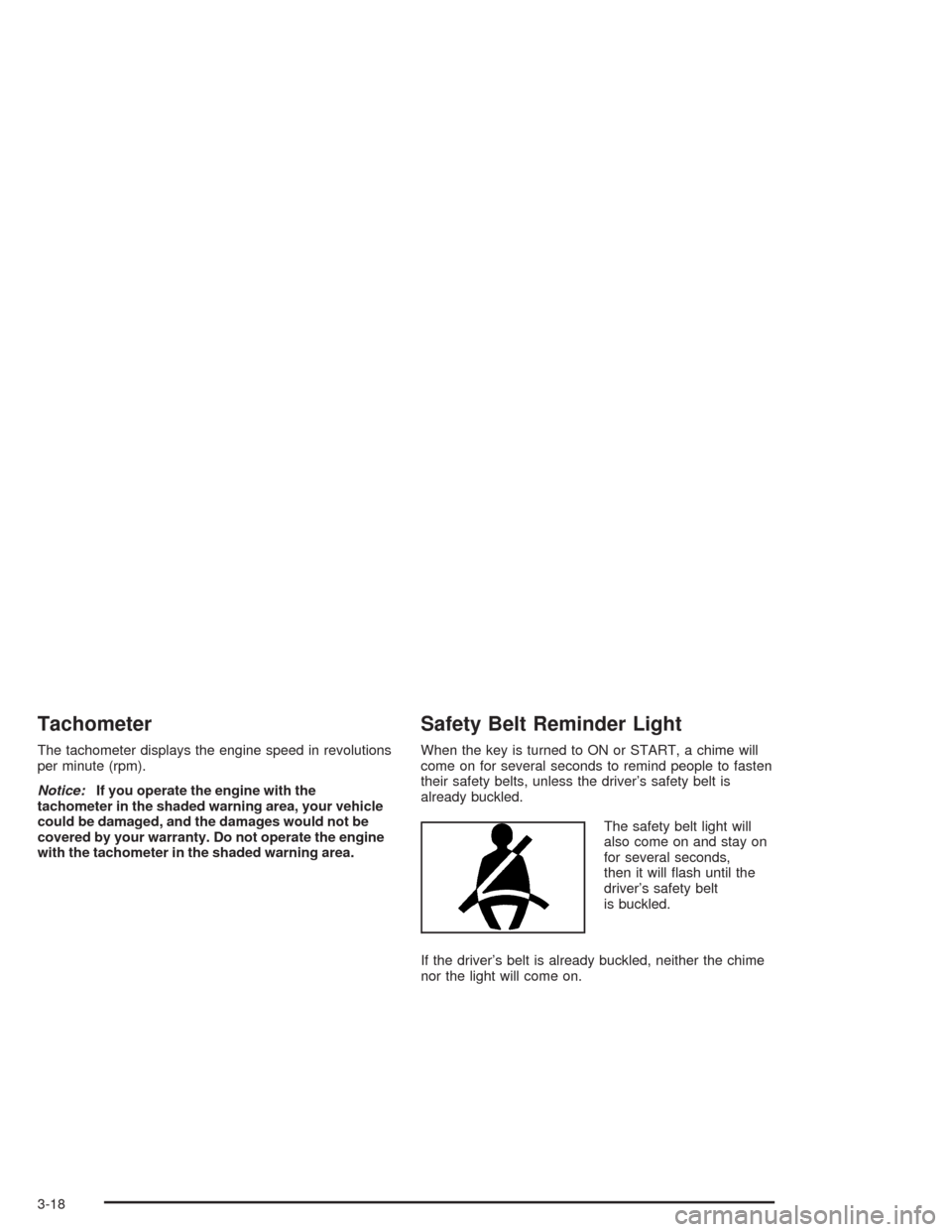
Safety Belt Reminder Light
When the key is turned to ON or START, a chime will
come on for several seconds to remind people to fasten
their safety belts, unless the driver’s safety belt is
already buckled.
The safety belt light will
also come on and stay on
for several seconds,
then it will ash until the
driver’s safety belt
is buckled.
If the driver’s belt is already buckled, neither the chime
nor the light will come on.
3-18
Page 157 of 414

Daytime Running Lamps
Indicator Light
This light turns on
whenever the Daytime
Running Lamps are on.
See “Daytime Running Lamps (DRL)” underExterior
Lamps on page 3-6for more information.
Fuel Gage
When the ignition is on,
the fuel gage tells you
about how much fuel you
have remaining in the
fuel tank.Here are four things that some owners ask about. None
of these indicate a problem with your fuel gage:
At the gas station, the gas pump shuts off before
the gage reads full.
It takes a little more or less fuel to ll up than the
gage indicated. For example, the gage may have
indicated the tank was half full, but it actually took a
little more or less than half the tank’s capacity to
ll the tank.
The gage moves a little when you turn a corner or
speed up.
The gage does not go back to empty when you turn
off the ignition.
When the fuel in the fuel tank is low, you will see a
LOW FUEL message on the Driver Information
Center (DIC) display. SeeDIC Warnings and Messages
on page 3-32for more information.
3-29
Page 158 of 414

Driver Information Center (DIC)
The DIC display is located on the instrument panel
cluster. The DIC can display information such as the trip
odometer, and personalization features.
DIC Controls and Displays
The Driver Information Center (DIC) comes on when the
ignition is on. After a short delay the DIC will display
the information that was last displayed before the engine
was turned off.
If a problem is detected, a warning message will appear
on the display. Pressing and releasing the trip odometer
reset stem on the DIC will acknowledge some current
warnings or service messages. Some message will only
clear once the required action has been taken.
The DIC has different modes which can be accessed by
pressing the trip odometer reset stem on the DIC.
These modes are explained following. The DIC trip
odometer reset stem is located on the instrument panel
cluster next to the DIC display. To scroll through the
available functions, press and release the reset stem.
Trip Information
Odometer
The odometer is automatically displayed on the DIC
when you start the vehicle. The odometer shows
the total distance the vehicle has been driven in either
miles or kilometers.
Trip Odometer
Press and release the reset stem until TRIP appears on
the DIC display. This shows the current distance
traveled since the last reset of the trip odometer in either
miles or kilometers.
Press and hold the reset stem for approximately four
seconds to reset the trip odometer.
GM Oil Life System™
Press the reset stem until OIL LIFE appears (ashing)
on the display. The GM Oil Life System™ shows
an estimate of the oil’s remaining useful life. It will show
OIL LIFE on the display when the system is reset
after an oil change. It will alert you to change your oil on
a schedule consistent with your driving conditions.
3-30
Page 159 of 414

Always reset the engine oil life after an oil change. To
reset the system, the ignition must be off, with the key in
the ON position. Then, press and hold the reset stem
while OIL LIFE is displayed. The system will reset
and several beeps will sound.
The DIC does not replace the need to maintain your
vehicle as recommended in the Maintenance Schedule
in this manual. SeeEngine Oil on page 5-13for
more information.
Automatic Door Locks
With the vehicle’s engine off, and the ignition in the
LOCK position, press and hold the power door lock
button for approximately three seconds until the DIC
displays the current door lock mode. Then press and hold
the reset stem for approximately two seconds to switch
modes. The following are the mode choices:
Lock 1 (default):Lock all doors when the vehicle is
shifted out of PARK (P) with an automatic transmission,
or when vehicle speed is greater than 15 mph (24 km/h)
with a manual transmission. Doors will unlock when the
vehicle is shifted into PARK (P) with an automatic
transmission, or when the ignition key is removed on a
manual transmission.Lock 2:Turns off the automatic door locks.
Lock 3:Lock all doors when the vehicle is shifted out
of PARK (P) with an automatic transmission, or
when vehicle speed is greater than 15 mph (24 km/h)
with a manual transmission. Driver’s door will unlock
when the vehicle is shifted into PARK (P) with an
automatic transmission, or when the ignition key is
removed on a manual transmission.
Lock 4:Lock all doors when the vehicle is shifted out of
PARK (P) with an automatic transmission, or when the
vehicle speed is greater than 15 mph (24 km/h) with a
manual transmission. No doors will unlock.
3-31
Page 160 of 414

Remote Keyless Entry Feedback
With the vehicle’s engine off, and the ignition in the
LOCK position, press and hold the lock and unlock
buttons on the remote keyless entry transmitter at the
same time. Hold both buttons until the DIC displays the
current remote feedback mode, then press and hold
the trip odometer reset stem for approximately two
seconds to switch between modes. The following are
the mode choices:
RFA 1 (default):The parking lamps will ash when you
press the lock and unlock buttons on the remote
keyless entry transmitter.
RFA 2:The parking lamps will ash when you press
the lock and unlock buttons on the remote keyless entry
transmitter, and the horn will chirp when the lock
button is pressed.
RFA 3:The parking lamps will ash and the horn will
chirp when you press the lock and unlock buttons on the
remote keyless entry transmitter.
RFA 4:There is no feedback when you press the
lock and unlock buttons on the remote keyless
entry transmitter.
Language
You can choose the language in which the DIC
information is displayed. With the ignition off, and the
key in the ON position, press the reset stem until
LANGUAGE is displayed. While LANGUAGE is on the
display, press and hold the reset stem for approximately
two seconds until the language changes from
ENGLISH to the language you desire. You can choose
from English, Spanish, or French (Canada Only).
DIC Warnings and Messages
Warning messages are displayed on the DIC to notify
the driver that the status of the vehicle has changed and
that some action may be needed by the driver to
correct the condition. More than one message may
appear at one time. They will appear one after the other.
The messages are displayed for three seconds each.
Some messages may not require immediate action
but you should press and release the trip odometer reset
stem to acknowledge that you received the message
and clear it from the display. Each message must
be acknowledged individually. Some messages cannot
be cleared from the display because they are more
urgent. These messages require action before they can
be removed from the DIC display. The following are
the possible messages that can be displayed and some
information about them.
3-32