2004 CHEVROLET CAVALIER engine
[x] Cancel search: enginePage 117 of 354

Rear Window Defogger
The rear window defogger uses a warming grid to
remove fog from the rear window.
The rear window defogger will only work when the
ignition is in RUN.
<(Rear):Press the button to turn the rear window
defogger on or off. Be sure to clear as much snow from
the rear window as possible. An indicator light above
the button will come on to let you know that the
rear window defogger is activated.
The rear window defogger will turn off about 10 minutes
after the button is pressed. If turned on again, the
defogger will only run for about ve minutes before
turning off. The defogger can also be turned off
by pressing the button again or by turning off the engine.
Notice:Don’t use anything sharp on the inside of
the rear window. If you do, you could cut or damage
the warming grid, and the repairs wouldn’t be
covered by your warranty. Do not attach a temporary
vehicle license, tape, a decal or anything similar
to the defogger grid.
Outlet Adjustment
Use the louvers located on the air outlets to change the
direction of the airow.
Operation Tips
Clear away any ice, snow or leaves from the air
inlets at the base of the vehicle that may block
the ow of air into your vehicle.
Use of non-GM approved hood deectors may
adversely affect the performance of the system.
Keep the path under the front seats clear of objects
to help circulate the air inside of your vehicle more
effectively.
3-19
Page 118 of 354

Warning Lights, Gages, and
Indicators
This part describes the warning lights and gages that
may be on your vehicle. The pictures will help you
locate them.
Warning lights and gages can signal that something is
wrong before it becomes serious enough to cause
an expensive repair or replacement. Paying attention to
your warning lights and gages could also save you
or others from injury.
Warning lights come on when there may be or is a
problem with one of your vehicle’s functions. As you will
see in the details on the next few pages, some
warning lights come on briey when you start the
engine just to let you know they’re working. If you are
familiar with this section, you should not be alarmed
when this happens.Gages can indicate when there may be or is a problem
with one of your vehicle’s functions. Often gages
and warning lights work together to let you know when
there’s a problem with your vehicle.
When one of the warning lights comes on and stays on
when you are driving, or when one of the gages
shows there may be a problem, check the section that
tells you what to do about it. Please follow this
manual’s advice. Waiting to do repairs can be
costly — and even dangerous. So please get to know
your warning lights and gages. They’re a big help.
3-20
Page 120 of 354
Speedometer and Odometer
Your speedometer lets you see your speed in both
miles per hour (mph) and kilometers per hour (km/h).
Your odometer shows how far your vehicle has
been driven, in either miles (used in the United States)
or kilometers (used in Canada).
Your odometer can be seen when the vehicle is
running. To view it when the ignition is off, press the trip
odometer button located near the display. The mileage
will display for about ve seconds.
Trip Odometer
The trip odometer can tell you how far your vehicle
has been driven since you last reset the trip odometer
to zero.
Your trip odometer can be seen when the vehicle is
running. To view it when the ignition is off, press the trip
odometer button located near the display. You will
rst see the total miles your vehicle has traveled. Press
it again to see the mileage since the trip odometer
was last reset. The display will show the mileage for
about ve seconds.
The trip odometer reset button is located next to the
odometer. By pressing the reset button, you can
alternate between the season odometer and the trip
odometer. To reset the trip odometer, press and hold the
reset button for one or two seconds.The odometer and trip odometer can be displayed with
the ignition off by pressing the trip odometer reset
button. The display will remain on for ve seconds after
the last time the reset button is pressed.
Tachometer
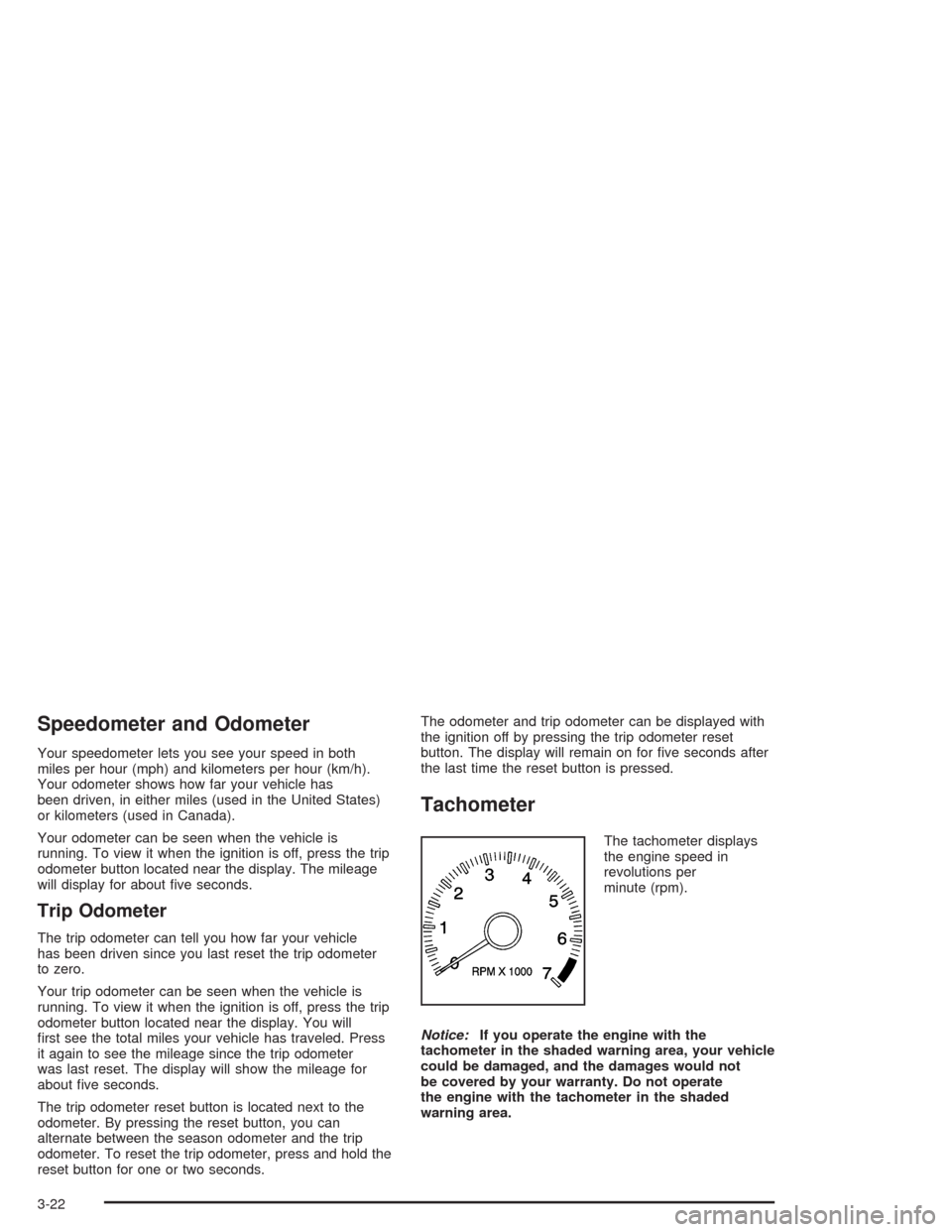
The tachometer displays
the engine speed in
revolutions per
minute (rpm).
Notice:If you operate the engine with the
tachometer in the shaded warning area, your vehicle
could be damaged, and the damages would not
be covered by your warranty. Do not operate
the engine with the tachometer in the shaded
warning area.
3-22
Page 122 of 354

If the air bag readiness light stays on after you start the
vehicle or comes on when you are driving, your air
bag system may not work properly. Have your vehicle
serviced right away.
{CAUTION:
If the air bag readiness light stays on after you
start your vehicle, it means the air bag system
may not be working properly. The air bags in
your vehicle may not inate in a crash, or they
could even inate without a crash. To help
avoid injury to yourself or others, have your
vehicle serviced right away if the air bag
readiness light stays on after you start your
vehicle.
The air bag readiness light should ash for a few
seconds when you turn the ignition key to RUN. If the
light doesn’t come on then, have it xed so it will
be ready to warn you if there is a problem.
Charging System Light
The charging system light
will come on briey when
you turn on the ignition,
and the engine is not
running, as a check
to show you it is working.
Then it should go out when the engine is started.
If it stays on, or comes on while you are driving, you
may have a problem with the electrical charging system.
It could indicate that you have a loose generator drive
belt, or another electrical problem. Have it checked right
away. Driving while this light is on could drain your
battery.
If you must drive a short distance with the light on, be
certain to turn off all your accessories, such as the radio
and air conditioner.
3-24
Page 124 of 354
If the light comes on while you are driving, pull off the
road and stop carefully. You may notice that the pedal is
harder to push. Or, the pedal may go closer to the
oor. It may take longer to stop. If the light is still on,
have the vehicle towed for service. SeeTowing
Your Vehicle on page 4-29.
{CAUTION:
Your brake system may not be working
properly if the brake system warning light is
on. Driving with the brake system warning light
on can lead to an accident. If the light is still
on after you have pulled off the road and
stopped carefully, have the vehicle towed for
service.
Anti-Lock Brake System
Warning Light
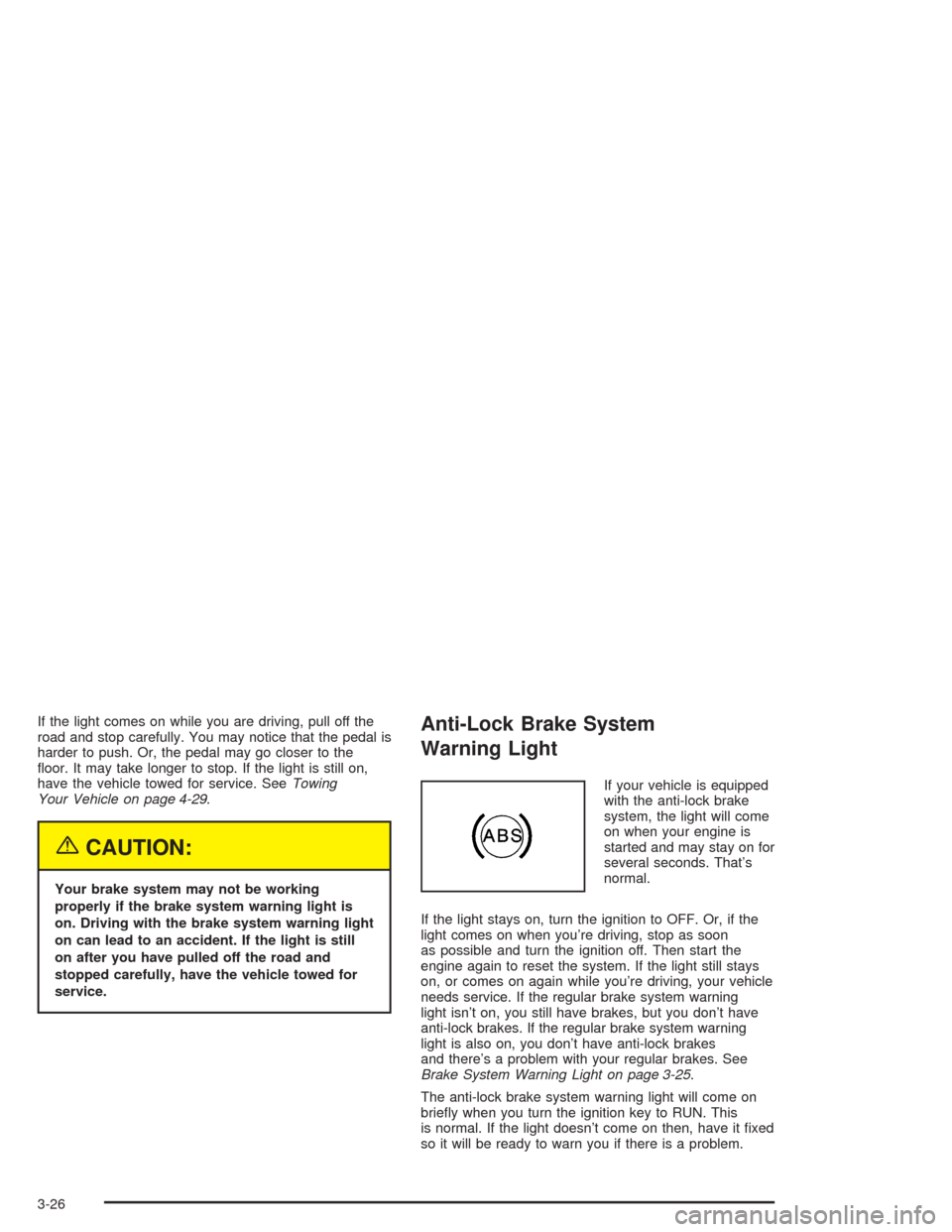
If your vehicle is equipped
with the anti-lock brake
system, the light will come
on when your engine is
started and may stay on for
several seconds. That’s
normal.
If the light stays on, turn the ignition to OFF. Or, if the
light comes on when you’re driving, stop as soon
as possible and turn the ignition off. Then start the
engine again to reset the system. If the light still stays
on, or comes on again while you’re driving, your vehicle
needs service. If the regular brake system warning
light isn’t on, you still have brakes, but you don’t have
anti-lock brakes. If the regular brake system warning
light is also on, you don’t have anti-lock brakes
and there’s a problem with your regular brakes. See
Brake System Warning Light on page 3-25.
The anti-lock brake system warning light will come on
briey when you turn the ignition key to RUN. This
is normal. If the light doesn’t come on then, have it xed
so it will be ready to warn you if there is a problem.
3-26
Page 125 of 354
Enhanced Traction System
Warning Light
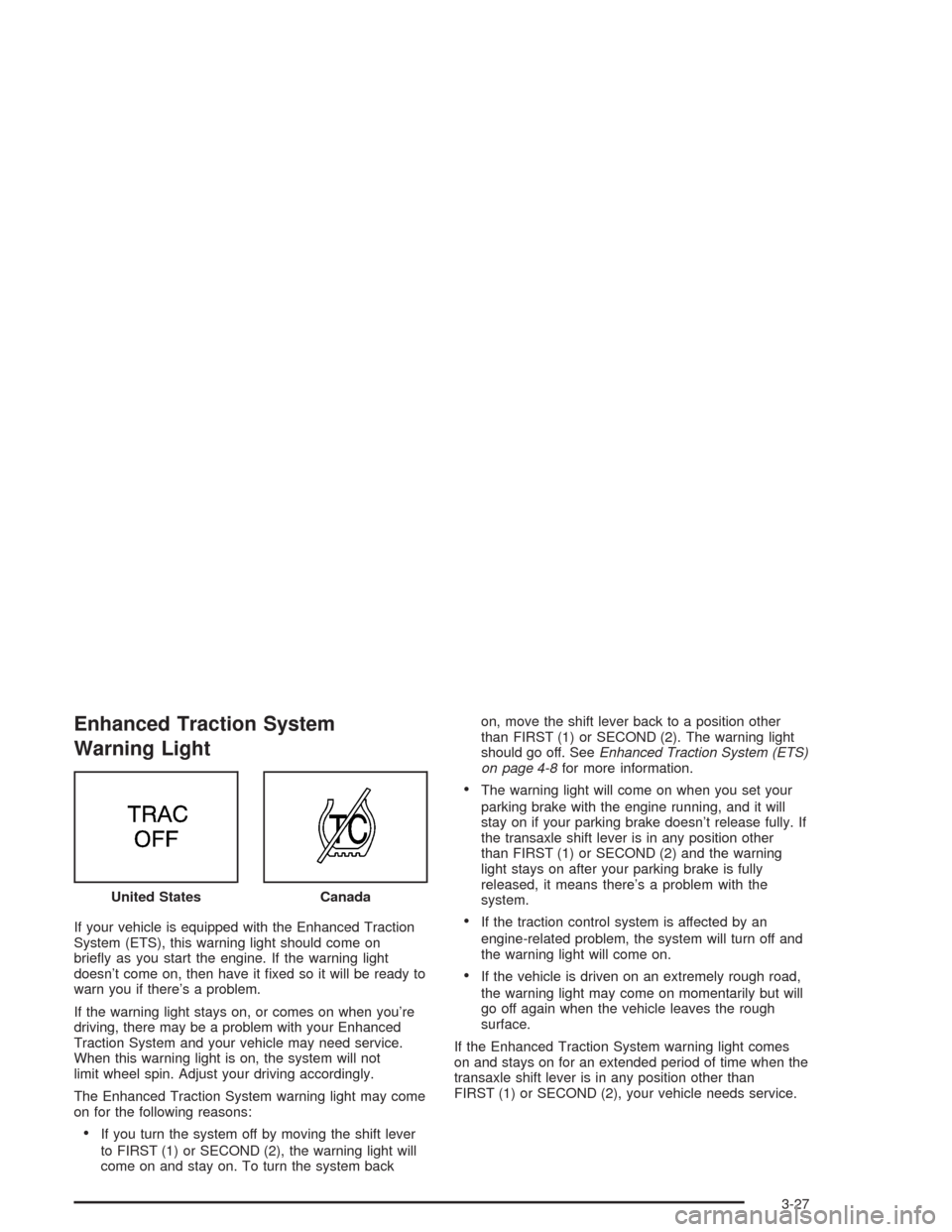
If your vehicle is equipped with the Enhanced Traction
System (ETS), this warning light should come on
briey as you start the engine. If the warning light
doesn’t come on, then have it xed so it will be ready to
warn you if there’s a problem.
If the warning light stays on, or comes on when you’re
driving, there may be a problem with your Enhanced
Traction System and your vehicle may need service.
When this warning light is on, the system will not
limit wheel spin. Adjust your driving accordingly.
The Enhanced Traction System warning light may come
on for the following reasons:
If you turn the system off by moving the shift lever
to FIRST (1) or SECOND (2), the warning light will
come on and stay on. To turn the system backon, move the shift lever back to a position other
than FIRST (1) or SECOND (2). The warning light
should go off. SeeEnhanced Traction System (ETS)
on page 4-8for more information.
The warning light will come on when you set your
parking brake with the engine running, and it will
stay on if your parking brake doesn’t release fully. If
the transaxle shift lever is in any position other
than FIRST (1) or SECOND (2) and the warning
light stays on after your parking brake is fully
released, it means there’s a problem with the
system.
If the traction control system is affected by an
engine-related problem, the system will turn off and
the warning light will come on.
If the vehicle is driven on an extremely rough road,
the warning light may come on momentarily but will
go off again when the vehicle leaves the rough
surface.
If the Enhanced Traction System warning light comes
on and stays on for an extended period of time when the
transaxle shift lever is in any position other than
FIRST (1) or SECOND (2), your vehicle needs service. United States
Canada
3-27
Page 126 of 354

Enhanced Traction System
Active Light
When your Enhanced Traction System is limiting wheel
spin, this light will come on. Slippery road conditions
may exist if the Enhanced Traction System active light
comes on, so adjust your driving accordingly.
This light may also come on when the anti-lock brake
system is active.
The light will stay on for a few seconds after the
Enhanced Traction System stops limiting wheel spin.
The Enhanced Traction System active light also comes
on briey when you turn the ignition key to RUN. If
the light doesn’t come on then, have it xed so it will be
there to tell you when the system is active.
Engine Coolant Temperature Gage
Your vehicle is equipped with one of these gages. With
the ignition in RUN, this gage shows the engine
coolant temperature.
If the gage pointer moves into the red area, your engine
is too hot! It means that your engine coolant has
overheated. The CHECK GAGES light should come on
if this condition exists. SeeCheck Gages Warning
Light on page 3-33for more information. If you have
been operating your vehicle under normal conditions,
you should pull off the road, stop your vehicle and turn
off the engine as soon as possible.
SeeEngine Overheating on page 5-23. United States
Canada
United StatesCanada
3-28
Page 127 of 354

Low Coolant Warning Light
This light comes on
briey when you turn
your ignition on.
If this light comes on and stays on, the coolant level in
your vehicle is low. If the light is on along with an
overheat warning, you may have a serious overheating
problem. SeeEngine Coolant Temperature Gage on
page 3-28.
Notice:If you operate the engine without coolant
or fail to maintain the cooling system properly,
you could damage the engine. The repairs would not
be covered by your warranty. Always follow the
maintenance schedule in this manual for
maintaining your cooling system. SeeCooling
System on page 5-25for more information.
SeeEngine Coolant on page 5-20for information on
what to do. Your vehicle should be serviced as soon as
possible.
Malfunction Indicator Lamp
Check Engine Light
Your vehicle is equipped with a computer which
monitors operation of the fuel, ignition and emission
control systems.
This system is called OBD II (On-Board
Diagnostics-Second Generation) and is intended to
assure that emissions are at acceptable levels for the
life of the vehicle, helping to produce a cleaner
environment. The CHECK ENGINE light comes on to
indicate that there is a problem and service is required.
Malfunctions often will be indicated by the system
before any problem is apparent. This may prevent more
serious damage to your vehicle. This system is also
designed to assist your service technician in correctly
diagnosing any malfunction.
United StatesCanada
3-29