2004 BUICK PARK AVENUE ABS
[x] Cancel search: ABSPage 205 of 410
Avoid needless heavy braking. Some people drive
in spurts — heavy acceleration followed by heavy
braking — rather than keeping pace with traffic. This is
a mistake. Your brakes may not have time to cool
between hard stops. Your brakes will wear out much
faster if you do a lot of heavy braking. If you keep pace
with the traffic and allow realistic following distances,
you will eliminate a lot of unnecessary braking.
That means better braking and longer brake life.
If your engine ever stops while you are driving, brake
normally but do not pump your brakes. If you do,
the pedal may get harder to push down. If your engine
stops, you will still have some power brake assist.
But you will use it when you brake. Once the power
assist is used up, it may take longer to stop and
the brake pedal will be harder to push.Anti-lock Brake System (ABS)
Your vehicle has anti-lock brakes. ABS is an advanced
electronic braking system that will help prevent a
braking skid.
When you start your engine, or when you begin to drive
away, your anti-lock brake system will check itself.
You may hear a momentary motor or clicking noise while
this test is going on, and you may even notice that
your brake pedal moves or pulses a little. This is normal.
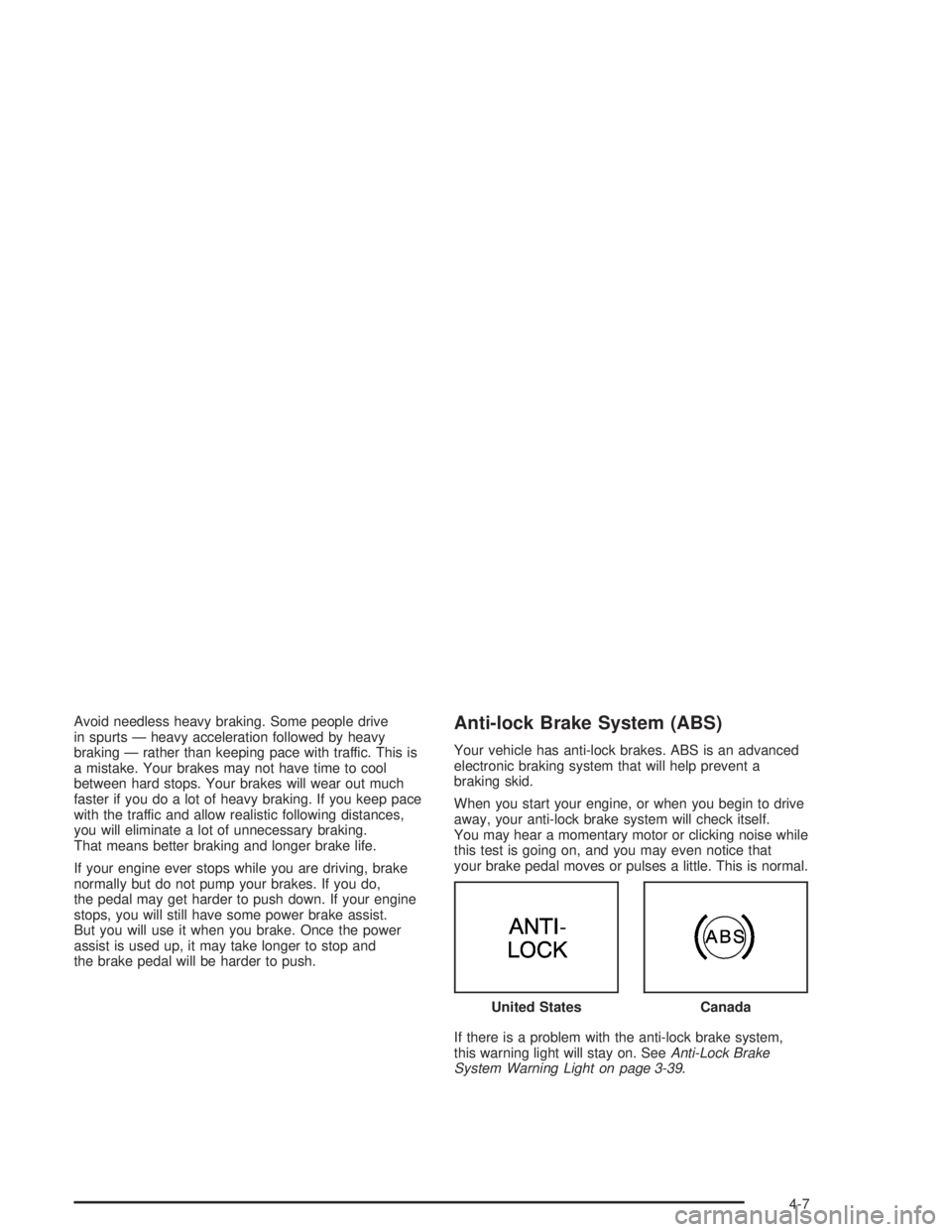
If there is a problem with the anti-lock brake system,
this warning light will stay on. SeeAnti-Lock Brake
System Warning Light on page 3-39. United States
Canada
4-7
Page 206 of 410
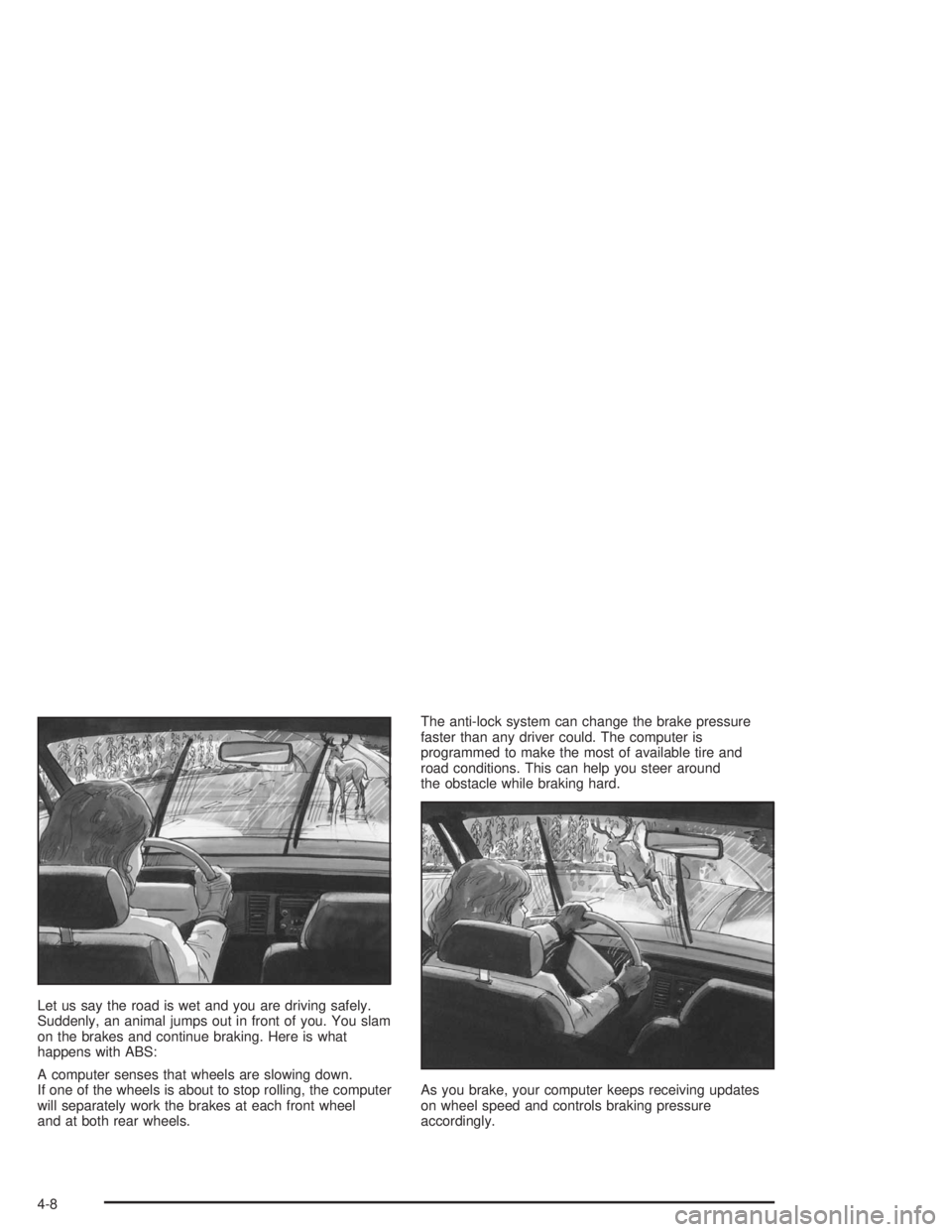
Let us say the road is wet and you are driving safely.
Suddenly, an animal jumps out in front of you. You slam
on the brakes and continue braking. Here is what
happens with ABS:
A computer senses that wheels are slowing down.
If one of the wheels is about to stop rolling, the computer
will separately work the brakes at each front wheel
and at both rear wheels.The anti-lock system can change the brake pressure
faster than any driver could. The computer is
programmed to make the most of available tire and
road conditions. This can help you steer around
the obstacle while braking hard.
As you brake, your computer keeps receiving updates
on wheel speed and controls braking pressure
accordingly.
4-8
Page 214 of 410
If you have the traction control system, remember:
It helps avoid only the acceleration skid. If you do not
have traction control, or if the system is off, then an
acceleration skid is also best handled by easing your foot
off the accelerator pedal.
If your vehicle starts to slide, ease your foot off the
accelerator pedal and quickly steer the way you want
the vehicle to go. If you start steering quickly enough,
your vehicle may straighten out. Always be ready
for a second skid if it occurs.
If you have Stabilitrak
®, you may see the STABILITY
SYSTEM ACTIVE message on the Driver Information
Center. See “Stability System Active Message”
underDIC Warnings and Messages on page 3-50.Of course, traction is reduced when water, snow, ice,
gravel or other material is on the road. For safety,
you will want to slow down and adjust your driving to
these conditions. It is important to slow down on slippery
surfaces because stopping distance will be longer and
vehicle control more limited.
While driving on a surface with reduced traction,
try your best to avoid sudden steering, acceleration or
braking (including engine braking by shifting to a
lower gear). Any sudden changes could cause the tires
to slide. You may not realize the surface is slippery
until your vehicle is skidding. Learn to recognize warning
clues — such as enough water, ice or packed snow
on the road to make a “mirrored surface” — and slow
down when you have any doubt.
Remember: Any anti-lock brake system (ABS) helps
avoid only the braking skid.
4-16
Page 242 of 410
Your vehicle has bulb warning lights. When you plug
a trailer lighting system into your vehicle’s lighting
system, its bulb warning lights may not let you know if
one of your lamps goes out. So, when you have a trailer
lighting system plugged in, be sure to check your
vehicle and trailer lamps from time to time to be sure
they are all working. Once you disconnect the trailer
lamps, the bulb warning lights again can tell you if one
of your vehicle lamps is out.
Driving On Grades
Reduce speed and shift to a lower gearbeforeyou start
down a long or steep downgrade. If you do not shift
down, you might have to use your brakes so much that
they would get hot and no longer work well.
On a long uphill grade, shift to THIRD (3) and reduce
your speed to around 45 mph (70 km/h) to reduce
the possibility of engine and transaxle overheating.
Parking on Hills
{CAUTION:
You really should not park your vehicle, with a
trailer attached, on a hill. If something goes
wrong, your rig could start to move. People
can be injured, and both your vehicle and the
trailer can be damaged.
But if you ever have to park your rig on a hill, here is
how to do it:
1. Apply your regular brakes, but do not shift into
PARK (P) yet.
2. Have someone place chocks behind the trailer
wheels.
3. When the wheel chocks are in place, release the
regular brakes until the chocks absorb the load.
4. Reapply the regular brakes. Then apply your
parking brake, and then shift to PARK (P).
5. Release the regular brakes.
4-44
Page 344 of 410
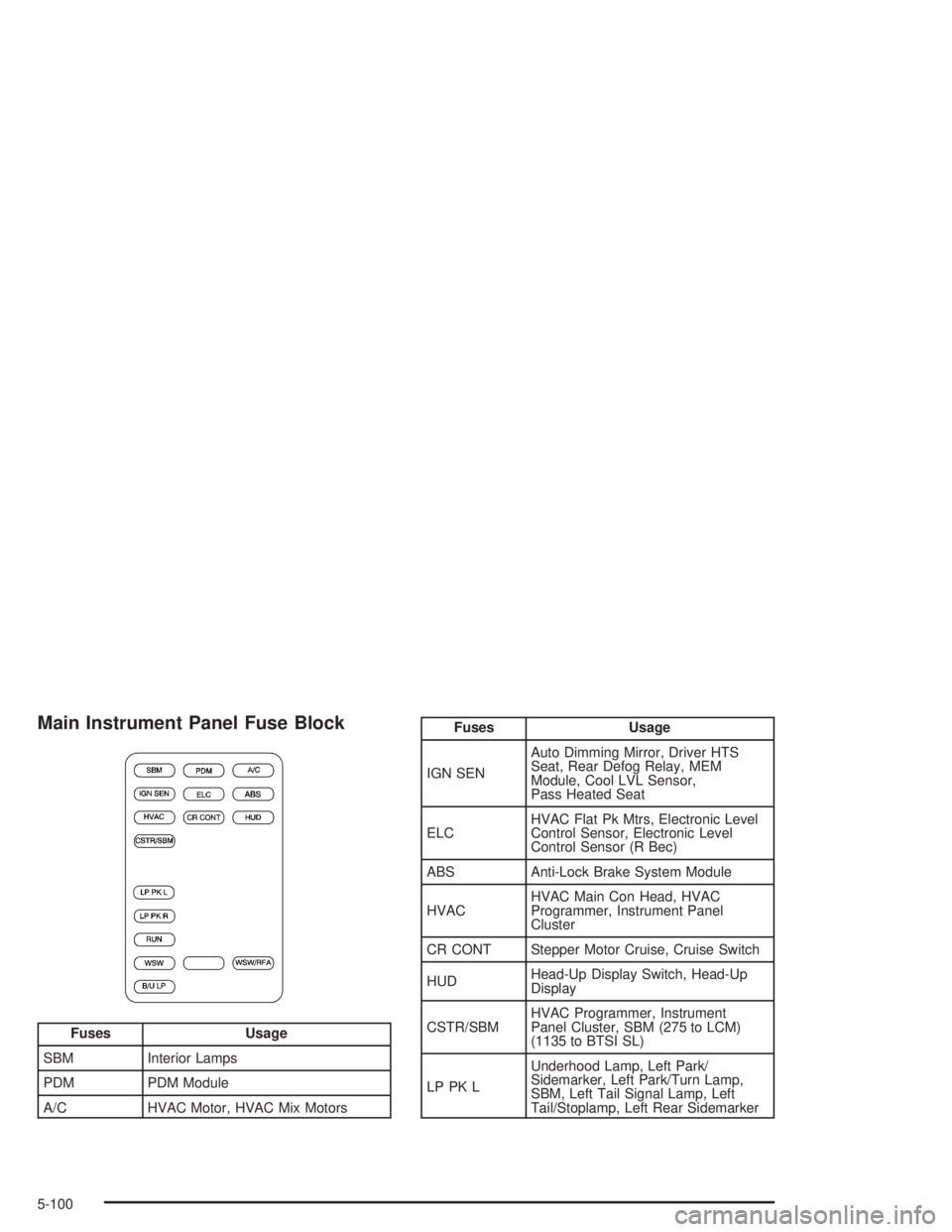
Main Instrument Panel Fuse Block
Fuses Usage
SBM Interior Lamps
PDM PDM Module
A/C HVAC Motor, HVAC Mix Motors
Fuses Usage
IGN SENAuto Dimming Mirror, Driver HTS
Seat, Rear Defog Relay, MEM
Module, Cool LVL Sensor,
Pass Heated Seat
ELCHVAC Flat Pk Mtrs, Electronic Level
Control Sensor, Electronic Level
Control Sensor (R Bec)
ABS Anti-Lock Brake System Module
HVACHVAC Main Con Head, HVAC
Programmer, Instrument Panel
Cluster
CR CONT Stepper Motor Cruise, Cruise Switch
HUDHead-Up Display Switch, Head-Up
Display
CSTR/SBMHVAC Programmer, Instrument
Panel Cluster, SBM (275 to LCM)
(1135 to BTSI SL)
LP PK LUnderhood Lamp, Left Park/
Sidemarker, Left Park/Turn Lamp,
SBM, Left Tail Signal Lamp, Left
Tail/Stoplamp, Left Rear Sidemarker
5-100
Page 347 of 410
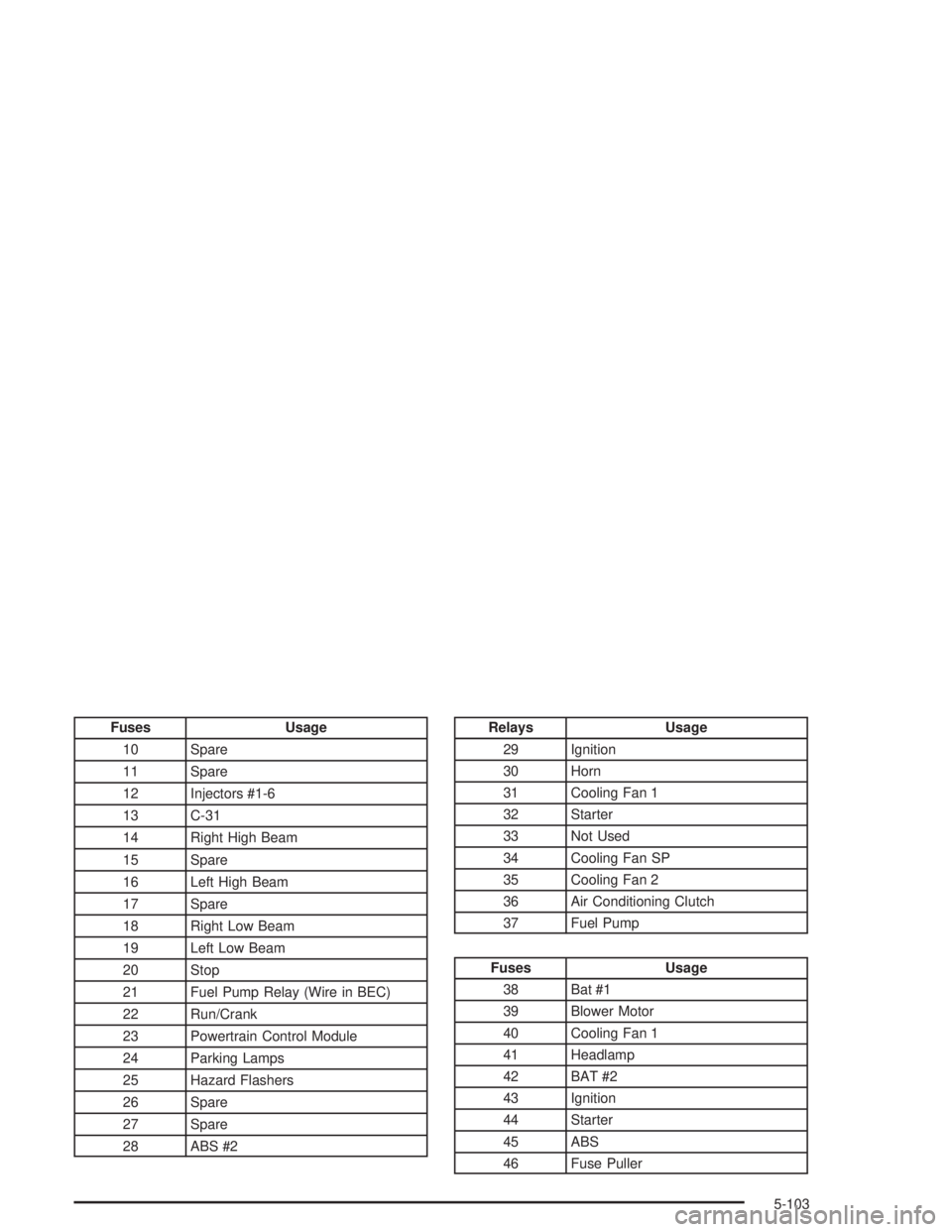
Fuses Usage
10 Spare
11 Spare
12 Injectors #1-6
13 C-31
14 Right High Beam
15 Spare
16 Left High Beam
17 Spare
18 Right Low Beam
19 Left Low Beam
20 Stop
21 Fuel Pump Relay (Wire in BEC)
22 Run/Crank
23 Powertrain Control Module
24 Parking Lamps
25 Hazard Flashers
26 Spare
27 Spare
28 ABS #2Relays Usage
29 Ignition
30 Horn
31 Cooling Fan 1
32 Starter
33 Not Used
34 Cooling Fan SP
35 Cooling Fan 2
36 Air Conditioning Clutch
37 Fuel Pump
Fuses Usage
38 Bat #1
39 Blower Motor
40 Cooling Fan 1
41 Headlamp
42 BAT #2
43 Ignition
44 Starter
45 ABS
46 Fuse Puller
5-103
Page 395 of 410

A
Accessory Power Outlets.................................3-22
Activating the Theft-Deterrent Feature................3-75
Adding Washer Fluid.......................................5-39
Additional Program Information........................... 7-9
Additives, Fuel................................................. 5-5
Add-On Electrical Equipment............................5-98
Adjusting the Speakers (Balance/Fade)......3-61, 3-66
Air Bag
Readiness Light..........................................3-36
Air Bag Systems.............................................1-49
How Does an Air Bag Restrain?....................1-55
Servicing Your Air Bag-Equipped Vehicle.........1-58
What Makes an Air Bag Inate?....................1-55
What Will You See After an
Air Bag Inates?......................................1-56
When Should an Air Bag Inate?...................1-54
Where Are the Air Bags?..............................1-51
Air Cleaner/Filter, Engine.................................5-20
Airbag Sensing and Diagnostic Module (SDM)......... 7-9
AM ...............................................................3-78
Antenna, Heated Backlite.................................3-80
Anti-lock Brake System (ABS)............................ 4-7
Anti-Lock Brake, System Warning Light..............3-39
Appearance Care............................................5-90
Care of Safety Belts....................................5-93
Chemical Paint Spotting...............................5-96
Cleaning the Inside of Your Vehicle................5-90
Cleaning the Outside of Your Vehicle..............5-93Appearance Care (cont.)
Finish Damage............................................5-96
Sheet Metal Damage...................................5-95
Underbody Maintenance...............................5-96
Vehicle Care/Appearance Materials................5-96
Weatherstrips..............................................5-93
Ashtrays........................................................3-23
Assist Handles...............................................2-49
Audio System(s).............................................3-57
Audio Steering Wheel Controls......................3-78
Care of Your Cassette Tape Player................3-79
Care of Your CD Player...............................3-80
Care of Your CDs........................................3-80
Heated Backlite Antenna...............................3-80
Personal Choice Radio Controls....................3-75
Radio with Cassette.....................................3-58
Radio with Cassette and CD.........................3-63
Setting the Time..........................................3-58
Theft-Deterrent Feature................................3-75
Trunk-Mounted CD Changer..........................3-71
Understanding Radio Reception.....................3-78
Automatic Level Control...................................4-38
Automatic Operation........................................3-24
Automatic Transaxle
Fluid..........................................................5-23
Operation...................................................2-27
Automatic Transaxle Check..............................6-20
Automatic Transaxle Shift Lock Control
System Check.............................................6-21
Auxiliary Instrument Panel Fuse Block..............5-101
1