2003 VOLVO S80 display
[x] Cancel search: displayPage 88 of 109

6. Selector knob:
Radio
Internal CD changer
CD
Station scan - press
TV (option on certain models)
External CD changer (option)
7. Radio - Station seek up/down
CD - Selecting next/previous track
8. Radio - Manual station selection
CD - Fast forward/backward
9. CD eject
10. Dolby Pro Logic - switching on
11. 2 channel stereo
12 3 channel stereo
13. CD slot
14. CD random play
15. Program type
16. News
17. Traffic information
18. Automatic presetting of radio stations
19. Display
pg. 138 Audio systems HU-611/HU-801
Switch on/off
Press the knob to switch on or turn off the radio.
Volume control
Turn the knob clockwise to increase volume. Volume control is electronic and does not have an end stop. If you have
a key pad in the steering wheel, increase or decrease the volume with the + or- buttons.
Bass
Adjust the bass by pressing the button to extend the control and turning it to the left (less bass) or to the right (more
ProCarManuals.com
Page 89 of 109
bass). A "detent" indicates "equalized" bass. Press the button back in when you have made the adjustment.
Treble
Adjust the treble by pressing the button to extend the control, pulling it out as far as possible, and then turning it to the
left (less treble) or to the right (more treble). A "detent" indicates "equalized" treble. Press the button back in when you
have made the adjustment.
Band selector
Turn "SOURCE" knob to select FM or AM. The station and wavelength are displayed. You can also select cassette
deck, CD or optional CD changer with this knob.
Active sound control (ASC)
The ASC (Active Sound Control) automatically adapts volume to vehicle speed.
Press the ASC button (HU-611) or the PTY button (HU-801) for several seconds to switch this function ON or OFF.
This function is included in the Advanced User Mode on the HU -801 equipped with this feature. "ASC ON" or "ASC
OFF" will be shown in the display for several seconds.
pg. 139 Audio systems HU-611/HU-801
Fader - Balance front/rear
Adjust front/rear speaker balance by pressing the button to extend the control and turning it to the left (more sound
from the rear speakers) or to the right (more sound from the front speakers). A "detent" indicates "equalized" balance.
Press the button back in when you have made the adjustment.
Balance right/left
Adjust left/right speaker balance by pressing the button to extend the control, pulling it out as far as possible and then
turning it to the left (more sound from the left speakers) or to the right (more sound from the right speakers). A
"detent" indicates "equalized" balance. Press the button back in when you have made the adjustment.
ProCarManuals.com
Page 90 of 109

A - Setting station
Press the left side of the button to select lower frequencies and the right side for higher frequencies. Set frequencies are
displayed.
B - Station seek up/down
Press the left side (lower frequency) or right side (higher frequency) of the button to start the seek function. The radio
seeks the next audible station and tunes it in. Repeat the procedure to continue the seek function.
Audio system controls on the steering wheel
Station seek up/down
If you have a key pad in the steering wheel press the right or left arrow to switch between preset stations.
Scan function
Press the SCAN button (HU-611) or the SOURCE button (HU-801) to start the station scan function. When a station
is found, scanning stops for several seconds, after which scanning will continue.
Press the SCAN or SOURCE button when a station has been found if you would like to listen to that station and to
discontinue the scan function.
pg. 140 Audio systems HU-611/HU-801 - radio
A - Automatic station preset
This function seeks and stores up to 10 strong AM or FM stations in a separate memory. This function is especially
useful in areas where you are not familiar with the radio stations.
ProCarManuals.com
Page 91 of 109
1. Press in the "AUTO" button for at least 2 seconds. A number of strong signal stations (max. 10) from the currently
selected waveband are now stored automatically in the memory. An "A" and "AUTO" is displayed. If there is no
station with sufficient signal strength "NO STATION" is displayed.
2. Turn "1-20/DISC" button if you wish to change to another of the auto-stored stations. Another auto-stored station is
selected with each turn.
Programming stations
1. Tune in the desired frequency.
2. Press the "1-20/DISC" button. Select a number by turning forwards or backwards. Press again to store the selected
frequency and station.
Preset
To choose a pre-set station, turn "1-20/DISC" button to the stored number. The currently selected station is displayed.
Radio Data System (RDS, also referred to as RBDS) - HU-801 only
The HU -801 radio in your car is equipped with an advanced system allowing information from broadcasters to be
transmitted visually, as text, together with the audio signal. This information is then decoded by the radio and made
available for several new and unique features. The RDS or Radio Data System operates in the FM band only, and
the information transmitted is supplied exclusively by participating broadcasters. Volvo has no control over the
accuracy of the data or information. Please refer to the following pages regarding specific descriptions and operation
of these functions.
Volvo was among the first to pioneer this technology throughout Europe and it is slowly making its way to North
America. Coverage by local broadcasters may be limited at this time, but as the technology and benefits grow, you will
find the radio in your car is equipped to take advantage of this system.
pg. 141 Audio systems HU-801 - radio
Traffic information (TP) - HU-801 only
This feature may not be apply in your area and only functions with FM broadcasts.
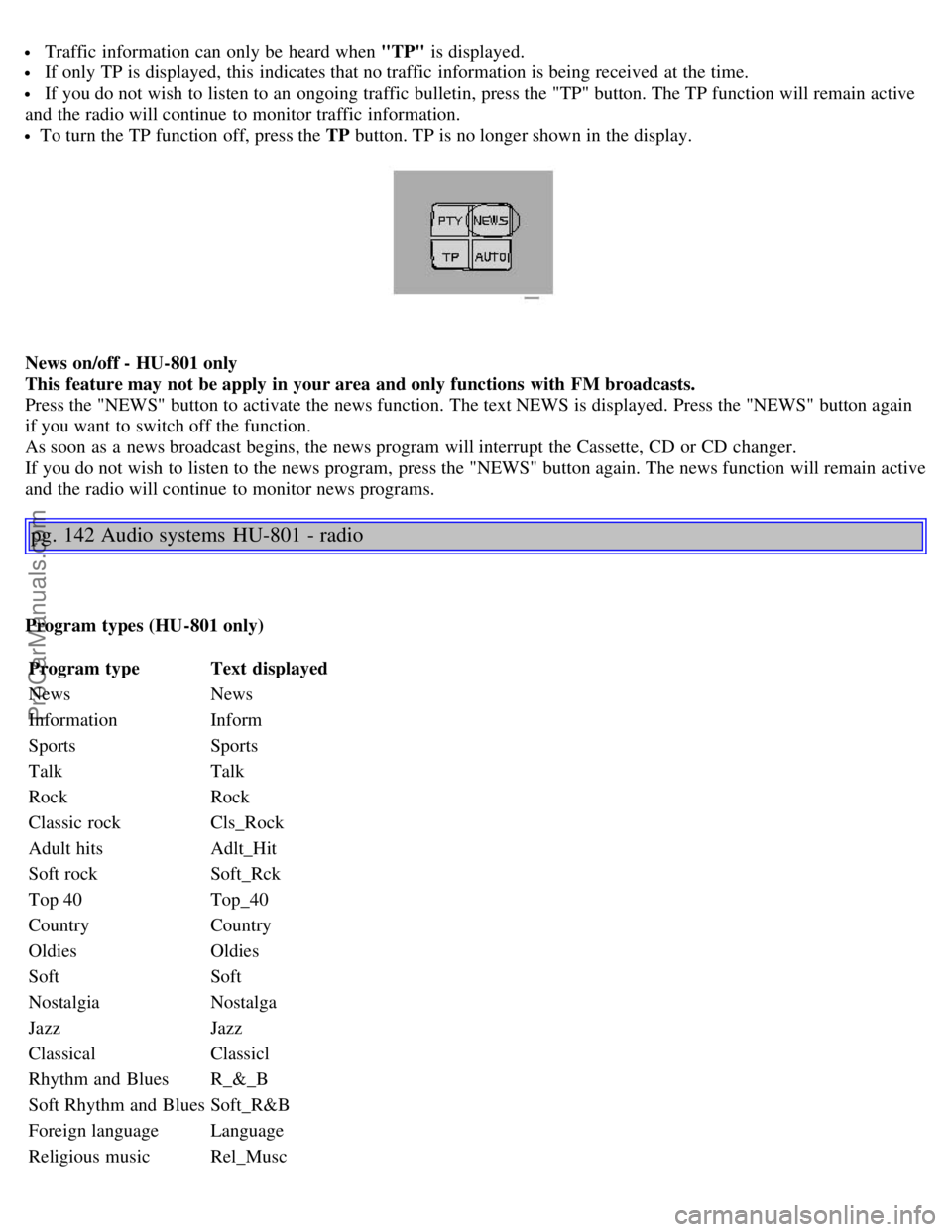
Push the "TP" button for traffic information from RDS stations. "TP" is displayed when the function is connected.
When the unit is in Cassette or CD mode, the FM radio function will seek in the background for a station with a strong
signal broadcasting traffic information. If a cassette or CD are playing when the radio receives a traffic bulletin, that
function is interrupted and the bulletin is broadcast with the volume pre-selected for traffic information.
When the bulletin is finished the unit immediately returns to the previously set volume and continues playing the
cassette or CD.
ProCarManuals.com
Page 92 of 109
Traffic information can only be heard when "TP" is displayed.
If only TP is displayed, this indicates that no traffic information is being received at the time.
If you do not wish to listen to an ongoing traffic bulletin, press the "TP" button. The TP function will remain active
and the radio will continue to monitor traffic information.
To turn the TP function off, press the TP button. TP is no longer shown in the display.
News on/off - HU-801 only
This feature may not be apply in your area and only functions with FM broadcasts.
Press the "NEWS" button to activate the news function. The text NEWS is displayed. Press the "NEWS" button again
if you want to switch off the function.
As soon as a news broadcast begins, the news program will interrupt the Cassette, CD or CD changer.
If you do not wish to listen to the news program, press the "NEWS" button again. The news function will remain active
and the radio will continue to monitor news programs.
pg. 142 Audio systems HU-801 - radio
Program types (HU-801 only)
Program type Text displayed
News News
Information Inform
Sports Sports
Talk Talk
Rock Rock
Classic rock Cls_Rock
Adult hits Adlt_Hit
Soft rock Soft_Rck
Top 40 Top_40
Country Country
Oldies Oldies
Soft Soft
Nostalgia Nostalga
Jazz Jazz
Classical Classicl
Rhythm and Blues R_&_B
Soft Rhythm and Blues Soft_R&B
Foreign language Language
Religious music Rel_Musc
ProCarManuals.com
Page 93 of 109
Religious talkRel_Talk
PersonalityPersnlty
Public Public
College College
-
-
-
-
-
Weather Weather
Program type - HU-801 only
The PTY function enables you to select specific types of programs.
To search for a particular program type:
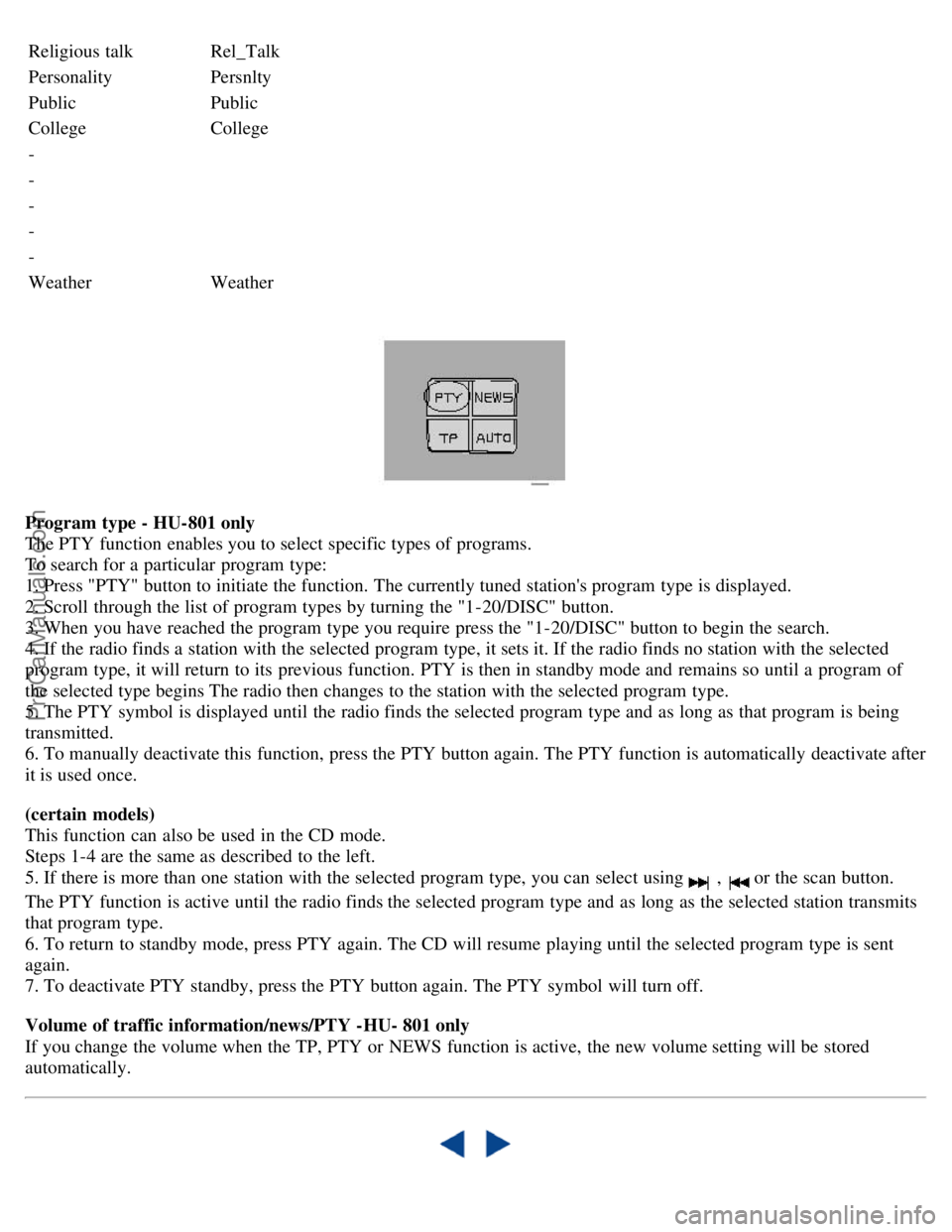
1. Press "PTY" button to initiate the function. The currently tuned station's program type is displayed.
2. Scroll through the list of program types by turning the "1-20/DISC" button.
3. When you have reached the program type you require press the "1-20/DISC" button to begin the search.
4. If the radio finds a station with the selected program type, it sets it. If the radio finds no station with the selected
program type, it will return to its previous function. PTY is then in standby mode and remains so until a program of
the selected type begins The radio then changes to the station with the selected program type.
5. The PTY symbol is displayed until the radio finds the selected program type and as long as that program is being
transmitted.
6. To manually deactivate this function, press the PTY button again. The PTY function is automatically deactivate after
it is used once.
(certain models)
This function can also be used in the CD mode.
Steps 1-4 are the same as described to the left.
5. If there is more than one station with the selected program type, you can select using
, or the scan button.
The PTY function is active until the radio finds the selected program type and as long as the selected station transmits
that program type.
6. To return to standby mode, press PTY again. The CD will resume playing until the selected program type is sent
again.
7. To deactivate PTY standby, press the PTY button again. The PTY symbol will turn off.
Volume of traffic information/news/PTY -HU- 801 only
If you change the volume when the TP, PTY or NEWS function is active, the new volume setting will be stored
automatically.
ProCarManuals.com