Page 207 of 403

03_SEQUOIA_U (L/O 0301)
201
2003 SEQUOIA from Jan. ’03 Prod. (OM34422U)
To stop the tape while it is fast forward-
ing, push the “
” (TUNE/TRACK) button.
To stop the tape while it is rewinding,
push the “
” (TUNE/TRACK) button.
If a tape rewinds completely, the cassette
player will stop and then play that same
side. If a tape fast forwards completely,
the cassette will play the other side of the
tape using the autoreverse feature.
To skip up or down to locate a song or
recording:
You can select up to nine recordings (in-
cluding current one).
Push the “
” or “” (TUNE/TRACK) but-
ton. “FF 1” or “REW 1” will appear on the
screen.
Next, push either side of the track button
until the number on the screen reaches
the number of tracks you want to skip. If
you push the button 10 times, the skip
feature will be turned off.
For the skip feature to work correctly a
blank space of at least 3 seconds is con-
sidered to be a start of a recording.
When a beginning of a tape is reached,
the player automatically resumes play.
When the end of the tape is reached, the
player automatically reverses sides and
resumes normal play. In addition, the feature may not work well
with some spoken, live, or classical re-
cordings.
Compact disc player
This button has the following features—
To skip up or down to a different track:
Push the “
” or “” (TUNE/TRACK) but-
ton until the number of the track you want
to listen to appears on the display. If you
want to return to the beginning of the
current track, quickly push the “
”
(TUNE/TRACK) button one time.
To fast forward or reverse:
Push and hold the “
” or “” (TUNE/
TRACK) button to fast forward or reverse
within a compact disc. When you release
the button, the compact disc player will
resume playing. REPLACING CONTROLLER BATTERY
For replacement, use a CR2025 lithium
battery or equivalent.
CAUTION
Special care should be taken that
small children do not swallow the re-
moved battery or components.
NOTICE
�
When replacing the battery, be care-
ful not to lose the components.
� Replace only with the same or
equivalent type of battery recom-
mended by a Toyota dealer.
� Dispose of used batteries according
to local regulations.
Page 208 of 403
03_SEQUOIA_U (L/O 0301)
202
2003 SEQUOIA from Jan. ’03 Prod. (OM34422U)
Replace the battery by using the following
procedures:1. Pull the case out while pushing the lock release button to the side.2. Remove the discharged battery.
3. Put in a new battery with the positive
(+) side up.
Put it in the case securely.
NOTICE
�Be sure that the positive side of
the controller battery is facing cor-
rectly.
� Do not replace the battery with wet
hands. Water may cause rust.
� Do not touch or move any compo-
nents inside of the controller, or it
may interfere with proper operation.
�Be careful not to bend the electrode
of the controller battery insertion
and that dust or oil does not ad-
here to the transmitter case.
� Close the battery case securely.
After replacing the battery, check that the
controller operates properly. If the control-
ler still does not operate properly, contact
your Toyota dealer.
Page 241 of 403

03_SEQUOIA_U (L/O 0301)
235
2003 SEQUOIA from Jan. ’03 Prod. (OM34422U)
NOTICE
�To prevent the battery from being
discharged, do not use the power
outlet longer than necessary when
the engine is not running.
� Close the power outlet lid when the
power outlet is not in use. Inserting
a foreign object other than the ap-
propriate plug that fits the outlet
may cause electrical failure or short
circuit.
The power outlet is not designed for
the following electric appliances even if
their power consumption is under 115
VAC/100W. These appliances may not
operate properly.
�Appliances with high initial peak watt-
age: cathoderay tube type televisions,
compressordriven refrigerators, electric
pumps, electric tools, etc.
�Measuring devices which process pre-
cise data: medical equipment, measur-
ing instruments, etc.
�Other appliances requiring an extremely
stable power supply: microcomputer
controlled electric blankets, touch sen-
sor lamps, etc. Certain electrical appliances may cause
radio noise.
You can enjoy the rear seat entertain-
ment system with commercial head-
phones.
To use the headphones, connect them to
the jack.
The key must be in the “ACC” or “ON”
position.
—Headphone input j
acks
Page 262 of 403

03_SEQUOIA_U (L/O 0301)
256
2003 SEQUOIA from Jan. ’03 Prod. (OM34422U)
“MODE” button
This button is used to select the item.
Every time you push the “MODE” button,
the display toggles.
For more details, see “—Outside tempera-
ture and cruise information display” on
page 259 in this section.
CAUTION
Do not adjust the display while the
vehicle is moving. Be sure to adjust
the display only when the vehicle is
stopped.
The garage door opener (HomeLink\b
Universal Transceiver) is manufactured
under license from HomeLink\b and can
be programmed to operate garage
doors, gates, entry doors, door locks,
home lighting systems, and security
systems, etc.
(a) Programming the HomeLink
\b
The HomeLink\b in your vehicle has 3
buttons and you can store one program
for each button.
To ensure correct programming into the
HomeLink
\b, install a new battery in the
handheld transmitter prior to program-
ming.
The battery side of the handheld trans-
mitter must be pointed away from the
HomeLink
\b during the programming pro-
cess.
For Canadian users, follow the procedure
in “Programming an entrance gate/Pro-
gramming all devices in the Canadian
market”.
1. Decide which of 3 HomeLink
\b buttons
you want to program. Push and hold
down one of the buttons until the indi-
cator corresponding to the selected
channel begins to flash.
—Garage door opener
Page 267 of 403
03_SEQUOIA_U (L/O 0301)
261
2003 SEQUOIA from Jan. ’03 Prod. (OM34422U)
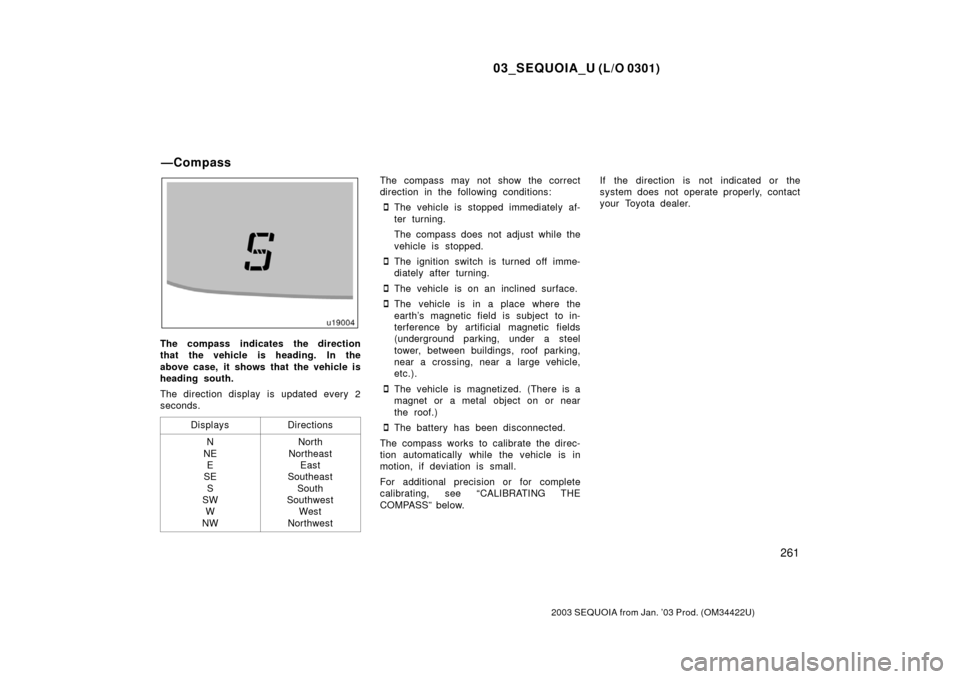
The compass indicates the direction
that the vehicle is heading. In the
above case, it shows that the vehicle is
heading south.
The direction display is updated every 2
seconds.Displays
Directions
N
NE E
SE
S
SW W
NWNorth
Northeast East
Southeast
South
Southwest West
Northwest
The compass may not show the correct
direction in the following conditions:
�The vehicle is stopped immediately af-
ter turning.
The compass does not adjust while the
vehicle is stopped.
�The ignition switch is turned off imme-
diately after turning.
�The vehicle is on an inclined surface.
�The vehicle is in a place where the
earth’s magnetic field is subject to in-
terference by artificial magnetic fields
(underground parking, under a steel
tower, between buildings, roof parking,
near a crossing, near a large vehicle,
etc.).
�The vehicle is magnetized. (There is a
magnet or a metal object on or near
the roof.)
�The battery has been disconnected.
The compass works to calibrate the direc-
tion automatically while the vehicle is in
motion, if deviation is small.
For additional precision or for complete
calibrating, see “CALIBRATING THE
COMPASS” below. If the direction is not indicated or the
system does not operate pr
operly, contact
your Toyota dealer.
—Compass
Page 271 of 403

03_SEQUOIA_U (L/O 0301)
265
2003 SEQUOIA from Jan. ’03 Prod. (OM34422U)
Perform circling calibration just after
you have purchased your Toyota. And
then always perform circling calibration
after the battery has been removed, re-
placed or disconnected.
�Do not perform circling calibration of
the compass in a place where the
earth’s magnetic field is subject to in-
terference by artificial magnetic fields
(underground parking, under a steel
tower, between buildings, roof parking,
near a crossing, near a large vehicle,
etc.).
�During calibration, do not operate elec-
tric systems (moon roof, power win-
dows, etc.) as they may interfere with
the calibration.
CAUTION
�When doing the circling calibration,
be sure to secure a wide space,
and watch out for people and ve-
hicles in the neighborhood. Do not
violate any local traffic rules while
performing circling calibration.
�Do not adjust the display while the
vehicle is moving. Be sure to adjust
the display only when the vehicle is
stopped.
The digital clock indicates the time.
The key must be in the “ACC” or “ON”
position.
To reset the hour: Push the “H” button.
To reset the minutes: Push the “M” button.
If the electrical power source has been
disconnected from the clock, the time dis-
play will automatically be set to 1:00 (one
o’clock).
When the instrument panel lights are
turned on, the brightness of the time in-
dication will be reduced.Cigarette lighter and front ashtray
Rear ashtray
ClockCigarette lighter and ashtrays
Page 272 of 403

03_SEQUOIA_U (L/O 0301)
266
2003 SEQUOIA from Jan. ’03 Prod. (OM34422U)
CIGARETTE LIGHTER
To use the cigarette lighter, press it in.
After it finishes heating up, it automati-
cally pops out ready for use.
If the engine is not running, the key must
be in the “ACC” position.
Do not hold the cigarette lighter pressed
in.
Use a Toyota genuine cigarette lighter or
equivalent for replacement.
ASHTRAYS
Front: To use the ashtray, pull it out.
Rear: To use the ashtray, raise the lid.
When finished with your cigarette, thor-
oughly extinguish it in the ashtray to pre-
vent other cigarette butts from catching
fire. After using the ashtray, push it back
in completely.
Front—To remove the ashtray, press down
on the lock spring plate and pull out.
Rear—To remove the ashtray, pull it out.
CAUTION
To reduce the chance of injury in
case of an accident or sudden stop
while driving, always completely close
the ashtray after use.
Instrument panel
Rear console box
Luggage compartment
The power outlets are designed for
power supply for car accessories.
The key must be in the “ACC” or “ON”
position for the power outlet to be used.
NOTICE
�To prevent the fuse from being
blown, do not use the electricity
over the total vehicle capacity of
12V/120W.
� To prevent the battery from being
discharged, do not use the power
outlets longer than necessary when
the engine is not running.
Power outlets (12 VDC)
Page 274 of 403
03_SEQUOIA_U (L/O 0301)
268
2003 SEQUOIA from Jan. ’03 Prod. (OM34422U)
NOTICE
�To prevent the battery from being
discharged, do not use the power
outlet longer than necessary when
the engine is not running.
� Close the power outlet lid when the
power outlet is not in use. Inserting
a foreign object other than the ap-
propriate plug that fits the outlet
may cause electrical failure or short
circuits.
The power outlet is not designed for
the following electric appliances even
though their power consumption is un-
der 115 VAC/100W. These appliances
may not operate properly.
�Appliances with high initial peak watt-
age: cathoderay tube type televisions,
compressordriven refrigerators, electric
pumps, electric tools, etc.
�Measuring devices which process pre-
cise data: medical equipment, measur-
ing instruments, etc.
�Other appliances requiring an extremely
stable power supply: microcomputer
controlled electric blankets, touch sen-
sor lamps, etc.
Certain electrical appliances may cause
radio noise.
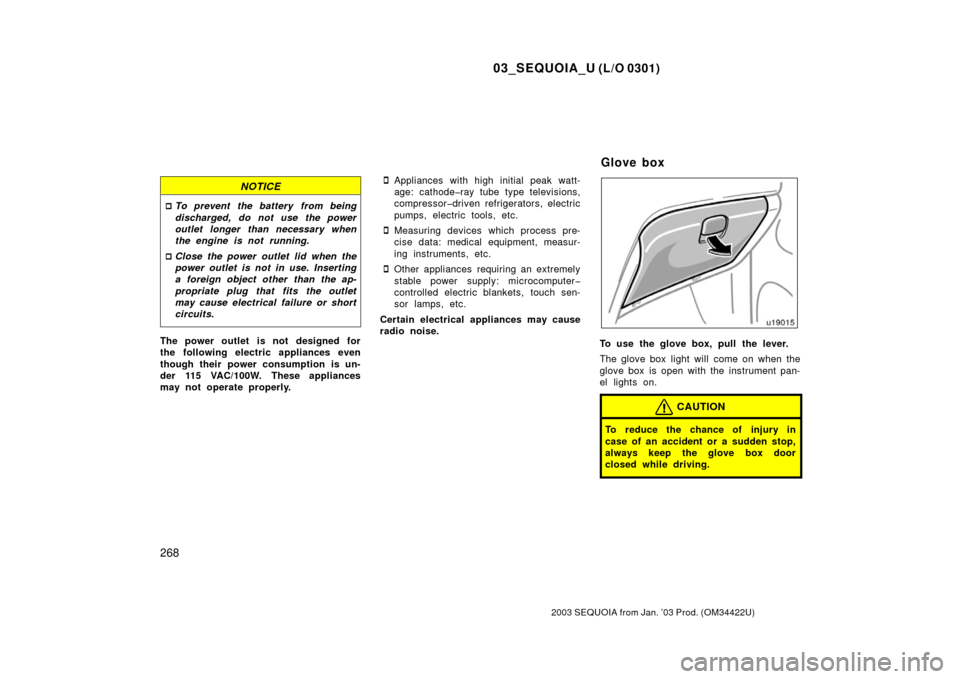
To use the glove box, pull the lever.
The glove box light will come on when the
glove box is open with the instrument pan-
el lights on.
CAUTION
To reduce the chance of injury in
case of an accident or a sudden stop,
always keep the glove box door
closed while driving.
Glove box
