10-02-2003
Specific features of the colour screen
'Trip computer' context menu Briefly press the 'MODE' button to
select one of the following functions:Ð Route 1,Ð Route 2,
Ð Enter the distance to the destina- tion (when guidance is not activat- ed; otherwise the information isgiven by the navigation),
Ð Change the units (¡C or ¡F, km andlitres or miles and gallons).
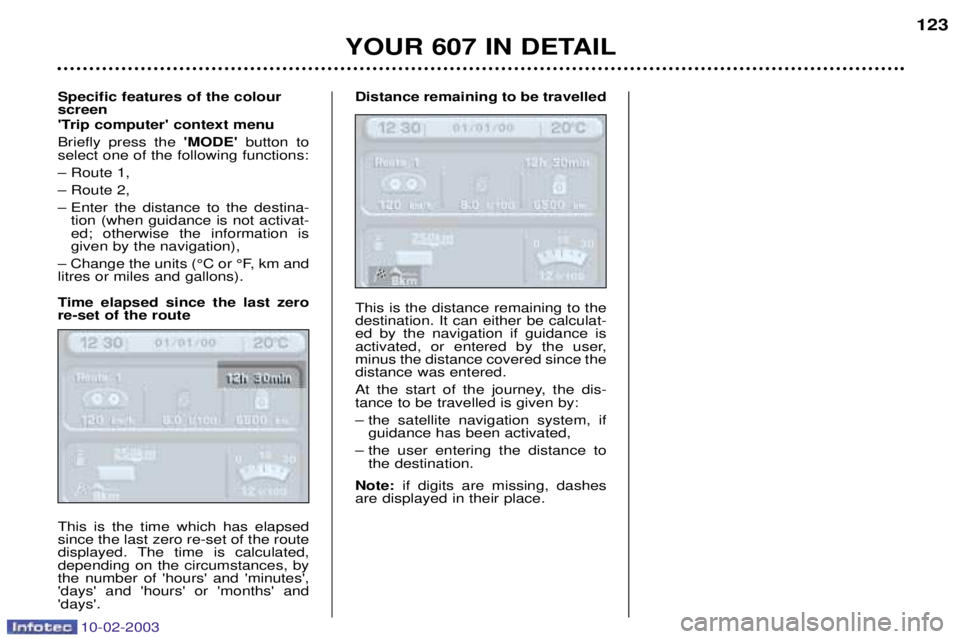
Time elapsed since the last zero re-set of the route This is the time which has elapsed since the last zero re-set of the route
displayed. The time is calculated,depending on the circumstances, bythe number of 'hours' and 'minutes','days' and 'hours' or 'months' and'days'. Distance remaining to be travelled This is the distance remaining to the destination. It can either be calculat-ed by the navigation if guidance is
activated, or entered by the user,minus the distance covered since thedistance was entered.
At the start of the journey, the dis- tance to be travelled is given by:
Ð the satellite navigation system, if
guidance has been activated,
Ð the user entering the distance to the destination.
Note: if digits are missing, dashes
are displayed in their place.
YOUR 607 IN DETAIL 123