Page 15 of 248
GAUGES
Speedometer:Indicates the
current vehicle speed.
Engine coolant temperature
gauge:Indicates engine coolant
temperature. At normal operating
temperature, the needle will be in
the normal range (between ªHº and
ªCº).If it enters the red section,
the engine is overheating. Stop the vehicle as soon as safely
possible, switch off the engine and let the engine cool.Refer to
Engine coolantin theMaintenance and Specificationschapter.
WARNING: When the engine and radiator are hot, scalding
coolant and steam may shoot out under pressure and cause
serious injury. Do not remove the cooling system cap when the
engine and radiator are hot.
NOTE:This gauge indicates the temperature of the engine coolant, not
the coolant level. If the coolant is not at its proper level the gauge
indication will not be accurate.
CHECK
FUEL
CAP
Instrument Cluster
15
Page 16 of 248
Odometer:Registers the total
kilometers (miles) of the vehicle.
Trip odometer:Registers the
kilometers (miles) of individual
journeys. Press and hold the button
for 1 or more seconds to reset.
Press and release the button in less
than 1 second to toggle between odometer and trip odometer.
Tachometer:Indicates the engine
speed in revolutions per minute.
Driving with your tachometer
pointer continuously at the top of
the scale may damage the engine.
Fuel gauge:Displays approximately
how much fuel is in the fuel tank.
The fuel gauge may vary slightly
when the vehicle is in motion or on
a grade.
When refueling the vehicle from
empty indication, the amount of fuel that can be added will be less than
the advertised capacity due to the reserve fuel.
Note:The fuel filler door is located on the driver's side of the vehicle.
Instrument Cluster
16
Page 17 of 248
AM/FM RADIO WITH COMPACT DISC PLAYER
Volume/power control
Ensure that the ignition is either in the ACC or ON position for the audio
system to function.
Press the control to turn the audio
system on or off.
Turn the control to raise or lower
the volume.
NOTE:To prevent the battery from being discharged, do not leave the
audio system on for a long period when the engine is not running.
NOTE:Once the system is turned off, press the VOL control again to
listen to the frequency last tuned to.
Entertainment Systems
17
Page 28 of 248
Turn the control to raise or lower
the volume.
NOTE:To prevent the battery from being discharged, do not leave the
audio system on for a long period when the engine is not running.
NOTE:Once the system is turned off, press the VOL control again to
listen to the frequency last tuned to.
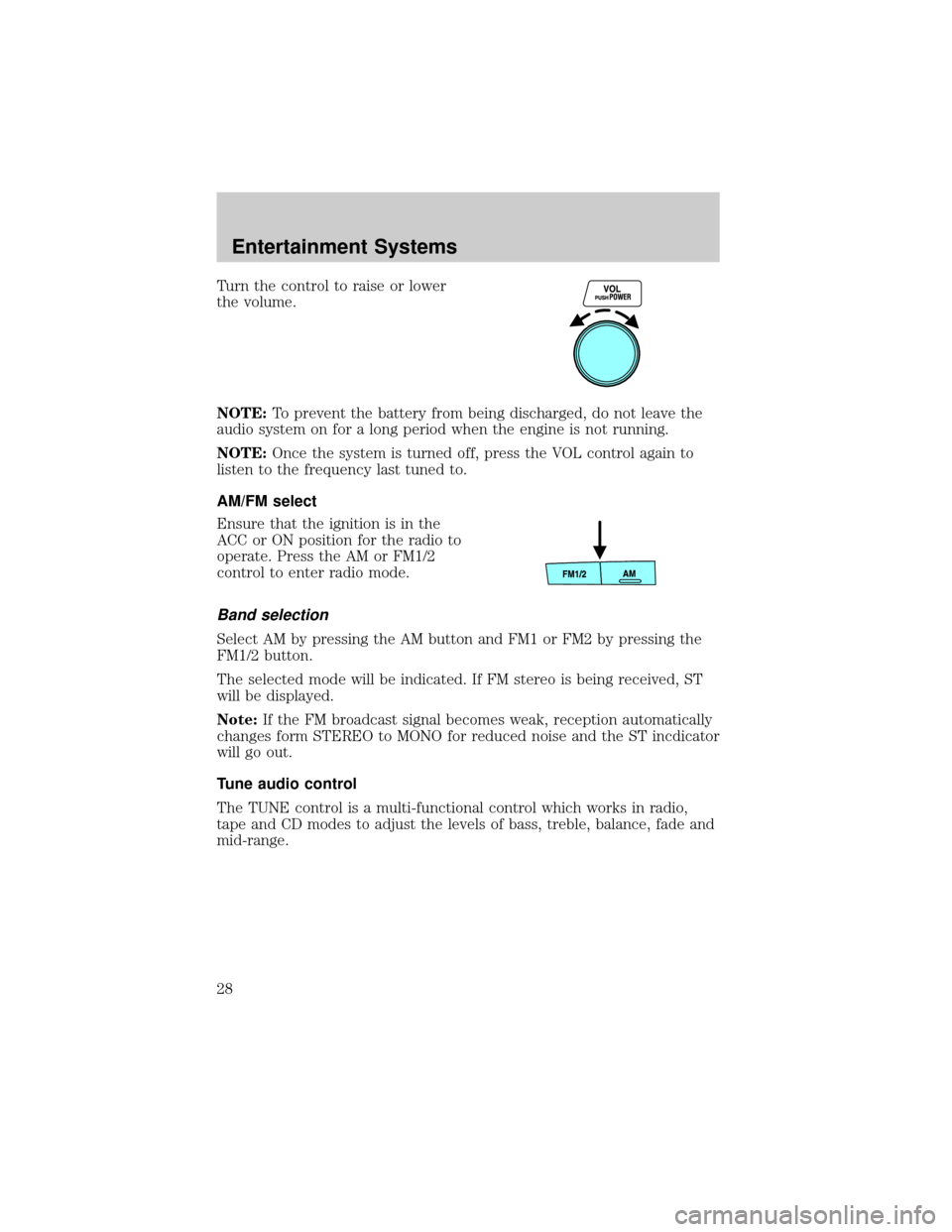
AM/FM select
Ensure that the ignition is in the
ACC or ON position for the radio to
operate. Press the AM or FM1/2
control to enter radio mode.
Band selection
Select AM by pressing the AM button and FM1 or FM2 by pressing the
FM1/2 button.
The selected mode will be indicated. If FM stereo is being received, ST
will be displayed.
Note:If the FM broadcast signal becomes weak, reception automatically
changes form STEREO to MONO for reduced noise and the ST incdicator
will go out.
Tune audio control
The TUNE control is a multi-functional control which works in radio,
tape and CD modes to adjust the levels of bass, treble, balance, fade and
mid-range.
Entertainment Systems
28
Page 74 of 248

7. The doors will lock, then unlock, to confirm that this remote entry
transmitter has been programmed.
8. Repeat Step 6 to program each additional remote entry transmitter.
9. Turn the ignition to the 1 (LOCK) position after you have finished
programming all of the remote entry transmitters.
10. The doors will lock, then unlock, to confirm that the programming
mode has been exited.
Illuminated entry
The interior lamps illuminate when the remote entry system is used to
unlock the door(s) or sound the personal alarm.
The illuminated entry system will turn off the interior lights if:
²the ignition switch is turned to the RUN position, or
²the remote transmitter lock control is pressed, or
²after 30 seconds of illumination.
NOTE:The dome lamp control (if equipped) mustnotbe set to the
OFF position for the illuminated entry system to operate.
The inside lights will not turn off if:
²they have been turned on with the dimmer control, or
²any door is open.
NOTE:The battery saver will shut off the interior lamps 30 minutes
after the ignition has been turned to the OFF position.
SECURILOCKYPASSIVE ANTI-THEFT SYSTEM
SecuriLockypassive anti-theft system is an engine immobilization
system. This system is designed to prevent the engine from being started
unless acoded key programmed to your vehicleis used.
The SecuriLockypassive anti-theft system is not compatible with
non-Mazda aftermarket remote start systems. Use of these systems may
result in vehicle starting problems and a loss of security protection.
Your vehicle comes with two coded keys; additional coded keys may be
purchased from your dealer. The dealer can program your spare keys to
your vehicle or you can program the keys yourself. Refer to
Programming spare keysfor instructions on how to program the coded
key.
Note:A maximum of eight keys can be coded to your vehicle.
Locks and Security
74
Page 75 of 248

Note:Large metallic objects, electronic devices that are used to
purchase gasoline or similar items, or a second coded key on the same
key chain may cause vehicle starting issues. You need to prevent these
objects from touching the coded key while starting the engine. These
objects will not cause damage to the coded key, but may cause a
momentary issue if they are too close to the key when starting the
engine. If a problem occurs, turn the ignition off, remove all objects on
the key chain away from the coded key and restart the engine.
Theft indicator
The theft indicator is located in the instrument cluster.
²When the ignition is in the OFF position, the indicator will flash once
every 2 seconds to indicate the SecuriLockysystem is functioning as
a theft deterrent.
²When the ignition is in the ON position, the indicator will glow for 3
seconds, then turn off, to indicate normal system functionality.
If a problem occurs with the SecuriLockysystem, the indicator will flash
rapidly or glow steadily when the ignition is in the ON position. If this
occurs, the vehicle should be taken to an authorized Mazda dealer for
service.
Automatic arming
The vehicle is armed immediately
after switching the ignition to the 2
(ACC) position.
The light in the instrument cluster
will flash every two seconds when
the vehicle is armed.
Automatic disarming
Switching the ignition to the 3 (ON) position with acoded keydisarms
the vehicle.
Locks and Security
75
Page 76 of 248

²The indicator will illuminate for
three seconds and then go out.
²If the indicator stays on for an
extended period of time or
flashes rapidly, have the system serviced by your authorized Mazda
dealer.
Replacement keys
If your keys are lost or stolen and you don't have an extra coded key,
you will need to have your vehicle towed to a dealership. The key codes
need to be erased from your vehicle and new coded keys and key codes
will need to be programmed.
Replacing coded keys can be very costly. Store an extra programmed key
away from the vehicle in a safe place to help prevent any
inconveniences. Please visit an authorized Mazda dealer to purchase
additional spare or replacement keys.
WARNING: If an unprogrammed key is used in the ignition it
will cause a ªno startº condition.
Programming spare keys
You can program your own coded keys to your vehicle. Please read and
understand the entire procedure before you begin.
Tips:
²Only use Securilockykeys.
²You must have two previously programmed coded keys (keys that
already operate your vehicle's engine) and the new unprogrammed
key(s) readily accessible.
²If you do not have at least 2 previously programmed keys, you must
take your vehicle to your authorized Mazda dealer to have the spare
key(s) programmed.
Locks and Security
76
Page 77 of 248

1. Insert a previously programmed
coded keyinto the ignition.
2. Turn the ignition from the 1 (LOCK) position to the 3 (ON) position.
Keep the ignition in the 3 (ON) position for at least one second, but
no more than 10 seconds.
3. Turn the ignition to the 1 (LOCK) position and remove thecoded
keyfrom the ignition.
4. Within ten seconds, insert the second previouslycoded keyinto the
ignition.
5. Turn the ignition from the 1 (LOCK) position to the 3 (ON) position.
Keep the ignition in the 3 (ON) position for at least one second, but
no more than 10 seconds.
6. Turn the ignition to the 1 (LOCK) position and remove the second
previously programmedcoded keyfrom the ignition.
7. Within twenty seconds of removing the previously programmed
coded key,insert the new unprogrammed key into the ignition.
8. Turn the ignition from the 1 (LOCK) position to the 3 (ON) position.
Keep the ignition in the 3 (ON) position for at least one second but
not more than 10 seconds.
9. Remove the newly programmed coded key from the ignition.
If the key has been successfully programmed it will start the vehicle's
engine and the theft indicator light will illuminate for three seconds and
then go out.
If the key was not successfully programmed, it will not start your
vehicle's engine and the theft indicator light will flash on and off, or stay
on for more than three seconds. If failure repeats, bring your vehicle to
your authorized Mazda dealer to have the new key(s) programmed.
To program additional new unprogrammed key(s), repeat this procedure
from step 1 for each additional key.
Locks and Security
77