Page 27 of 248
Press the CLOCK control to
alternate the display.
NOTE:If the audio operation is selected while the clock mode is on, the
selected audio mode will be displayed for ten seconds, then the display
will revert to the clock mode.
AM/FM RADIO WITH CASSETTE TAPE AND COMPACT DISC
PLAYER/CHANGER (IN-DASH CD CHANGER)
Volume/power control
Ensure that the ignition is either in the ACC or ON position for the audio
system to function.
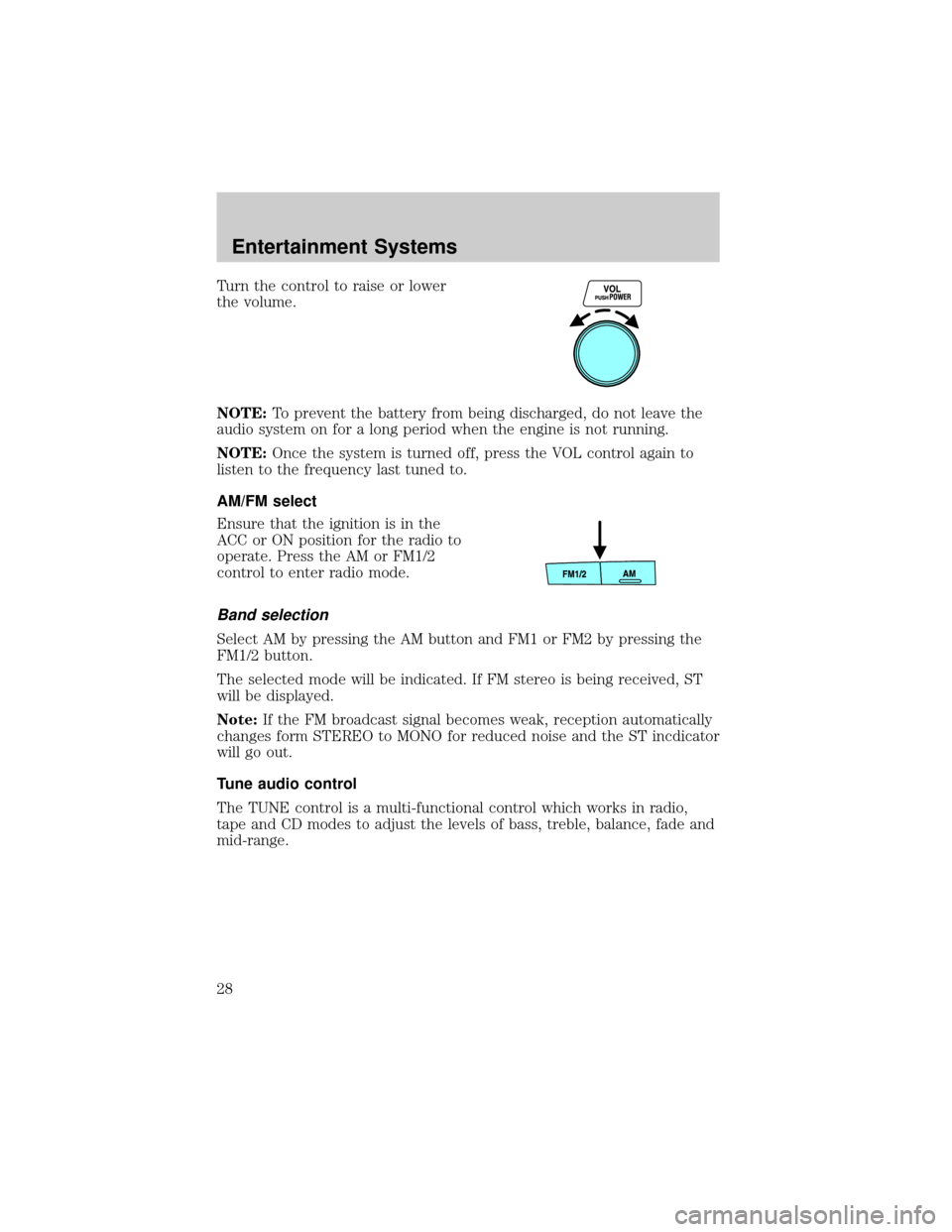
Press the control to turn the audio
system on or off.
Entertainment Systems
27
Page 28 of 248
Turn the control to raise or lower
the volume.
NOTE:To prevent the battery from being discharged, do not leave the
audio system on for a long period when the engine is not running.
NOTE:Once the system is turned off, press the VOL control again to
listen to the frequency last tuned to.
AM/FM select
Ensure that the ignition is in the
ACC or ON position for the radio to
operate. Press the AM or FM1/2
control to enter radio mode.
Band selection
Select AM by pressing the AM button and FM1 or FM2 by pressing the
FM1/2 button.
The selected mode will be indicated. If FM stereo is being received, ST
will be displayed.
Note:If the FM broadcast signal becomes weak, reception automatically
changes form STEREO to MONO for reduced noise and the ST incdicator
will go out.
Tune audio control
The TUNE control is a multi-functional control which works in radio,
tape and CD modes to adjust the levels of bass, treble, balance, fade and
mid-range.
Entertainment Systems
28
Page 30 of 248
NOTE:If the unit is left in scan mode, normal play will resume where
scan was selected.
Seek function
The seek function control works in radio mode.
Seek function in radio mode
Press and momentarily hold the
SEEK control.
²Press
to find the next
listenable station up the
frequency band.
²Press
to find the next listenable station down the frequency band.
NOTE:If you continue to press and hold the control, the frequency will
continue changing without stopping. Release the control after the beep
sounds.
Treble adjust
The treble adjust control allows you to increase or decrease the audio
system's treble output.
Press the audio control until TREB
is displayed.
Turn the control to increase (right)
or decrease (left) the amount of
treble output.
Bass adjust
The bass adjust control allows you to increase or decrease the audio
system's bass output.
Entertainment Systems
30
Page 31 of 248
Press the audio control until BASS
appears.
Turn the control to increase (right)
or decrease (left) the amount of
bass output.
Speaker fade adjust
Speaker sound can be adjusted between the front and rear speakers.
Press the audio control until FADE
appears.
Turn the control (right or left) to
adjust between the front and rear
speakers.
Speaker balance adjust
Speaker sound distribution can be adjusted between the right and left
speakers.
Entertainment Systems
31
Page 32 of 248
Press the audio control until BAL
appears.
Turn the control (right or left) to
adjust between the right and left
speakers.
Mid-range adjust (if equipped)
Your vehicle may be equipped with a mid-range adjust. The TUNE
control allows you to adjust the mid-range levels.
Press the audio control until MID
appears in the display.
Turn the control to the right to
increase the mid-range.
Turn the control to the left to
decrease the mid-range.
The level will display.
Release the TUNE control when the
desired level is reached.
NOTE:Approximately 5 seconds after selecting any mode, the volume
function will be automatically selected. To reset the mid-range, press the
TUNE control for approximately 2 seconds. The unit will beep and CL
will appear in the display.
Entertainment Systems
32
Page 34 of 248

NOTE:If the power supply is interrupted, (fuse blows or the battery is
disconnected), the preset channels will be canceled.
Tape select (if equipped)
To begin tape play, insert a cassette tape into the cassette slot, with the
open edge facing the right. Once inserted, the cassette tape will
automatically begin play and TAPE will appear in the display. At the end
of the cassette tape, the unit will automatically reverse the cassette tape
play.
To begin tape play (with a tape
loaded into the audio system), press
the TAPE control. If there is not a
cassette tape in the cassette slot,
NO TAPE will flash in the display.
The cassette's top side is playing when
is illuminated in the display.
The cassette's bottom side is playing when
is illuminated in the
display.
NOTE:When a metal tape is inserted, the player will automatically
compensate and MTL will appear in the display.
Press the VOL (Volume) control to
stop cassette play.
CD select
To begin CD play:
1. Insert a CD into the slot, label
side up. The system will
auto-load the CD and begin play
after a short pause. The disc
number and the track number will illuminate in the display.
Entertainment Systems
34
Page 35 of 248
Tape direction select
Press the PROG RDM control to
play the alternate side of a tape.
NOTE:When the end of the
cassette is reached, the audio
system will automatically reverse
play.
Repeat play
The repeat play feature works in tape and CD modes and allows you to
listen to a selection repeatedly.
Repeat play in tape mode
Press the RPT control during play.
RPT will illuminate in the display.
The current selection will be
repeated.
To disengage repeat play, press the
RPT control again.
NOTE:RPT may not operate properly if:
²A tape was recorded at a low level.
²A tape has long, silent intervals.
²A tape is a live recording.
²A tape has very short intervals of less than 3 seconds.
Repeat play in CD mode
Press the RPT control during play.
RPT will illuminate in the display.
The current selection will be
repeated.
To disengage repeat play, press the
RPT control again.
Entertainment Systems
35
Page 37 of 248
APC in tape mode
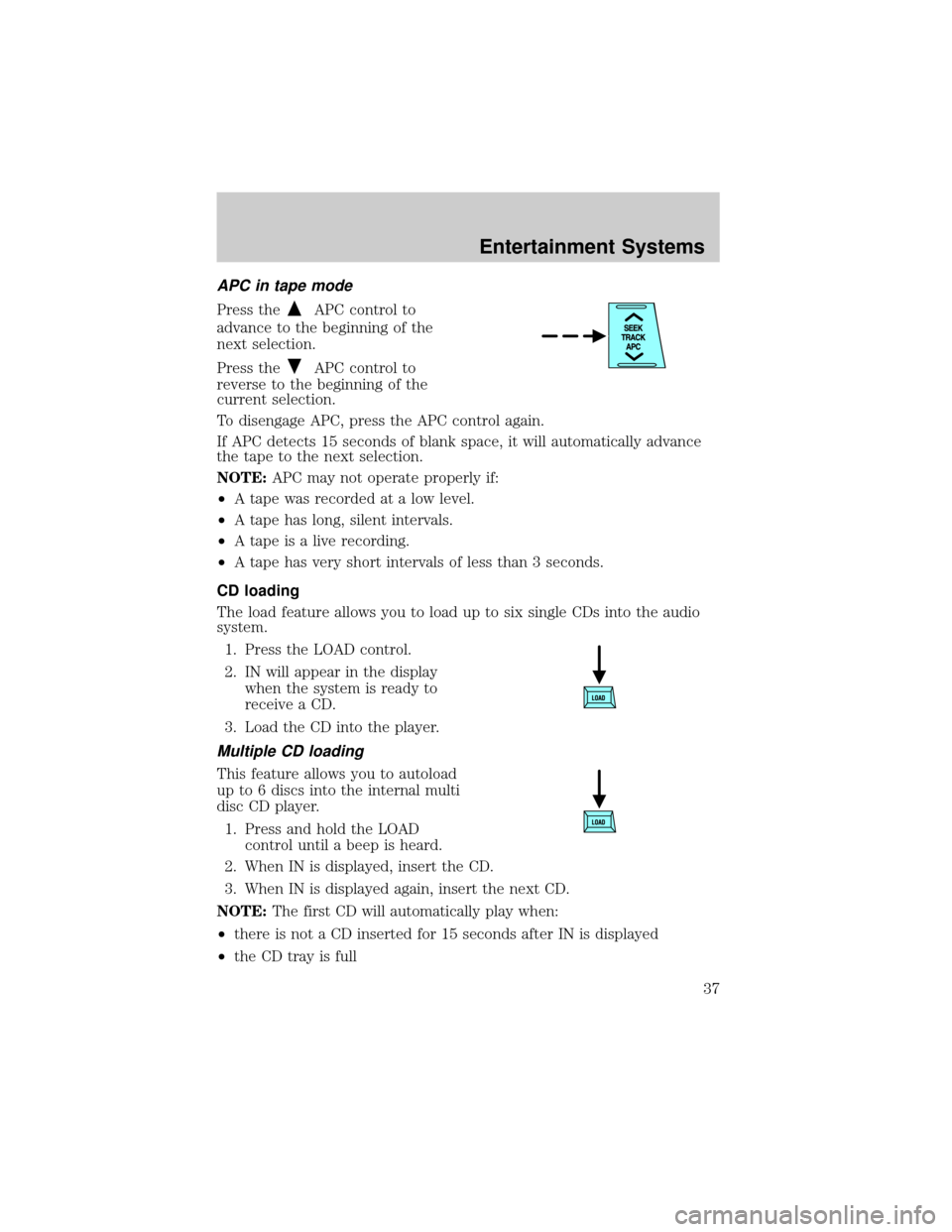
Press theAPC control to
advance to the beginning of the
next selection.
Press the
APC control to
reverse to the beginning of the
current selection.
To disengage APC, press the APC control again.
If APC detects 15 seconds of blank space, it will automatically advance
the tape to the next selection.
NOTE:APC may not operate properly if:
²A tape was recorded at a low level.
²A tape has long, silent intervals.
²A tape is a live recording.
²A tape has very short intervals of less than 3 seconds.
CD loading
The load feature allows you to load up to six single CDs into the audio
system.
1. Press the LOAD control.
2. IN will appear in the display
when the system is ready to
receive a CD.
3. Load the CD into the player.
Multiple CD loading
This feature allows you to autoload
up to 6 discs into the internal multi
disc CD player.
1. Press and hold the LOAD
control until a beep is heard.
2. When IN is displayed, insert the CD.
3. When IN is displayed again, insert the next CD.
NOTE:The first CD will automatically play when:
²there is not a CD inserted for 15 seconds after IN is displayed
²the CD tray is full
Entertainment Systems
37